
9Map - Map Multi Locations
| 开发者 |
villatheme
mrt3vn |
|---|---|
| 更新时间 | 2026年6月19日 18:04 |
| 捐献地址: | 去捐款 |
| WordPress版本: | 7.0 |
| 版权: | GPL v2 or later |
| 版权网址: | 版权信息 |
详情介绍:
If you run a business with multiple locations, making it easy for customers to find your stores is essential. Whether you own a retail chain, franchise, dealership, or service center, a well-designed store locator helps customers search, locate, and navigate to your nearest stores effortlessly. That”™s where 9Map comes in.
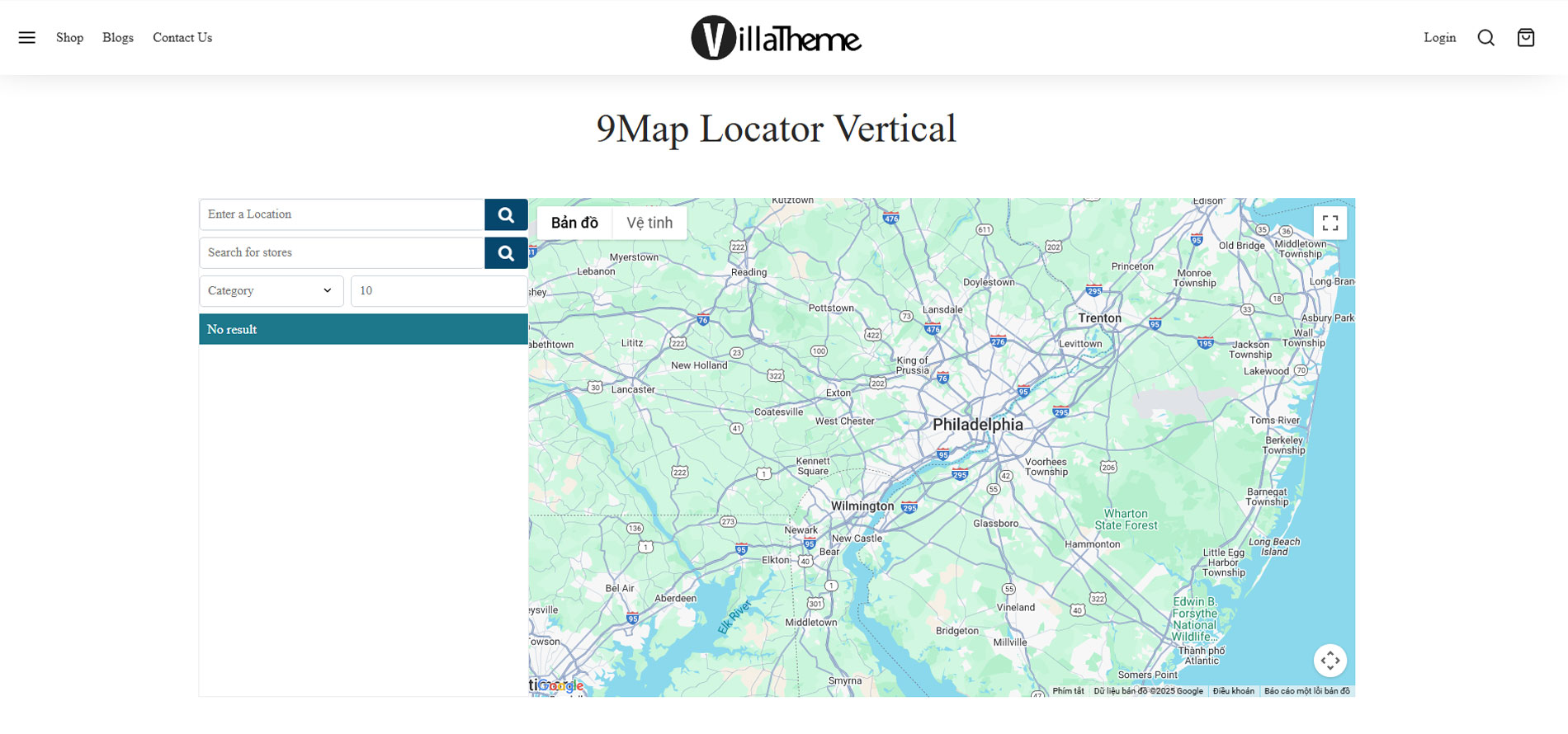
Meet 9Map ”“ Map Multi Locations - a powerful and easy-to-use multi-store location plugin for WordPress, allowing you to display multiple store locations on an interactive Google Maps-powered map. With search, filtering, and geolocation features, customers can quickly find nearby stores, view store details, and get directions with ease.
Try the Demo | Documents | Facebook groupHow to install and use the plugin [youtube https://youtu.be/ktkimfOMOGM] Key Features:
- Display Multiple Store Locations: Add and showcase unlimited store locations on an interactive map.
- Easy Store Search and Filtering: Let users search by address, store name, categories, or custom fields.
- Geolocation Support: Automatically detect users' locations and display nearby stores.
- Customizable Map Design: Adjust zoom levels, map styles, markers, and layouts to fit your website.
- Store Details Pages: Provide comprehensive information about each store, including address, contact details, website, and opening hours.
- Shortcode Integration: Easily add a store locator, store lists, or detailed store pages anywhere on your site.
- Distance-Based Sorting: Show results based on proximity or alphabetical order.
- Category and Custom Fields Support: Organize stores into categories and add custom fields for additional information.
- Store Search Results Customization: Choose which store details appear in search results, including images, descriptions, contact info, and more.
- Customizable Display: Modify how store details appear on the map and in lists.
- It is released on WordPress.org and you can use the plugin as free to build themes for sale.
- This plugin relies on Semantic UI, Select2, jQuery Address, JqColorPicker to build the settings function to work properly. ► Semantic UI: Form, Accordion, Button, Calendar, Checkbox, Dimmer, Dropdown, Form, Grid, Header, Icon, Input, Label, Loader, Menu, Message, Modal, Popup, Progress, Segment, Step, Tab, Table, Transition ► Select2 ► jQuery Address ► JqColorPicker
安装:
- Unzip the download package
- Upload
9map-map-multi-locationsto the/wp-content/plugins/directory - Activate the plugin through the 'Plugins' menu in WordPress
屏幕截图:


更新日志:
/1.0.5 - 2026.06.19/
- Updated: VillaTheme support /1.0.4 - 2026.02.27 / ”“ Updated: Update support class
- Updated: Setup wizard only runs when entering plugin settings
- Fixed: Error when not using WooCommerce /1.0.1 - 2025.03.24 /
- Updated: Add plugin details
- Fixed: Store custom field not display on store detail /1.0.0 - 2025.01.20 /
- The first released