
A11yBridge – Accessibility Toolkit (AI optional)
| 开发者 | berlinlion |
|---|---|
| 更新时间 | 2026年2月25日 01:10 |
| 捐献地址: | 去捐款 |
| PHP版本: | 7.4 及以上 |
| WordPress版本: | 6.9.1 |
| 版权: | GPLv2 or later |
| 版权网址: | 版权信息 |
详情介绍:
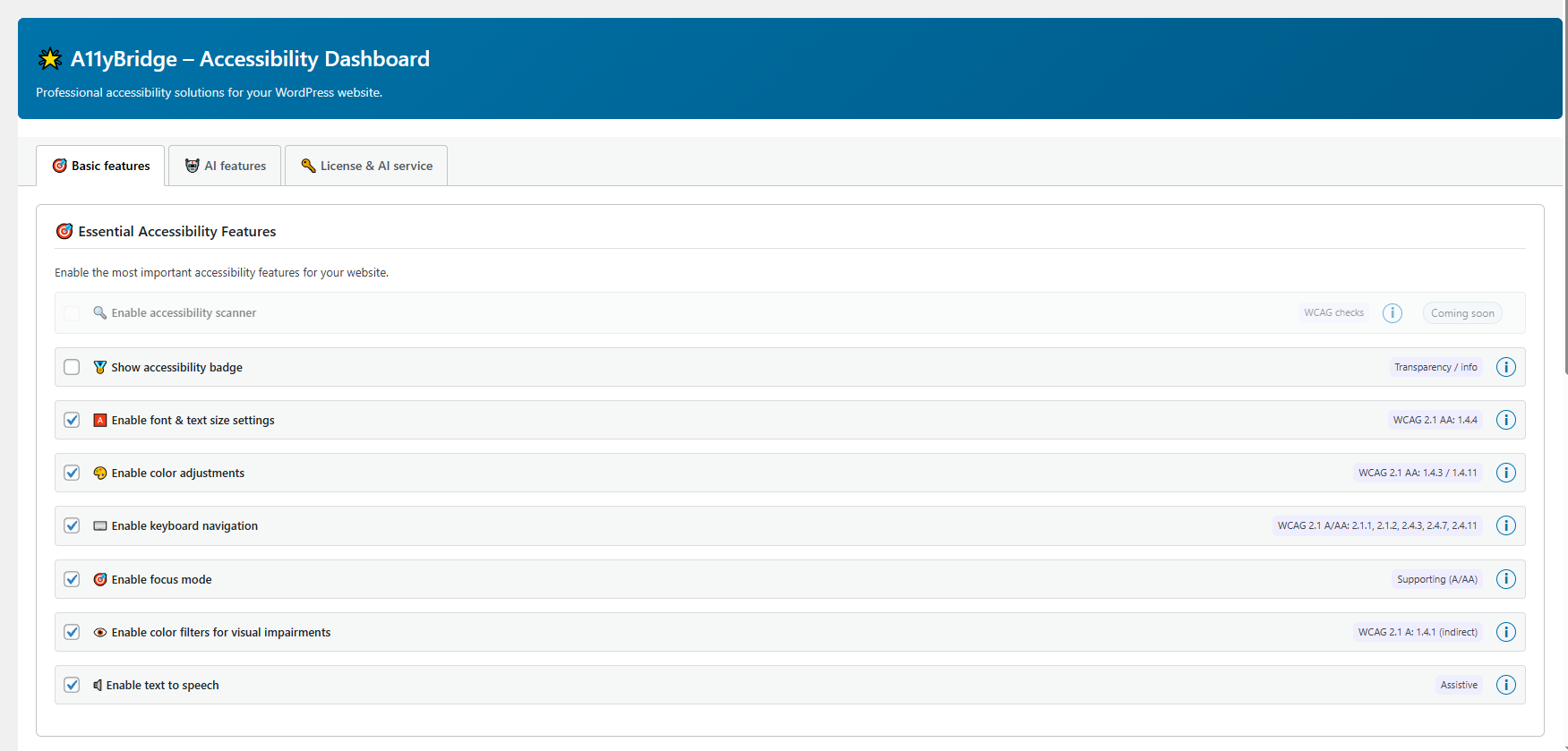
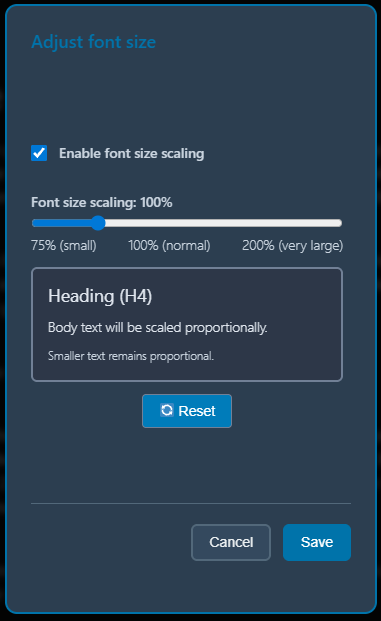
- Font size controls
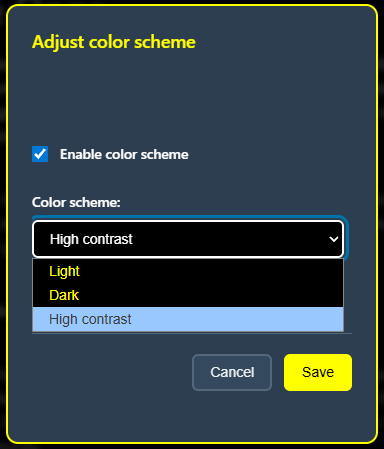
- Contrast adjustments
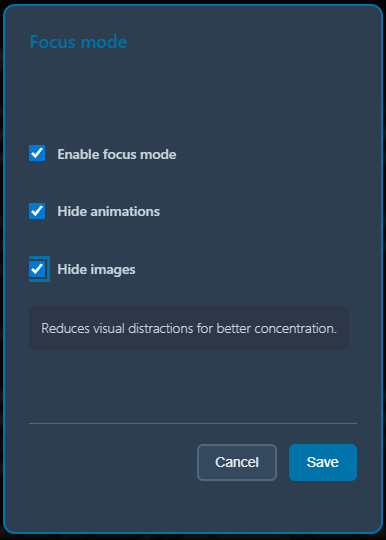
- Focus mode (reduce distractions / highlight content area)
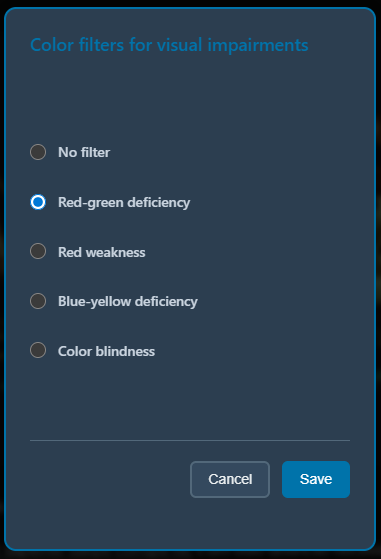
- Color-blindness filters / color adjustments
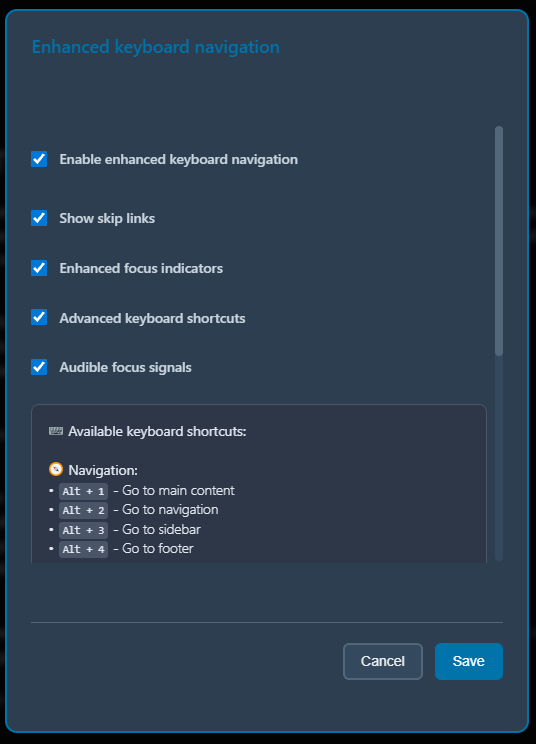
- Keyboard navigation support
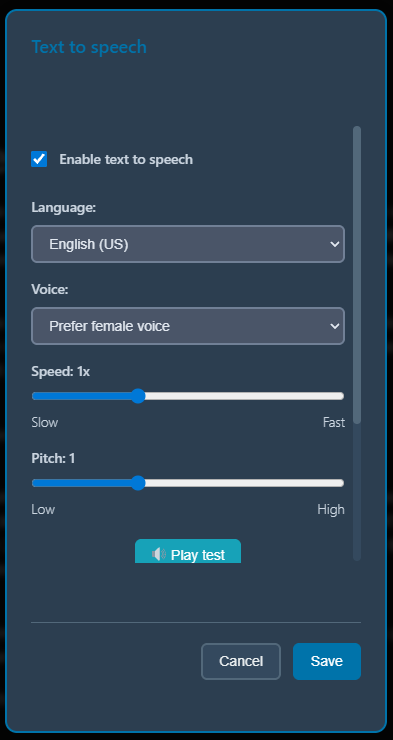
- Text-to-speech (TTS) Optional AI feature:
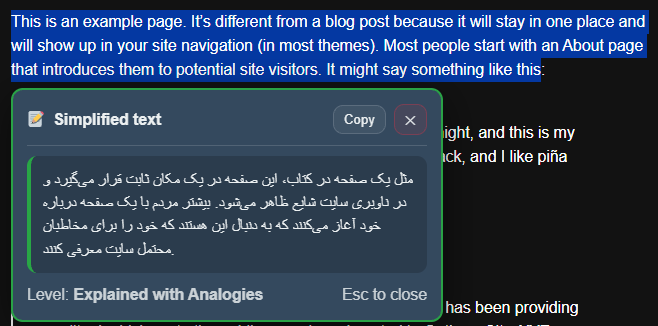
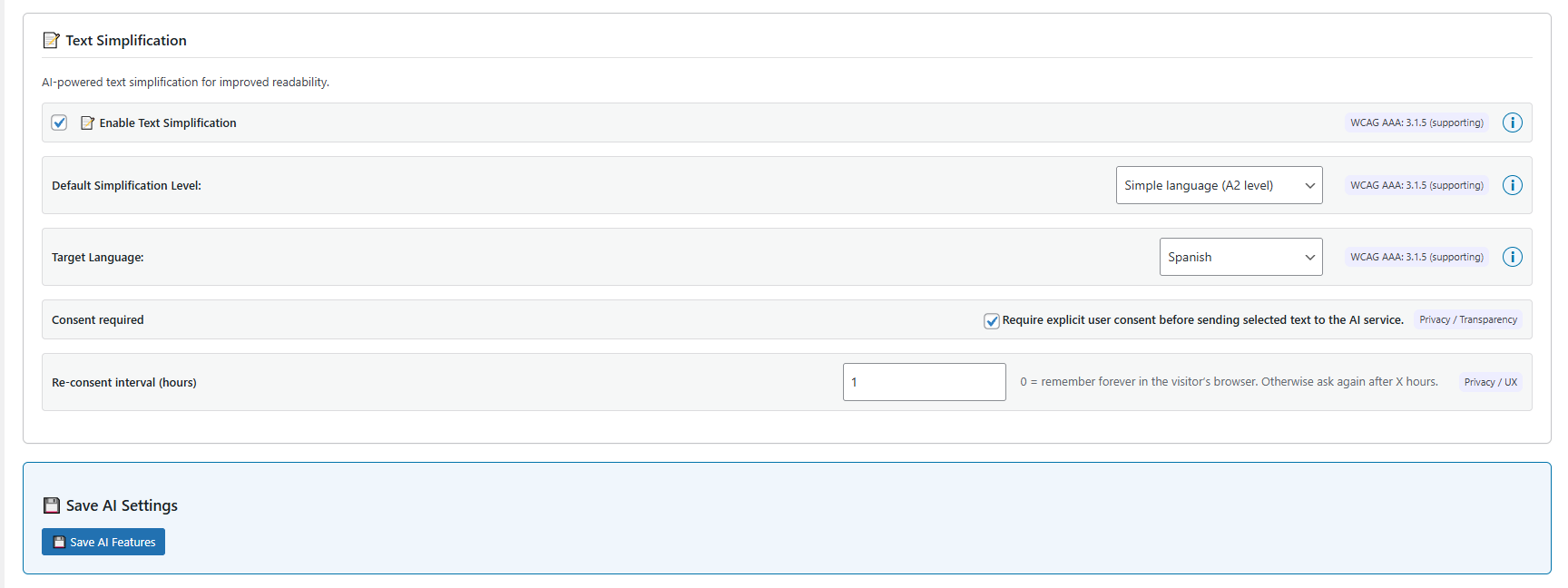
- AI-powered text simplification (multiple levels and languages) Important note: This plugin can improve usability and accessibility, but it cannot guarantee full compliance with WCAG or any specific legal requirement. Always test your site with real assistive technologies and accessibility audits.
安装:
- Upload the plugin folder to /wp-content/plugins/, or install the plugin through the WordPress “Plugins” screen.
- Activate the plugin through the “Plugins” screen in WordPress.
- Go to Settings → A11yBridge to configure the toolbar and optional AI features.
- Open your site and test the toolbar on real pages (desktop + mobile).
屏幕截图:
常见问题:
Does A11yBridge guarantee WCAG compliance?
No. It provides usability/accessibility improvements (visual adjustments, keyboard support, etc.), but compliance depends on your theme, content, and site structure. Use audits and real assistive-tech testing.
Does the plugin work without AI?
Yes. All non-AI accessibility tools work without any AI connection.
What data is sent when I use AI text simplification?
Only the text you explicitly choose to simplify is transmitted to the A11yBridge backend for processing. Do not submit sensitive content.
Will this slow down my site?
The toolbar is designed to be lightweight. Like any plugin, performance depends on your theme, other plugins, and hosting. Test with caching enabled and measure using real pages.
Is it compatible with caching plugins/CDNs?
Usually yes. The toolbar runs client-side for visitors. If you use aggressive JS optimization/minification, exclude the plugin scripts if you notice issues.
Which PHP and WordPress versions are supported?
PHP 7.4+ is required. WordPress compatibility depends on your final “Requires at least” setting. Tested up to WordPress 6.9.
更新日志:
- Custom design added
- AI alt-text generation added
- Bug fixes and trimmed for the launch on wordpress.org