ABCode Database Exporter
| 开发者 |
ashbrentnall
abcodeuk |
|---|---|
| 更新时间 | 2026年8月13日 18:06 |
| 捐献地址: | 去捐款 |
| PHP版本: | 7.4 及以上 |
| WordPress版本: | 7.1 |
| 版权: | GPL-2.0-or-later |
| 版权网址: | 版权信息 |
详情介绍:
- Zero configuration: install, activate, export. That's it.
- No settings page: there's nothing to configure. It just works.
- Free forever: no premium tier, no feature locks, no upsells.
- Lightweight: a single PHP file with zero external dependencies.
- Fast: chunked AJAX exports handle databases of any size without timeouts.
- Full database export: export all tables (or just the ones you select) as a single .sql file
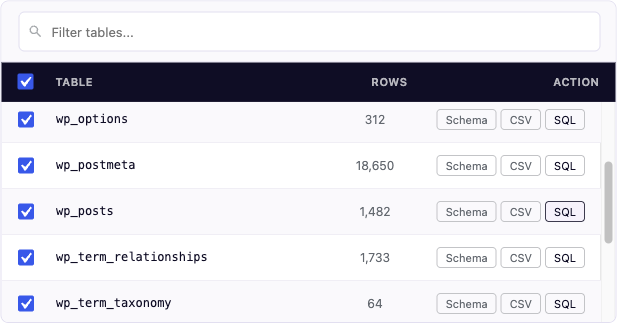
- Individual table export: download any single table as .sql or .csv
- Gzip compression: optionally compress exports as .sql.gz for smaller downloads
- Schema copy: copy any table's CREATE TABLE statement to your clipboard with one click
- Table search & filter: quickly find tables in large databases
- Select / deselect tables: choose exactly which tables to include in your export
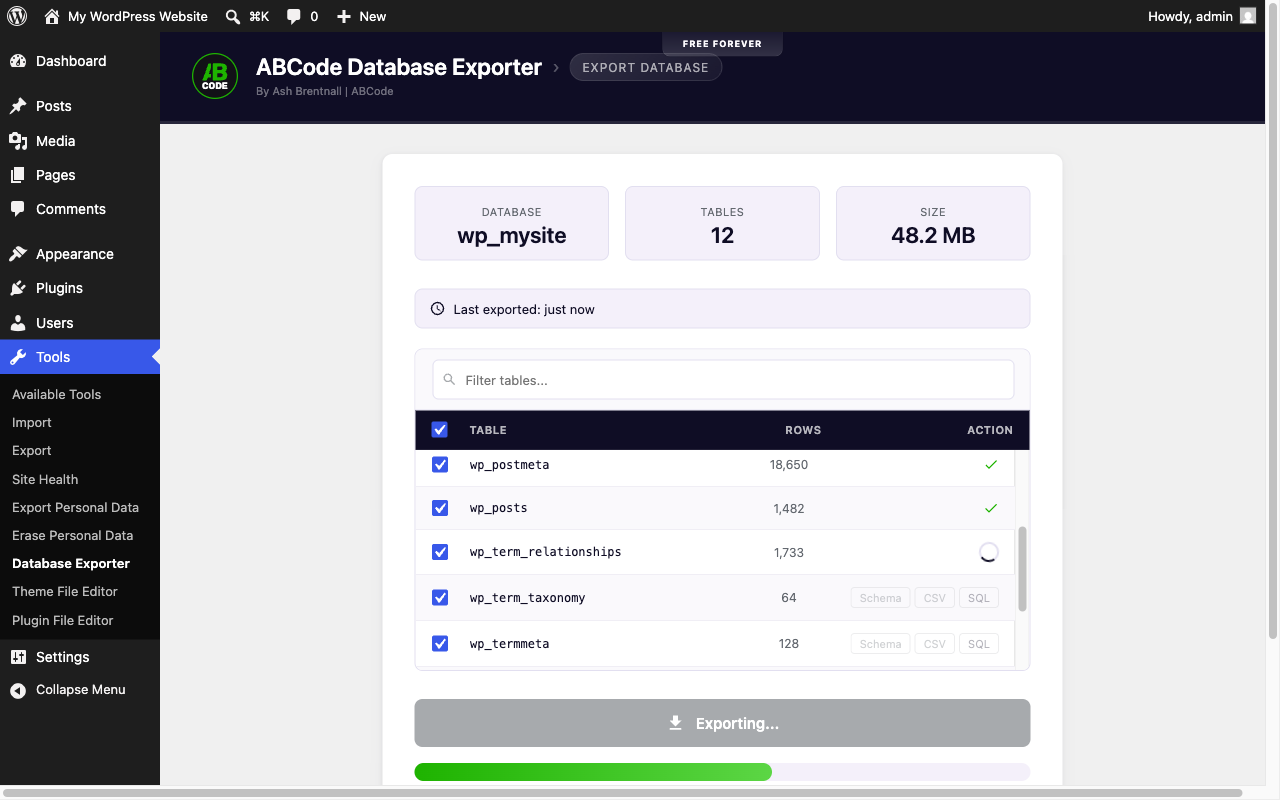
- Progress tracking: a real-time progress bar shows which table is being exported
- Binary-safe: BLOB and BINARY columns are dumped as hex literals so they re-import intact
- phpMyAdmin compatible: exports use the same SQL format as phpMyAdmin, so you can import them anywhere
- Last export timestamp: see when you last ran an export at a glance
- Auto-cleanup: temporary files are automatically deleted after one hour
- Secure: nonce verification, capability checks, per-user export sessions, and protected temp directories
- Translation ready: fully internationalised with 5 languages included (Spanish, French, German, Italian, Portuguese)
- Site owners who want a quick database backup before updating WordPress, themes, or plugins
- Developers who need to pull a database from a staging or production site
- Freelancers who want to hand clients a simple backup tool
- Anyone who finds phpMyAdmin intimidating or doesn't have hosting panel access
- Go to Tools → Database Exporter
- Select the tables you want to export (all are selected by default)
- Click Export and watch the real-time progress bar
- Choose your download format: .sql or .sql.gz
- Click Download and your database backup saves to your computer
安装:
- Upload the
abcode-database-exporterfolder to/wp-content/plugins/ - Activate the plugin through the Plugins menu in WordPress
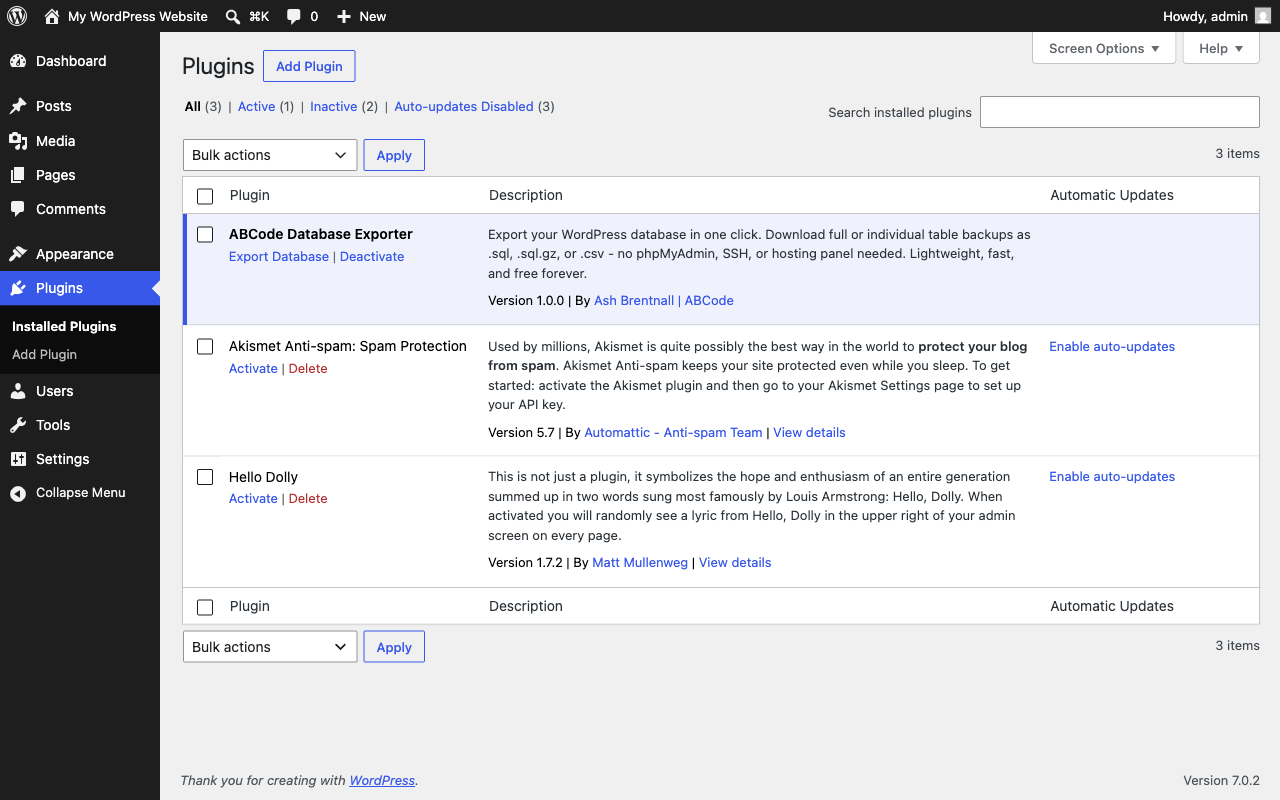
- Go to Tools → Database Exporter (or click Export Database on the Plugins screen)
屏幕截图:
常见问题:
Does this plugin require any configuration?
No. Install it, activate it, and it's ready to use. There are no settings to configure.
Can I export individual tables?
Yes. Each table has its own SQL, CSV, and Schema buttons. You can also select specific tables for a combined export.
What format are the exports in?
Standard SQL format, fully compatible with phpMyAdmin, MySQL Workbench, Adminer, and any MySQL import tool. You can also export individual tables as CSV.
Can I compress the export file?
Yes. Select the .sql.gz format before exporting to get a gzip-compressed file. This requires the PHP gzip extension (available on most hosts).
Will this work with large databases?
Yes. The export runs table-by-table via AJAX requests, so it won't hit PHP timeout or memory limits, even on shared hosting with strict resource caps.
Is this plugin secure?
Yes. All AJAX requests use WordPress nonce verification, only administrators can access the tool, each export is bound to the user who created it, temporary files are stored in a protected directory with random, unguessable filenames, and all files are automatically cleaned up after one hour.
Does it work on multisite?
Yes, but only Network Administrators can run exports. A WordPress multisite installation shares one database across every site in the network, so restricting the tool to super admins prevents a single-site administrator from downloading other sites' data.
Does it work with custom database tables?
Yes. It exports every table in the WordPress database, including those created by other plugins or custom code.
Can I use this for site migration?
This plugin exports the database only. For a full migration (files + database), pair it with a file manager or FTP. The exported .sql file can be imported on the destination server via phpMyAdmin, WP-CLI, or any MySQL import tool.
Where does the exported file go?
It downloads directly to your computer via your browser, the same as any other file download. Temporary files on the server are automatically deleted.
更新日志:
- Housekeeping release. No change to how the plugin works.
- Removed the manual translation loading call. WordPress has resolved language packs automatically since 4.6, and Plugin Check flags the call as discouraged.
- Tidied punctuation in the code comments.
- Initial release
- Full database export with table selection
- Individual table export as SQL or CSV
- Schema copy to clipboard
- Gzip compression support (.sql.gz)
- Table search and filter
- Real-time export progress tracking
- phpMyAdmin-compatible SQL output
- Binary-safe dumps for BLOB and BINARY columns
- Auto-cleanup of temporary files
- Translations: Spanish, French, German, Italian, Portuguese (Brazil)