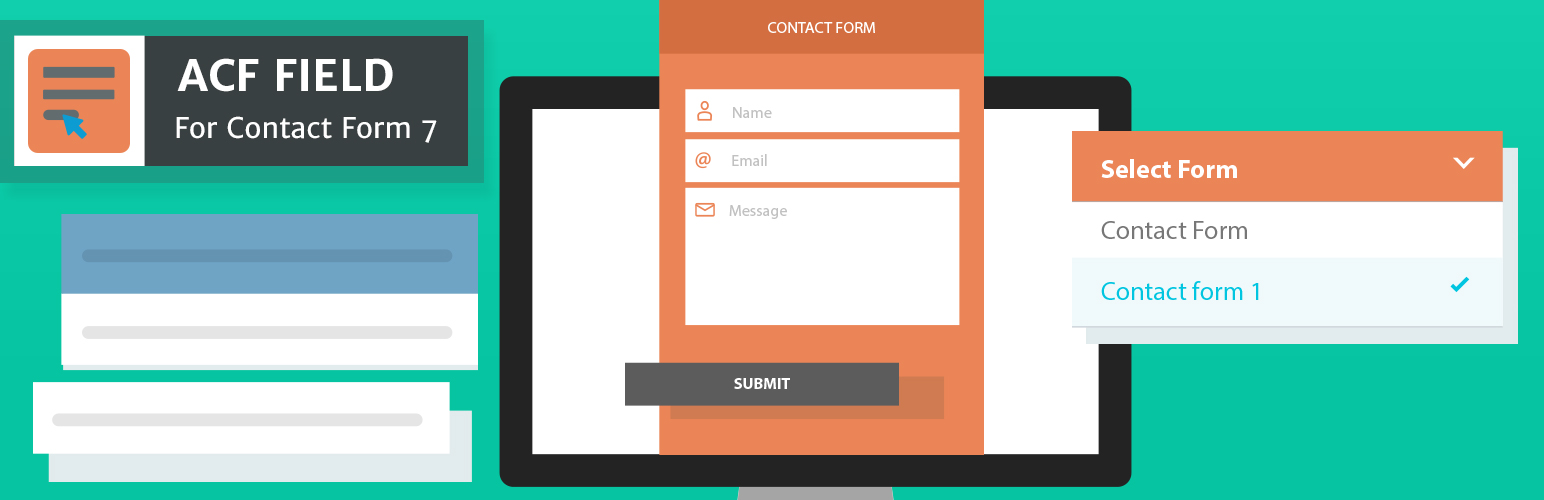
ACF Field For CF7
| 开发者 |
dilipbheda
krishaweb girishpanchal |
|---|---|
| 更新时间 | 2026年3月23日 15:25 |
| PHP版本: | 8.1 及以上 |
| WordPress版本: | 6.9 |
| 版权: | GPLv3 or later |
| 版权网址: | 版权信息 |
详情介绍:
[contact-form-7 id="123"] and paste it in the right place. One wrong character and the form breaks. If you have 10 pages with different forms, managing all those shortcodes becomes a headache.
ACF Field for CF7 solves this.
It adds a simple dropdown field with help of Advanced Custom Fields to your page editor that lists all your Contact Form 7 forms. Just pick the form you want and it's done. It shows up on your page. No shortcodes to copy. No code to write. No mistakes.
Before vs After This Plugin
Without this plugin:
- Create a form in Contact Form 7.
- Copy the shortcode.
- Paste it into your page, widget, or template.
- Hope you didn't mistype anything.
- Repeat for every page that needs a different form. With this plugin:
- Create a form in Contact Form 7.
- Add a Advanced Custom Field for Contact Form 7 to your desired location.
- Pick Contact Form from a dropdown field.
- Done.
contact_form_7, then output it in your template:
// Display the form directly echo get_field( 'your_form_field' );
Need the CF7 form object instead of rendered HTML? Use this filter:
add_filter( 'acf_cf7_object', '__return_true' );
Now get_field() returns the WPCF7_ContactForm object for full control over the output.
Real-World Examples
• Landing Pages — Each landing page has its own lead capture form. Editors pick which form appears — no developer needed.
• Service Pages — A web agency builds one template for all service pages. Each page shows a different inquiry form selected by the client.
• Site-Wide Default Form — Use with ACF option pages to set one global "Contact Us" form across headers, footers, or sidebars.
• Multi-Language Sites — Different forms for different languages, each selected per page through the editor.
ACF Field For CF7 Pro
Need more? The Pro version adds:
• Gutenberg Block Support — Use CF7 forms inside the WordPress block editor.
• Widget & Theme Customizer — Place forms in widget areas and customizer panels.
• Allow Null — Make the form field optional so editors can leave it empty when no form is needed.
• Disable Forms — Mark one or more forms as disabled to prevent them from being selected.
Download the ACF Field For CF7 Pro
Compatibility
This plugin works with:
• ACF 5
• ACF 6
• Contact Form 7 5.9 and above
• WordPress 6.0 and above
• PHP 8.1 and above
安装:
- Copy the
acf-field-for-contact-form-7folder into yourwp-content/pluginsfolder. - Activate the Advanced Custom Fields: Contact Form 7 Field plugin via the plugins admin page.
- Create a new field via ACF and select the Contact Form 7 type.
常见问题:
What does this plugin actually do in simple terms?
It adds a dropdown field to your website page editor. That dropdown shows all your Contact Form 7 forms. You pick one, save the page, and the form appears on your website. No technical knowledge needed.
What plugins do I need installed first?
Two plugins must be active:
- Advanced Custom Fields (free or PRO) — this powers the dropdown field.
- Contact Form 7 — this is where you create your forms. This plugin connects the two. Without both, it has nothing to work with.
I'm not a developer. Can I still use this?
Yes — but a developer (or someone comfortable with WordPress) needs to do a one-time setup: create the ACF field and add one line of code to your theme template. After that, you manage everything from the page editor with zero code.
I'm a developer. How do I output the form?
Use standard ACF functions:
// Renders the full CF7 form HTML echo get_field( 'your_field_name' );
To get the WPCF7_ContactForm object instead:
add_filter( 'acf_cf7_object', '__return_true' ); $form_object = get_field( 'your_field_name' );
Does it work with ACF PRO features like Flexible Content and Repeaters?
Yes. It registers as a standard ACF field type, so it works anywhere ACF fields work — including flexible content layouts, repeater fields, group fields, and option pages.
Does it work with the Gutenberg block editor?
The free version works with ACF fields in PHP templates (classic approach). For native Gutenberg block support, the Pro version is recommended.
Will this slow down my site?
No. The entire plugin is ~10 KB — smaller than a single image. It loads only what's needed and has no effect on page speed.
My form isn't showing on the front end. What's wrong?
Check these three things:
- Is Contact Form 7 activated?
- Did you select a form in the ACF field and save/update the page?
- Does your theme template include
echo get_field( 'your_field_name' );where the form should appear? If all three are correct and it still doesn't work, email us at support@krishaweb.com.
Where can I report bugs or suggest features?
Email us at support@krishaweb.com — we'd love to hear from you.
更新日志:
- Fix plugin notice with ACF Pro and PHP deprecation warning.
- Removed ACF 3 and ACF 4 support — now requires ACF 5 or 6.
- Added render_field_settings() with Allow Null toggle.
- Added format_value() for proper front-end shortcode rendering.
- Requires PHP 8.1 or later with strict types.
- Code quality improvements throughout.
- Compatibility and Security update.
- Improve plugin notice.
- Improve plugin notice.
- Added: ACF pro option page support.
- Fixed: ACF Group field issue.
- Tested upto 5.0
- Filter added to get form object.
- Initial Release.