ACF For Dokan
| 开发者 | krazyplugins |
|---|---|
| 更新时间 | 2023年8月24日 00:35 |
| 捐献地址: | 去捐款 |
| PHP版本: | 5.6 及以上 |
| WordPress版本: | 6.3 |
| 版权: | GPLv2 or later |
| 版权网址: | 版权信息 |
详情介绍:
Must have plugin when working with Dokan
Create a custom field for vendors, exactly like you did for admins, and make it accessible from their dashboard to save development time.
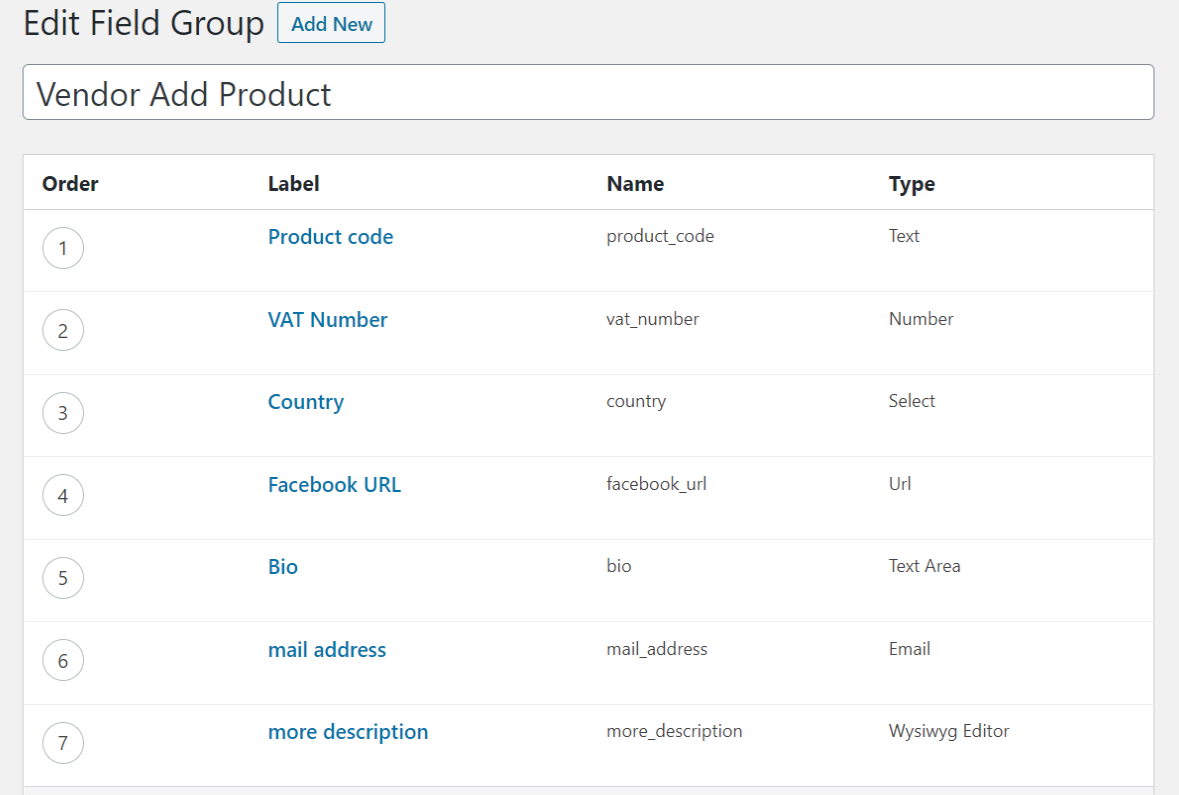
This improve our marketplace running on Dokan ~maxsicoAdmin can easily create custom fields for vendors while he is creating new products. While creating a custom field using Advance Custom Field, admin needs to select 'Vendor Edits Allowed' so that vendor can use that custom field. Right now the supported field types of ACF are text, textarea, number, url, select, checkbox, radio, file, email, WYSIWYG editor. The WYSIWYG editor will only work in edit product pages. The file ACF field type will only work in edit product pages. You can use ACF functions like the_field, get_field to display the custom field value for the product. The plugin will work with ACF and Dokan free as well as PRO versions. ACF For Dokan PRO • Supported multiple ACF Field groups • Conditional logic for product add/edit custom fields • Ajax search for select field in product add/edit form • Repeater field for product • Gallery field for product • Relationship field for product • Taxonomy field for product • Google Map field for product • Dokan bookings - bookable products • Create custom fields for vendor registration form as well as order post type • Vendor can update it from edit account page • Vendor can update order meta from edit order page in vendor dashboard • Supported field types for vendor and order are text, textarea, number, url, select, email, checkbox, radio
I improved my project by 1000% "Excellent plugin. I love it!, This is an essential plugin when using Dokan and ACF in its free or Pro version, but it is even better if you buy the version of ACF for Dokan Pro. Its support is spectacular." ~@alaidPro Plugin Demo : View
安装:
- Copy the
acf-for-dokanfolder into your 'wp-content/plugins' folder. - Activate the ACF For Dokan plugin via the plugins admin page.
- Create a new field via ACF and select the 'Vendor Edits Allowed'.
屏幕截图:
常见问题:
How to use
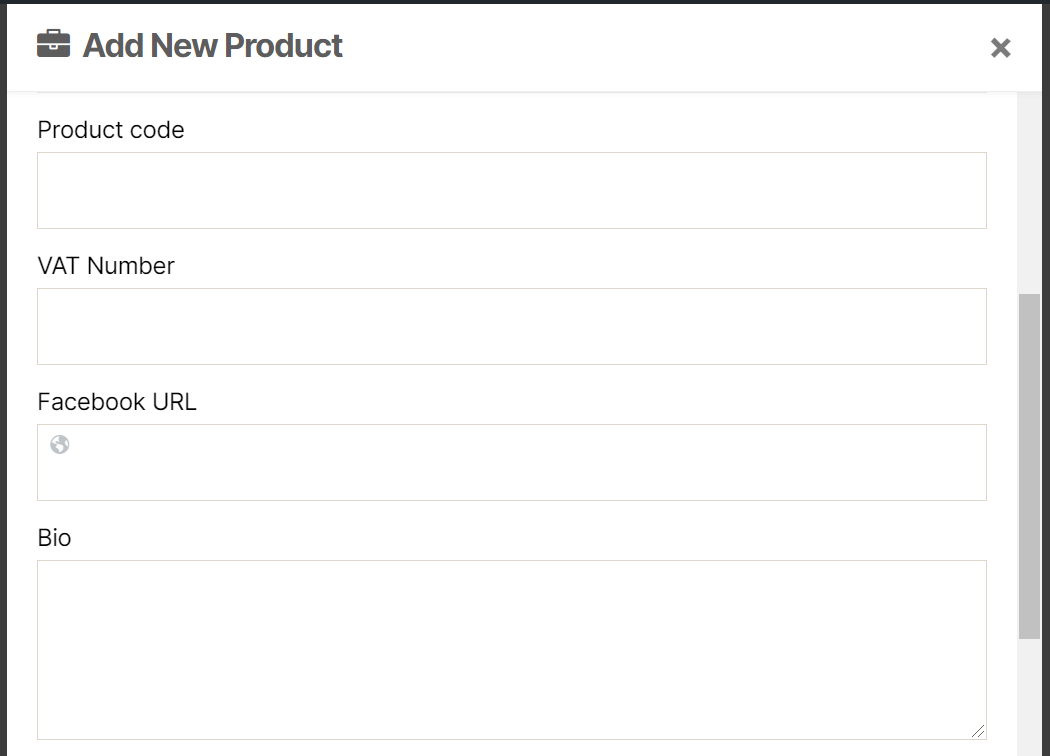
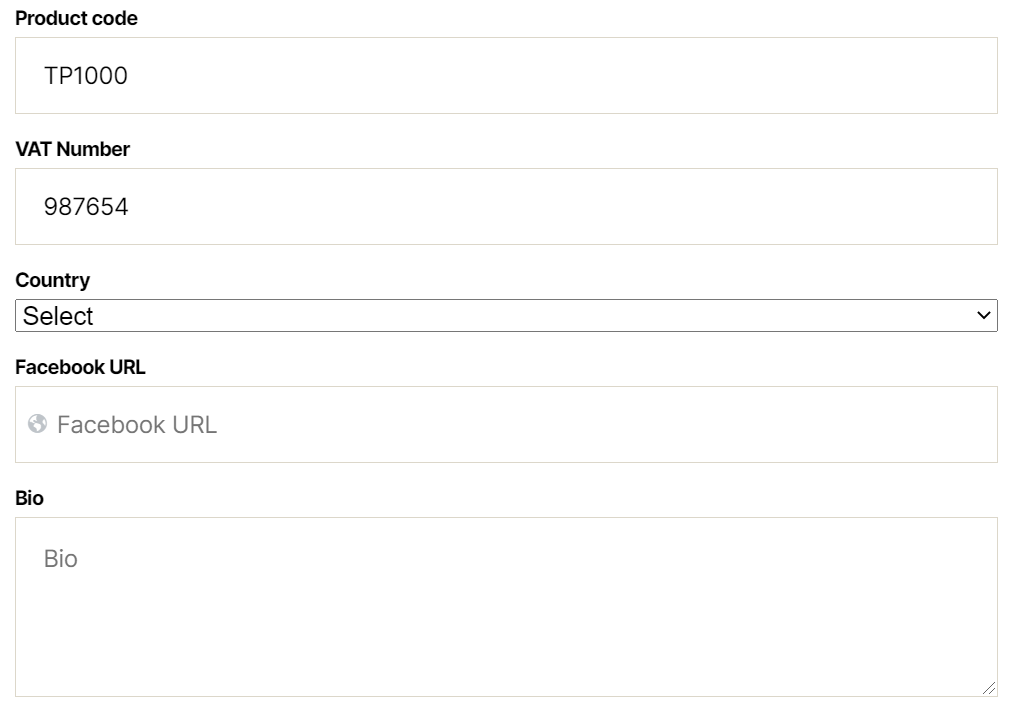
Admin can easily create custom fields for product. Admin will have an extra setting to allow Vendor to Edit option. If this is enabled, vendor can add/update the custom field from vendor dashboard.
How do I display the field on the Product Page?
You can add the below code in the active theme’s functions.php file:
add_action( 'woocommerce_product_meta_end', 'acf_dokan_display_product_fields' ); function acf_dokan_display_product_fields(){ echo '<div class="custom_fields"><span class="meta_title"> Product Code: '; // change Product Code label to the field label the_field( 'product_code' ); // change product_code to field slug echo '</div>'; }
Is there any documentation available?
Yes, you can access it from here
Is there any way to test premium feature without purchsing ACF For Dokan PRO?
Yes, you can try ACF For Dokan PRO live demo to play with all features.
更新日志:
1.3
- Added support of custom field require validation in edit product form
- Added support of radio and file ACF field type
- Added support of checkbox ACF field type
- Fixed foreach error
- Initial Release.