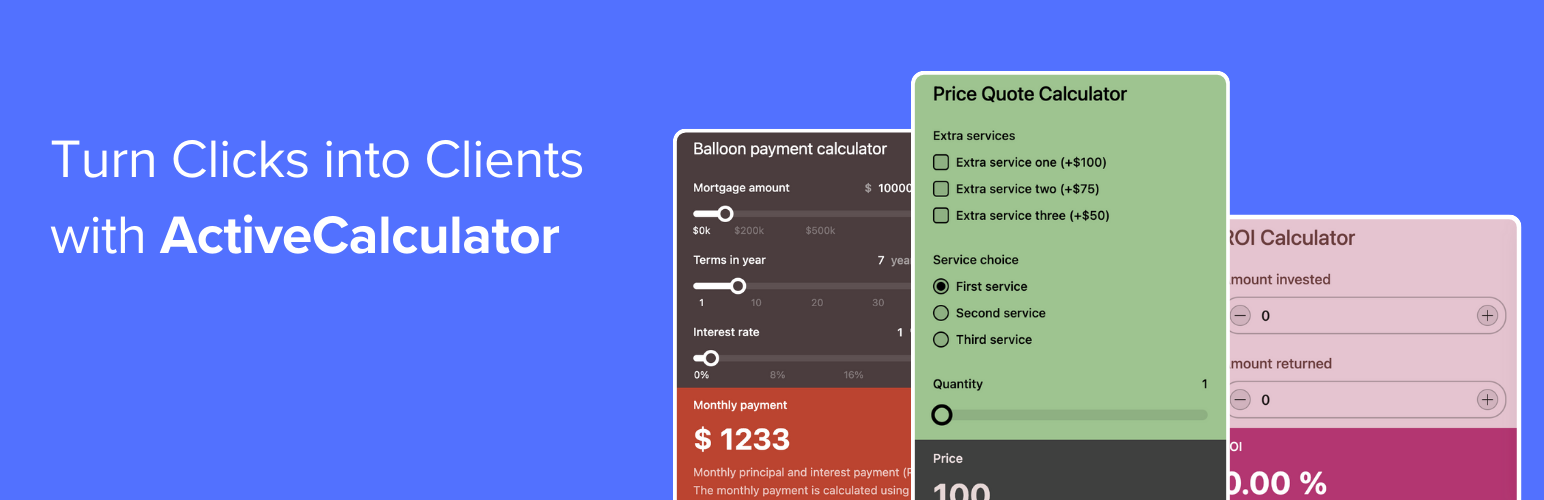
ActiveCalculator – Price Calculator Builder
| 开发者 | progrmoiz |
|---|---|
| 更新时间 | 2026年10月19日 01:24 |
| PHP版本: | 7.4 及以上 |
| WordPress版本: | 7.1 |
| 版权: | GPLv2 or later |
| 版权网址: | 版权信息 |
详情介绍:
- Matches your brand. Pick a theme or set your own colors and fonts, so the calculator looks like part of your site.
- Works on every device. Calculators adapt to phones, tablets and desktops.
- Captures leads. Add name, email and phone fields, and send each submission to Google Sheets, Slack, Notion, Airtable, Zapier or a webhook.
- Shows what's working. See impressions and submissions for every calculator in your dashboard.
- Handles real pricing. Formulas, show/hide logic, multi-step pages, charts, value lookups and product configurators, with no code.
- Starts fast. Begin from a template, or describe your calculator and let AI build the first draft.
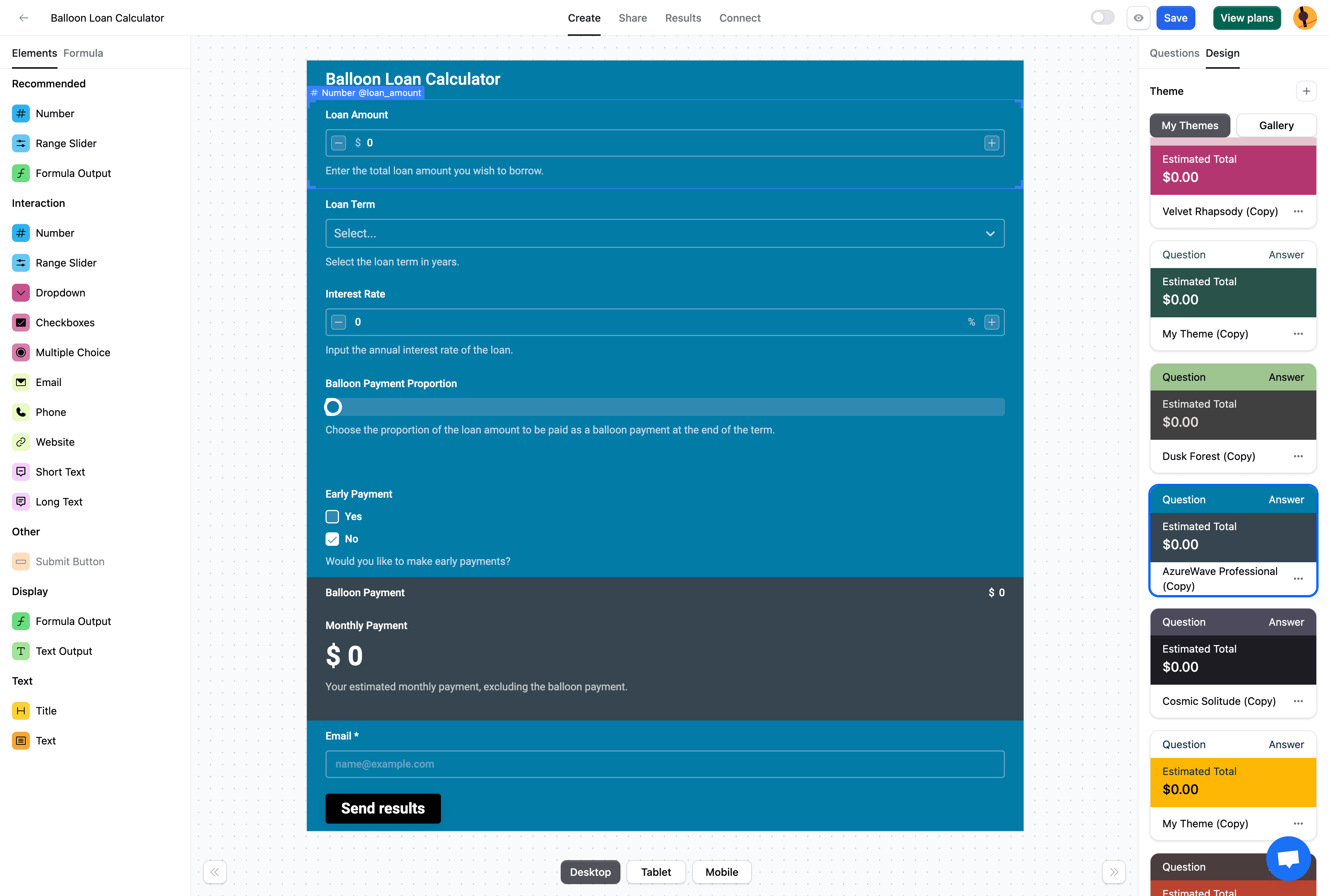
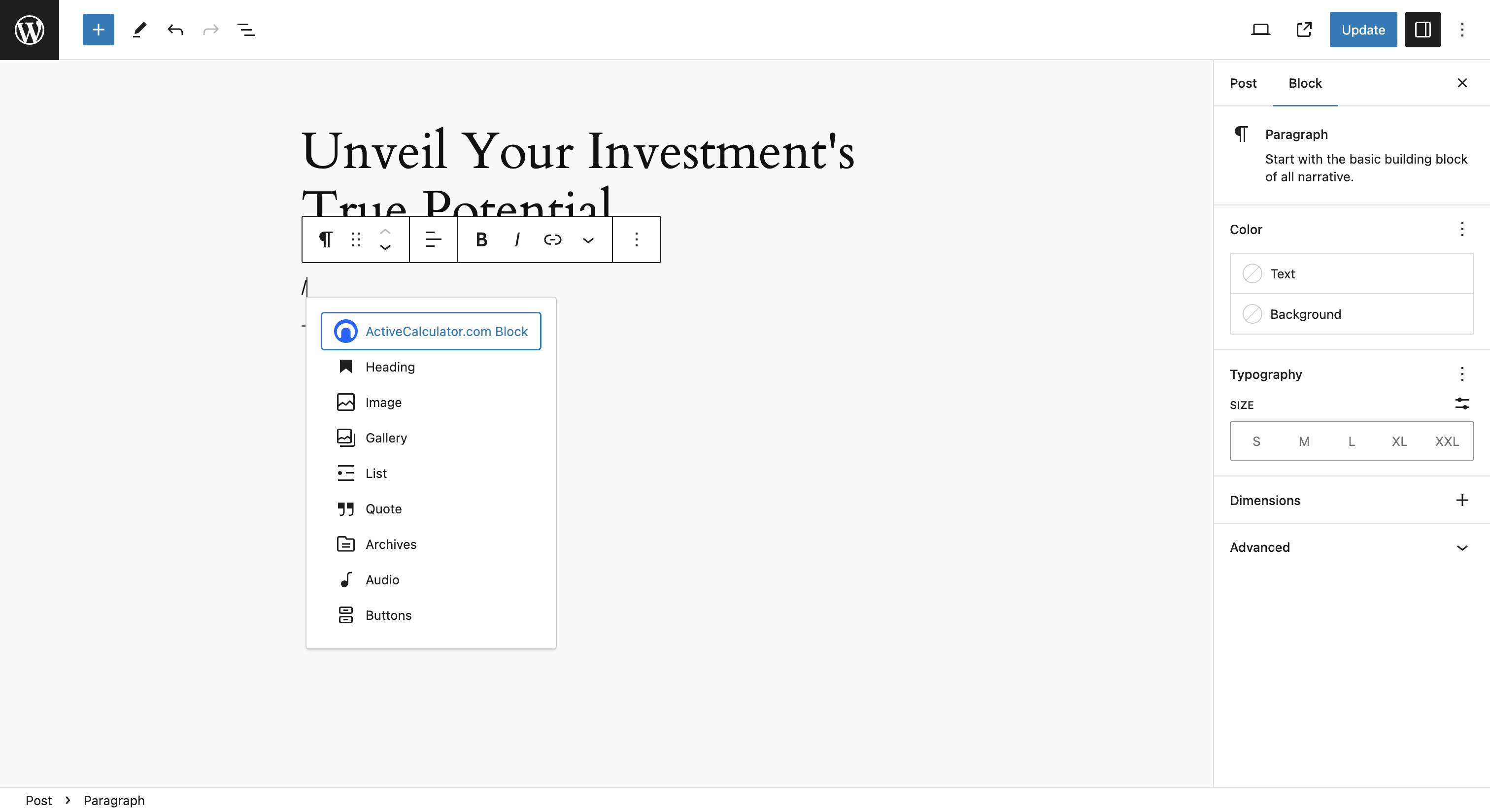
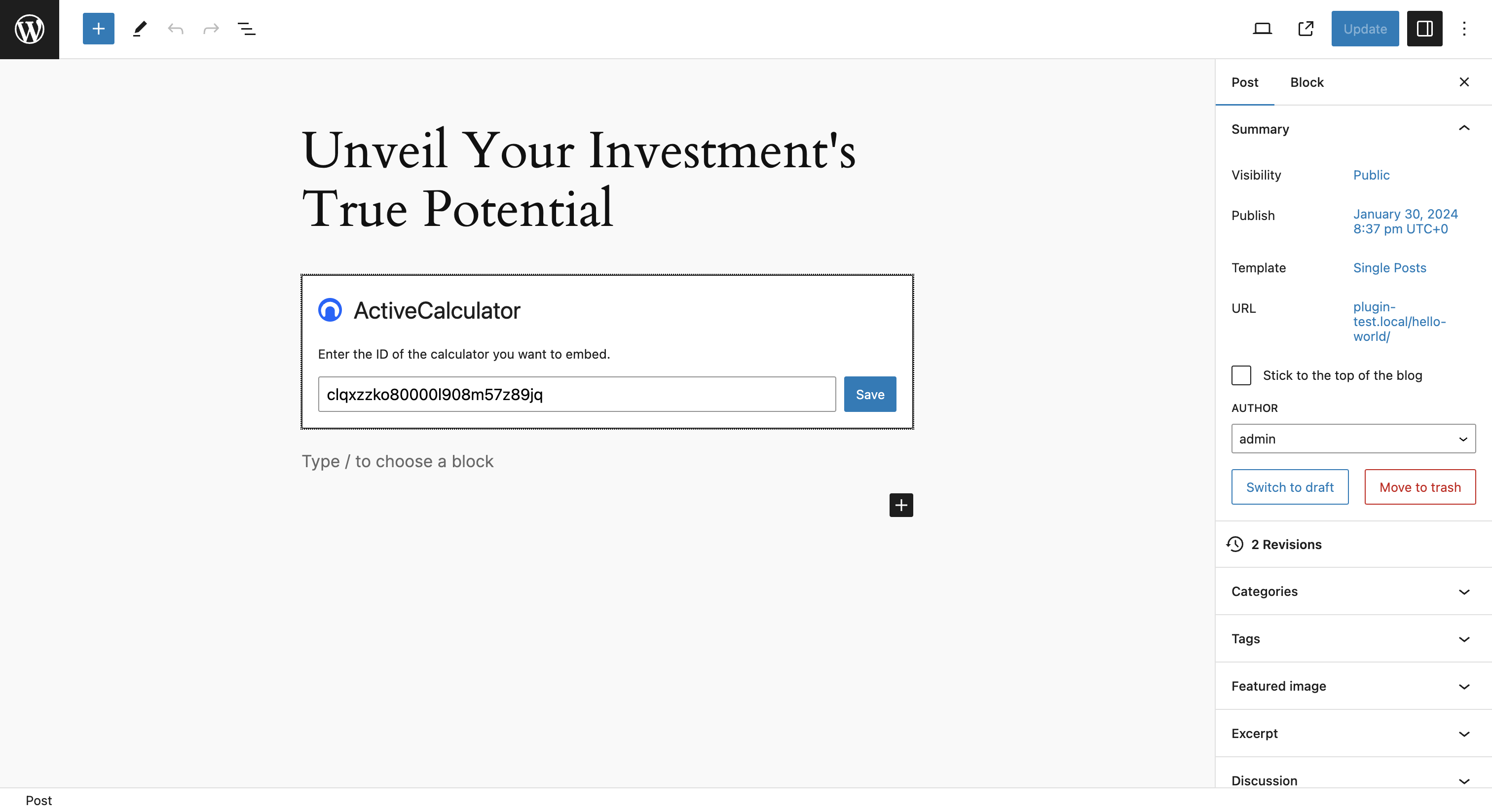
- Block editor: add the ActiveCalculator block and paste your calculator's embed code, link or ID.
- Shortcode:
[activecalculator id="your-calculator-id"]works in the classic editor, widgets, and page builders such as Divi, Beaver Builder, Bricks and WPBakery. - Elementor: add the ActiveCalculator widget and paste the embed code, link or ID.
- Calculators resize to fit their content, including several calculators on the same page.
- The calculator script loads only on pages that contain a calculator.
- Calculators further down a page load when visitors scroll near them.
- Works with caching plugins such as WP Rocket, LiteSpeed Cache, FlyingPress and WP-Optimize.
- Pages made with version 1.0 keep working. You don't need to re-save them.
- Price and quote calculators for services (cleaning, roofing, landscaping, solar, renovations)
- ROI and savings calculators for software and B2B services
- Mortgage, loan and finance calculators
- Product configurators
- Order forms with a running total
- Booking estimates for hotels, rentals and events
安装:
- In WordPress, go to Plugins → Add New, search for ActiveCalculator, then install and activate it.
- Build and publish a calculator at activecalculator.com. A free account is enough to start.
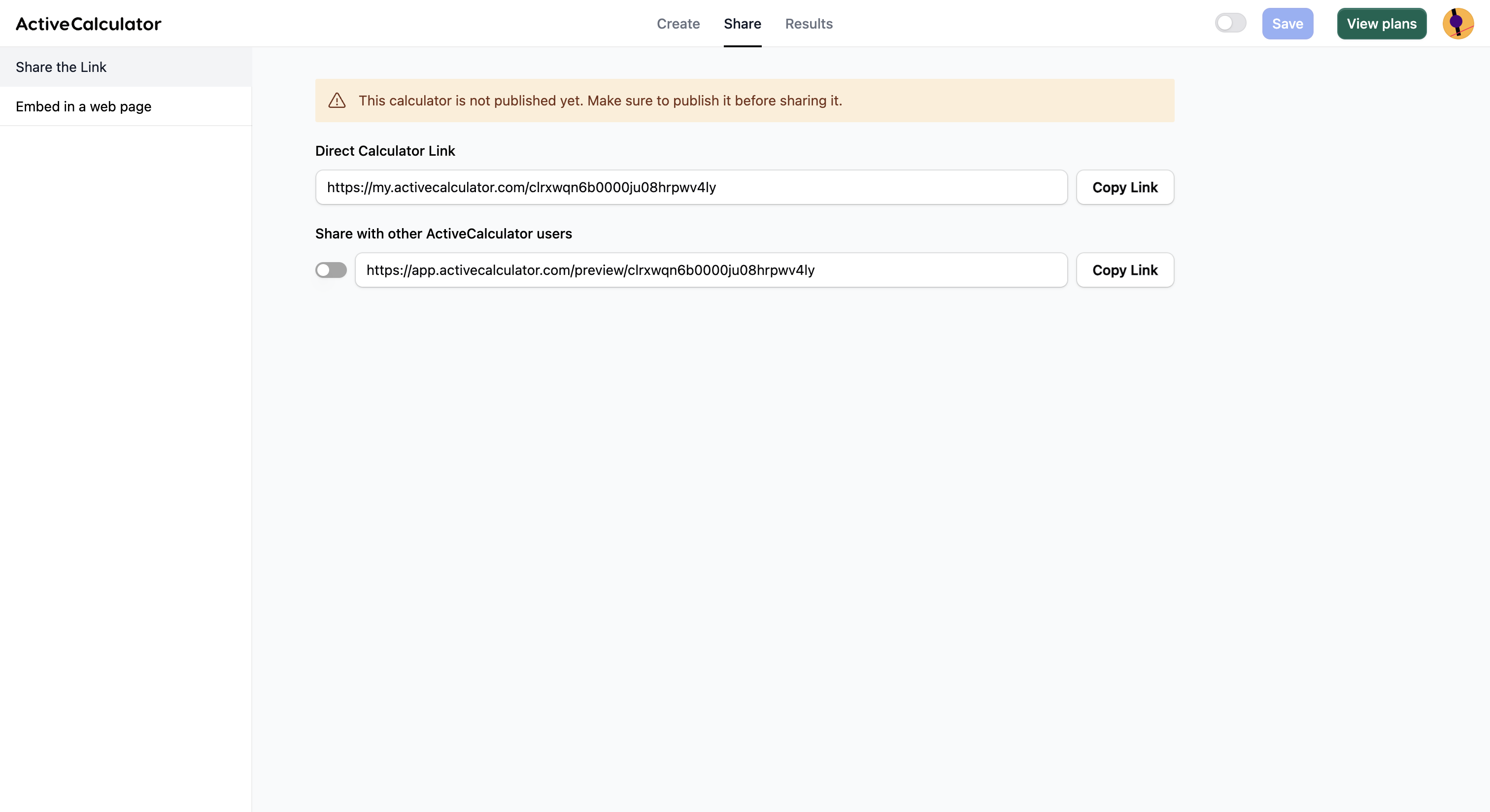
- In ActiveCalculator, open Share → Embed and copy the embed code (or the calculator's link or ID).
- Add it to a page with the block, the
[activecalculator id="…"]shortcode or the Elementor widget.
屏幕截图:
常见问题:
Do I need an ActiveCalculator account?
Yes. Calculators are built and hosted on ActiveCalculator. The free plan includes unlimited calculators and 100 impressions a month. The Pro plan has unlimited impressions and submissions.
Where do I find the calculator ID?
In ActiveCalculator, open your calculator and go to Share → Embed. You can paste the whole embed code from that tab, the embed link (for example https://app.activecalculator.com/embed/…) or just the ID. Links that use a custom name don't contain the ID, so copy the embed code from the Embed tab instead.
How do I use the shortcode?
Add [activecalculator id="your-calculator-id"] wherever shortcodes work. The id can be the calculator ID or its embed link.
How do I add a calculator in Elementor, Divi or another page builder?
In Elementor, search the widget panel for ActiveCalculator. In Divi, Beaver Builder, Bricks, WPBakery and other builders, put the shortcode in the builder's shortcode, text or code module.
Where do I see the leads and responses?
In your ActiveCalculator dashboard. Responses are stored by ActiveCalculator, not in WordPress. From there you can send them to Google Sheets, webhooks, Zapier and other tools.
Does previewing in the editor use my impressions?
Each time a calculator loads counts as one impression on your ActiveCalculator plan. To save them, the block editor shows the calculator only when you click Load preview, and the Elementor editor shows a placeholder. Your published pages always show the calculator.
Will this slow down my site?
The calculator script loads only on pages that contain a calculator, and calculators further down the page wait until visitors scroll near them. Nothing is added to other pages.
My calculator doesn't appear until I click or scroll. Why?
Some optimization plugins delay JavaScript until the visitor interacts with the page. This plugin excludes its script from WP Rocket, LiteSpeed Cache, FlyingPress and WP-Optimize automatically. With another optimization plugin, add app.activecalculator.com/embed.js to its "delay JavaScript" or "defer" exclusions.
Where is the source code?
The block editor files in build/ are compiled from the files in src/, which are included in the plugin. The project is developed in public at github.com/activecalculator/activecalculator-block. To rebuild it, run npm install and then npm run build.
更新日志:
- New:
[activecalculator]shortcode for the classic editor and page builders. - New: Elementor widget.
- New: paste a calculator's embed code, link or ID, with clear errors when it isn't valid.
- New: optional live preview in the block editor.
- Improved: every calculator on a page resizes to fit its content.
- Improved: the calculator script loads only on pages that need it, and calculators far down the page load when visitors scroll near them.
- Improved: compatibility with WP Rocket, LiteSpeed Cache, FlyingPress and WP-Optimize.
- Improved: calculators have an accessible title for screen readers.
- Pages made with 1.0.0 are upgraded automatically.
- Tested with WordPress 7.1.
- First release.