Ad Integration for mobile.de API
| 开发者 | werbeagenturcommotion |
|---|---|
| 更新时间 | 2026年10月5日 22:53 |
| PHP版本: | 8.0 及以上 |
| WordPress版本: | 7.1 |
| 版权: | GPLv2 or later |
| 版权网址: | 版权信息 |
详情介绍:
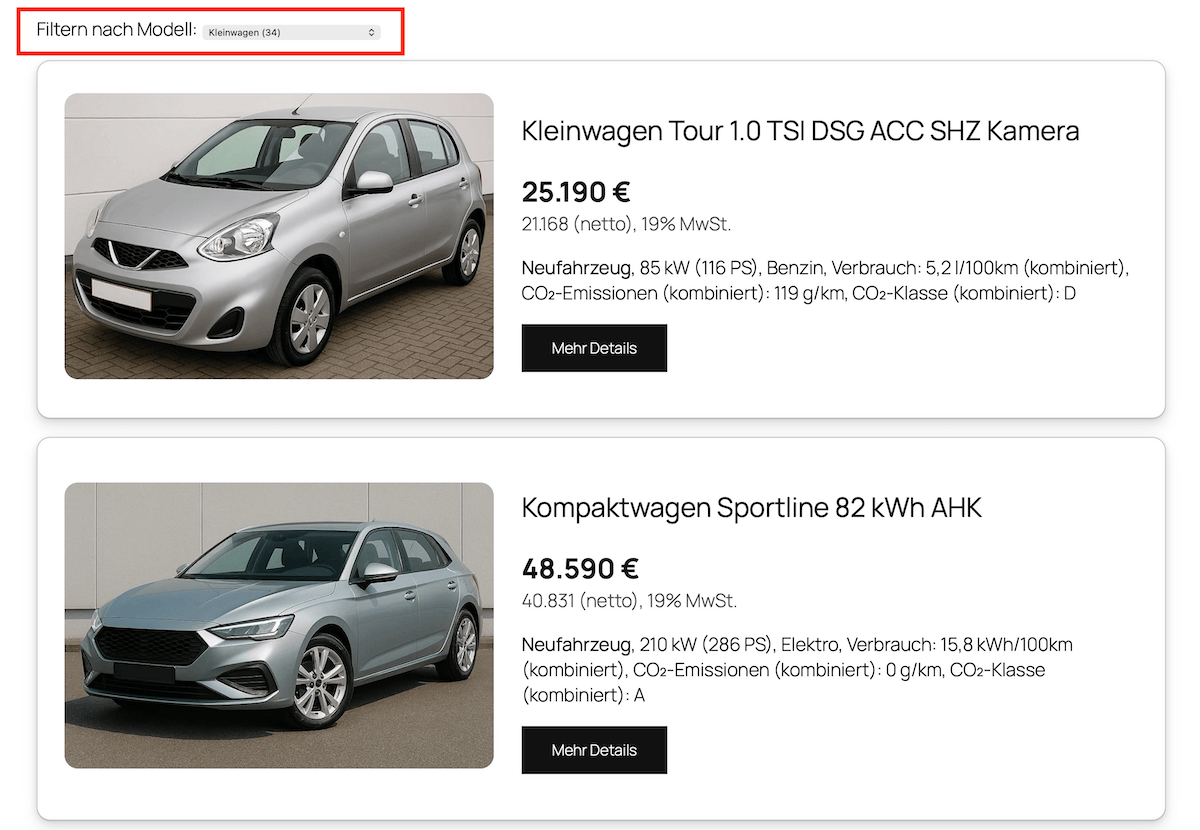
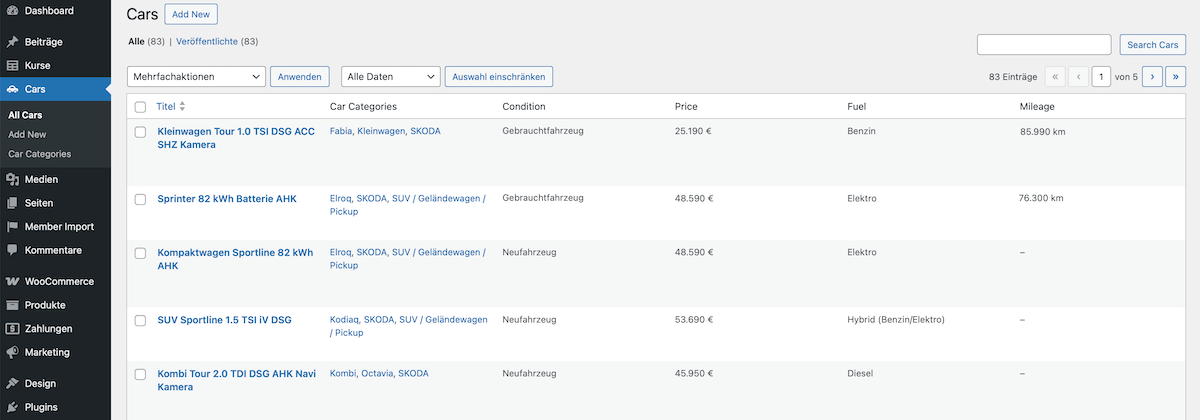
This plugin connects your website directly to mobile.de (Ad Integration API) and imports all your vehicles along with their vehicle data.
This allows you to present your vehicle offerings on your website without duplicate maintenance. Changes on mobile.de (e.g., price, availability, features) are automatically applied.
Features
- Importing vehicles via the mobile.de API
- Saving the vehicles as Custom Post Type in WordPress
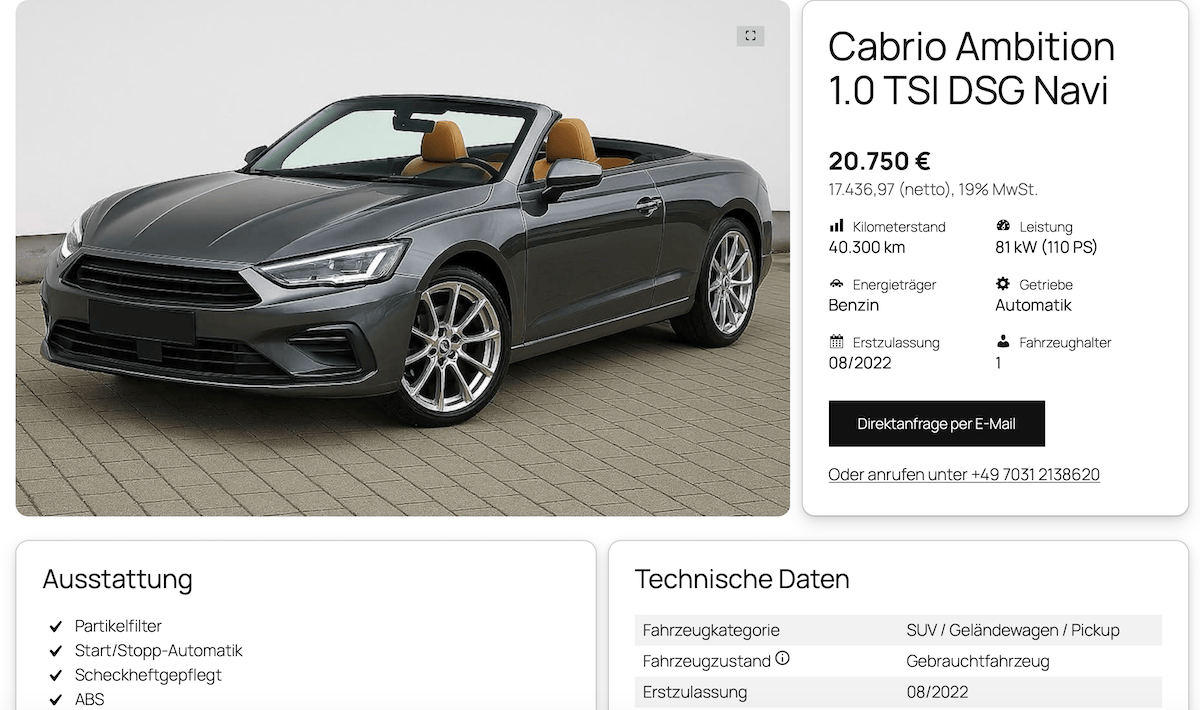
- Support for all vehicle categories (e.g. SUV, sedan, convertible, motorbikes and motorhomes)
- Automatic transfer of images, descriptions and technical data
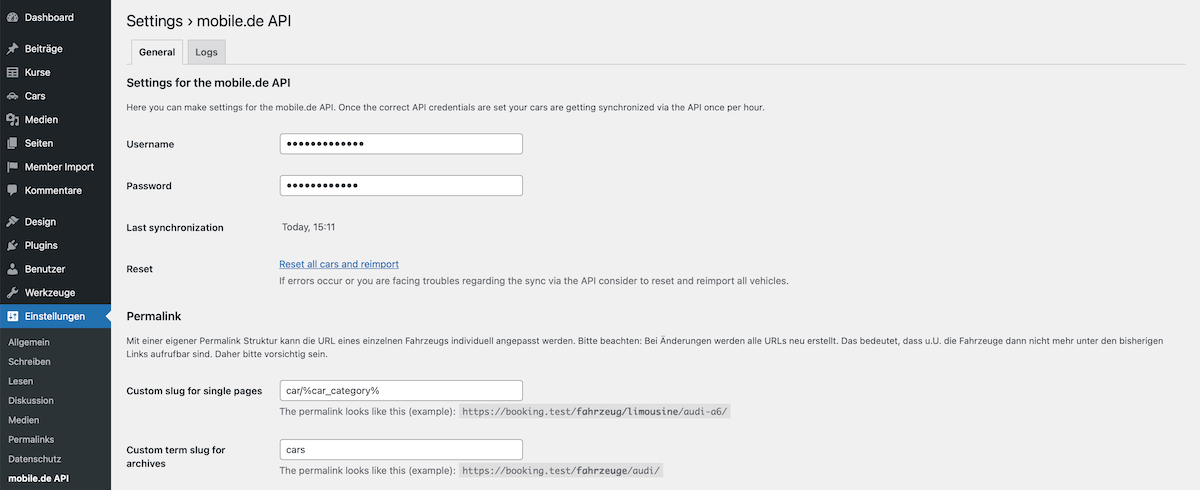
- Customizable permalinks (e.g.
/vehicles/limousine/audi-a6/) - Dedicated archive and detail pages for vehicles
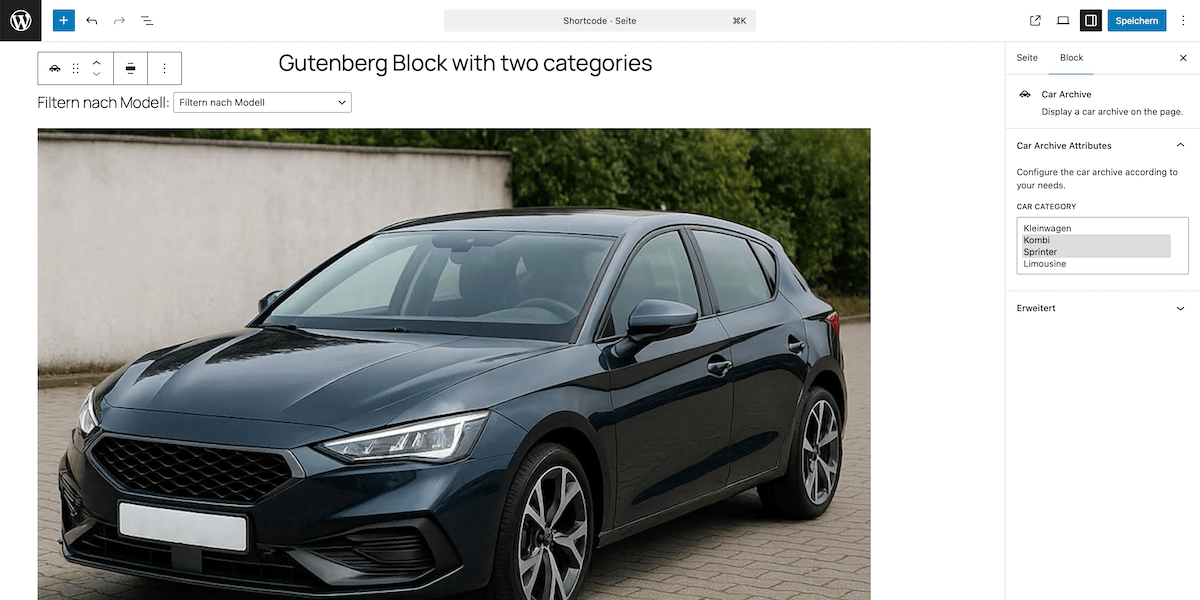
- Additional shortcodes, Gutenberg blocks and widgets for Elementor
- Feed for Google vehicle ads in Google Merchant Center, including structured data on the vehicle pages
- Compatible with all popular themes and page builders such as Gutenberg, WPBakery, Elementor and DIVI
安装:
Minimum Requirements
- PHP 8.0
- MySQL 5.6 or MariaDB 10.3
- PHP 8.5 or greater is recommended
- MySQL 8.1 or greater is recommended
- MariaDB 10.6 or greater is recommended
屏幕截图:
常见问题:
Do I need a dealer account for mobile.de?
Yes. The plugin only works with valid access data for the mobile.de Ad Integration API.
Can I customize the vehicle pages?
Yes. Vehicles are created as a custom post type and can be freely designed using your theme or page builder.
Are changes synchronized automatically?
Yes. The built-in cron job updates the data regularly and reliably.
Where can I find the documentation and help?
Often you are not alone with a problem or a question. We regularly publish help and expand the documentation with new functions. Go to help
Where can I get support?
We support you with your project on request. We offer you both to set up the plugin and to carry out individual change requests. Just contact us without obligation. Go to contact
更新日志:
1.5.1
- Local image handling.
- Direct settings link in plugins list.
- License removal.
- Minor bugfixes and improvements.
- New feed for Google vehicle ads with structured data and ad number on the vehicle pages.
- Security hardening.
- Minor bugfixes and improvements.
- Minor bugfixes and improvements.
- Compatibility for latest WordPress version.
- Minor bugfixes and improvements.
- Compatibility for latest WordPress version.
- Minor bugfixes and improvements.
- AJAX errors are displayed in console log instead of alert.
- New filter options.
- Minor bugfixes and improvements.
- Compatibility for latest WordPress version.
- Compatibility for custom template overrides.
- Better detection of line breaks in the vehicle description.
- Fixes a bug if a data value does not exist.
- Post image updates on change.
- Minor bugfixes and improvements.
- Compatibility for latest WordPress version.
- Initial release.