
Admin Code Search
| 开发者 | marbak |
|---|---|
| 更新时间 | 2026年6月23日 06:02 |
| PHP版本: | 7.4 及以上 |
| WordPress版本: | 7.0 |
| 版权: | GPLv2 or later |
| 版权网址: | 版权信息 |
详情介绍:
安装:
- Upload the plugin folder to
/wp-content/plugins/ - Activate the plugin through the Plugins screen in WordPress
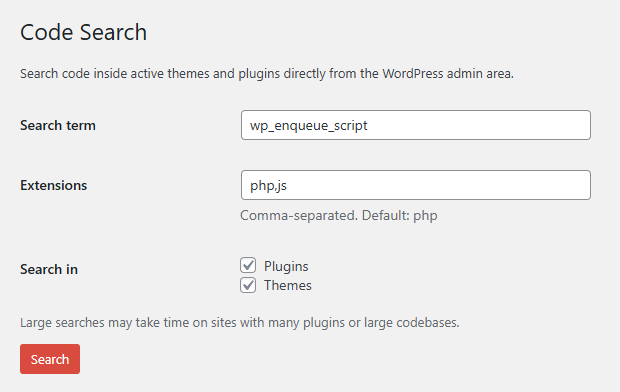
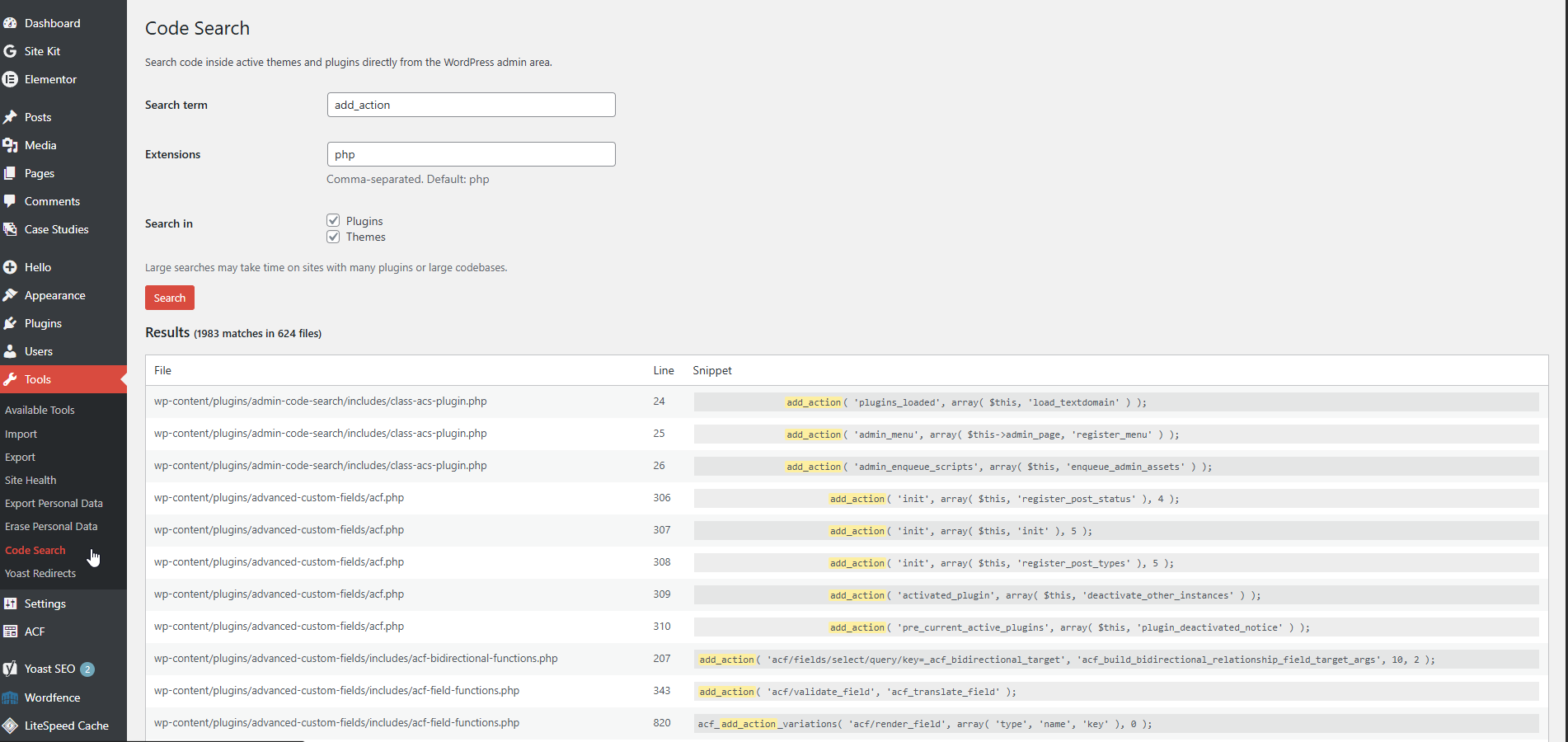
- Go to Tools > Code Search
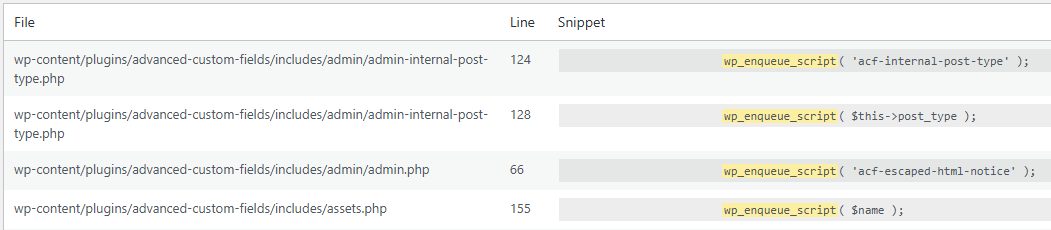
- Enter a search term and run a search
屏幕截图:
常见问题:
Who can use this plugin?
Only administrators or users with the manage_options capability.
What files are searched?
The plugin scans active plugin files, the active theme, the parent theme (if different), and MU plugins.
What is the difference between the match modes?
Partial match finds the search term anywhere within a line. Whole word match finds the term as a distinct word, which is useful for function and hook names. Match entire line exactly only returns results where the entire trimmed line exactly matches the search term.
Can I search file types other than PHP?
Yes. You can enter comma-separated extensions such as php,js,css,inc.
Will this affect site performance?
Search runs on demand and only when triggered by an admin. On very large sites, searches may take a few seconds.
Why do I only see 500 results?
To keep searches fast and useful, the plugin limits output to the first 500 matches. If that limit is reached, refine your search term or narrow the search scope.
Does it search WordPress core files?
No. The plugin is limited to plugins, themes, and MU plugins.
Is this plugin safe to use on production sites?
Yes. It is read-only and does not modify any files or data.
更新日志:
- Added whole word match.
- Renamed exact line match to "Match entire line exactly" for clarity.
- Added a 500-result limit for broad searches.
- Added a warning when the result limit is reached.
- Added a Clear button to reset the search form and results.
- Added whole word match option.
- Renamed exact line match option to “Match entire line exactly” for clarity.
- Improved match mode labeling in the search results.
- Added partial match and exact line match options.
- Added MU Plugins scanning option.
- Improved search controls for better precision.
- Added case-sensitive search option.
- Added result count summary.
- Improved scanner handling for readable files.
- Initial public release.