Admin Hide Login
| 开发者 | wphoundstore |
|---|---|
| 更新时间 | 2017年9月11日 18:33 |
| 捐献地址: | 去捐款 |
| PHP版本: | 4.0 及以上 |
| WordPress版本: | 4.8.1 |
| 版权: | GPLv2 or later |
| 版权网址: | 版权信息 |
详情介绍:
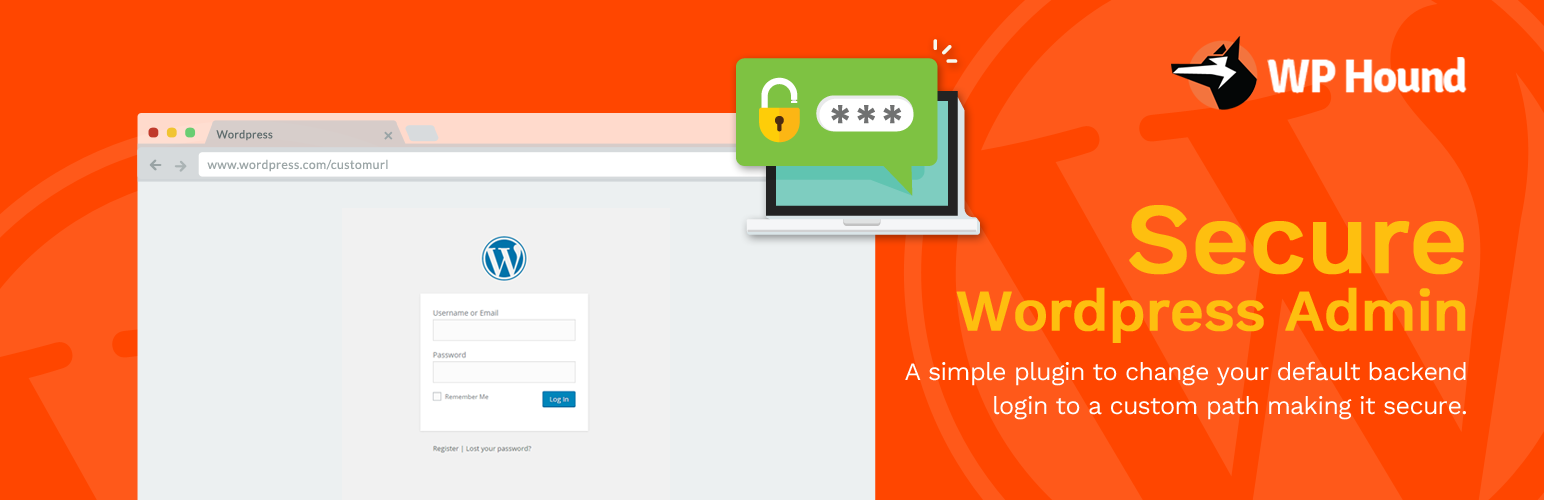
Admin Hide Login is a very light plugin that lets you easily and safely change the url of the login form page to anything you want.
It doesn't literally rename or change files in core, nor does it add rewrite rules.
It simply intercepts page requests and works on any WordPress website.
The wp-admin directory and wp-login.php page become inaccessible, so you should bookmark or remember the url.
Deactivating this plugin brings your site back exactly to the state it was before.
For Example:
https://wordpress.org/wp-admin/ => https://wordpress.org/anything/
Compatibility
Requires WordPress 4.0 or higher. All login related things such as the registration form, lost password form, login widget and expired sessions just keep working.
It's also compatible with any plugin that hooks in the login form, including:
- BuddyPress,
- bbPress,
- Limit Login Attempts,
- and User Switching.
安装:
- Go to Plugins > Add New.
- Search for Admin Hide Login.
- Look for this plugin, download and activate it.
- The page will redirect you to the settings. Change your login url there.
- You can change this option any time you want, just go back to Settings > General > Admin Hide Login.
更新日志:
1.0
Initial Release of the plugin