
Admin Instant Search
| 开发者 | polyplugins |
|---|---|
| 更新时间 | 2025年8月6日 13:02 |
| PHP版本: | 7.4 及以上 |
| WordPress版本: | 6.8 |
| 版权: | GPLv3 |
| 版权网址: | 版权信息 |
详情介绍:
When you frequently search various areas of the WordPress admin, you know the page load times between searches can be frustrating. Admin Instant Search makes finding what you're looking for easier and faster by building an index and keeping it updated as new data comes in.
安装:
- Backup WordPress
- Upload the plugin files to the
/wp-content/plugins/directory, or install the plugin through the WordPress plugins screen directly. - Activate the plugin through the 'Plugins' screen in WordPress
- Use the WooCommerce->Admin Instant Search page to configure the plugin
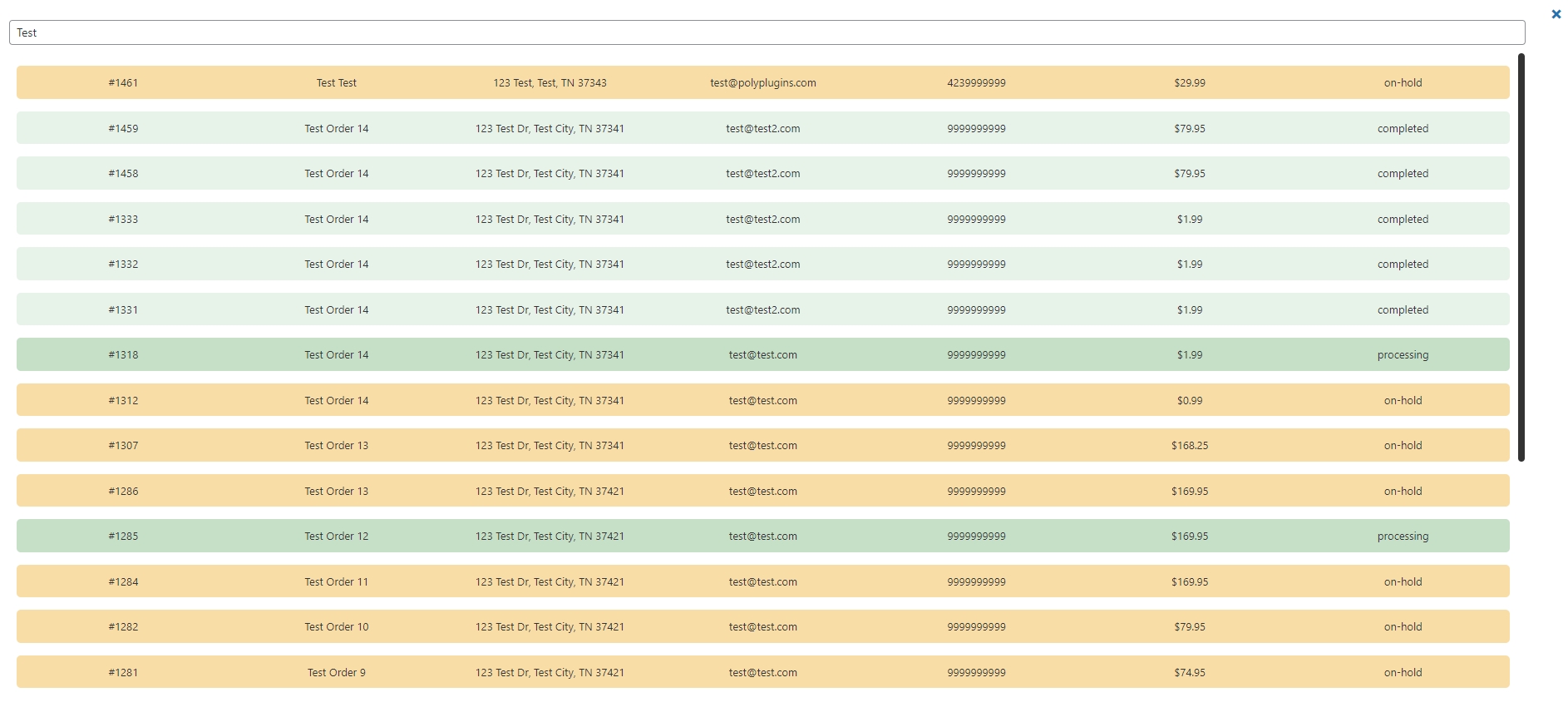
- After order indexing is complete navigate to WooCommerce->Orders and you'll see the "Instant Order Search" button next to the order search button.
屏幕截图:
常见问题:
Why should I use this?
If you find yourself auditing orders, looking up orders for customer inquiries, or just overall searching orders frequently, this will save you from multiple page loads between search queries.
How long will it take to index?
By default it will index 100 orders per minute.
更新日志:
1.1.1
- Bugfix: Index updater fails
- Updated: Indexing to use TNTSearch
- Updated: Logic for search to handle updating results already shown on the search page
- Added: Translation
- Initial Release