
Admin Login Guard & Branding
| 开发者 | codeandcore |
|---|---|
| 更新时间 | 2026年9月3日 17:46 |
| PHP版本: | 7.4 及以上 |
| WordPress版本: | 7.1 |
| 版权: | GPLv2 or later |
| 版权网址: | 版权信息 |
详情介绍:
wp-login.php and wp-admin pages, you instantly protect your site against brute force attacks, bot networks, and unauthorized login attempts.
Beyond just acting as a "hide login" plugin, it provides a comprehensive suite of security features to limit login attempts, track failed logins in real-time, and enforce strict access control.
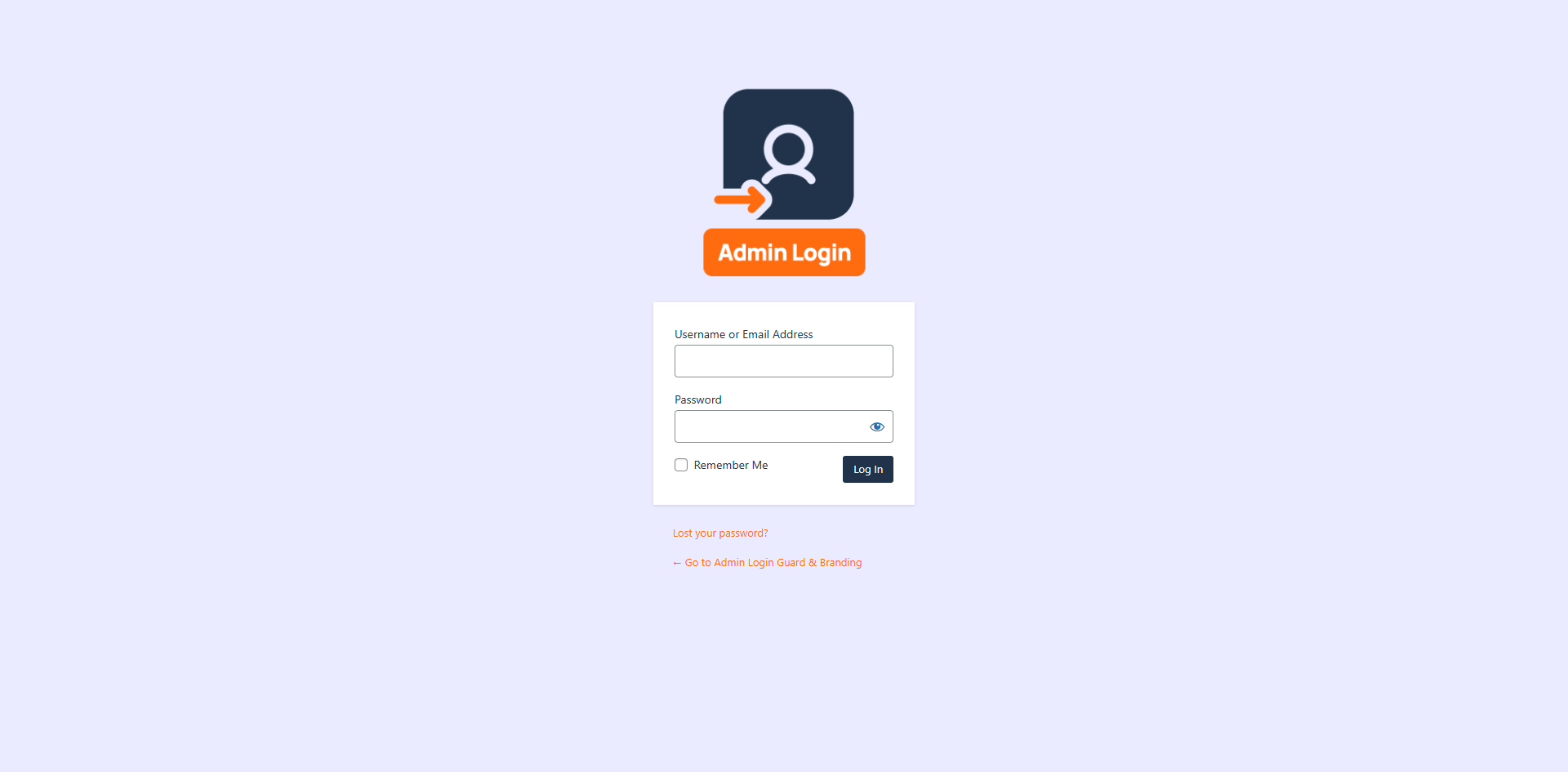
Want to white-label your WordPress dashboard? Admin Login Guard & Branding also lets you fully customize the visual appearance of your login page to seamlessly match your brand identity with custom logos, backgrounds, colors, and fonts.
It fully supports WordPress Multisite networks, allowing you to easily control login settings and branding across your entire network from a central location.
Key Features
- Custom Login Slug: Change
wp-login.phpto something unique (e.g.,/my-secret-login). - Access Control: Automatically blocks access to
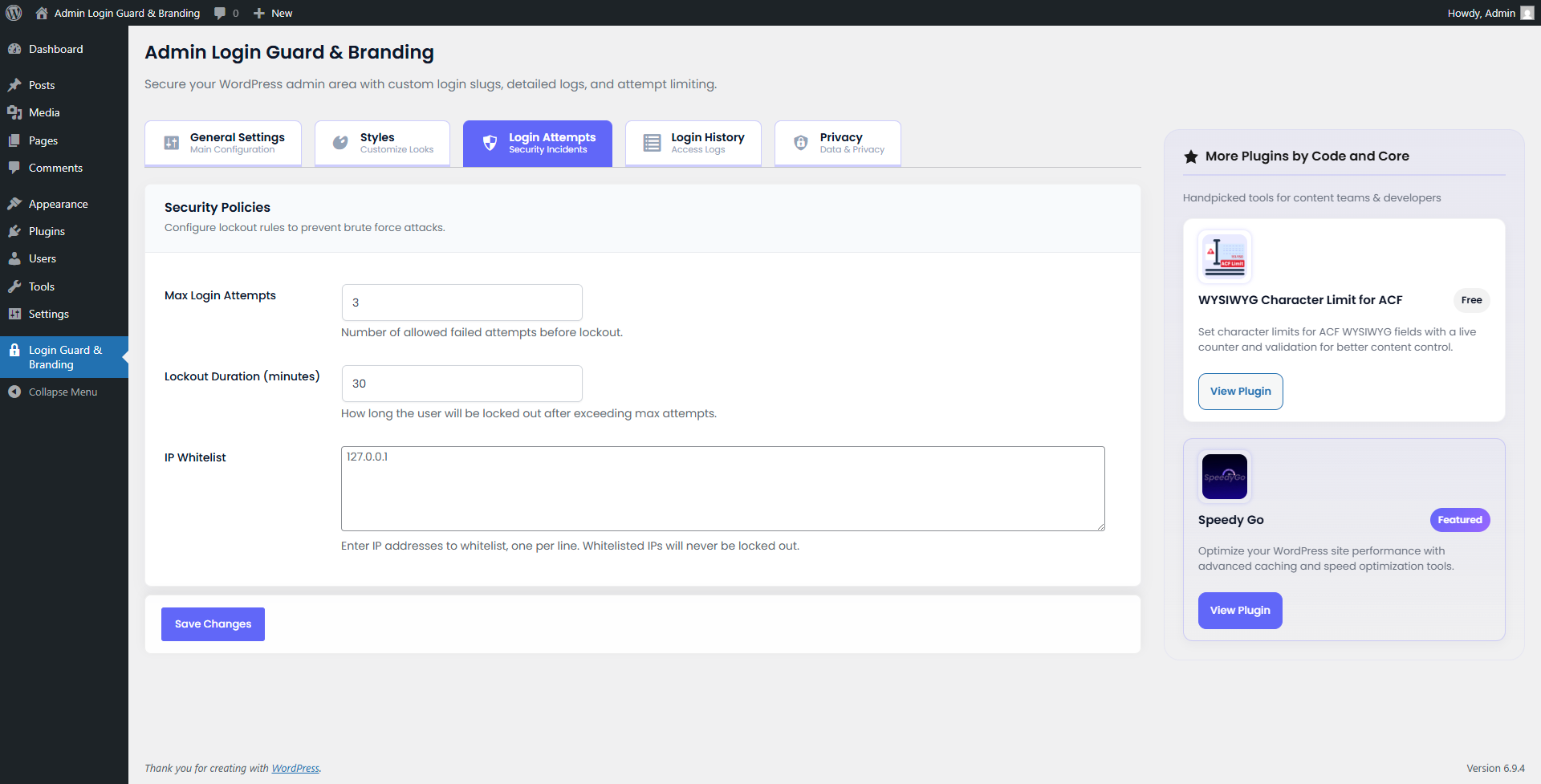
wp-login.phpandwp-signup.phpfor non-logged-in users. - Limit Login Attempts: Set maximum failed login attempts and lockout duration to prevent brute-force attacks.
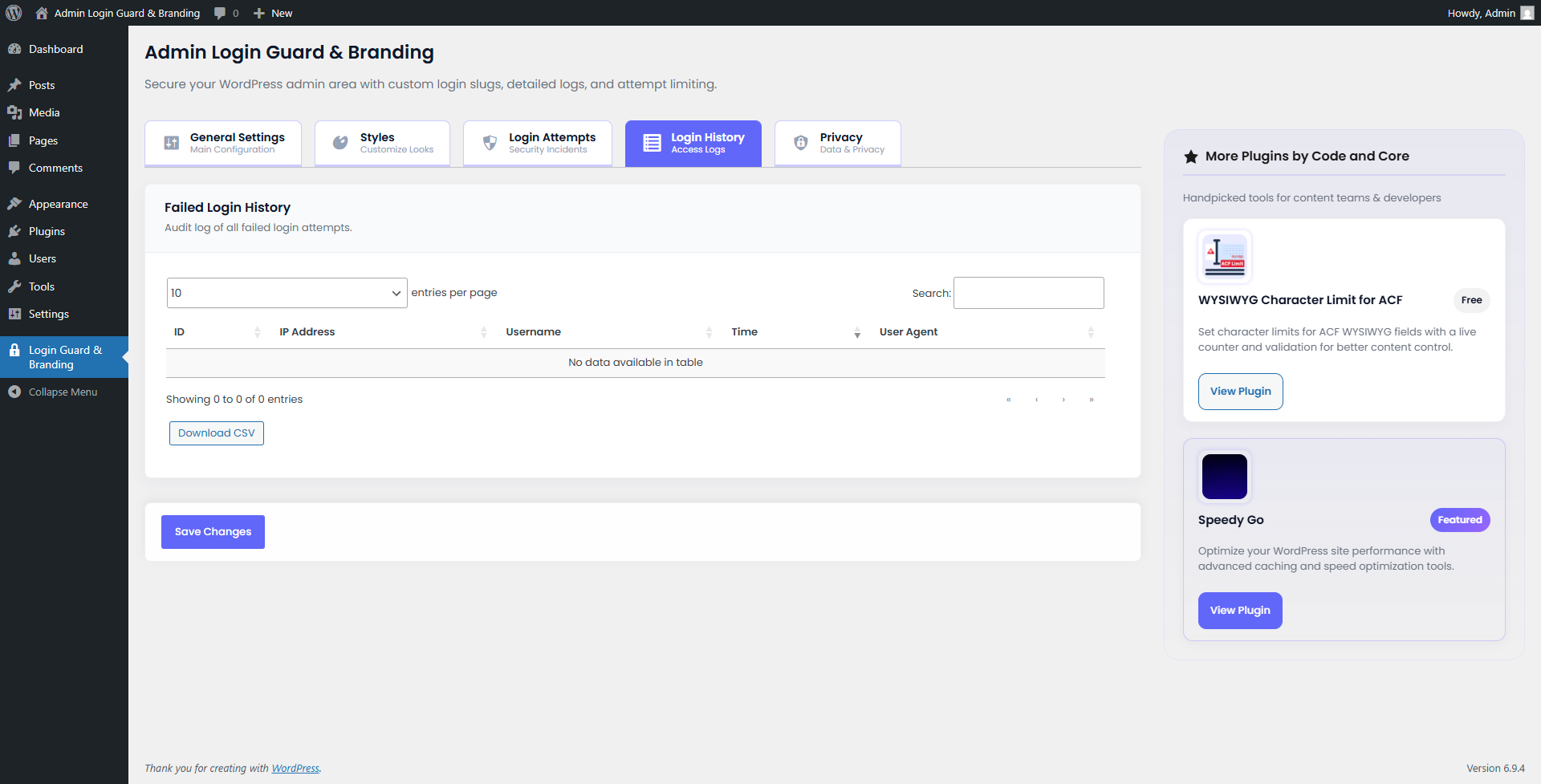
- Login History: Segregated and detailed audit logs for both failed and successful login attempts, including IP address, username, time, and user agent.
- CSV Export: Download your login failure history for analysis.
- Custom Redirection: Choose a custom page or 404 page to redirect unauthorized users to.
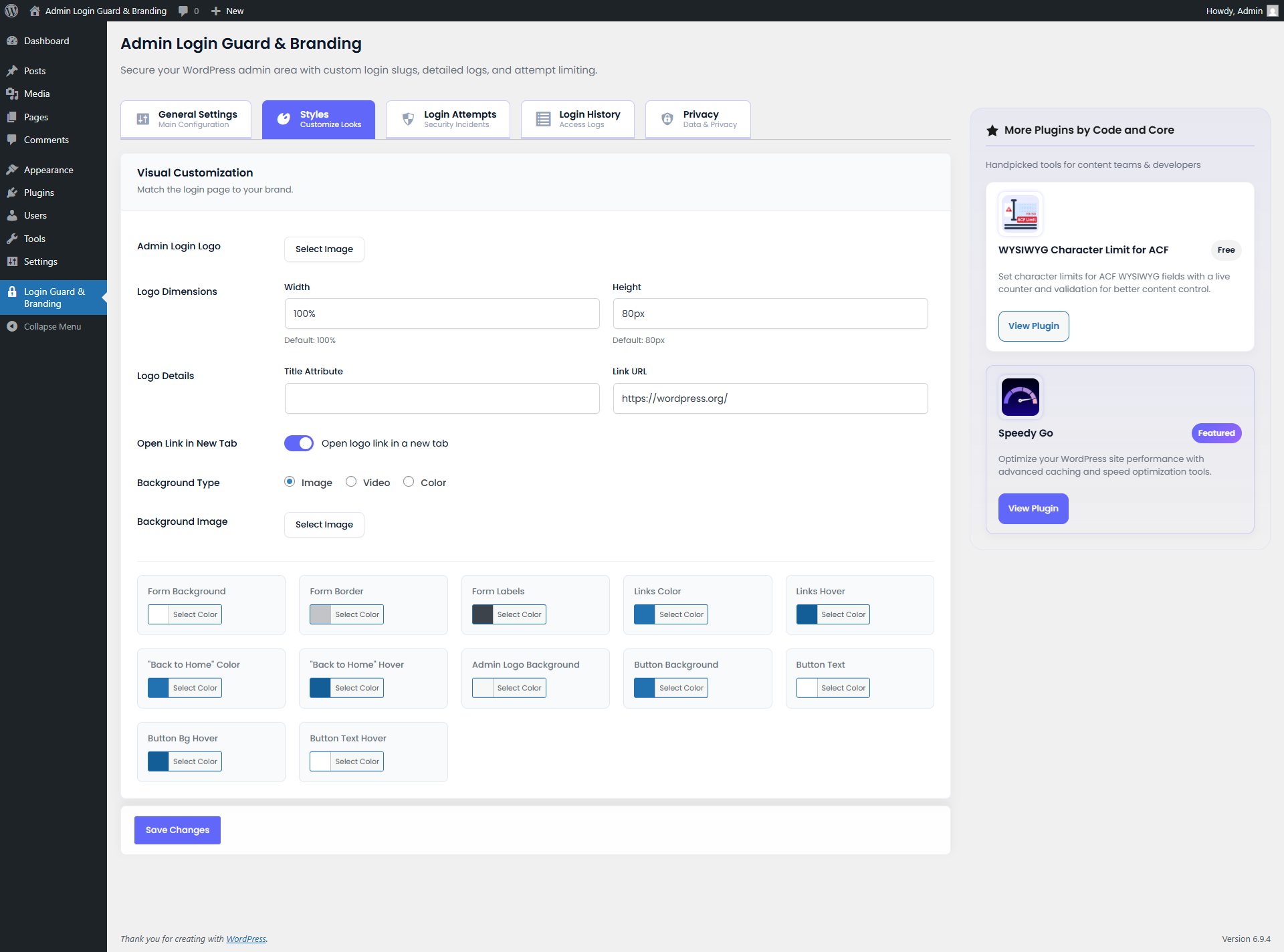
- Visual Customization:
- Upload a custom logo or completely hide the default WordPress logo.
- Set custom logo width, height, title, and link.
- Set a background image, solid color, or a dynamic MP4 Video background.
- Vertically center the login form on the page for a modern layout.
- Customize button colors, form borders, and label colors.
- Customize "Lost Password" and "Back to Home" link colors.
- Option to hide the "Back to Home" link.
- Two-Factor Authentication (2FA):
- Secure your admin login with email-based OTP (One-Time Password).
- Premium, beautifully designed HTML email templates for 2FA codes.
- Built-in "Resend Code" functionality with a smart 60-second anti-spam timer.
- Email Notifications: Receive alerts for admin lockouts and when users log in from new IP addresses.
- IP Blacklisting: Permanently block known malicious IP addresses.
- Modern Settings Interface: Enjoy a beautiful, responsive, and easy-to-use admin dashboard for all your configurations.
- Advanced Customizations: Inject custom CSS, JavaScript, specify custom fonts, and add a custom footer to the login page.
安装:
- Upload the plugin files to the
/wp-content/plugins/admin-login-guard-brandingdirectory (or search for it in the WordPress repository). - Activate the plugin through the 'Plugins' menu in WordPress.
- Go to 'Settings' > 'Admin Login Guard & Branding' to configure the plugin.
- Set your desired "Custom Login URL Slug" and save settings.
- Important: Bookmark your new login URL!
屏幕截图:


常见问题:
Does it work on multisite?
Yes, it is fully compatible with WordPress Multisite networks. You can configure settings for individual sub-sites or network-wide.
I forgot my custom login URL, what do I do?
If you have FTP or File Manager access, you can temporarily rename the plugin folder (admin-login-guard-branding) to something else (e.g., admin-login-guard-branding-off) to deactivate it and regain access via the default wp-login.php. Once logged in, rename it back and check your settings.
Can I use a video background for the login page?
Yes! You can upload an MP4 video or provide a video URL to use as an engaging, dynamic background for your custom login page.
Does this plugin block brute force attacks?
Absolutely. By hiding your default login URL and using the built-in "Limit Login Attempts" feature, you dramatically reduce the risk of automated brute force attacks.
How does the Two-Factor Authentication (2FA) work?
Once enabled, when an administrator logs in with their correct username and password, they will be emailed a one-time verification code. They must enter this code to complete the login process, adding a strong second layer of security.
Can I see who is trying to hack my site?
Yes! The plugin includes a comprehensive "Login History" log that records the IP address, username attempted, date, and user agent of every failed login attempt.
How do I block a specific IP address?
You can go to the "Security" tab in the plugin settings and add any suspicious IP addresses to the "IP Blacklist". Anyone trying to access your site from those IPs will be instantly blocked.
Will this plugin slow down my WordPress site?
No, Admin Login Guard & Branding is designed to be extremely lightweight and highly optimized. It only runs on the login pages and admin area, meaning it has absolutely zero impact on the loading speed of your front-end website.
Can I add my own CSS or JavaScript to the login page?
Yes, there is an "Advanced" tab in the settings where you can inject custom CSS and JavaScript to fully tailor the login page to your exact requirements.
更新日志:
- Fixed: Plugin redirection to settings page breaking bulk activation workflow.
- Fixed: Plugin redirection to settings page interfering with WP-CLI activation workflow.
- Added: Resend OTP functionality with a 60-second countdown timer for Two-Factor Authentication.
- Improved: Complete redesign of the Two-Factor Authentication (2FA) email template for a modern, premium look.
- Improved: Added visual styling (red background) to 2FA login error messages to match native WordPress error formatting.
- Improved: Updated email template to use standard web-safe fonts (Verdana) to improve cross-email-client compatibility.
- Fixed: Removed formatting spaces in the 2FA code inside the email to prevent copy-paste errors on login.
- Fixed: Resolved a CSS styling conflict where global button overrides were incorrectly applying to WordPress native color pickers (
.wp-color-result).
- Added: Comprehensive modern UI redesign for the plugin settings page.
- Added: Segregated Failed and Successful login histories into dedicated tabs for better auditing.
- Added: New layout and sticky action buttons for improved user experience.
- Improved: Enhanced button designs and typography (Outfit and Sora).
- Improved: Optimized layout for plugin promotional card.
- Compatibility: Tested and fully compatible with WordPress 7.1.
- Fixed: Already logged-in users are now automatically redirected to the dashboard when visiting the custom login URL, rather than seeing the login form again.
- Improved: When Two-Factor Authentication (2FA) is enabled globally, the user-level "Enable Email 2FA" profile setting is now enabled by default for all users.
- Added: Two-Factor Authentication (2FA) via email.
- Added: Email Notifications for admin lockouts and logins from new IP addresses.
- Added: Manual IP Blacklisting functionality to permanently block attackers.
- Added: Advanced Customizations tab with custom CSS, JavaScript, font selection, and footer text support.
- Improved: Separated advanced styling options into their own dedicated "Advanced" tab.
- Improved: Optimized database query logic to prevent duplicate lockout entries from spamming the history logs.
- Added: Option to completely hide the Admin Login Logo from the settings.
- Added: Option to vertically center the login form on the page.
- Fixed telemetry card color selection not updating when clicking "Opt in" or "Opt out" in Privacy settings.
- Added automatic page reload after user selects telemetry preference in the popup modal.
- Improved telemetry popup to display on first admin visit even when transient expires.
- Enhanced form field selector accuracy for telemetry card JavaScript interactions.
- Initial release.
- Added custom login slug functionality.
- Added styling options for login page.
- Added login attempt limiting and history logging.
- Enhanced visual customization for the login page (Logo resizing, custom links, colors).