Admin Optimizer – Performance, Security & Site Cleanup
| 开发者 |
yipresser
damienoh |
|---|---|
| 更新时间 | 2026年8月5日 10:48 |
| PHP版本: | 8.1.0 及以上 |
| WordPress版本: | 7.0 |
| 版权: | GPLv2 or later |
| 版权网址: | 版权信息 |
详情介绍:
- Improve site speed with database optimization and script management
- Strengthen security with 2FA, login protection, and attack blocking
- Manage URL redirects and monitor 404 errors from the dashboard
- Add custom CSS, JavaScript, HTML, and PHP code snippets without a child theme
- Build forms, custom post types, and Pro custom fields without extra plugins
- Send reliable transactional email via SMTP
- Access migration options through the Admin Optimizer Migration Tool Instead of installing 10+ plugins, you can enable only the modules you need — all from a single, lightweight plugin.
安装:
- Navigate to the 'Add New' in the plugins dashboard
- Search for 'Admin Optimizer'
- Click 'Install Now'
- Activate the plugin on the Plugin dashboard
- Navigate to the 'Add New' in the plugins dashboard
- Navigate to the 'Upload' area
- Select
admin-optimizer.zipfrom your computer - Click on 'Install Now' button
- Activate the plugin in the Plugin dashboard
- Download
admin-optimizer.zip - Extract the
admin-optimizerdirectory to your computer - Upload the
admin-optimizerfolder to the/wp-content/plugins/directory - Activate the plugin in the Plugin dashboard
屏幕截图:
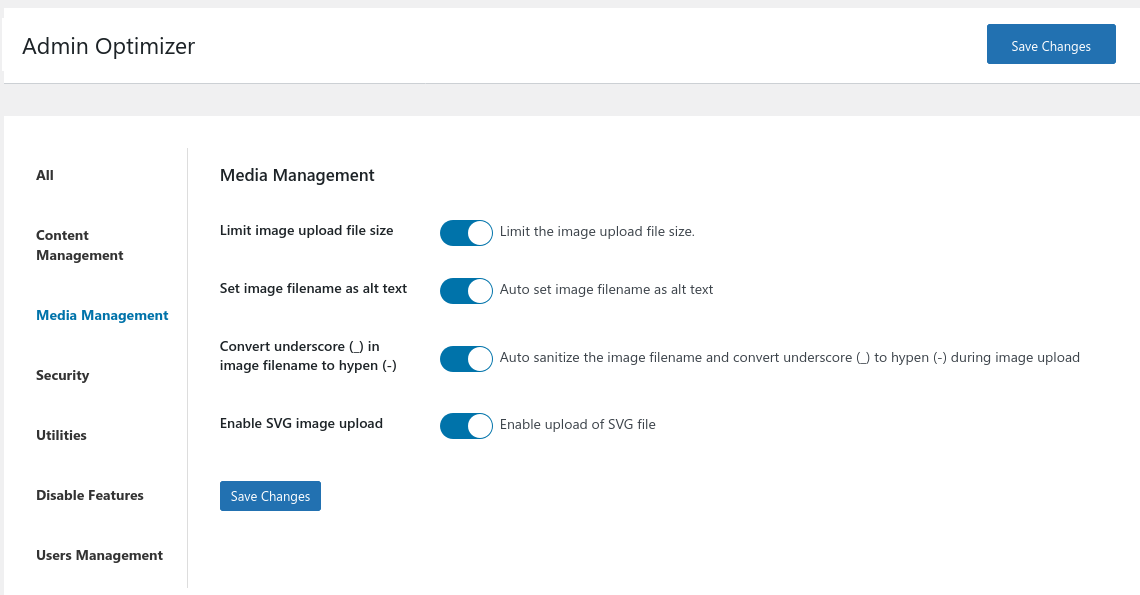
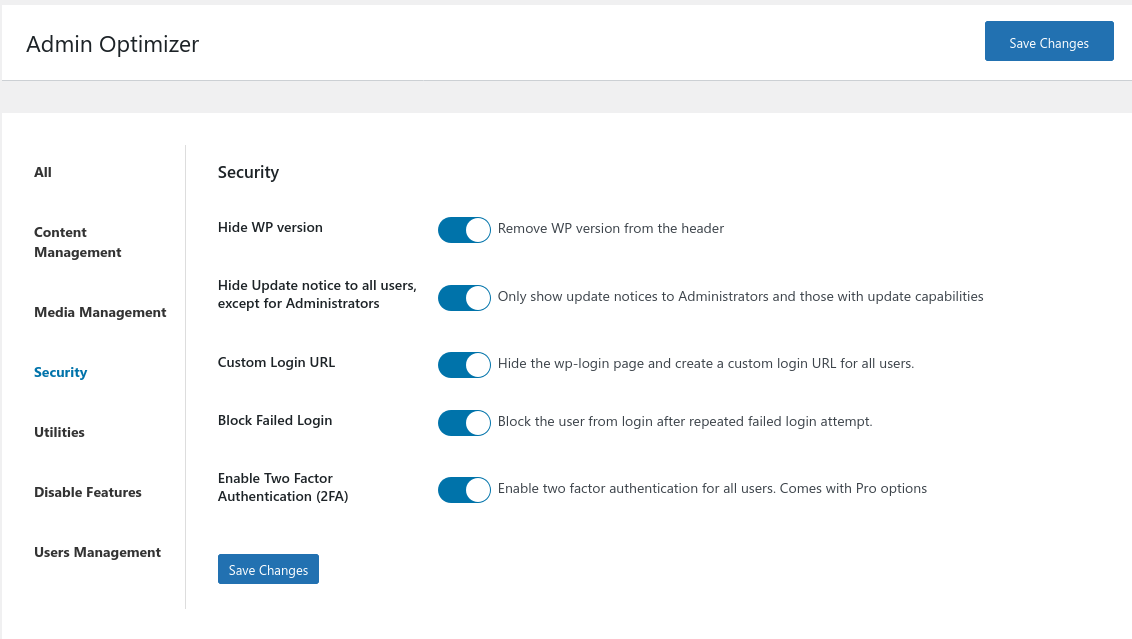
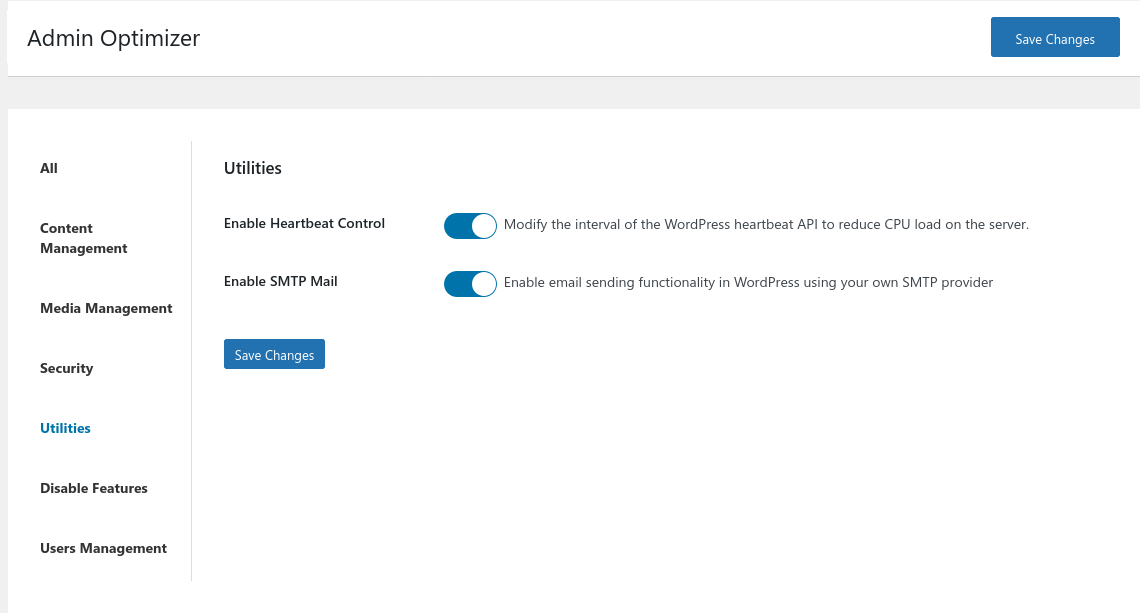
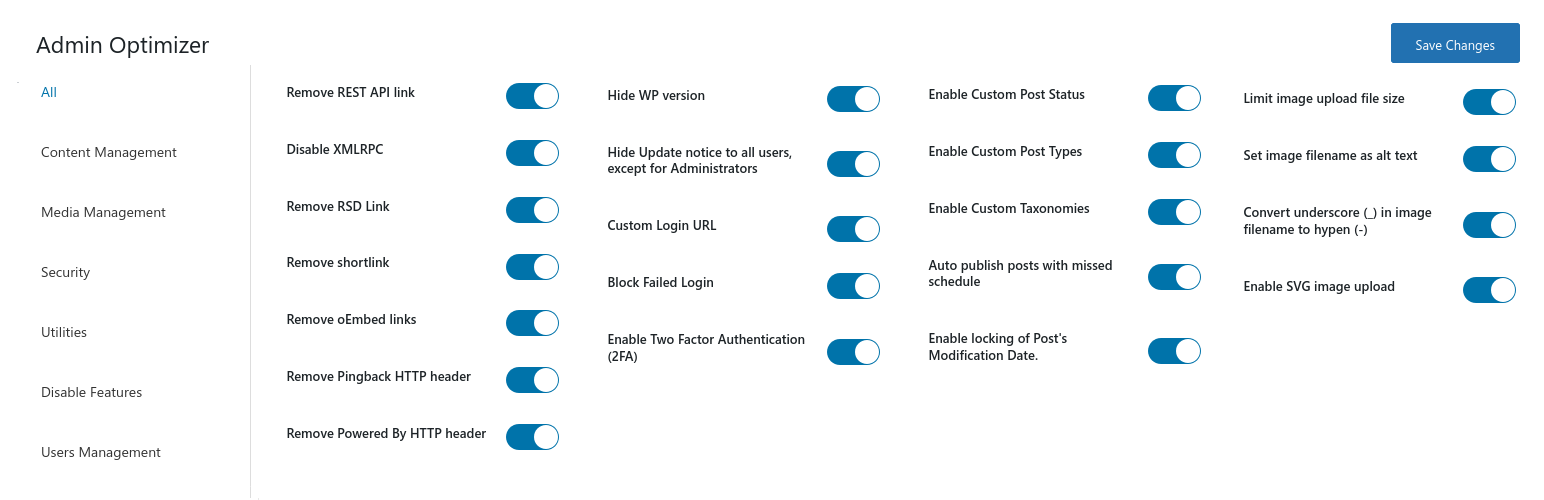
常见问题:
What is Admin Optimizer?
Admin Optimizer is a modular all-in-one WordPress plugin that improves site performance, hardens security, manages redirects, enables custom code snippets, and streamlines admin workflow — all from a single plugin, replacing 10+ separate plugins.
Can I disable features I don’t need?
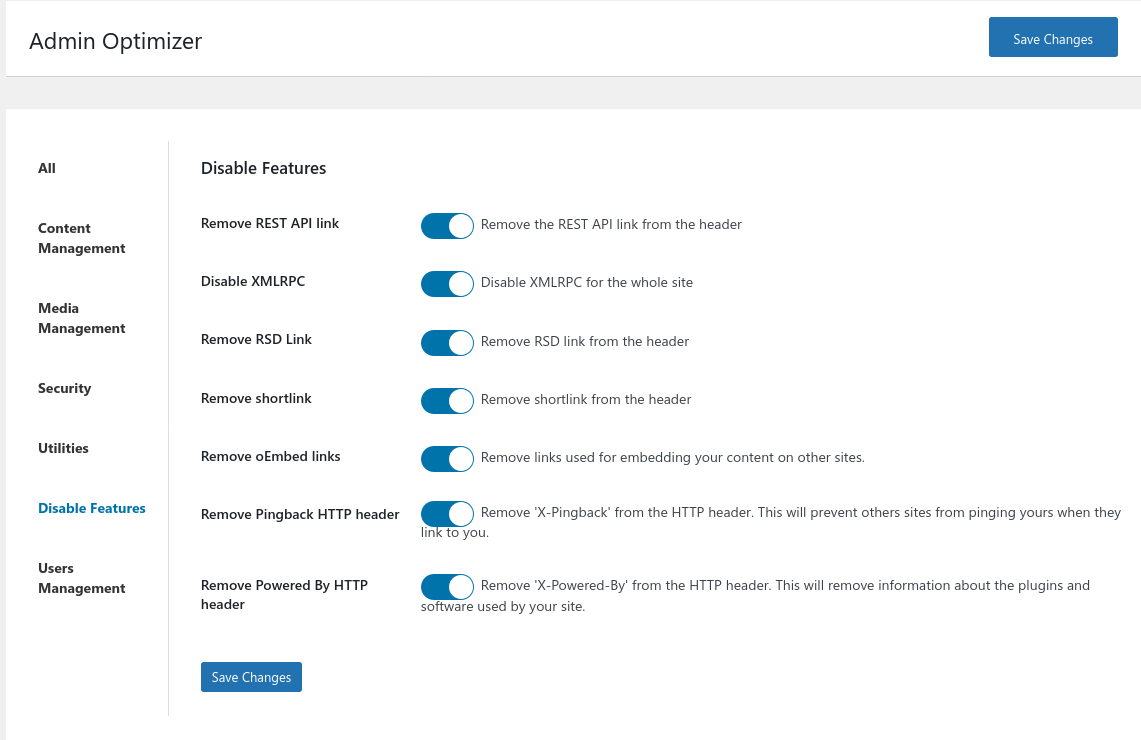
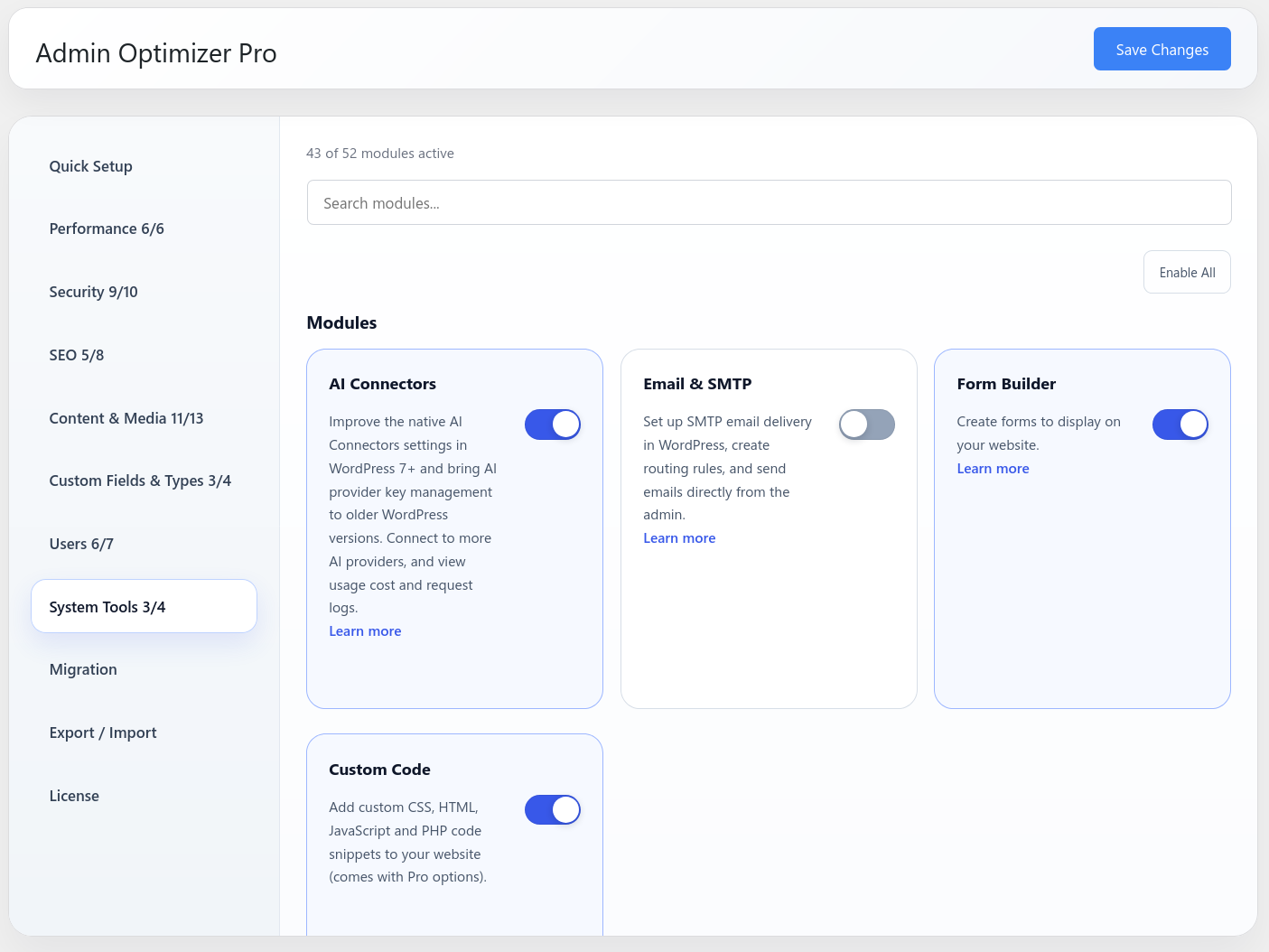
Yes. Every module can be turned on or off individually. Only active modules run on your site.
Will it slow down my site?
No. Admin Optimizer is lightweight and loads only the code needed for the modules you have enabled. Disabling unused WordPress features with this plugin typically improves performance.
What is the Custom Code module?
The Custom Code module lets you add CSS, JavaScript and HTML directly from the WordPress dashboard, without editing theme files or using a child theme. It is available in the System Tools section.
What is the Redirect Manager module?
The Redirect Manager lets you create and manage 301/302 URL redirects from the WordPress admin. The free version includes full redirect management. The Pro version adds automatic redirects on permalink changes and a 404 error monitor.
Does it work with multisite?
Admin Optimizer has not been tested on multisite and does not officially support multisite.
更新日志:
- New: Content Author Policy module (Pro only).
- Improved: Changed robots.txt codemirror theme to better match the background
- Improved: Added menu_icon dropdown selection for Custom Post Types
- Improved: the logger has a more robust logging mechanism and is able to return logs for diagnostic purpose.
- Improved: standardized configurable modules with a shared base class for option loading, submenu registration, screen ownership, and settings asset enqueueing.
- Added: responsive design for the Modules page.
- Added: AI form generation for Form Builder module (Pro only)
- Added: Form insertion block for Form Builder module
- Added: a "Now" selection option in Modified Date module's date time picker
- Added: Notification helper class
- Fixed: Notice admin now renders correctly in AO settings page.
- New: Module UI cleanup. Split Content & SEO into SEO and Content & Media sections. Split between Modules and tweaks section.
- New: User Access Manager module. Block Admin Access and Hide Admin Toolbar modules integrated into it.
- New: User switching module
- New: Disable Comments Sitewide module
- Added: Explanation and warning for Heartbeat control
- Improved: Custom Post Types - Clarified the "Show in REST API" label to note that setting it to No enables the Classic Editor.
- Fixed: Custom post type bug where "No" selections for options like Show in REST API were not saved correctly, causing them to display as "Yes" when editing.
- Fixed: Flush rewrite rules after adding/editing custom post type.
- Fixed: 2FA login no longer shows a "Cheatin' uh?" error when the code entry page is left open too long; users are now redirected to log in again instead.
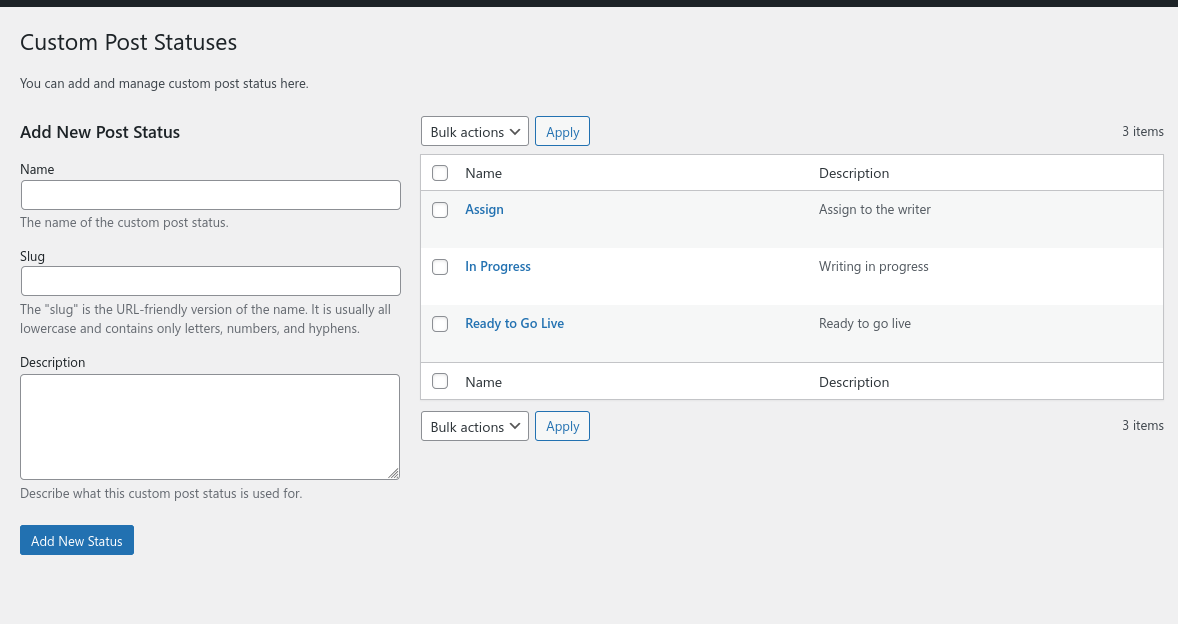
- Fixed: Custom Post Status now includes core statuses and prevents custom statuses from using reserved WordPress status slugs.
- Fixed: Form Builder submissions failing nonce security checks for logged-out visitors.
- New: Migration tab with Admin Optimizer Migration Tool activation and manual download options.
- Added: Instant save for module toggle.
- Added: Quick Email links for Email & SMTP
- Added: Developer APIs and integration functions for Email & SMTP's email sender tool.
- Added: "Default WordPress Mail" option for Email & SMTP's Provider setting
- Fixed: Custom Post Status showing duplicate Draft and Pending Review status in WP 7.
- Improved: Form builder fields have more configuration options.
- Added: Star Rating field and Product Review preset for Form Builder (Pro).
- Added: Load Priority display for the Custom Code module (Pro).
- Added: Helper text in Redirect Manager to clarify trailing slash and case-sensitivity behavior.
- Improved: Custom post status save behavior is more consistent.
- Fixed: Custom Login URL no longer redirects to a 404 page after a password reset.
- Added: Direct email sending capability for SMTP Email module, and Pro Profile support.
- Bump up minimum PHP to 8.1.0
- Updated: form builder output with bootstrap class name
- Added: Presets to Form Builder module (Pro only)
- Added: SEO-Manager and AI-Connectors module (Pro only)
- Added new builtin shortcodes for Custom Code module
- Added: HTML code snippet now supports shortcode input
- Fixed: Custom Fields & Types display error
- Fixed: Lock modified date field no longer show up on non-public post types
- Added: Custom Code module
- Added: Redirect Manager module
- Added: Import/export options for Form Builder
- Added: Preset options for robots.txt.
- Fixed: a bug in Custom Login URL that return 404 when checking email.
- Updated: reorganized modules in various sections.
- Bump up Requires at least to 5.9
- Fixed: a bug where the limit image size Setings page is not shown
- Added: new Form Builder module
- Added: SMTP Provider for SMTP Email module
- Added: "Force From" toggle in SMTP Email module
- Updated: WordPress 7.0 theme support
- Revamp the new categorization of modules
- Fixed: Fixed a 2FA invalid login esc_html bug
- Updated: switched ToTP provider to have less dependency on third-party tool
- Fixed: rename Post Republisher to Content Refresh
- Added: new Preset feature
- Updated: Improved UI for Admin Optimizer
- Added: Revamp new UI for Admin Optimizer
- Added: new Block Admin Access module
- Fixed: switched to ADMINOPTIMIZER_VERSION instead of filemtime() for versioning
- Fixed: SMTP from field is only set if it is empty. It doesn't override other plugin Send_from settings now.
- Added: new Page Ordering module
- Fixed: SMTP password is now encrypted before saving to the database
- Added: new Pro Custom Fields Builder module.
- Fixed: Post Cloner module now doesn't clone other's password-protected posts
- Fixed: Improve the user interface for Custom Post Types and Custom Taxonomies modules
- Bug: fixed no posts showing in XML sitemap
- Added: new Pro options for XML Sitemap module
- Fixed: DB Cleaner comments not cleaned bug.
- Fixed: multiple files for vulnerability
- Fixed: Robots.txt not displaying properly.
- Fixed: XML Sitemap not properly included in Robots.txt
- The plugin now require PHP version 7.4.0
- Added polyfills for PHP 8 and 8.1 functions
- Fixed: 2FA module now works on PHP7.4
- Bug: make sure the
Envelope-From,Return-Pathis properly set via$phpmailer->Senderand$phpmailer->ReturnPath.
- Updated: plugin site URL
- Added: new Post Cloner module
- Added: new Robots.txt, ads.txt and app-ads.txt module
- Added: removed scheduled tasks on module deactivation
- Added: new Export/Import module.
- Added: auto add anchor target to Headings block
- Added: Disable Gutenberg editor
- Added: Disable Category archive pages
- Added: Disable Tag archive pages
- Added: Disable Author archive pages
- Added: Disable Date archive pages
- Bug: correct a sentence error in database cleaner module
- Added: new Database Cleaner module
- Enhancement: updated admin UI interface
- Bug: correct modified date column text
- Added: new Disable User Accounts Module.
- Added: new Disable Guess Redirect 404 Module.
- Enhancement: improve the modules page.
- Enhancement: remove access to xml-rpc class and file.
- Change: Moved Disable XML-RPC module to Security section.
- Bug: Correct taxonomy spelling mistake.
- Bug fixes: fixed 2fa conflicts with last login date.
- Minor bug fixes: fixed spelling error
- Minor bug fixes, security compliant fixes and first release to WP Plugin Directory
- First release