
Adminvoro Toolkit – Login, Redirects & Site Controls
| 开发者 |
nexibyllc
atiqbd4ever |
|---|---|
| 更新时间 | 2026年10月15日 03:01 |
| PHP版本: | 7.4 及以上 |
| WordPress版本: | 7.1 |
| 版权: | GPLv2 or later |
| 版权网址: | 版权信息 |
详情介绍:
- Replace the public WordPress login address with a custom login slug.
- Block direct logged-out access to
wp-login.phpand protectedwp-adminrequests. - Choose what happens when the default login URL is visited: show a 404 response, redirect to the homepage, or redirect to a same-site page.
- Keep generated WordPress login links pointed to the custom login address.
- Recover access at any time with the
ADMINVORO_DISABLE_CUSTOM_LOGINconstant.
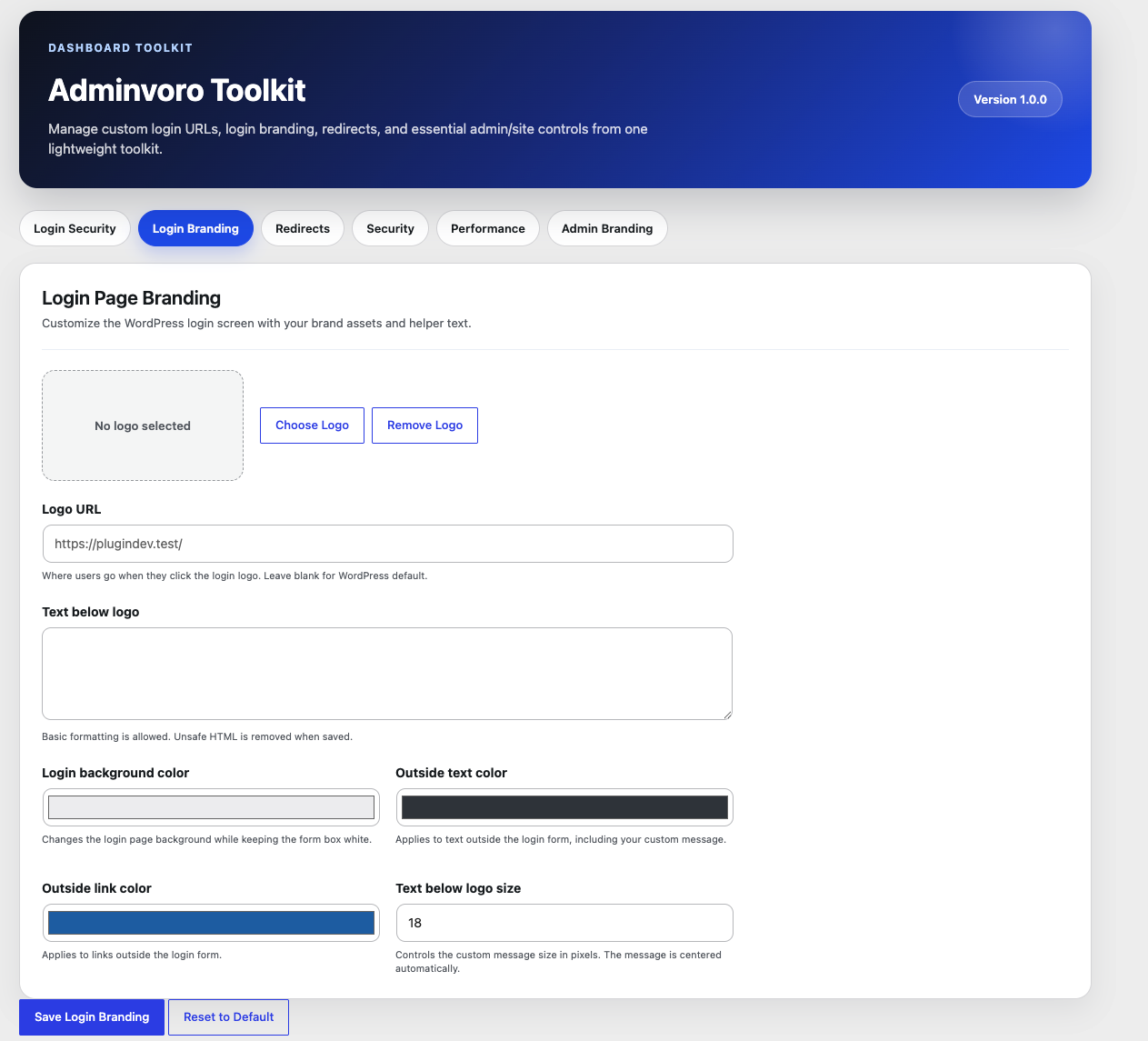
- Select a custom login logo from the WordPress Media Library.
- Change the URL opened when the login logo is clicked.
- Add formatted helper text below the logo.
- Customize the login background, outside text, and outside link colors.
- Control the size of the custom login message.
- Reset login branding settings to their defaults.
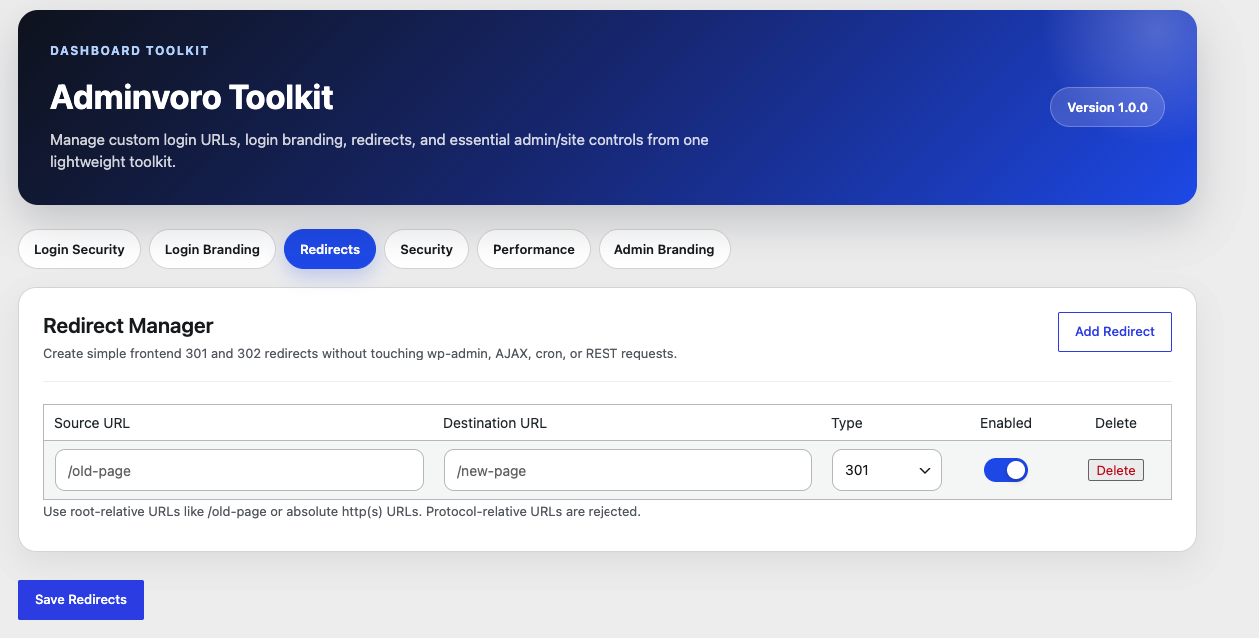
- Create and manage simple frontend redirects.
- Choose permanent 301 or temporary 302 redirects.
- Enable, disable, or delete individual redirect rules.
- Use root-relative paths or valid absolute HTTP(S) URLs.
- Skip invalid, incomplete, duplicate, and self-looping redirect rules.
- Avoid redirect processing for WordPress admin, AJAX, cron, and REST requests.
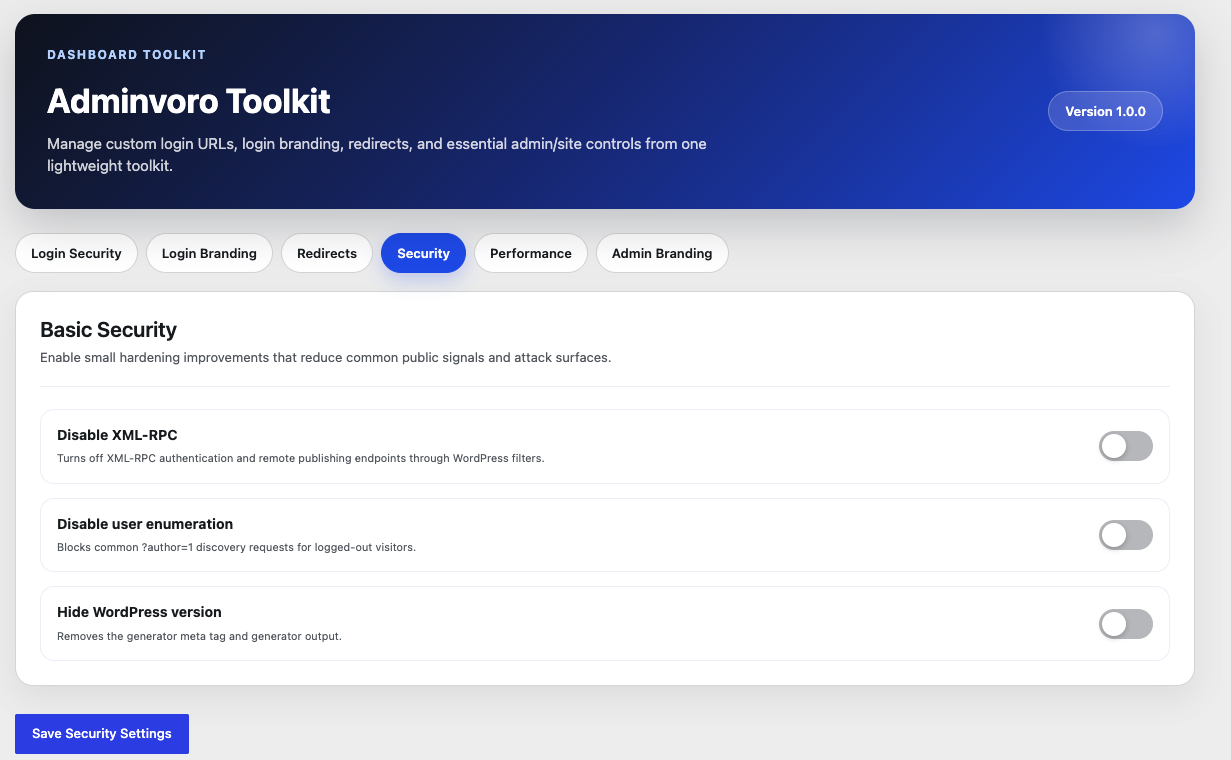
- Disable XML-RPC requests and remove the
X-Pingbackresponse header. - Reduce logged-out user enumeration through author requests and public REST API user endpoints.
- Remove WordPress generator output and the core version query string from matching script and stylesheet URLs.
- Block public access to
/readme.htmland/license.txtwith a 403 Forbidden response.
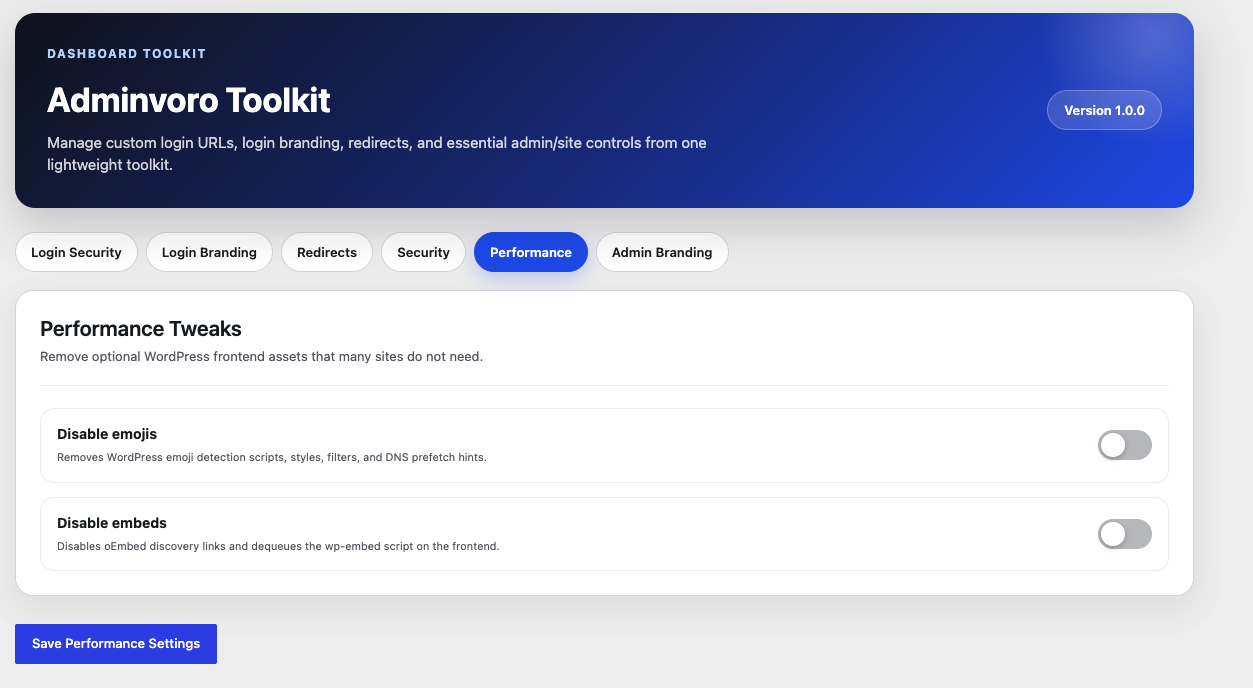
- Remove WordPress emoji scripts, styles, filters, TinyMCE support, and related DNS prefetch hints.
- Remove frontend oEmbed discovery output and dequeue the
wp-embedscript.
- Replace the default WordPress admin footer text with your own message.
- Use basic permitted HTML formatting in the custom footer text.
- Keep plugin settings and redirect rules when Adminvoro is deleted by default.
- Optionally remove all saved plugin data during uninstall.
安装:
- In WordPress, go to Plugins > Add New Plugin.
- Search for Adminvoro Toolkit, or upload the plugin ZIP file.
- Install and activate the plugin.
- Open Adminvoro Toolkit from the WordPress admin menu.
- Configure only the features you want to enable.
屏幕截图:

常见问题:
How do I recover access if I forget or incorrectly configure the custom login URL?
Open your site's wp-config.php file and add the following line above the comment that says WordPress editing should stop:
define( 'ADMINVORO_DISABLE_CUSTOM_LOGIN', true );
You can then sign in through the standard wp-login.php address. After correcting the plugin settings, remove the constant or change its value to false.
What happens to wp-login.php after I enable a custom login URL?
For logged-out visitors, direct requests to wp-login.php are handled using the action you selected: a 404 response, a homepage redirect, or a redirect to a same-site page. Logged-in users are not blocked.
Does the custom login URL replace two-factor authentication or limit login attempts?
No. Changing the public login address can reduce automated requests to the default endpoint, but it is not a substitute for strong passwords, two-factor authentication, login rate limiting, updates, backups, or a complete security solution.
Can I redirect visitors to another website?
Adminvoro accepts valid absolute HTTP(S) destination URLs, but it uses WordPress safe redirect handling. An off-site redirect will work only when WordPress allows that destination host. Same-site and root-relative destinations are the most reliable options.
Can I create both 301 and 302 redirects?
Yes. Choose 301 for a permanent redirect or 302 for a temporary redirect. Adminvoro also prevents a rule from redirecting a URL directly back to itself.
Will redirects run inside wp-admin or affect REST API requests?
No. Redirect rules are intended for normal frontend requests and are skipped for WordPress admin, AJAX, cron, and REST request contexts.
What does the user enumeration option block?
For logged-out visitors, it blocks common numeric author queries, author archive discovery, and public WordPress REST API user endpoints. It does not hide every possible place where a username may appear in site content, feeds, themes, or other plugins.
Does disabling XML-RPC affect other services?
It can. Applications or services that depend on XML-RPC, remote publishing, pingbacks, or XML-RPC authentication may stop working. Enable this option only when your site does not need those features.
Will disabling embeds remove existing embedded content?
The option removes WordPress frontend oEmbed discovery output and the wp-embed script. Content behavior can vary by block, theme, plugin, and embed provider, so test important embedded content after enabling it.
Does Adminvoro Toolkit collect data or connect to an external service?
No. The plugin does not include a telemetry, tracking, or external API service. Its settings are stored in your WordPress database.
What happens to the settings when I delete the plugin?
Adminvoro preserves its saved settings and redirect rules by default so they are available after reinstalling the plugin. To remove this data during deletion, enable Delete plugin data on uninstall in the Data tab before deleting the plugin.
Does it support WordPress Multisite?
The plugin can be used on individual sites in a multisite installation. Settings are stored per site. Test custom login behavior carefully in a staging multisite environment before using it across a network.
更新日志:
- Added a Basic Security option to block public access to
/readme.htmland/license.txt. - Blocked information-file requests now return a 403 Forbidden response.
- Added a Data tab with an option to remove plugin data during uninstall.
- Changed uninstall behavior to preserve settings and redirect rules by default.
- Improved Login Security tab UI/UX with a modern, premium design.
- Added Inter font (Google Fonts) across the admin panel for improved typography.
- Added animated status badge (Protected / Not Active) to the Custom Login URL card header.
- Added shield SVG icon in a gradient circle to the card header.
- Redesigned alert box with flex layout, contextual SVG icon, and a labelled heading.
- Added live slug URL preview bar that updates as the user types the custom login slug.
- Added visual field section separators (Login slug / Block action) for clearer layout.
- Added gradient Save Login Security button with lift-on-hover animation.
- Upgraded toggle switch to gradient blue with spring-bounce animation and glow shadow.
- Improved toggle rows with hover glow and blue tint when the switch is active.
- Improved form input focus states with a blue focus ring and subtle shadow.
- Fixed: AJAX save response now uses the improved alert markup so icon and label are preserved after saving.
- Initial release.
- Added custom login URL protection with configurable blocked-request behavior.
- Added login logo, message, color, link, and text-size branding controls.
- Added frontend 301 and 302 redirect management.
- Added XML-RPC, user enumeration, and WordPress version hardening controls.
- Added emoji and embed cleanup options.
- Added custom admin footer branding.
- Added uninstall cleanup for plugin settings and redirect rules.