
Admin Watch Central
| 开发者 | webstudiowadev |
|---|---|
| 更新时间 | 2026年10月9日 12:00 |
| PHP版本: | 7.4 及以上 |
| WordPress版本: | 7.1 |
| 版权: | GPLv2 or later |
| 版权网址: | 版权信息 |
详情介绍:
manage_options capability.
安装:
- Upload the
adminwatch-centralfolder to/wp-content/plugins/or install it through WordPress. - Activate Admin Watch Central through the Plugins screen.
- Open Admin Watch Central from the administrator menu.
屏幕截图:
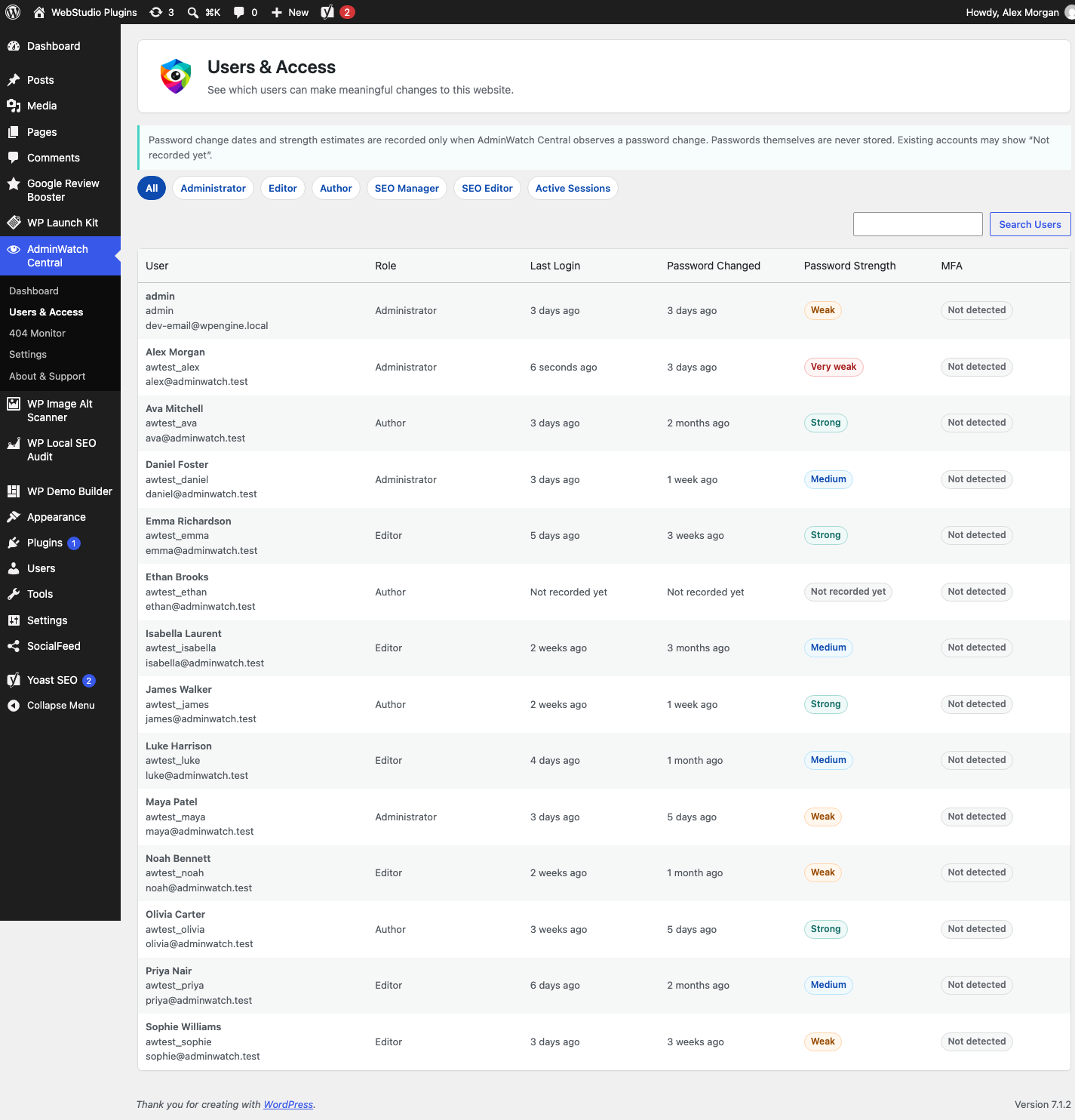
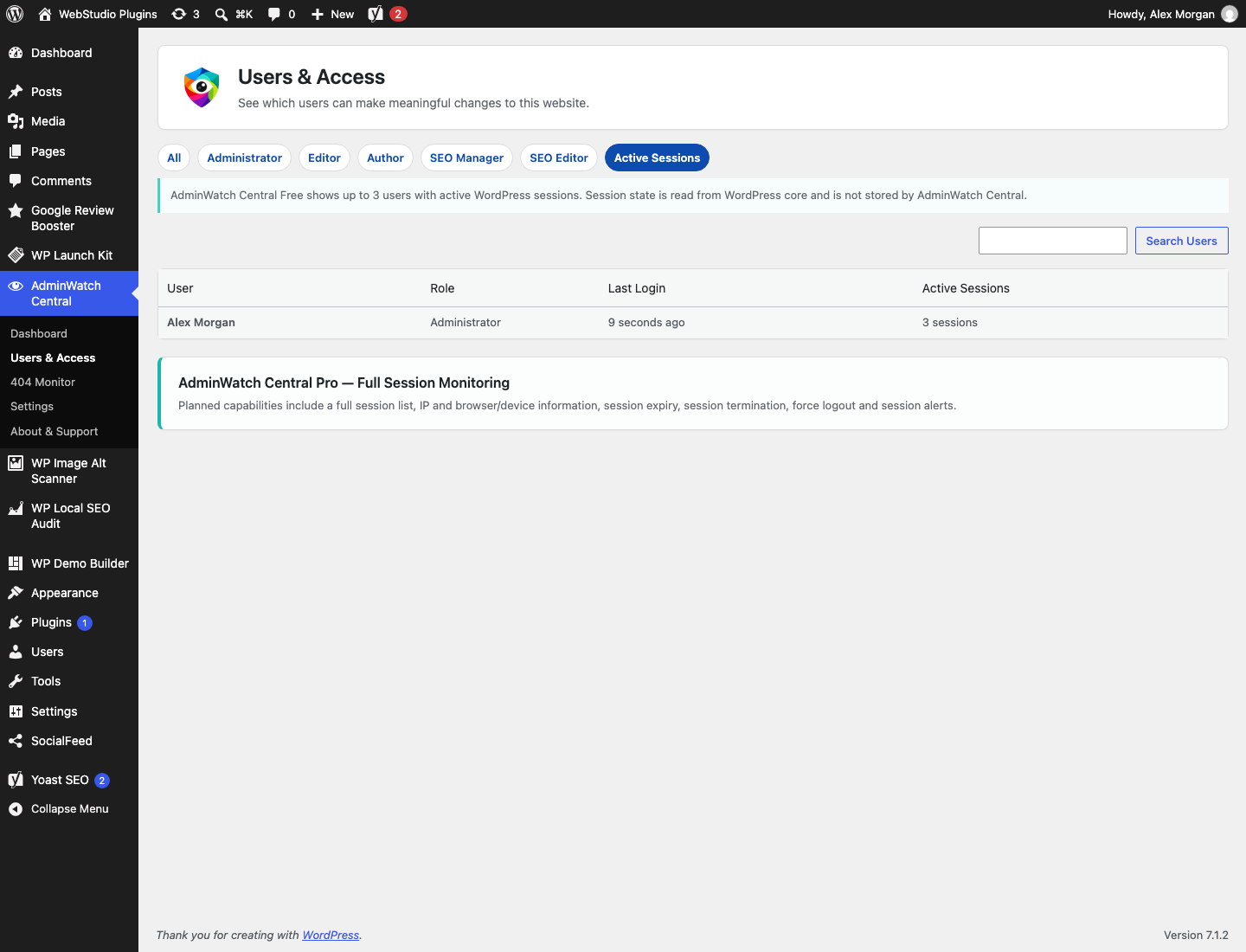
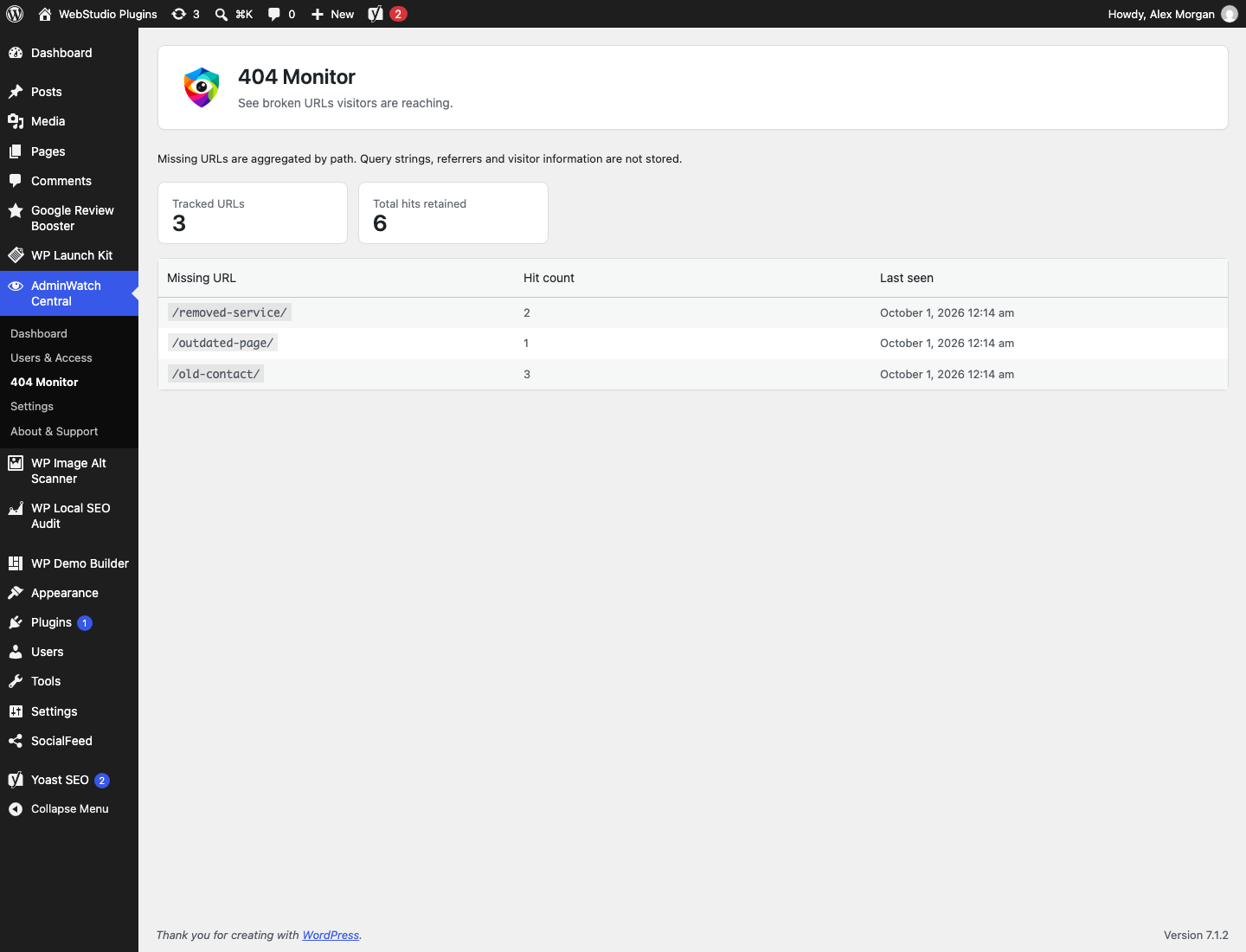
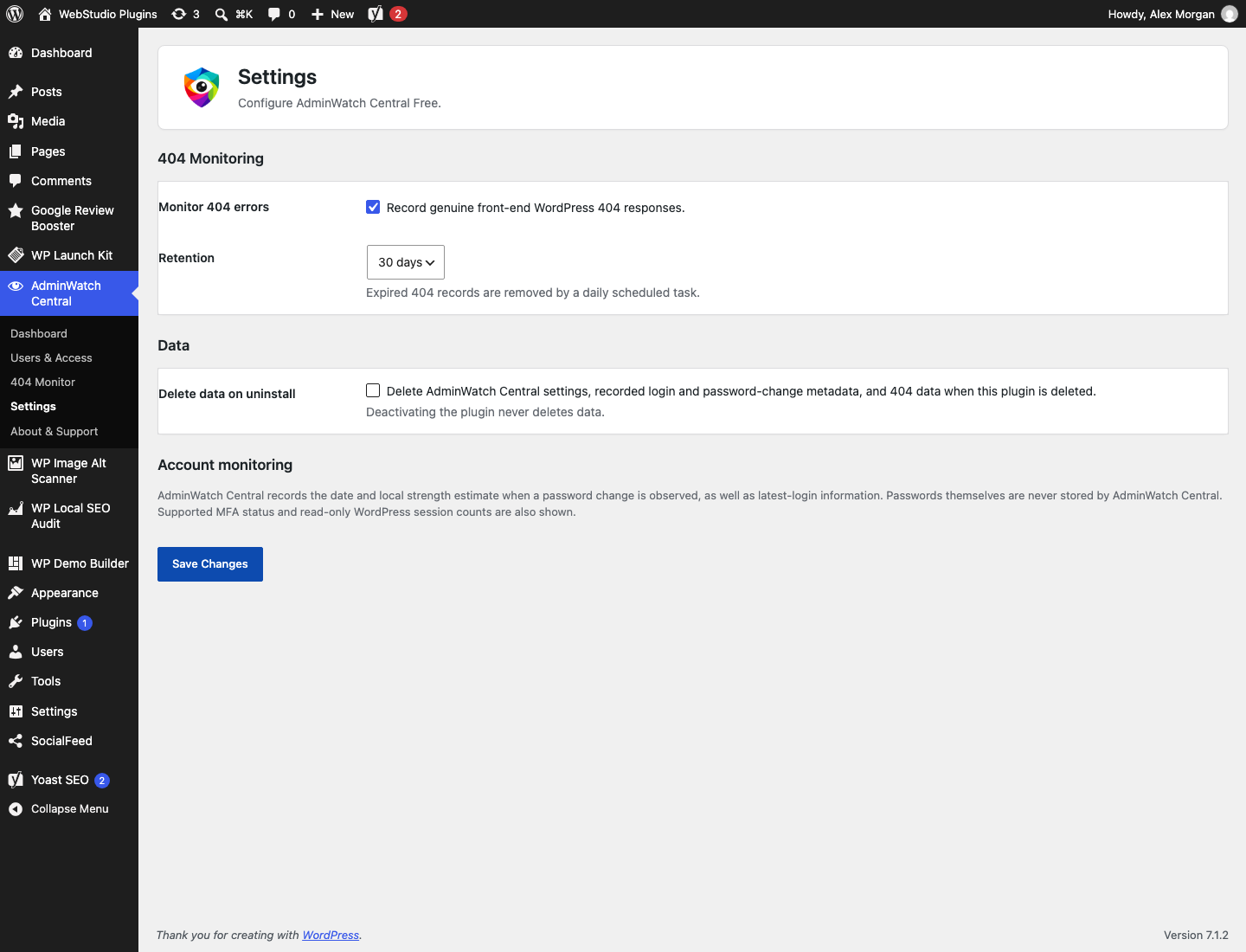
常见问题:
Why does a user say “Not recorded yet”?
Admin Watch Central only records successful logins after it is installed. It does not guess historic login activity.
Does deactivation delete data?
No. Data is retained on deactivation. The optional delete-on-uninstall setting controls deletion when the plugin is removed.
Does Admin Watch Central monitor WordPress logins?
It records the latest successful login after observing WordPress's successful-login hook. When Site Activity is enabled, known login/logout events are also retained within the configured activity retention period. Nothing is inferred about earlier activity.
Can I see active WordPress sessions?
Yes. The dedicated Active Sessions screen reads current valid WordPress sessions for privileged users, with search, role filtering and pagination. It does not store session details or provide session termination, IP, device or browser tracking.
Does Admin Watch Central store passwords?
No. It stores only an observed password-change date and a local strength estimate when a password is changed.
Does Admin Watch Central record IP addresses?
No. Free does not collect or persist IP addresses in any form, for any event.
How do I control Site Activity data?
Settings can disable all activity recording, disable grouped failed-login recording, choose 7, 30 or 90 days of retention, or clear retained Site Activity with an explicit confirmation. Clearing activity does not delete latest account metadata or 404 data. Deactivation preserves data. Delete-on-uninstall applies to all Admin Watch Central settings, account metadata and tables.
Does Admin Watch Central send data to Web Studio WA?
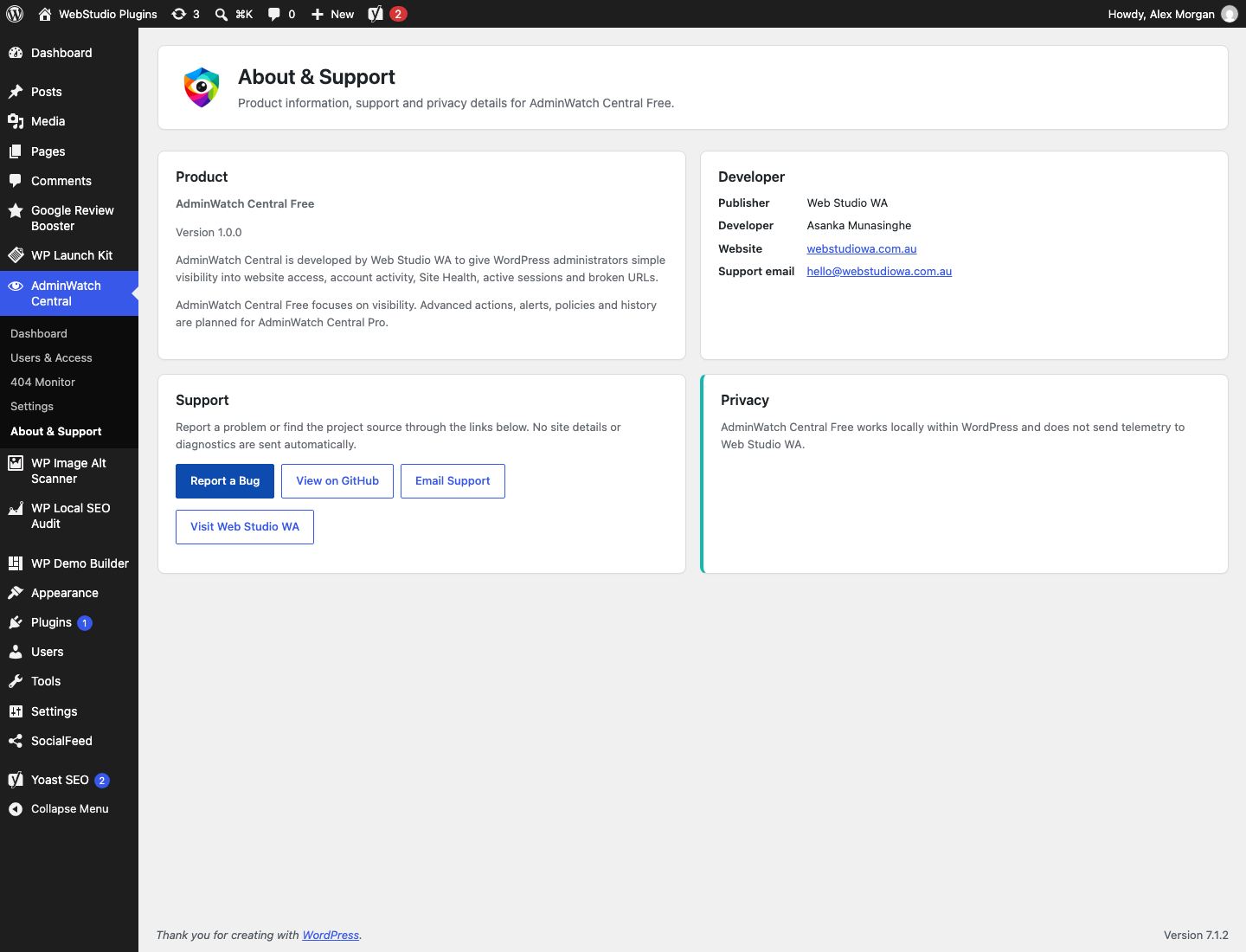
No. Admin Watch Central works locally within WordPress and does not send telemetry to Web Studio WA.
更新日志:
- Added a dedicated, searchable and paginated Active Sessions screen.
- Added lightweight Site Activity with category, user and date filters, search and pagination.
- Added Dashboard Recent Activity and user-specific activity links.
- Added bounded failed-login aggregation without IP addresses.
- Added activity recording controls, 7/30/90-day retention and confirmed log clearing.
- Added monitoring for supported user, content, plugin, theme and confirmed automatic WordPress update events.
- Improved role-change activity accuracy and compatibility with WordPress admin notices.
- Extended WordPress privacy tools and optional uninstall cleanup to Site Activity.
- Preserved existing account metadata, 404 data and the administrator access model during upgrades.
- Refined the Admin Watch Central product name for clearer presentation.
- Improved compatibility with third-party WordPress admin notices.
- Improved WordPress.org listing copy and discovery metadata.
- Moved the Admin Watch Central admin menu higher for easier access.
- Initial release.