AdSimple Cookie Consent Banner
| 开发者 | adsimple |
|---|---|
| 更新时间 | 2026年5月4日 20:49 |
| 捐献地址: | 去捐款 |
| PHP版本: | 5.4 及以上 |
| WordPress版本: | 6.9 |
| 版权: | GPLv2 or later |
| 版权网址: | 版权信息 |
详情介绍:
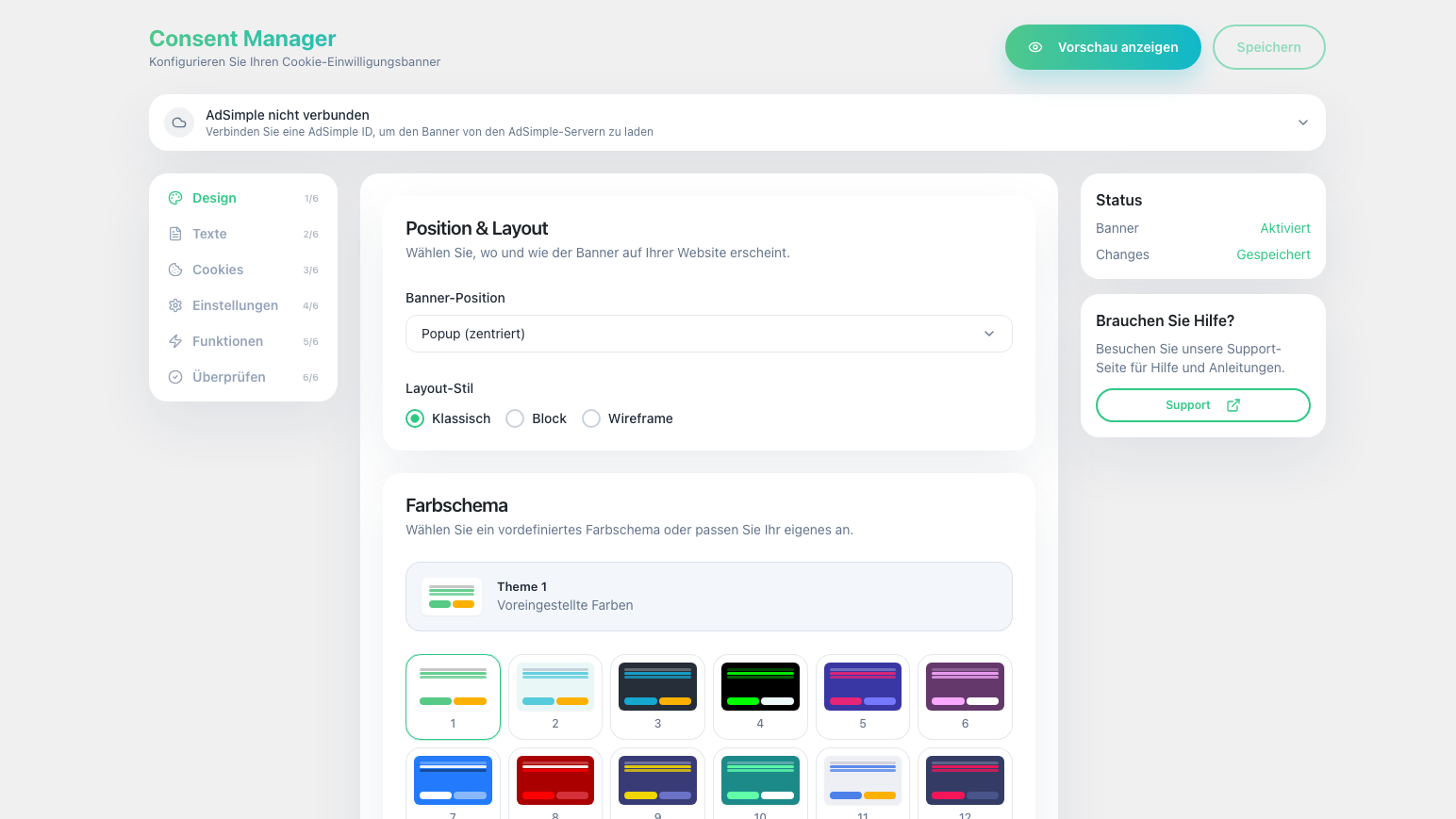
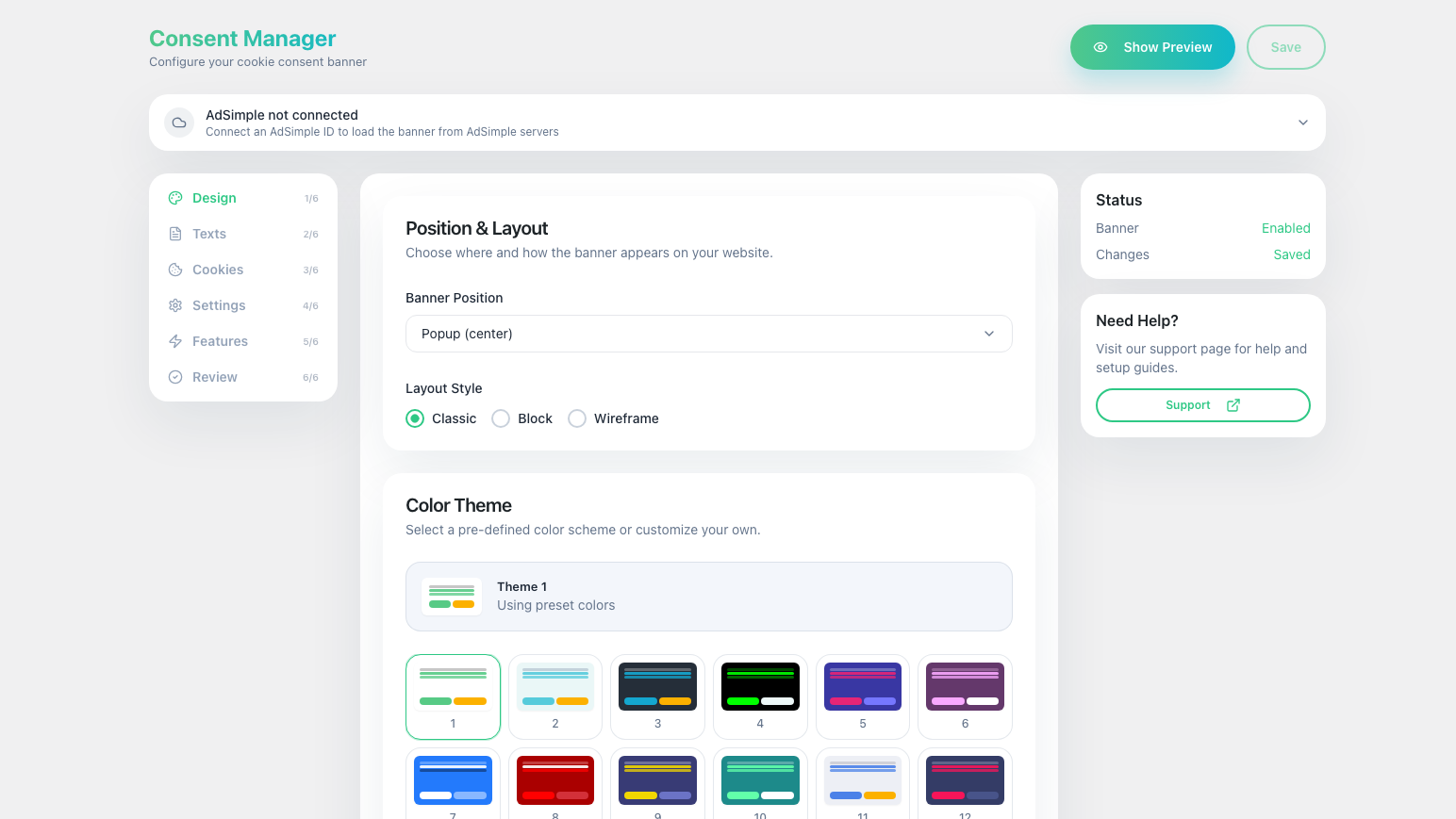
- 🎨 Design — Pick a position (popup, bottom bar, top bar, corners), layout (classic, block, wireframe), color theme, and fine-tune with custom colors, shadow effects, and a settings button.
- ✏️ Texts — Customize the banner title, consent message, button labels, and link your privacy policy and legal notice pages.
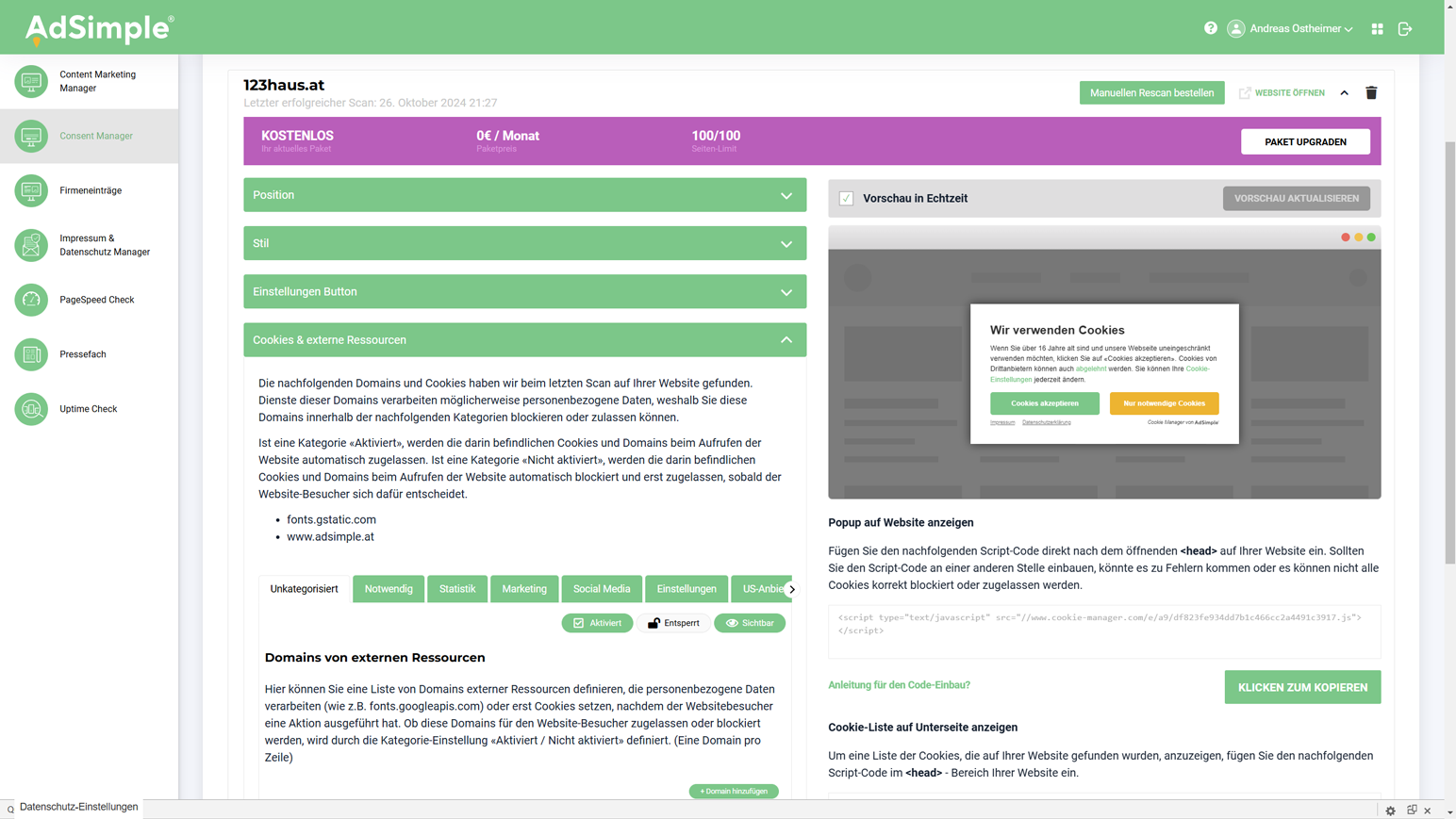
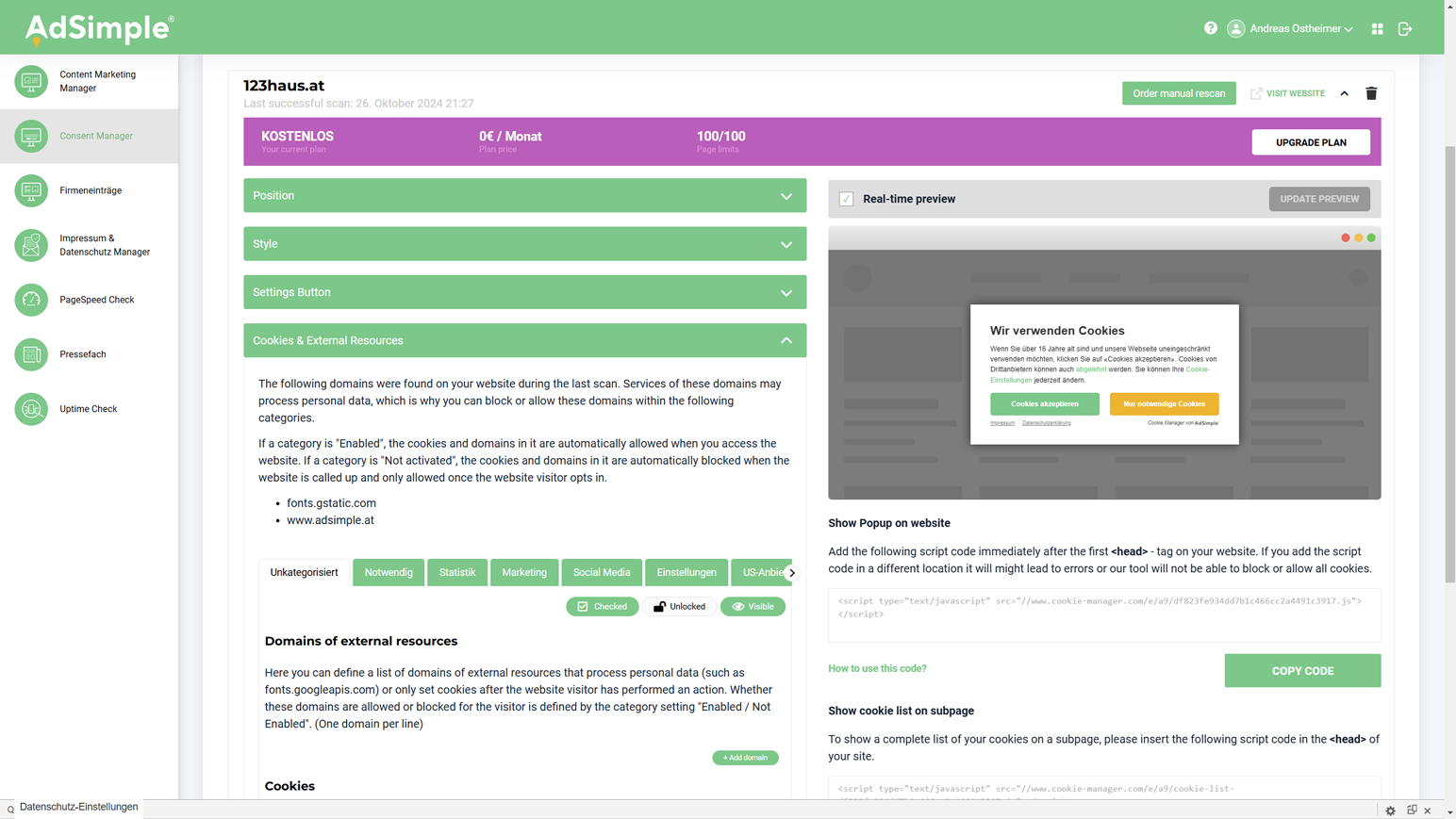
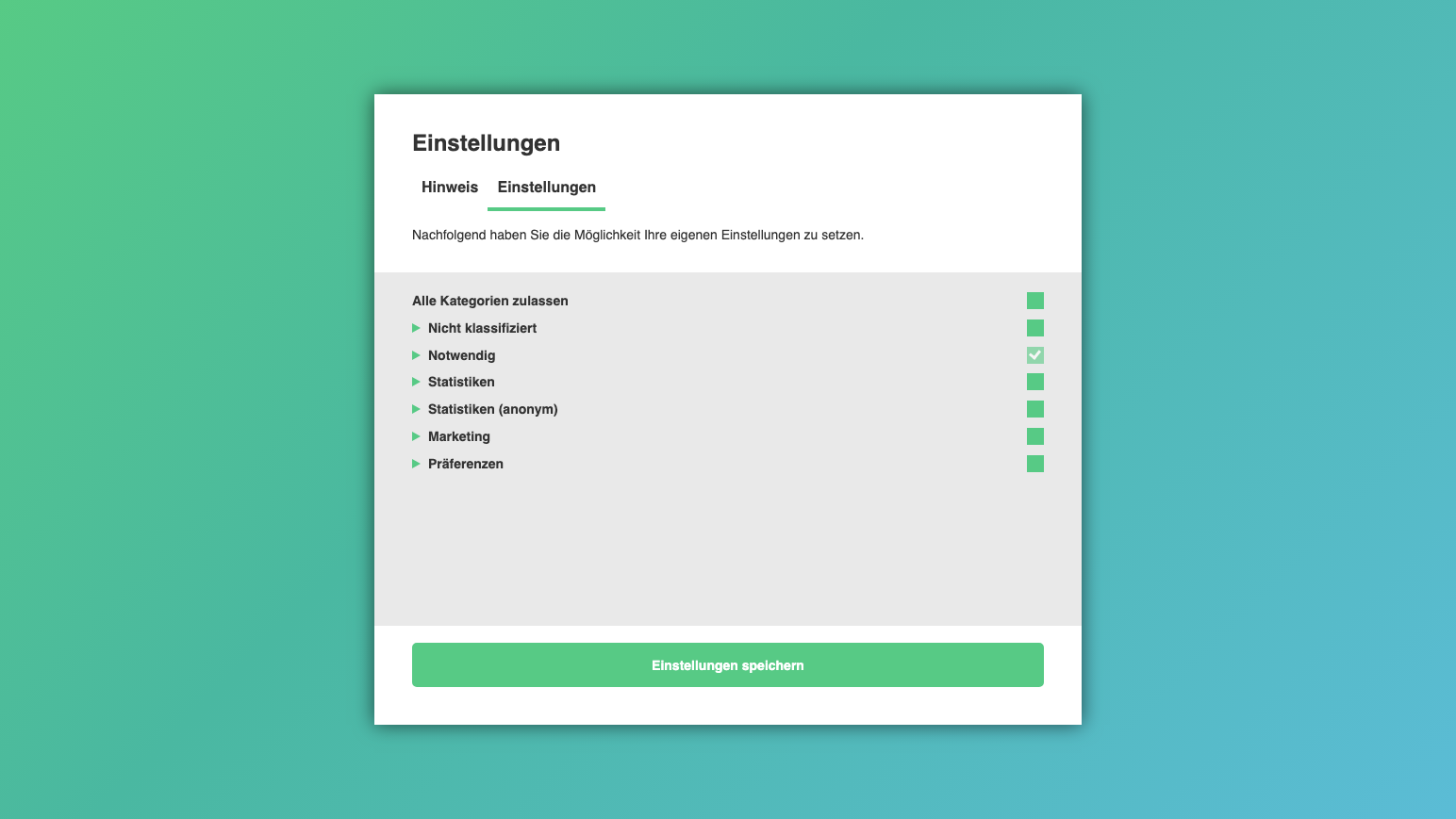
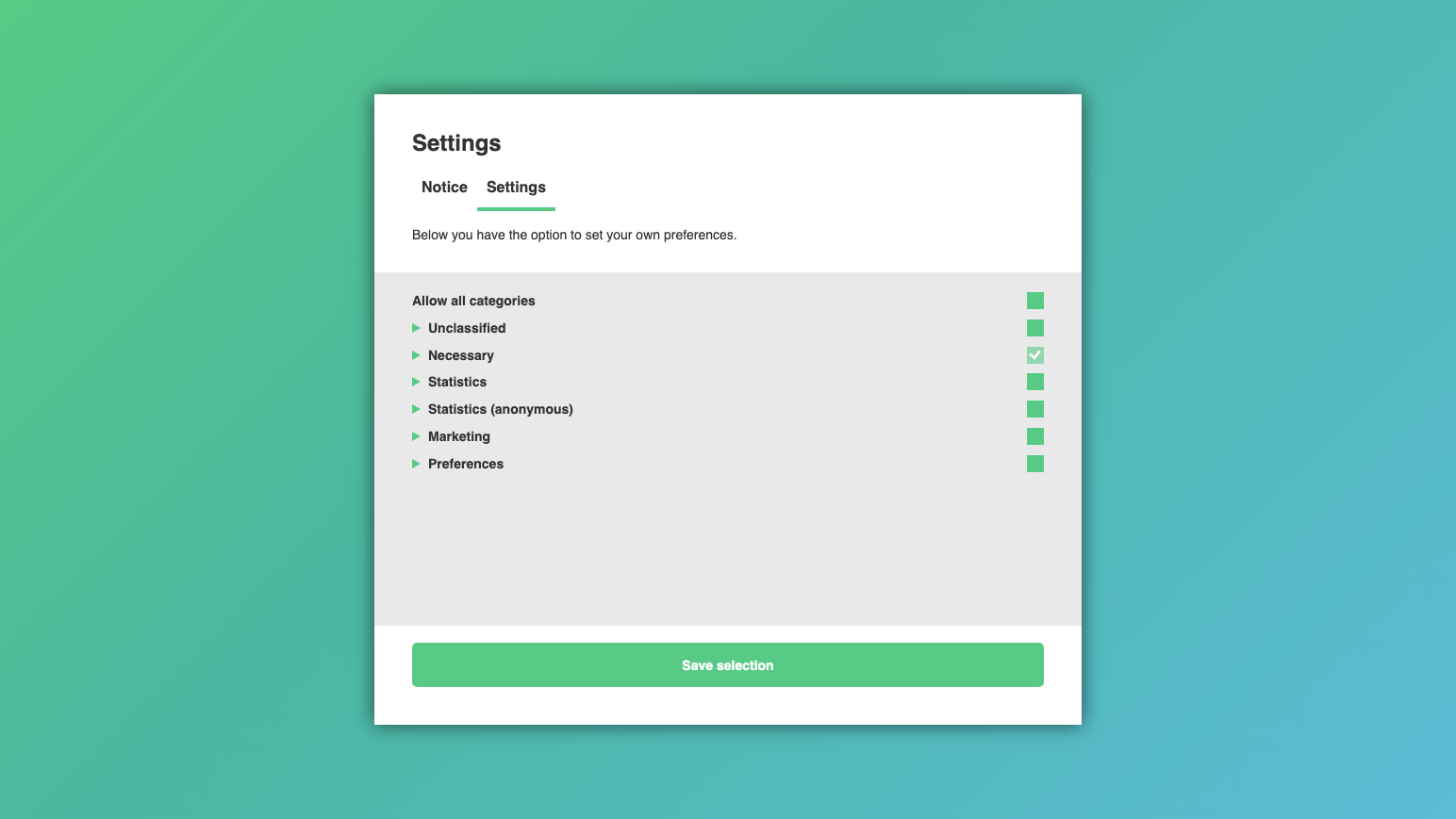
- 🍪 Cookies — Manage cookie categories (required, statistics, marketing, preferences, and more). Run a browser-based quick scan to detect cookies on your site.
- ⚙️ Settings — Set consent validity (1–365 days) and define visibility rules to exclude specific paths from showing the banner.
- 🚀 Features — Enable Google Consent Mode v2 and Global Privacy Control (GPC) support.
- ✅ Review — See a summary of your configuration and publish the banner.
- 🆓 Works without an account — Full local banner setup with no external dependencies.
- 🎨 16 color themes — Pre-built themes plus full custom color control (18 color fields).
- 📐 6 banner positions — Popup (center), bottom bar, bottom-left, bottom-right, top bar, top fixed.
- 🧱 3 layouts — Classic, Block, Wireframe.
- 🔒 Script blocking — Third-party scripts are automatically blocked until the visitor gives consent.
- 🔍 Browser-based cookie scan — Detect cookies directly from the admin dashboard, no remote service needed.
- 📊 Google Consent Mode v2 — Built-in support with configurable default consent states.
- 🛡️ Global Privacy Control (GPC) — Respect the W3C GPC opt-out signal (
navigator.globalPrivacyControl). Non-essential cookies are auto-rejected when the visitor's browser signals GPC, and the banner is skipped while the settings badge stays accessible. - 🍪 Cookie categories — 6 categories (required, statistics, statistics-anonymous, marketing, unclassified, preferences) with per-category activation, locking, and visibility controls.
- 🚫 Visibility rules — Exclude specific paths (e.g. /checkout, /my-account/*) from showing the banner.
- ⚙️ Settings button — Configurable floating button so visitors can change their preferences at any time.
- 👁️ Live preview — See your banner changes in real time while configuring.
- ✅ IAB TCF 2.2 — Officially registered Consent Management Platform (CMP) with CMP ID 463.
- 🛡️ GDPR & ePrivacy — Fully compliant with EU privacy regulations.
- 🌐 W3C GPC — Honors the Global Privacy Control opt-out signal.
- ♿ WCAG 2.1 — Accessible design meeting European Accessibility Act (EAA) requirements.
- 🔌 WP Consent API — Compatible with the WordPress Consent API for seamless integration with other plugins.
[acm_cookie_list] to display an organized list of all detected cookies on any page or post.
Cache Compatibility
⚡ Tested and compatible with WP Rocket, WP Super Cache, W3 Total Cache, LiteSpeed Cache, Autoptimize, SG Optimizer, and WP Fastest Cache.
安装:
- In your WordPress dashboard, go to Plugins → Add New Plugin.
- Search for AdSimple.
- Click Install Now, then Activate.
- You will be redirected to the Consent Manager setup screen.
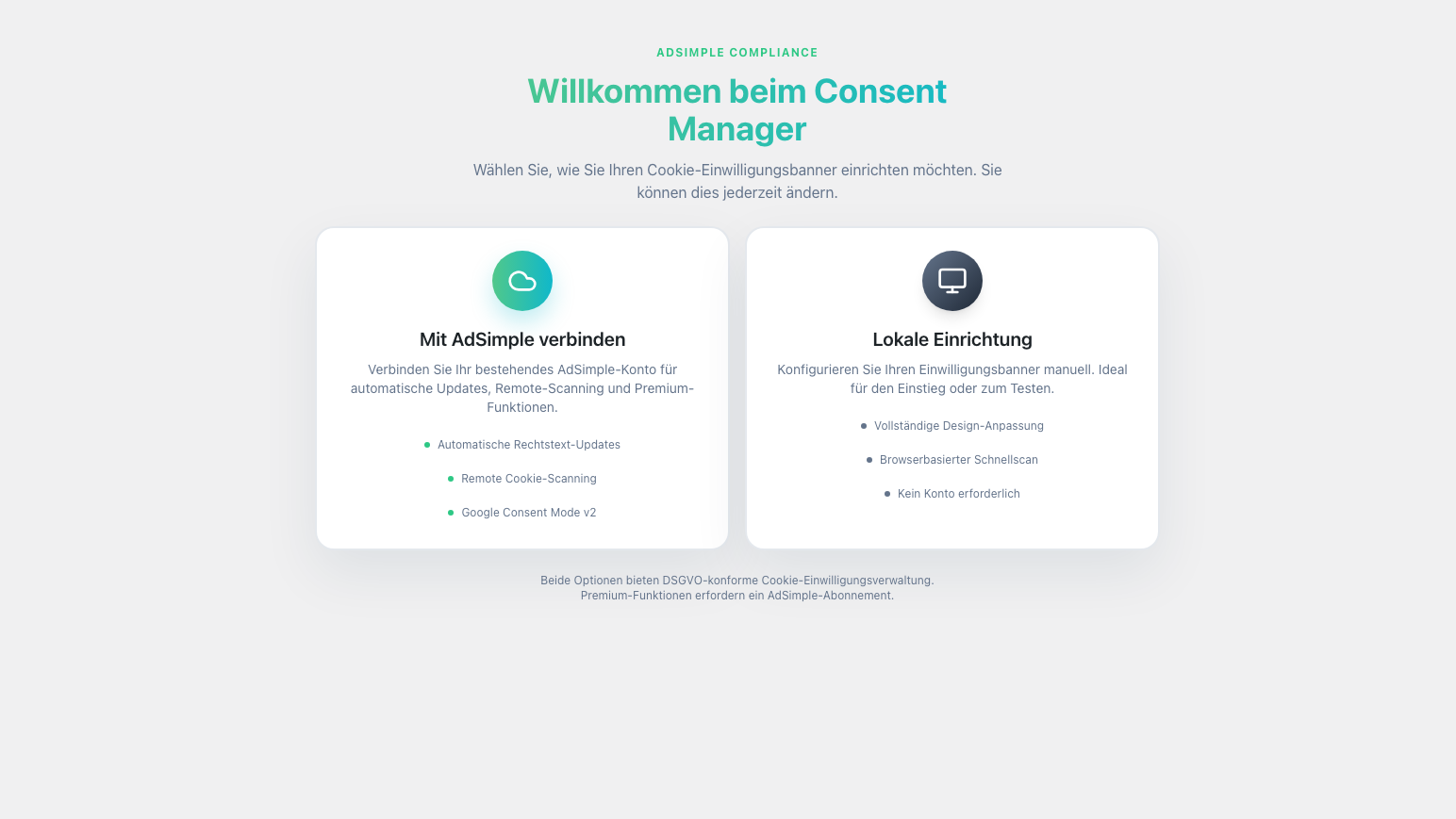
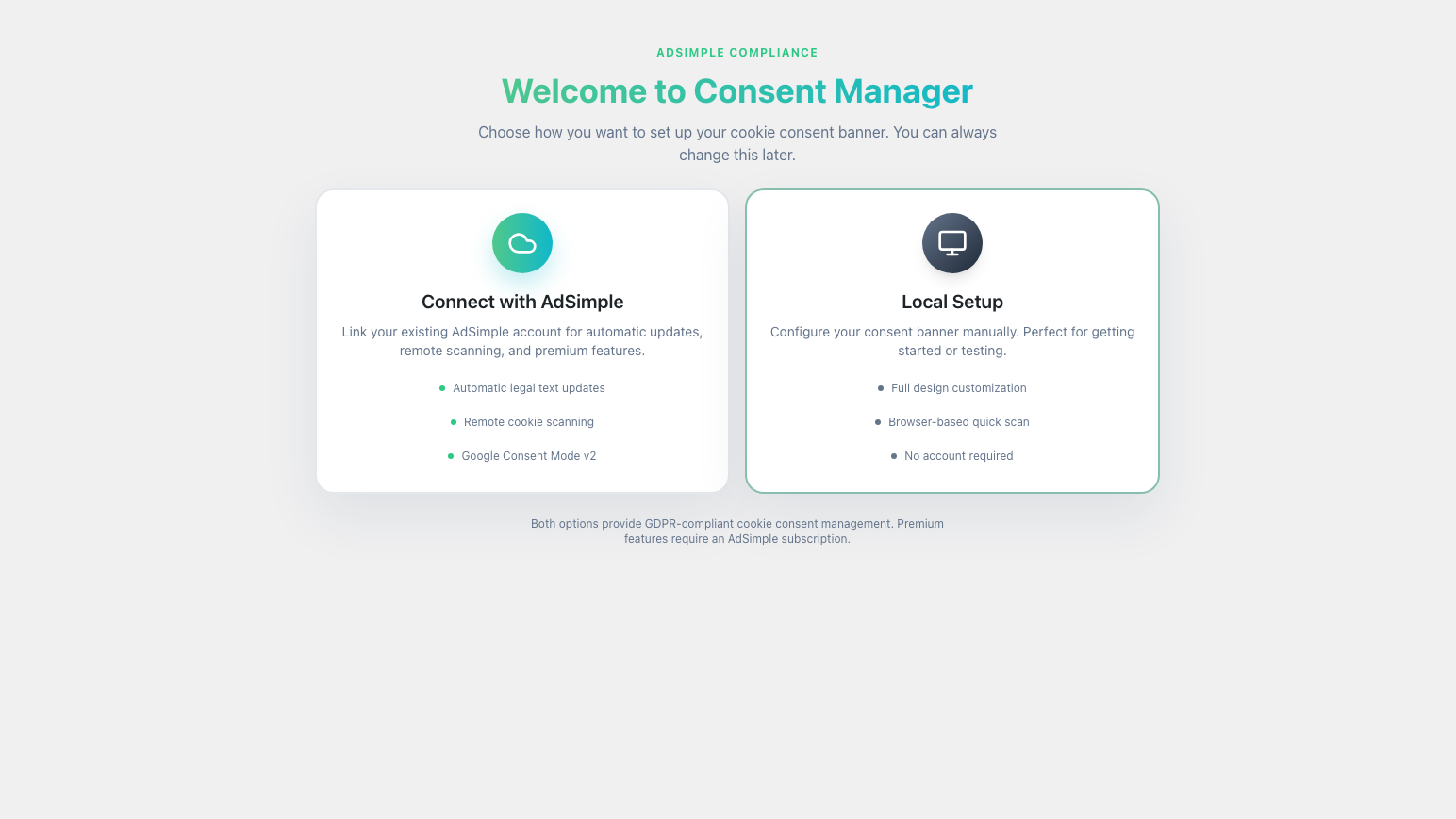
- Click Local Setup on the decision screen.
- Walk through the visual wizard: pick a design, customize texts, configure cookie categories, adjust settings, and enable features like Google Consent Mode v2.
- Click Publish Banner on the Review tab.
- Your cookie banner is now live on your website.
- Click Connect with AdSimple on the decision screen.
- Enter your AdSimple ID (found in your Consent Manager dashboard).
- Click Save.
- Your banner is managed centrally through your AdSimple account.
- Download the plugin ZIP file from WordPress.org.
- Go to Plugins → Add New Plugin → Upload Plugin.
- Upload the ZIP file and click Install Now, then Activate Plugin.
屏幕截图:
常见问题:
Do I need an AdSimple account to use this plugin?
No. Since version 2.2.0, you can set up and run a fully functional cookie consent banner entirely within WordPress using the built-in wizard. An AdSimple account is optional and provides additional features like automatic legal text updates and remote cookie scanning.
What is the Local Setup?
The Local Setup lets you configure your cookie banner directly in your WordPress admin using a visual wizard with six tabs (Design, Texts, Cookies, Settings, Features, Review). No external account is needed.
What is the difference between Local Setup and connecting with AdSimple?
With Local Setup, everything is configured and stored in WordPress. With AdSimple connection, the banner configuration is managed centrally on adsimple.at, which provides additional features like monthly remote cookie scans and automatic legal text updates. Both options produce a GDPR-compliant banner.
How do I customize the banner design?
In the wizard's Design tab, you can choose from 16 color themes, 3 layouts (Classic, Block, Wireframe), and 6 positions (popup, bottom bar, corners, top bar). You can also set custom colors for every element, configure drop shadow effects, and add a settings button.
What is the browser-based cookie scan?
The Cookies tab includes a quick scan feature that detects cookies on your website directly from your browser. No remote service is required. Found cookies are automatically assigned to categories.
Does the plugin support Google Consent Mode v2?
Yes. In the Features tab, you can enable Google Consent Mode v2 and configure the default consent state (denied or granted). The plugin sets the appropriate consent signals before any Google scripts load.
Can I display a list of cookies on my website?
Yes. Use the shortcode [acm_cookie_list] on any page or post to display an organized list of all detected cookies.
Is the plugin compatible with caching plugins?
Yes. The plugin is tested with WP Rocket, WP Super Cache, W3 Total Cache, LiteSpeed Cache, Autoptimize, SG Optimizer, and WP Fastest Cache. Cache is automatically cleared when banner settings change.
How does script blocking work?
When using the local banner, third-party scripts are automatically blocked until the visitor gives consent. A blocking runtime script is injected early in the page head (before other scripts load) to prevent unauthorized tracking.
Can I exclude certain pages from showing the banner?
Yes. In the Settings tab, you can define visibility rules to exclude specific paths (e.g. /checkout, /my-account/*) from displaying the cookie banner.
How long is consent valid?
You can configure the consent validity between 1 and 365 days in the Settings tab. After the configured period, visitors will be asked for consent again.
Can I switch from Local Setup to AdSimple (or vice versa)?
Yes. You can connect to AdSimple at any time from the plugin settings, or disconnect to switch back to the local banner.
Is the Consent Manager compatible with all WordPress themes?
Yes. The cookie banner is rendered independently of your theme and works with all WordPress themes.
更新日志:
- Release Date - 30th April 2026
- Added: Global Privacy Control (GPC) support in the Features tab — when a visitor's browser signals
navigator.globalPrivacyControl, non-essential cookies are auto-rejected and the consent banner is skipped per the W3C GPC specification. The settings badge remains visible so visitors can change their preferences. - Added:
/.well-known/gpc.jsonresource published when GPC support is enabled, declaring W3C GPC compliance to browsers and tools
- Release Date - 10th April 2026
- Fixed: English placeholders {necessary-cookies} and {cookie-settings} in the cookie banner text were not rendered as clickable links (only German placeholders worked)
- Release Date - 10th March 2026
- Fixed: Admin settings page stuck on "Loading application…" when WPML or other plugins (dark-mode, snippet managers) modify the WP_Screen object
- Fixed: type="module" script attribute now applied reliably across all WordPress versions (4.2+) via script_loader_tag filter instead of wp_script_add_data()
- Release Date - 2nd March 2026
- Added: New visual configuration wizard with six tabs (Design, Texts, Cookies, Settings, Features, Review)
- Added: Local Setup mode — full cookie banner without an AdSimple account
- Added: Decision screen to choose between AdSimple connection and Local Setup
- Added: 16 built-in color themes with full custom color support (18 color fields)
- Added: 6 banner positions (popup, bottom bar, bottom-left, bottom-right, top bar, top fixed)
- Added: 3 banner layouts (Classic, Block, Wireframe)
- Added: Browser-based cookie quick scan from the admin dashboard
- Added: Automatic script blocking until visitor consent
- Added: Google Consent Mode v2 support with configurable default states
- Added: 6 cookie categories with per-category activation, locking, and visibility controls
- Added: Visibility rules to exclude specific paths from showing the banner
- Added: Configurable settings button for visitors to change preferences
- Added: Live banner preview in the admin wizard
- Added: Consent validity configuration (1–365 days)
- Added: Modern React-based admin interface
- Added: REST API for options and cookie scan management
- Release Date - 24th February 2026
- Fixed: Consent banner script tags were stripped by wp_kses_post(), causing raw JavaScript to appear as text on the page (with local cache) or the banner not loading at all (without local cache)
- Fixed: Local script cache is now automatically invalidated when the plugin version changes, preventing stale cached scripts after updates
- Fixed: Third-party page cache clearing now supports WP Super Cache, W3 Total Cache, LiteSpeed Cache, Autoptimize, SG Optimizer and WP Fastest Cache (in addition to WP Rocket)
- Fixed: Third-party page caches are now always cleared when local cache is deleted, even if individual cache file deletions fail
- Release Date - 23rd February 2026
- Fixed: Renamed plugin display name to comply with WordPress.org guidelines (removed "WordPress" trademark and "Plugin" word)
- Fixed: Added missing GPLv2 license header to plugin file
- Fixed: Updated "Tested up to" to WordPress 6.9
- Fixed: Replaced all short PHP opening tags (<?=) with full <?php echo tags
- Fixed: Removed promotional language from readme description
- Fixed: Added ABSPATH direct file access protection to all PHP files
- Fixed: Improved output escaping throughout templates (esc_html, esc_attr, esc_url, wp_kses_post)
- Fixed: Added nonce verification and input sanitization for form handling
- Fixed: Replaced direct filesystem calls with WordPress Filesystem API
- Fixed: Added translator comments and fixed unordered placeholders in i18n strings
- Fixed: Replaced parse_url() with wp_parse_url() and unlink() with wp_delete_file()
- Fixed: Replaced wp_redirect() with wp_safe_redirect()
- Fixed: Prefixed custom hook names and template variables
- Release Date - 18th August 2025
- Updated: Fixed PHP 8.0+ compatibility issue with static method calls
- Release Date - 29th July 2025
- Added: WP Consent API integration
- Release Date - 1st July 2025
- Added: Registered as an official CMP under IAB Europe's Transparency and Consent Framework (TCF) with CMP ID 463.
- Added: EAA WCAG 2.1 compliance
- Updated: Readme to reflect TCF certification.
- Updated: Readme to reflect EAA WCAG 2.1 compliance.
- Release Date - 12th December 2024
- Added: added screenshots
- Updated: updated readme.txt
- Release Date - 14th November 2024
- Updated: updated text-domain loading
- Updated: whitespace cleanup
- Updated: tested up to WP 6.6.2
- Release Date - 7th November 2024
- Updated: updated short description
- Updated: code-style update, improved code readability
- Updated: whitespace cleanup
- Release Date - 5th November 2024
- Updated: updated text domain to plugin slug
- Updated: code-style update, improved code readability
- Updated: whitespace cleanup
- Updated: updated readme.txt
- Release Date - 5 September 2024
- Updated: improved embed_code validation
- Release Date - 3 September 2024
- Updated: updated plugin name
- Updated: updated readme.txt
- Release Date - 3 September 2024
- Updated: improved error-handling
- Release Date - 27 August 2024
- Updated: tested up to WP 6.5.4
- Release Date - 12 October 2022
- Updated: updates logic for exclude from WP Rocket
- Release Date - 7 December 2021
- Updated: Minor changes for PHP 8.0
- Release Date - 21 June 2021
- Updated: Optimization local version
- Release Date - 9 June 2021
- Added: Locale cache
- Release Date - 5 March 2021
- Updated: logic for exclude from WP Rocket
- Release Date - 4 March 2021
- Added: Support of shortcode [acm_cookie_list]
- Added: Refactoring
- Release Date - 24 November 2020
- Added: Refactoring
- Release Date - 11 November 2020
- Added: Refactoring
- Added: Added functionality exclude from WP Rocket
- Release Date - 24 August 2020
- Updated: Minor changes
- Release Date - 26 March 2020