
Portfolio Grid - Filterable Gallery, Grid & Slider Showcase
| 开发者 |
wpbean
imranwpb |
|---|---|
| 更新时间 | 2026年10月9日 00:30 |
| PHP版本: | 7.4 及以上 |
| WordPress版本: | 7.1.3 |
| 版权: | GPLv2 or later |
| 版权网址: | 版权信息 |
详情介绍:
Portfolio Grid – Filterable Gallery, Grid & Slider Showcase is a powerful WordPress Portfolio Plugin for creating beautiful and responsive portfolio showcases, portfolio galleries, filterable portfolio grids, and portfolio sliders. Whether you're building a portfolio website, project showcase, designer portfolio, agency website, or creative portfolio, this plugin makes it easy to display your work professionally.
Create a Filterable Portfolio Gallery with custom layouts, category filters, image grids, thumbnail galleries, gallery sliders, and portfolio lightbox popups. Showcase projects, case studies, photos, videos, products, or custom post types using responsive portfolio layouts that work perfectly across all devices.
This Portfolio Gallery Plugin supports portfolio grid layouts, masonry portfolio grids, portfolio carousel sliders, portfolio categories, and portfolio archive pages. Display your portfolio items with shortcodes, Elementor widgets, and Gutenberg blocks without writing any code.
Advance Portfolio Grid is a powerful and flexible WordPress plugin that helps you create stunning, responsive portfolio grids and galleries with ease. Designed for creative professionals, agencies, photographers, designers, and business websites, this portfolio grid plugin allows you to showcase your projects, work samples, case studies, or featured content in beautifully organized layouts that adapt seamlessly across devices.
Buy PRO Version | Free Demo | Pro Demo | Support | Pro DocumentationWith a user-friendly interface and shortcode-based integration, Advance Portfolio Grid makes it simple to build customized portfolio grids without any coding knowledge. You can display portfolios in multiple layout styles, filterable categories, and customizable designs that match your site’s branding and visual identity. Whether you’re presenting individual projects or group collections, this portfolio grid solution helps you highlight your work in a visually compelling way that engages visitors and improves site interaction. Built with performance and responsiveness in mind, Advance Portfolio Grid works smoothly with modern WordPress themes and supports mobile-friendly layouts, ensuring your portfolio looks great on desktops, tablets, and smartphones. Its flexible settings give you control over columns, spacing, hover effects, lightbox support, and more—making it a complete solution for creating professional portfolio displays without complexity. Video Documentation: https://www.youtube.com/watch?v=EuyUcUdspSQ WPB Filterable Portfolio V 1.07: https://www.youtube.com/watch?v=cK4a5l1_Xds Plugin Features:
- Responsive Portfolio Grid and Filterable Portfolio Gallery.
- Flexible column control for desktop, tablet, and mobile devices.
- Display custom post types (CPT) in your portfolio grid or gallery.
- Easily include or exclude portfolio items.
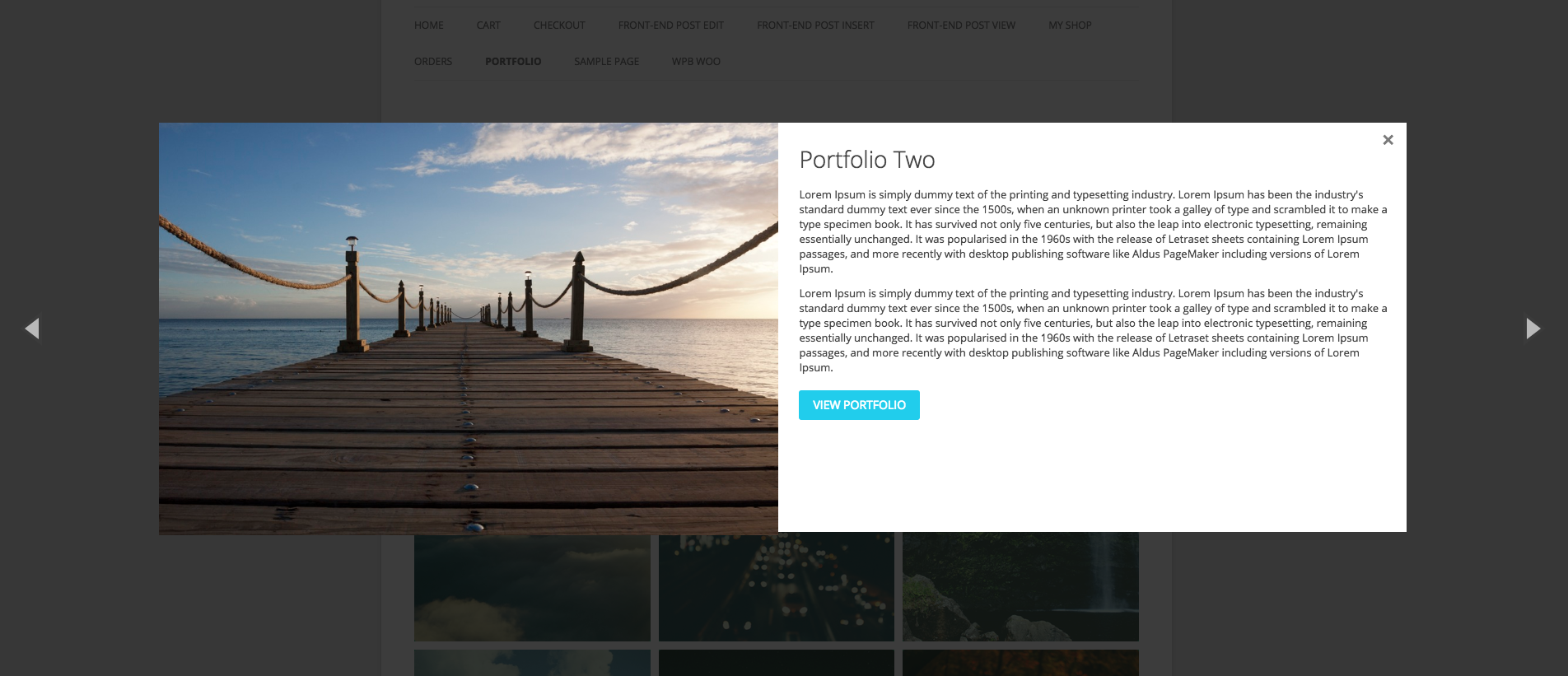
- Built-in Portfolio Lightbox Gallery and Gallery Quick View Popup.
- Customizable image sizes and layout settings.
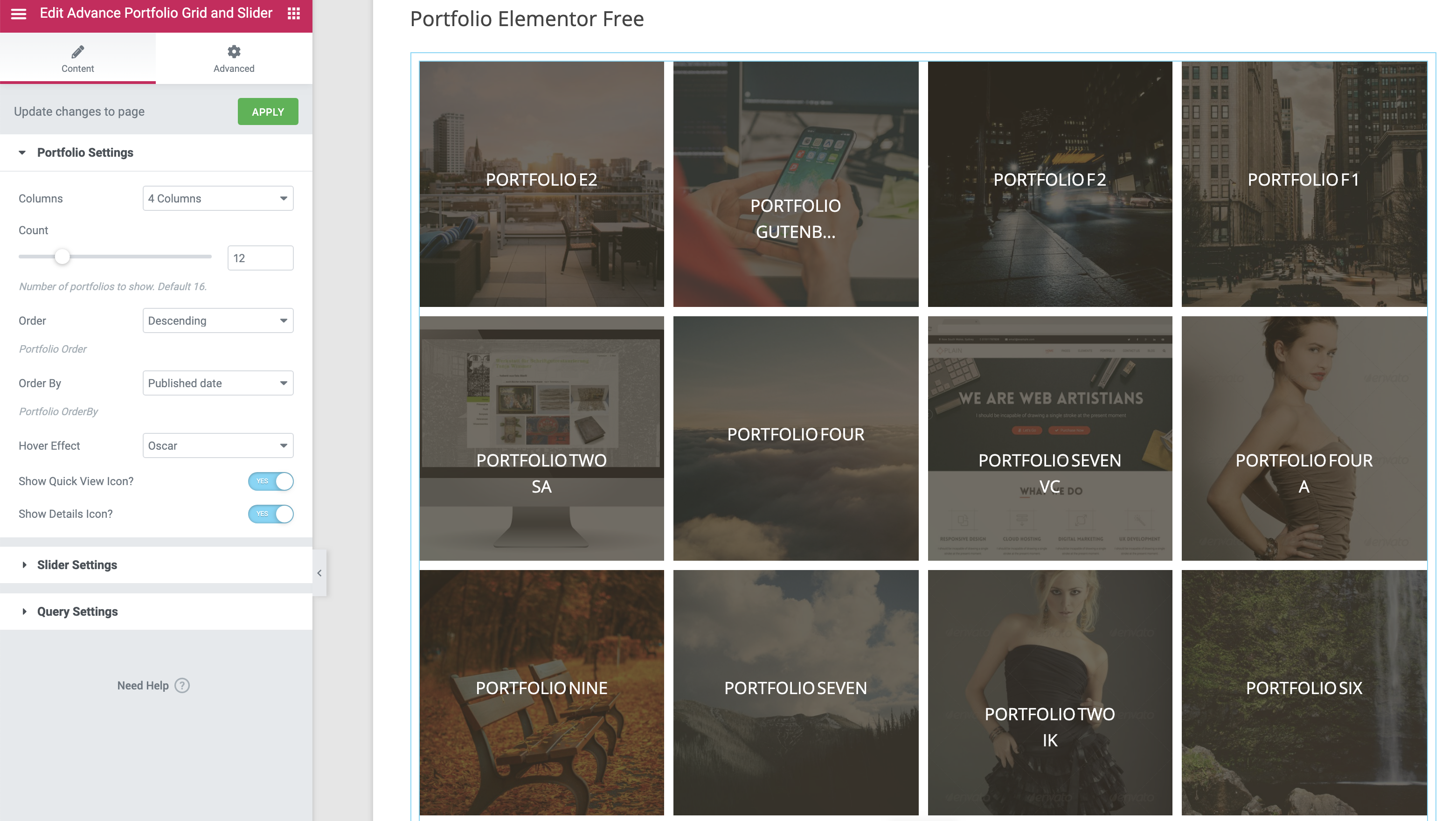
- Elementor Portfolio Widget compatibility.
- Portfolio Grid Layout and Masonry Portfolio Grid support.
- Portfolio Carousel and Gallery Slider layouts.
- Portfolio Shortcode and Gutenberg Portfolio Block support.
- Portfolio Categories and Filterable Projects showcase.
- Image Portfolio, Photo Portfolio and Video Portfolio support.
- Portfolio Popup and Lightbox Gallery support.
- Project Gallery and Portfolio Showcase layouts.
- Simple and powerful shortcode system.
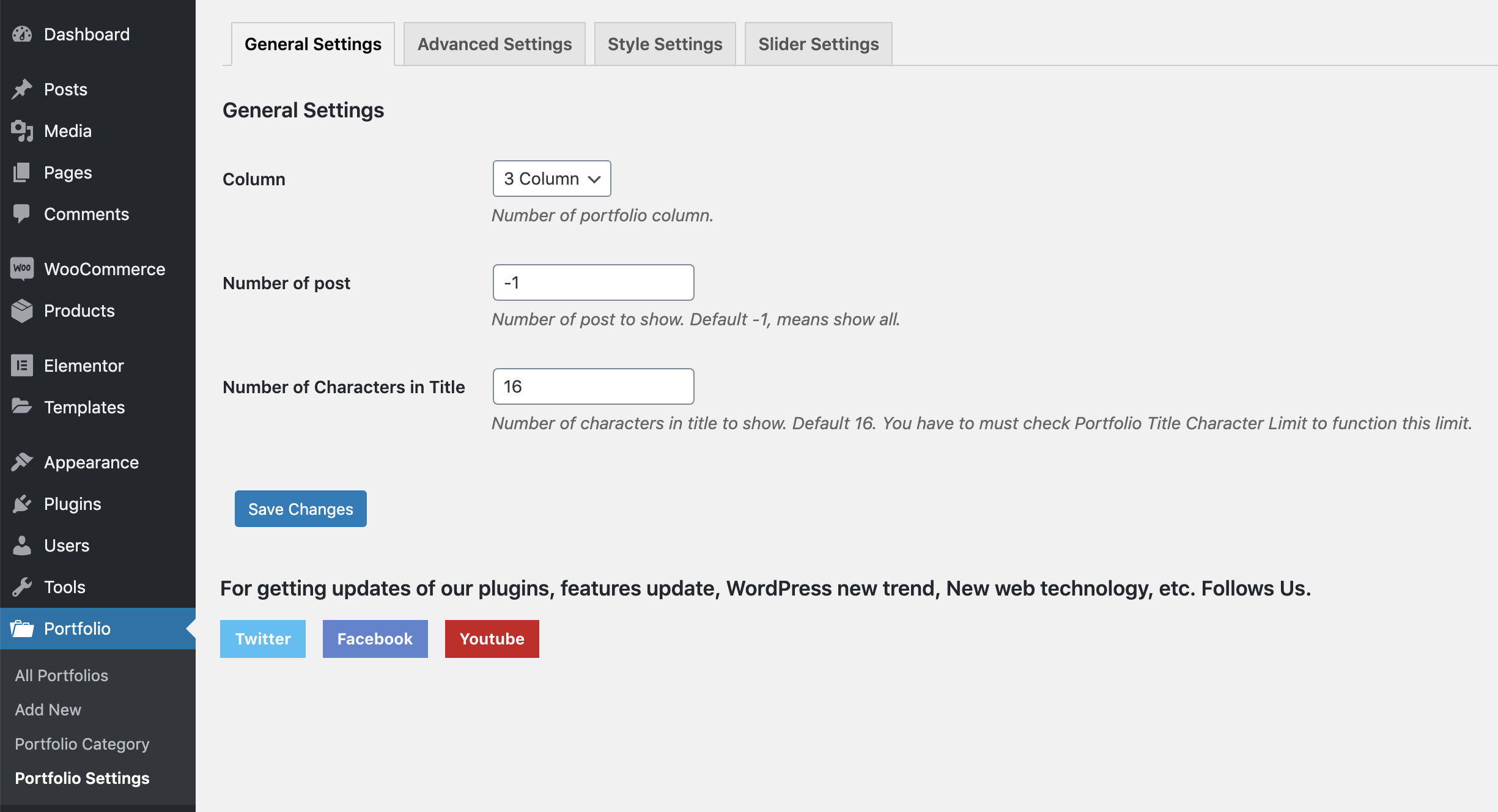
- Advanced settings panel for full control.
- Optimized for speed, performance, and modern browsers.
- Fully compatible with the Gutenberg block editor.
- Translation ready and works with WPML, Polylang, GTranslate, and other multilingual plugins.
- Advanced Filterable Portfolio Grid, Portfolio Showcase Gallery, and Portfolio Slider.
- WordPress Filterable Portfolio with AJAX filtering.
- Filterable Image Gallery and Filterable Projects layouts.
- Portfolio Masonry Grid and Gallery Portfolio layouts.
- Portfolio Carousel Slider support.
- Portfolio Custom Post Type and Custom Taxonomy support.
- Portfolio with Filters for categories and projects.
- Elementor Portfolio integration.
- Divi Portfolio compatibility.
- Stylish masonry layout support for modern portfolio designs.
- Powerful portfolio category filtering with smooth animations.
- AJAX load more button for seamless content loading.
- Built-in pagination options for portfolio grid.
- Video support in both grid and quick view popup.
- Multiple image gallery support with slider in quick view.
- WooCommerce integration to showcase products as portfolios.
- Responsive column control for all screen sizes.
- Includes 7 unique portfolio skins/layout styles.
- 4 filter styles for category navigation.
- 6 quick view popup designs for better presentation.
- Option to add external links to portfolio items.
- Works smoothly with any WordPress theme.
- 24/7 dedicated support for Pro users.
- View Pro Demo »
- Upgrade to Pro Version »
安装:
- Install it as a regular WordPress plugin
- Add some post with feature images in Portfolio post type.
- Then use the following shortcode for showing the portfolio.
[wpb-portfolio]
Shortcode Parameters
- type: Portfolio content type, Options: grid, slider. Default: grid.
- include: Comma separated portfolio category ids for showing only selected portfolios.
- exclude: Comma separated portfolio category ids for removing selected portfolio items.
- column: Portfolio column, accepted values - 2, 3, 4, 6
- orderby: Portfolio items order by. Default: date. Please visit this link for more details.
- order: Portfolio items order. Default: DESC. Accepted values - ASC, DESC.
- show_quickview_btn: Show quick-view icon or not, Options: on, off. Default: on.
- show_details_btn: Show details icon or not, Options: on, off. Default: on.
[wpb-portfolio]
Portfolio Exclude
[wpb-portfolio exclude="3,2"]
Portfolio Include
[wpb-portfolio include="3,2,4,5"]
Portfolio Column
[wpb-portfolio column="4"]
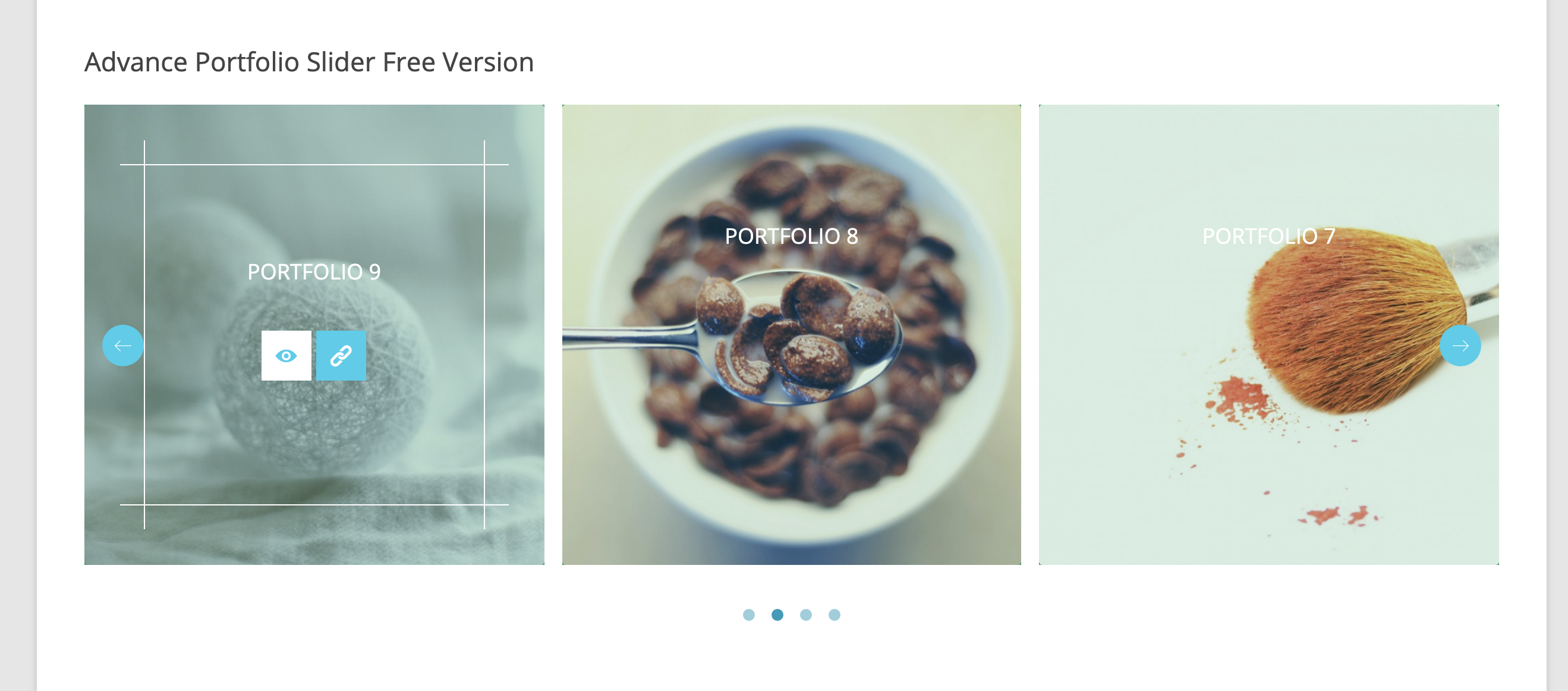
Portfolio Slider
[wpb-portfolio type="slider"]屏幕截图:
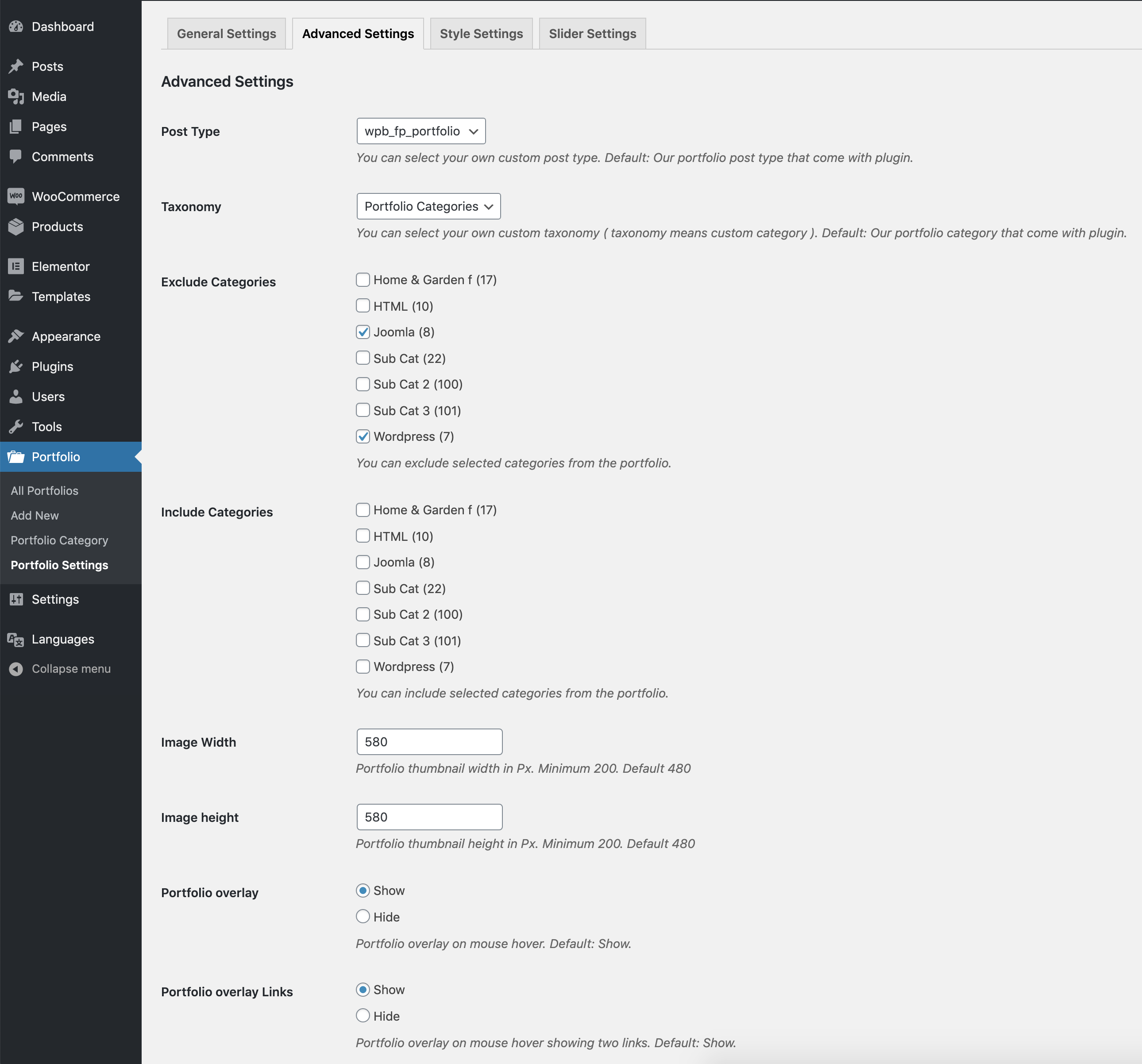
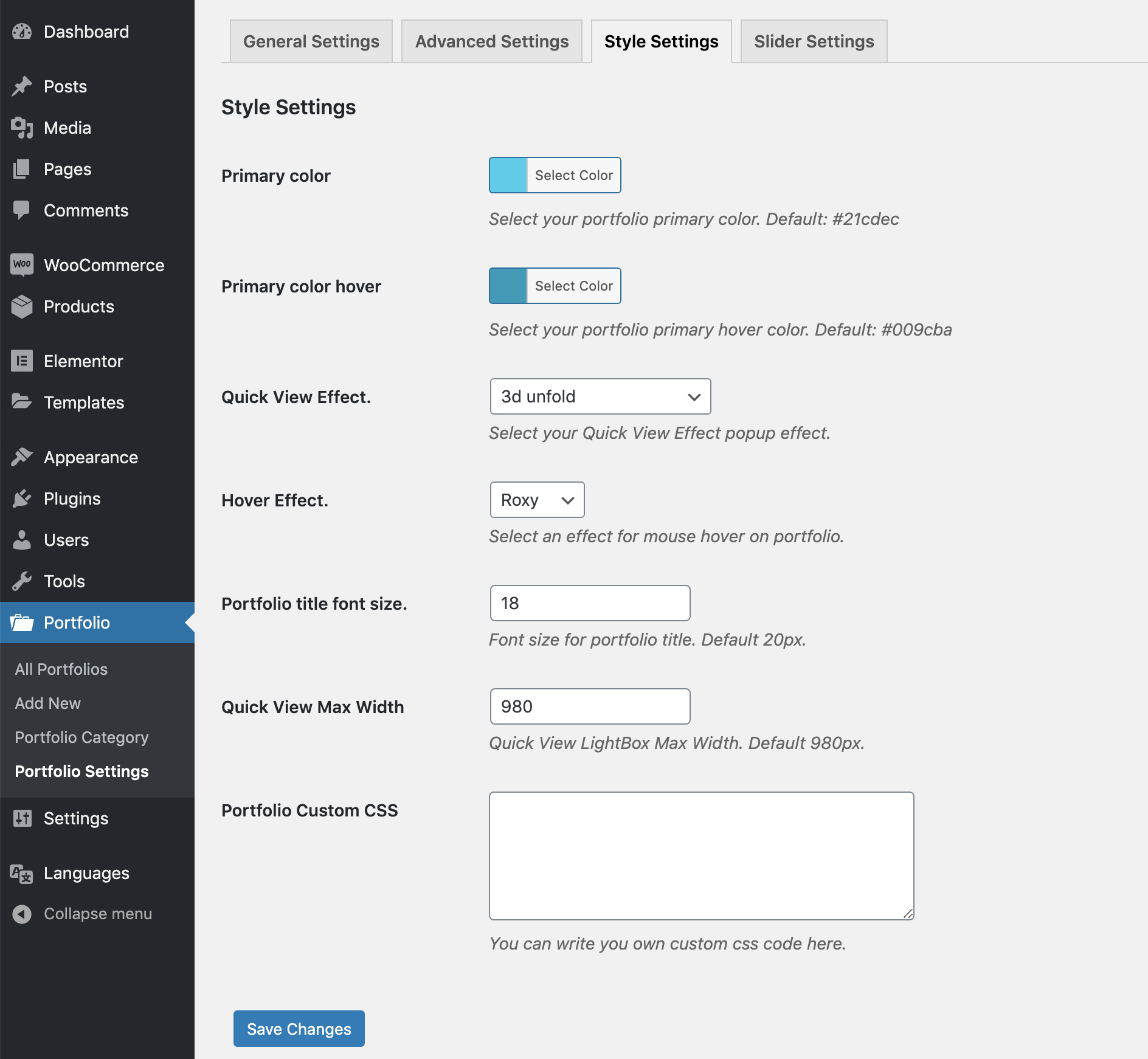
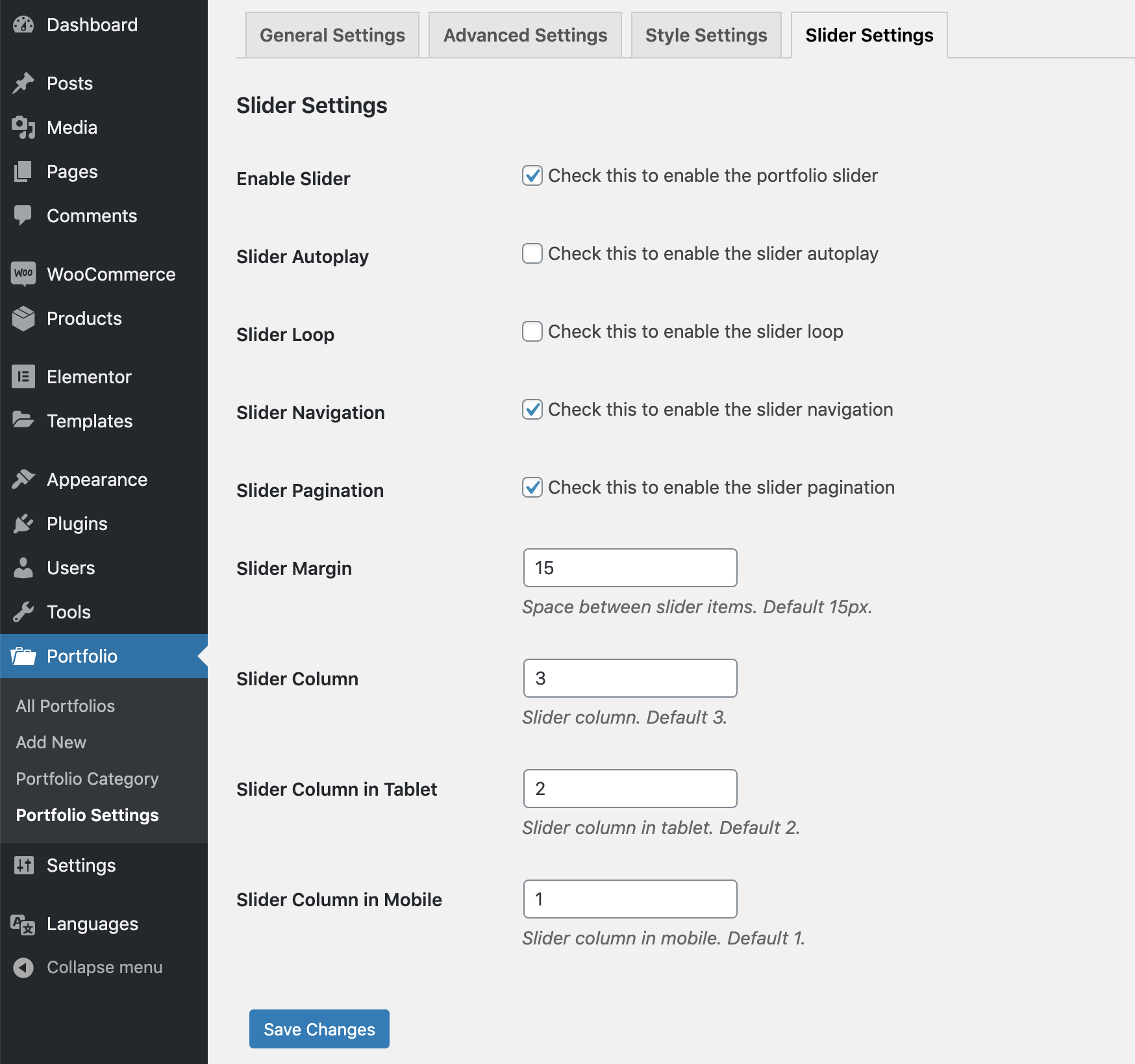
常见问题:
Can I create a Filterable Portfolio Grid in WordPress?
Yes. The plugin lets you create a Filterable Portfolio Grid with category filtering, responsive layouts, and AJAX-powered filtering in the Pro version.
Does this plugin support Elementor Portfolio layouts?
Yes. You can easily create Elementor Portfolio showcases using the built-in Elementor widget support.
Can I display Custom Post Types as a Portfolio Showcase?
Yes. The plugin supports Portfolio Custom Post Type and other custom post types for building project showcases and portfolio websites.
Can I create a Portfolio Slider and Gallery Slider?
Yes. You can display your portfolio items in beautiful Portfolio Slider and Gallery Slider layouts that are fully responsive.
更新日志:
version 1.0
- Initial release
- iPad issue fixed.
- Small CSS issue fixed.
- LightBox content filter added.
- Some style update in admin area.
- Added WordPress 4.7 support.
- Added WordPress 4.9 support.
- Added WordPress 4.9.6 support.
- Added WordPress 4.9.8 support.
- Added WordPress 5.0.2.
- Gutenberg compatibility added.
- Small language issue fixed.
- include, exclude, column parameter added to shortcode.
- Category include option added in the portfolio settings.
- Small tweak.
- Added WordPress 5.2 support.
- Added WordPress 5.2.1 support.
- Gutenberg compatibility added for portfolio post type.
- Portfolio order and order by freature added.
- New shortcode parameters added for elable/disable the portfolio icons
- Small issue fixed for Magnifig popup.
- Added WordPress 5.2.4 support.
- Added WordPress 5.3 support.
- Free and premium condition added.
- Added WordPress 5.3.1 support.
- Added WordPress 5.3.2 support.
- Added Portfolio slider.
- Banner and icon updated.
- Slider mobile column issue fixed.
- Elementor support added.
- Full Grid link to popup feature added.
- Background color disable feature added.
- Hover effect settings issue is fixed.
- Tested with WooCommerce 4.0.1
- Admin notice issue fixed.
- Portfolio slug filter added.
- Tested with WooCommerce 4.1.0 and WordPress 5.4.1
- Tested with WooCommerce 4.2.2 and WordPress 5.4.2
- View portfolio icon external link issue fixed.
- Tested with WooCommerce 4.8.0 and WordPress 5.6
- Tested with WooCommerce 5.0.0 and WordPress 5.6.1
- Regular Update.
- New settings added for the full grid link with permalink.
- Tested with WooCommerce 7.3.0 and WordPress 6.1.1
- WooCommerce cart issue fixed.
- Grid CSS updated to flex.
- New class added to the quick view icons.
- Tested with WooCommerce 8.3.1 and WordPress 6.4.1
- Added discount page.
- Tested with WordPress 6.7
- Tested with WordPress 6.7.1
- Tested with WordPress 6.8.1
- Code quality improved.
- Fixed some security issues.