
Advance User Post CRUD
| 开发者 |
krishaweb
pratikgandhi girishpanchal |
|---|---|
| 更新时间 | 2026年1月6日 14:13 |
| PHP版本: | 8.2 及以上 |
| WordPress版本: | 6.9 |
| 版权: | GPLv3 or later |
| 版权网址: | 版权信息 |
详情介绍:
Advance User Post CRUD is a powerful WordPress plugin designed to help administrators easily manage posts, pages, and attachments created
by multiple users. When a website has many authors, contributors, or editors, tracking and managing their content can become difficult.
This plugin simplifies the process by providing complete visibility and control over user-generated content.
While WordPress offers basic user management features, Advance User Post CRUD goes a step further by giving administrators detailed insights
into each user’s activity. It allows you to view, analyze, and manage content created by individual users from a single, easy-to-use interface.
安装:
This section describes how to install the plugin and get it working.
e.g.
- Install the plugin via WordPress or download and upload the plugin to the /wp-content/plugins/
- Activate the plugin through the 'Plugins' menu in WordPress
- You can see the 'Advance user post CRUD' option under settings menu.
屏幕截图:
常见问题:
How can admin view a specific user’s detail profile and contribution?
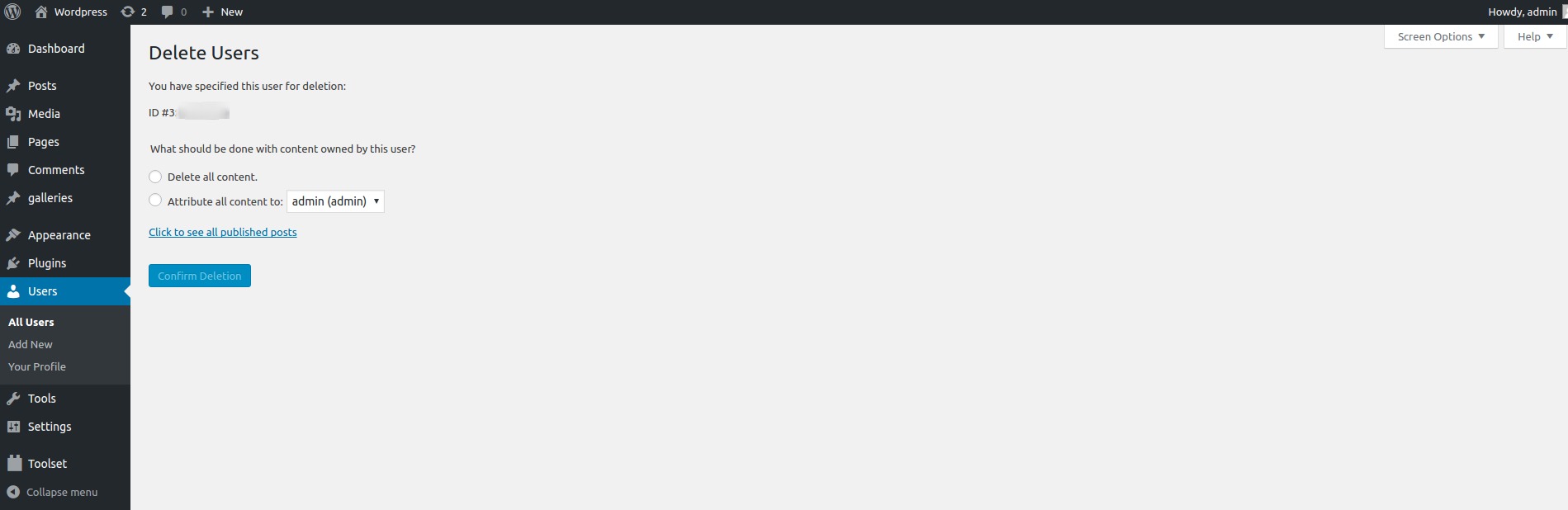
Go to the users tab. Once you will click on the users, it will show you the list of all users. When you will hover on any user’s name it will show you three options. 1) Edit, 2) Delete and 3) View Profile. You will be able to view user’s detail profile clicking on the third option.
What information will be displayed in user profile?
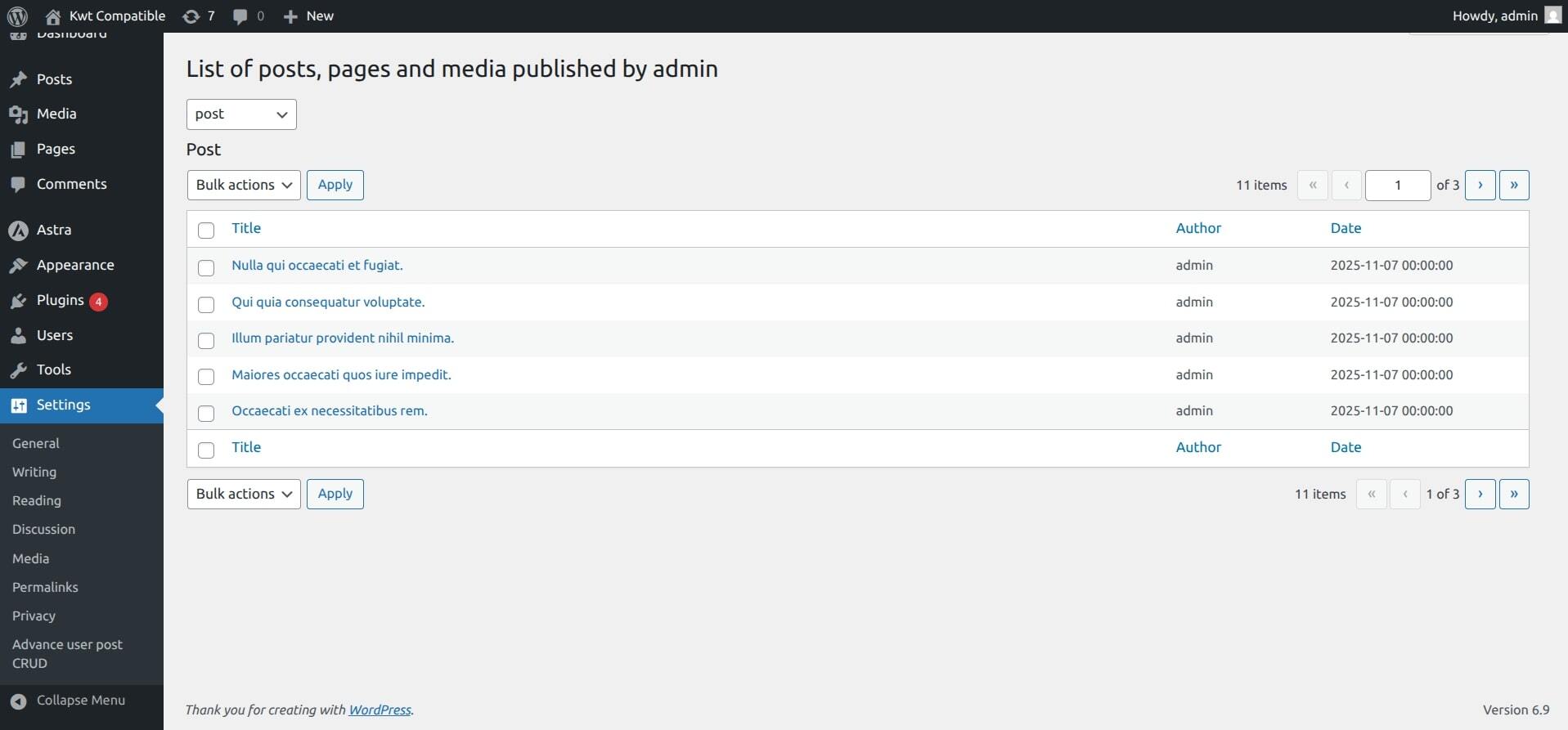
The user profile will contain information about all posts, pages, and attachments created by that specific user.
How can you monitor all activities by every author?
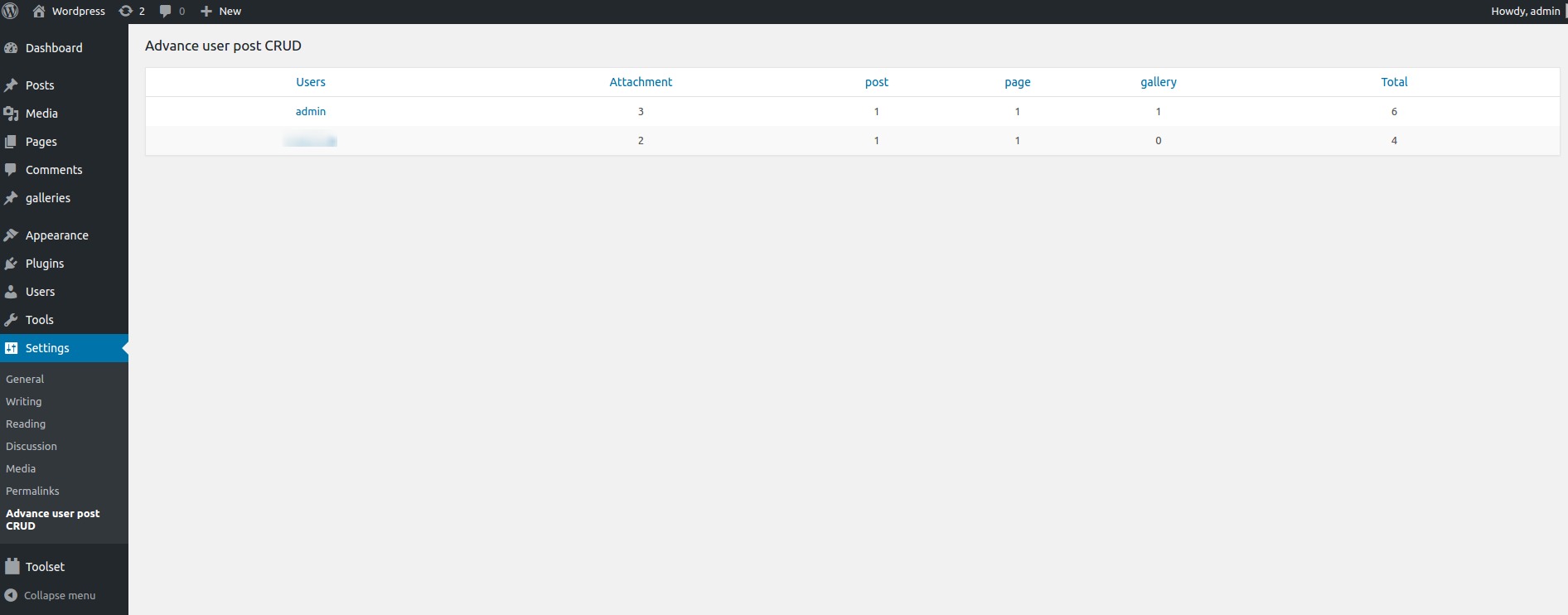
Go to settings. Click on the Advance User CRUD option. It will show you the list of all authors and number of pages, posts, and attachments created by them.
I have an idea for a great way to improve this plugin
Great! I’d love to hear from you at support@krishaweb.com
更新日志:
1.3
- Compatible with WordPress 6.9
- Add option to change posts author in bulk
- Compatible with WordPress 5.6
- Initial plugin release