
Table Addons for Elementor - Responsive Table Builder
| 开发者 |
kaisarahmmed
pluginscafe |
|---|---|
| 更新时间 | 2026年10月12日 17:06 |
| PHP版本: | 7.4 及以上 |
| WordPress版本: | 7.1 |
| 版权: | GPLv2 or later |
| 版权网址: | 版权信息 |
详情介绍:
Advanced Data Table for Elementor is the most powerful and intuitive responsive table builder plugin designed exclusively for Elementor. If you are looking to create stunning, interactive, and highly customizable data tables on your WordPress website without writing a single line of code, this is the perfect solution.
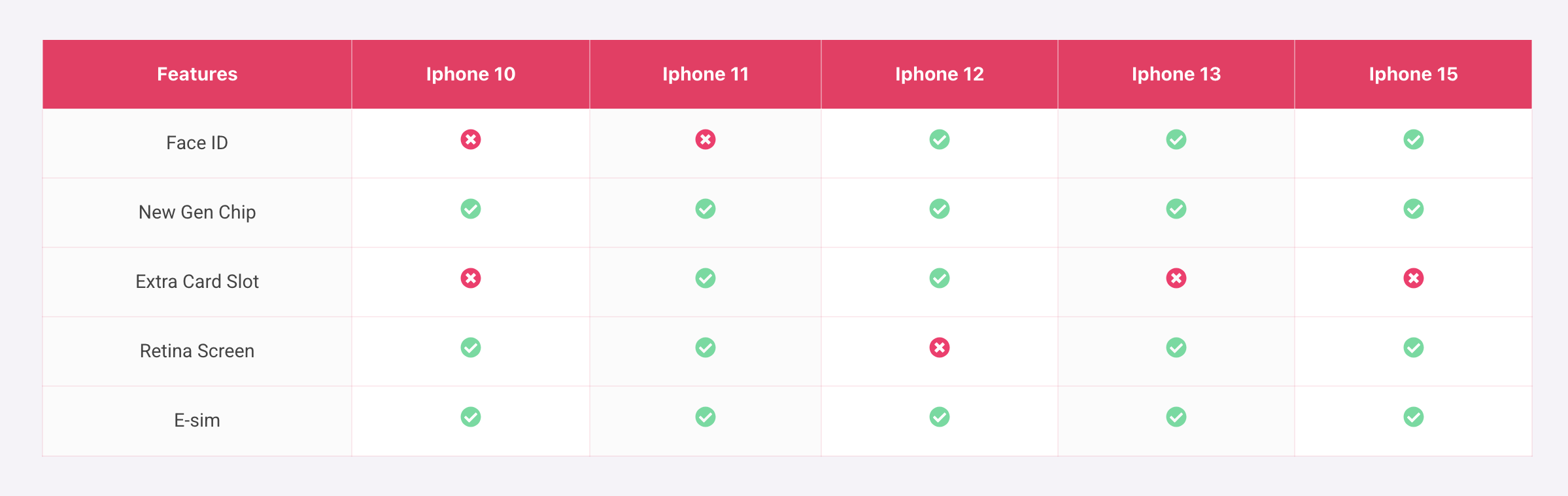
Whether you need to display product comparisons, pricing plans, directories, or statistical data, our Elementor table widget gives you complete control over your table's design and functionality directly within the familiar Elementor page builder interface.
View Demo Tables & Examples
🚀 Why Choose Advanced Data Table for Elementor?
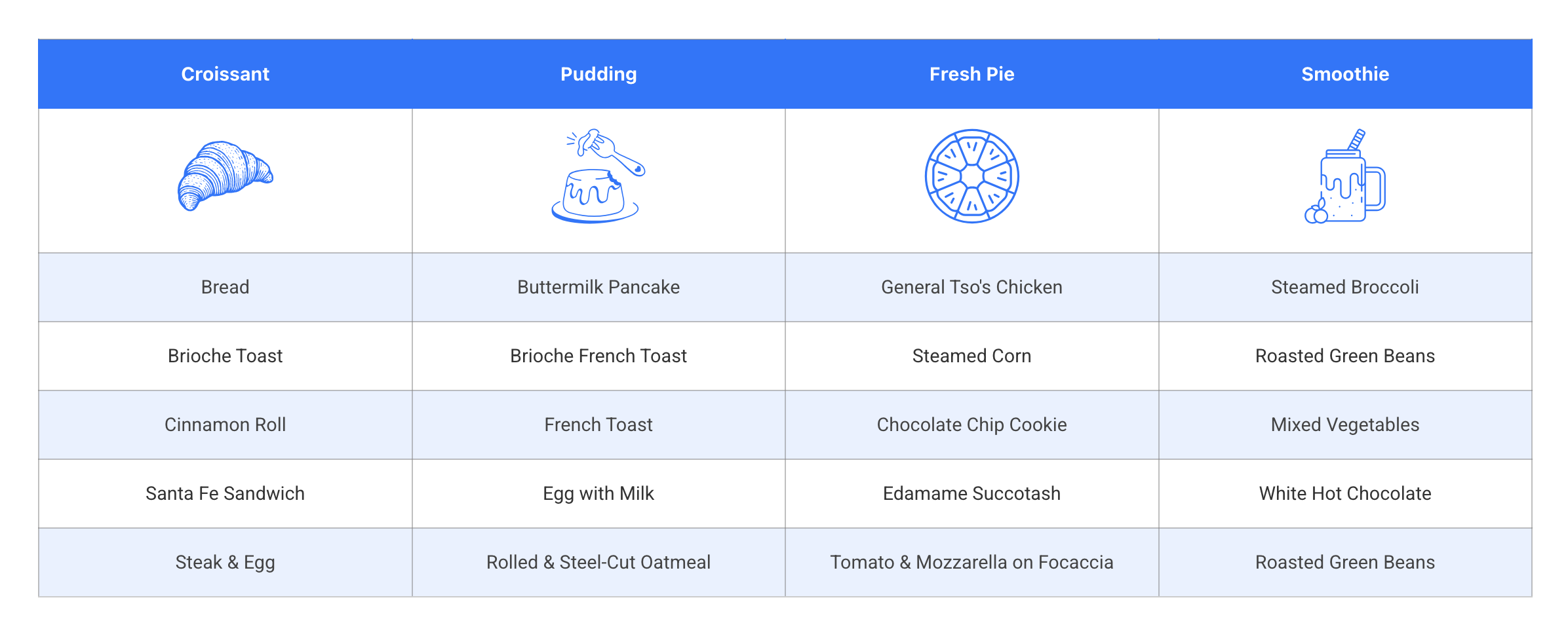
Creating tables in WordPress can be a hassle, but not anymore. Our plugin offers a seamless drag-and-drop experience, allowing you to design beautiful responsive tables with real-time live preview.
* Multiple Data Sources: Create tables manually using static data, effortlessly import data from CSV files, or dynamically generate tables from WordPress Posts, Pages, and Users data.
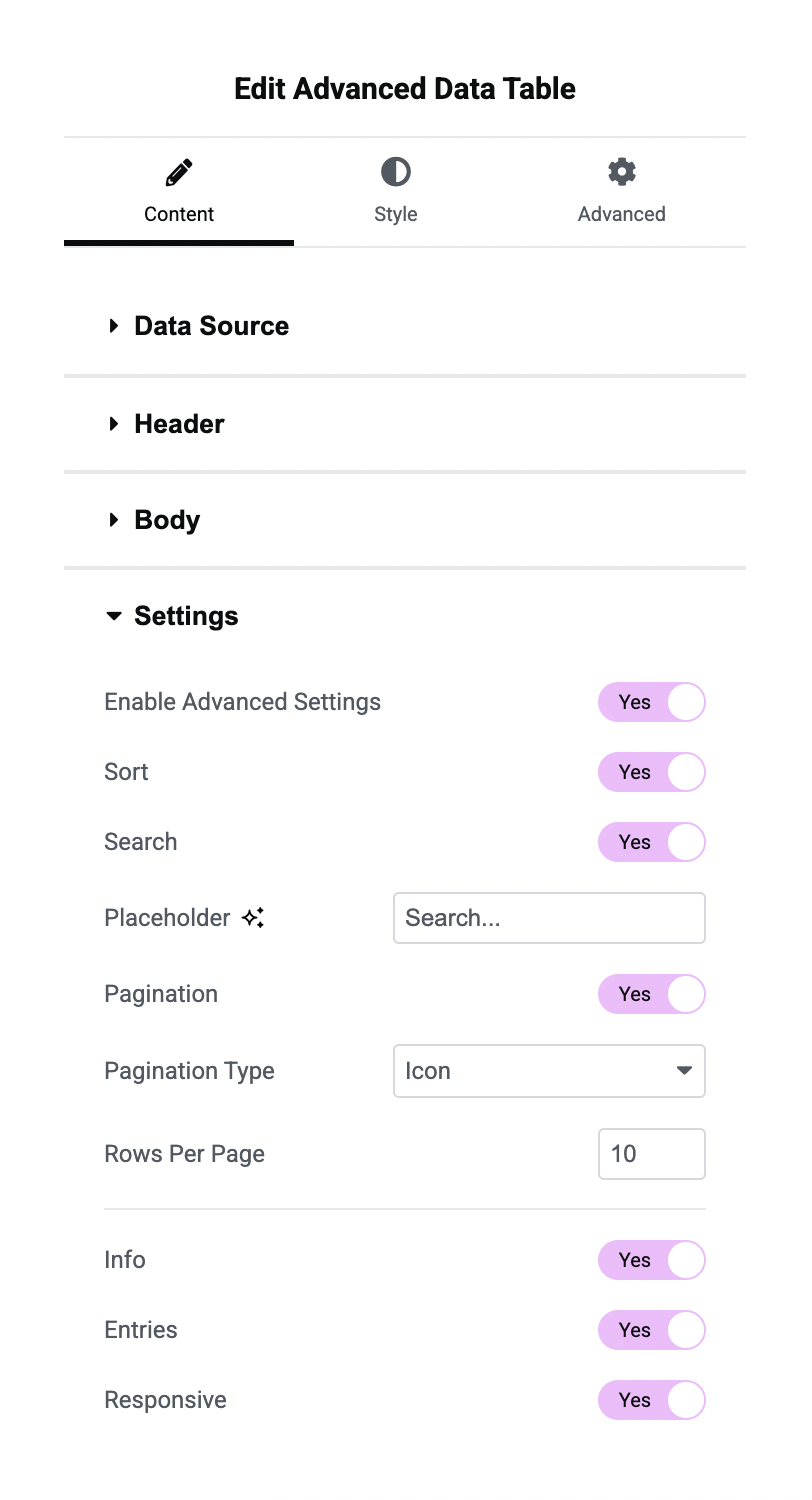
* Interactive DataTables: Powered by DataTables.js, instantly add advanced features like live search, multi-column filtering, sorting, and pagination to make large datasets easy to navigate.
* 100% Mobile Responsive: Ensure your data tables look perfect on all devices.
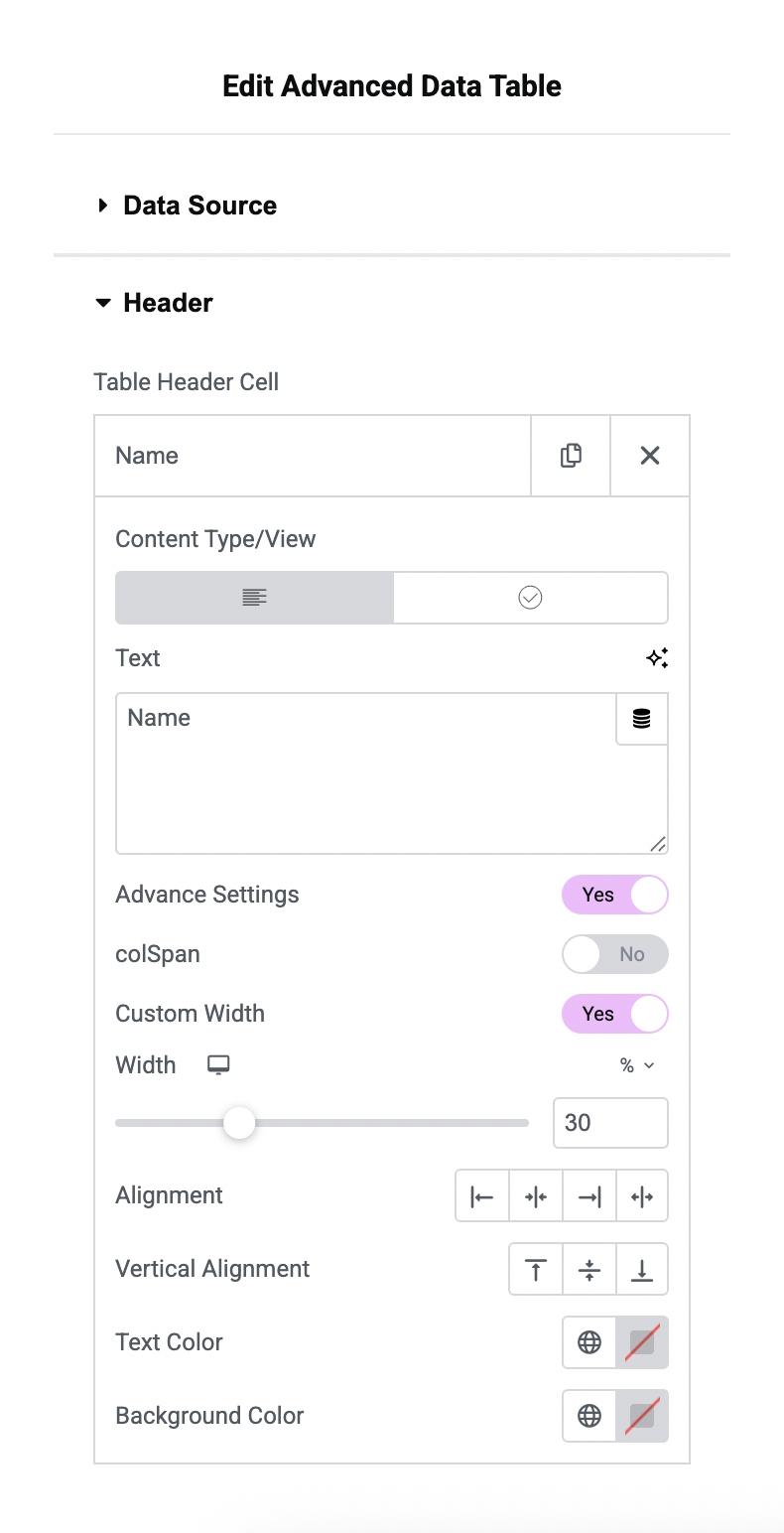
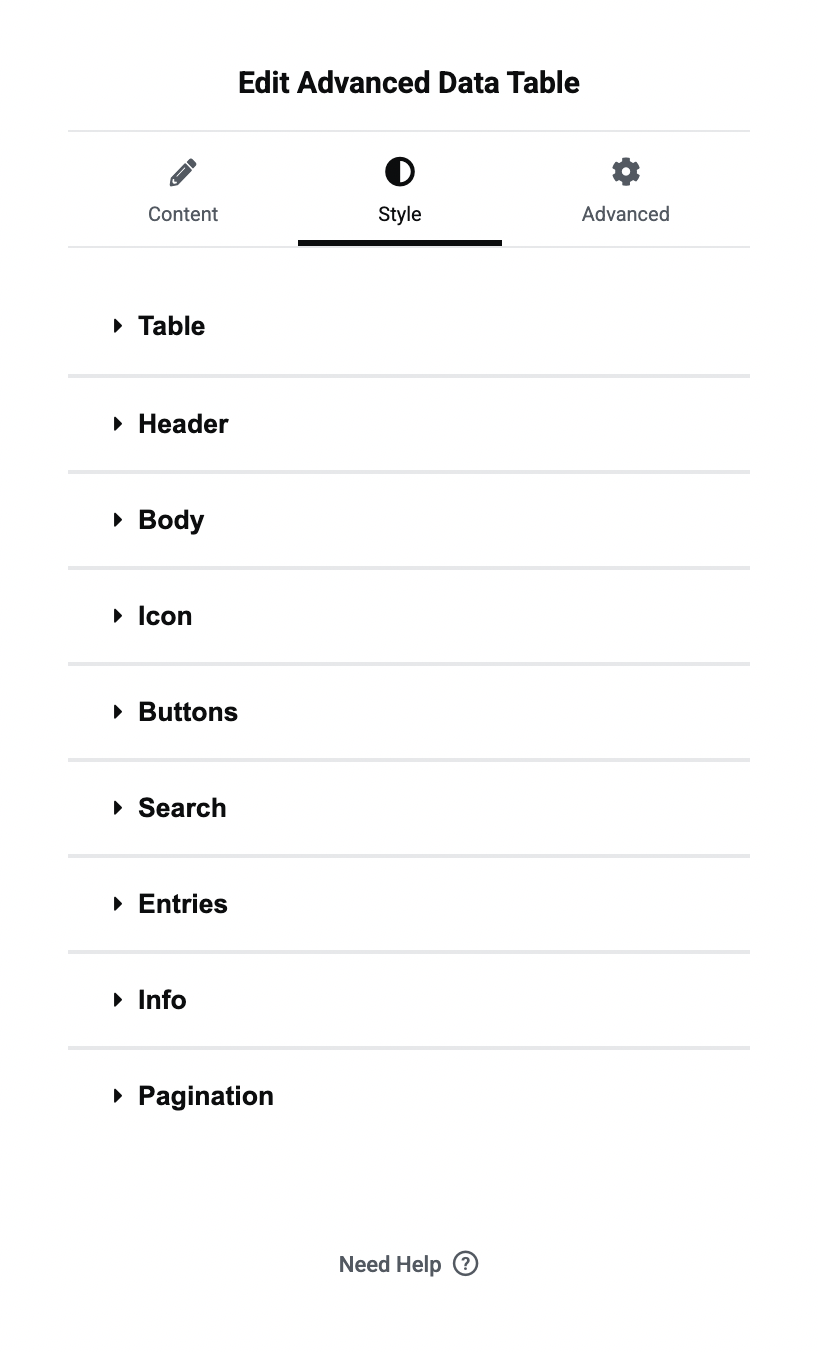
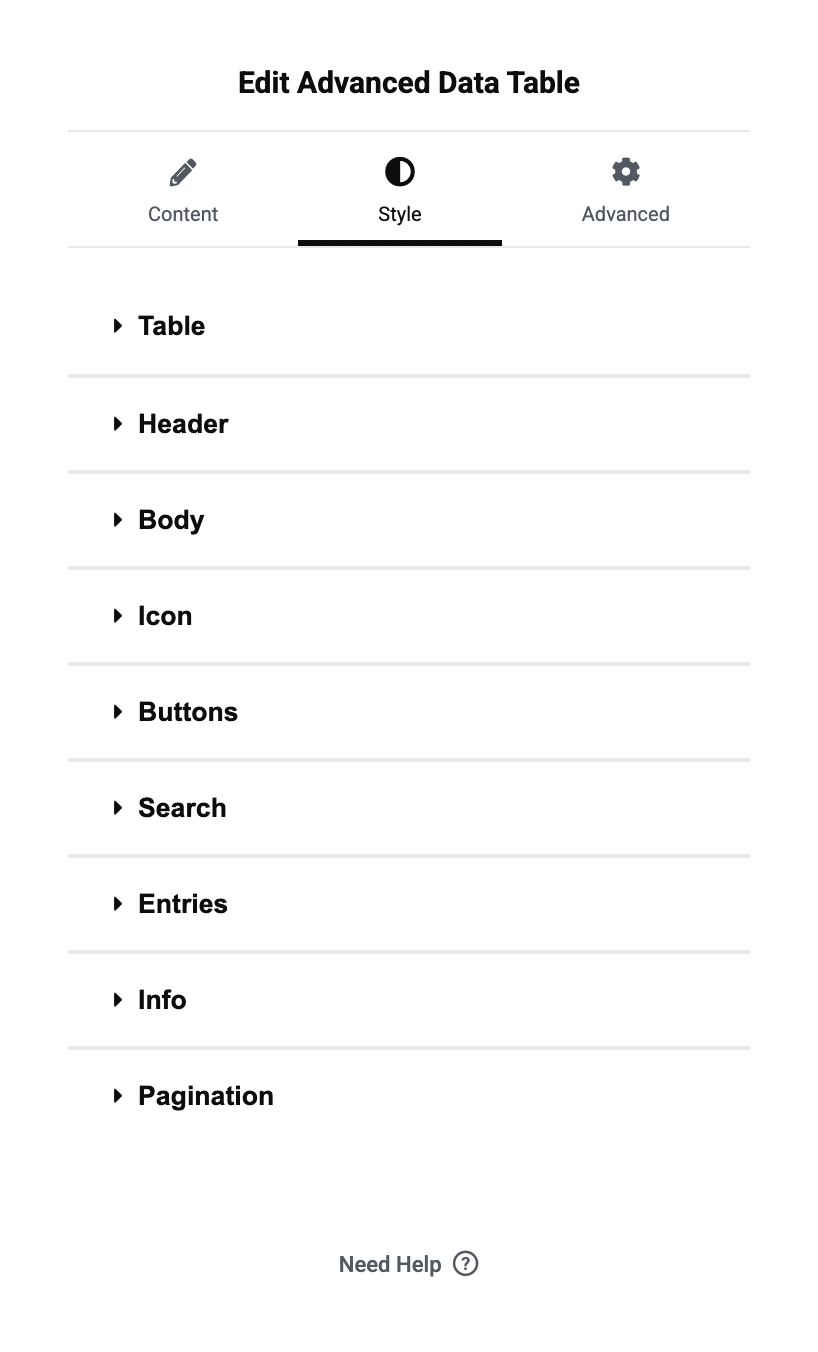
* Unlimited Styling Options: Customize every aspect of your table including colors, typography, borders, and text alignment.
✨ Highlighted Features:
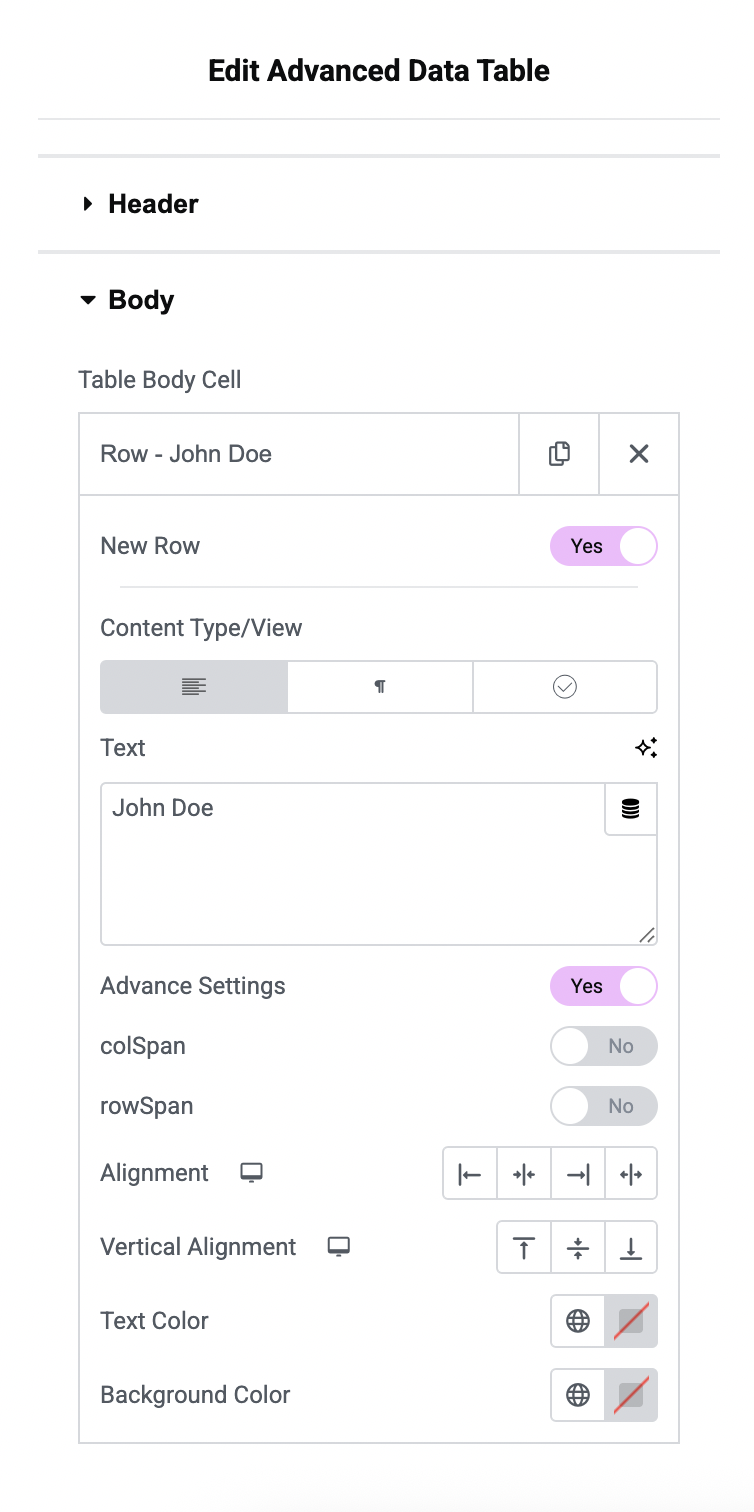
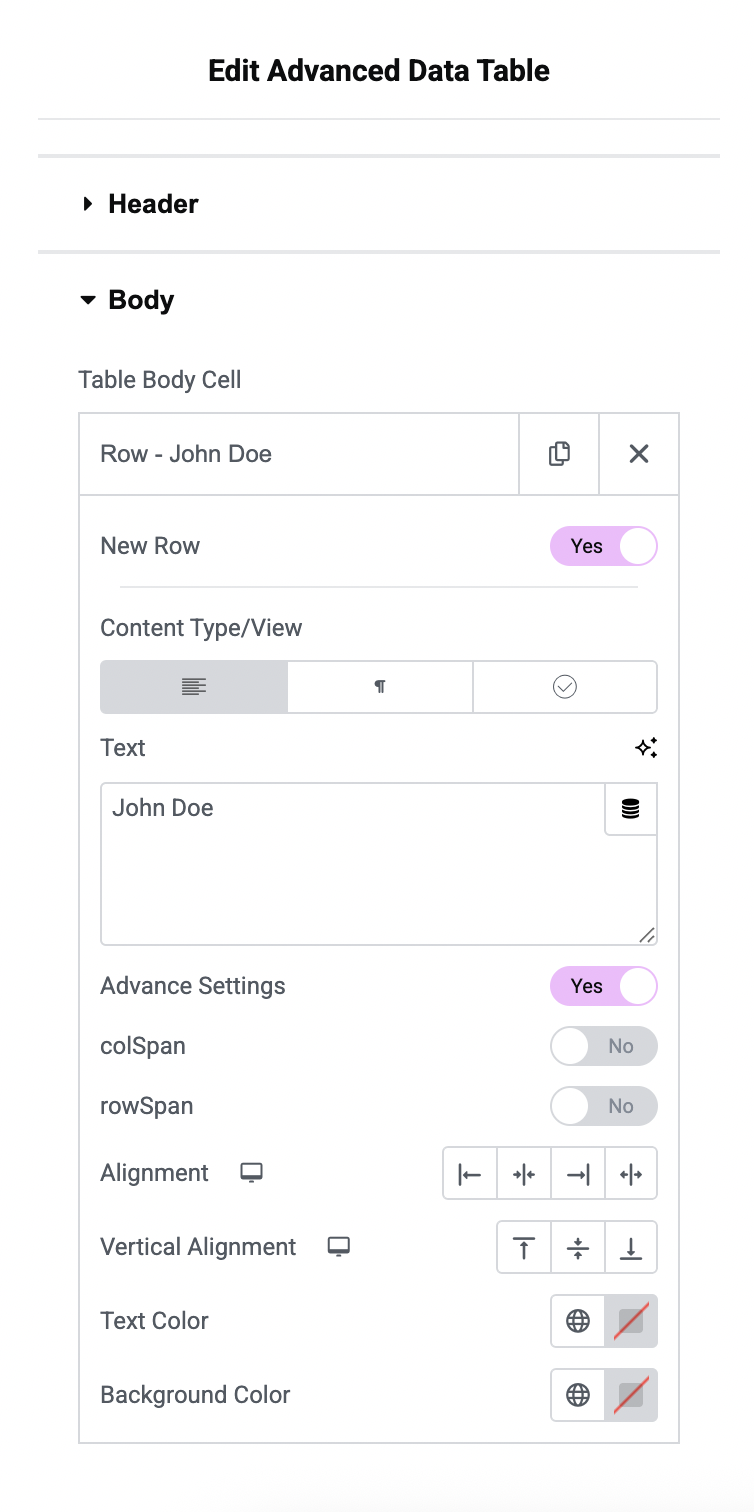
- Static Data Entry: Manually build tables with rich content (text, icons, images, buttons).
- CSV Import: Quickly convert CSV data into a fully functional WordPress table.
- WordPress Users Data: Display lists of registered users—perfect for member directories.
- WordPress Posts & Pages Data: Turn your posts and pages into sortable, searchable tables (title, featured image, excerpt, author, date, categories, tags, and more).
- Advanced Merging: Manage complex layouts with ColSpan and RowSpan support.
- Export Options: Allow users to export table data as CSV, Excel, or copy to clipboard.
安装:
- Install Advanced Data Table plugin
- Make sure you also have Elementor activated.
屏幕截图:
常见问题:
Is Advanced Data Table for Elementor compatible with all Elementor themes?
Yes, Advanced Data Table for Elementor is designed to work seamlessly with all Elementor themes.
What is advanced settings?
Advanced settings include table search, filters, pagination, responsiveness, and more. Users can easily enable and style each feature as needed. = Are there any limitations to the advanced settings? Yes, Colspan and rowspan are not supported with advanced settings, as these features rely on the DataTables.js library.
Can I customize the appearance of the tables created with Advanced Data Table for Elementor?
Absolutely! You have full control over the design and styling of your tables, including colors, fonts, borders, and more.
Are there any limitations on the number of tables, cells, or rows I can create?
No, there are no limitations. You can create as many tables as you need, with any number of cells and rows.
Is Advanced Data Table for Elementor mobile responsive?
Yes, our plugin is built with responsiveness in mind, ensuring that your tables look great on all devices.
更新日志:
1.0.5
- Added WordPress Posts data source type
- Added WordPress Pages data source type
- Post fields: Title, Featured Image, Excerpt, Content, Permalink, Author, Date, Categories, Tags, Comments, Status, ID
- Optional "Link to Post" for Title and Featured Image columns
- Query controls: number of items, order by, order
- Added WordPress Users data source type
- Added CSV data type
- Added Image, Button in static data type
- Bug Fix
- Added datatable.js
- Added ots of design and layout options
- Fix security issue
- Initial Release