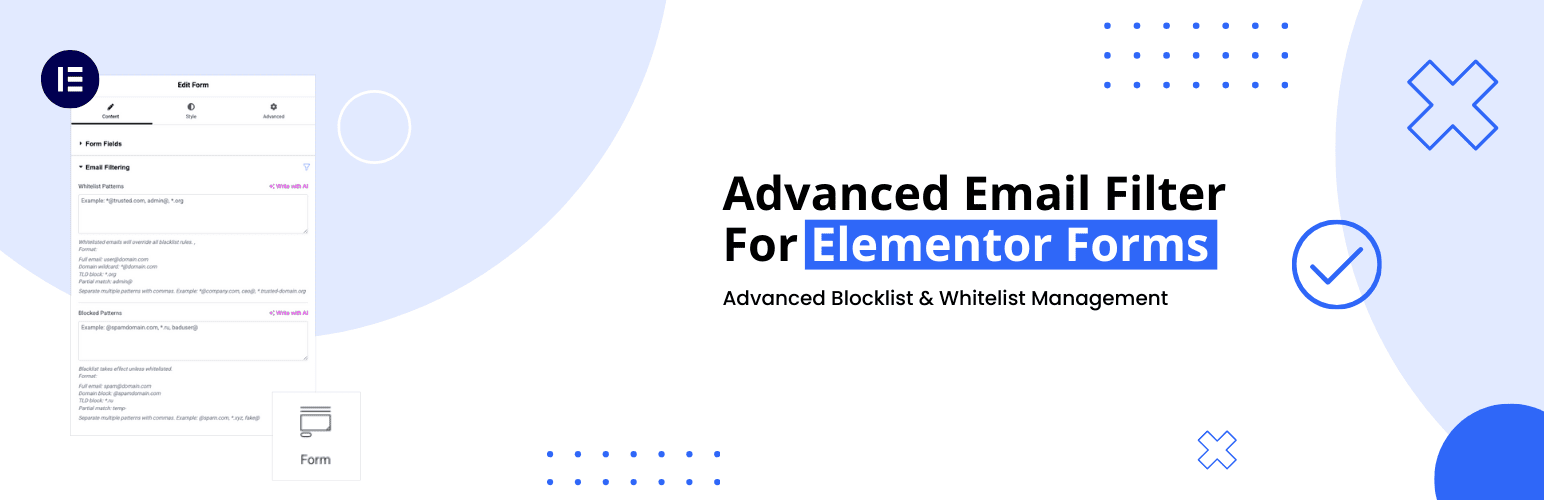
Advanced Email Filter for Elementor Forms
| 开发者 | muktoapb |
|---|---|
| 更新时间 | 2026年7月29日 12:25 |
| 捐献地址: | 去捐款 |
| PHP版本: | 7.4 及以上 |
| WordPress版本: | 7.0 |
| 版权: | GPL-2.0-or-later |
| 版权网址: | 版权信息 |
详情介绍:
Advanced Email Filter for Elementor Forms adds enterprise-grade email validation to your Elementor pro forms. Protect against spam submissions while maintaining flexibility for legitimate users.
安装:
- Upload the plugin files to the
/wp-content/plugins/advanced-email-filter-for-elementor-formsdirectory - Activate the plugin through the 'Plugins' screen in WordPress
- Configure global settings under Email Filter -> Settings
- Set form-specific rules in Elementor Form widget settings
常见问题:
Is Elementor Pro required to use this plugin?
Yes. This plugin extends Elementor Pro form features, so Elementor Pro must be installed and active.
How do multiple patterns work?
Separate patterns with commas. Both global and form rules apply cumulatively.
Which takes priority - allowlist or blocklist settings?
Matching allowlist rules take priority over blocklist, business email, and disposable email rules. Global and form-specific patterns are combined.
更新日志:
1.3.0
- Fixed allowlist priority so matching addresses bypass all other filters
- Improved partial and wildcard pattern matching
- Added validated, automatically refreshed personal and disposable domain lists
- Store downloaded domain lists under
wp-content/uploads/aefe/instead of the database - Added last-known-good fallback and safe handling of remote failures
- Added request timeouts, domain normalization, deduplication, and JSON validation
- Removed duplicate settings registration
- Added validation regression tests
- Minimize plugin size & update email list
- Personal & Disposable email list updated
- Added Business Email filter
- Added Disposable / temporary email blocking
- Improved validation error message
- Initial release with core filtering features
- Global blocklist/Whitelist functionality
- Elementor Form widget integration