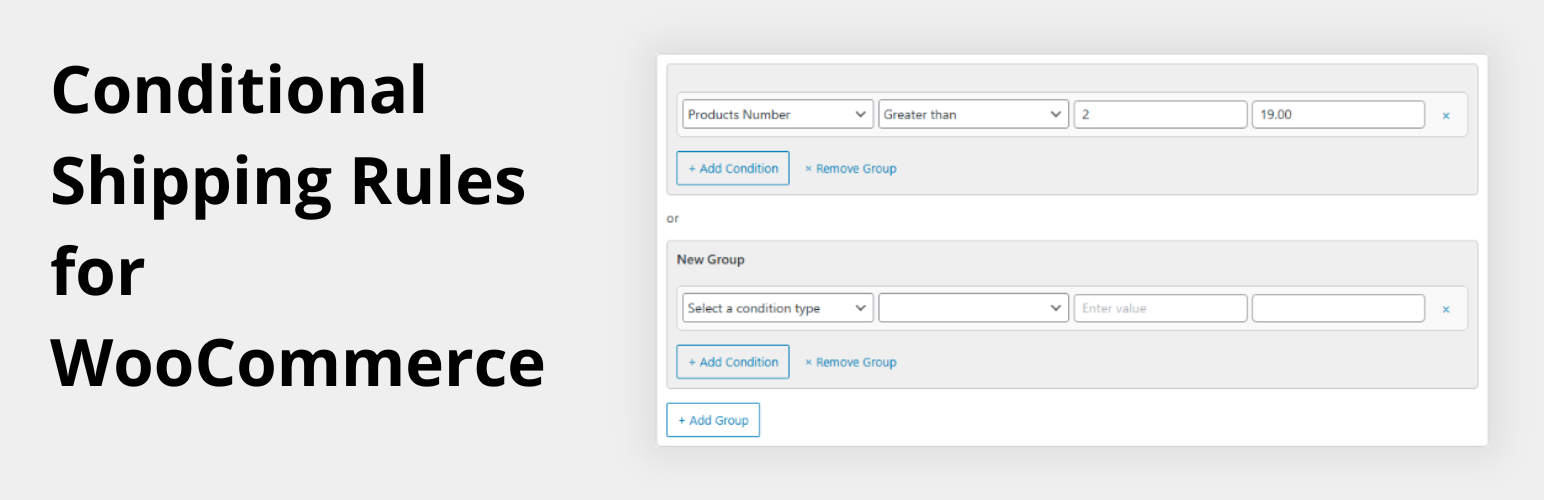
Advanced Shipping Rules For WooCommerce
| 开发者 | prototipo88 |
|---|---|
| 更新时间 | 2026年6月26日 15:42 |
| PHP版本: | 7.4 及以上 |
| WordPress版本: | 7.0 |
| 版权: | GPL-2.0+ |
| 版权网址: | 版权信息 |
详情介绍:
- Store owners shipping heavy or bulky goods who need to recover real carrier surcharges for overweight shipments.
- Shops with variable order sizes that want to add a handling fee when orders fall below a minimum quantity or total.
- Multi-zone stores that need location-specific fee logic on top of WooCommerce's native shipping zones.
- Accurate cost recovery: charge the real extra cost for heavy, bulky, or high-value orders instead of absorbing losses.
- Fewer abandoned carts: transparent, rules-based fees at checkout are more trustworthy than flat-rate surprises.
- Zero code: every rule is configured from the WooCommerce admin — no PHP, no hooks, no child theme edits.
- Non-destructive: works alongside flat rate, free shipping, and any other method in the same zone.
- Multiple instances: add the method more than once in a zone for layered fee structures.
- Performance-friendly: no front-end scripts or styles are loaded; all logic runs only during cart/checkout calculation.
asrfwoo_condition_types— register new condition type definitions (description, operators, input type, step)asrfwoo_condition_handlers— register the evaluation logic for each condition typeasrfwoo_shipping_cost— filter the final computed cost before it is passed to WooCommerce
安装:
- In your WordPress dashboard go to Plugins → Add New Plugin, search for Advanced Shipping Rules For WooCommerce, and click Install Now.
- Activate the plugin.
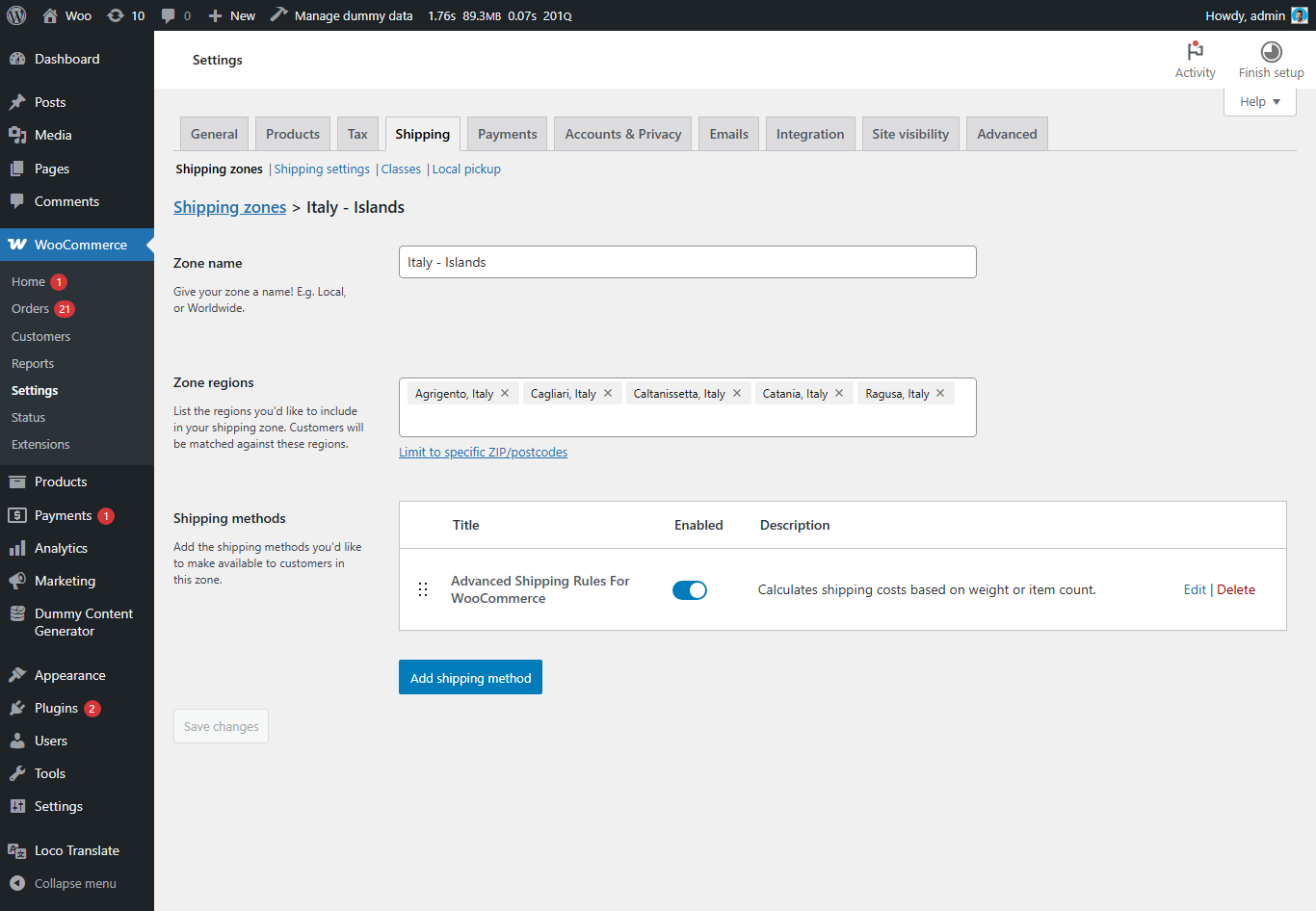
- Go to WooCommerce → Settings → Shipping.
- Select an existing Shipping Zone or create a new one.
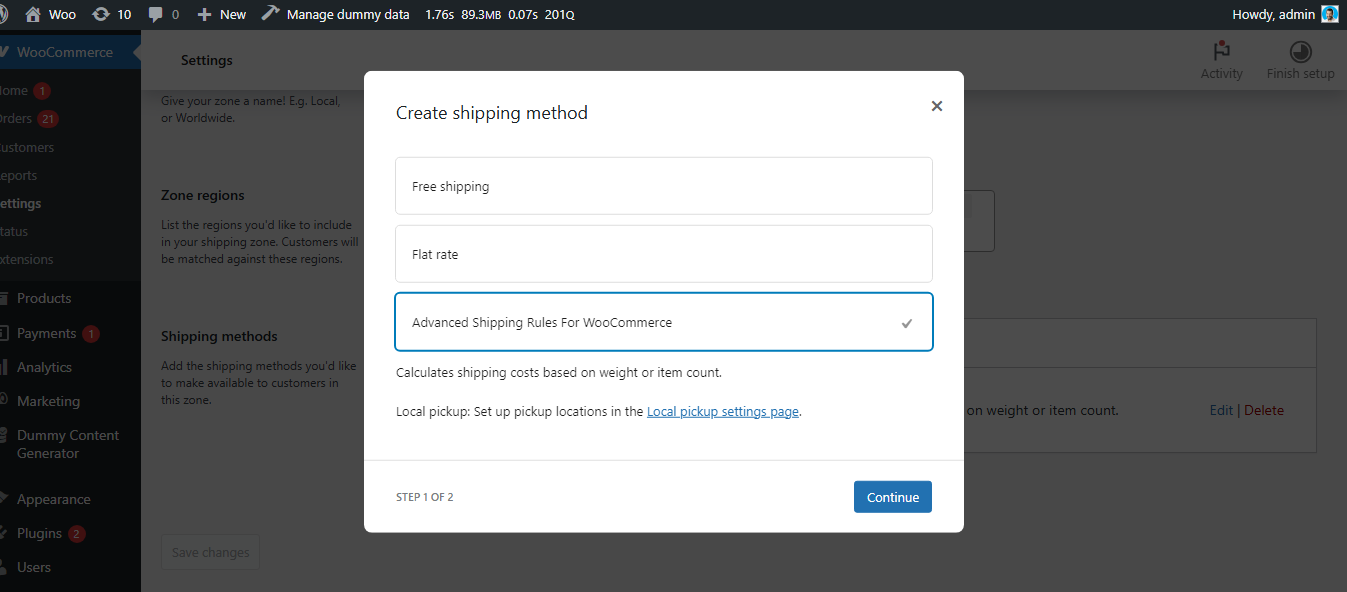
- Click Add shipping method, choose Advanced Shipping Rules for WooCommerce, and click Add shipping method.
- Click Edit on the new method to open its settings and define your conditions.
屏幕截图:
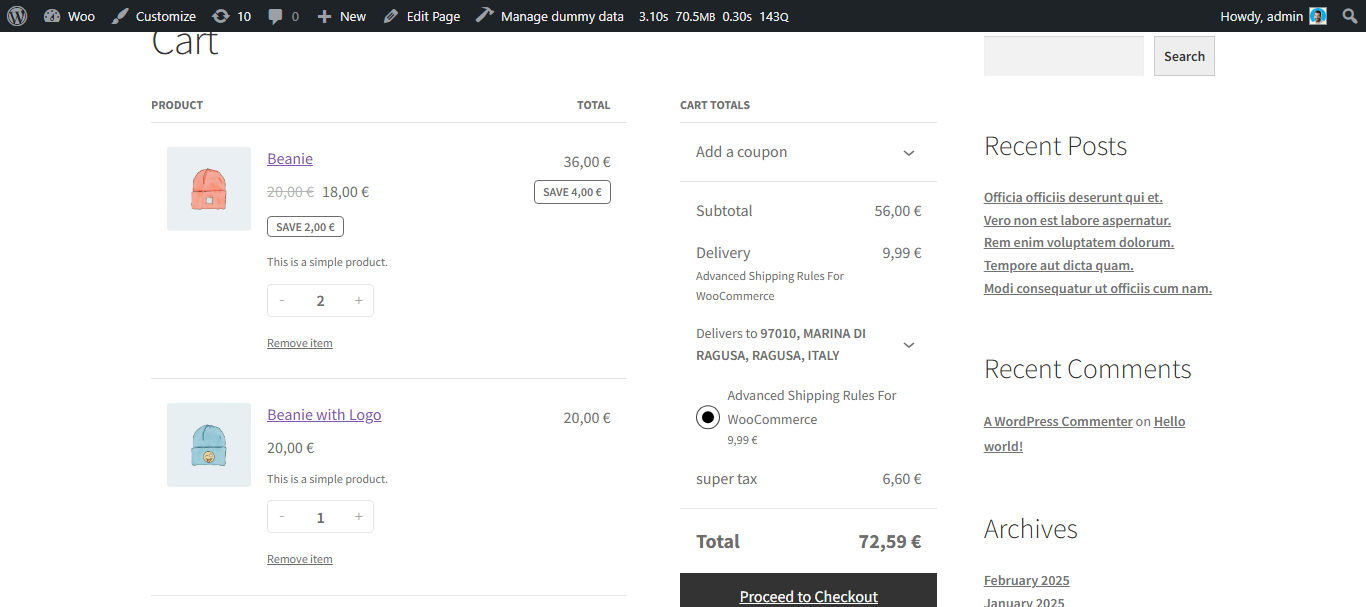


常见问题:
Does this plugin replace WooCommerce's built-in shipping methods?
No. It adds a new method that you place inside a shipping zone alongside flat rate, free shipping, or any other method. Each method calculates independently.
Can I use multiple instances of this method in one zone?
Yes. Add the method more than once to a zone to layer different fee rules for the same geographic area.
Does it work with WooCommerce shipping classes?
The free version evaluates cart-wide totals (weight, item count, subtotal), not per-product or per-class values.
Can I combine conditions with AND and OR logic?
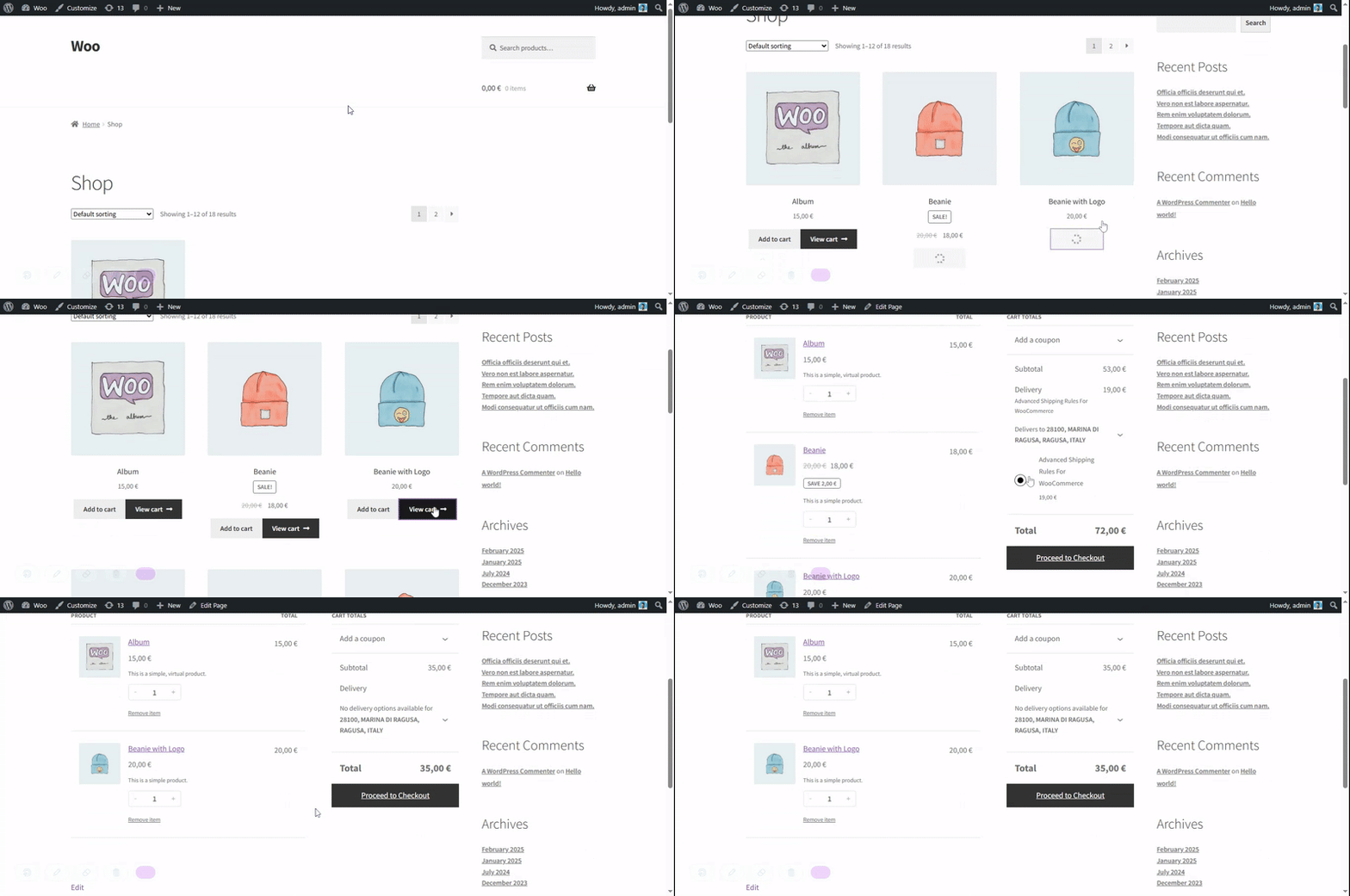
Yes. Conditions within a single group are AND-ed (all must pass). Multiple groups are OR-ed (any matching group triggers its fee). The highest fee across all matching groups is applied.
Will this slow down my store?
No. The plugin loads no front-end assets. The condition evaluation runs only during WooCommerce's shipping calculation phase.
Is it compatible with High-Performance Order Storage (HPOS)?
Yes. The plugin is fully HPOS compatible and does not rely on legacy order meta tables.
The method shows a €0 fee — why?
A fee is only added to the cart when at least one group matches and its Shipping Cost (set in the group footer) is greater than zero. Check that the cost is saved on each group, that your condition values are correct, and that the active cart meets the thresholds you set. Also verify that your product weights are defined under Product data → Shipping — if weight is 0, weight-based conditions will not trigger.
更新日志:
- Added "greater than or equal to" and "less than or equal to" operators for all condition types.
- Shipping cost is now set once per group (group footer) instead of per condition — makes range-based rules straightforward to configure.
- Backward compatible: groups saved with the old per-condition cost continue to work until re-saved.
- Improved admin UI: card layout with header, conditions body, and footer; destructive "Remove Group" button; cleaner OR separator.
- Fixed minor bugs in condition saving and display logic.
- Initial release.
- Cart total, cart weight, and product quantity conditions with AND/OR group logic.