AGCA - Custom Dashboard & Login Page
| 开发者 | cusmin |
|---|---|
| 更新时间 | 2025年5月30日 16:23 |
| 捐献地址: | 去捐款 |
| PHP版本: | 3.0 及以上 |
| WordPress版本: | 6.8.1 |
| 版权: | GPLv3 or later |
| 版权网址: | 版权信息 |
标签
下载
详情介绍:
- ADMIN BAR: Hide or change admin bar items. Remove WordPress traces from the admin bar. Brand it with the custom colors.
- ADMIN MENU: Change and remove the existing and add custom admin menu items. Brand it with the custom colors.
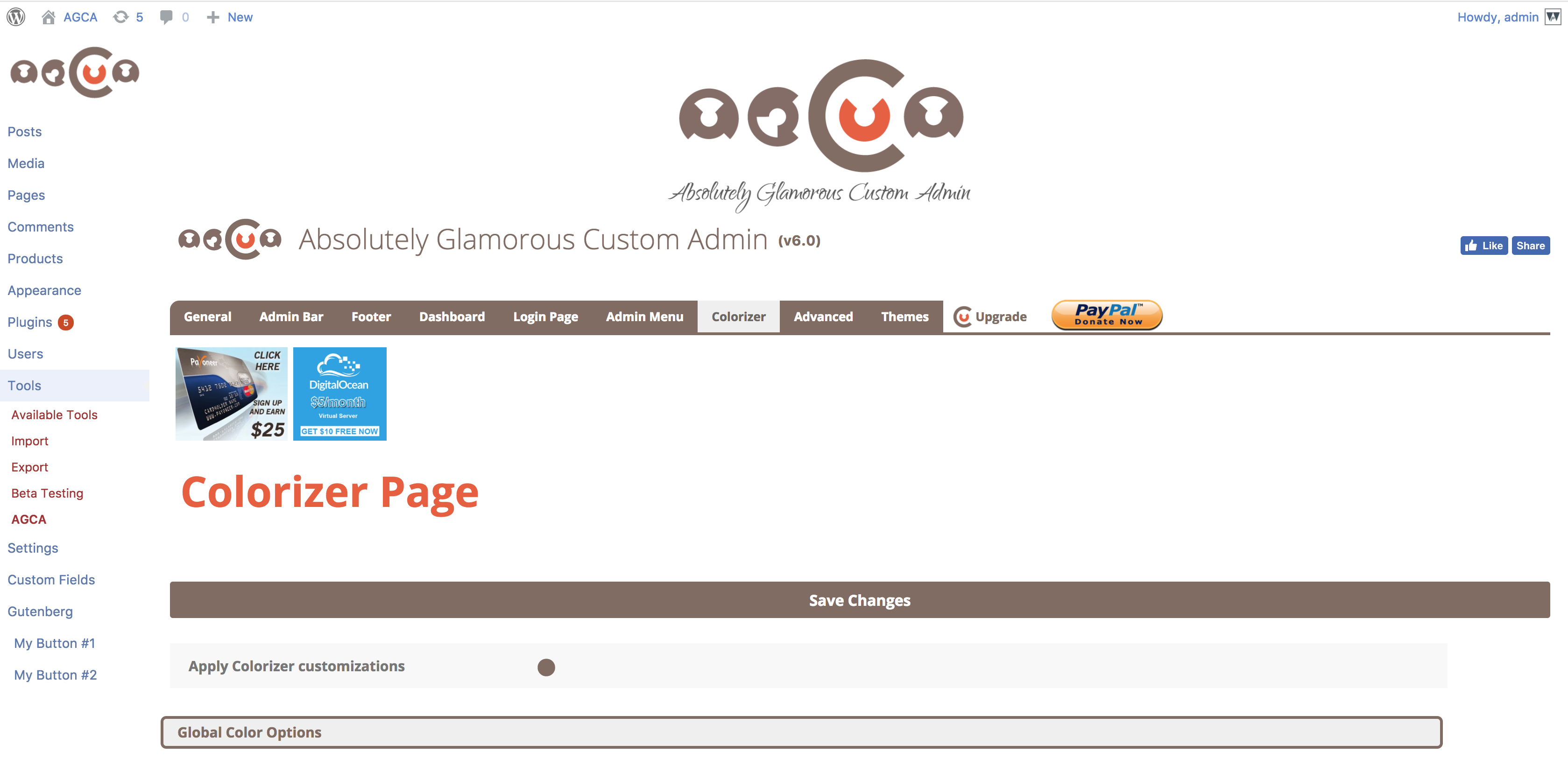
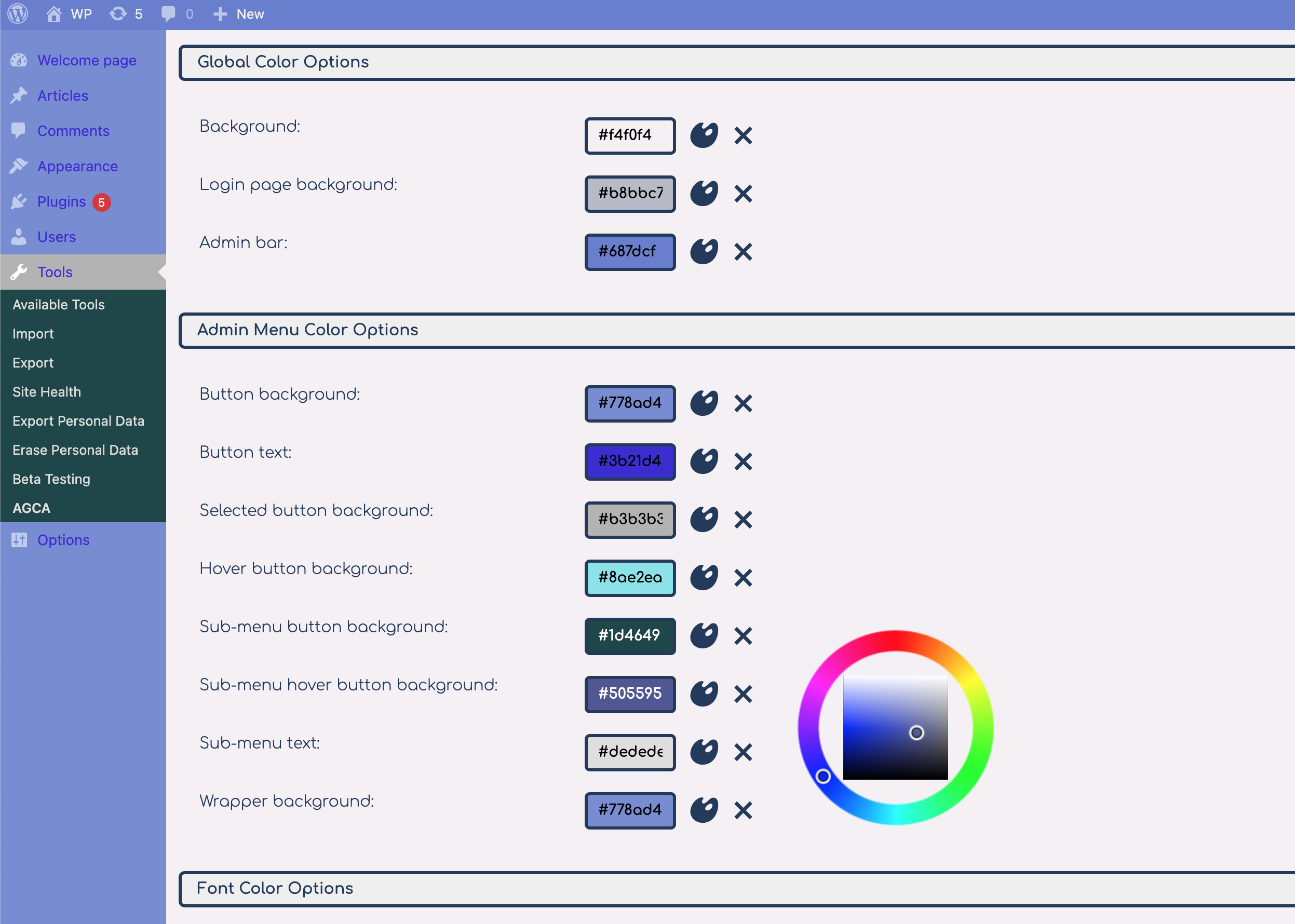
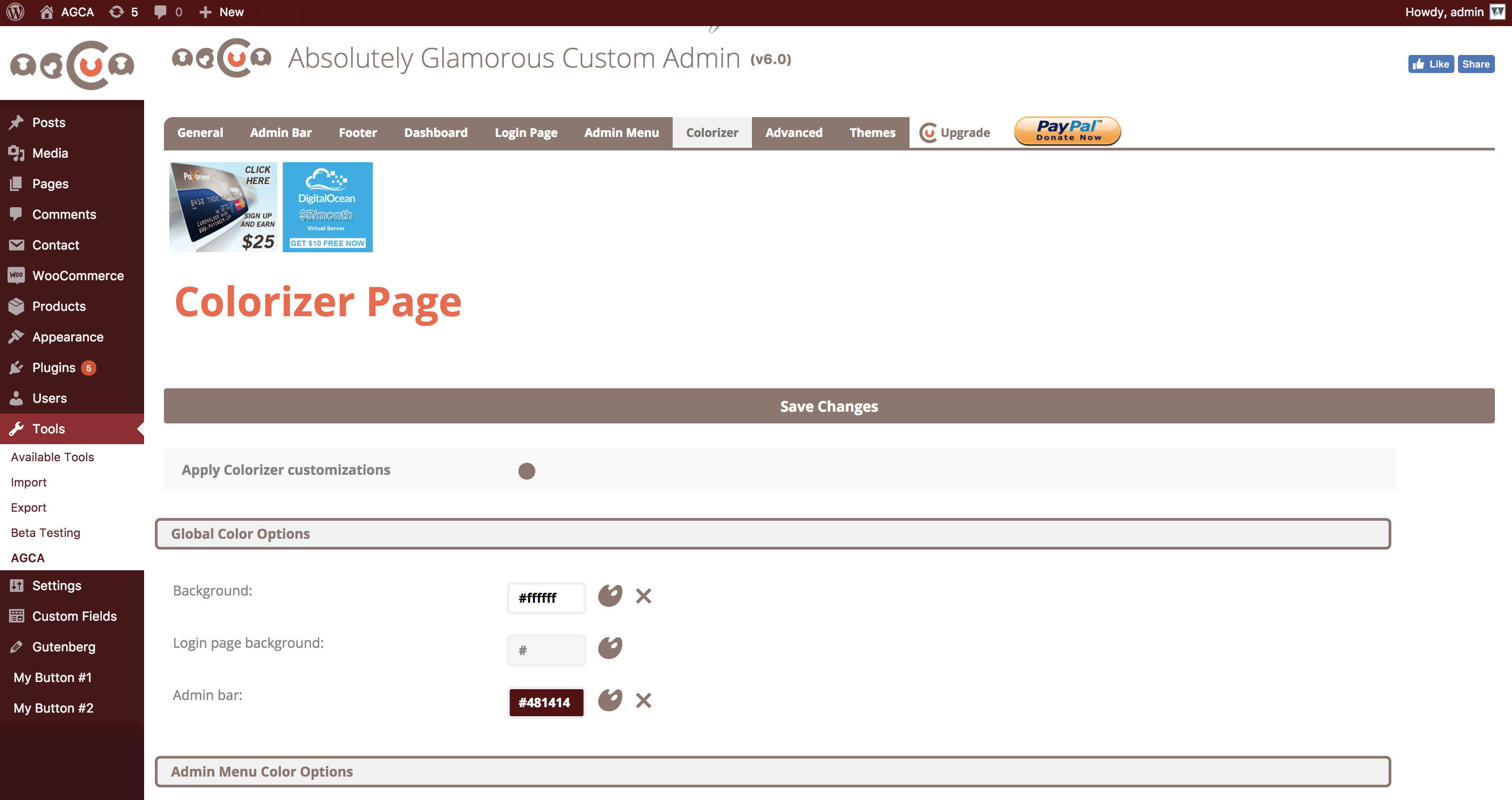
- COLORIZER: This tool is integrated with Absolutely Glamorous Custom Admin panel and can be used to change default WordPress admin panel colors, admin bar, admin menu, login page, backgrounds and text.
- BRANDING: Brand your admin panel pages with custom content, colors, images and text.
- ADMIN PANEL OPTIONS: There are dozens of other admin panel options used to improve WordPress UX on admin and login pages items like Dashboard widgets, Help and Screen options, WordPress logos, links, menus etc. See the full list down below.
CUSMIN Cusmin is the premium version of the Absolutely Glamorous Custom Admin with the advanced features for customization and branding. It's perfect for professionals, but can be also used on personal sites as well. Please check how this pro plugin can help you to completely customize your WordPress dashboard.主要设置
- Hide Screen Options menu
- Hide Help menu
- Hide Color scheme on Profile page
- Hide admin bar completely
- Show Log out button only if admin bar is completely hidden
- Hide admin bar on site pages only
- Replace WordPress logo with custom branding image
- Change link on admin bar logo
- Custom page title template on admin pages (change => tag)
- Add custom branding image above the content in admin bar
- Hide WordPress logo
- Hide site name
- Hide admin bar logo context menu
- Hide update notifications block
- Hide Comments block
- Hide New menu block
- Hide New > Post
- Hide New > Link
- Hide New > Page
- Hide New > User
- Hide New > Media
- Change site name to custom text
- Hide yellow WordPress update notification
- Change Howdy text
- Change Log Out text
- Remove Edit My Profile option from context menu
- Show Log Out button only on the right
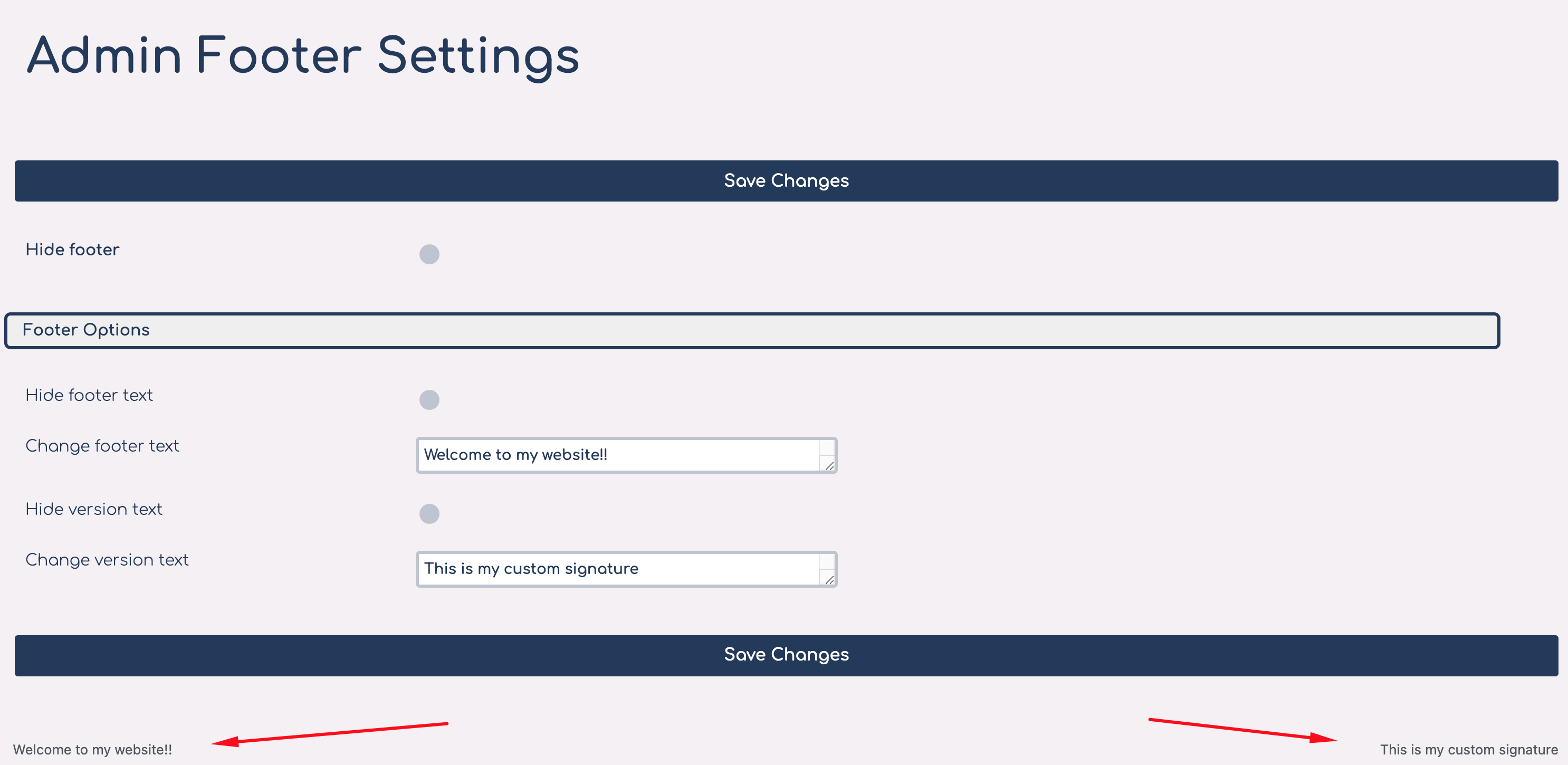
- Hide footer completely
- Change/remove footer text
- Change/remove footer version text
- Change Dashboard heading text
- Add custom Dashboard HTML content
- Hide dashboard widgets
- Hide back to blog text
- Change back to blog text
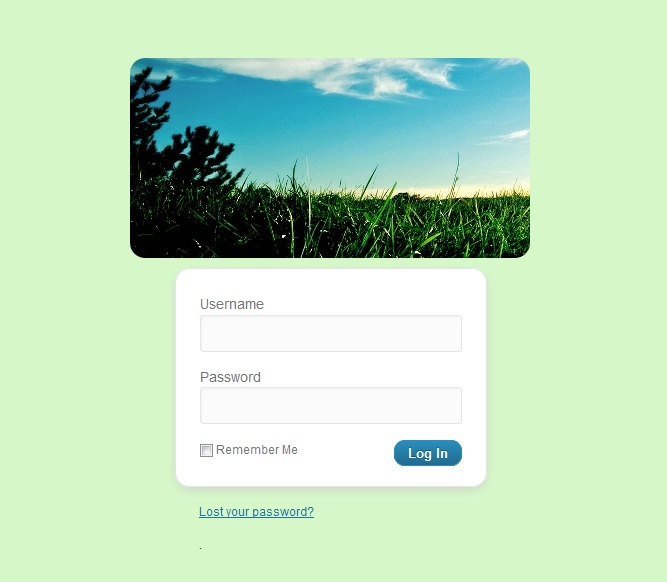
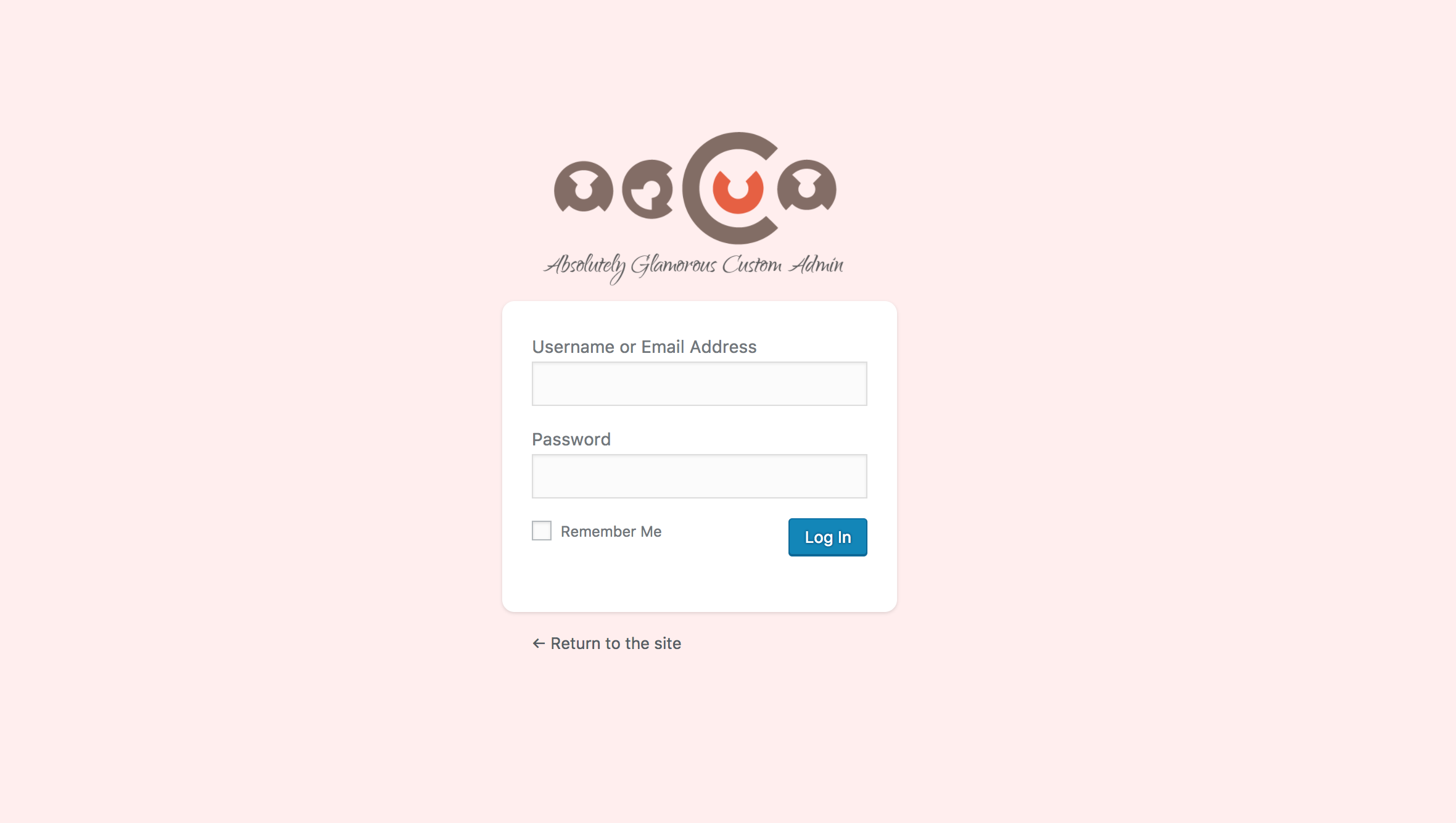
- Change login image
- Change hyperlink on login image
- Hide login image
- Round corners on login boxes
- Hide register and lost password links
- Change hyperlink on register button
- Rename menu and sub-menu items
- Hide menu and sub-menu items
- Add new buttons with custom links
- Remove icons from admin menu buttons
- Remove spaces between admin menu buttons
- Remove admin menu arrow on hover
- Round admin sub-menu popups
- Remove Collapse button
- Add custom branding image above the admin menu
- Add custom link to branding image
- Change admin menu auto-folding settings
- Change background and text colors on admin and login page
- Change admin menu colors
- Change widget colors
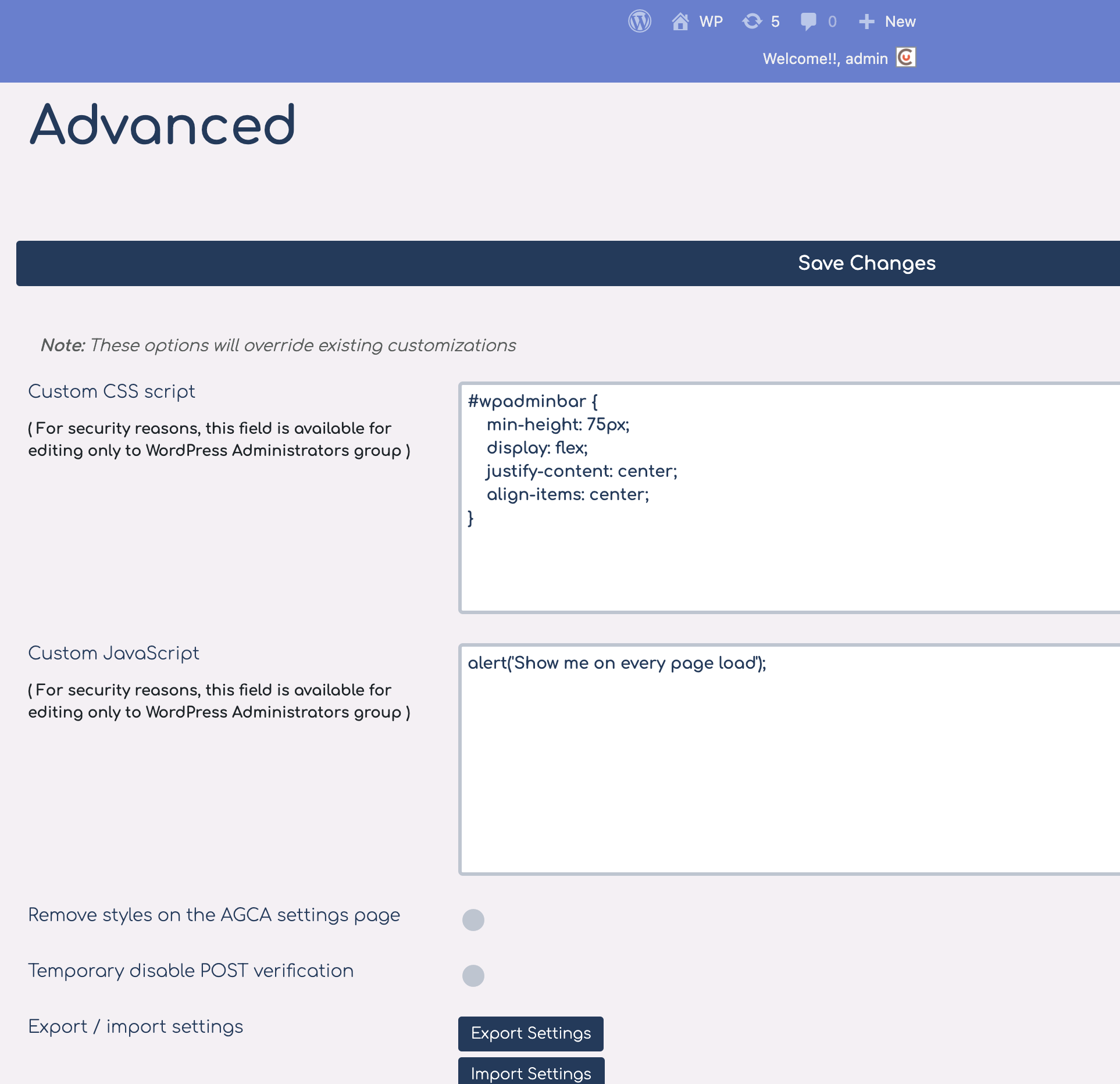
- Add custom CSS
- Add custom JavaScript
- Export/import customizations settings
PRO FEATURES If you need even more advanced customization options, please check our PRO WordPress customizing plugin.
安装:
- Upload
ag-custom-admindirectory to the/wp-content/plugins/directory - Activate the plugin through the Plugins menu in WordPress
- Navigate to plugin's settings page: Tools => AGCA
屏幕截图:
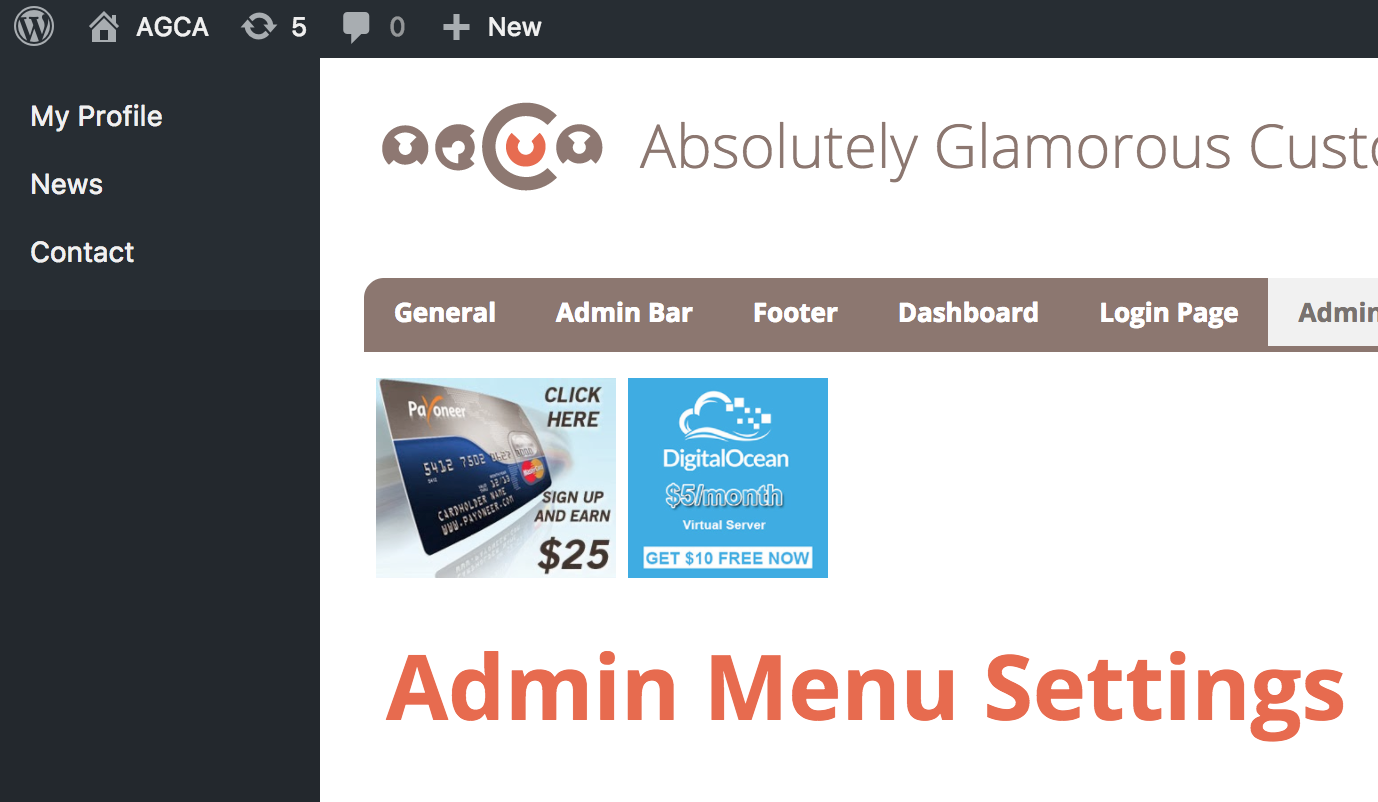
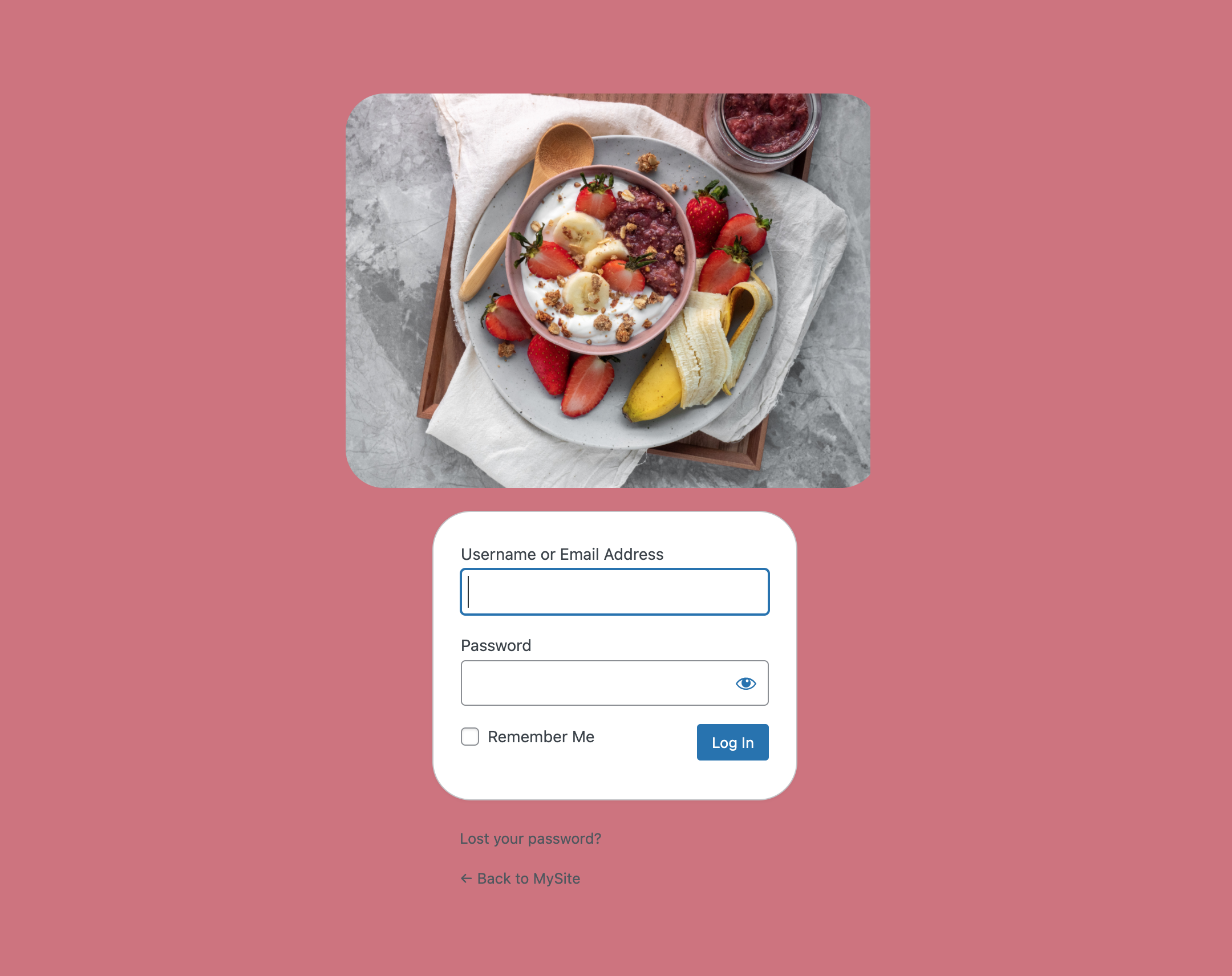
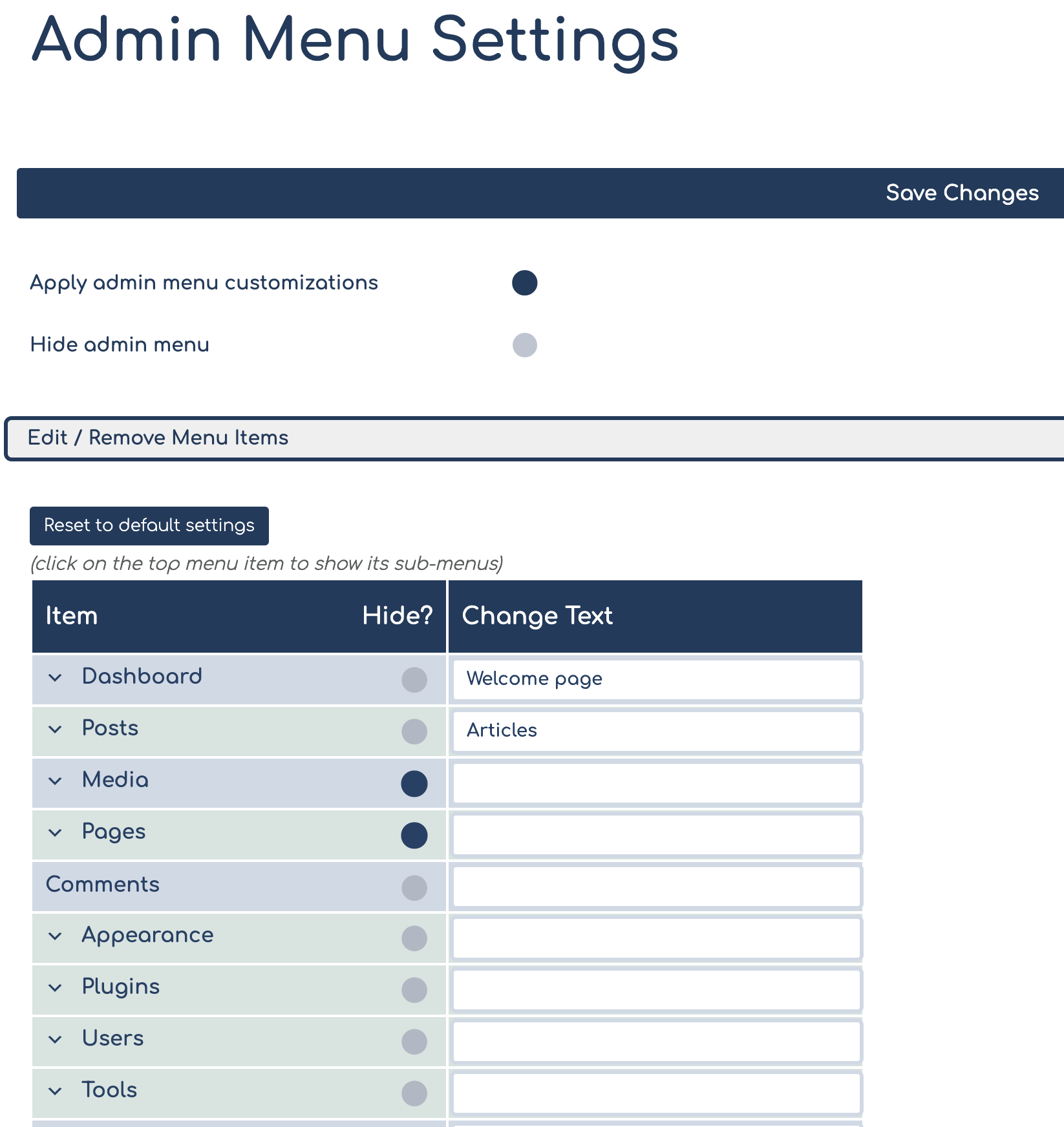
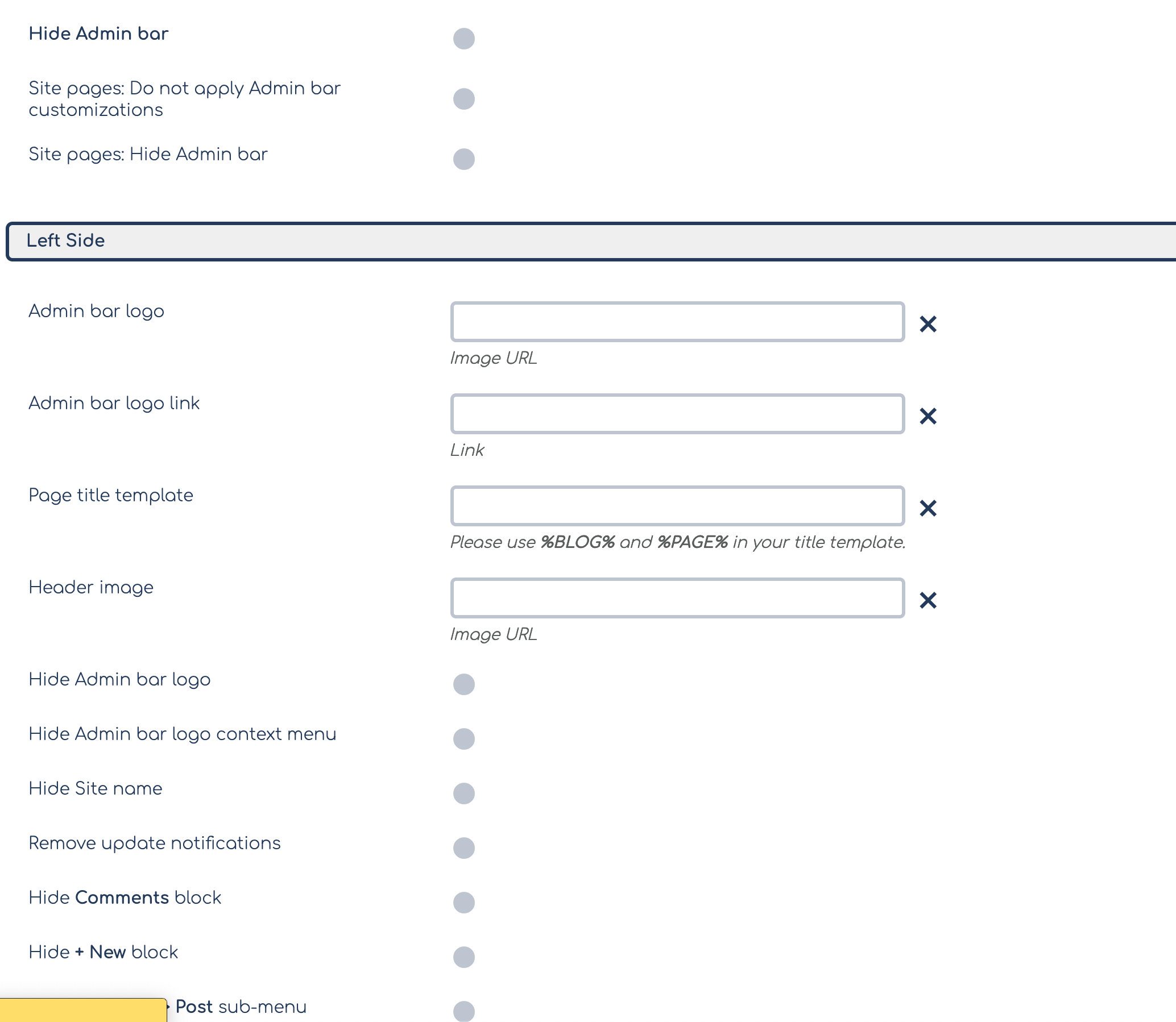

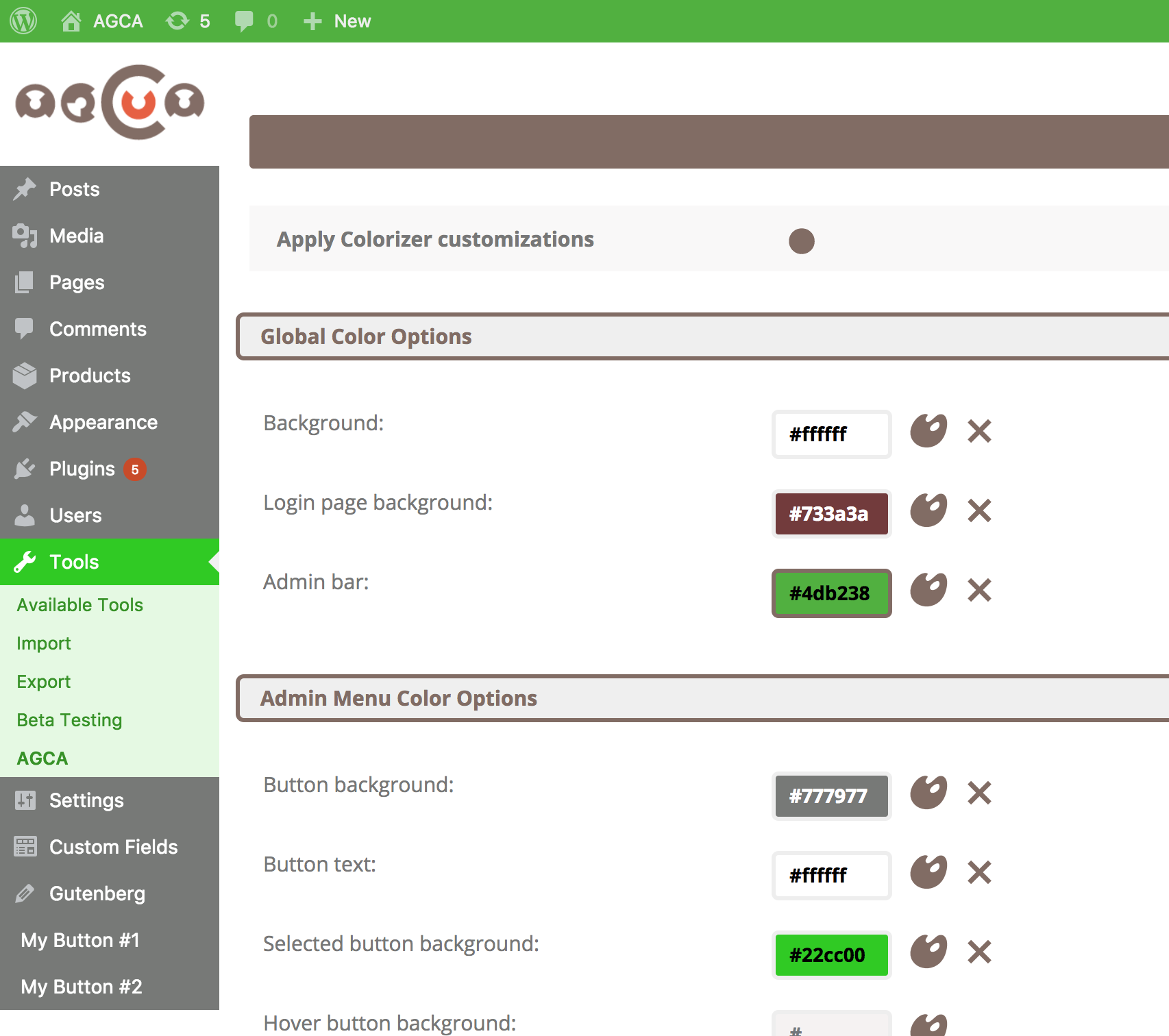
常见问题:
I see errors on my page. What can I do?
Please follow these steps: Open the browser's console and try to find JavaScript errors. Check if you can locate the plugin that throws errors, if so, try disabling that plugin and contacting their support. Try disabling plugins one-by-one to see when this problem occurs. If you can't access login page, please temporary disable JavaScript in your browser and refresh the page. Try updating WordPress core and plugins * If problem still persists, please contact the support
The plugin does not work after upgrading. What should I do?
Make sure you have the latest WordPress version installed. If nothing of these solutions help, please contact support.
I use older version of WordPress, can I still use this plugin?
It's highly recommended to update WordPress to the latest, since attackers target especially older versions of WP, but yes, you can still use AGCA, if the latest version doesn't work for you, you can install an older version of AGCA. You can check the Development tab on WordPress.org AGCA's page to see which AGCA version supports your version of WordPress.
I don't see customizations on login page
jQuery is probably not loaded on the login page, or you have some JavaScript error on this page. Please open the browser's console and see what are the errors.
Customizations are not applying
If you're an administrator, please make sure that 'Exclude AGCA admin' is not checked on AGCA > General tab. Please also check that you don't have any JavaScript errors in the browser's console.
Admin Menu buttons are not correctly set
Please use Reset Settings button on Admin Menu page to reset menu configuration to defaults. Make sure to use latest plugin version with latest patches.
Some options are not working
If you have the latest WordPress and plugin versions, and you still experience some issues, please contact us and report the issue.
How can I report security bugs?
You can report security bugs through the Patchstack Vulnerability Disclosure Program. The Patchstack team help validate, triage and handle any security vulnerabilities. Report a security vulnerability.
更新日志:
- Maintenance release
- Removed outdated session-related code
- Fixed issue with wrong character in title by default
- Security improvement
- Fixed bug with Welcome box not dismissing
- Fixed bug with Welcome to WordPress showing on login page over logo SEE ALL LOGS