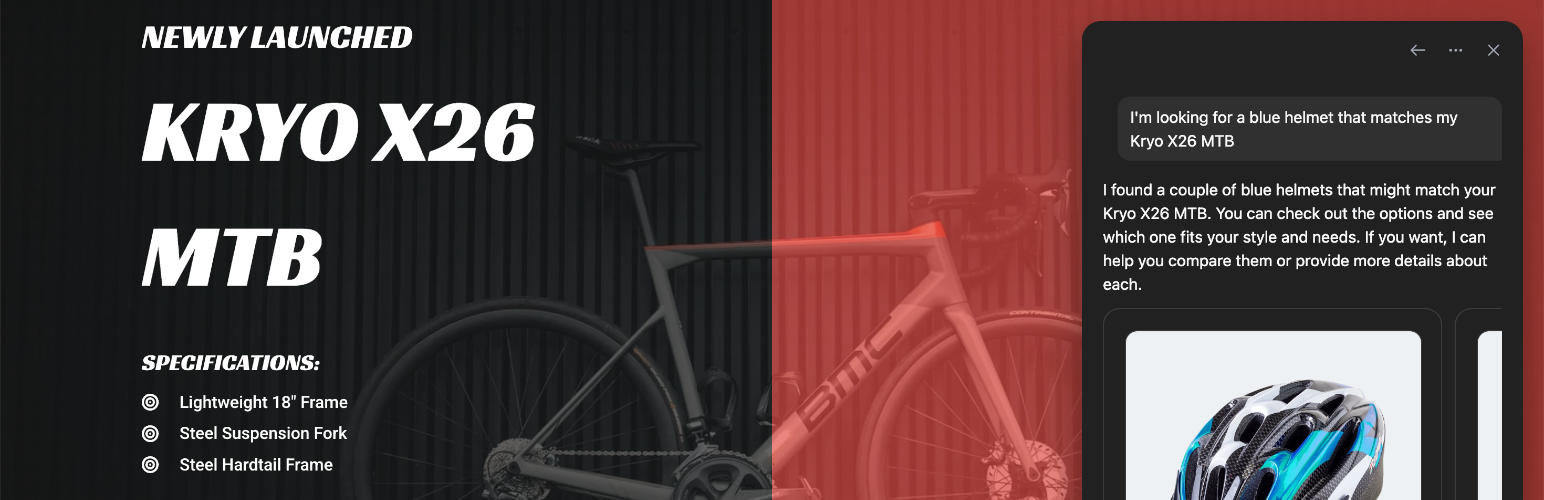
Agenized for WooCommerce
| 开发者 | agenized |
|---|---|
| 更新时间 | 2026年4月22日 20:15 |
| PHP版本: | 8.0 及以上 |
| WordPress版本: | 6.9 |
| 版权: | GPLv2 or later |
| 版权网址: | 版权信息 |
详情介绍:
安装:
- Upload the plugin files to the
/wp-content/plugins/agenized-for-woocommercedirectory, or install the plugin through the WordPress plugins screen. - Activate the plugin through the
Pluginsscreen in WordPress. - Connect your store to your Agenized account.
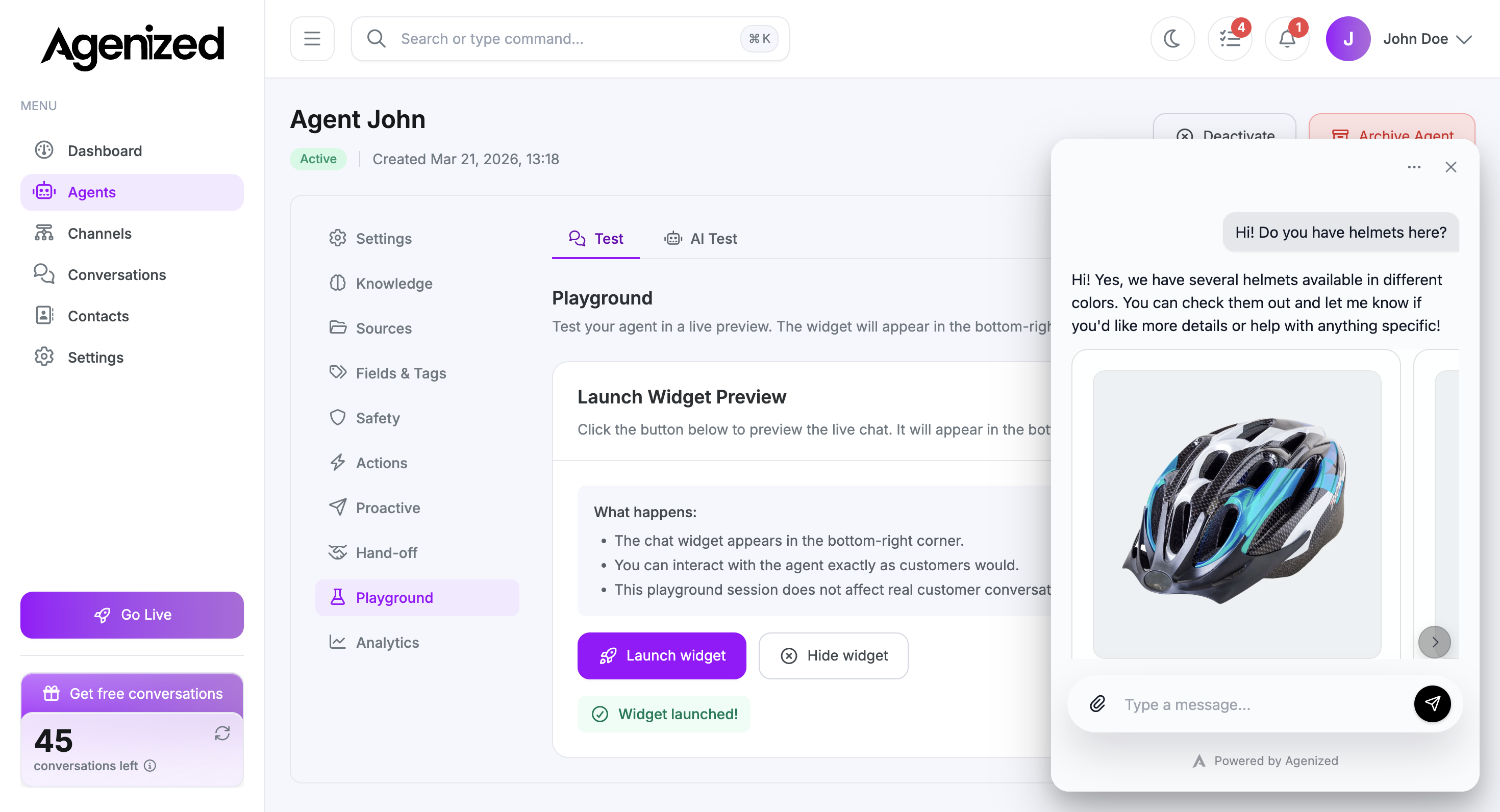
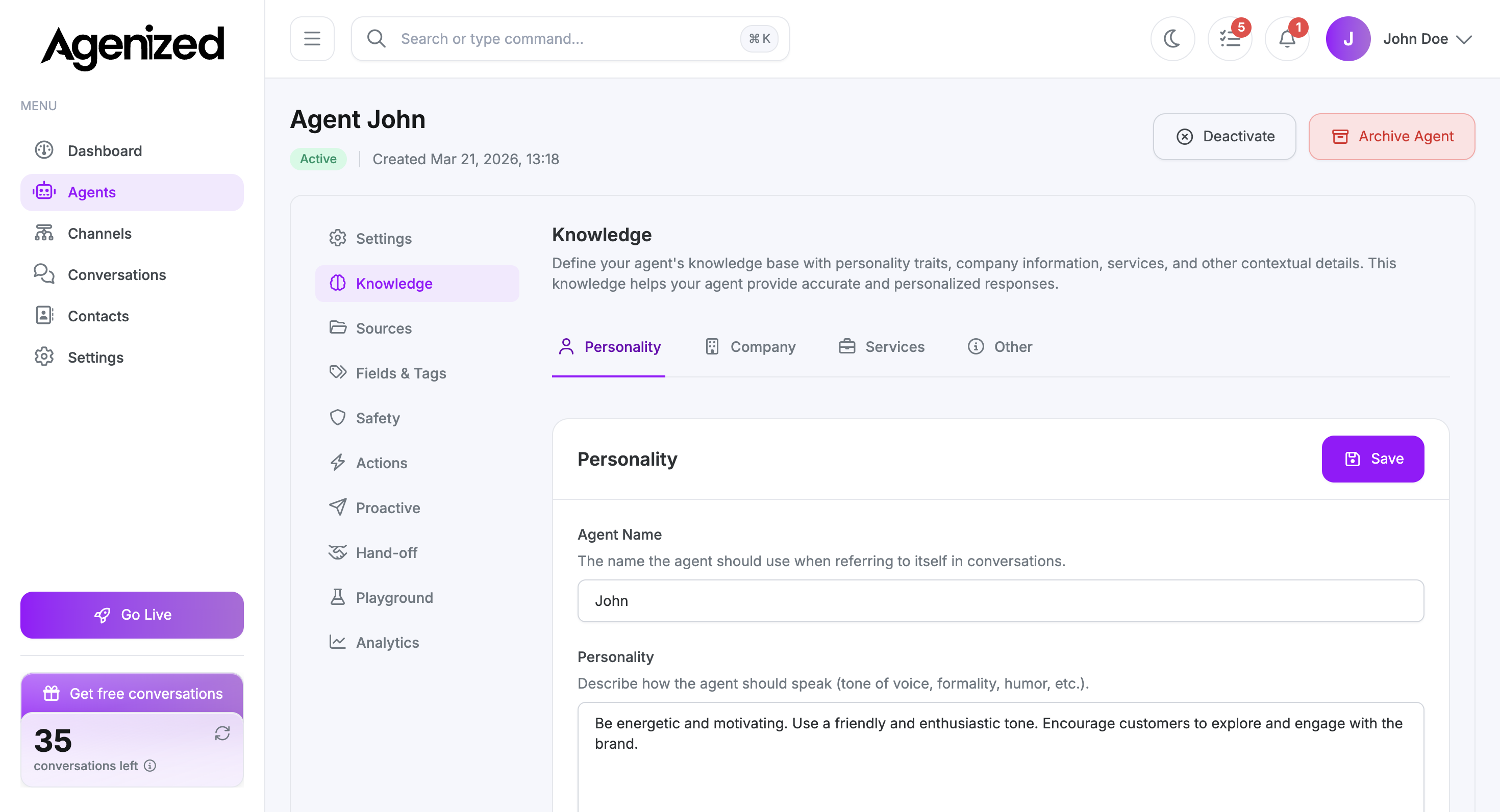
- Configure your widget and agent settings in the Agenized dashboard.
屏幕截图:
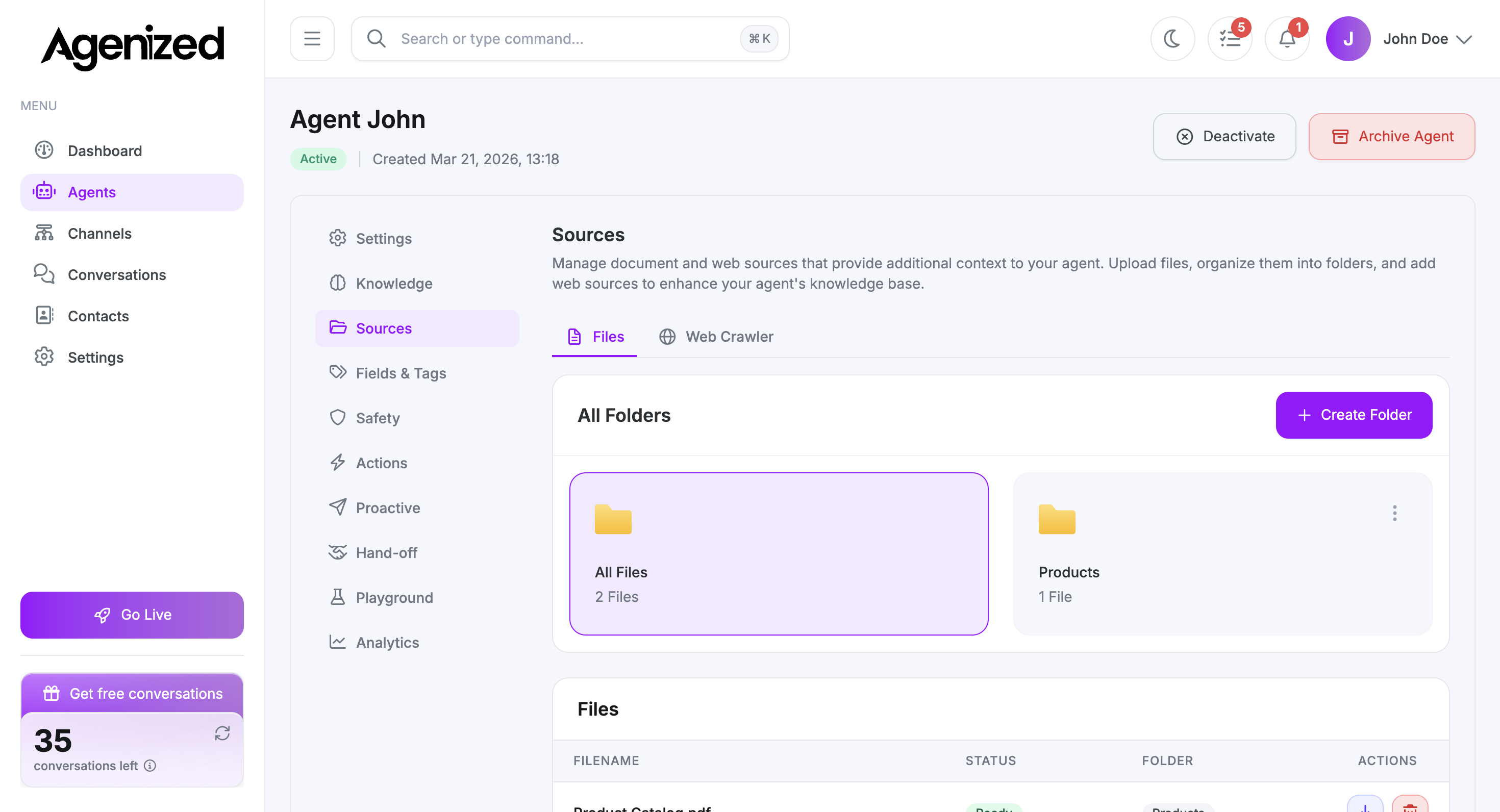
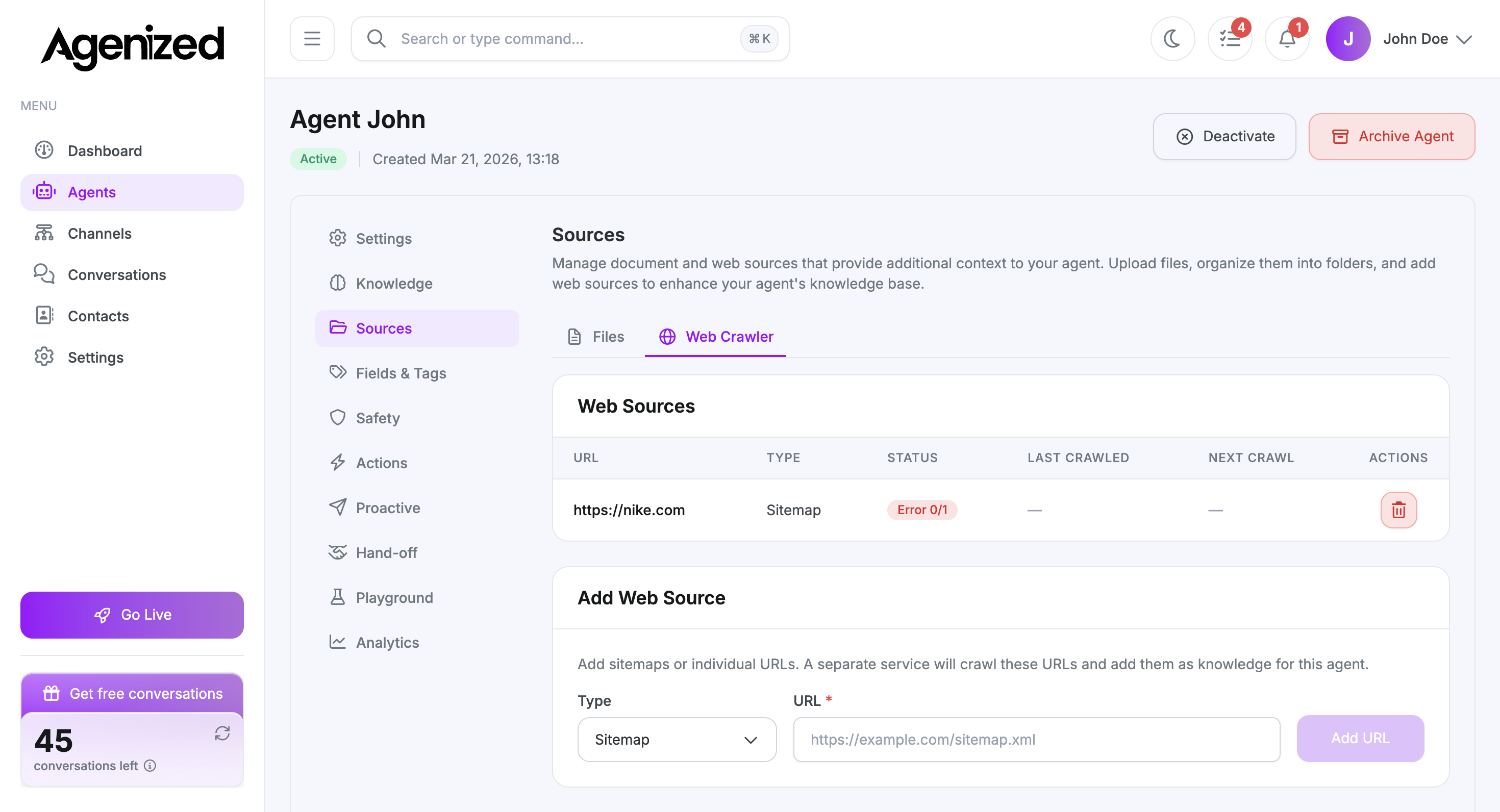
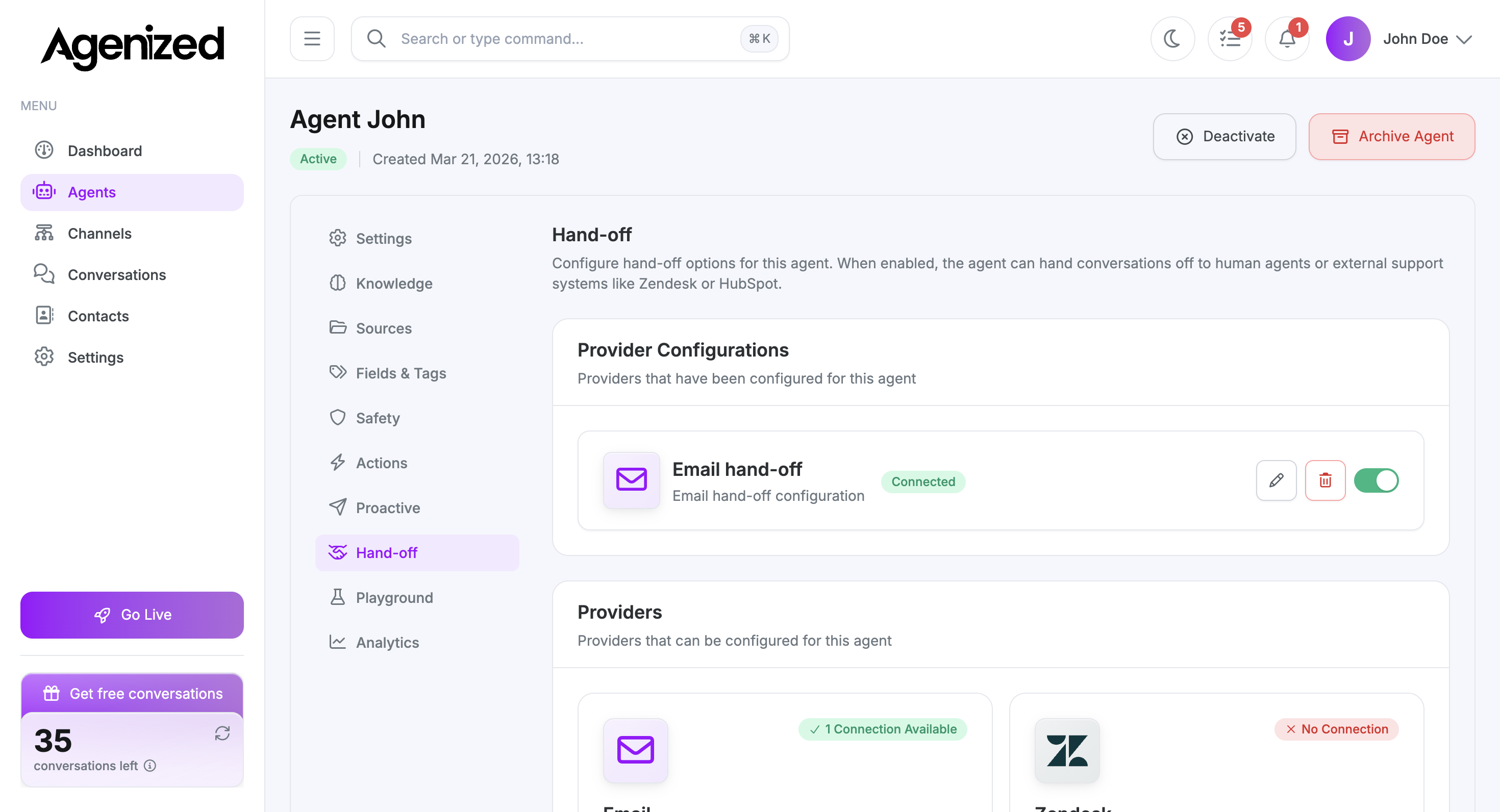
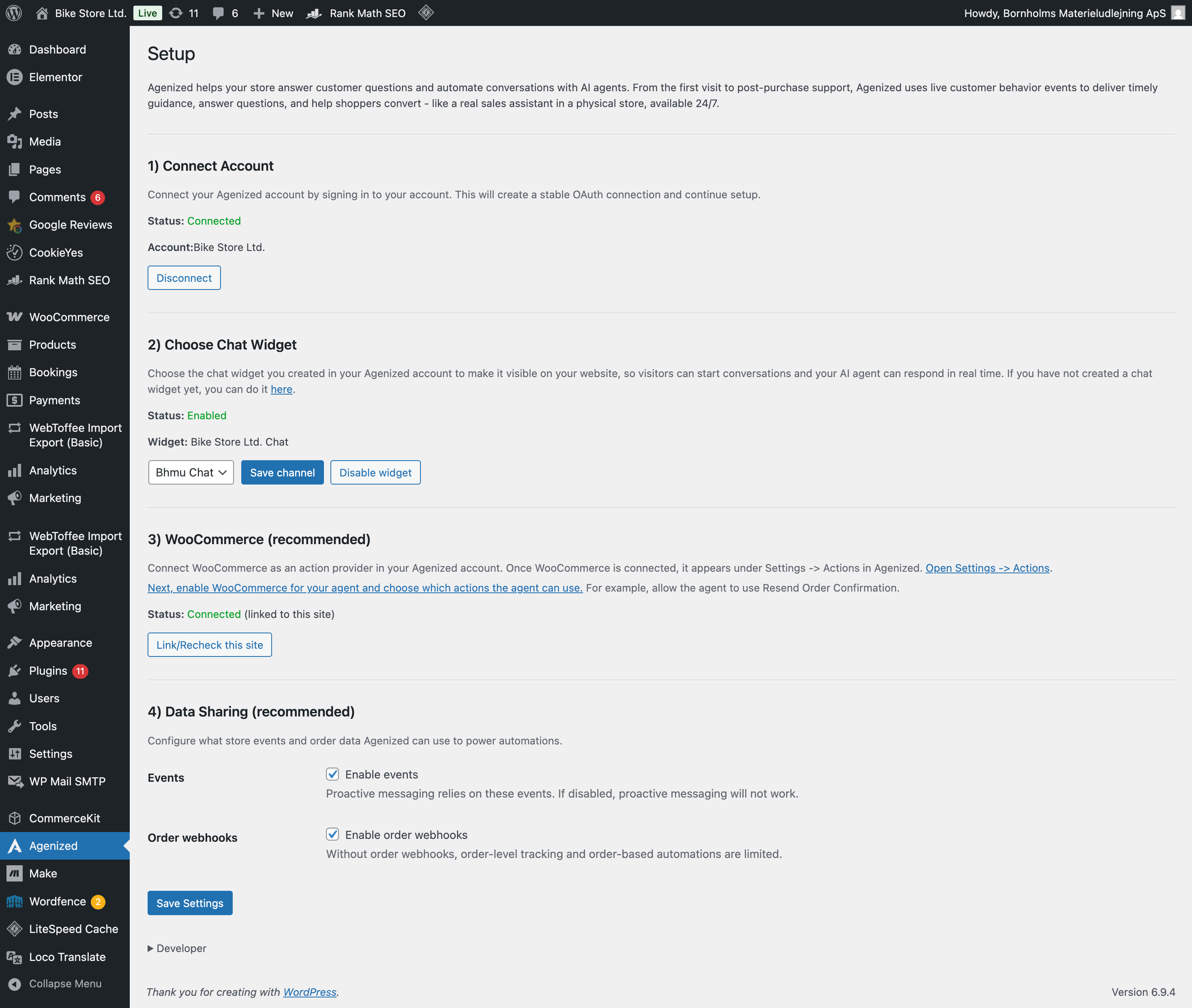
常见问题:
Do I need an Agenized account?
Yes. You need an Agenized account to connect your WooCommerce store and configure your agents.
Does this plugin work with WooCommerce Subscriptions?
Yes. Agenized supports WooCommerce Subscriptions for subscription-related workflows and Actions.
Does this plugin work with WooCommerce Bookings?
Yes. Agenized supports WooCommerce Bookings for booking-related workflows and Actions.
Can I be live quickly?
Yes. In most cases, you can connect your store, configure the widget, and have Agenized live on your site in around 5 minutes.
Will I need to train the agent?
Yes. You can get started quickly, but we recommend spending time training your agent with relevant information, reviewing conversations, and making corrections over time to improve quality.
Where do I configure the agent?
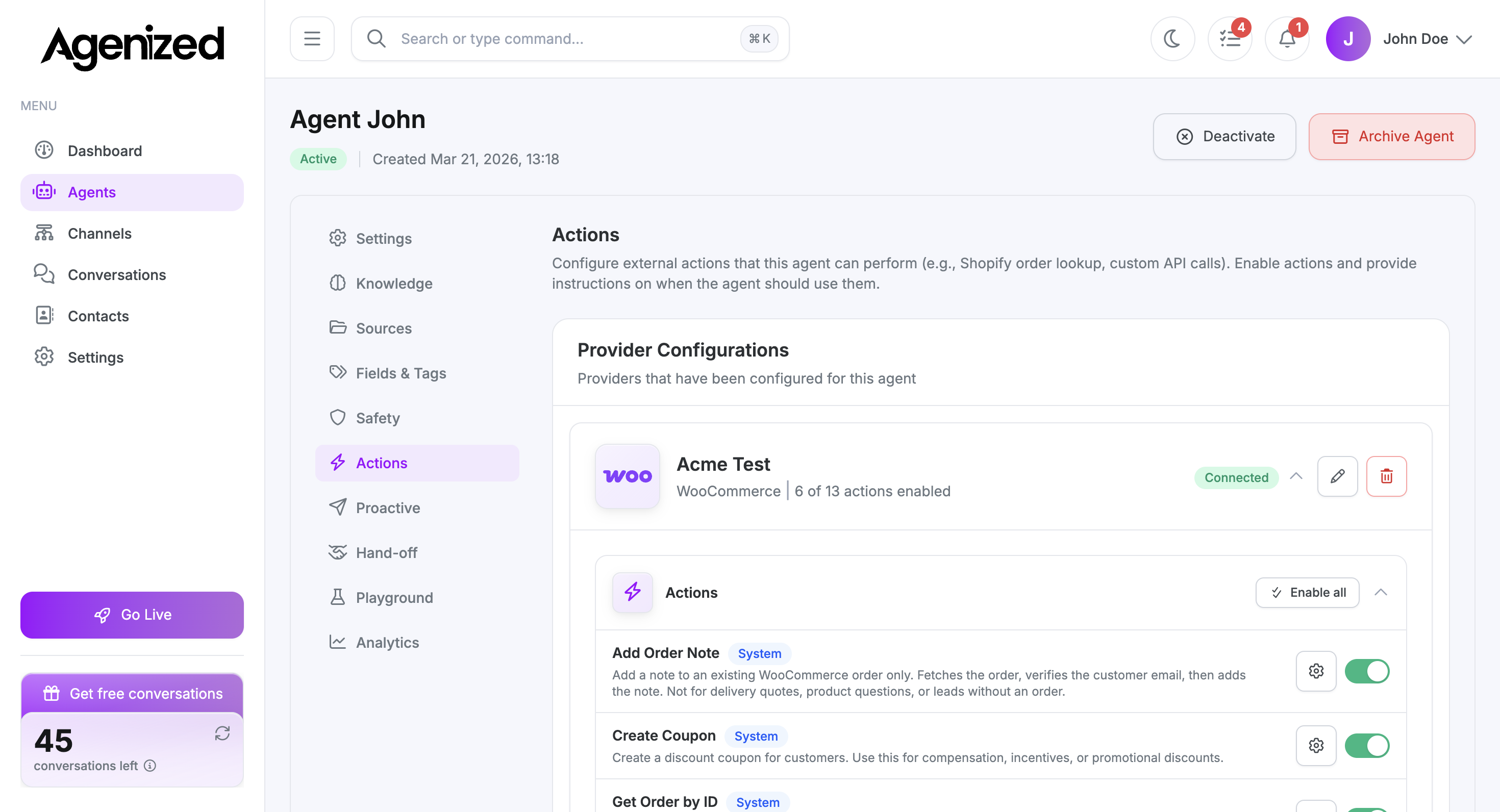
The WordPress plugin connects your store to Agenized. Agent behavior, Actions, Proactive Messages, and handoff settings are configured in your Agenized dashboard.
Does this plugin use third-party services?
Yes. This plugin connects to Agenized services to provide OAuth, widget delivery, channel configuration, and optional WooCommerce integrations.
- OAuth and API requests are sent to
merchant-api.agenized.com. - The storefront widget script can be loaded from
widget.agenized.com(or your configured script URL). - If enabled, order webhooks send order metadata including billing email, order amount, currency, billing phone, order date, and order status.
- If enabled, proactive context events can send page views, product views, cart totals/item counts, and search terms.
- If enabled, WooCommerce API credentials created for integration are sent to Agenized APIs to configure catalog/actions.
- Privacy Policy: https://agenized.com/privacy
- Terms of Service: https://agenized.com/terms
更新日志:
- Fetch sitemaps using only the WordPress HTTP API (wp_remote_get), per plugin directory guidelines
- Surface database error details when WooCommerce REST API key creation fails
- Proactive messaging: send store events (product view, add to cart, cart view, search, checkout error) to the widget
- Config bridge for iframe embed snippet (AgenizedWidget.publicKey / apiBaseUrl)
- Requires Widget Script URL set to embed snippet; enable proactive on the channel in the dashboard
- Initial release
- OAuth connection support
- Chat channel selection
- WooCommerce integration
- Sitemap integration
- Chat widget embedding