
AI
| 开发者 |
wordpressorg
wordpressdotorg dkotter jeffpaul |
|---|---|
| 更新时间 | 2026年10月6日 03:59 |
| WordPress版本: | 7.1 |
| 版权: | GPL-2.0-or-later |
| 版权网址: | 版权信息 |
详情介绍:
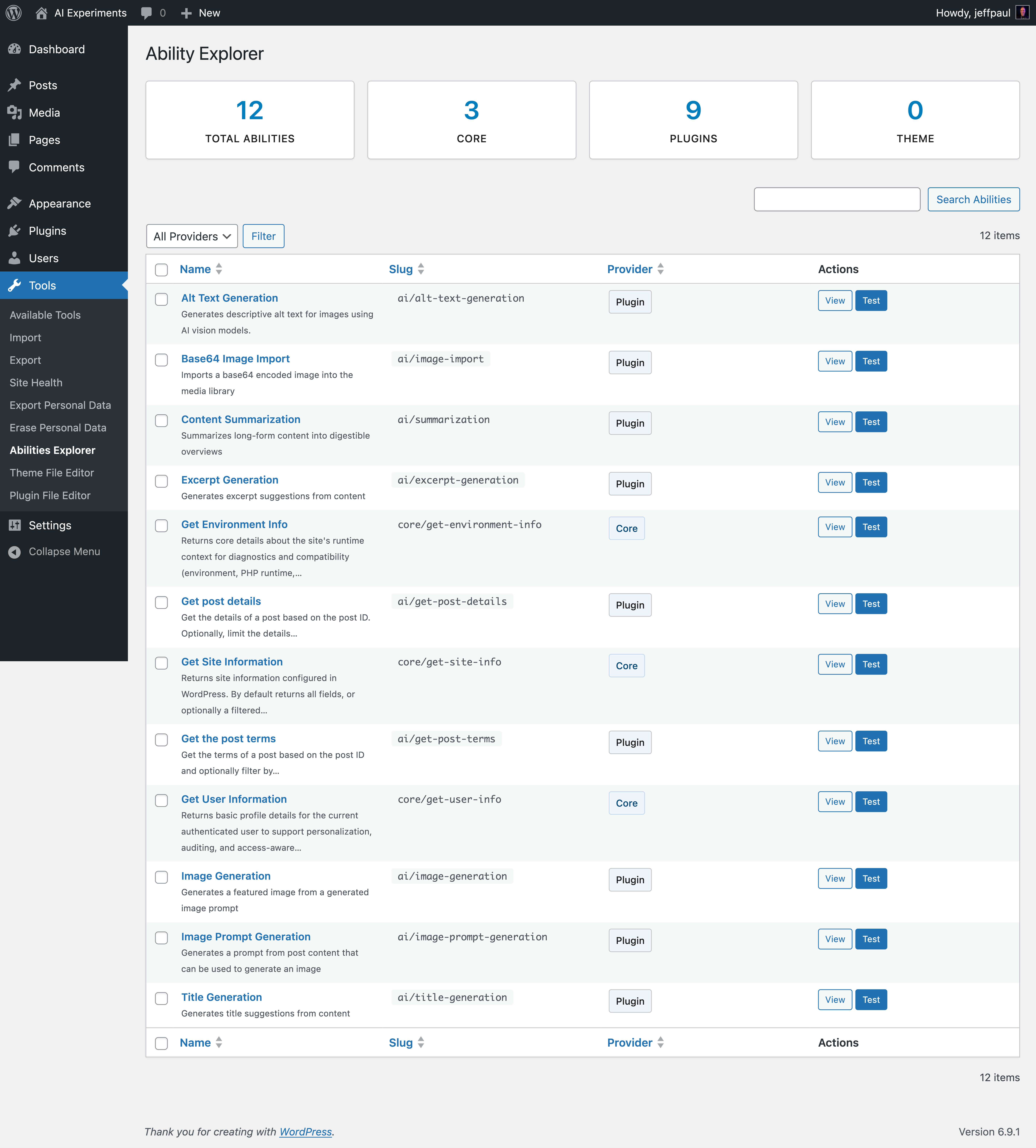

- Abilities Explorer – Browse and interact with registered AI abilities from a dedicated admin screen.
- AI Request Logging – Logs AI requests for observability and debugging.
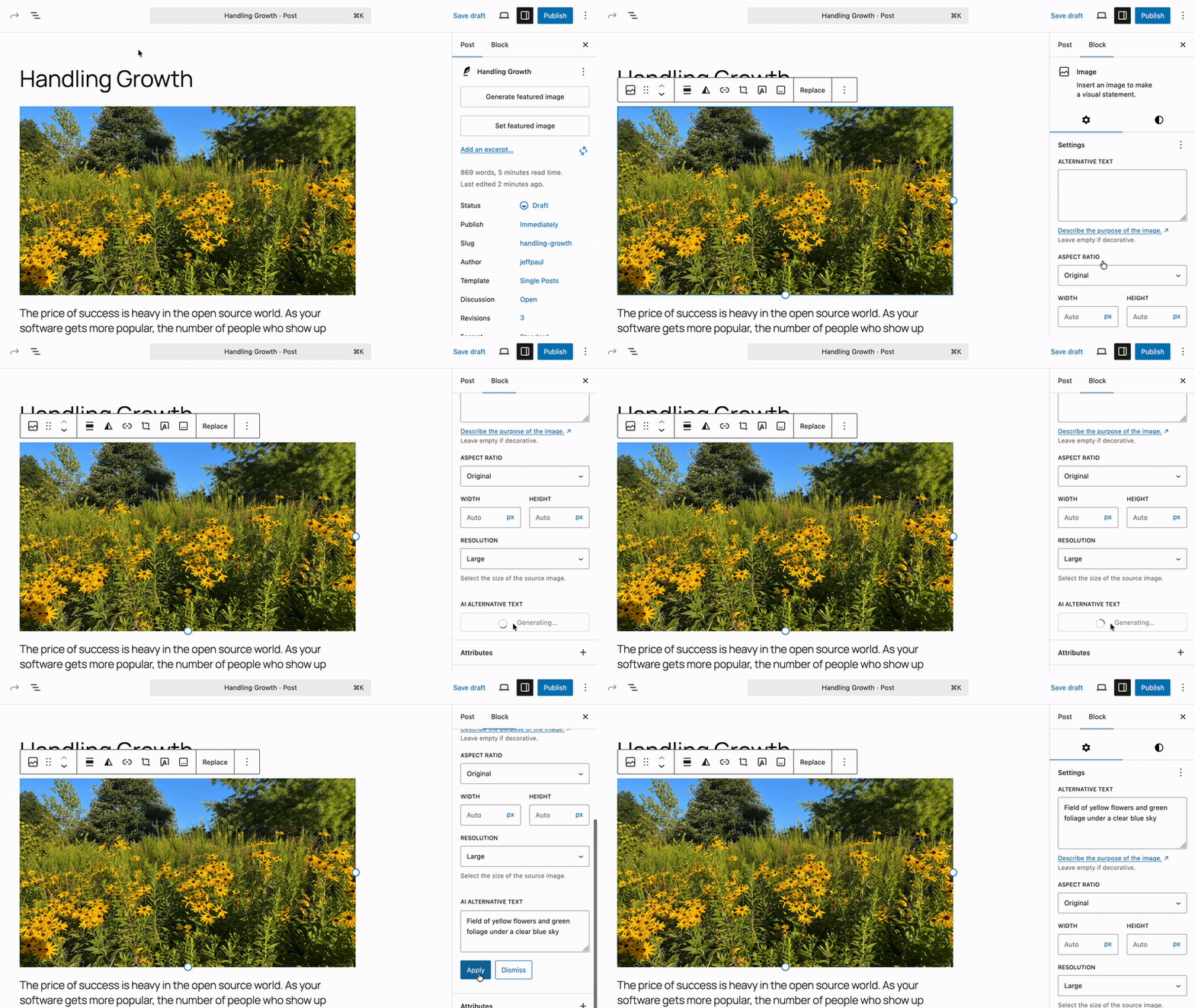
- Alt Text Generation - Generate descriptive alt text for images to improve accessibility.
- Comment Moderation - Automatically moderate comments based on toxicity detection and sentiment analysis, and give each comment a value score.
- Connector Approvals - Require explicit administrator approval before plugins or themes can use AI connectors configured on this site.
- Content Classification – Suggests relevant tags and categories to organize content.
- Content Resizing - Shorten, expand, or rephrase selected block content.
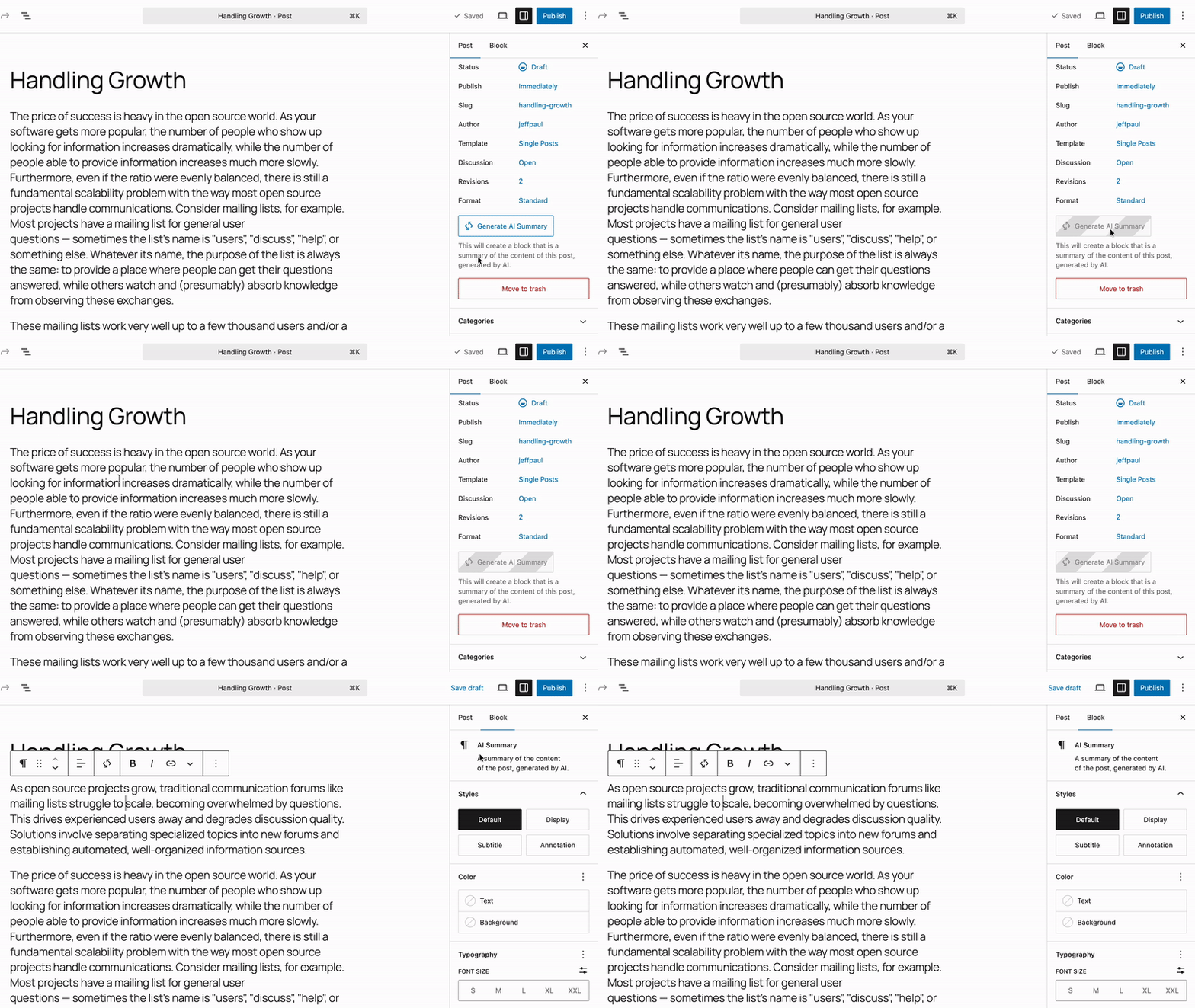
- Content Summarization - Summarizes long-form content into digestible overviews.
- Content Translation - Translates paragraph and heading blocks, and optionally the post title, into a selected language from the post editor.
- Custom Abilities - Gates the plugin's general-purpose WordPress Abilities behind a single opt-in toggle.
- Dashboard Widgets - AI Status and AI Capabilities widgets, plus framework for registering new ones.
- Editorial Notes - Reviews post content block-by-block and adds Notes with suggestions for Accessibility, Readability, Grammar, and SEO.
- Editorial Updates - Automatically apply editorial notes to content.
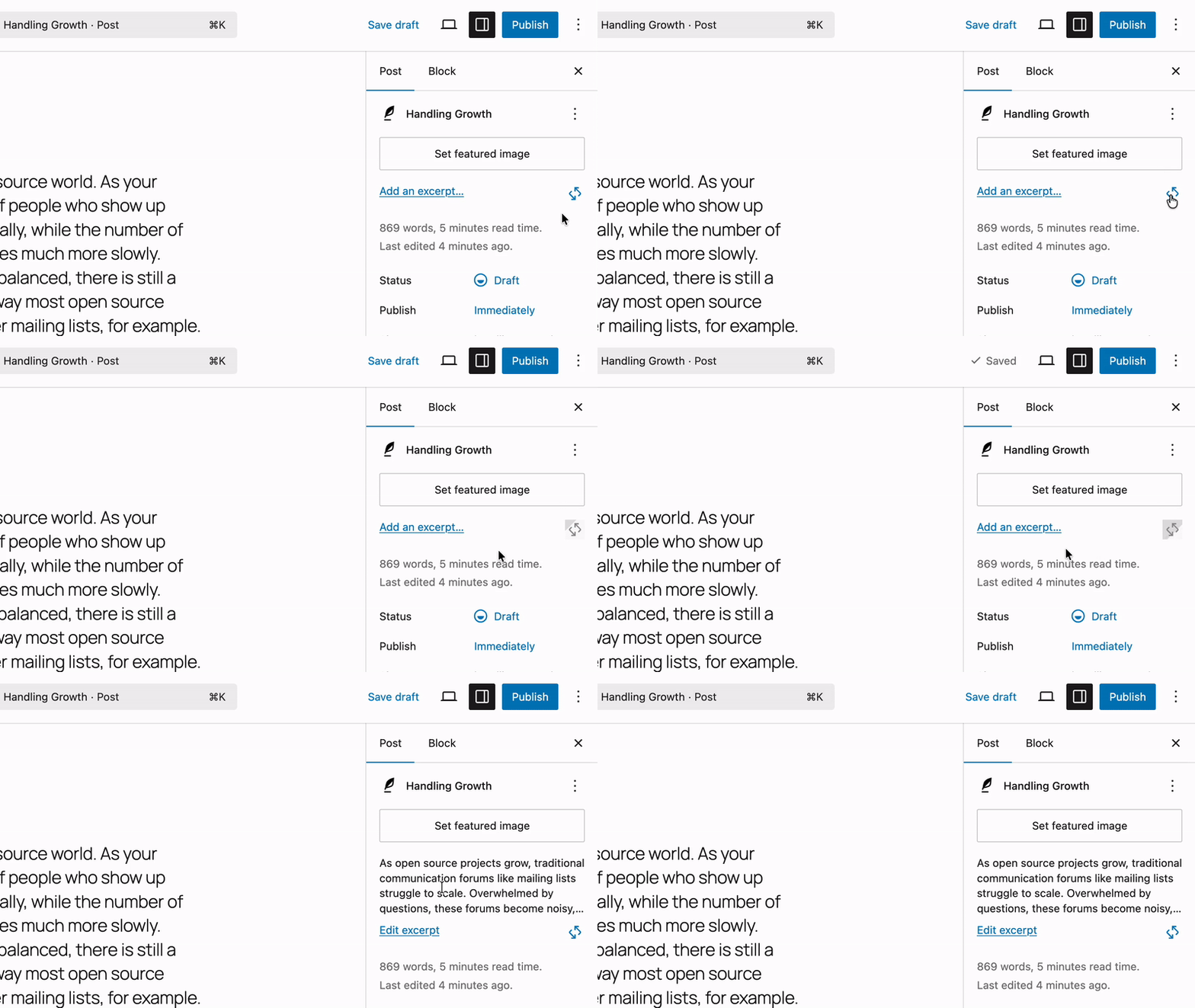
- Excerpt Generation - Automatically create concise summaries for your posts.
- Experiment Framework - Opt-in system that lets you enable only the AI features you want to use.
- Guidelines - Allows abilities to respect site-wide editorial standards.
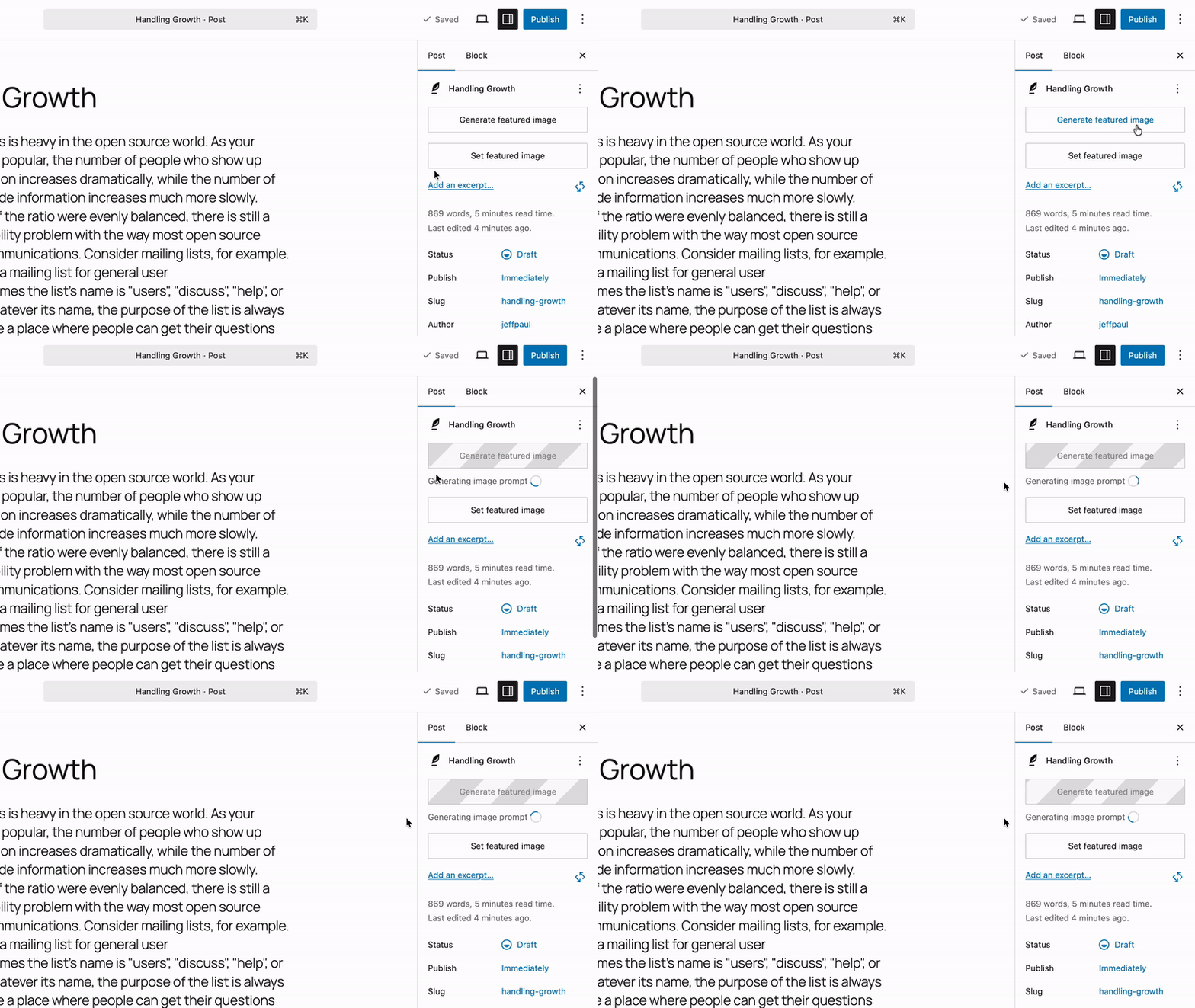
- Image Generation and Editing - Create and edit images from post content in the editor, also via the Media Library.
- Key Encryption - Encrypts AI provider API keys at rest using bundled libsodium encryption. Keys are transparently decrypted on read and re-encrypted on write. Disabling the experiment or deactivating the plugin restores plaintext keys.
- Meta Description Generation - Generates meta description suggestions and integrates those with various SEO plugins.
- Multi-Provider Support - Works with AI Connector plugins for providers such as OpenAI, Google, and Anthropic.
- Slug Generation - Suggest SEO-friendly permalink slugs for your posts from the permalink popover or the pre-publish panel, then edit and apply the one you want.
- Suggest Reply - Adds a "Suggest Reply" action to the Comments screen and Activity widget, enabling moderators to quickly generate comment reply suggestions.
- Title Generation - Generate title suggestions for your posts with a single click. Perfect for brainstorming headlines or finding the right tone for your content.
- Type Ahead – Contextual type-ahead assistance for suggestions while typing.
Settings -> Connectors. Features may appear unavailable until a connector is installed, authenticated, and capable of the required operation.
Provider connector plugins include Anthropic, Google, OpenAI, and others.
Coming Soon:
We're actively developing new features to enhance your WordPress workflow:
- AI Playground – Experiment with different AI models and providers.
- Content Assistant – AI-powered writing and editing in Gutenberg.
- Site Agent – Natural language WordPress administration.
- Workflow Automation – AI-driven task automation.
安装:
- Upload the plugin files to the
/wp-content/plugins/aidirectory, or install the plugin through the WordPress plugins screen directly. - Activate the plugin through the 'Plugins' screen in WordPress.
- Install and activate at least one AI Connector plugin, then go to
Settings -> Connectorsand configure its credentials. - Go to
Settings -> AIand enable the features or experiments you want to use. - Start experimenting with AI features! For the Title Generation experiment, edit a post and click into the title field. You should see a
Generate/Regeneratebutton above the field. Click that button and after the request is complete, title suggestions will be displayed in a modal. Choose the title you like and click theSelectbutton to insert it into the title field.
屏幕截图:






常见问题:
What is this plugin for?
This plugin brings AI-powered writing and editing tools directly into WordPress. It's also a reference implementation for developers who want to build their own AI features.
Is this safe to use on a production site?
This is an experimental plugin, so we recommend testing in a staging environment first. Features may change as we gather community feedback. All AI features are opt-in and require manual triggering - nothing happens automatically without your approval.
Do I need an API key to use the features?
Yes, currently you need to provide your own API key for the configured AI Connector plugin, such as OpenAI, Google AI, or Anthropic.
How much does it cost?
The plugin itself is free, but you'll need to pay for API usage from your chosen AI provider. Costs vary by provider and usage. Most providers offer free trial credits to get started. There are some local, open source, and free providers (like Ollama) that can be used as well.
Can I use this without coding knowledge?
Absolutely! The plugin is designed for content creators and site administrators. Once your AI Connectors are configured, you can use the AI functionality directly from the post editor.
Does this plugin support the Classic Editor?
No. The AI plugin currently supports only the Block Editor (aka Gutenberg). The plugin is designed around modern editor APIs, block-based content workflows, and the evolving editing capabilities being developed within WordPress core (including Gutenberg). The Block Editor has been the default WordPress editing experience since WordPress 5.0 in 2018 and remains the primary focus of active editor development. Concentrating development efforts on the Block Editor enables the project to ship new features, experiments, and integrations more quickly while avoiding the complexity of maintaining parallel implementations across multiple editing experiences. Although the Classic Editor plugin continues to have a large installed base, the Core AI team has chosen to prioritize innovation and experimentation within the Block Editor ecosystem. At this time there are no plans to add official Classic Editor support.
Where can I get help or report issues?
You can ask questions in the #core-ai channel on WordPress Slack or report issues on the GitHub repository.
更新日志:
- When comment moderation is run, calculate a value score, providing a relevance signal (0–1) for each comment based on how substantive and on-topic it is relative to the post it was left on. Show this score in a new column on the comment screen (#681).
- New experiment, Markdown Feeds, that creates markdown feeds at
/feed/markdown/(available in every feed context) and of individual posts and pages via?output_format=markdown(#855). - User-triggered retry for Content Translation if it fails (#941).
- Limit comment moderation bulk analysis queue size (#972).
- Storage and CRUD layer for embedding vectors (new
wpai_embeddingstable) that can be used to recording the provider and model alongside every vector (#976). - 9 new default target languages to the Content Translation experiment (#986).
- Guideline categories support to the Content Translation Ability (#987).
- New
Vector_MathandVector_Rankerclasses, allowing users to run similarity and ranking queries against vectors (#993). - Loading indicator for type-ahead suggestion requests (#1029).
- Integrate Alt Text Generation with the Image block’s decorative setting (#1031).
- Bump minimum supported WordPress version to 7.0.3 (#1001).
- Display specific taxonomy labels in Content Classification notice error messages instead of generic terminology (#916).
- Show a notice and disable title translation when the post title is too short (#967).
- Update to the latest version of the embedding code from the PHP AI Client (#975).
- Our
generate_embeddingshelper function now requires a specific embedding model. Passmodel(a model ID or aModelInterfaceinstance) and, for a model ID, theproviderthat offers it. This is a breaking change for anyone that happened to start using this function (#975). - Update Settings vertical ellipsis icon to tool icon (#1001).
- The
core/read-contentandcore/read-usersabilities are renamed tocore/content-queryandcore/users-query. The old names keep working as deprecated aliases for now (#1002). - Use
gpt-image-2.5-flareas our default OpenAI image generation model (#1023). - The
core/read-settingsability has been renamed tocore/settings-get. The old name keeps working as a deprecated alias for now (#1087).
- The
ai/get-post-detailsability. Use the single-post mode ofcore/content-queryinstead (#1002).
- Unnecessary URL validation that is now handled by WordPress core (#1011).
- The
Enable AIheader toggle from the AI settings page (#985).
- Ensure focus moves to the Accept button when content generation completes in the Content Resizing modal (#917).
- Increase the default request timeout from 5 seconds to 30 seconds when Core revalidates API keys. If this validation request times out, Core will delete the API key so this is an attempt to fix that (#947).
- Cached the active SEO plugin detection - with a TTL and immediate invalidation on any plugin activation/deactivation - so meta description meta-key lookups no longer re-scan active plugins on every request (#973).
- Improves the Content Translation loading animation to preserve existing text and background colors (#977).
- Settings page failing to render on Gutenberg 23.9+ after
@wordpress/dataviewswas removed from the private-apis allowlist (#989). - Ensure our guidelines integration reads published guideline rows from the
wp_knowledgepost type instead of the removedwp_guidelineso those work with the latest version of Gutenberg. We don't migrate data from the old post type and taxonomy to the new so anyone that had previously set guidelines in an older version of Gutenberg will need to re-add those (#988). - Import core's prefixed PSR
EventDispatcherin the vendoredEmbeddingBuilder(#1005). - Reserve space for type-ahead text generation when caret is at the end (#1008).
- Updated the settings page container
min-heightso that it spans the full viewport height (#1013). - Fix focus style on collapsible card by updating the
@wordpress/dataviewspackage to latest version (#1035). - AI Request Logs now records HTTP error responses (4xx/5xx) from providers as
errorwith the status code and message, instead ofsuccess; Gemini text generation requests are no longer mislabeled asMetadata(#1040). - Hide the "Suggest Reply" button when the inline comment form is in Quick Edit mode (#1049).
- Editorial Notes only reviewing template blocks when "Show template" mode is enabled in the block editor (#1053).
- Insert the generated summary into the post content when Show template is enabled (#1055).
- Aligned the focus styles of Content Classification suggestion pills with the core Button component (#1060).
- Connector Approvals no longer blocks core's connector key check by attributing it to the provider plugin or to Gutenberg (#1070).
- Abilities Explorer no longer crashes when an ability's input property lists several types (#1073).
- Preserve HTML entities and text between shortcodes when normalizing content, while still encoding entity-encoded tags (#1077).
- Prevent
options.phpvalidation error when saving general settings with abilities active (#1080). - Ensure post titles, the site tagline and excerpts no longer contain HTML entities in the markdown feeds (#1086).
- Ensure markdown feeds don't 404 when the rewrite rules were rebuilt without the feed in place (#1110).
- Ensure we check for the
moderate_commentscapability before we allow bulk comment moderation and then check for theedit_commentcapability for each individual comment that is being moderated (GHSA-pjw7-q94g-4q34). - Harden the Playground preview publishing workflow to derive pull request and commit metadata from the triggering workflow run (#978).
- Harden JSON data parsing on admin screen (#991).
- New Experiment: Content Translation; translates Paragraph and Heading blocks—and optionally the post title—into a selected language directly from the post editor (#747).
- New Experiment: Slug Generation; suggest SEO-friendly permalinks that can be set as the slug (#897, #932).
- New Experiment: Custom Abilities. Gates the plugin's custom WordPress Abilities (
ai/get-post-details,ai/get-post-terms,core/read-settings,core/read-users,core/read-content) behind a single opt-in toggle, so enabling it exposes all of them at once via the Abilities API. Note for anyone that is using these Abilities, you'll need to enable this new experiment first for those to be available (#881). - New Developer Tool: Import/Export functionality for non-sensitive AI settings (#734).
- Cleanup plugin data when the plugin is deleted (#692).
- AI-specific Site Health integration and status tests (#734).
- New filters,
wpai_content_classification_available_terms,wpai_content_classification_min_confidenceandwpai_content_classification_candidate_pool_size, to allow more control over Content Classification (#633). - Prompt template extension points, making it easy for others to filter prompts and prompt builders (#770).
- Brought the embedding code over from the PHP AI Client and load that conditionally so those using the AI plugin can start to take advantage of embedding generation (#892, #946).
- Public
WordPress\AI\log_ai_request()API so MCP servers and ability consumers can record requests in the AI Request Log (#914).
- Updated all meta keys to use the
wpai_prefix instead of justai_. Note this changes the prefix on theai_generated,ai_generated_summaryandai_notemeta so if you are directly using those, update to using thewpai_names (#867). - Updated preferred models to more recent ones for the three default providers (#913).
- Bump WordPress tested-up-to version 7.1 (#934).
- Improve the relevance of category and tag suggestions produced by the Content Classification experiment (#633).
- Editorial Updates now links to the visual revisions screen when reviewing refined content, falling back to the classic revisions screen when visual revisions are unavailable (#861).
- Reordered setting experiments list; grouped linked experiments and sorted editor experiments alphabetically (#871).
- Improved keyboard focus handling when generating, accepting, or dismissing classification suggestions (#873).
- The Abilities Explorer provider filter dropdown now includes custom providers, and the overview statistics count abilities by origin so custom-provider abilities remain in their Core/Plugins/Theme bucket (#884).
- Set focus to the generated title textarea when generating a title (#901).
- The
core/read-usersability now returns collections ordered by display name, A to Z (#948).
- The
AI_Serviceclass and theget_ai_service()helper introduced in 0.2.1 will be removed in the next major release. Neither is used anywhere in the plugin; experiments and abilities callwp_ai_client_prompt()directly (#905). - Filter
wpai_meta_description_result_temperatureis no longer being used and will be removed in the next release (#913).
- No longer set custom temperature values on any of our requests (#913).
- The AI Request Log REST endpoint now registers its
operationfilter parameter, so it appears in the REST schema and a non-string value returns a 400 instead of causing a fatal error (#758). - Inline reply textarea not receiving focus after generating a suggested reply (#877).
- Meta Description suggestions applied on pages and custom post types were lost on save when Yoast SEO was active (#886).
- Improved accessibility and keyboard usability for the request logs provider/model details (#889).
- Improved keyboard and focus handling for the Suggest Reply tone dropdown (#907).
- Synchronized generating state across the inline and modal excerpt generation buttons (#908).
- Ensure caller detection in the encryption experiment properly matches the calling plugin, not the host plugin (#909).
- Synchronized loading state between the sidebar and block toolbar regenerate summary buttons (#912).
- Preserve inline HTML when resizing content (#915).
- Bulk actions no longer re-run when sorting or paginating the list after the action completes (#928).
- Apply editorial updates to blocks that store editable text in the
valueattribute (#930).
- Ensure any content we render from the LLM or content we send to the LLM is properly sanitized (#950).
- Add proper nonce check prior to bulk alt text and summarization generation (GHSA-hfp9-55vw-ccjc).
- When passing a custom image URL to the Alt Text Generation Ability, ensure that URL is public, that it points to an allowed image type and that the final URL we download matches the initial one we verify (GHSA-v2wx-9j88-4rqq).
- New Experiment: Suggest Reply; gives comment moderators a quick way to generate a reply to a comment through the admin (#724).
- New "Advanced settings" option in Developer Tools to show/hide additional configuration options for features and experiments (#842).
- Bulk "Generate AI Summary" action to the posts and pages list table, enabling summary generation for multiple posts at once (#650).
- New
core/read-contentAbility with secure single-post and query modes (including include and opt-in fields) to enable read-only content access (#739). - New
core/read-usersAbility that retrieves a single user by ID, email, login, or nicename, or a filtered and paginated users collection, with sensitive fields opt-in and permission-gated (#774). - An inline admin notice when Connector Approvals are enabled and no AI connectors are yet approved, prompting admins to approve the AI plugin for use (#830).
- Introduce new
wp_ai_client_default_request_timeoutfilter to make the default request timeout configurable. Use this for the image generation request timeout (#862).
- Content Summary block detection now checks within nested blocks (#810).
- Move all existing configuration options into a new "Advanced settings" section which is hidden by default (#842).
- Focus restoration after AI setting saves (#812).
- Added descriptive alt text to AI Home feature card images for improved screen reader accessibility (#819).
- Prevent Type-Ahead assets from loading on the front end (#820).
- Dismissing a type-ahead suggestion with escape should not trigger a new suggestion request (#840).
- Type-ahead ghost text placement and stale suggestions overlapping empty-block placeholders (#847).
MutationObservercrash when editor iframe body isn't ready when using Title Generation (#849).- Respect an explicit
show_in_abilitiesvalue on curated settings, and leave the flag to WordPress core once core declares it (#852). - Register initial settings before
core/read-settingssnapshots them (#856).