AI Alt Text Builder – Alt Text Generator for Image SEO & Accessibility
| 开发者 | rankpilotai |
|---|---|
| 更新时间 | 2026年10月7日 11:49 |
| PHP版本: | 7.4 及以上 |
| WordPress版本: | 7.1 |
| 版权: | GPLv2 or later |
| 版权网址: | 版权信息 |
详情介绍:
安装:
- Upload and activate the plugin.
- Go to AI Alt Text Builder in the admin menu.
- Choose your mode:
- Free Trial - Click "Start Free Trial" for 25 free tokens (no registration needed)
- Own API Key - Enter your OpenAI API key for unlimited single image generations
- Pro - Enter your RankPilotAI Site Key for full features
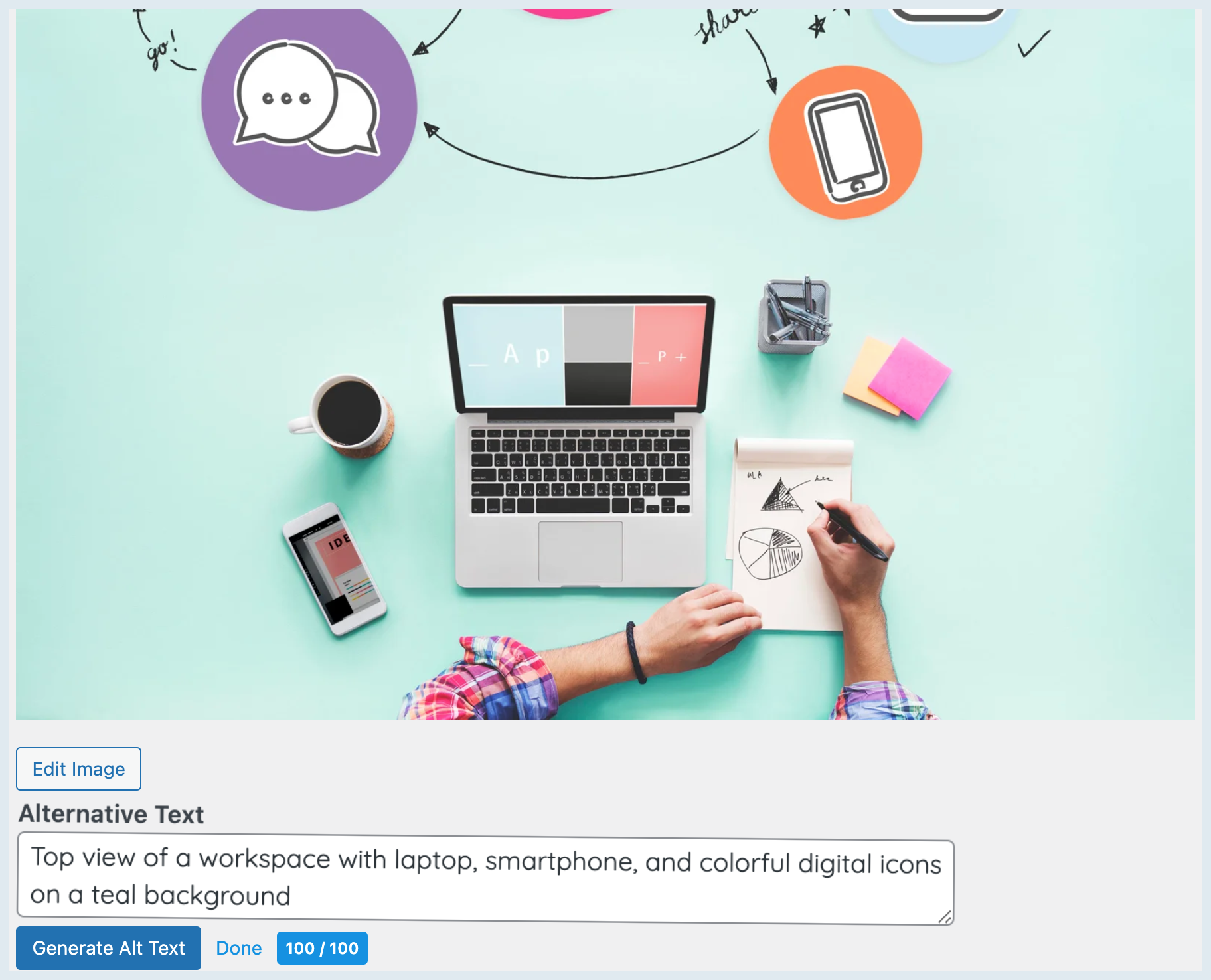
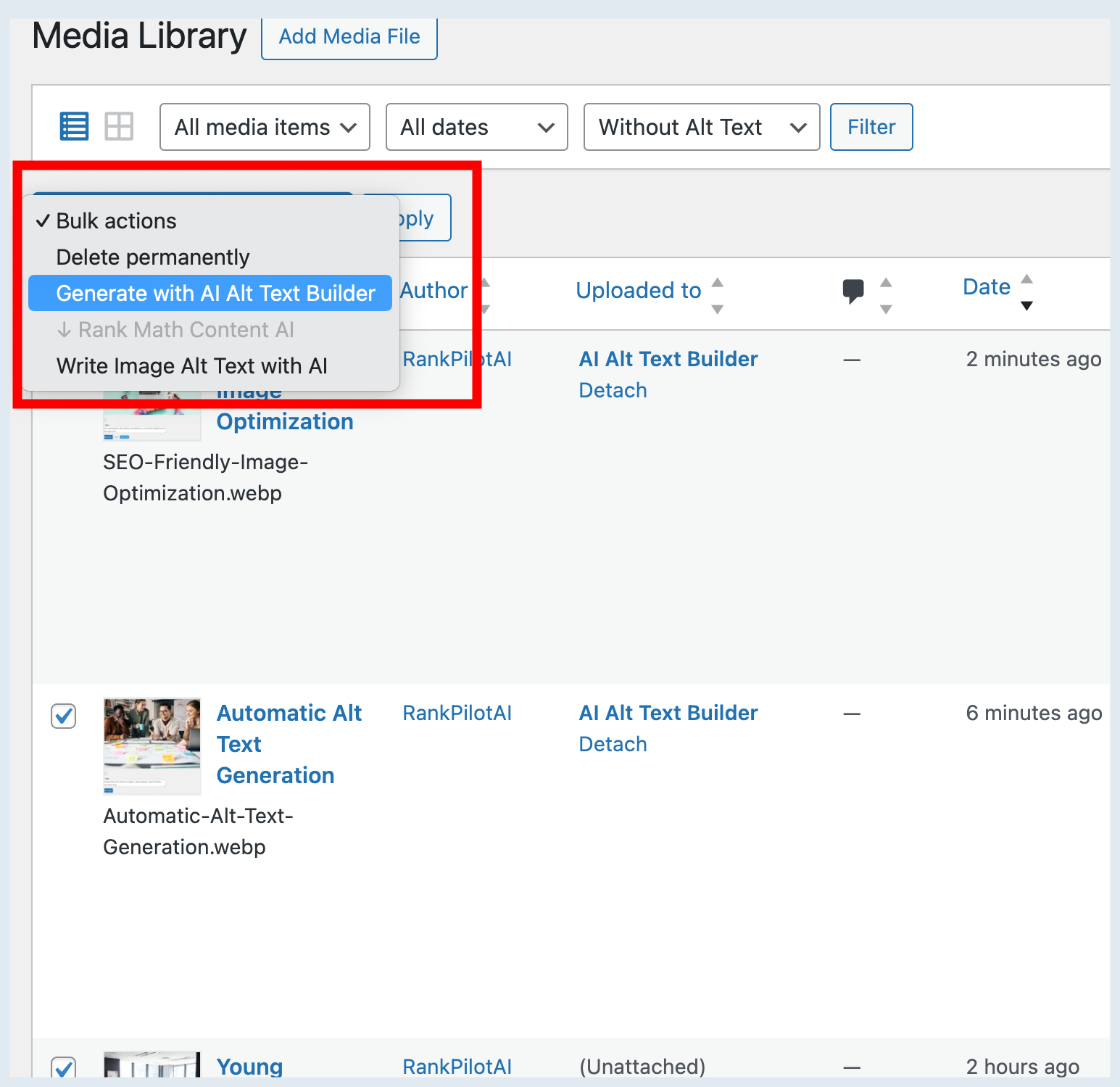
- Open Media → Library or an attachment and click Generate with AI.
屏幕截图:
常见问题:
Do I need to register or create an account?
No. The free trial starts instantly with one click. For BYOK mode, just paste your OpenAI API key.
Is there a free plan?
Yes. 25 free tokens are included. After that, use your own OpenAI API key (unlimited, free) or upgrade to Pro.
Does it overwrite my existing ALT texts?
Only when you click Generate for a given image (or run a bulk action). It writes to WordPress’ standard _wp_attachment_image_alt field.
What languages are supported?
English, German, French, Spanish, Turkish — plus Other/Custom. Enter any language name and we’ll pass it to the generator.
Will it change image file names or titles?
No. It only sets the ALT text and stores a score _aatb_score meta (for the badge/column).
Does it work with other media/SEO plugins?
Yes. ALT text is a core WordPress field, so other plugins and themes will read it normally.
Does alt text help SEO?
Yes. Search engines read alt text to understand what an image shows, which helps the image appear in Google Images and gives the page more relevant context. Good alt text describes the image in plain words; it is not a place to stuff keywords, and the generator does not do that.
Does it help with accessibility compliance (WCAG, ADA, European Accessibility Act)?
It fills the text alternative that WCAG success criterion 1.1.1 asks for on meaningful images, which is one of the most common failures in accessibility audits. It does not make a whole site compliant on its own: other WCAG criteria, such as colour contrast and keyboard access, still apply.
Can I generate alt text for all my existing images at once?
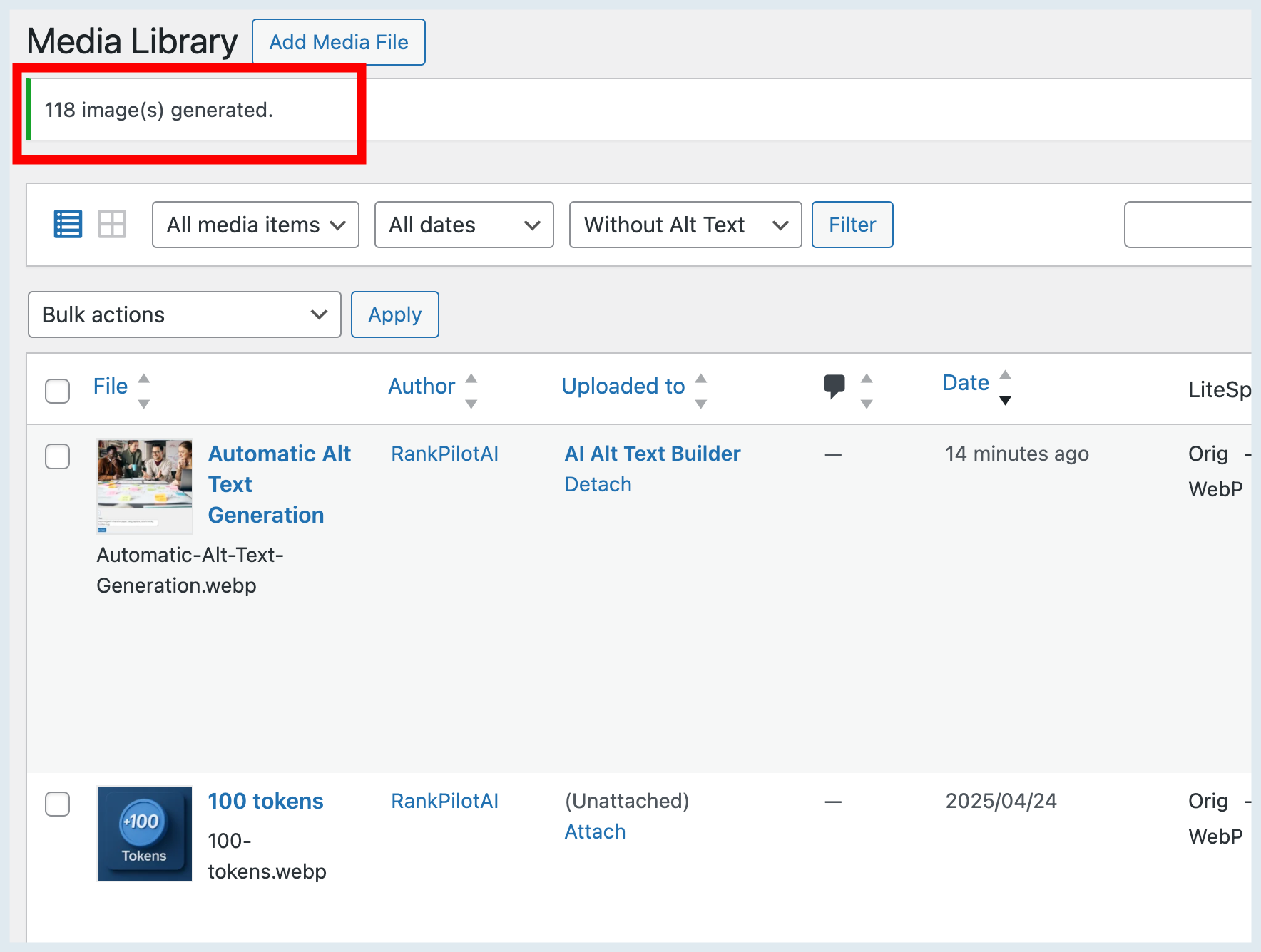
Yes, with Pro. Bulk generation works through your Media Library images in batches, and auto-generate fills in alt text for every new upload. The free trial and BYOK mode generate one image at a time.
更新日志:
- Fix: when the RankPilotAI API answered with a structured error object (for example
{"error":{"message":"..."}}) instead of a plain string, generating ALT text ended in a server error and the real reason never reached you. The message inside the object is now shown. This extends the 1.0.16 trial fix to the Site Key path. - Maintenance: replaced the deprecated
jQuery.trim()(removed in jQuery 4) in the ALT score badge with the nativeString.prototype.trim(). The score is calculated exactly as before. - Compatibility: verified on WordPress 7.1.3 with PHP 8.5. The official Plugin Check reports zero errors, and the Media Library (list and grid), the attachment and post editors and the settings screen load without a single PHP notice or deprecation.
- Fix: removed a PHP warning ("Undefined array key") that the plugin raised every time WordPress built the attachment fields, which is on every media modal open. WordPress does not define an
htmlkey for the alternative text field, and the plugin appended to it without checking. On sites that display PHP notices, the warning could leak into the media modal response. - Hardening: if the trial API returns a structured error object instead of a string, the request no longer ends in a fatal error; the message is shown to you instead.
- Maintenance: the plugin now passes the official WordPress Plugin Check with zero errors. This covers output escaping, translator comments on every placeholder string, wp_parse_url(), and prepared uninstall queries. Where a check does not apply, the exemption is documented inline with its reason rather than left silent.
- Compatibility: verified on a real WordPress 7.1 install, including the Media Library list table, the media modal and the post editor.
- NEW: the Alt Score column in the Media Library is now sortable, as the description has always claimed. Empty ALT text sorts as 0, matching the badge.
- Fix: the "Generate with AI" button inside the media modal no longer appears without the script that powers it. The button used to render on any screen that opens the modal, while its JavaScript only loaded on the Media Library and attachment screens, so clicking it did nothing.
- Fix: files the vision models cannot read (SVG, HEIC, AVIF and similar) are now rejected up front with a clear message instead of consuming a token on a request that was going to fail. WordPress 7.1 lets the browser convert and generate files before upload, so the Media Library can hold more formats than before.
- Hardening: request values are unslashed before sanitizing, and the uninstall cleanup query is now prepared with esc_like().
- Compatibility: tested with WordPress 7.1.
- Maintenance: added the missing "Plugin URI" header and translated remaining inline code comments to English.
- Compatibility: re-verified with WordPress 7.0.
- Maintenance: routine housekeeping, minor code cleanup and performance tuning. No functional changes.
- Compatibility: re-verified with WordPress 7.0.
- Maintenance: minor polish, code cleanup and stability improvements. No functional changes.
- Compatibility: re-verified with WordPress 7.0.
- Maintenance: internal code cleanup and stability improvements. No functional changes.
- Compatibility: re-verified with WordPress 7.0.
- Compatibility: tested up to WordPress 7.0.
- Maintenance: minor housekeeping and copy cleanup. No functional changes.
- NEW: Three-mode system - Trial (25 free tokens), BYOK (your own OpenAI key), Pro (RankPilotAI).
- NEW: Plugin works immediately after install with zero-friction free trial.
- NEW: BYOK mode - unlimited single image generations using your own OpenAI API key.
- NEW: Auto-generate alt text on image upload (Pro feature).
- NEW: Redesigned settings page with mode selection, feature comparison table, and Pro feature indicators.
- Bulk generation and auto-generate are now Pro-only features.
- Score badge and column hidden in BYOK mode.
- Language and model selection locked to English/Mini in Trial and BYOK modes.
- Updated default AI model from GPT-4o-mini to GPT-4.1 Mini for improved quality and performance.
- Backward compatibility maintained — existing GPT-4o-mini selections are automatically migrated.
- UI: Redesigned settings page with modern card-based layout, gradient header, improved navigation and responsive design.
- UI: Settings header now displays the official AI Alt Text Builder logo.
- UI: Modernized admin CSS for generate button and score badges.
- Maintenance: minor version consistency updates and small documentation/copy cleanup. No functional changes.
- Maintenance: minor version consistency updates and small documentation/copy cleanup. No functional changes.
- Tested up to WordPress 6.9.
- New installs start with an empty Site Key field instead of a random generated key.
- Tweak: removed extra “View details” link on the Plugins screen and synced short description. No functional changes.
- Tweak: Updated short description and plugin listing copy. No functional changes.
- Initial public release: one-click ALT generation + “Alt Score” badge.
- Normalized usage overview: Remaining = Plan Limit − Global Usage (matches RankPilotAI account dashboard).
- Language selector and prompt improvements.
- New settings UI, bulk actions polish and sortable “Alt Score” column.
- Stability and compatibility tweaks on admin screens.