Linux 软件免费装
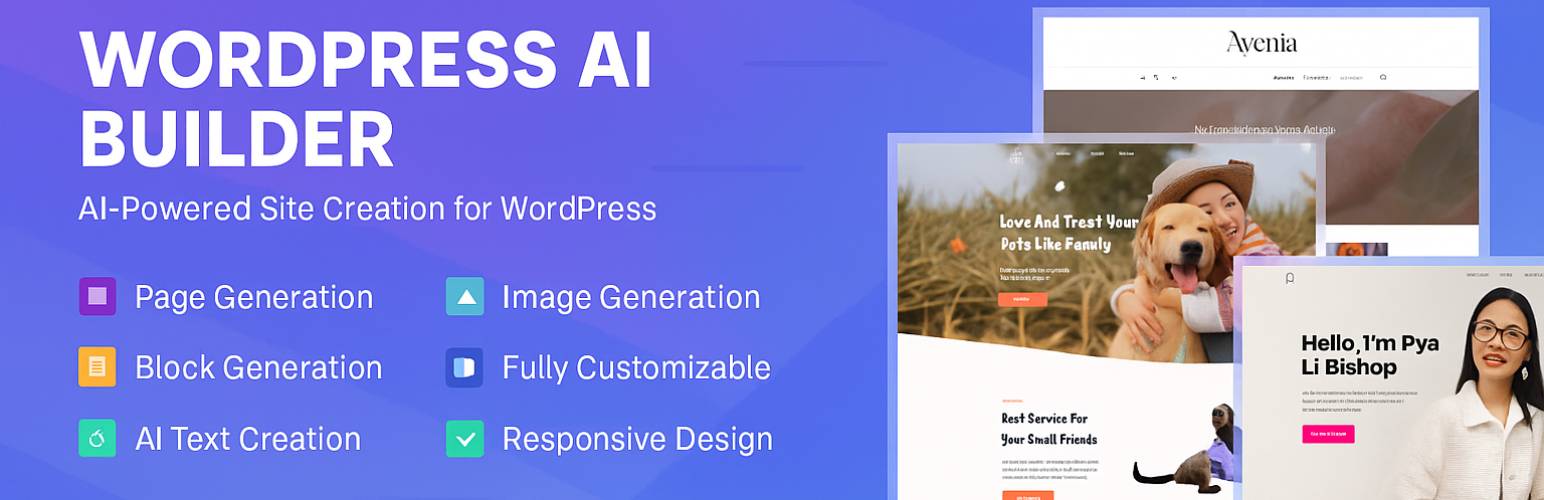
Banner图

AI Builder - Generate pages, blocks, images & translate with AI

开发者 enkic
更新时间 2026年9月15日 00:02
PHP版本: 7.4 及以上
WordPress版本: 7.1
版权: GPLv2 or later
版权网址: 版权信息

标签

ai page-builder website-builder landing-page ai-page-builder

下载

2.6.12 2.6.13 1.0.3 1.1.8 2.0.9 2.2.3 2.6.14 2.7.2 2.7.3 2.7.4 2.7.5 2.7.6 2.1.11 2.6.0 2.1.10 2.1.2 2.1.5 2.1.8 2.1.9 2.6.3 2.1.0 2.1.6 2.2.0 1.1.5 2.6.15 2.6.19 2.6.20 1.3.0 2.1.12 2.7.9 1.1.6 1.2.3 1.2.4 1.2.6 1.2.8 1.3.9 2.0.2 1.0.5 2.0.3 2.0.4 2.0.6 1.2.7 1.2.9 2.0.0 2.1.1 2.1.3 2.2.4 2.3.0 2.3.12 2.3.13 2.3.14 2.3.3 2.3.8 2.6.18 2.7.0 2.7.1 1.0.9 1.1.4 2.0.8 2.1.4 2.3.5 2.4.1 2.4.4 2.4.5 2.4.7 2.4.8 2.4.3 2.5.1 1.0.4 1.0.2 1.1.2 1.1.3 1.2.2 2.3.2 2.5.2 2.5.4 2.5.6 2.5.5 2.5.7 2.5.8 1.1.9 2.5.9 1.2.1 2.5.10 2.0.5 2.4.2 2.4.9 2.5.0 2.5.3 2.6.2 2.6.4 2.6.5 2.3.11 2.6.1 2.6.7 2.6.8 2.6.9 2.2.1 2.6.10 1.0.6 2.1.7 2.3.4 2.6.11 1.0.0 1.0.10 1.0.8 1.1.1 1.1.7 2.4.6 2.6.17 2.6.6 2.7.7 1.0.1 1.0.7 2.0.1 2.2.2 2.3.10 2.3.9 2.6.16 2.7.8

详情介绍:

安装:

  1. Install AI Builder via the WordPress.org plugin directory
  2. Activate the plugin through the 'Plugins' menu in WordPress
  3. Create an account
  4. Start using the AI tools in your Gutenberg editor

屏幕截图:

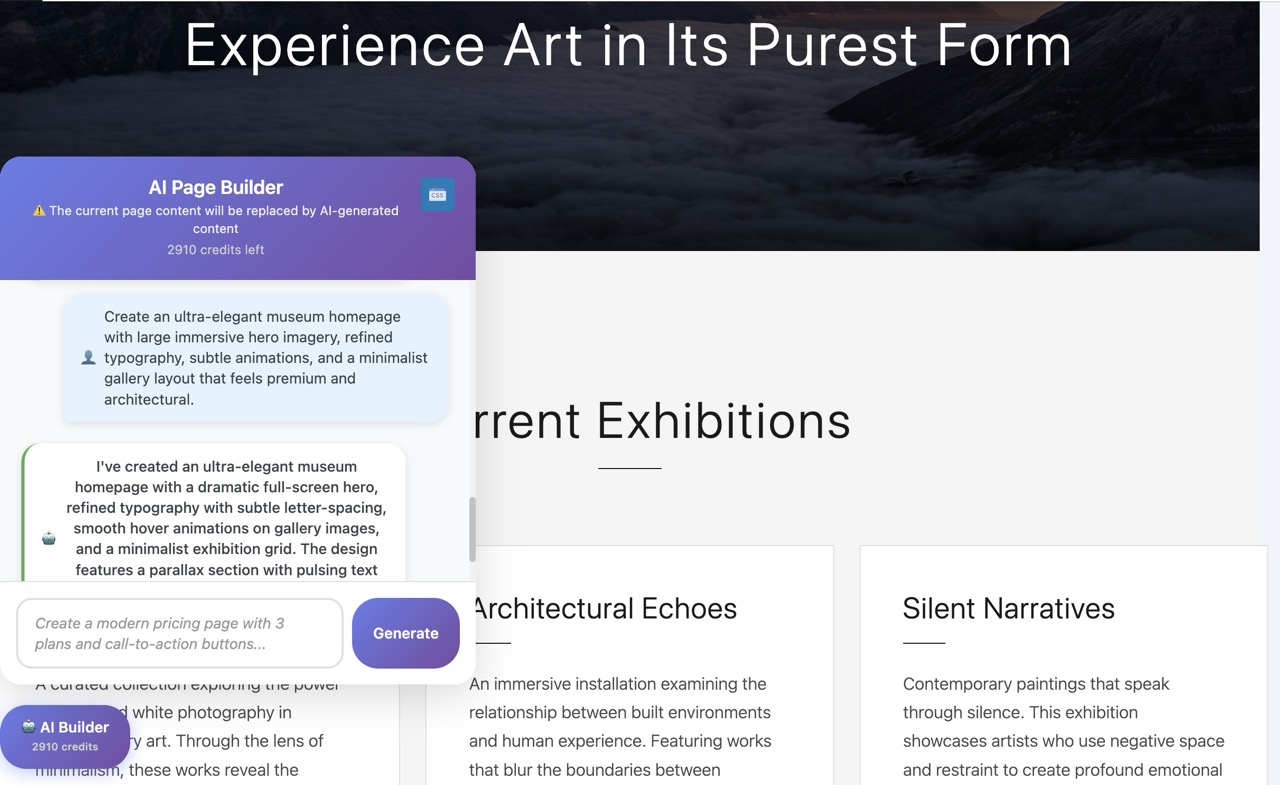
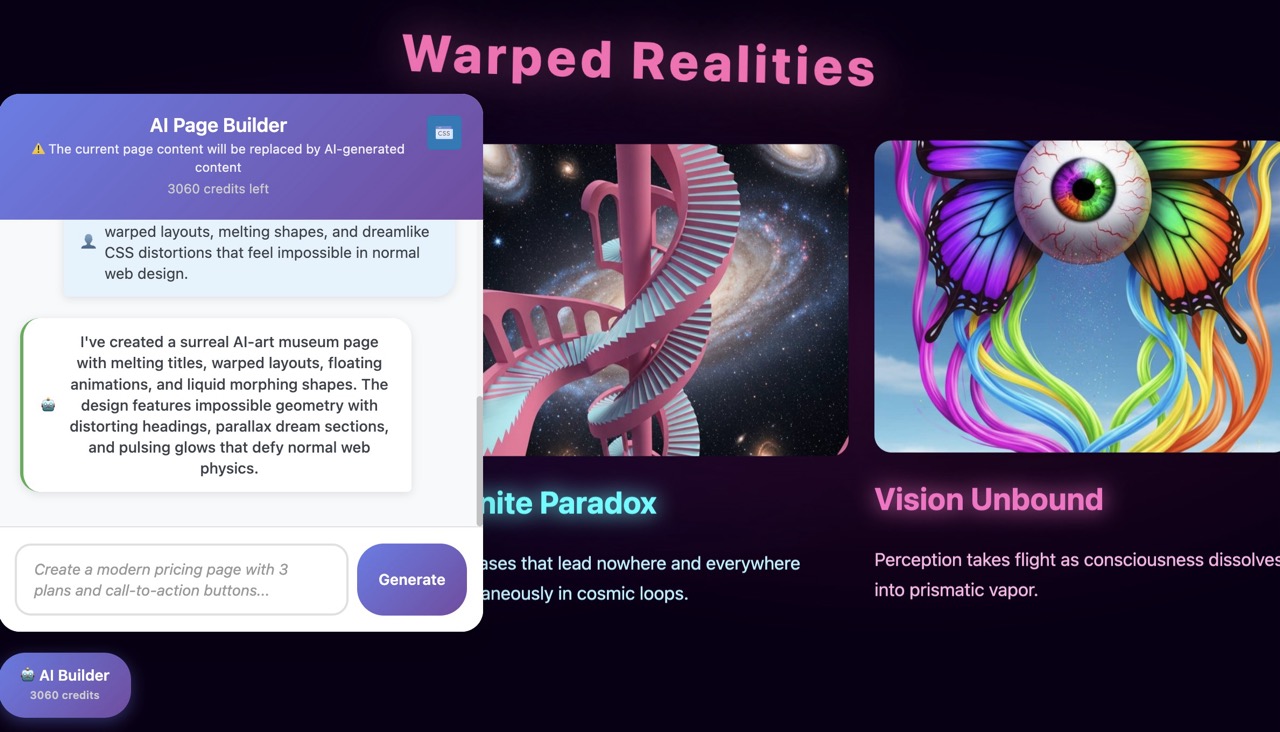
  • Premium Dark Mode
  • Glassmorhism
  • Modern Minimalist
  • Editorial Typography
  • Organic & Nature
  • Retrofuturism
  • SaaS / Tech Startup
  • Luxury & High-End

常见问题:

Is the plugin free to try?

Yes! You get 150 free credits immediately upon signup to test all features (page generation, text, images). No credit card or OpenAI API key is required.

What happens to my content if I cancel my subscription?

You keep 100% of your content. Unlike other builders, AI Builder generates standard WordPress Gutenberg blocks and CSS that are saved directly to your database. If you cancel your subscription, your pages will look exactly the same and remain fully editable.

Do I need my own OpenAI API Key?

No. We handle all the AI processing on our secure servers. You don't need to pay for ChatGPT or OpenAI separately; everything is included in your credits.

Does it work with my Theme (Astra, Kadence, OceanWP, etc.)?

Yes. AI Builder generates native blocks that inherit your theme's global settings (fonts, widths, etc.). It is designed to work seamlessly with any well-coded WordPress theme.

Can I edit the content after it’s generated?

Absolutely. The AI creates standard blocks (Headings, Paragraphs, Images, Columns). You can click and edit them just like any other content in WordPress.

Are the generated images optimized for the web?

Yes. Images generated by the AI are automatically compressed and converted to web-friendly formats to ensure your site loads fast, without sacrificing quality.

Can I use this with page builders like Elementor or Divi?

AI Builder is designed for the native Gutenberg Editor to ensure maximum performance and PageSpeed scores. However, you can use it alongside other builders if you use Gutenberg for your blog posts or specific landing pages.

How do the credits work?

Each action (generating a page, a block, or an image) costs a certain amount of credits. You can view your balance directly in the plugin interface. We offer flexible subscriptions and one-time credit packs if you need more.

Can I make my website multilingual with AI Builder?

Yes. You can translate any page, header, or footer into another language with a single click. The AI doesn't just translate word-for-word; it adapts the context. The plugin automatically adds a language switcher to your site and handles the routing, so users are seamlessly redirected to the correct page in their language.

Do I need a separate plugin like WPML or Polylang?

For most standard websites, no. AI Builder's built-in translation features handle page duplication, content translation, and menu linking automatically. It's a lightweight alternative designed to get your multilingual site running in minutes without complex configuration.

Is AI Builder compatible with WooCommerce?

Yes! AI Builder is fully compatible with WooCommerce. When WooCommerce is installed, the AI automatically detects it and will include WooCommerce-specific blocks (product cards, add to cart buttons, product galleries, etc.) when you ask it to create a product page or any e-commerce related content.

更新日志:

2.7.9 Clearer error reporting in the AI chat: instead of one generic sentence, failures now explain what happened (connection timeout, request blocked by a firewall, expired WordPress session, blocks unavailable on this site...) and include a short support code. A generation containing a block your site does not have is no longer discarded: the other blocks are inserted and the missing ones are listed. Fixed "Generate block" showing a generic error instead of the dedicated message when credits ran out. 2.7.8 Security: saving custom JavaScript for a page, block or Site Editor template now requires the unfiltered_html capability (previously edit_post), and the JS post meta can no longer be written through the Custom Fields box or XML-RPC. Fixes a stored XSS reachable by Contributor accounts in versions 2.4.1 to 2.7.7. Reported by md. minaruzzaman shovon via WPScan. 2.1.2 Compatibility update for WordPress 6.7+ and improved CSS generation for complex blocks. 2.1.1 Fixed a minor issue with the queue system in the Multi-Page Generator. 2.1.0 New Feature: Multi-Page Generator! You can now generate multiple pages (Home, About, Contact) in a single prompt. 2.0.2 Fixed an issue where saved brand colors were not correctly applied to generated buttons. 2.0.1 Major Update: Added "Settings" panel to define your Brand Identity (Colors, Business Name) for consistent AI results. 1.1.4 Improved compatibility with popular themes (Astra, OceanWP) and minor UI fixes in the chat interface. 1.1.3 Security improvements and optimization of the credit consumption logic. 1.1.2 Fixed a minor issue 1.1.1 Hotfix: Resolved a character encoding issue in AI-generated headings. 1.1.0 Fixed a minor issue 1.0.4 Optimization: Faster response time for image generation requests. 1.0.3 Improved the prompt understanding for "Contact Form" and "Pricing Table" blocks. 1.0.2 Fixed a CSS conflict that prevented the chat widget from opening on mobile devices. 1.0.1 Minor bug fixes and stability improvements for the initial connection to AI servers. 1.0.0 Initial release of WordPress AI Builder – build websites faster with the power of AI.