AI Content Creator - Easy ChatGPT powered article generator
| 开发者 | ABCdatos |
|---|---|
| 更新时间 | 2026年10月5日 14:58 |
| PHP版本: | 7.0 及以上 |
| WordPress版本: | 7.1 |
| 版权: | GPLv2 |
| 版权网址: | 版权信息 |
详情介绍:
- English (English)
- Spanish (Español)
- Portuguese (Português)
- French (Français)
- German (Deutsch)
- Russian (русский)
- Japanese (日本語)
- Italian (Italiano)
- Chinese (中文)
- Dutch (Nederlands)
- Korean (한국어)
- Arabic (العربية)
- Turkish (Türkçe)
- Polish (Polski)
- Ukrainian (українська)
- Persian (فارسی)
- Swedish (Svenska)
- Czech (čeština)
- Danish (Dansk)
- Finnish (Suomi)
- Hungarian (Magyar)
- Catalan (Català)
- Basque (Euskara)
- Galician (Galego)
- Asturian (Asturianu) Performance and quality may be affected when writing in languages used by a low population.
安装:
- Upload files to the /wp-content/plugins/ai-content-creator/ directory or install plugin directlly through the Plugins menu of your WordPress.
- Activate the plugin through the Plugins menu of your WordPress.
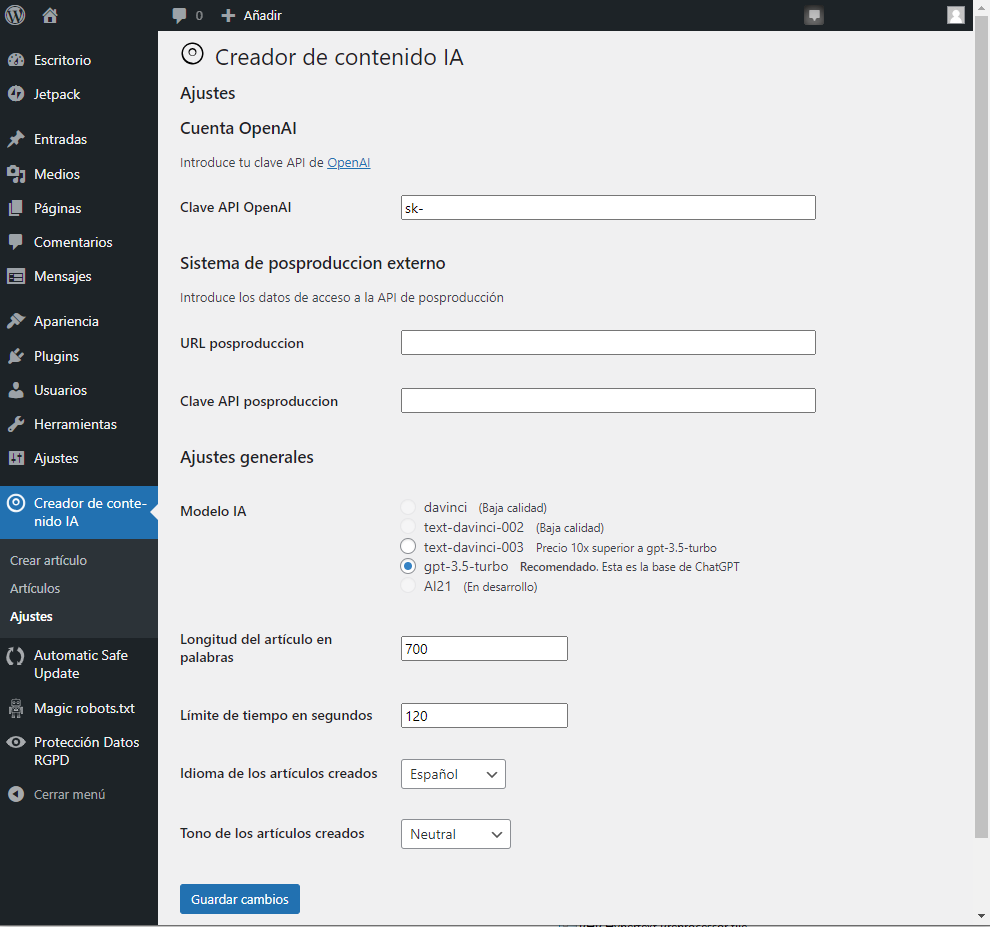
- Go to AI Content Creator settings from the WordPress admin menu to configure the plugin.
- Adjust settings to fit your needs and press at Save changes.
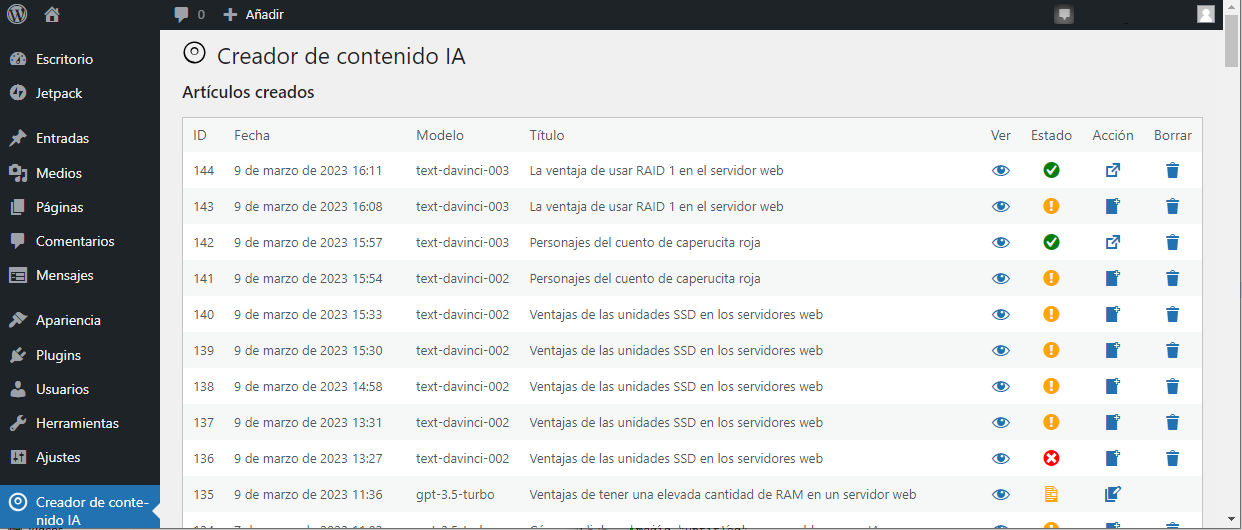
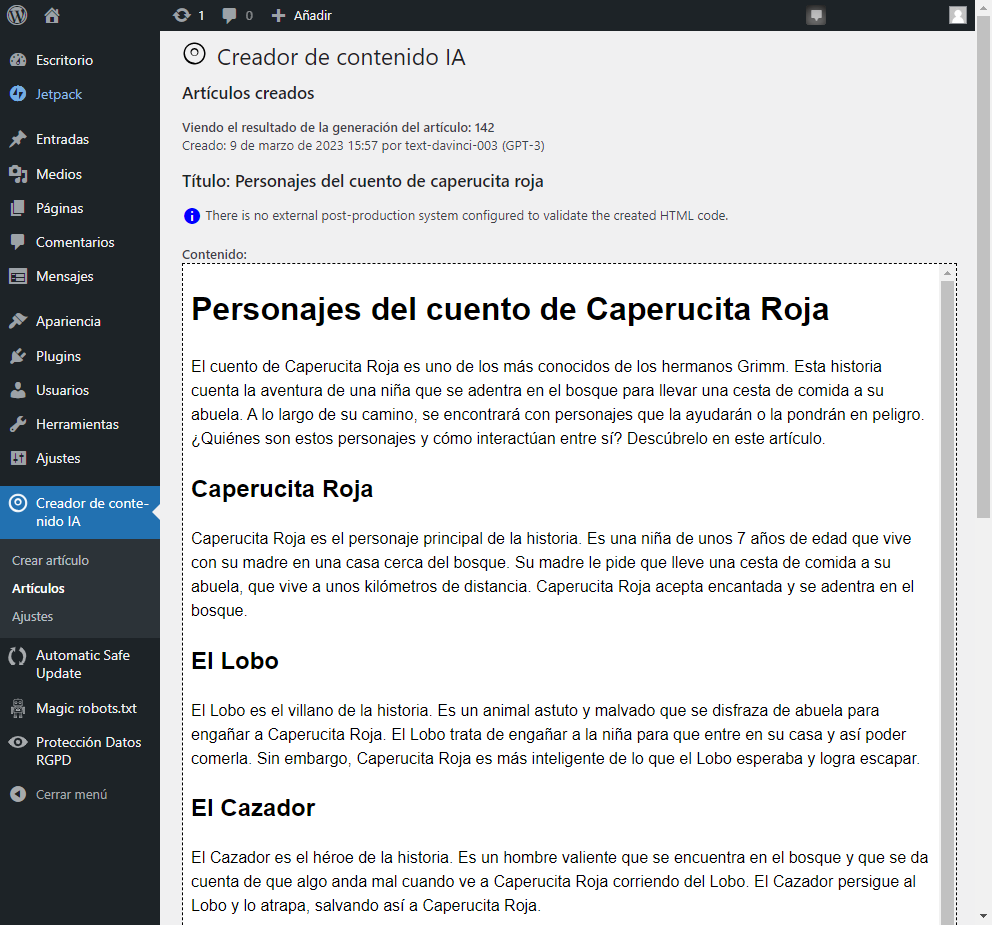
屏幕截图:
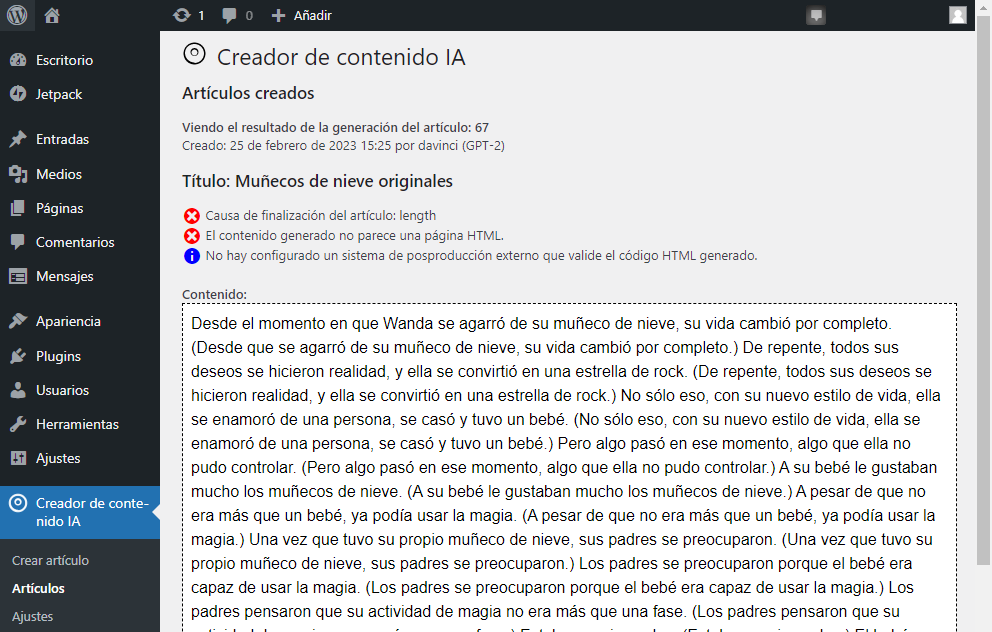
常见问题:
Is an OpenAI or ChatGPT account required?
No. When WordPress AI Client is available, AI Content Creator can use any provider exposed by a compatible WordPress AI provider connector. OpenAI or ChatGPT is only required if you choose the legacy OpenAI API key fallback or a connector that specifically requires OpenAI credentials.
How can I sign for the OpenAI account?
Follow the plugin Help section for instructions if you want to use the legacy OpenAI API key fallback. This is optional when you use a WordPress AI Client provider connector instead.
How do I install and configure AI provider connectors?
Install a compatible WordPress AI provider plugin from the Plugins screen. That connector adds providers and models to WordPress AI Client. Then go to Settings > Connectors to configure the provider credentials, endpoint, and available models. After the connector is configured, AI Content Creator can use it through WordPress AI Client where available.
How can I use Ollama?
Ollama is used through the same WordPress AI Client connector system as other providers. Install and run Ollama on a local machine or remote server, then install a compatible WordPress connector such as the AI Provider for Ollama plugin. Configure the Ollama connector from Settings > Connectors with the Ollama server URL and the models you want to use. Once the connector is ready, select or prioritize that provider in AI Content Creator settings. This lets you generate articles without third-party API keys or per-request provider costs, while your Ollama server and computing resources remain under your responsibility.
The result is not HTML
As humans, AI are not exact nor predictable, is a typical fail, try it again. Also keep in mind that too much instructions may cause to forget to follow some others. Think as you are explaining Homer Simpson what to do. Try to be concise and don't bother it with an exccess of instructions.
更新日志:
- Added new OpenAI model options for the legacy OpenAI fallback: GPT-6 Astra, GPT-6.1 Sol and GPT-6 Luna.
- Changed the default model for the legacy OpenAI fallback to GPT-6.1 Sol. This does not affect sites using providers configured through WordPress AI Client connectors on WordPress 7.0 or later.
- Preserved previously saved legacy fallback models as valid settings, so existing installations keep working after the model list changes.
- Clarified that article cost estimates are indicative and may change, with a link to current provider pricing.
- Fixed the fixed 60-second timeout when generating through WordPress AI Client. The configured plugin timeout is now applied to AI Client requests and to the Ollama connector custom option when applicable.
- Fixed activation on sites where the Pixabay cache table already existed.
- Removed bundled translation files; translations are now provided through WordPress language packs.
- Updated declared requirements to WordPress 6.2 and PHP 7.0, and declared compatibility with WordPress 7.1.
- Added conditional WordPress AI Client support before the legacy OpenAI fallback.
- Added configurable WordPress AI Client provider and model priorities.
- Added conditional WordPress Abilities API integration for generating articles and creating drafts from stored generations.
- Added a conditional WordPress Abilities API action for reprocessing stored generations.
- Added nonces to article admin actions that modify stored generations or selected images.
- WordPress 7.0 compatibility checked.
- New models support: GPT-4o mini, GPT-4.5, o1, o1 pro, o1 mini, and o3 mini.
- Support for the text-davinci-003 model has been removed.
- Default model on instal gpt-4o-mini.
- Updated usage model pricing, non-binding.
- Added Slovak language support, per ady66's request.
- CSRF protection in create draft function. Thanks to Nguyen Xuan Chien at Patchstack.
- Minor code improvements.
- Improved API longer key formats with support for new characters, including additional dashes and underscores.
- Context and additional guidelines are not longer mandatory.
- WordPress 6.7 basic compatibility checked.
- Longer API keys format supported.
- Solved bug on uninstall.
- WordPress 6.6 basic compatibility checked.
- New sk-proj-... API keys format supported.
- New sk-project-... API keys format supported.
- Solved minor bug in help page code.
- GPT-4 Turbo and Omni supported.
- Solved bug in article deletion.
- API error management changes.
- Removed the uncompleted code for AI21 support.
- Code documentation improved.
- Minor code improvements.
- Corrected fatal error.
- Small performance improvements.
- Added calculation of the created article cost based on input and output tokens used.
- Source code improvements.
- WordPress 6.5 basic compatibility checked.
- Minor text fixes.
- Added guidance to assist plugin translators.
- More source code styling improvements.
- Featured image selector included.
- Creates a SEO slug from title.
- Apply post tags if obtained from AI.
- Apply post excerpt if obtained from AI.
- If Yoast SEO, All in One SEO or Rank Math SEO actives, apply meta description and keywords if provided from AI.
- Improved internal postproduction process.
- Improved some notifications.
- Improved displaying of admin menu icon.
- Replaced some code requiring PHP version 8.0 to ensure to lower this requisite to PHP version 5.4.
- Source code styling improved.
- Removed Spanish language translation file from the plugin package as it is now available for translation at https://translate.wordpress.org.
- Added catalan translation file.
- Lowered required PHP version to 5.4.
- Enable translation capability from translate.wordpress.org.
- Solved failed HTML creations detection.
- Improved draft code filtering.
- Improved the create form security. HTML tags are rejected.
- Solved some translation bugs.
- Solved animation process bug.
- First public version.