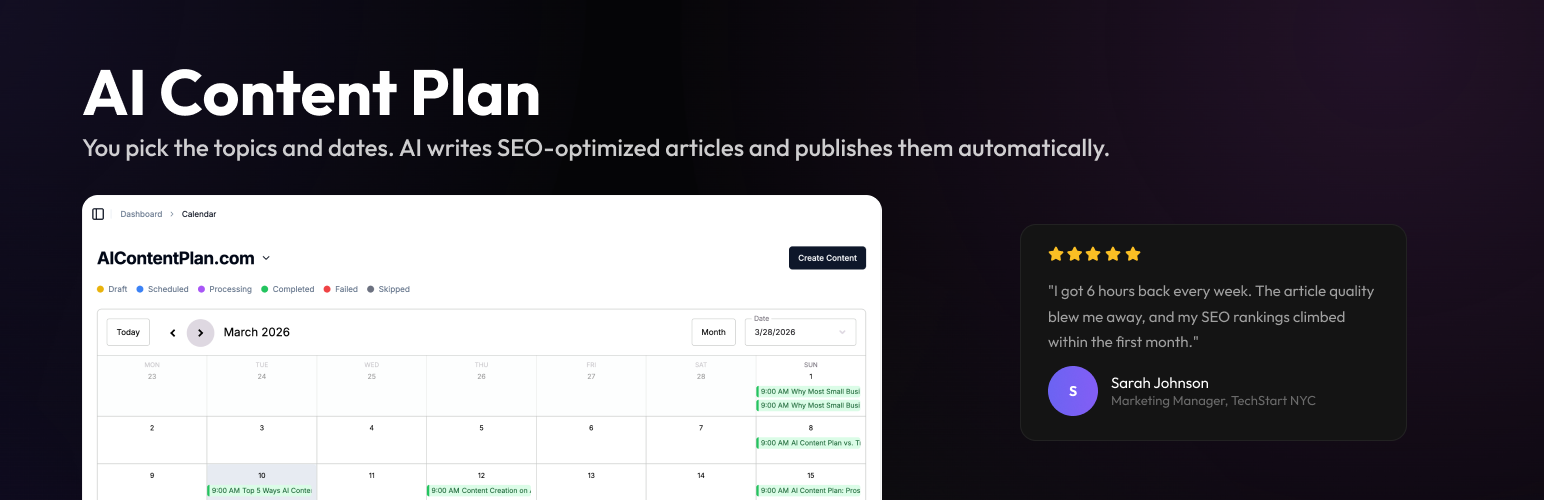
AI Content Plan
| 开发者 |
aicontentplan
dorperit |
|---|---|
| 更新时间 | 2026年4月9日 14:00 |
| PHP版本: | 7.4 及以上 |
| WordPress版本: | 6.9 |
| 版权: | GPLv2 or later |
| 版权网址: | 版权信息 |
详情介绍:
- Guided setup wizard - connect your WordPress site in a few steps with generated consumer credentials and a linking code from your AI Content Plan account
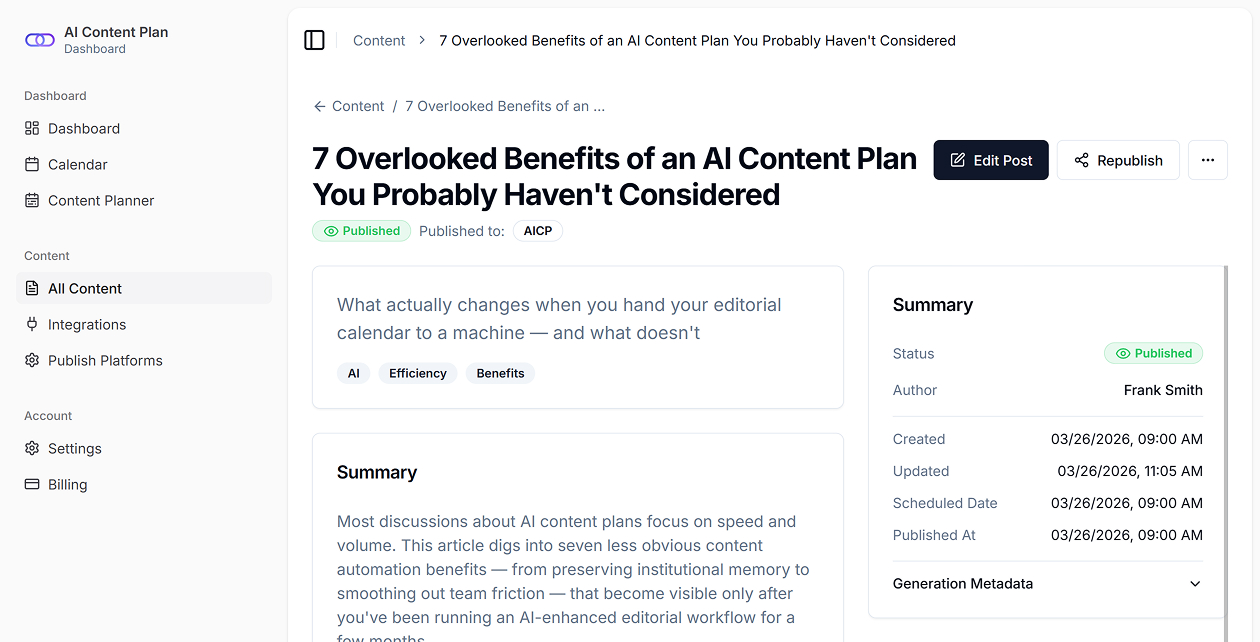
- Direct publishing to WordPress - publish AI-generated articles straight to your site from AI Content Plan
- Flexible publishing defaults - choose default post status, category, author, and featured image behavior
- WordPress-aware publishing - AI Content Plan can use your site categories and authors during setup and publishing
- Optional content sharing - share existing blog posts with AI Content Plan to improve recommendations and generation context
- WooCommerce support - optionally share WooCommerce product data for product-led content and buying-guide style workflows
- Category-level sharing controls - choose which post categories and product categories should be shared
- Secure request authentication - site communication uses generated consumer credentials, signed requests, and HTTPS API calls
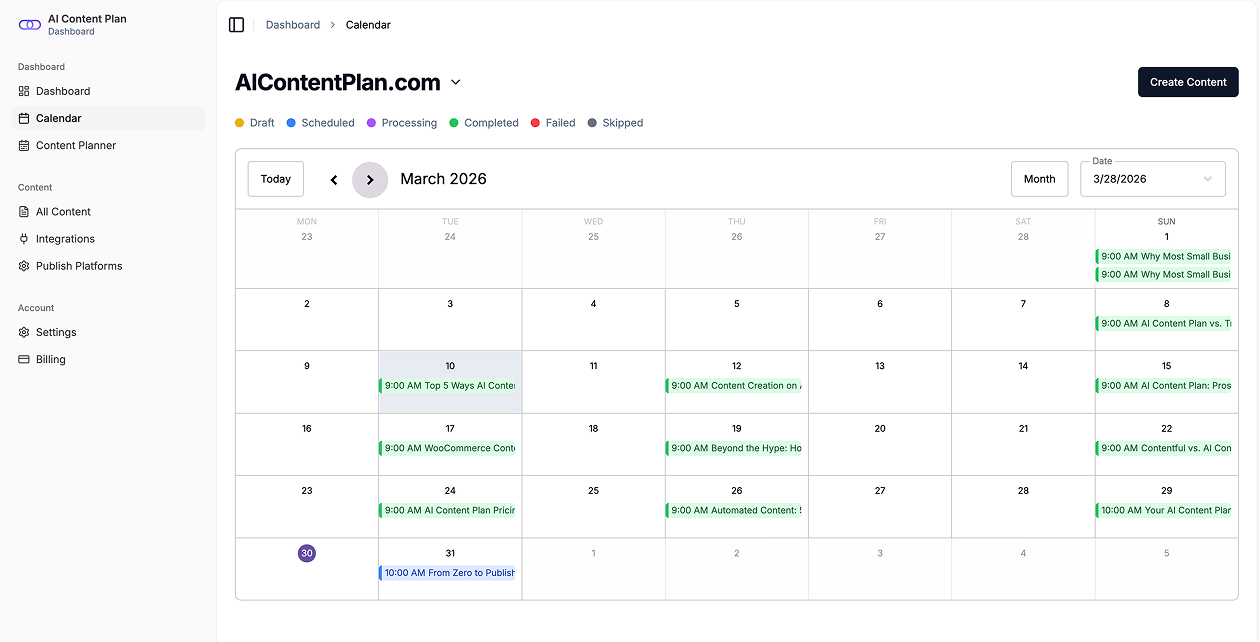
- Publishing dashboard in wp-admin - view connection status and article activity from the plugin dashboard
- Media support - AI Content Plan can send featured images and media into WordPress during publishing
- Content marketers who want a faster path from planning to publishing
- Agencies managing content production across WordPress sites
- WooCommerce stores that want content tied to their catalog
- Site owners who prefer reviewing content as drafts before publishing
- Create an account at AI Content Plan (its free).
- Install and activate the plugin on your WordPress site.
- Run the setup wizard to generate credentials and link your site with a code from AI Content Plan.
- Choose the features you want to enable:
- Publish Content
- Share Content
- Set your default publishing rules for status, category, author, and featured images.
- Start creating content in AI Content Plan and send it to WordPress when ready.
- Publish as Draft, Pending Review, or Published
- Assign a default author
- Assign a default category
- Set featured images from AI Content Plan content when available
- Product-driven blog articles
- Category-specific content generation
- Buying guides and comparison-style content
- Recommendations informed by your product catalog
- Site details - site URL and site name during connection and validation
- Authentication data - generated consumer key, consumer secret, linking code, signed request headers, and API credentials required to connect your site securely
- Publishing configuration - default post status, default category, default author, and featured image preference
- WordPress content data - selected post content and category information if you enable content sharing
- WooCommerce content data - selected product and product category information if you enable WooCommerce sharing
- Publishing requests - article title, body content, excerpt, slug, featured image URL, metadata, and related publishing fields when AI Content Plan sends content to WordPress
- Statistics data - publishing metrics displayed in the plugin dashboard
- Terms of Service: https://aicontentplan.com/terms
- Privacy Policy: https://aicontentplan.com/privacy
安装:
- Upload the plugin files to
/wp-content/plugins/aicpor install the plugin through WordPress. - Activate AI Content Plan from the Plugins screen.
- Open AI Content Plan in your WordPress admin.
- Run the setup wizard.
- Generate your site credentials in the wizard.
- In your AI Content Plan account, create or copy your linking code.
- Paste the linking code into the wizard and complete the connection.
- Configure publishing defaults and optional content sharing.
屏幕截图:
常见问题:
Do I need an AI Content Plan account?
Yes. This plugin is the connection layer between WordPress and your AI Content Plan account. You need an active AI Content Plan subscription to use it.
What does the plugin actually do?
It connects your WordPress site to AI Content Plan so the platform can publish content to WordPress, use your selected publishing defaults, and optionally use your existing site content to improve content recommendations and generation.
Can I review posts before they go live?
Yes. You can set the default post status to Draft or Pending Review if you want editorial control before anything is published.
Can I choose the author and category for published posts?
Yes. You can define default author and category settings in the setup flow and settings screen.
Is WooCommerce required?
No. The plugin works without WooCommerce for standard blog publishing. WooCommerce is optional and is only needed if you want product-aware content workflows.
What happens if WooCommerce is enabled?
The plugin can share selected product data and product categories with AI Content Plan so content generation can better reflect your catalog and store structure.
Does the plugin support featured images?
Yes. The publishing configuration includes an option to set featured images from incoming AI Content Plan content when available.
Is the connection secure?
Yes. The plugin generates consumer credentials, stores secrets in encrypted form in WordPress options, uses signed requests for incoming communication, and communicates with the AI Content Plan API over HTTPS.
Can I disconnect the site later?
Yes. You can disconnect the site from the plugin settings and re-run the setup wizard when needed.
Where can I see activity?
The plugin includes a WordPress admin dashboard with connection details and publishing activity statistics.
更新日志:
- Initial public release
- Setup wizard for linking WordPress to AI Content Plan
- Publishing defaults for status, category, author, and featured image handling
- Optional content sharing for WordPress posts
- WooCommerce-aware content sharing support
- Dashboard statistics and connection management
- Secure REST communication between AI Content Plan and WordPress