
AI Data Layer – AI SEO & AI Search Optimization: llms.txt, MCP Server, Schema (AEO/GEO)
| 开发者 | citemysite |
|---|---|
| 更新时间 | 2026年7月3日 01:10 |
| PHP版本: | 7.4 及以上 |
| WordPress版本: | 7.0 |
| 版权: | GPLv2 or later |
| 版权网址: | 版权信息 |
详情介绍:
- JSON-LD schema for search engines and AI Overviews
- An /llms.txt index and token-efficient Markdown copies for LLM retrieval
- A public read-only REST API for agents and integrations
- A per-site MCP (Model Context Protocol) server so connected AI assistants can query your content live
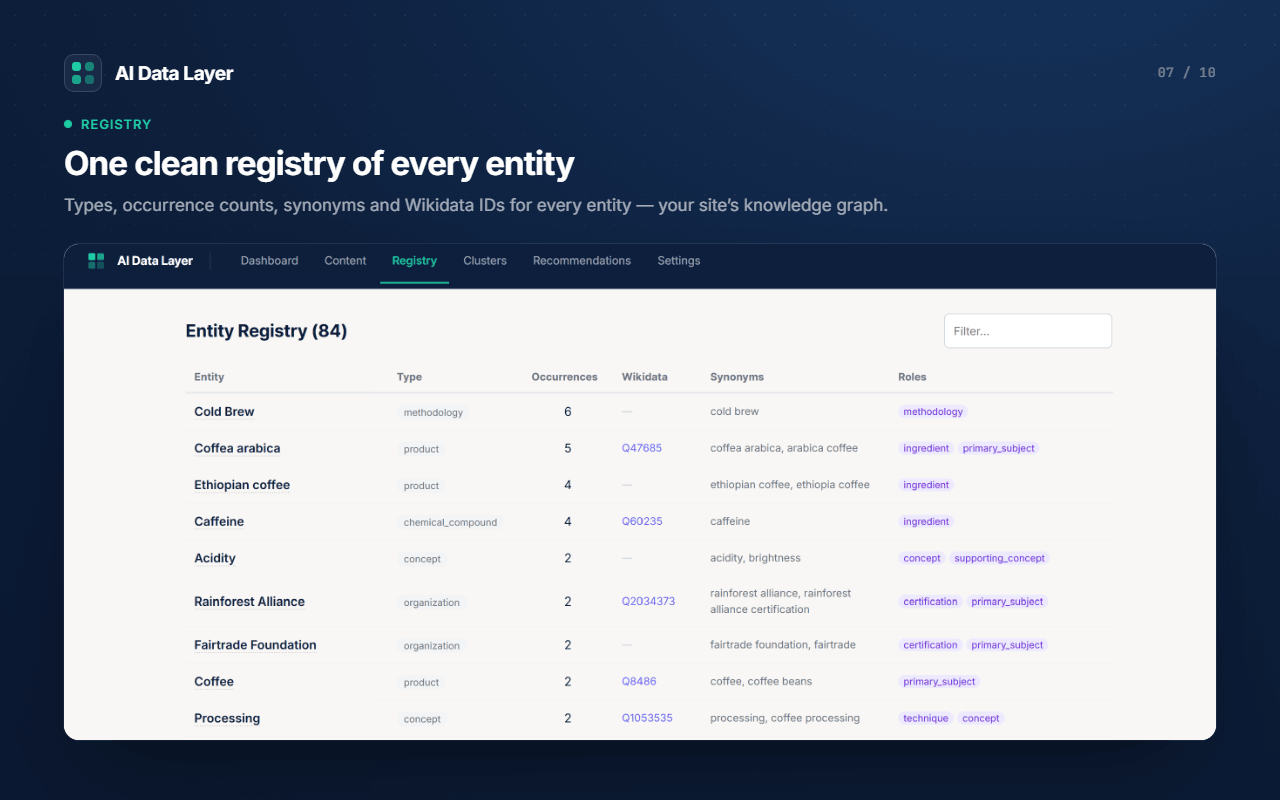
- Extracts entities from your posts and pages and validates them against Wikidata, so AI systems get disambiguated, authoritative identifiers (
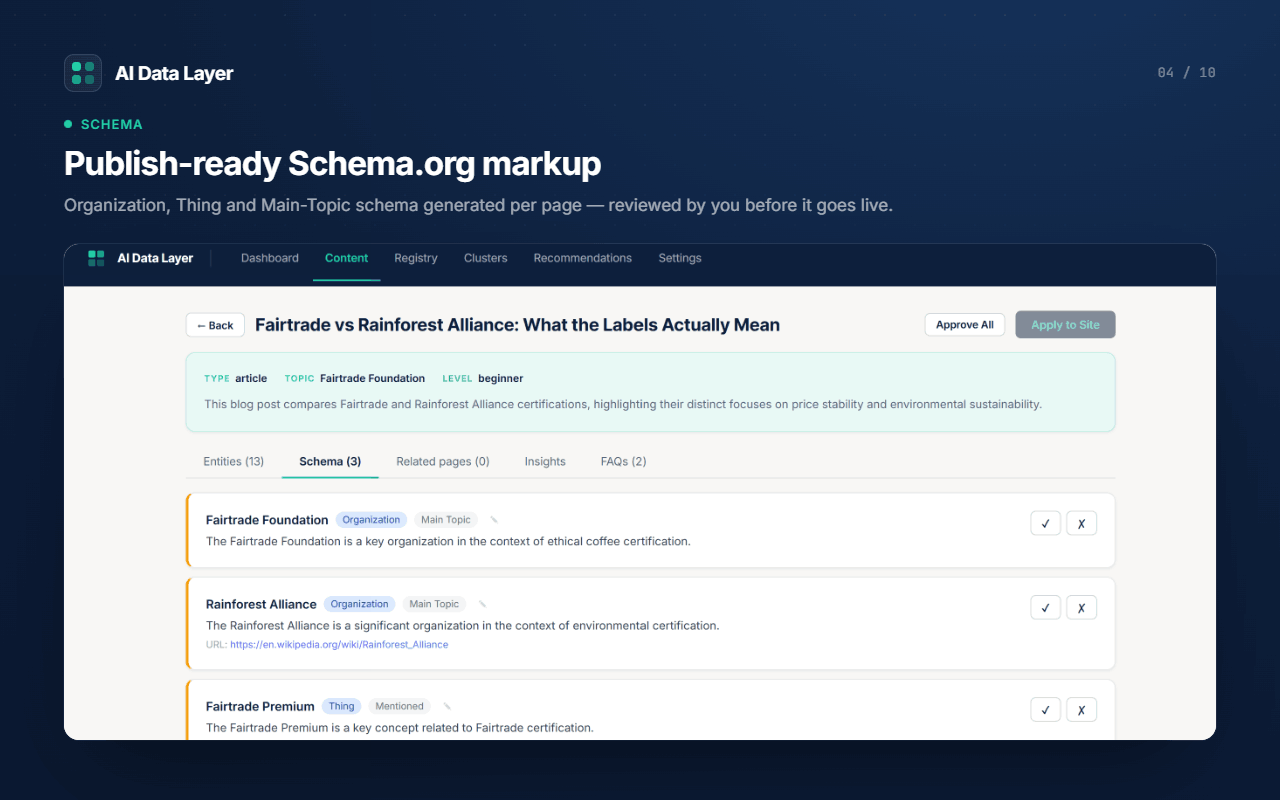
sameAs) — not guesses. - Generates JSON-LD schema (Article/HowTo/FAQ + entity
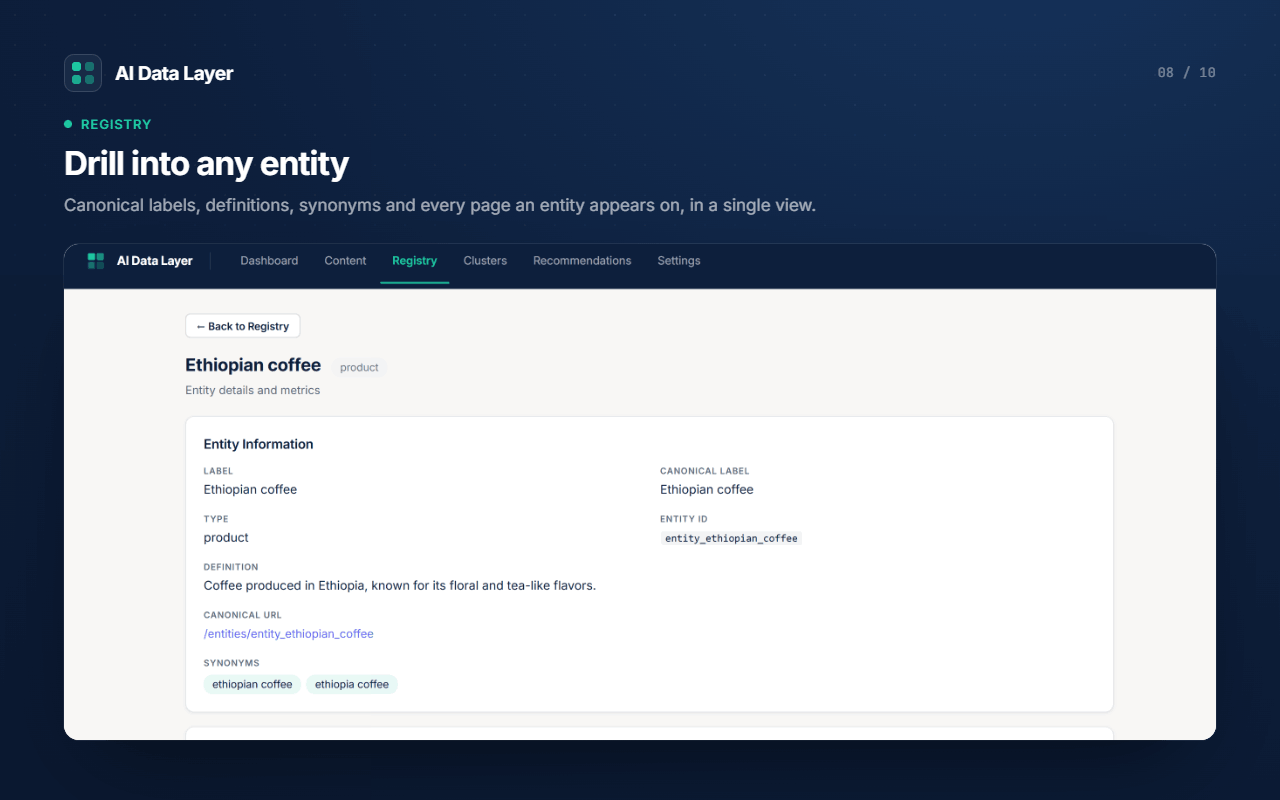
about[]withsameAs) and outputs it in the page<head>. - Publishes canonical entity pages at
/entities/{id}and lists them in your sitemap, giving AI a stable place to resolve who and what your content is about. - Serves an
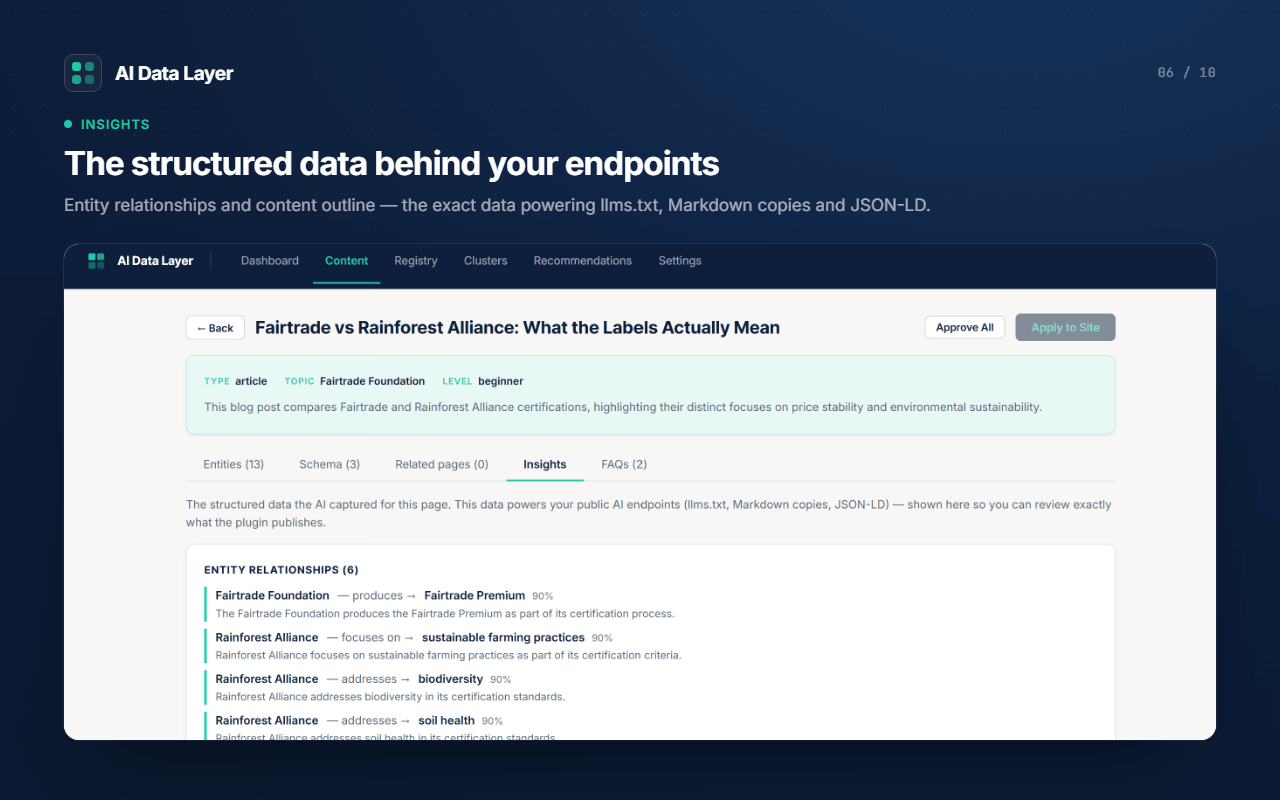
/llms.txtindex and token-efficient Markdown copies (<permalink>.md,/llms-full.txt) purpose-built for LLM retrieval. - Exposes a public read-only REST API (
/wp-json/ai/v1/*) and a per-site Model Context Protocol (MCP) server so connected AI assistants can query your content. - Maps your organisation's open-web identity with the Entity Profile — your
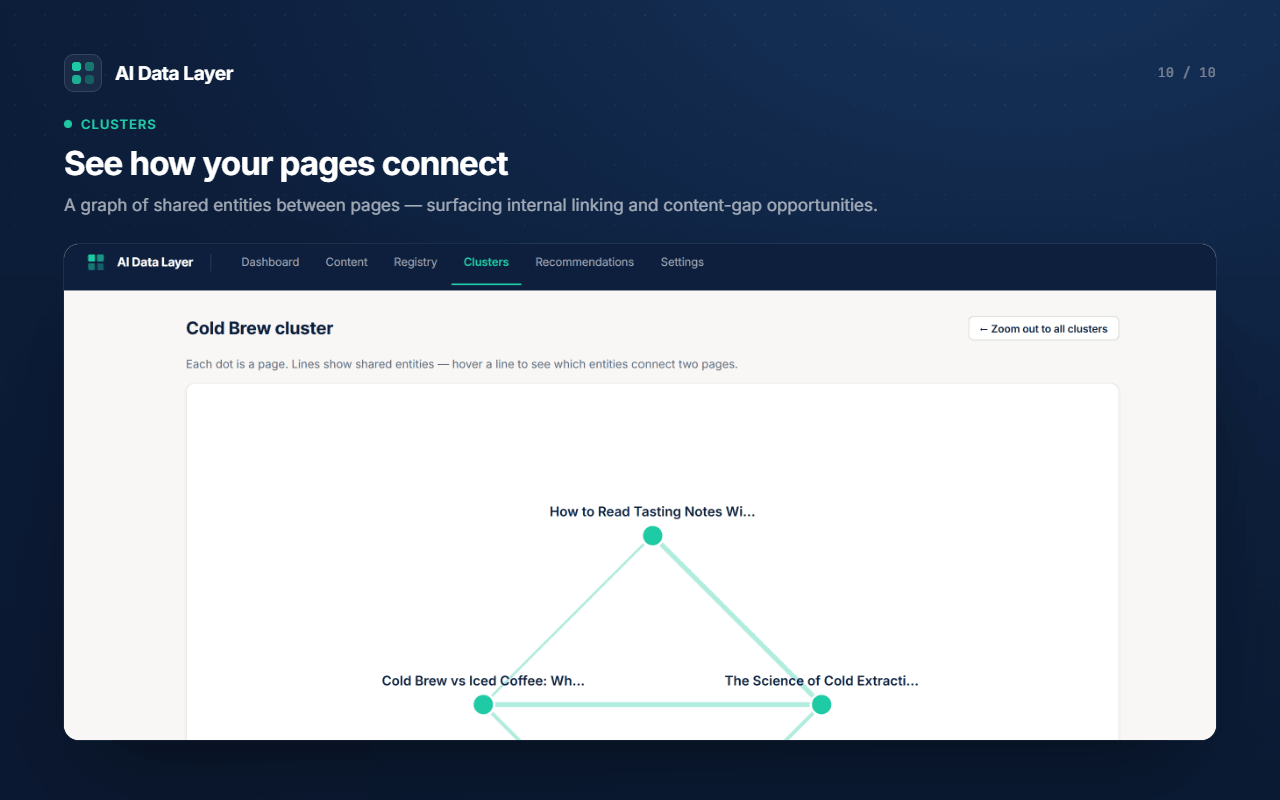
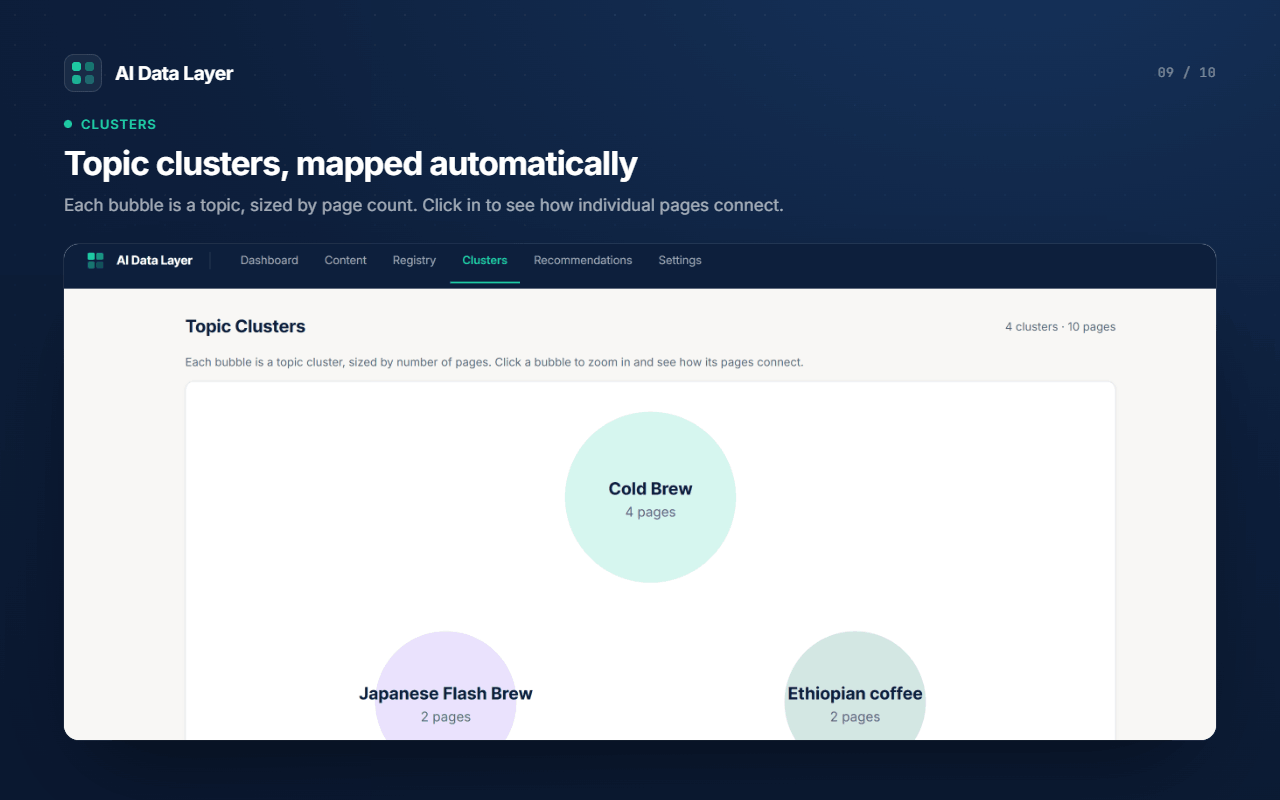
sameAsidentity links, recognition-readiness and the highest-impact gaps to close. - Scores how interconnected your content is ("semantic cohesion") and recommends improvements, including a Topic Clusters map.
安装:
- Upload the plugin to
/wp-content/plugins/ai-data-layer, or install it from the Plugins screen. - Activate the plugin.
- Open AI Data Layer in the admin menu and either activate the free trial or paste your licence key.
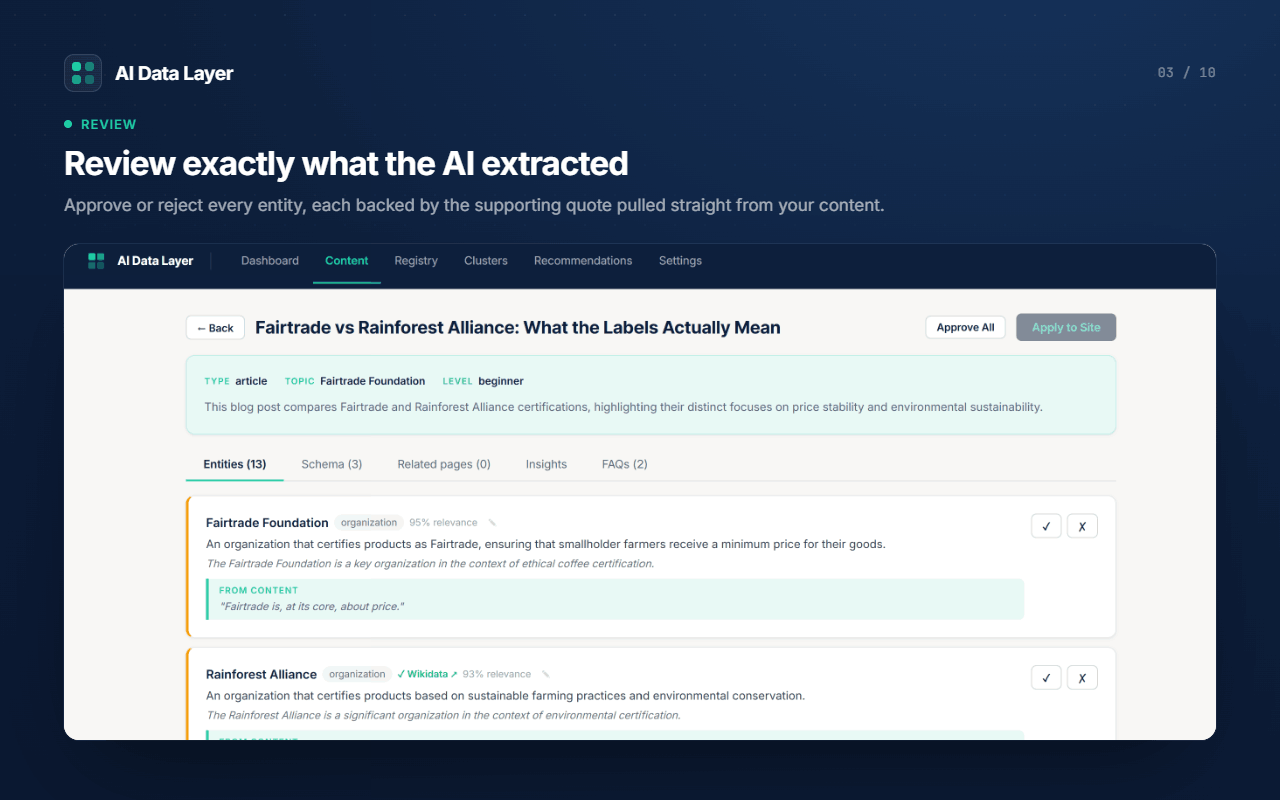
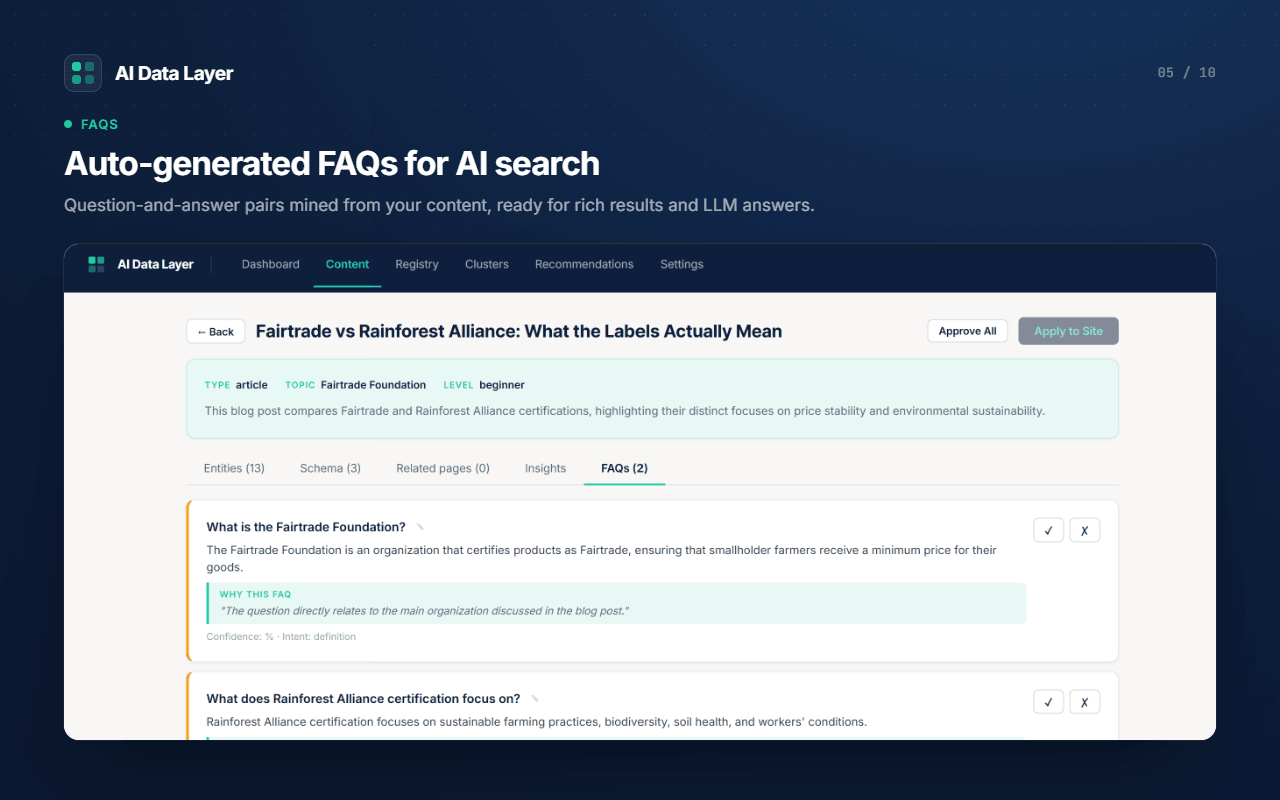
- Review and approve the extracted entities, schema and FAQs for each post, then click Apply to Site.
- Verify your AI endpoints: visit
/llms.txt, view a page's source for JSON-LD, or open/wp-json/ai/v1/.
屏幕截图:
常见问题:
What is llms.txt?
llms.txt is an emerging standard (llmstxt.org) — think robots.txt, but for AI. It gives AI crawlers a machine-readable index of your site and where to find clean, token-efficient copies of your content. AI Data Layer generates /llms.txt automatically, plus a whole-site /llms-full.txt and per-page Markdown versions.
What is an MCP server?
The Model Context Protocol (MCP) is an open standard for connecting AI assistants to data and tools. AI Data Layer runs a per-site MCP server so connected assistants (such as Claude) can query your content and entities directly — a live, queryable AI layer rather than static files.
What is AEO / GEO / AI search optimization?
Answer Engine Optimization (AEO) and Generative Engine Optimization (GEO) are the next step after SEO: instead of optimising for ranked blue links, you make your content readable, verifiable and citable by AI answer engines like ChatGPT, Perplexity and Google AI Overviews. AI Data Layer provides the structured, Wikidata-verified foundation those systems rely on.
How is this different from other llms.txt or schema plugins?
Most plugins output template schema and a static llms.txt file. AI Data Layer extracts the actual entities your content is about, verifies them against Wikidata, and stores them in a persistent, queryable graph — then publishes that graph as JSON-LD schema, llms.txt, Markdown, canonical entity pages, a REST API and an MCP server. The verified entity layer underneath is the difference.
Does this work without an account?
A licence key is required because analysis runs in the cloud. You can activate a free trial (10 analyses) in one click, with no card.
Is my content sent to a third party?
Yes — analysing a post sends that post's content to the AI Data Layer cloud service, which uses a large language model to extract structured data. See the "External services" section for full details. Nothing is sent until you analyse a post (or enable auto-analyse).
Does it handle my payment card?
No. Billing is handled entirely by Stripe's hosted checkout and customer portal; the plugin never sees or stores card details.
Is it compatible with my SEO plugin?
Yes. When an SEO plugin (Yoast, Rank Math, AIOSEO, SEOPress, The SEO Framework) is detected, AI Data Layer emits only its unique schema nodes and defers page/breadcrumb schema to your SEO plugin. You can change this in Settings.
更新日志:
- New Entity Profile tab — a visual map of how the open web identifies your organisation (your
sameAsidentity links), with a recognition-readiness panel and tailored, business-type-aware suggestions for the highest-impact gaps to close. - Add an identity link straight from the profile: it writes to your Organization schema and AI endpoints in one click.
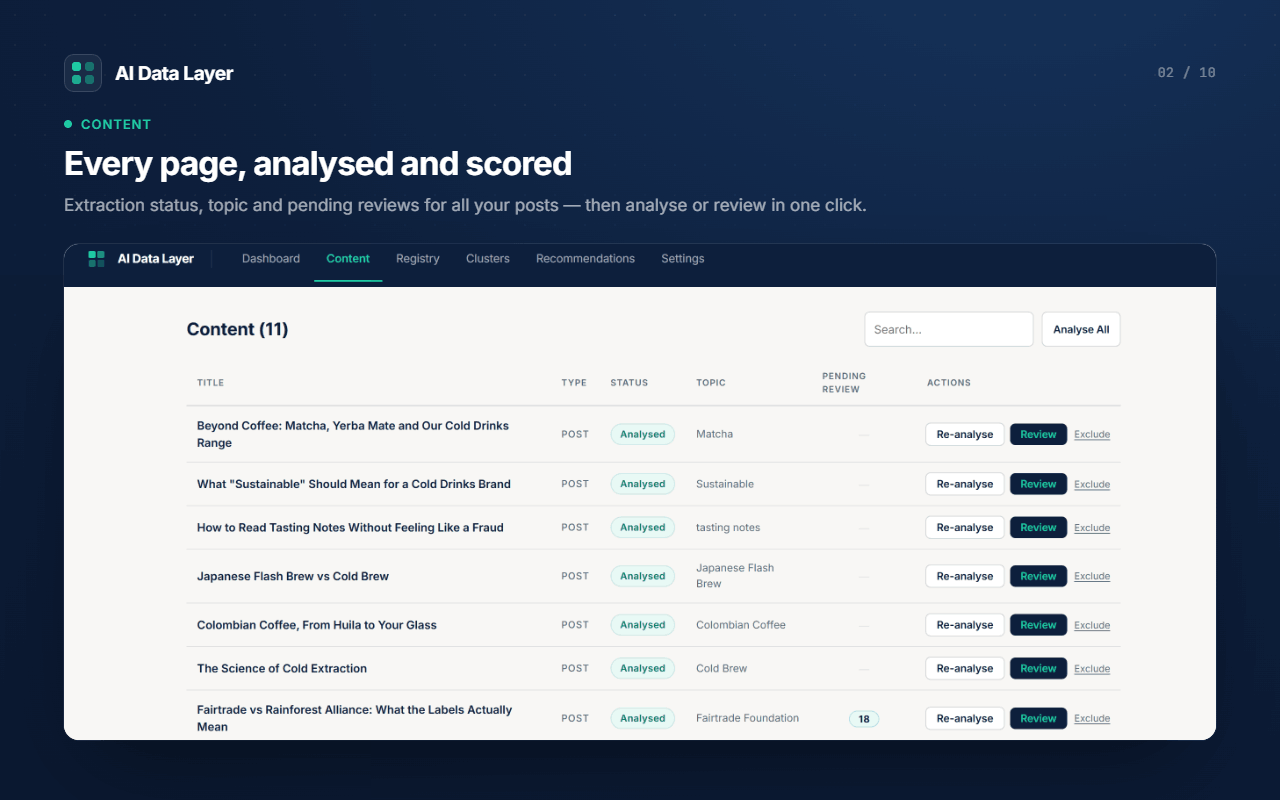
- "Analyse All" now queues content in the background, so large sites no longer time out, with a live progress bar on the Content screen showing how many pages remain.
- Cleaner entity graph: relationship edges that pointed to entities not in your registry are no longer shown, so the Topic Clusters and network views render without broken connections.
- "Analyse All" now only queues as many pages as your remaining quota allows and tells you how many need more credits, instead of queuing pages that would fail.
- AI content analysis — extracts entities, relationships, summaries and FAQs from your posts and pages.
- A site-wide entity graph, with entities verified against Wikidata.
- JSON-LD schema output (Article / HowTo / FAQ, plus entity about[] with sameAs).
- Canonical entity pages at /entities/{id}, listed in your sitemap.
- An /llms.txt index and AI-optimised Markdown copies of your content (per-page .md and a whole-site /llms-full.txt).
- A public read-only REST API and a per-site Model Context Protocol (MCP) server.
- Topic clusters, a semantic cohesion score, and plain-English recommendations.
- Review-and-approve workflow — you approve every suggestion before it is published.
- Compatible with major SEO plugins (defers duplicate schema automatically).