AI Product Tools - Bulk Product Content Generator & AI Toolkit for WooCommerce
| 开发者 |
muzip
freemius |
|---|---|
| 更新时间 | 2026年9月16日 05:55 |
| PHP版本: | 7.4 及以上 |
| WordPress版本: | 7.1 |
| 版权: | GPLv2 or later |
| 版权网址: | 版权信息 |
标签
下载
详情介绍:
- Generate product descriptions, product titles, product tags, FAQs, SEO meta, and image alt text for many WooCommerce products at once.
- Edit hundreds of products in a spreadsheet-style grid without opening each one.
- Check and edit every AI result before it touches your live products.
- Roll back to what a product said before an AI change.
- Answer shopper questions on your storefront with an assistant that reads your real catalog.
- Schedule content work to run in the background instead of watching a progress bar.
{custom1} into prompts, including Advanced Custom Fields.
Product titles. Up to 5,000 products per run, 1 to 5 variants each, with an optional slug update. Six tones are free: SEO-Focused, Professional, Casual, Luxury, Technical, and Persuasive. Three length presets: Short at 40 characters, Medium at 60, Long at 80. Business adds Improve Title mode for rewriting an existing title, focus keyword targeting, four more data sources, and extra prompt instructions.
Product SEO meta. Meta titles and meta descriptions with a live search result preview and a score, up to about 1,000 products per run. Six tones, your own focus keywords, two variants per product, titles within 60 characters and descriptions within 160. Writes to Yoast SEO, Rank Math, All in One SEO, SEOPress, The SEO Framework, and Squirrly SEO. Business adds up to five variants, AI suggested focus keywords, extra prompts, and custom length limits.
Product FAQs. Question and answer pairs from your product data, 1 to 10 per product, shown on the product page as an accordion or a flat list in the default theme, or placed anywhere with [aipt_faq] and [aipt_faq product_id="123"]. New FAQs are added alongside existing ones. Business adds replace mode, questions-only and answers-only modes, five other display themes with control over colors, typography, spacing, borders, icons and animations, custom CSS, and FAQ structured data for search engines.
Product image alt text. Vision models describe your featured images, gallery images, or both. Preview, edit, regenerate one result, or dismiss it before applying. Length is adjustable from 50 to 250 characters, default 125, and images up to 20 MB are supported. Business adds reusable templates, A/B variants, product attribute enrichment, and expanding older galleries.
Category and tag descriptions. Descriptions for WooCommerce product categories, tags, and public custom taxonomies, written in a split screen workspace with a rich text editor. Four purposes, four term data sources, six tones, three lengths, HTML or plain text, and append, overwrite, or skip behaviour. The AI reads up to 10 sample products per term. Business adds a custom purpose, two more data sources, and 5 to 20 samples per term. Bulk tag suggestions are also included on every plan.
🧮 AI Bulk Product Editor
A spreadsheet-style grid for editing many products at once, without opening each product page.
https://www.youtube.com/watch?v=svt0WiBzEOo
- Edit titles, descriptions, tags, FAQs, SEO fields, slugs, and image alt text in the cell.
- Compare an AI suggestion against your current text word by word, then accept or reject per cell.
- Undo and redo up to 100 steps, save up to 25 personal views, and stay protected against overwriting a colleague's change.
- Generate AI content one row at a time.
- Generate or retry many selected rows in one action, with advanced per run settings. (Business)
- Recommends up to 10 products per answer, with View Product buttons and live stock status.
- Answers store questions from knowledge pages you choose, such as shipping or returns.
- Detects the visitor's language automatically, with a fallback you set, and works on mobile and in right to left languages.
- Add a WhatsApp button and a pre-chat consent step.
- Set the bot name, greeting, colors, typography, position, and launcher icon.
- Saves questions it could not answer to an admin queue, so nothing is lost.
- Add an Add to Cart button, choose response depth and behaviour modes, upload a custom icon or hero image, add custom CSS, pick extra themes and launcher animations, translate every label, and reply to queued questions yourself. (Business)
- On every plan the index covers seven fields: product title, short description, full description, categories, tags, price, and stock status.
- Build one index profile manually, filtered by stock status or date, covering up to 50,000 products per build with 10,000 as the default.
- Add SKU, stock quantity, and product attributes, run several profiles, filter by category and tag, and rebuild on a schedule. (Business)
- Run one job at a time, covering one content type, started manually or at a time you choose.
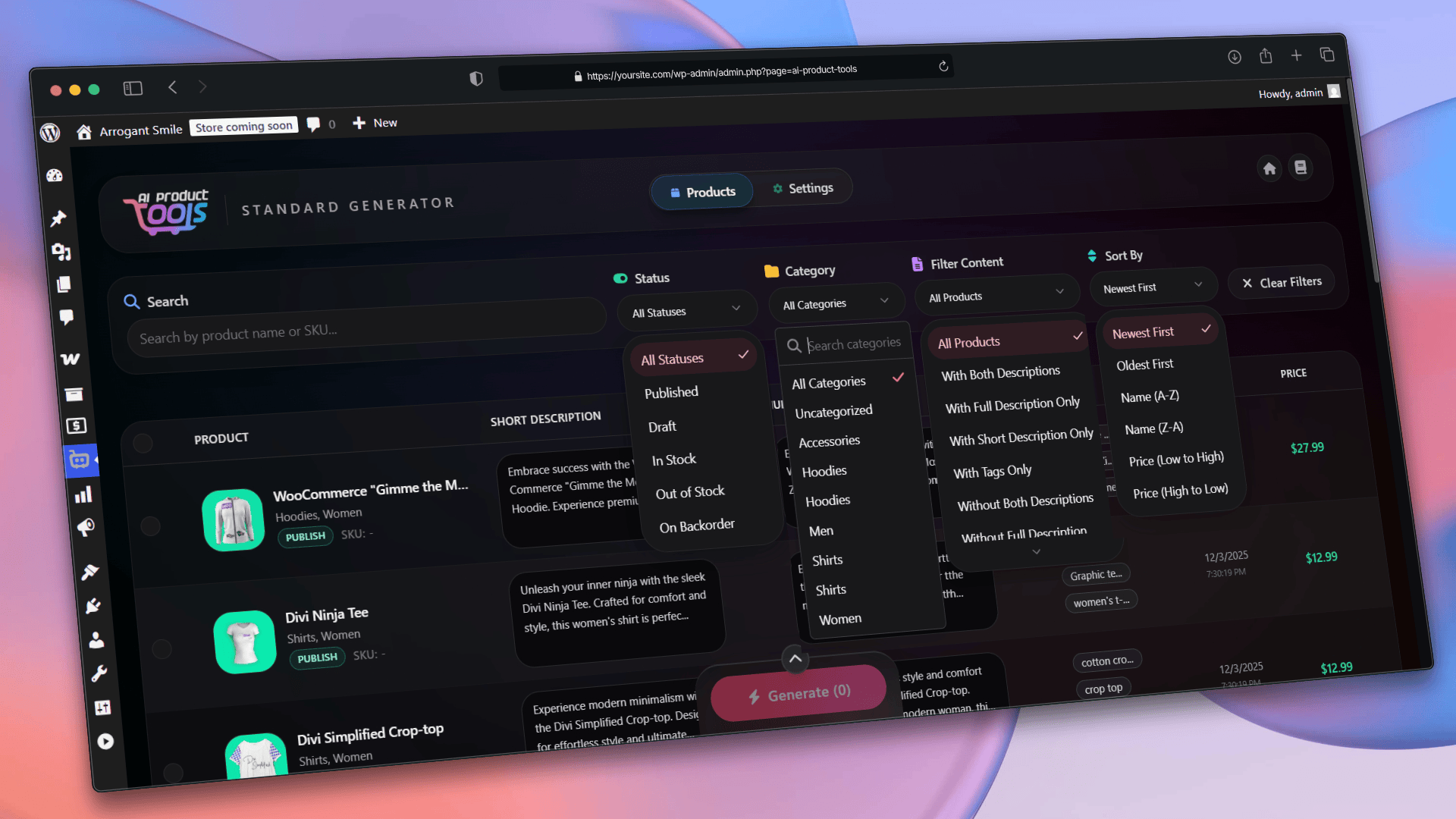
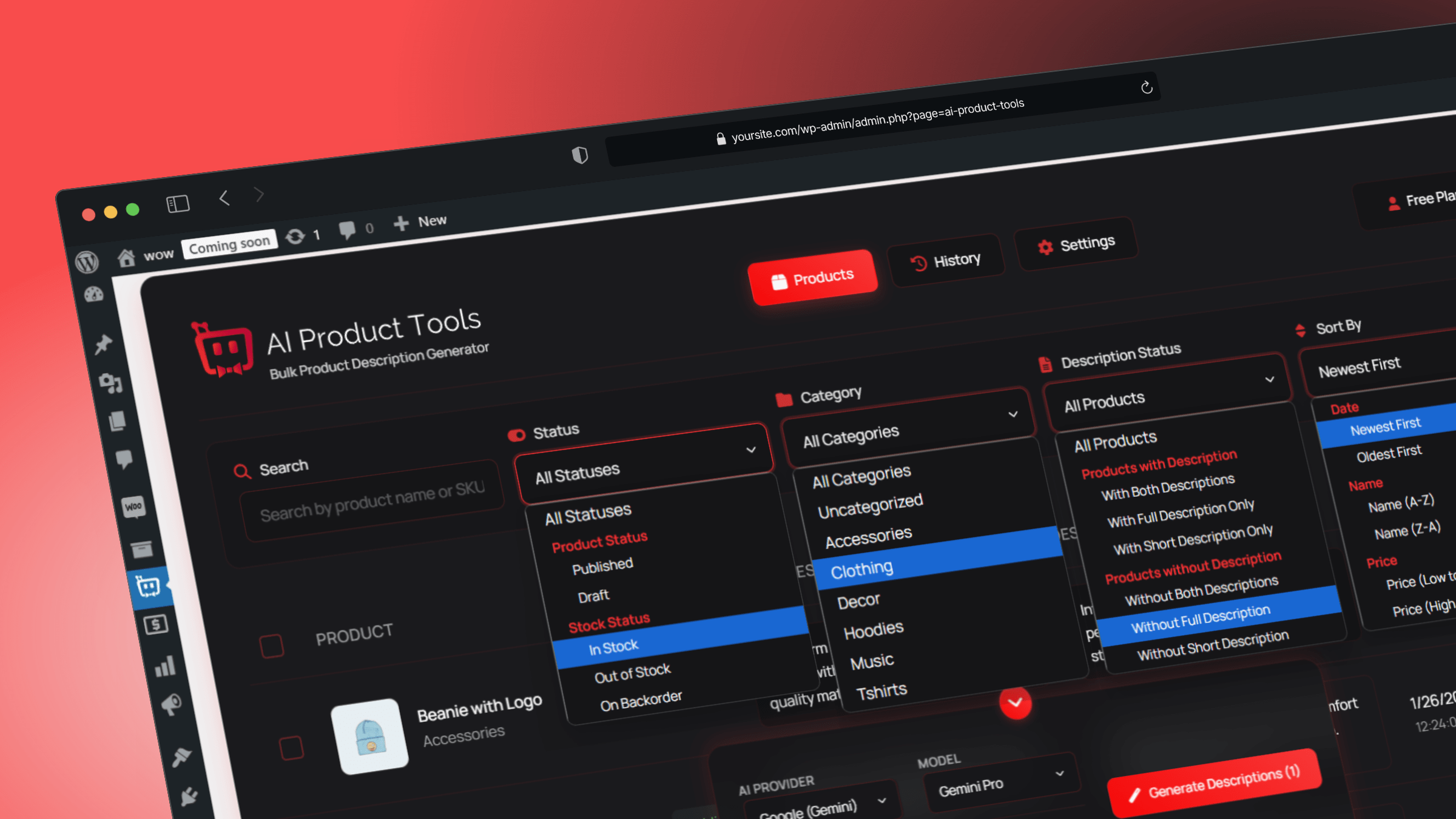
- Filter products by price range, product IDs, description or keyword match, include and exclude lists, AND/OR logic, and whether the AI already processed them.
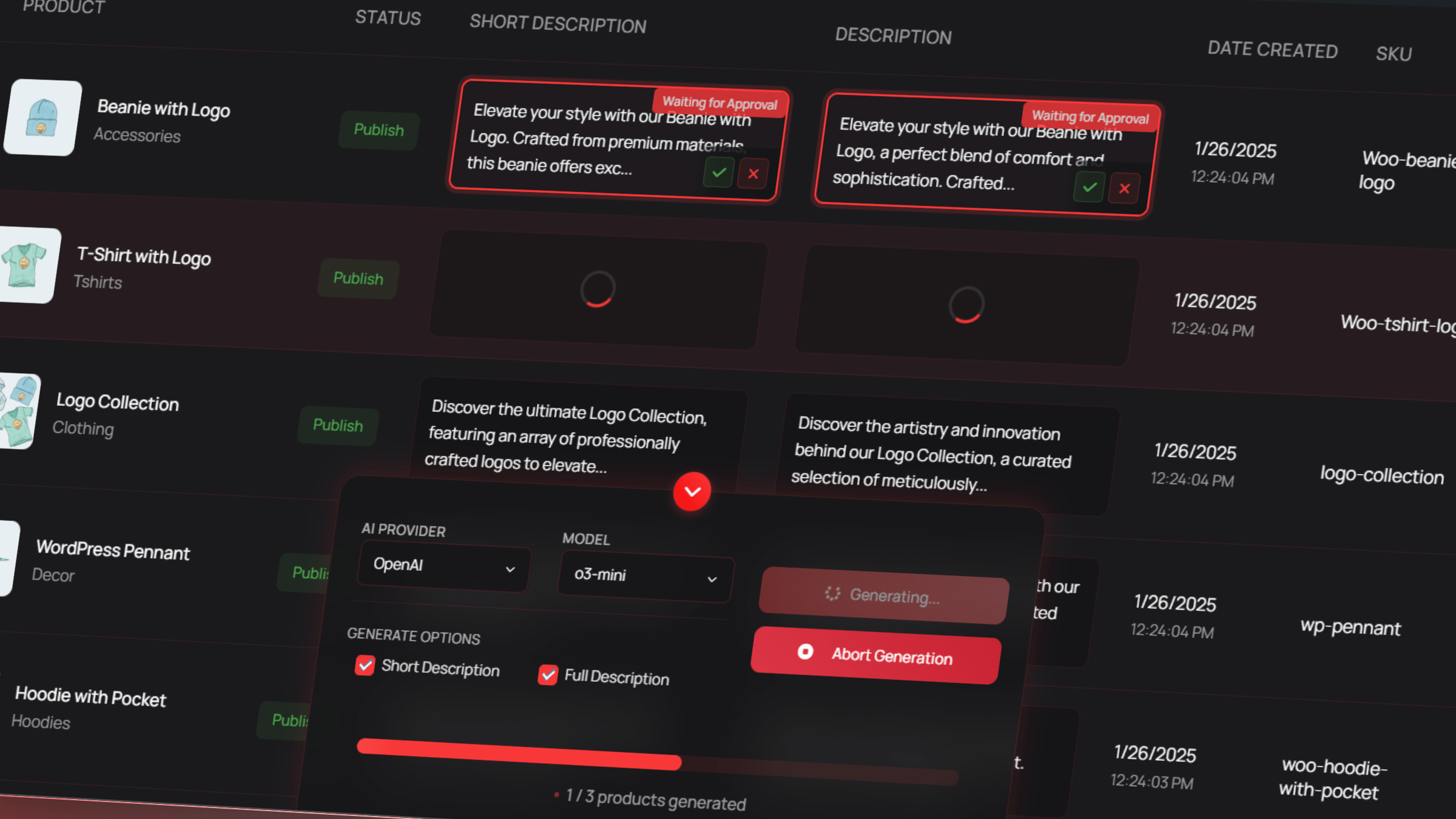
- Watch progress and estimated completion, read logs, retry failed products, and pause, resume, or stop at any point.
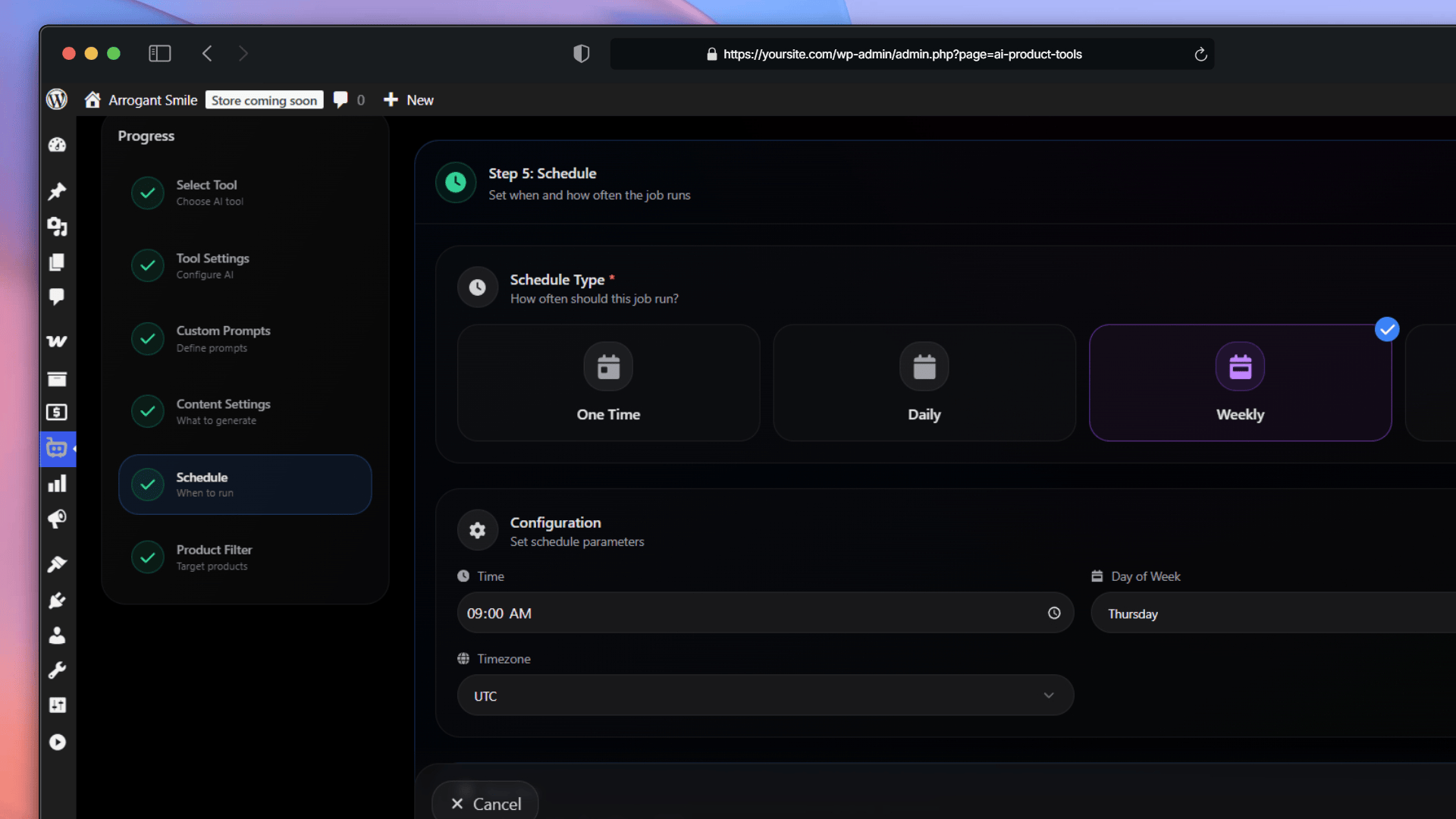
- Run several jobs at once, each covering several content types, on daily, weekly, or monthly schedules. (Business)
- Filter by category, tag, and stock status. (Business)
- Start a run when a product is published or changes, and use review policies, draft review, and automatic pausing after repeated errors. (Business)
- Restore an earlier version with one click, or in bulk, up to 50 selected items or 200 items for a whole product. Each restore is recorded, so you can undo an undo. (Business)
- Keep the review queue on your site so results survive a page reload. (Business)
- One dashboard for every tool, with recent activity, usage statistics, and provider connection status, plus a command palette on
Ctrl+KorCmd+K. - The Visual Prompt Builder walks you through prompt creation for all five generators, with a live preview, so you do not write instructions by hand.
- Set your brand voice and store context once, and every generator reuses it. Save and reuse your own prompt templates.
- Work from the single product edit screen and the scheduling screens, and page through large catalogs 10, 25, 50, or 100 products at a time.
- Open prompt editors for the Title, FAQ, SEO Meta, Taxonomy, and Image Alt generators, create your own prompt variables, use AI assisted prompt filling and polishing, and share or import community prompt templates. (Business)
- Works with WordPress AI Connectors on WordPress 7.0 for OpenAI, Google Gemini, and Anthropic Claude credentials. OpenRouter keys stay in the plugin.
- Registers abilities through the WordPress Abilities API, so MCP capable clients can call them.
- Bulk generation for product descriptions, product titles, product tags, FAQs, SEO meta, image alt text, and category descriptions.
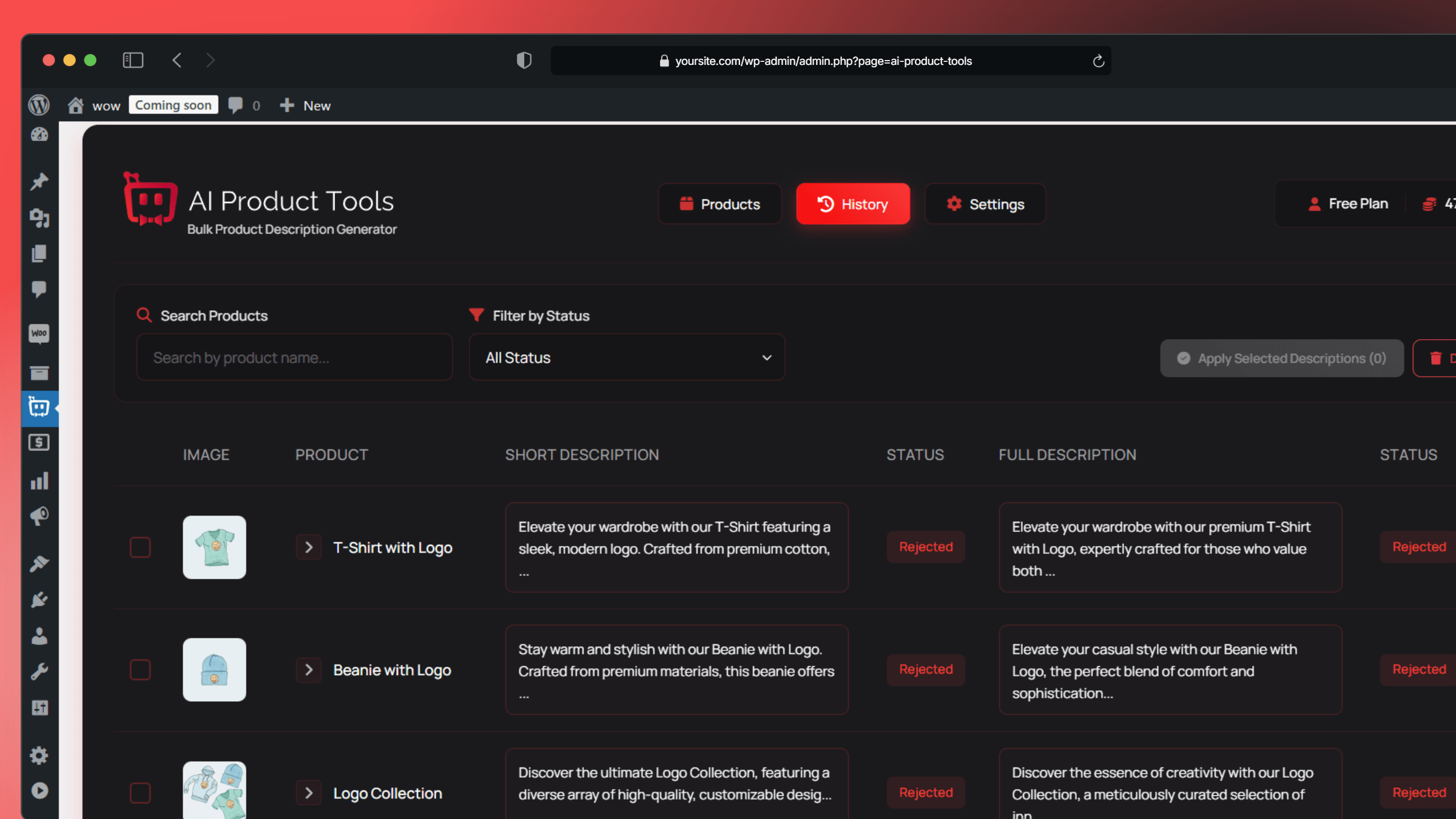
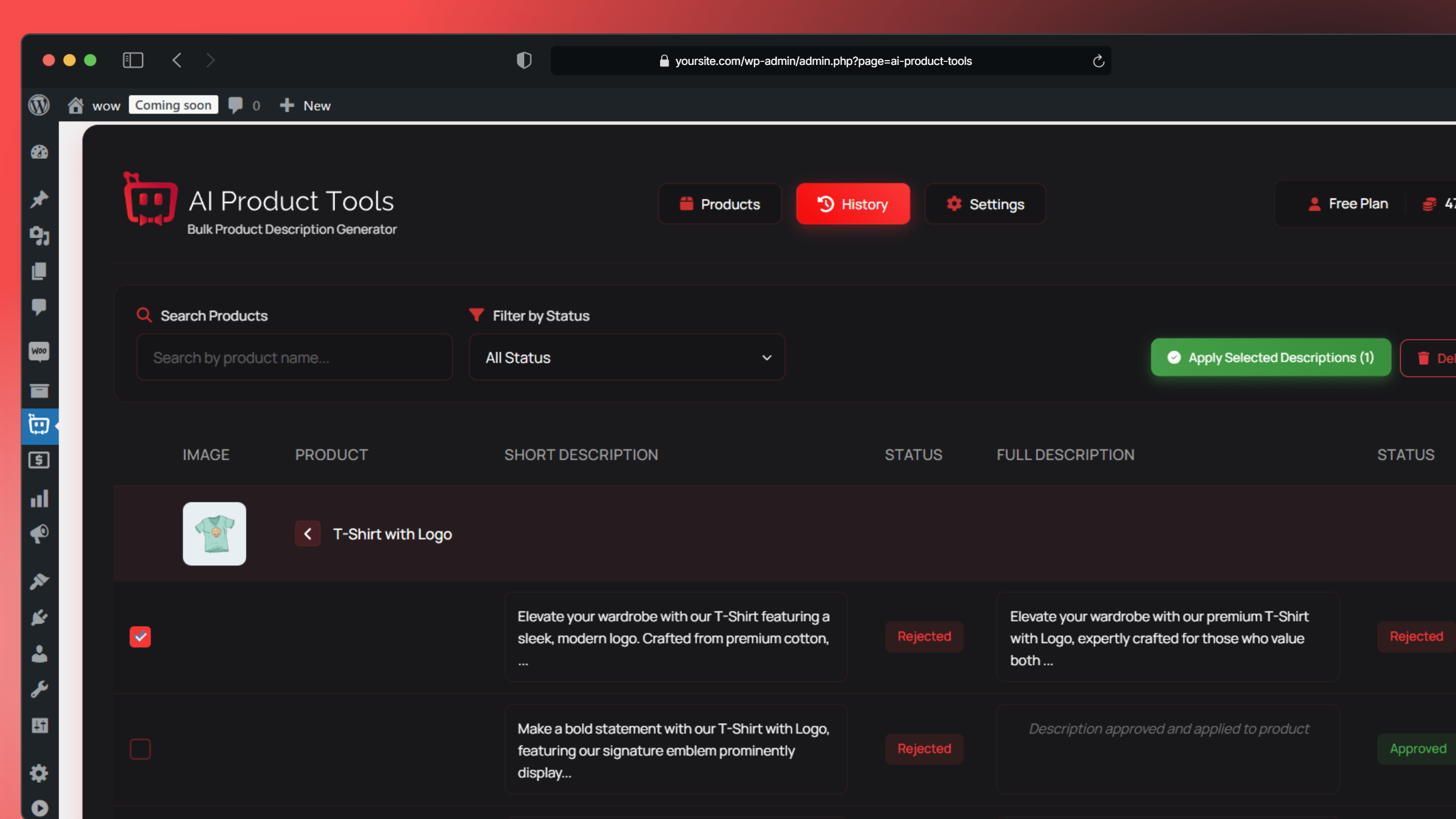
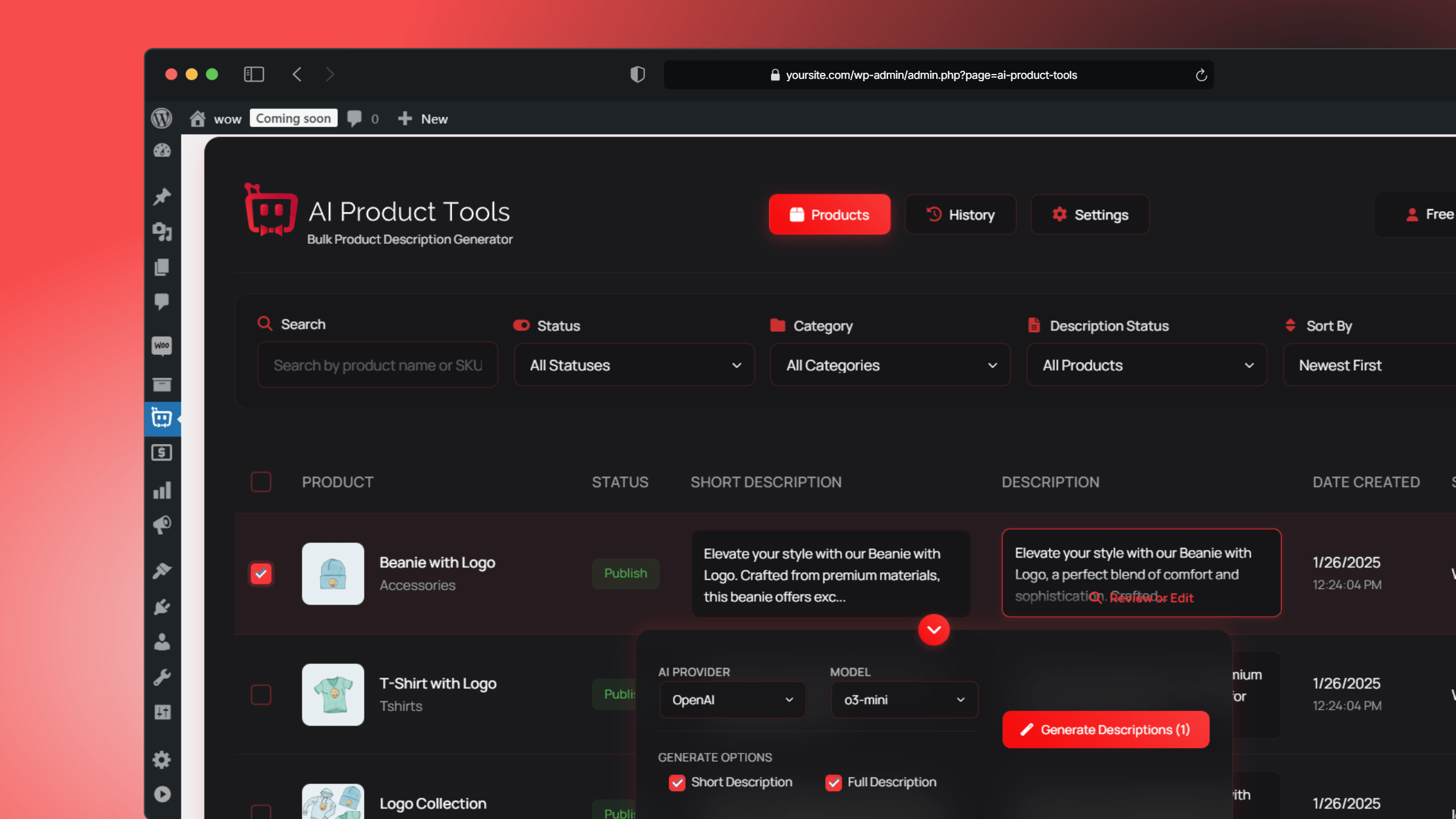
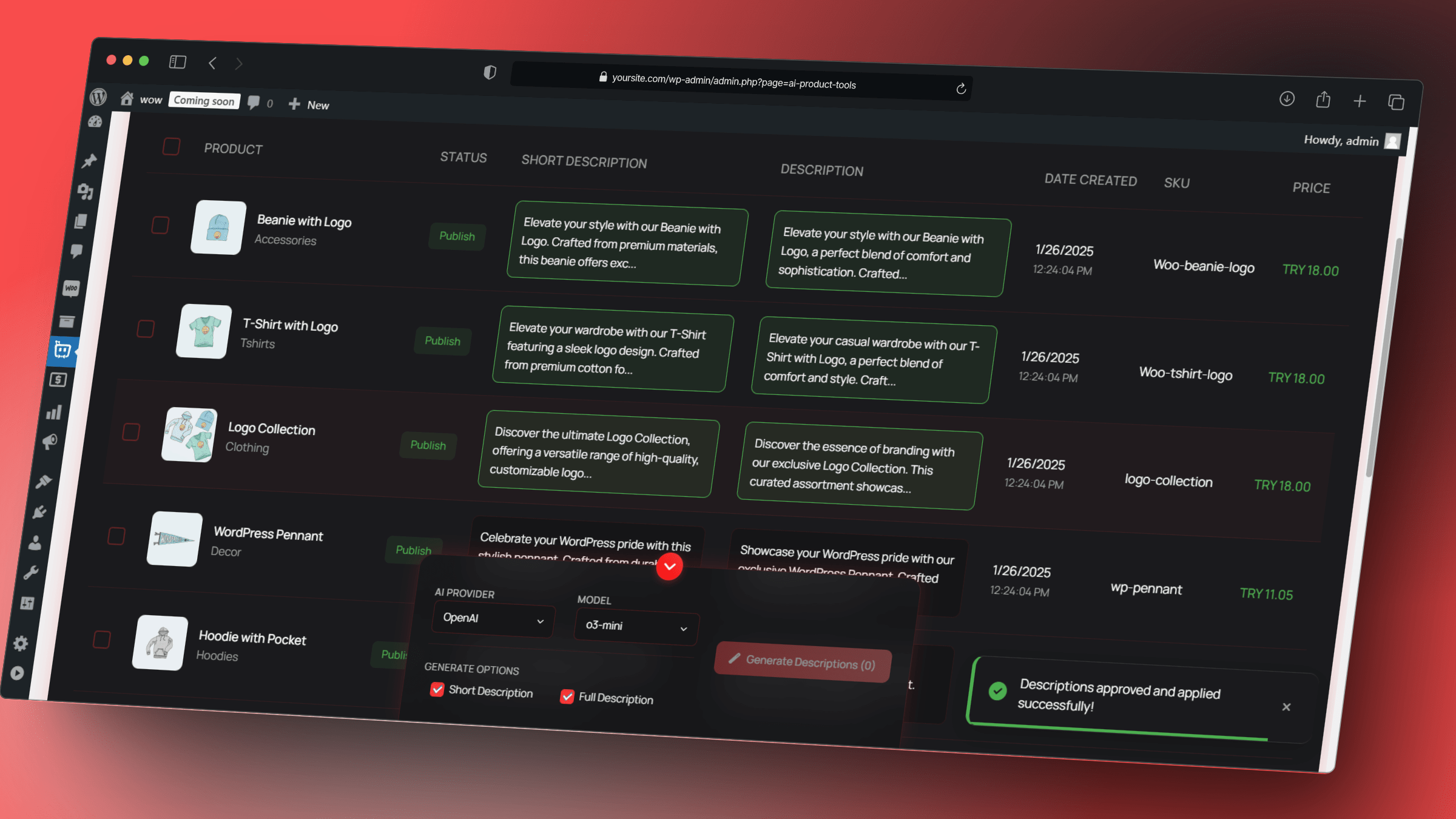
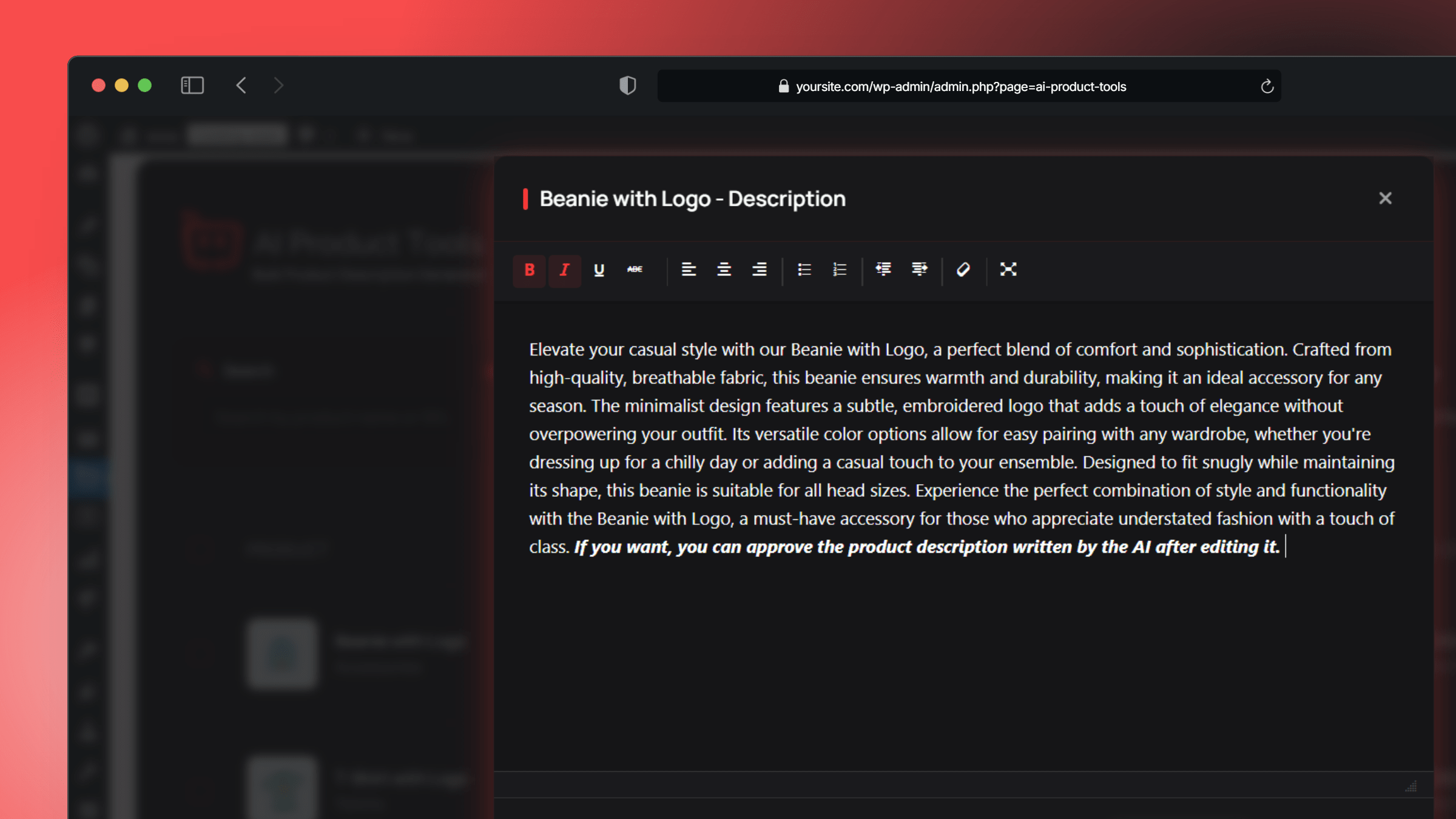
- Preview, edit, approve, or reject every result before it is saved.
- Content History, so you can see what a product looked like before each AI change.
- The AI Shop Assistant, with product recommendations and appearance settings.
- The AI Bulk Product Editor grid, with row by row generation.
- One scheduled bulk run, started manually or at a time you pick.
- All four AI providers, every model in the catalog, and your own OpenRouter model IDs.
- A review queue saved on your site, so results survive a page reload.
- One click restore and bulk rollback from Content History.
- Draft review for scheduled runs.
- Recurring daily, weekly, and monthly schedules, several jobs at once, and category, tag, and stock filters.
- Add to Cart in the shop assistant, plus extra themes, custom CSS, and label translation.
- Generating for many selected rows at once in the Product Editor.
安装:
- Upload
ai-product-tools.zipto your/wp-content/plugins/directory, or install it from Plugins, Add New. - Activate AI Product Tools from the Plugins menu. WooCommerce must be active.
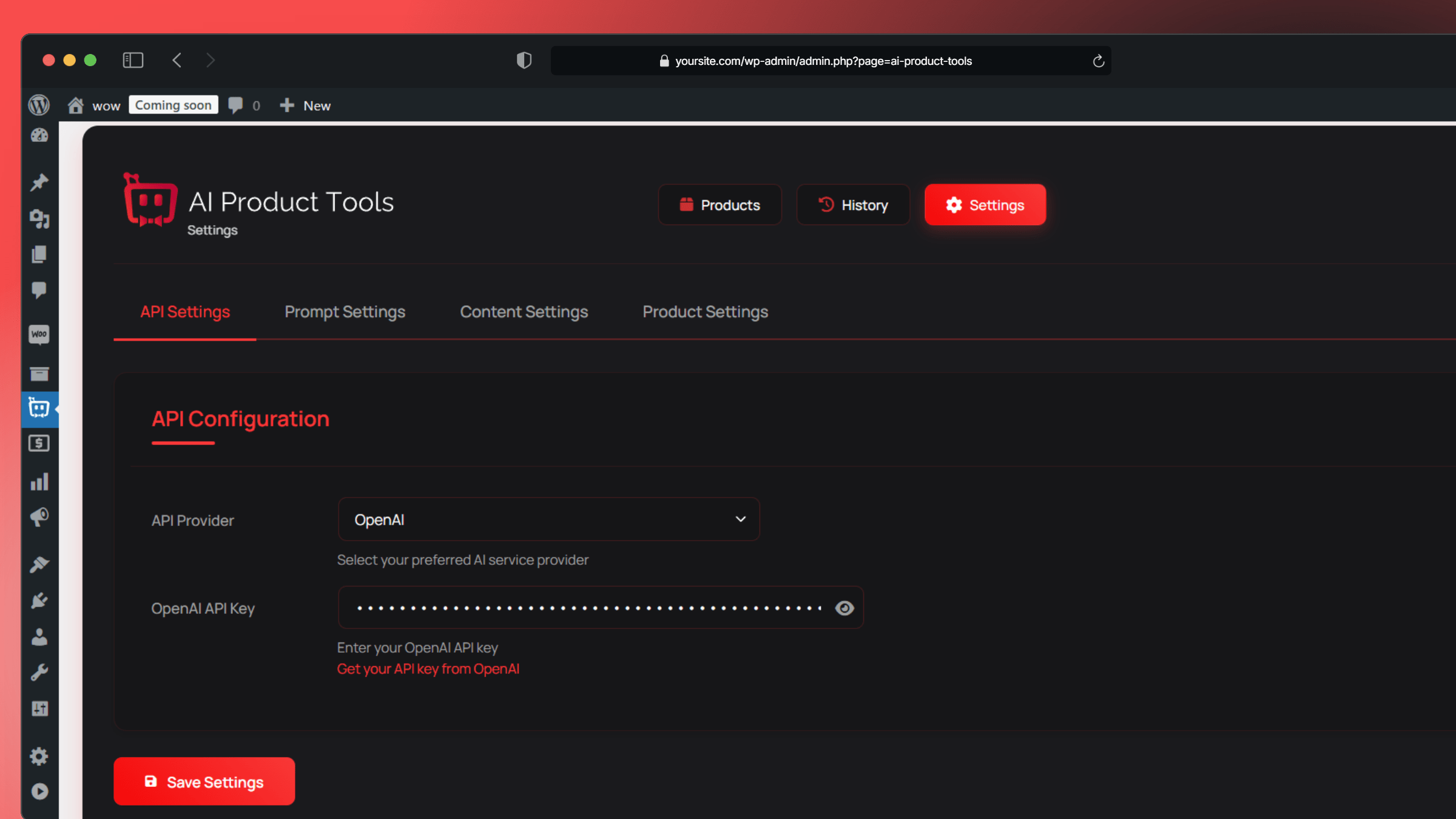
- Follow the onboarding wizard: choose OpenAI, Gemini, Claude, or OpenRouter and enter your API key. On WordPress 7.0 you can connect through WordPress AI Connectors instead.
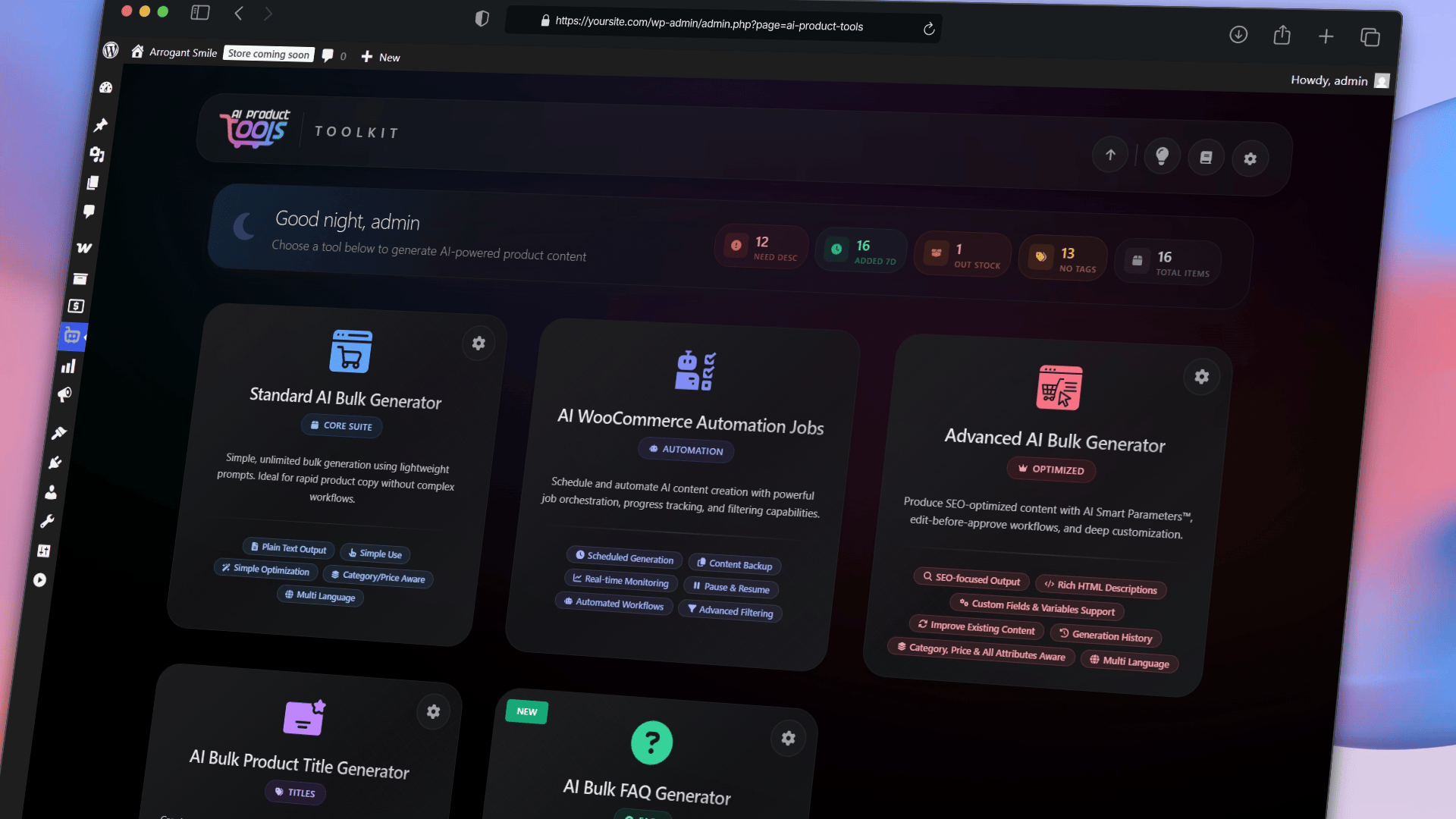
- Open the Toolkit Dashboard to see the available tools.
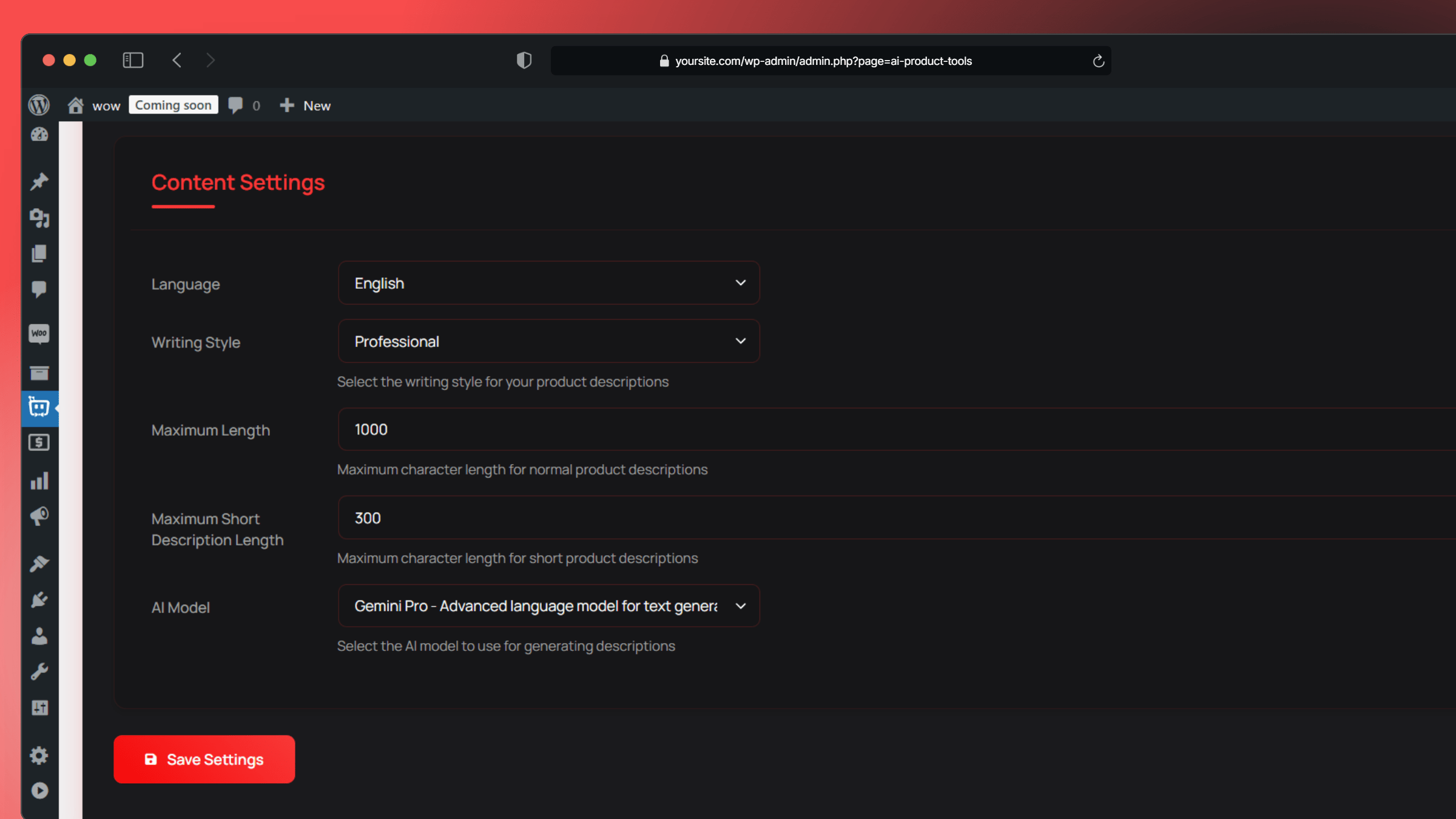
- Set your language, writing style, and brand voice under Settings.
- Select a few products and run your first generation to check the output before working in bulk.
屏幕截图:


常见问题:
Is AI Product Tools free to use?
Yes. The plugin runs on your own AI provider API key, so we do not meter or resell your AI usage and we add no markup. Content creation, in-session review, Content History, the AI Shop Assistant, the Product Editor grid, and one scheduled bulk run are all included at no cost. Practical batch limits apply per run: about 1,000 products for product descriptions and SEO meta, about 5,000 for product titles, and about 1,000 products per Product Editor selection. Business adds the operations layer: a saved review queue, draft review, one click rollback, deeper automation, Add to Cart in the shop assistant, and multi row generation in the Product Editor.
Do I have to pay for AI usage separately?
Yes, and you pay your provider directly rather than us. You connect your own key, in the plugin or through WordPress AI Connectors, and the account, the billing, and the rates stay between you and that provider. That is deliberate, because it keeps you free to change your mind. Move between OpenAI, Google Gemini, Anthropic Claude, and OpenRouter whenever you like, add your own OpenRouter model IDs, or run one of the free OpenRouter models while you are still evaluating. You are not buying credits from us, so there is nothing to top up, nothing that expires, and no cap we place on how much you generate. If you ever stop using the plugin, your provider account and your key carry on exactly as they were.
What exactly are the free scheduling limits?
Three limits apply to scheduled background work on the free plan:
- One job. You can configure one job at a time.
- One-time or manual runs only. Recurring daily, weekly, and monthly schedules require Business.
- One content type per job. Covering several content types in one job requires Business.
Can I check the content before it goes live?
Yes, and this is free for everyone. Every generator shows you the result first, so you can read it, edit it, approve it, or reject it before anything is written to your products. That review happens in your browser session, so nothing is stored on your site if you navigate away. A review queue that is saved on your site and survives a page reload requires Business.
Can I undo an AI change?
Content History records the previous value before every AI change, on every plan, so you can always see what a product said before. Restoring that earlier version with one click, or rolling back in bulk, requires Business.
Does the Draft Content tab work on the free plan?
No. Viewing the Draft Content tab and every draft action, including approving, rejecting, and the bulk actions, requires Business. Sites that were already running the plugin before version 2.7.2 keep that access automatically, even if they had never opened the screen.
How does the image alt text generator work?
It sends your product image to a vision capable model, such as GPT-5.x, Gemini Flash, or Claude Sonnet, which describes what it sees. You review and edit the text before it is written to the image, so nothing goes live unchecked.
How does the shop assistant know about my products?
It reads a compressed index of your catalog that the plugin builds. On every plan that index covers seven fields: product title, short description, full description, categories, tags, price, and stock status. SKU, stock quantity, and product attributes require Business.
Does the shop assistant slow down my site?
It loads asynchronously, detects the visitor's language on the server rather than in the browser, and reads from a compressed index, which keeps its effect on page loading small.
Can I change how the shop assistant looks?
Yes. On every plan you can set the bot name, welcome message, colors, typography, position, preset launcher icons, and light or dark presets. Extra themes, hero background images, custom icon uploads, custom CSS, translated labels, and a choice of launcher animation require Business. The free plan uses one fixed default launcher animation.
Can I keep my images when the AI rewrites a description?
Yes. With the Preserve Existing Images setting enabled, the AI changes only the text and leaves every <img> tag and its position exactly where it was.
What is the Visual Prompt Builder?
A full screen wizard that builds a prompt for you. Instead of writing instructions by hand, you pick options such as a Persuasive tone and a Tech Savvy audience, and the plugin assembles the prompt and shows you a live preview.
How does custom field mapping work?
You map an existing WooCommerce custom field to a variable such as {custom1}, then use that variable in a prompt template so the AI can mention details like materials, dimensions, or internal codes. It works with Advanced Custom Fields. Mapping is available in the description generator and the title generator, and requires Business.
Does this work with a large catalog?
Yes. Product lists are paginated, bulk runs are processed in batches, and scheduled work runs through WP-Cron in the background, which avoids the server timeouts that long single requests cause.
What is OpenRouter and why would I use it?
OpenRouter is a gateway that gives you access to many AI models through a single account and a single key. It includes models that are free to use, such as Qwen, DeepSeek, Llama, and Mistral, alongside paid models. You can also add your own OpenRouter model IDs on any plan.
Is my data secure?
Your API keys are stored encrypted in your own database, or managed by WordPress AI Connectors. Your content goes directly from your site to the AI provider you selected. We have no access to your product content, your keys, or your chat logs.
更新日志:
- CHANGED: Free plan scheduling scope. The free scheduling surface is now called Scheduled Bulk Runs and covers one job, one content type, and one-time or manual runs. Recurring schedules, several jobs at once, and multi content type jobs are Business features. Please read before updating: a free plan recurring schedule stops re-running on its own after this update. Your jobs, filters, logs, and generated content are kept, and you can still start a run manually.
- NEW: Content Bank. The Content History page is now Content Bank, one home for everything the AI changes, in three tabs. Content History stores the previous value before every AI edit on every plan, and you choose how many versions to keep per field, from 1 to 10. Review Content holds results you generated but have not applied, in the current session on the free plan and saved on your site with Business. Draft Content collects scheduled run output awaiting approval, and requires Business. Sites that existed before this update keep their Review and Draft access, and the dashboard has a new Content Bank card.
- CHANGED: Legacy generator history retired. Please read before updating: the old per-generator history tables behind the description and SEO meta generators have been removed. Those records were not migrated to Content Bank and cannot be recovered after updating. Content History, which is kept on every plan, is now the single place to see what your content looked like before each AI edit.
- CHANGED: The credit limit is gone. Generation has always run on your own provider API key. What is retired is the "Optimization Requests" balance the plugin counted on top of it, which capped how much the description generator could do. The balance, the cost preview badge, and the terms window shown before generating are gone with it, runs no longer pause because credits ran out, and a provider refusal fails only that product rather than the run.
- CHANGED: Simpler plans. The paid offering is now a single Business plan. Customers on the earlier Pro plan keep their Pro tier features; the new Business only features are not automatically included. Saving or deleting custom prompt variables now also requires a paid plan.
- CHANGED: AI Bulk Actions moved to Business. In the AI Bulk Product Editor, generating for many selected products at once is now a Business feature. Row by row generation inside the grid stays free.
- NEW: More of the plugin is free. Tone selection in the title, SEO meta, and image alt generators now works on the free plan, the free store index covers product descriptions and tags, the free chatbot recommends up to 10 products per answer instead of 3, and your own OpenRouter model IDs work on every plan. Please read before updating: the Creative and Promotional title tones were replaced by Luxury and Persuasive, and a stored tone outside the list falls back to the default.
- IMPROVED: Unified description generator. The Standard and Advanced bulk description tools are now one Bulk AI Product Description Generator. Choose plain text or HTML output, and either review results before applying or apply them straight away. The old Standard Generator page redirects here.
- IMPROVED: Updated AI model list and accurate cost estimates. The picker now offers OpenAI GPT-6 Astra and GPT-5.6, Google Gemini 3.8 Flash, Gemini 3.7 Flash and Gemma 4 31B, and Anthropic Claude Fable 5.1 and Claude Haiku 4.5, each with an exact price so the cost tracker no longer falls back to a generic rate. OpenAI o3, Gemini 3 Flash Preview, and Gemma 3 27B were retired, and settings pointing at a removed model switch to that provider's current default.
- IMPROVED: Easier generator navigation. All six AI tools now show the same Prompt Settings button at the top, which Title and Taxonomy gained for the first time, and every button opens the settings section for that tool instead of the general settings page. In Prompt Studio you can also switch tools by clicking the tool name, and "Advanced Description" now reads simply "Description".
- IMPROVED: Cleaner automation upgrade prompts. Setting up a scheduled bulk run is less repetitive. The product filter prompt groups category, tag, and stock status filtering into one card and lists only the filters you do not already have.
- IMPROVED: Refreshed FAQ display settings layout. The FAQ Display panel is reorganized into a two column layout, with color fields side by side and spacing and borders in labelled groups. Linked padding, margin, and border values now use one compact field instead of four. This is a visual refresh only, so your saved settings and storefront appearance are unchanged.
- FIXED: SEO Meta accuracy. Alongside Yoast SEO, Rank Math, or All in One SEO the score was often wrong: unanalysed products showed a red zero, Yoast scores came from the wrong measurement, the score stayed frozen until you reloaded the page, and the analysis checklist was credited to your SEO plugin instead of this one. All four are fixed. Generated titles and descriptions now target the lengths the check grades as optimal, 50 to 60 characters and 140 to 160.
- FIXED: Clear help when an API key is rejected. When OpenAI, Claude, Google Gemini, or OpenRouter refuses your key during setup, you now get numbered recovery steps and a direct link to the right page on the provider's site. This matters especially for Google Gemini, where a key that worked for months can start failing because Google changed which key types it accepts.
- FIXED: Gemini and Gemma reliability. Fixed a formatting problem in the request sent to Google Gemini that could make Google reject it outright, so Gemini generation now runs on Google's recommended defaults. Gemma models were wrongly held to Gemini's restrictions and now use the settings Google prescribes for Gemma, so Gemma output should be more consistent.
- FIXED: Interface fixes across the plugin. The floating header bar lines up with the page content at any screen width, text fields and search boxes show their borders and focus outline reliably, and the bulk generator search box was rebuilt with a clear button. In the Product Editor, several categories no longer stretch a row and long names are readable in a tooltip. The linked spacing field in FAQ display settings is announced as "All sides" to screen readers, and the chatbot "Powered by" toggle now turns the note off reliably.
- SECURITY: Gemini API key moved out of the request address. If you use Google Gemini, your key is now sent inside a secure request header, the method Google documents, rather than attached to the web address of every request, where it could be copied into server logs and records kept by proxies between your site and Google. Your existing key keeps working and nothing needs re-entering.
- FIXED: Complete, untruncated AI output. Removed the output token cap the plugin used to send to AI providers. This resolves cut off or empty results, most noticeably with recent reasoning models such as GPT-5.x, which spent the capped budget on internal reasoning and left little room for the visible answer. Descriptions, titles, FAQs, and SEO meta now generate to their full length across OpenAI, Claude, Gemini, and OpenRouter.
- FIXED: Reliable updates on busy stores. Database migrations now run under a shared lock, preventing the rare case where several admin requests arriving at the same moment during an update could run the migration concurrently.
- FIXED: AI Bulk Product Editor stability. Pinned the grid engine to a stable release to remove a rare rendering glitch, and bundled the OpenAI provider icon locally so it no longer depends on an external asset.
- IMPROVED: Interface consolidation. The bulk generators now run on the V6 interface only. The retired classic view, its toggle, and the anonymous interface rollout telemetry have been removed, alongside dashboard header and navigation refinements.
- NEW: AI Bulk Product Editor. A grid and drawer based bulk editing experience with spreadsheet style in-cell editing, suggestion review, live character and word counters, undo and redo, and protection against concurrent saves.
- NEW: AI content marking. Products changed by the AI are badged with an AI marker. You can filter your catalog by AI status, skip already processed items during bulk jobs to save API costs, and clear the marker on manual edits. An admin only reset tool is included.
- IMPROVED: Category and status filtering. Category filters now include nested subcategories automatically. Added a Pending status filter and resolved edge cases with negative filter states and AI status persistence.
- IMPROVED: Model catalog and fallbacks. Model validation now rejects invalid models at the editor level. Legacy model fallback logic was centralized, restricted Claude models were removed from the default catalog, and the supported model documentation was updated.
- IMPROVED: Bulk generator interface polish. Added persistent Details row toggles, refined selection checkboxes, corrected toolbar alignment, and improved accessibility and terminology.
- FIXED: Corrected pricing calculation edge cases involving negative token counts, for accurate API cost estimates.