AICOSO Click to Chat
| 开发者 | aicoso |
|---|---|
| 更新时间 | 2026年9月17日 01:20 |
| PHP版本: | 7.4 及以上 |
| WordPress版本: | 7.1 |
| 版权: | GPLv3 or later |
| 版权网址: | 版权信息 |
详情介绍:
- Product questions before purchase
- Requests for additional product information
- Questions about available product variations
- Cart-related questions
- Checkout assistance
- Order-related conversations
- General customer support
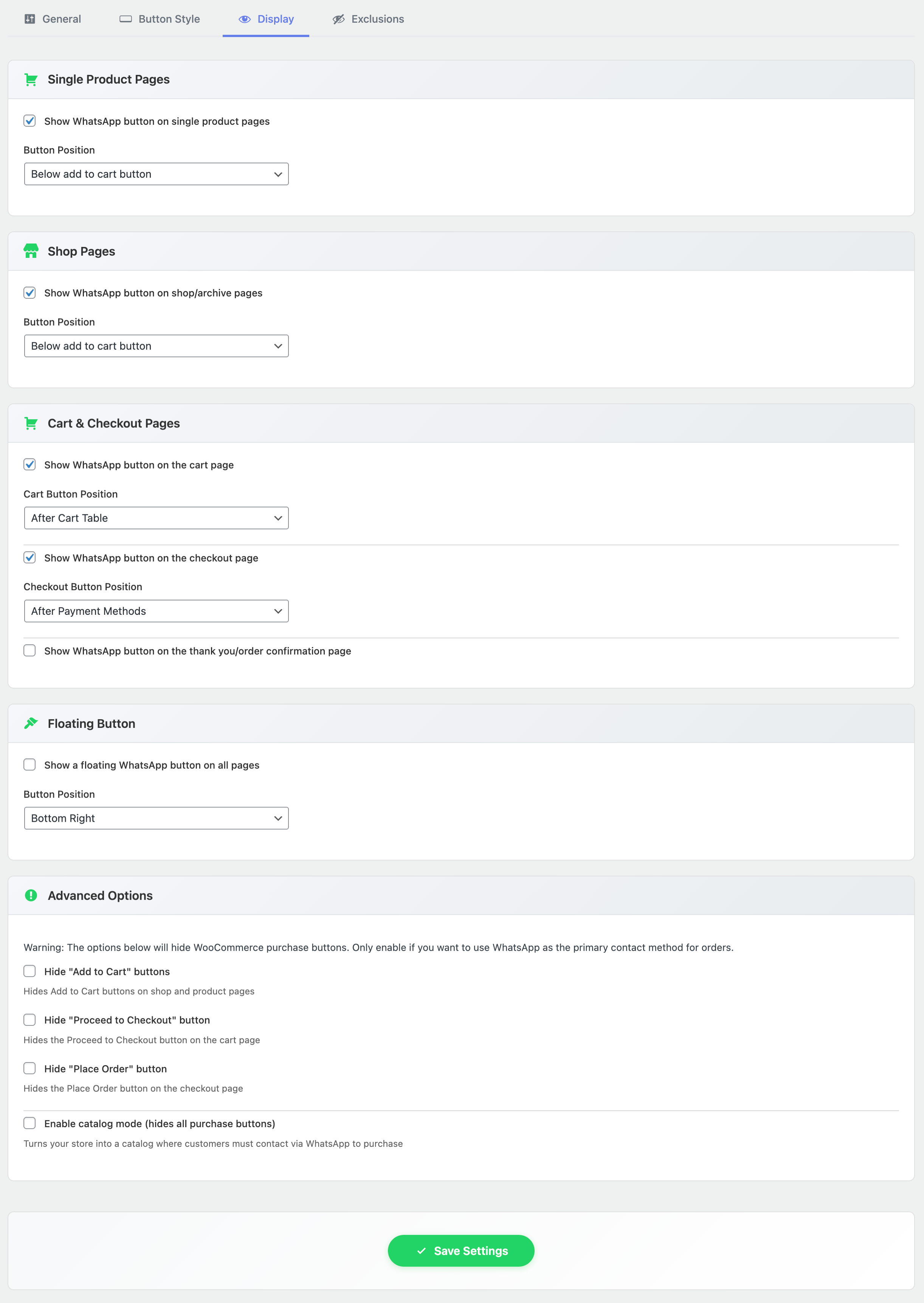
- Single WooCommerce product pages
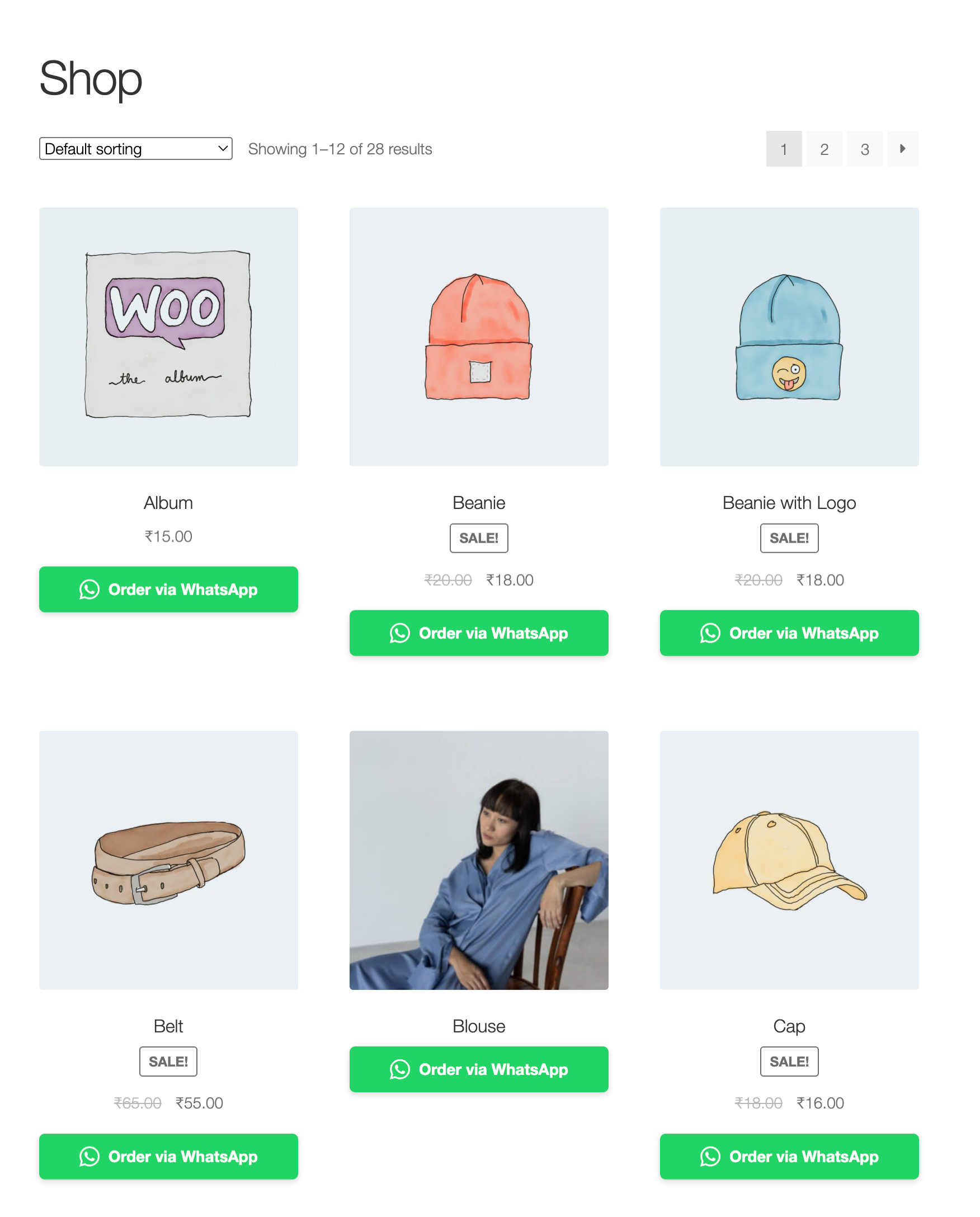
- WooCommerce shop and category listings
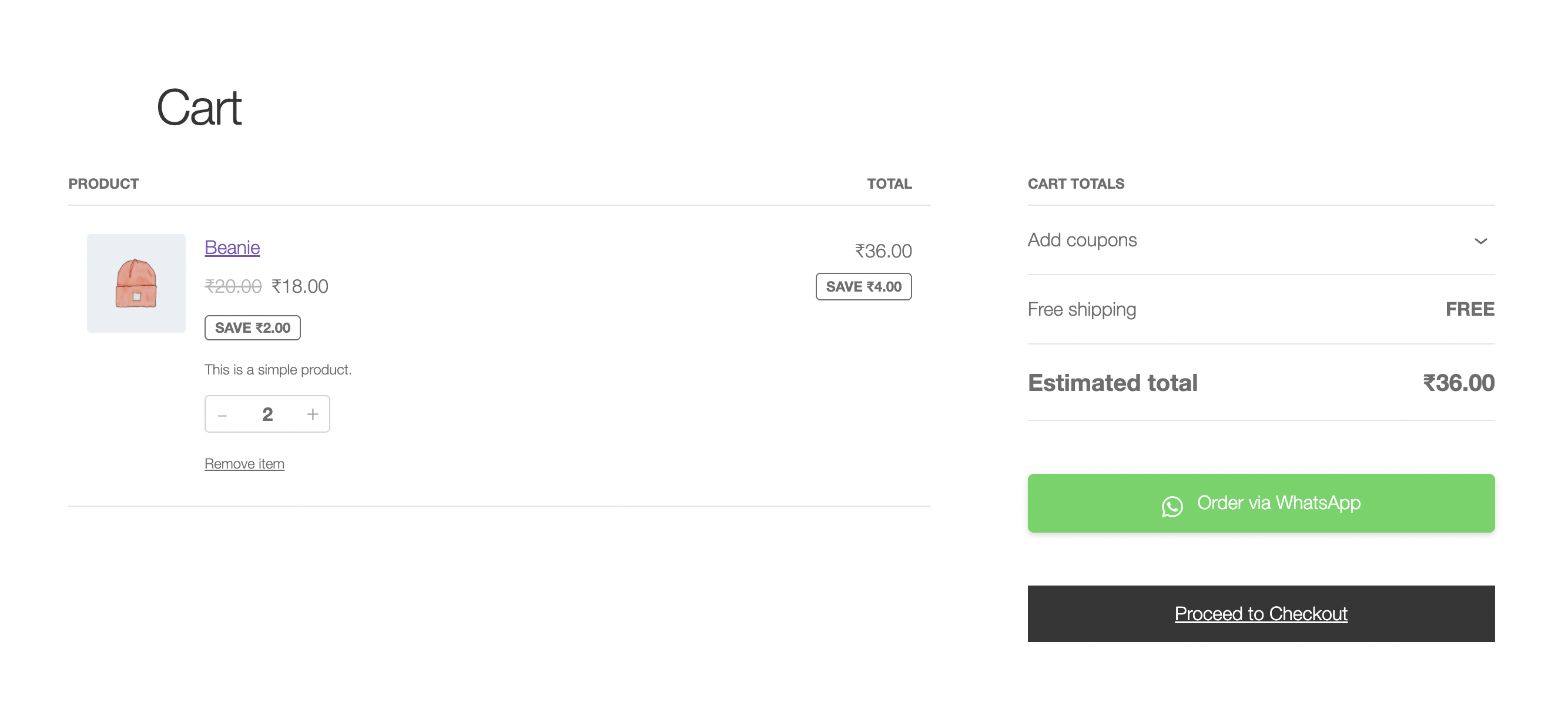
- Cart page
- Checkout page
- Thank-you / order confirmation page
- Floating button for site-wide access
- Product name
- Product price
- Product URL
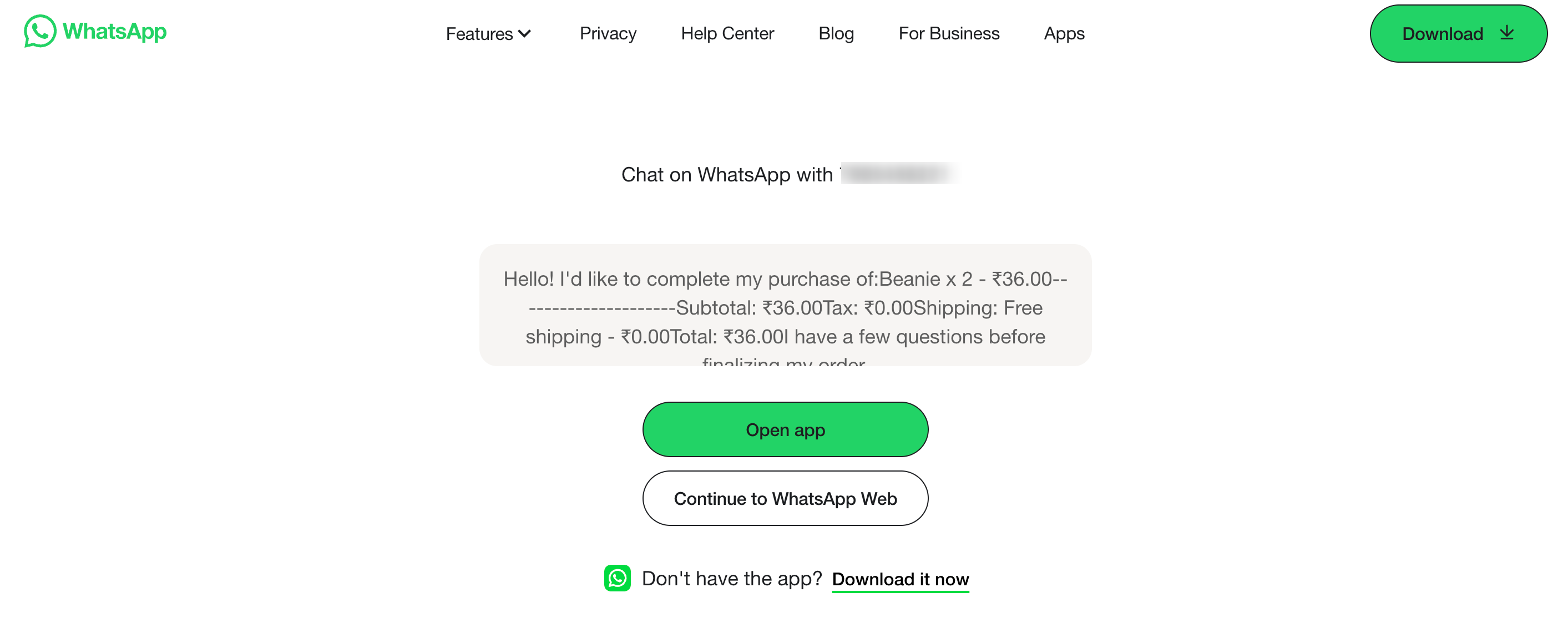
- Cart items
- Cart subtotal
- Cart total
- Order number
- Order date
- Order items
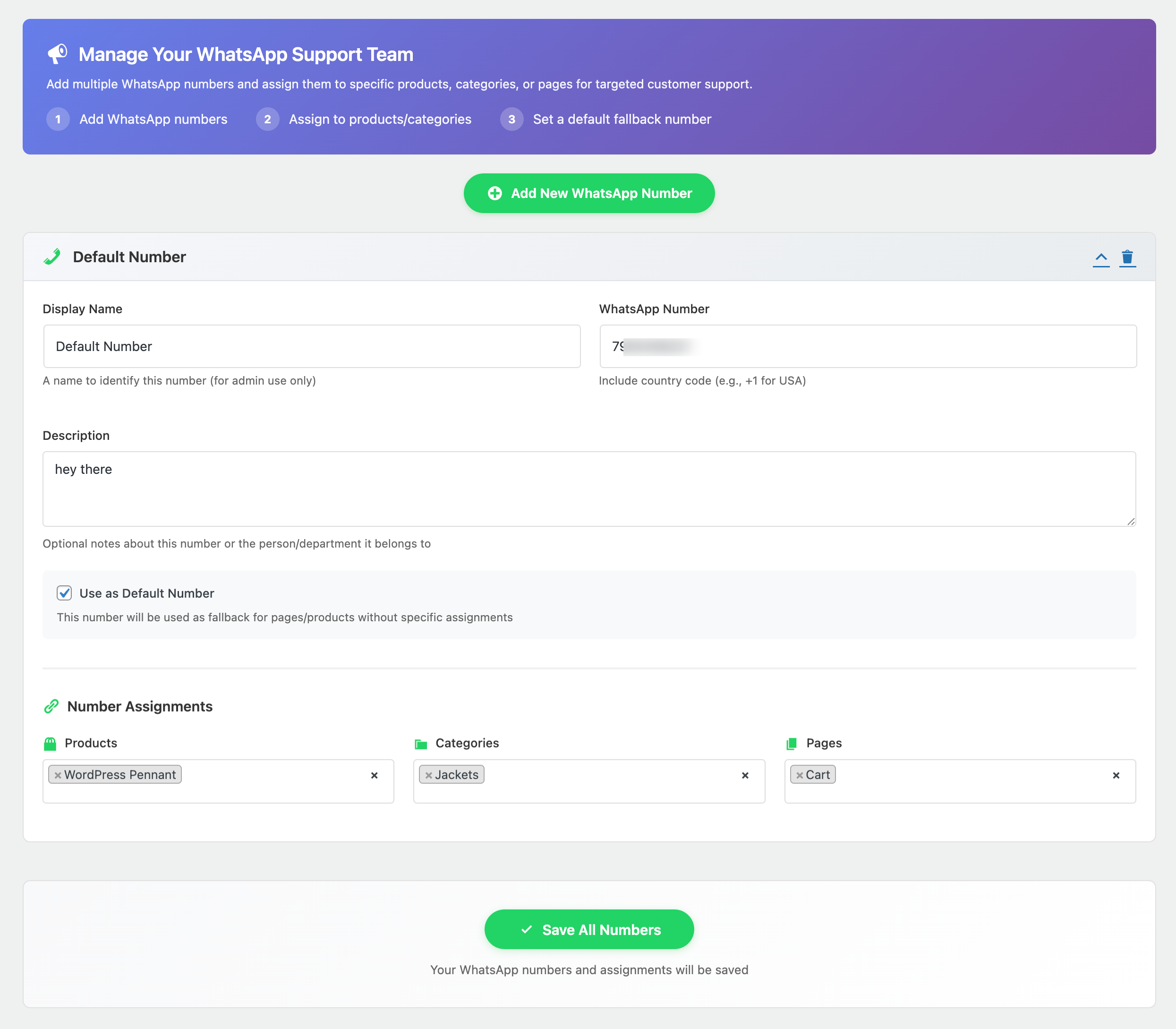
- Add multiple WhatsApp numbers
- Set a default number for general inquiries
- Assign specific numbers to individual products
- Assign numbers to product categories
- Product inquiries
- Product variations
- Shop or category pages
- Cart and checkout
- Order confirmation
- Products
- Product categories
- Product tags
- Pages
- All configured numbers
- One selected configured WhatsApp number
- Unattributed historical or fallback clicks
安装:
- Go to Plugins > Add New in your WordPress dashboard.
- Search for "AICOSO Click to Chat".
- Click Install Now.
- Activate the plugin.
- Open the Click to Chat settings.
- Add your WhatsApp number in the required international format.
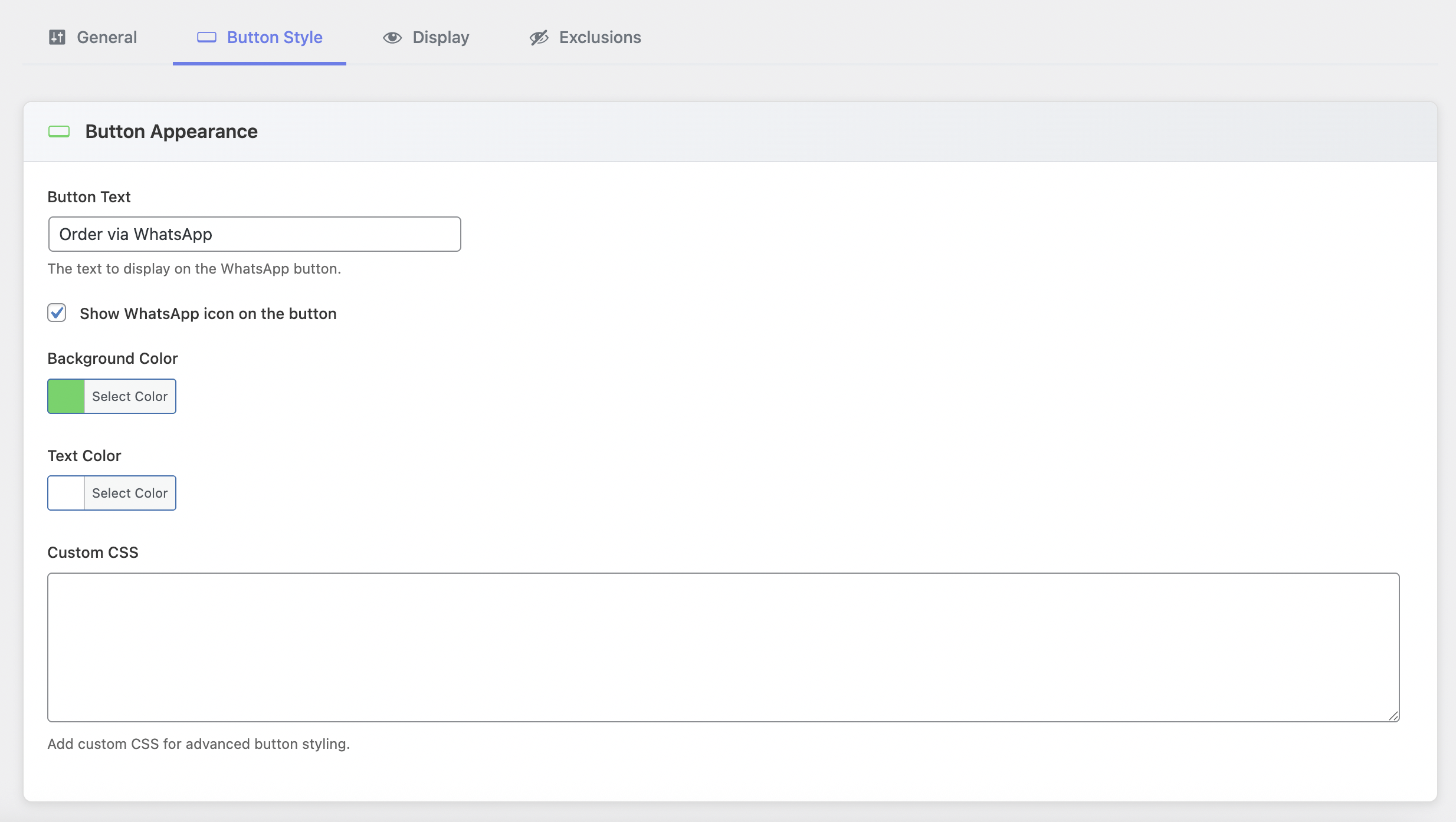
- Configure button placement, messages, appearance, and other available settings.
- Test the button on both mobile and desktop before publishing changes.
- Download the plugin ZIP file.
- Go to Plugins > Add New > Upload Plugin.
- Upload the ZIP file.
- Click Install Now.
- Activate AICOSO Click to Chat.
- Open the Click to Chat settings and configure your contact number and button options.
- Extract the plugin ZIP file.
- Upload the
aicoso-click-to-chatfolder to/wp-content/plugins/. - Activate the plugin from the WordPress Plugins screen.
- Open Click to Chat settings and complete the configuration.
屏幕截图:
常见问题:
What is a WhatsApp click-to-chat plugin?
A WhatsApp click-to-chat plugin adds buttons or links to a website that let visitors open a WhatsApp conversation with a configured phone number. AICOSO Click to Chat adds this functionality to WooCommerce pages and supports contextual messages, multiple numbers, placement controls, shortcodes, and click analytics.
How do I add a WhatsApp button to WooCommerce?
Install and activate AICOSO Click to Chat, add your WhatsApp number in the plugin settings, and choose where the button should appear. The plugin supports WooCommerce product pages, shop and category listings, cart, checkout, thank-you pages, and a floating button.
Can I add a floating WhatsApp button?
Yes. AICOSO Click to Chat includes a configurable floating button for quick access to WhatsApp contact.
Can customers contact me about a specific WooCommerce product?
Yes. Product-page buttons can open WhatsApp with product-specific context such as the product name, price, and URL.
Does AICOSO Click to Chat support variable products?
Yes. Selected WooCommerce variation details can be included in product-related messages.
Can I use multiple WhatsApp numbers?
Yes. You can configure multiple numbers and use a default number for general inquiries. Configured numbers can also be assigned to specific products or product categories.
Can I assign a different WhatsApp number to a product?
Yes. Product-specific WhatsApp number assignments are supported.
Can I assign numbers by WooCommerce category?
Yes. Configured WhatsApp numbers can be assigned to product categories.
Can the WhatsApp message contain cart information?
Yes. Cart-related message templates can include the cart item list, subtotal, and total.
Can customers contact me through WhatsApp after placing an order?
The plugin can display a WhatsApp contact option on the WooCommerce thank-you page and use order-related message information such as the order number, date, and items.
Can I add a WhatsApp button with a shortcode?
Yes. Use: [ctc_chat_button] For a specific product: [ctc_chat_button product_id="123"] Or specify button text: [ctc_chat_button text="Contact us about this product"]
Can I hide WhatsApp buttons on specific pages or products?
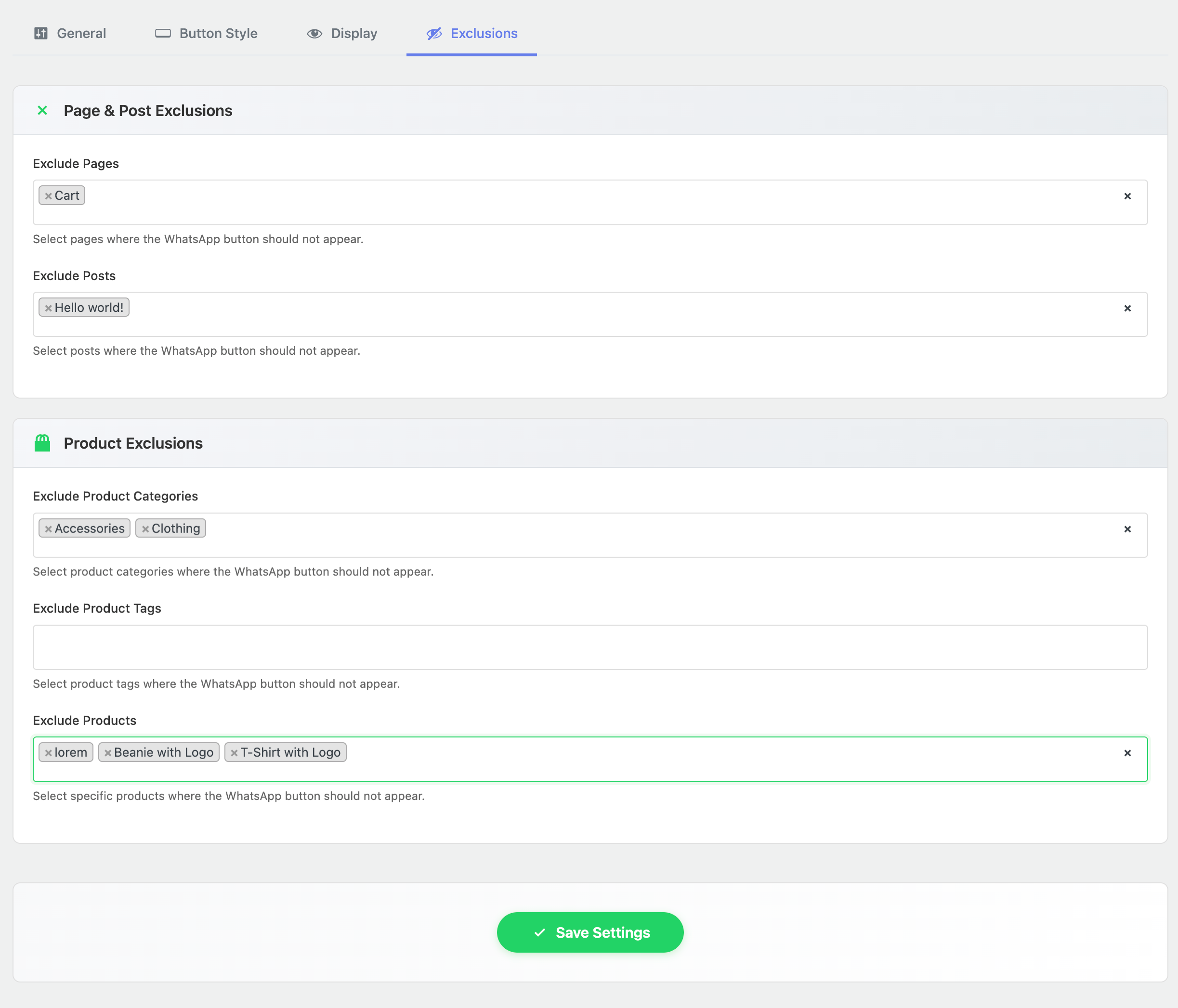
Yes. AICOSO Click to Chat provides exclusion settings for supported products, categories, tags, and pages.
Does the plugin work with WhatsApp Business?
Yes. The click-to-chat functionality can be used with a WhatsApp or WhatsApp Business number that supports standard WhatsApp click-to-chat links.
Do I need a WhatsApp Business API account?
No. The standard click-to-chat functionality does not require a WhatsApp Business API account.
Does the button work on mobile and desktop?
Yes. On mobile devices, WhatsApp links can open the WhatsApp application when available. On desktop, visitors can use the available WhatsApp desktop or web experience according to their environment.
Can I customize the pre-filled WhatsApp message?
Yes. Message templates can be configured for supported contexts including products, shop/category pages, cart/checkout, and order-related pages.
Does the plugin provide analytics?
Yes. AICOSO Click to Chat includes click analytics for recorded WhatsApp button interactions. Analytics can be filtered across all configured numbers, an individual configured number, or unattributed clicks. These statistics measure button clicks and should not be interpreted as completed conversations, orders, or sales.
Does the plugin send messages automatically?
The plugin creates click-to-chat links and pre-filled message content. The website visitor chooses to open WhatsApp and send the message. It is not described as an automated WhatsApp messaging or WhatsApp Business API delivery service.
更新日志:
- WP and WC update
- Added analytics filtering for all numbers, an individual configured number, or unattributed clicks.
- Added safe fallback behavior when a selected configured number is removed.
- Improved analytics dashboard usability, KPI help text, notices, comparison labels, preset handling, unavailable-data states, chart presentation, and responsive behavior.
- Preserved existing Click to Chat settings during plugin updates and initialized only missing defaults.
- Improved WordPress Plugin Check compliance, release packaging, development tooling, line-ending consistency, and translation template generation.
- Updated compatibility with current WordPress and WooCommerce releases at the time of release.
- Initial release.