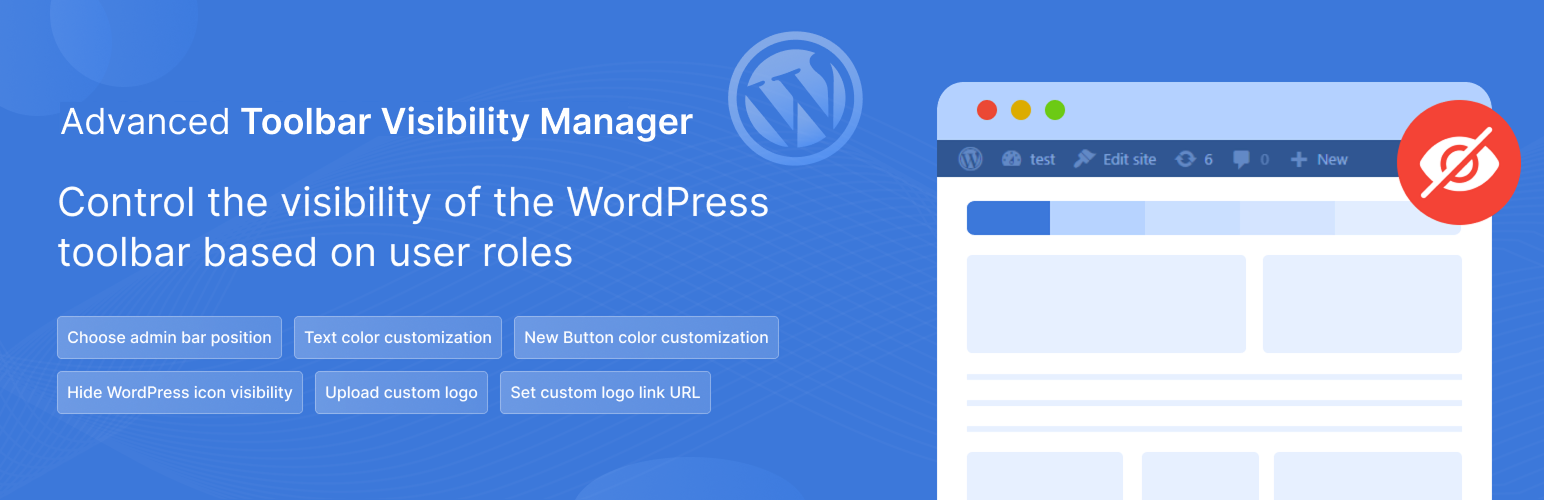
Advanced Toolbar Visibility Manager - Hide/Disable Admin Bar, Remove Toolbar Logo, Customize Toolbar, Disable Frontend Toolbar, Move Toolbar to Bottom
| 开发者 | akashahmed29 |
|---|---|
| 更新时间 | 2026年4月15日 10:57 |
| PHP版本: | 7.4 及以上 |
| WordPress版本: | 6.9 |
| 版权: | GPLv2 or later |
| 版权网址: | 版权信息 |
详情介绍:
Advanced Toolbar Visibility Manager gives WordPress administrators complete control over who sees the admin toolbar. Perfect for customizing user experiences across different roles while maintaining security and clean interfaces.
🔧 Key Features:
- Show/hide toolbar for any user role with one click
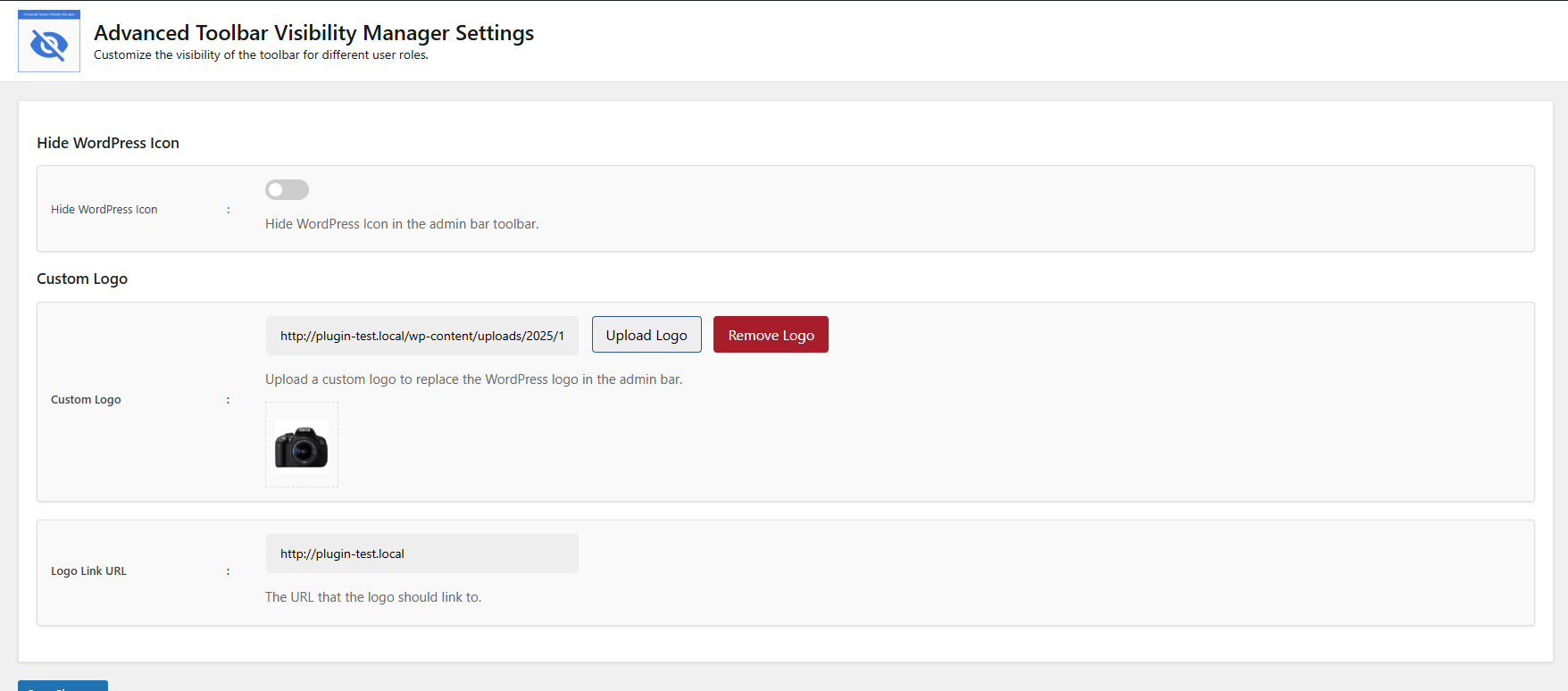
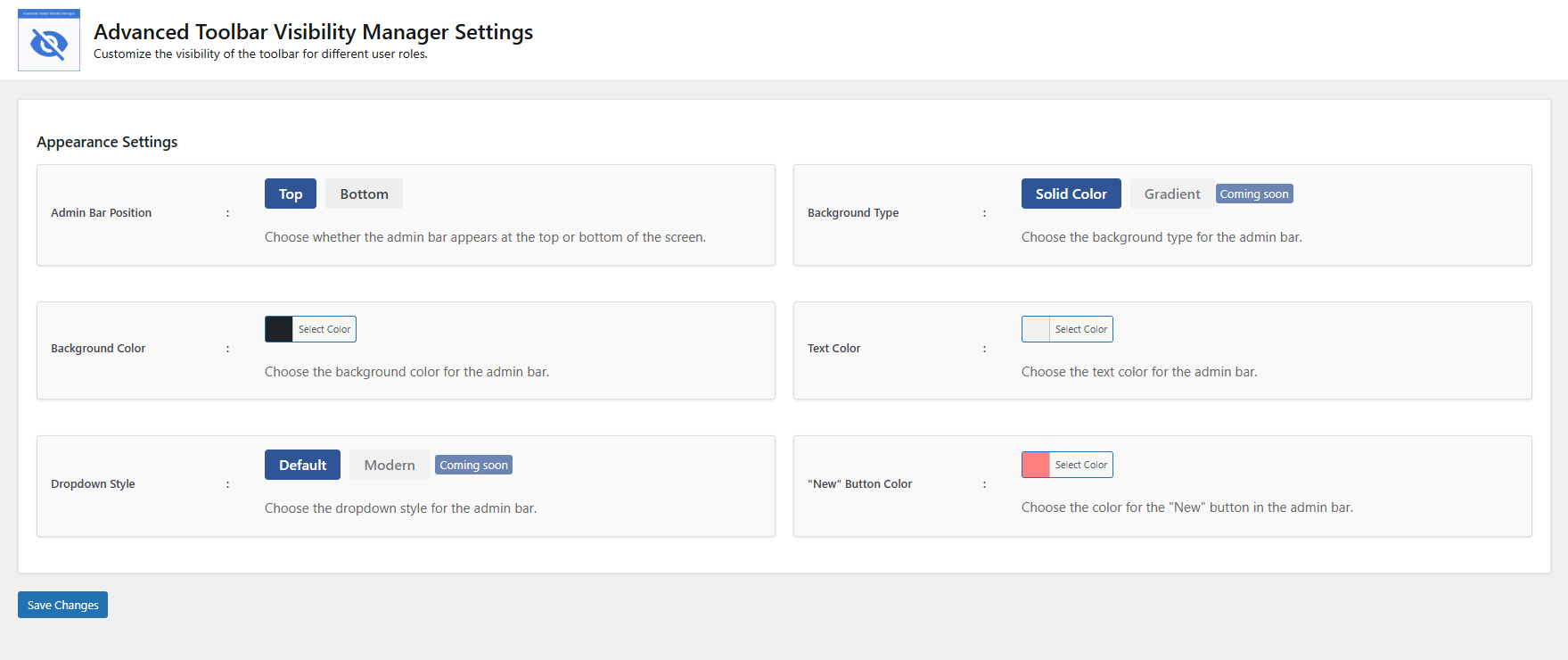
- Customize admin bar appearance and behavior
- Improve frontend user experience by removing unnecessary clutter
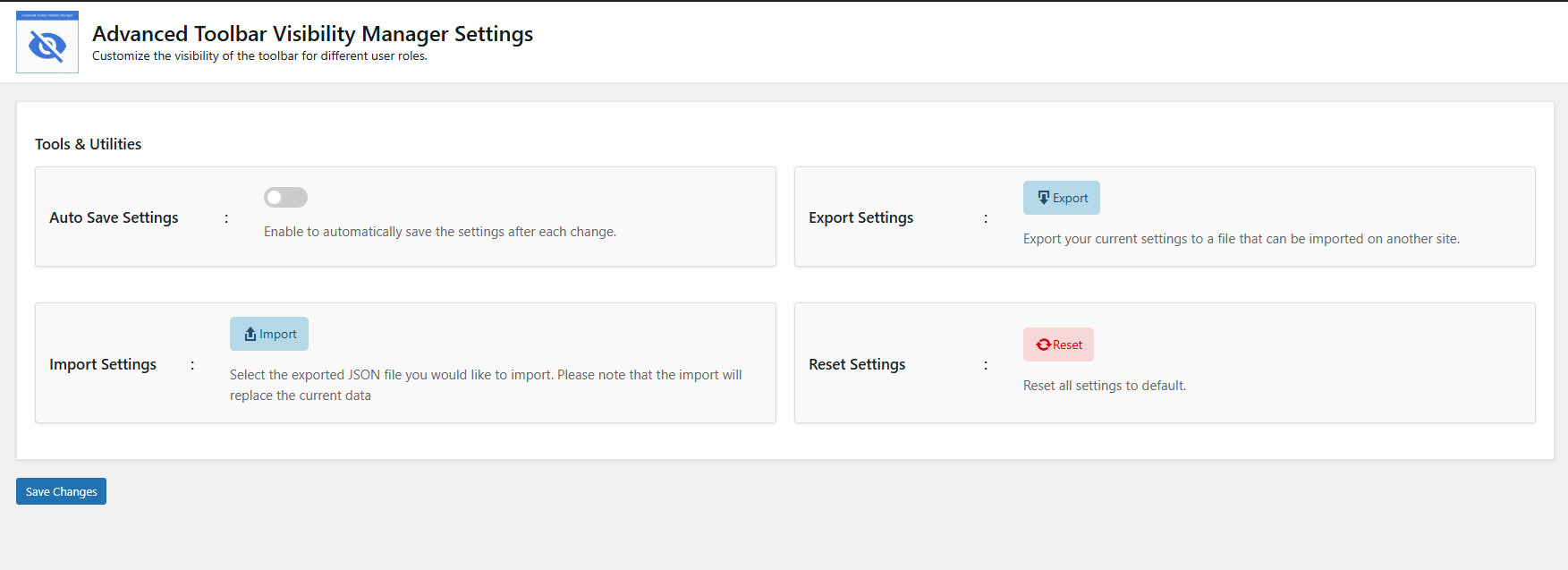
- Advanced settings for power users with import/export functionality 🌟 Why Choose This Plugin?
- Lightweight and optimized for performance
- Intuitive interface - no coding required
- Compatible with all major themes and plugins
- Regular updates with new features
安装:
- Install the Plugin:
- Navigate to WordPress Dashboard → Plugins → Add New
- Search for "Toolbar Visibility Manager"
- Click "Install Now" then "Activate"
- Configure Settings:
- Go to Settings → Toolbar Visibility Manager
- Adjust visibility for each user role
- Customize appearance as needed
- Save your changes
- Verify:
- Test different user accounts to confirm settings
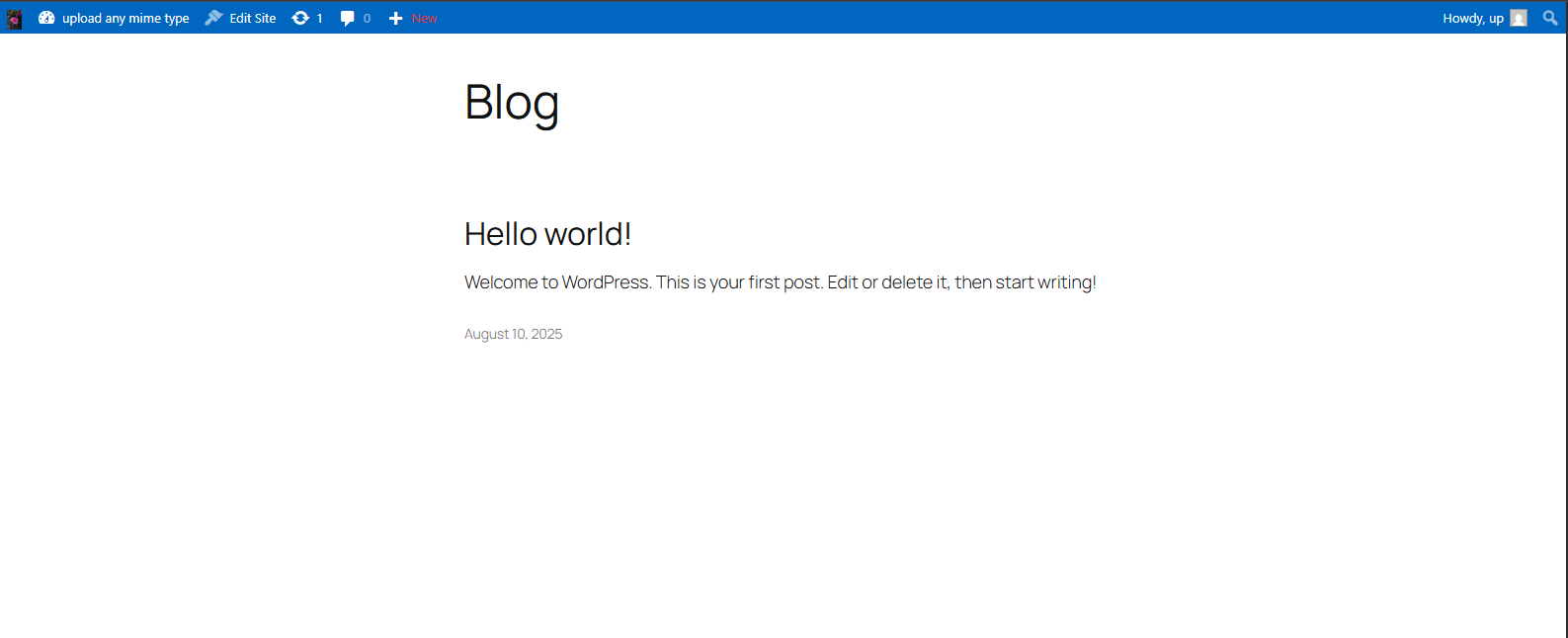
屏幕截图:
常见问题:
Does this work with all WordPress themes?
✅ Yes, the plugin is compatible with all standard WordPress themes. Some page builders might require additional CSS for perfect integration.
Can I set different colors for different user roles?
Currently, color settings apply globally across all user roles. Role-specific styling may be added in future updates.
更新日志:
1.0.0
- Initial release with basic role-based visibility controls
- Core functionality for Subscriber through Administrator roles