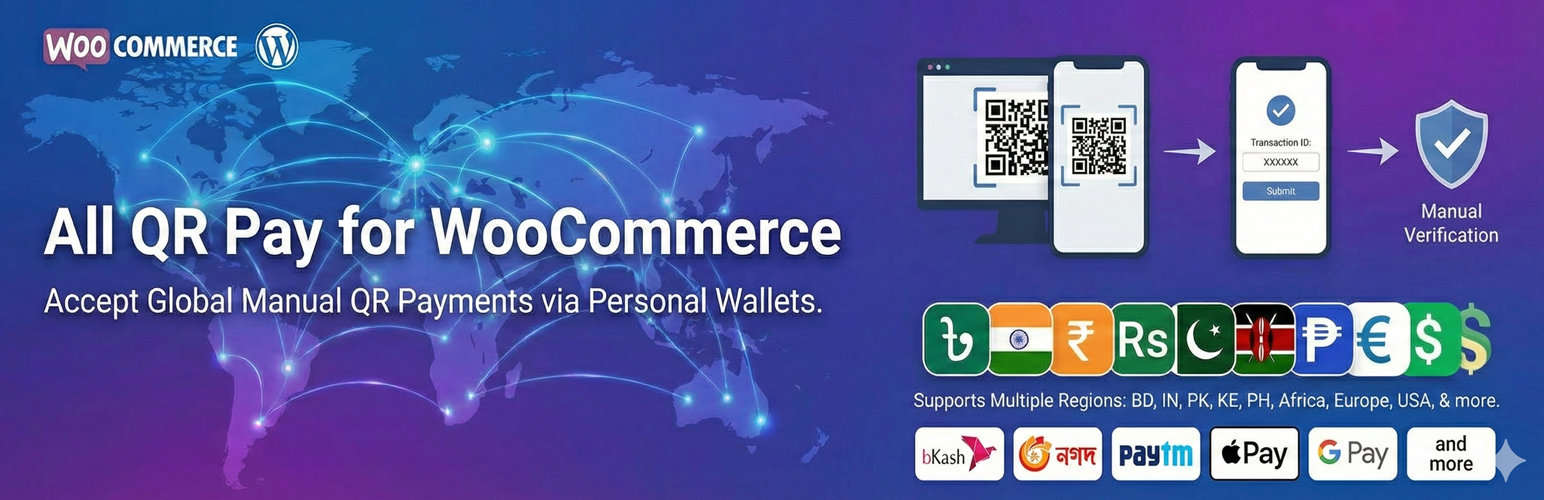
All QR Pay for WooCommerce
| 开发者 | hmbashar |
|---|---|
| 更新时间 | 2026年11月4日 17:44 |
| PHP版本: | 7.4 及以上 |
| WordPress版本: | 7.1 |
| 版权: | GPLv2 or later |
| 版权网址: | 版权信息 |
详情介绍:
- bKash
- Nagad
- Rocket
- Upay
- SureCash
- MCash
- NexusPay
- Paytm
- PhonePe
- Google Pay (India)
- Amazon Pay
- Stripe UPI
- PayPal (QR accepted regions)
- eSewa
- Khalti
- Fonepay
- Easypaisa
- JazzCash
- GCash
- Maya (PayMaya)
- M-Pesa
- Alipay
- WeChat Pay
- Apple Pay
- Google Pay
- Payoneer
- Afterpay
- Klarna
- Wise
- Stripe (QR-supported countries) (Every provider appears as its own WooCommerce gateway.)
- Proper input sanitization and output escaping
- Nonce verification aligned with WooCommerce checkout
- PHP 7.4+ compatible
- No external API calls → lightning-fast performance
- Built with OOP architecture
- Single abstract gateway class
- Easy to extend with new wallet providers by subclassing the abstract gateway
- Small shops
- Online sellers using personal wallet accounts
- WooCommerce stores in Bangladesh, India, Nepal, Pakistan, the Philippines, Kenya, and beyond
- Merchants who want QR payment options without API integration
安装:
- Make sure WooCommerce is installed and active.
- Upload the plugin to
/wp-content/plugins/all-qr-pay-for-woocommerce/(or install it from Plugins → Add New). - Activate it from Plugins in WordPress.
- Go to WooCommerce → Settings → Payments.
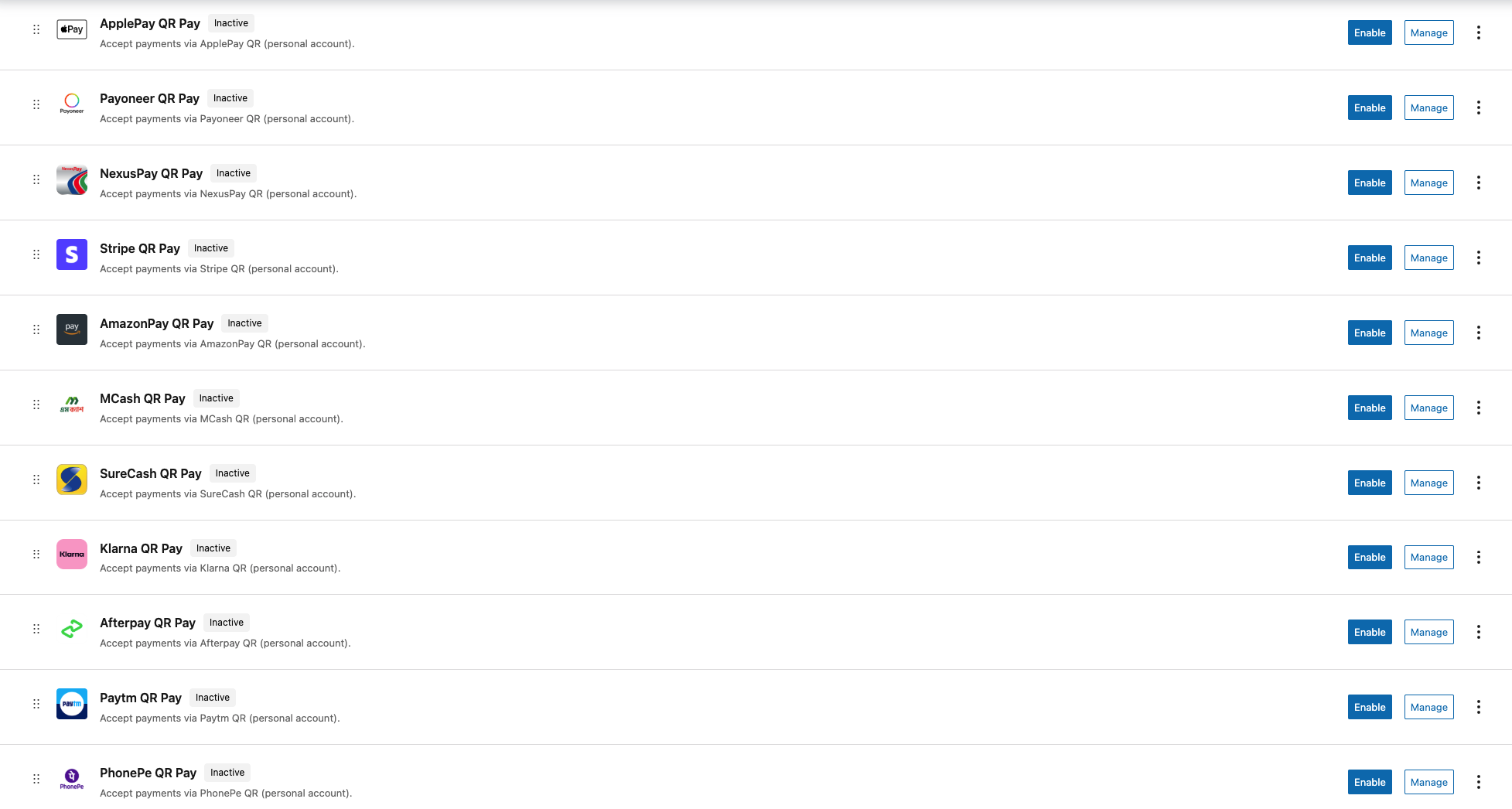
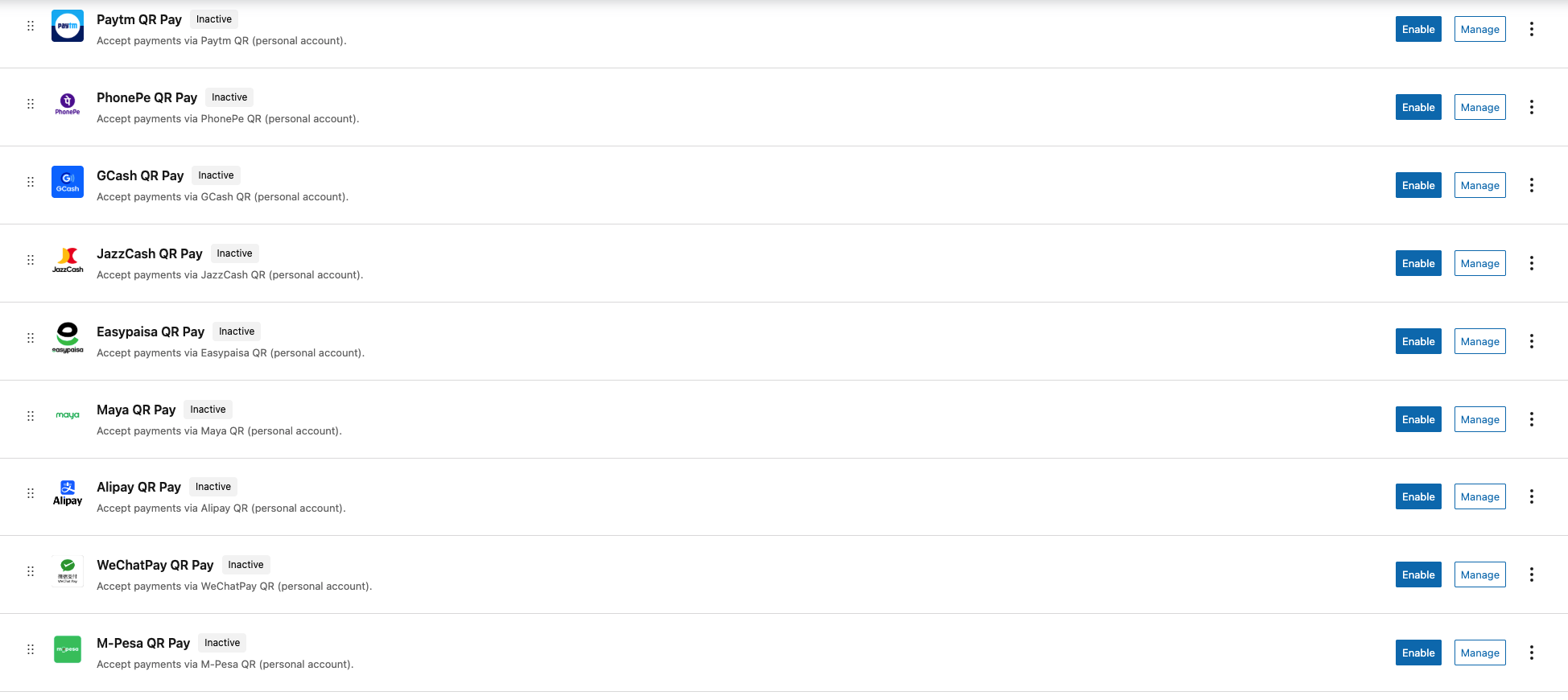
- Enable any provider (bKash, GCash, Paytm, etc.) and click Manage.
- Paste your QR image URL (from the Media Library) and your account number.
- Start receiving QR payments.
屏幕截图:
常见问题:
Does this plugin automatically verify payments?
No. Payments are manual — you verify them inside your wallet app.
Do I need a merchant account?
No. Personal accounts are fully supported.
Are API keys required?
No API calls are used.
Can I add more providers?
Yes. Developers can extend the abstract gateway structure.
What status do orders get after checkout?
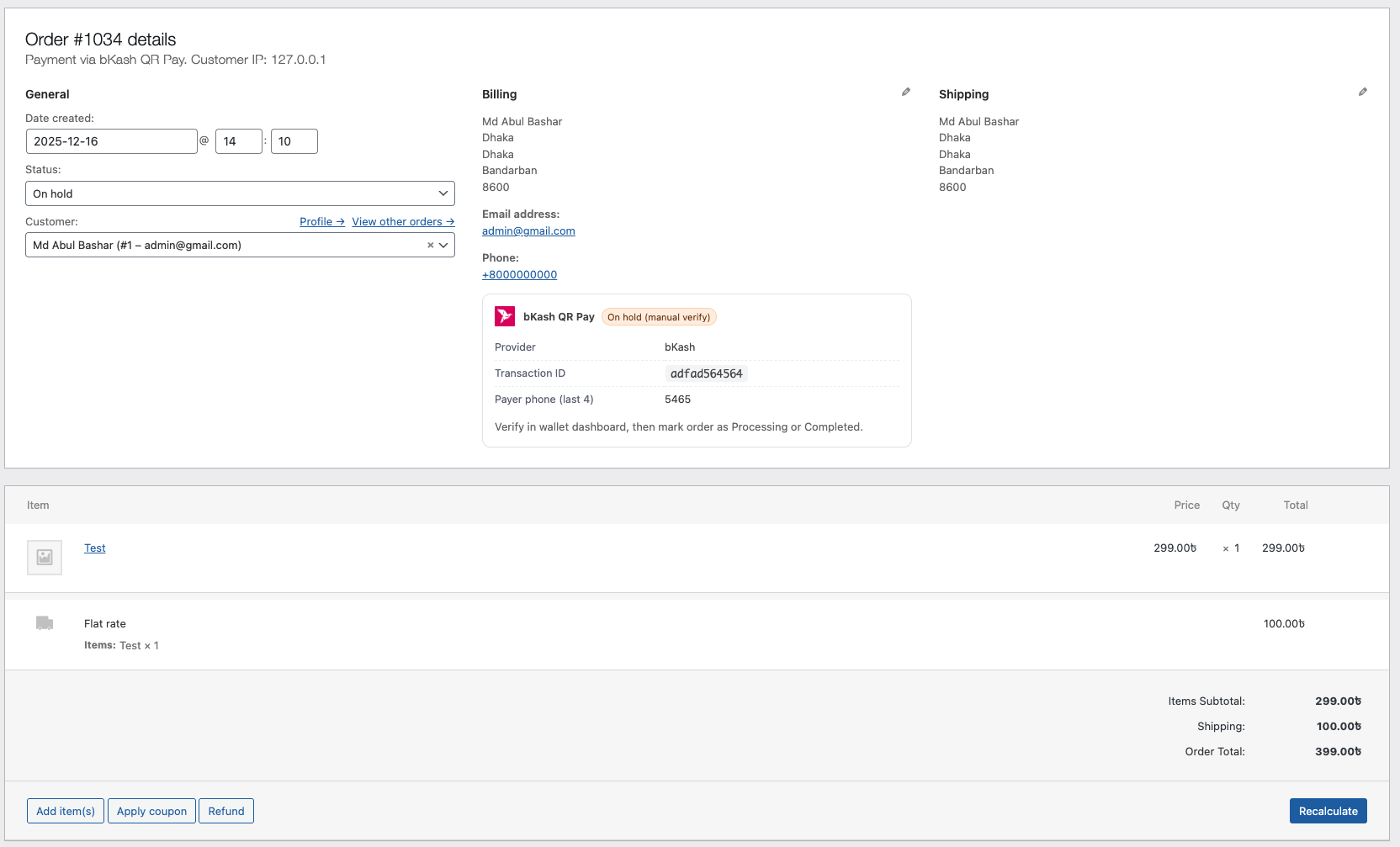
Orders are set to On hold with the note "Awaiting QR payment verification". After you confirm the payment in your wallet app, change the order to Processing or Completed.
How do I add my QR code?
Upload your QR image to the Media Library, copy its URL, and paste it into the QR Image URL field of the gateway under WooCommerce → Settings → Payments.
What is the extra verification field at checkout?
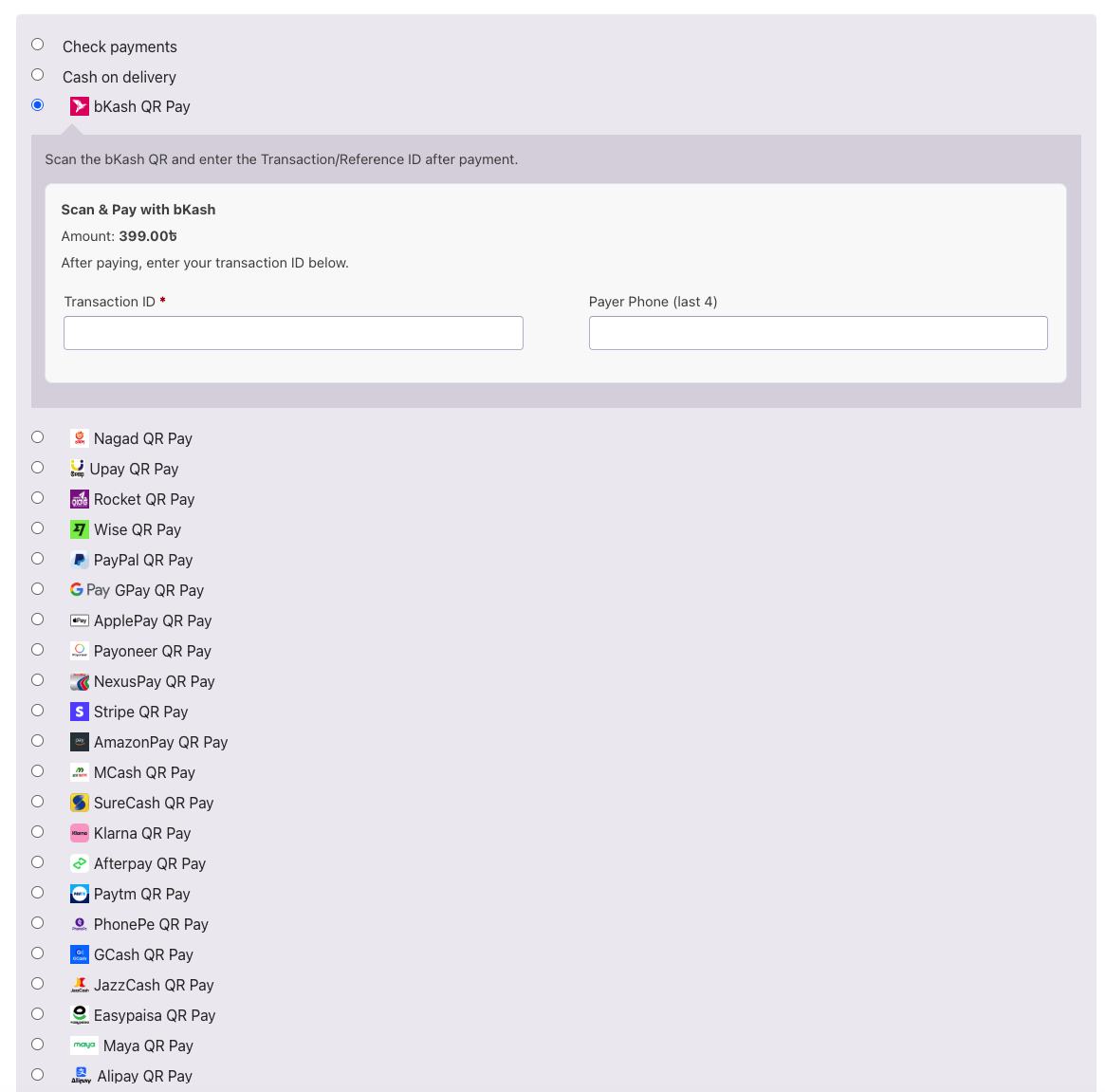
Each gateway asks for a Transaction ID plus one matching detail: payer phone (last 4 digits) for mobile wallets, payer email for PayPal, Wise, Stripe and similar, or payer account ID for Alipay and WeChat Pay. This helps you match the payment when verifying manually.
Does it support the WooCommerce Cart and Checkout blocks?
Yes. All gateways work with both the block-based Checkout and the classic [woocommerce_checkout] shortcode, including the optional processing fee.
Is it compatible with HPOS (High-Performance Order Storage)?
Yes. Payment details are stored with the WooCommerce order meta API and work with both HPOS and legacy order storage.
更新日志:
- Added support for the WooCommerce Cart & Checkout Blocks for all gateways, including the processing fee preview.
- Declared compatibility with HPOS and the Cart & Checkout Blocks.
- Shortened the plugin short description to fit the WordPress.org 150-character limit.
- Readme improvements: added China providers, more FAQs, and proper screenshot captions.
- License header updated to GPL-2.0-or-later.
- Security: a Transaction ID can no longer be reused for another active order of the same gateway.
- Security: stricter sanitization of the payer field and a safety check when an order cannot be loaded.
- Performance: checkout hooks are registered once instead of once per gateway, and the stylesheet loads only on checkout pages.
- Fixed the "Amount" shown next to the QR code to match the real order total, including the processing fee.
- Readme: "Tested up to" now uses the major version (7.1).
- Added Nepal QR gateways: eSewa, Khalti, and Fonepay.
- Admin settings placeholders for title, description, QR Image URL, account number, and related fields.
- Improved checkout placeholders for Transaction ID and payer phone last 4 (provider-specific).
- Fixed oversized payment method logos on checkout for all gateways (including new Nepal providers).
- Per-gateway secondary verifier fields: phone last 4, payer email, or account/wallet ID.
- Checkout placeholders for Transaction ID and payer fields on all gateways.
- Fix PHP 8.2+ dynamic property deprecations on gateway classes.
- Harden validation (txn ID length, phone digits) and redact emails from debug logs.
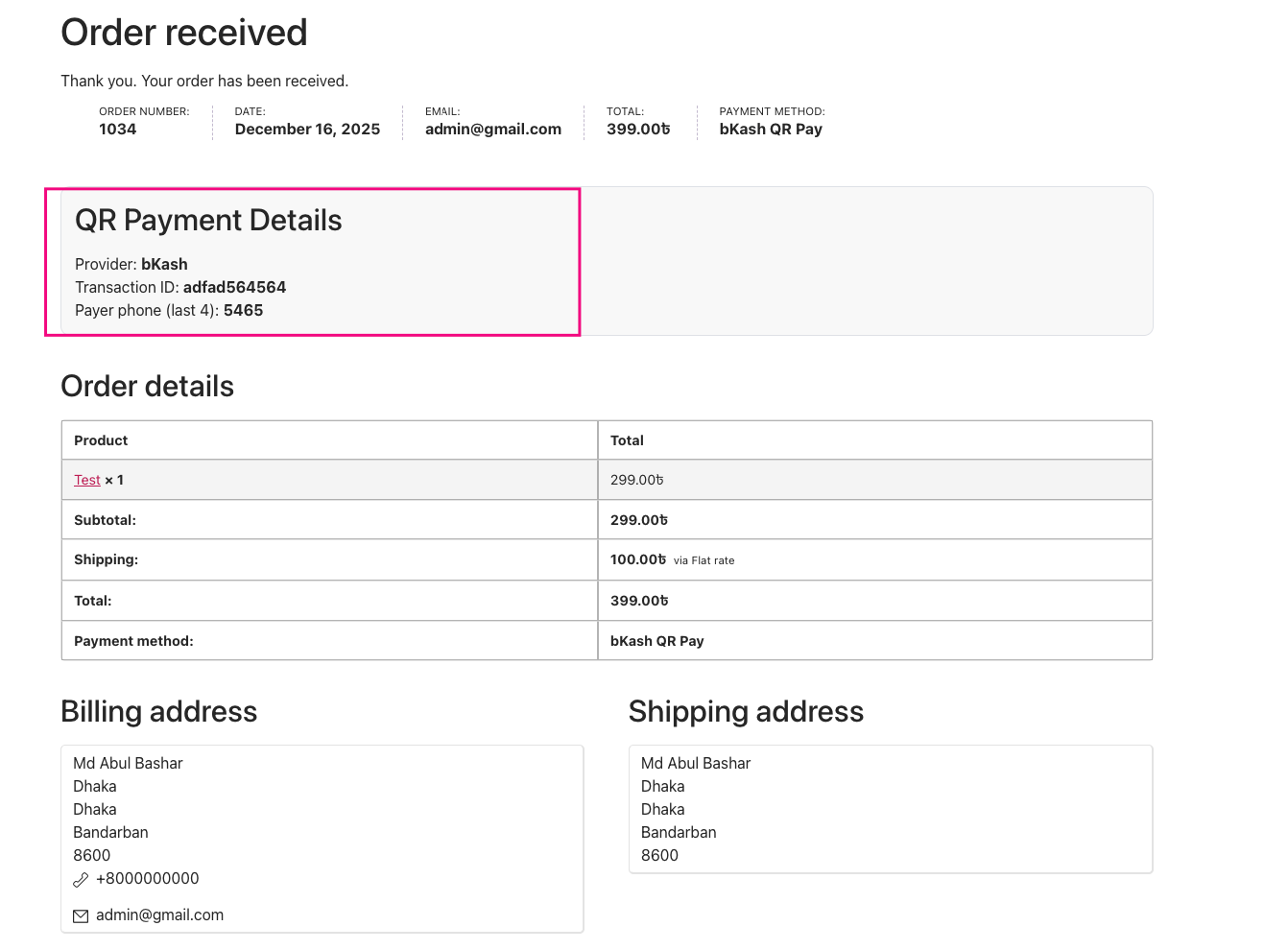
- Thank You, email, and admin order views show the correct payer field label per gateway.
- Initial release with 25+ gateways: bKash, Nagad, Rocket, Upay, MCash, NexusPay, SureCash, Paytm, PhonePe, GCash, JazzCash, Easypaisa, Maya, M-Pesa, PayPal, Stripe, Apple Pay, Google Pay, Payoneer, Afterpay, Klarna, Wise, Amazon Pay, Alipay.
- QR upload + account number fields.
- Transaction ID + payer last 4 digits.
- Order meta + email + thank you page integration.
- Optional processing fee with tax support.
- Full sanitization, escaping, and nonce compliance.
- Developer-extensible OOP architecture.