
AllPays.co - Payment Gateway for WooCommerce
| 开发者 | AllPaysCo |
|---|---|
| 更新时间 | 2026年6月10日 05:21 |
| 捐献地址: | 去捐款 |
| PHP版本: | 7.4 及以上 |
| WordPress版本: | 7.0 |
| 版权: | GPLv2 or later |
| 版权网址: | 版权信息 |
详情介绍:
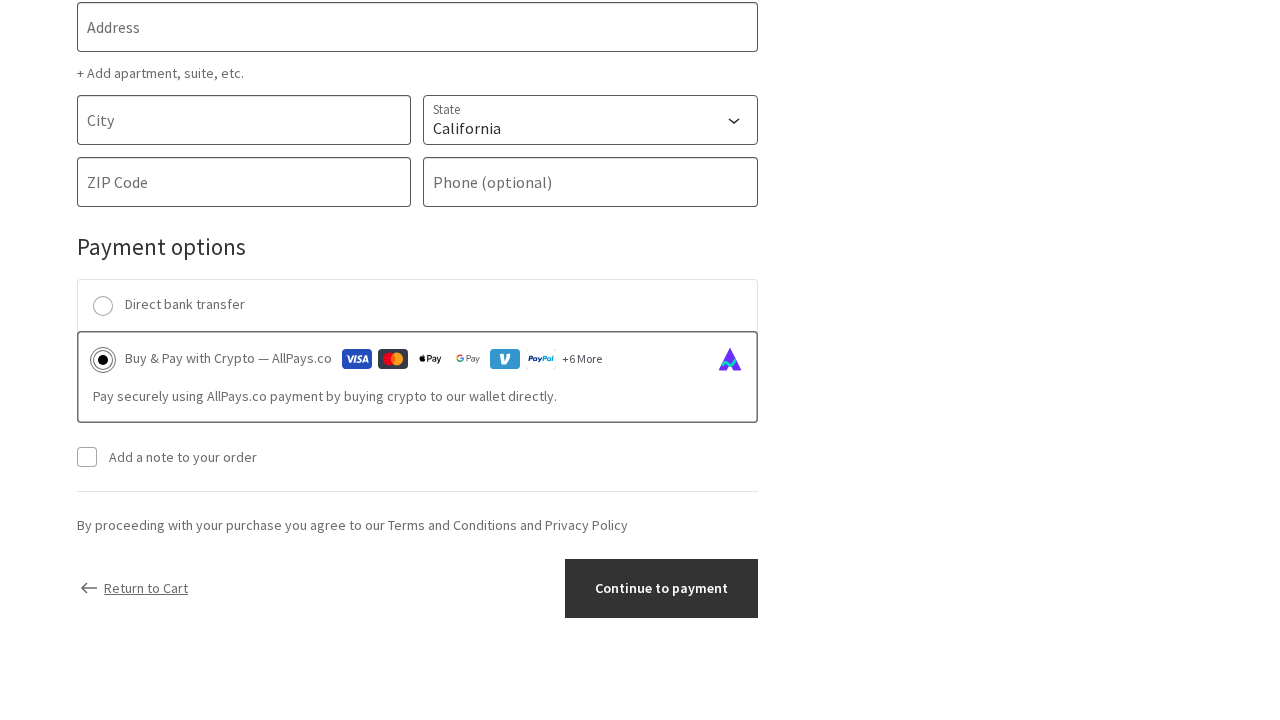
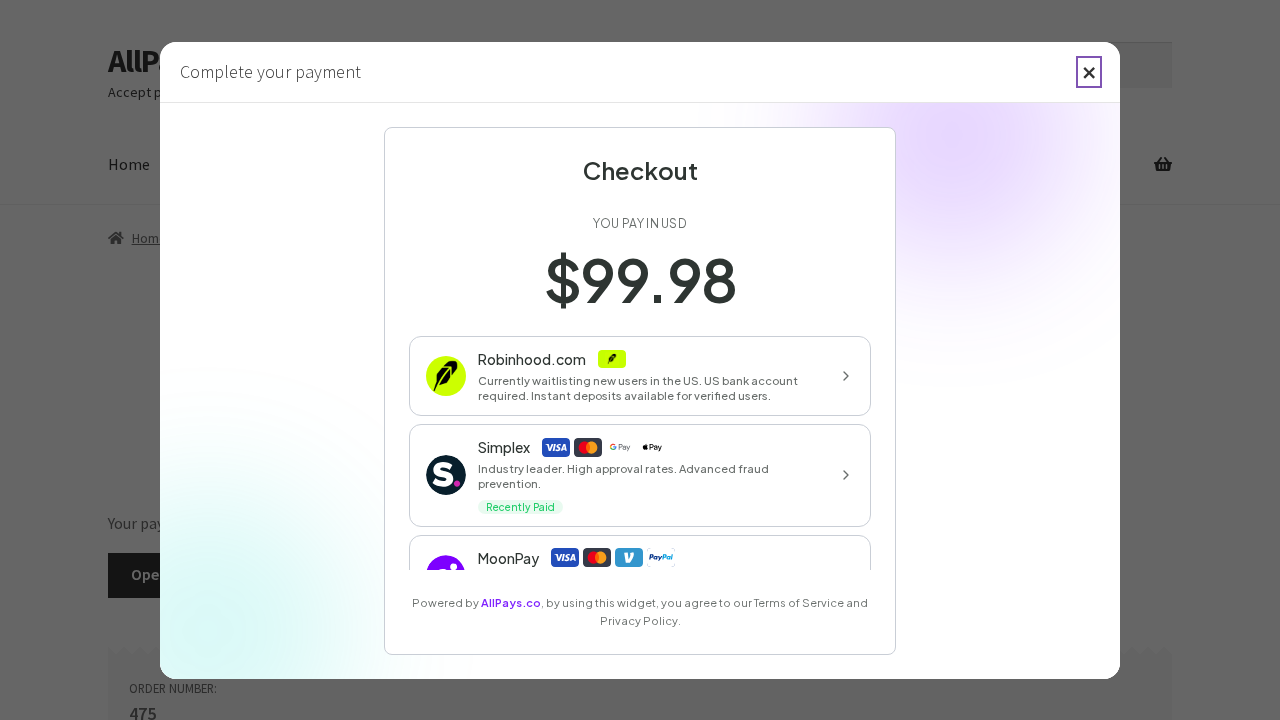
- AllPays Gateway (hosted): One recommended checkout option that opens the hosted AllPays payment experience.
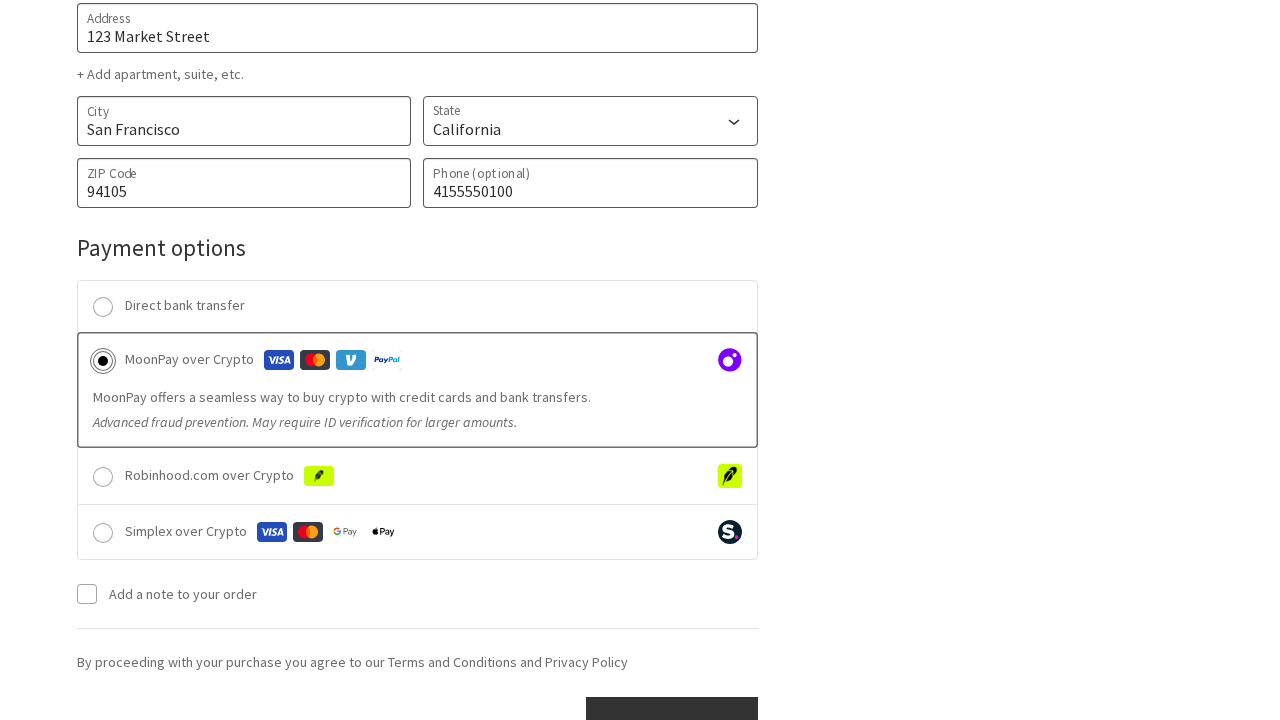
- Providers Mode: Shows individual provider options and redirects customers directly to the selected provider payment URL.
- Classic + Block checkout support: Works in both WooCommerce classic checkout and Checkout Blocks.
- Pending and retry-friendly flow: Unpaid orders stay pending and customers can continue payment from order-pay links.
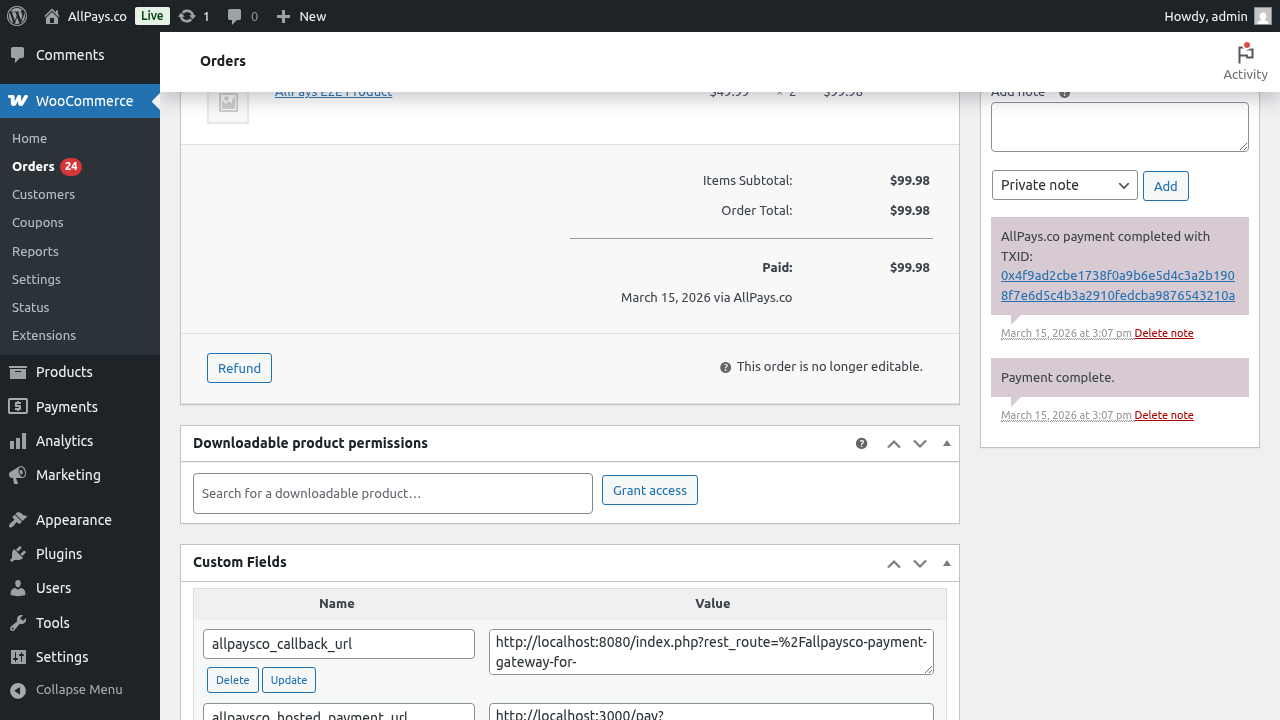
- Callback-based completion: Orders are confirmed after callback validation, including signed callback verification.
- Reminder emails: Optional reminder emails for pending AllPays orders (60 minutes, 1 day, 2 days).
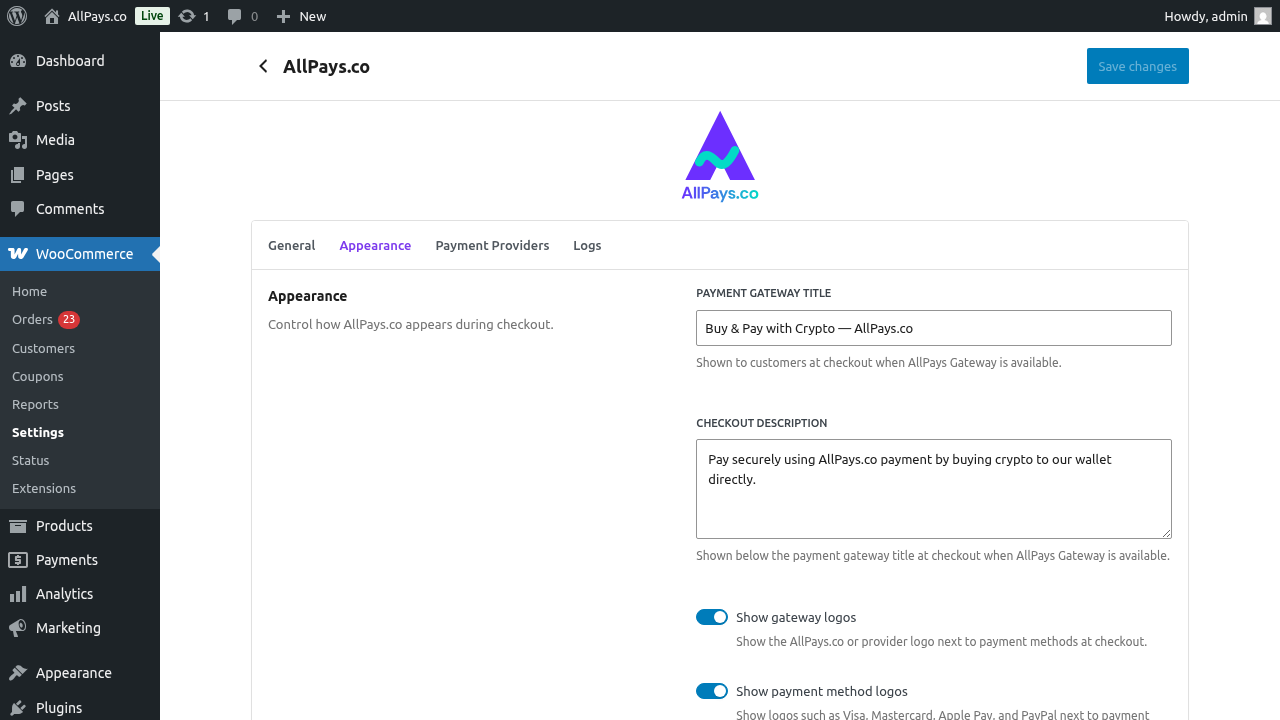
- Checkout appearance controls: Configure checkout title, description, and logo visibility.
- Provider routing controls: Set max providers shown in Providers Mode and let availability update dynamically.
- No registration / no KYB: Start accepting payments without merchant KYB onboarding.
- Credit Cards
- Apple Pay
- Google Pay
- PayPal
- Venmo
- Bank Transfer
- Revolut
- Robinhood
- And more...
安装:
- Upload the plugin files to
/wp-content/plugins/allpaysco-payment-gateway-for-woocommerce - Activate the plugin through the 'Plugins' menu in WordPress
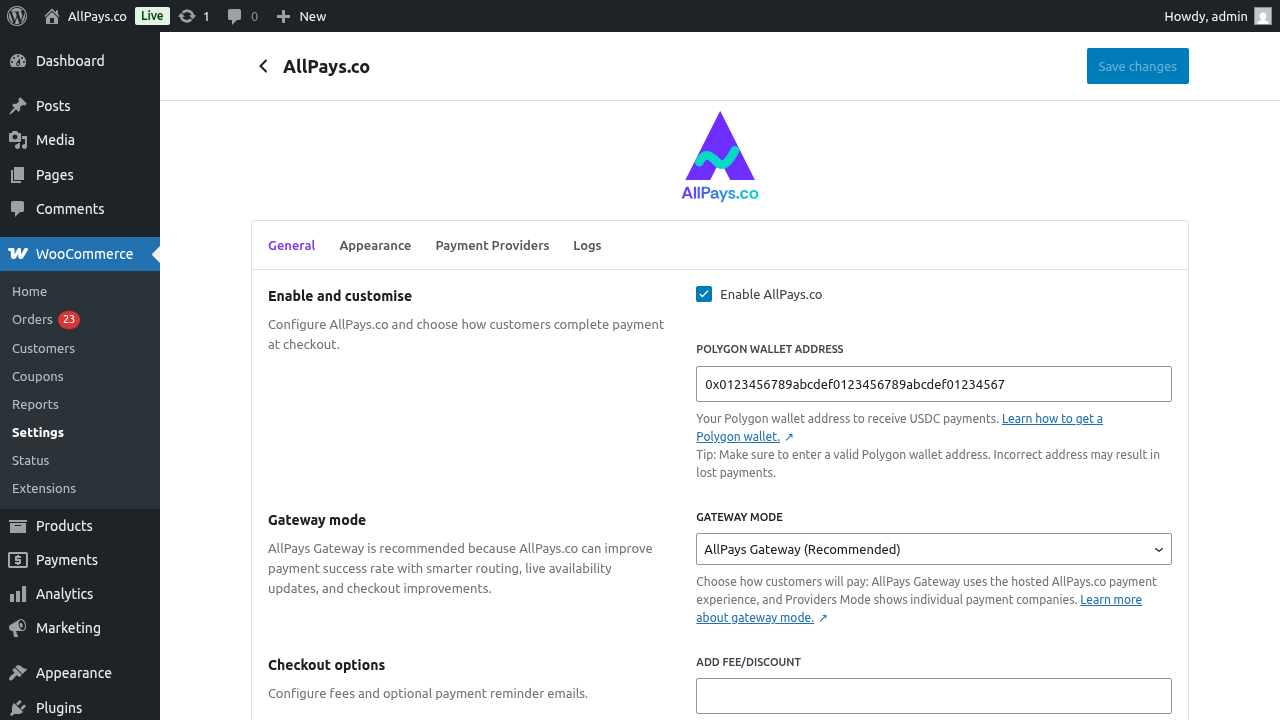
- Go to WooCommerce > Settings > Payments > AllPays.co
- Enable AllPays.co and configure your Polygon wallet address
- Choose your Gateway mode: AllPays Gateway (Recommended) or Providers Mode
- If using Providers Mode, set Max providers to show
- Configure checkout appearance (title, description, logos) and optional reminder emails
- Save changes and complete a test checkout
屏幕截图:
常见问题:
Does this require registration?
No. AllPays.co is designed to work without registration, and no KYB/KYC process for merchants is required to start accepting payments.
What is the difference between AllPays Gateway and Providers Mode?
AllPays Gateway (Recommended) shows one hosted AllPays checkout option.\ Providers Mode shows provider-specific methods and redirects customers directly to the selected provider page.
What order status is used while waiting for payment?
Orders stay in pending while payment is in progress or awaiting callback confirmation.
If a customer leaves before finishing payment, can they retry?
Yes. Customers can continue payment from WooCommerce order-pay links (including My Account and reminder-email retry links when enabled).
How long can callback confirmation take?
If payment was already completed on the provider/payment side, blockchain confirmation can take around 30 minutes. Customers are notified by email once the order is confirmed.
Which payment methods are supported?
Supported methods include Credit Cards, Apple Pay, Google Pay, PayPal, Venmo, Revolut, Robinhood, Bank Transfer, and more.
Is KYB (Know Your Business) required?
No. AllPays.co does not require KYB/KYC to start accepting payments.
How do I receive payments?
Payments are processed through AllPays flows and settled to the Polygon wallet address configured in plugin settings.
Why do provider options sometimes change?
In Providers Mode, shown providers come from live provider routing and availability. Temporarily unavailable providers are not shown.
Can I limit how many providers customers see?
Yes. In Providers Mode, use Max providers to show to control how many provider options are displayed at checkout.
Can I apply a fee or discount?
Yes. You can configure a fee/discount and choose whether provider-side fees are absorbed by the merchant or passed to the customer.
Can the plugin send payment reminders?
Yes. You can enable reminder emails for pending orders and choose when to send them (after 60 minutes, 1 day, and/or 2 days).
What customer/payment data does this plugin store?
The plugin stores the order/payment metadata needed to run checkout, callbacks, and retries. See the privacy policy for details.
Where can I get support?
For help, visit AllPays.co Support: https://allpays.co/support
更新日志:
- Added an optional API Key field to AllPays.co settings.
- Removed the Payment Providers list tab from AllPays.co settings while keeping Providers Mode available.
- Improved WooCommerce Blocks payment script dependency declarations.
- Updated hosted payment window sizing on desktop and mobile.
- Fix fatal checkout availability checks when WooCommerce cart context is not initialized
- Improve retry and order-pay handling in cartless request flows
- Maintenance improvements across checkout and admin flows
- Compatibility and stability refinements
- Updated bundled translations and plugin directory metadata
- Hosted gateway and providers mode flow improvements
- Branding and checkout appearance updates
- New reminder email and settings UX refinements
- E2E/testing and callback handling improvements
- Initial release
- WooCommerce Blocks support
- Multiple payment methods support
- Automatic payment confirmation
- Email notifications
- Transaction logging