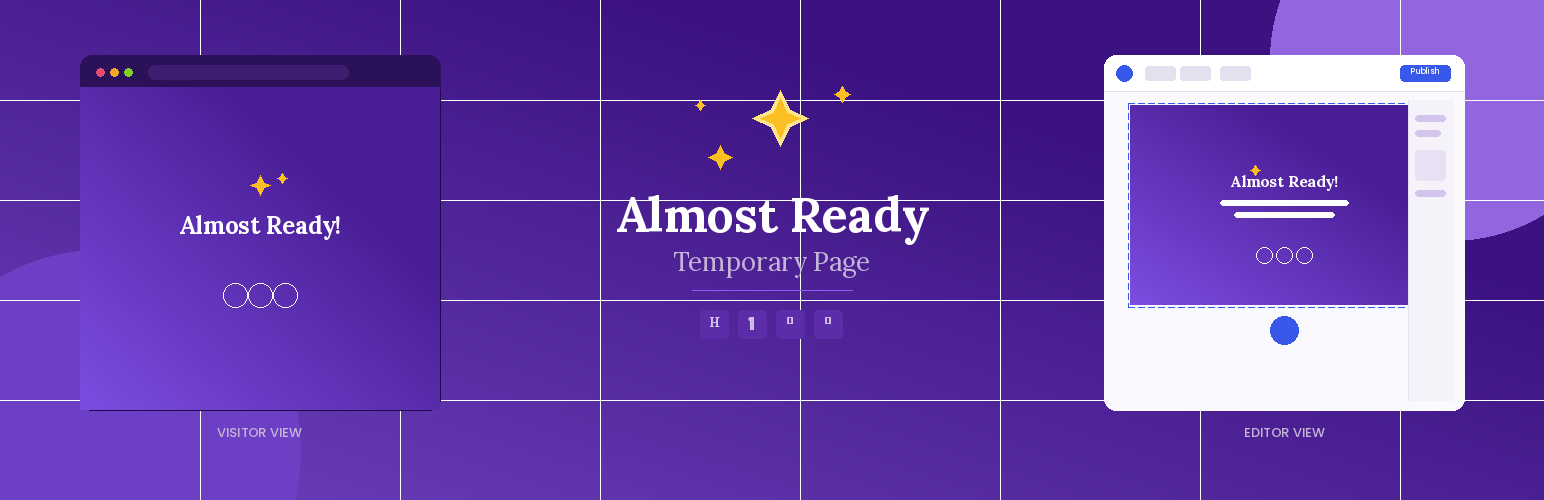
Almost Ready Temporary Page
| 开发者 | josvelasco |
|---|---|
| 更新时间 | 2026年8月19日 01:50 |
| PHP版本: | 7.4 及以上 |
| WordPress版本: | 7.1 |
| 版权: | GPLv2 or later |
| 版权网址: | 版权信息 |
详情介绍:
- Creates a simple temporary page automatically when activated
- Shows this page to all website visitors
- Lets you and other logged-in users access the site normally to keep working
- Uses your theme's styling so it looks consistent with your brand
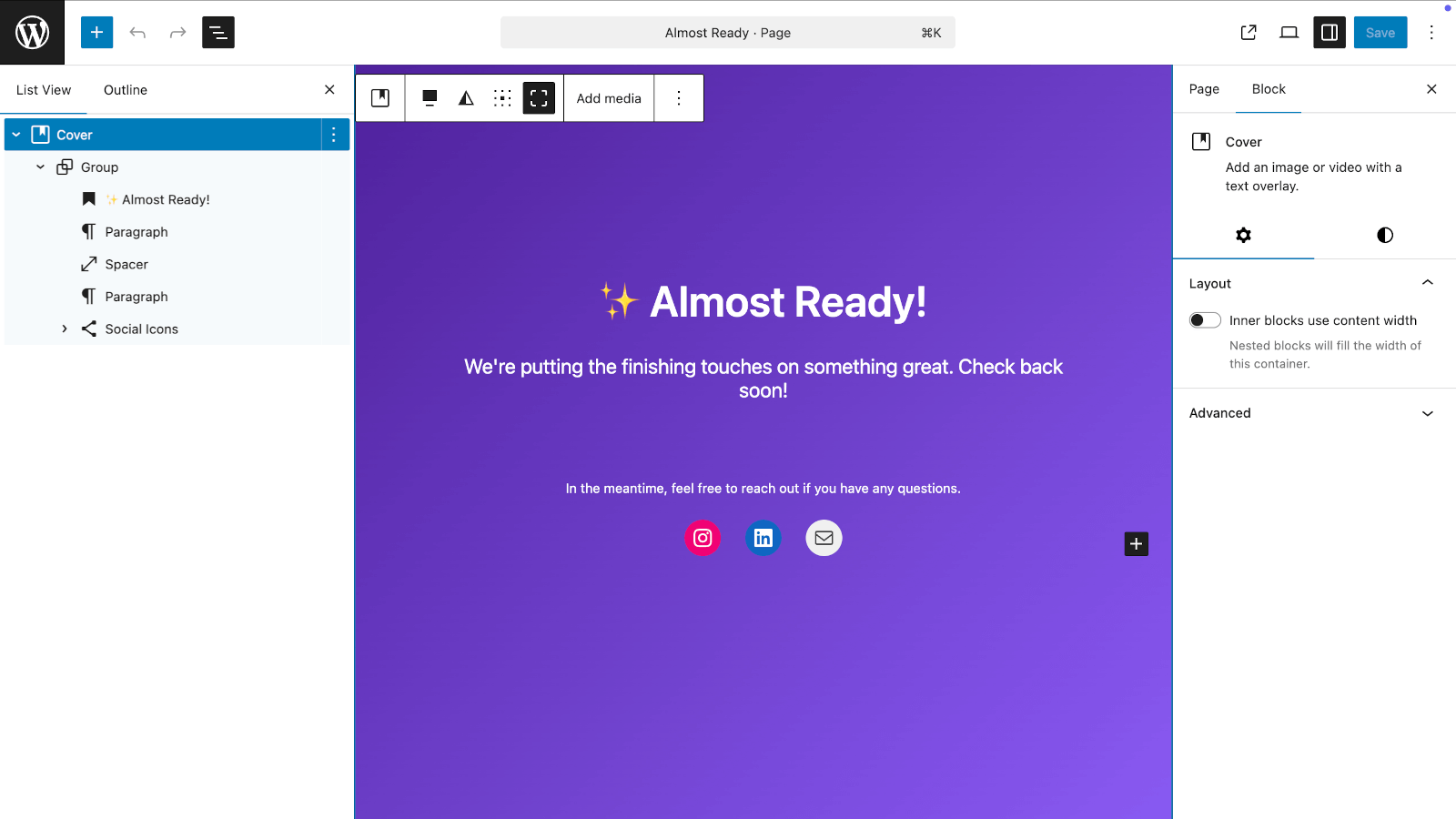
- Completely customizable using WordPress's native block editor
- Native Blocks - Uses WordPress core blocks, no proprietary builders
- Automatic Setup - No complicated configuration needed
- Smart Detection - Visitors see the temporary page, logged-in users see the normal site
- Fully Customizable - Change text, colors, layout, add images using blocks
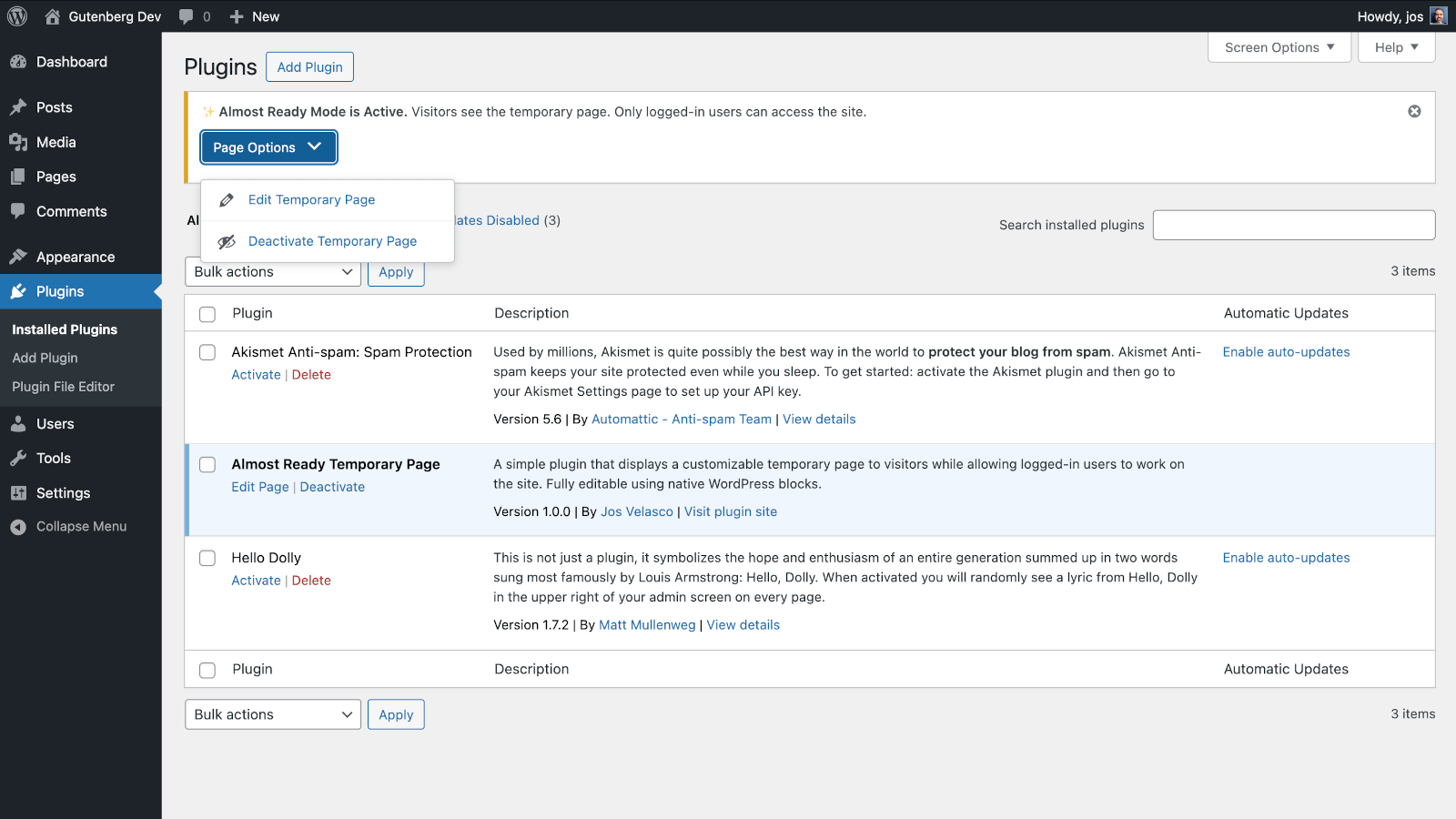
- Settings Page - Activate/deactivate and assign any page directly from Settings > Almost Ready
- Rename Freely - Rename the page title and slug without breaking anything — the plugin tracks it by ID
- SEO Friendly - Tells search engines not to index the temporary page
- Theme Compatible - Works with any WordPress theme
- Clean Removal - When deactivated, everything returns to normal
- Clean Uninstall - Optionally delete all plugin data when uninstalling (the page itself is kept)
- Website updates and maintenance
- Launching new websites while still working on them
- Making design changes without visitors seeing work-in-progress
- Temporary downtime periods
- Any time you need privacy while working on your site
安装:
- Upload the plugin files to
/wp-content/plugins/almost-ready-temporary-pageor install through WordPress admin - Activate the plugin through the 'Plugins' screen
- That's it! The temporary page is now live for visitors
- To customize the page, go to Pages > All Pages and edit "Almost Ready"
- To manage settings, go to Settings > Almost Ready
屏幕截图:
常见问题:
How do I customize the temporary page?
Go to Pages > All Pages in your WordPress admin and click "Edit" on the "Almost Ready" page. You can change the text, add images, modify colors, and rearrange the layout using the block editor - just like editing any other page.
Can I preview what visitors see?
Yes! Either log out of WordPress or open a private/incognito browser window to see exactly what your visitors see.
Will this affect my website permanently?
Not at all. When you deactivate the plugin, your website returns to normal immediately. The temporary page becomes hidden (saved as a draft) but isn't deleted, so you can reactivate the plugin anytime.
Can I still access my admin area?
Absolutely. You and anyone else who is logged in can access everything normally - the admin area, your regular pages, everything. Only visitors who aren't logged in see the temporary page.
What about search engines?
The plugin tells search engines not to index the temporary page, so it won't hurt your SEO. When you deactivate it, your normal site pages will be crawled again.
Do I need to know any code?
Nope! Everything works automatically. If you want to customize the page, you can do it through the familiar WordPress page editor without touching any code.
Can I rename the temporary page?
Yes! You can rename the page title and slug to anything you like. The plugin tracks the page by its ID, not its slug, so renaming it won't break anything.
Can I use an existing page instead of the one the plugin created?
Yes. Go to Settings > Almost Ready and select any page from the dropdown.
Will the plugin delete my page if I uninstall it?
No. The temporary page is always kept. If you want the plugin to also remove its data from the database on uninstall, enable "Delete plugin data when uninstalling" in Settings > Almost Ready before deleting the plugin.
What makes this different from other maintenance plugins?
Almost Ready Temporary Page is the only plugin that uses native WordPress core blocks for the temporary page. Other plugins use custom builders or proprietary templates. This means your page is lightweight, future-proof, and works exactly like any other WordPress page.
更新日志:
- Fix: Plugin textdomain was never loaded, preventing translations from being applied
- Removed incomplete bundled es_ES translation in favour of community translations on translate.wordpress.org
- Fix: /login and /admin URL shortcuts now correctly redirect to wp-login.php when the temporary page is active
- Props @pmmueller for the report
- Added Settings page under Settings > Almost Ready
- Activate/deactivate the temporary page from the Settings page
- Assign any existing page as the temporary page via a dropdown
- Pages are now tracked by ID instead of slug — renaming the page title or slug is fully supported
- Plugin row link switches to Settings when the temporary page is inactive
- Added "Delete plugin data when uninstalling" option (the temporary page itself is always kept)
- Existing installs are migrated automatically
- Props @pmmueller for suggesting the ability to rename the temporary page
- Initial release
- Automatic temporary page creation
- Native block editor customization
- SEO-friendly noindex tags
- Smart user detection