dtElection Poll Embed
| 开发者 | amcloudaide |
|---|---|
| 更新时间 | 2026年2月7日 15:44 |
| PHP版本: | 7.4 及以上 |
| WordPress版本: | 6.9 |
| 版权: | GPLv2 or later |
| 版权网址: | 版权信息 |
详情介绍:
dtElection Poll Embed lets you embed polls from dtElection directly into your WordPress posts and pages.
Features
- Easy embedding - Just paste your poll URL or token
- Inline voting - Visitors vote without leaving your site
- Gutenberg block - Modern block editor support
- Shortcode support - Works with classic editor too
- Responsive design - Looks great on all devices
- Real-time results - Poll updates after voting
- Yes/Maybe/No voting - Full support for 3-option voting
- Email collection - Optional email requirement for voters
- Location display - Show poll location with Google Maps link
- Hero images - Display poll hero images (Pro+ feature)
- External links - Show attached links (Enterprise feature)
- White-label option - Remove branding for Pro+ tiers
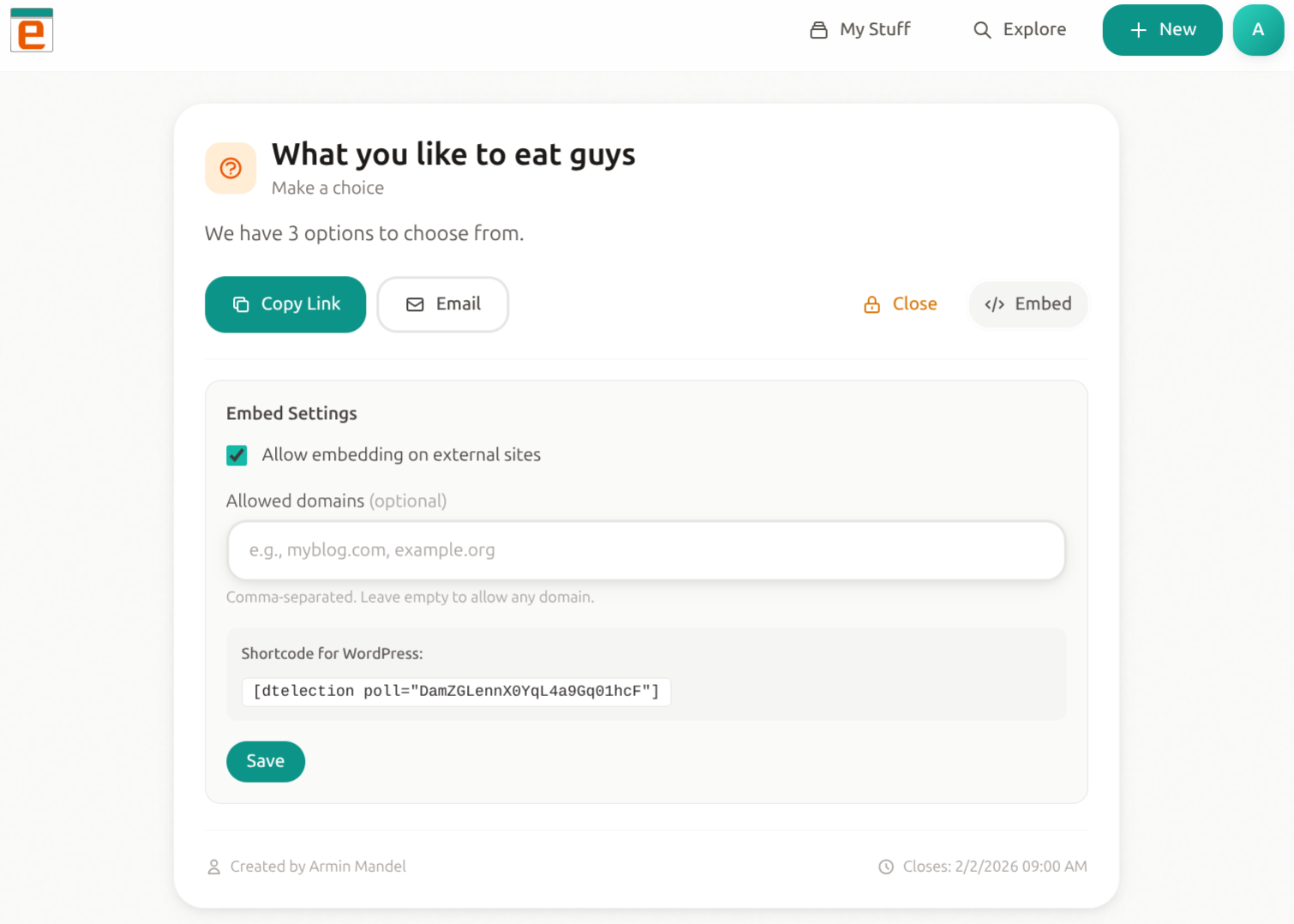
- Create a poll at dtelection.com
- Copy the poll URL or token
- Add to your WordPress content:
- Gutenberg: Insert "dtElection Poll" block, paste URL/token
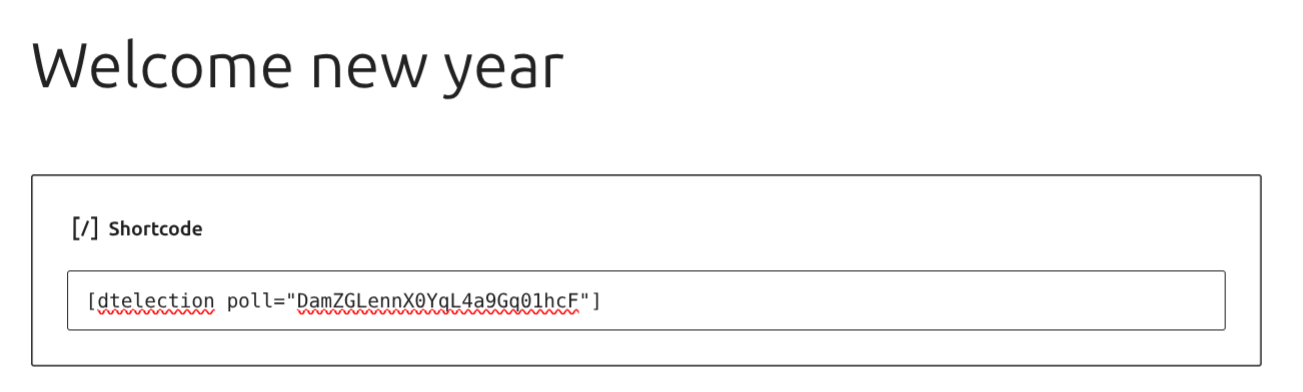
- Shortcode:
[dtelection poll="YOUR_TOKEN"]
[dtelection poll="abc123"]
Using the shortcode with a full URL:
[dtelection poll="https://dtelection.com/poll/abc123"]
安装:
- Upload the
dtelection-embedfolder to/wp-content/plugins/ - Activate the plugin through the 'Plugins' menu in WordPress
- Start embedding polls using the shortcode or Gutenberg block
屏幕截图:
常见问题:
Do I need a dtElection account?
You need to create polls at dtelection.com first. Creating polls is free.
Can visitors vote without an account?
Yes! Visitors can vote on embedded polls without creating any account.
Does this work with the block editor?
Yes! There's a dedicated "dtElection Poll" block for the Gutenberg editor.
Can I style the poll to match my theme?
The current version uses dtElection branding. Custom styling options are planned for a future release.
更新日志:
1.6.1
- Fixed text domain to match plugin slug for WordPress.org translations
- Added External Services documentation for API transparency
- Removed remote favicon dependency - now uses local assets only
- Updated contributor information
- Added Yes/Maybe/No voting buttons for polls with "allow maybe" enabled
- Added email input field when poll requires email
- Added location display with clickable Google Maps link
- Added hero image support (displayed at top of poll)
- Added external link display (Enterprise feature)
- Added conditional branding - Pro/Enterprise tiers can hide dtElection branding
- Improved results display showing separate yes/maybe counts
- Updated responsive styles for mobile devices
- Added single selection mode (radio buttons vs checkboxes)
- Improved error handling with specific error messages
- Better domain whitelist validation
- Added support for closed poll detection
- Improved vote submission error handling
- Added dtElection favicon to brand link
- Brand link now opens the actual poll on dtElection
- Result bars now use dtElection colors (teal/orange)
- Leading vote highlighted in orange
- Improved visual design
- Added duplicate vote prevention (remembers if user voted via localStorage)
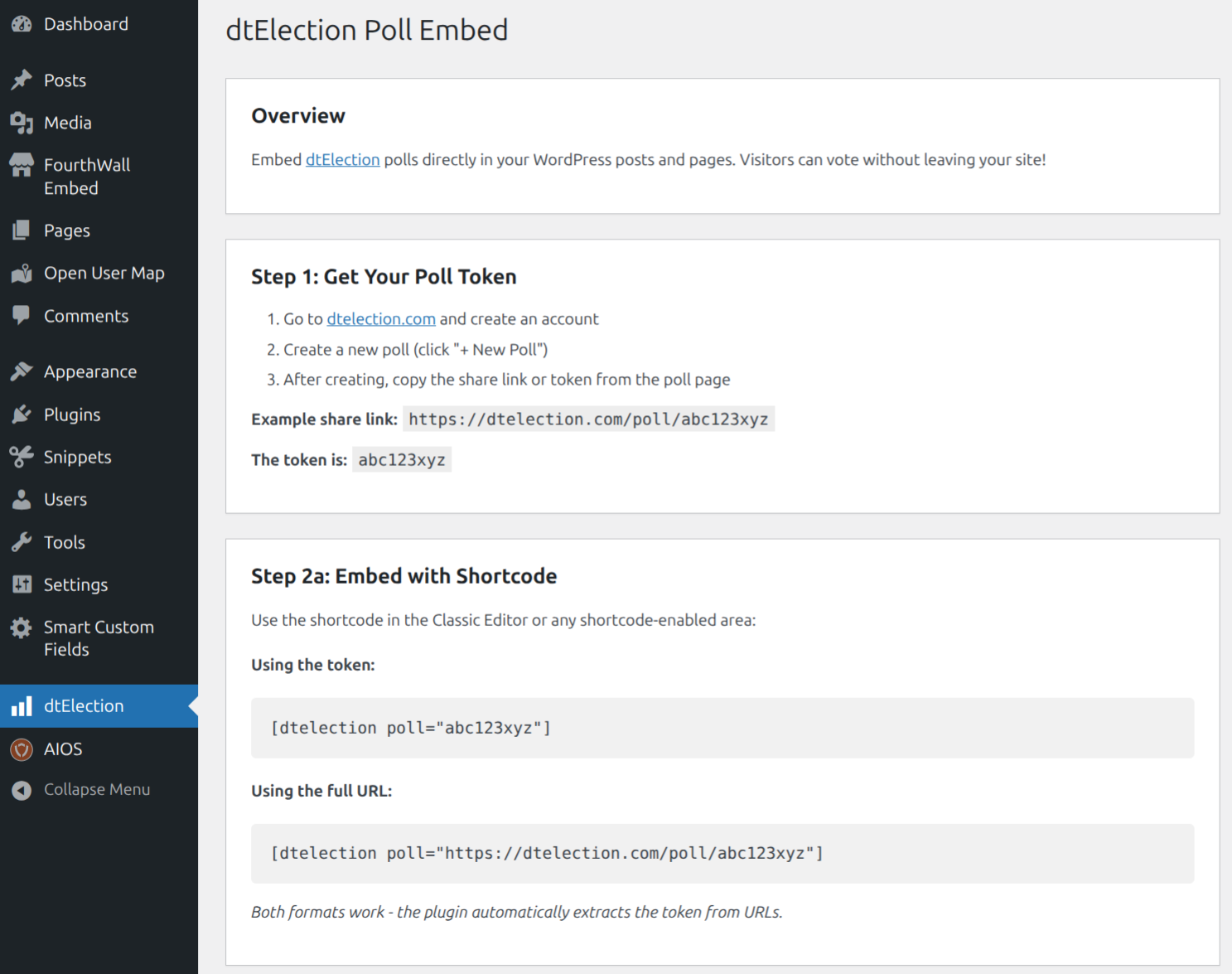
- Added "How to Use" documentation page in WordPress admin
- Added dtElection menu item with full usage guide
- Shows "already voted" message with voter name
- Improved user experience for returning visitors
- Initial release
- Shortcode support
- Gutenberg block support
- Inline voting