Anrok Tax for WooCommerce
| 开发者 | billingintegrationsupport |
|---|---|
| 更新时间 | 2026年6月26日 02:52 |
| PHP版本: | 7.4 及以上 |
| WordPress版本: | 6.9 |
| 版权: | GPLv2 |
| 版权网址: | 版权信息 |
详情介绍:
安装:
- Upload the plugin zip file in admin console, or install the plugin through the WooCommerce extensions marketplace
- Activate the plugin through the 'Plugins' screen in WordPress
- Go to WooCommerce → Settings → Tax → Anrok
- Enter your Anrok API key (get one from your Anrok dashboard at https://anrok.com)
- Save settings and verify the connection status shows "Connected"
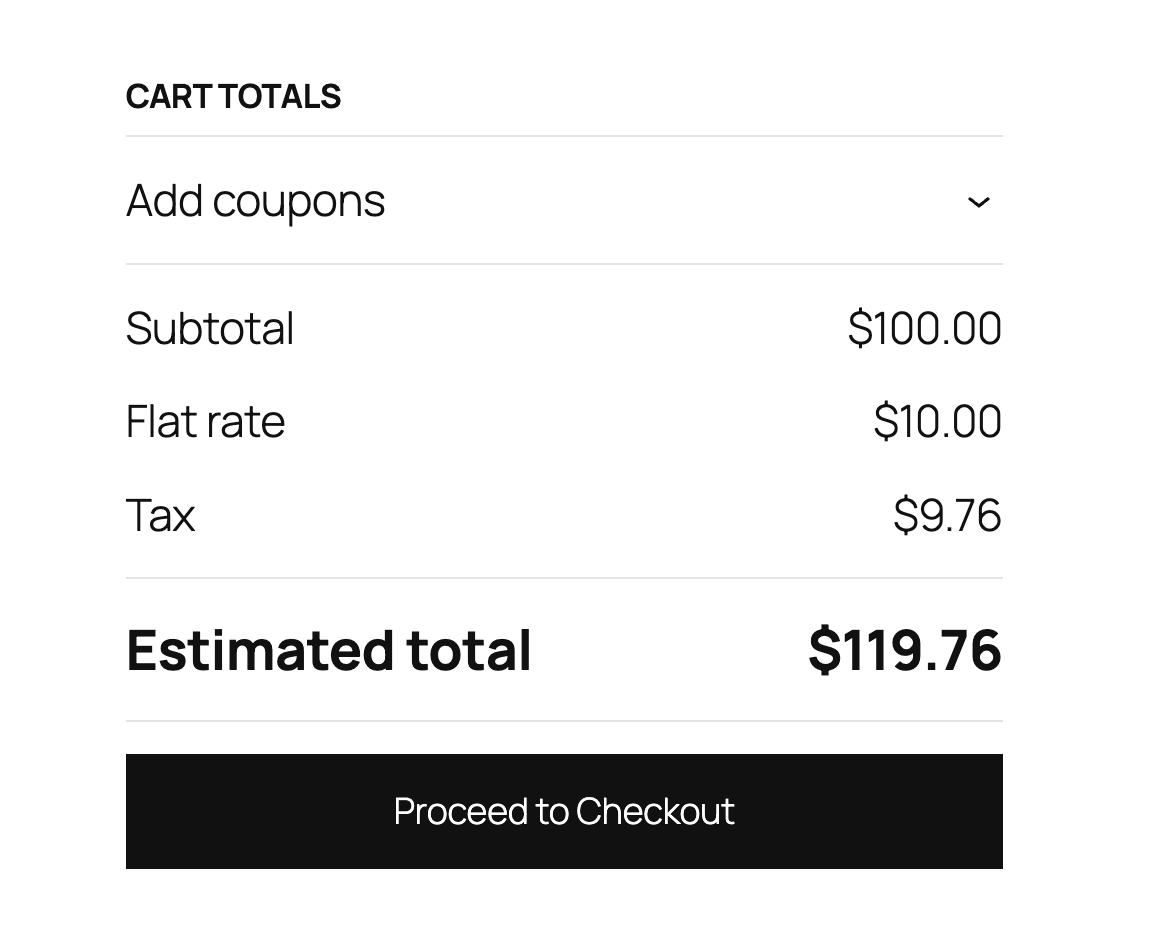
屏幕截图:
常见问题:
Where do I get an API key?
Sign up for an Anrok account at https://anrok.com and generate an API key from your dashboard.
What happens if the API is unavailable?
The plugin will fail gracefully and allow checkout to proceed without tax calculation to prevent blocking sales.
Does this work with HPOS (High-Performance Order Storage)?
Yes, this plugin is fully compatible with WooCommerce's High-Performance Order Storage system.
How are taxes calculated?
Taxes are calculated in real-time during checkout based on the customer's shipping address, cart contents, and your store location.
What tax types are supported?
The plugin supports multiple tax types including Sales Tax, VAT (Value Added Tax), GST (Goods and Services Tax), HST (Harmonized Sales Tax), PST (Provincial Sales Tax), QST (Quebec Sales Tax), RST (Retail Sales Tax), and JCT (Japan Consumption Tax).
How do I test the connection?
The connection status is automatically tested when you view the settings page. A green "Connected" message indicates successful connection to the Anrok API.
What WooCommerce settings are configured on activation?
The plugin automatically enables tax calculations, sets prices to exclude tax, and configures tax calculation based on the customer's shipping address.
What data is sent to Anrok?
The plugin transmits necessary transaction details to calculate accurate sales tax, including customer address, product information, and order totals.
Is my customer data secure?
Anrok is SOC 2 Type II compliant. For detailed information about our security practices, please visit our security page: https://www.anrok.com/security
更新日志:
- Improve post-installation experience
- Fix test mode defaulting to on for existing users
- Redirect to Anrok settings page after plugin activation
- Fix tax calculation for Classic Checkout flow
- Add compatibility with WooCommerce Subscriptions
- Fix compatibility with external plugins that recalculate order totals
- Add test mode to verify the plugin before going live without affecting real customer orders
- Deprecate usage of load_plugin_textdomain()
- Check for plugins that could affect Anrok tax calculation results
- Initial release
- Real-time tax calculation at checkout
- Connection status testing
- Multiple tax type support
- HPOS compatibility
- Automatic WooCommerce settings configuration