
Answer Engine Optimization
| 开发者 | riko910 |
|---|---|
| 更新时间 | 2026年6月6日 12:44 |
| 捐献地址: | 去捐款 |
| PHP版本: | 7.2 及以上 |
| WordPress版本: | 6.8 |
| 版权: | GPLv2 or later |
| 版权网址: | 版权信息 |
详情介绍:
- Rank in AI answers — Increase chances of being cited by ChatGPT, Perplexity, and Google AI Overviews
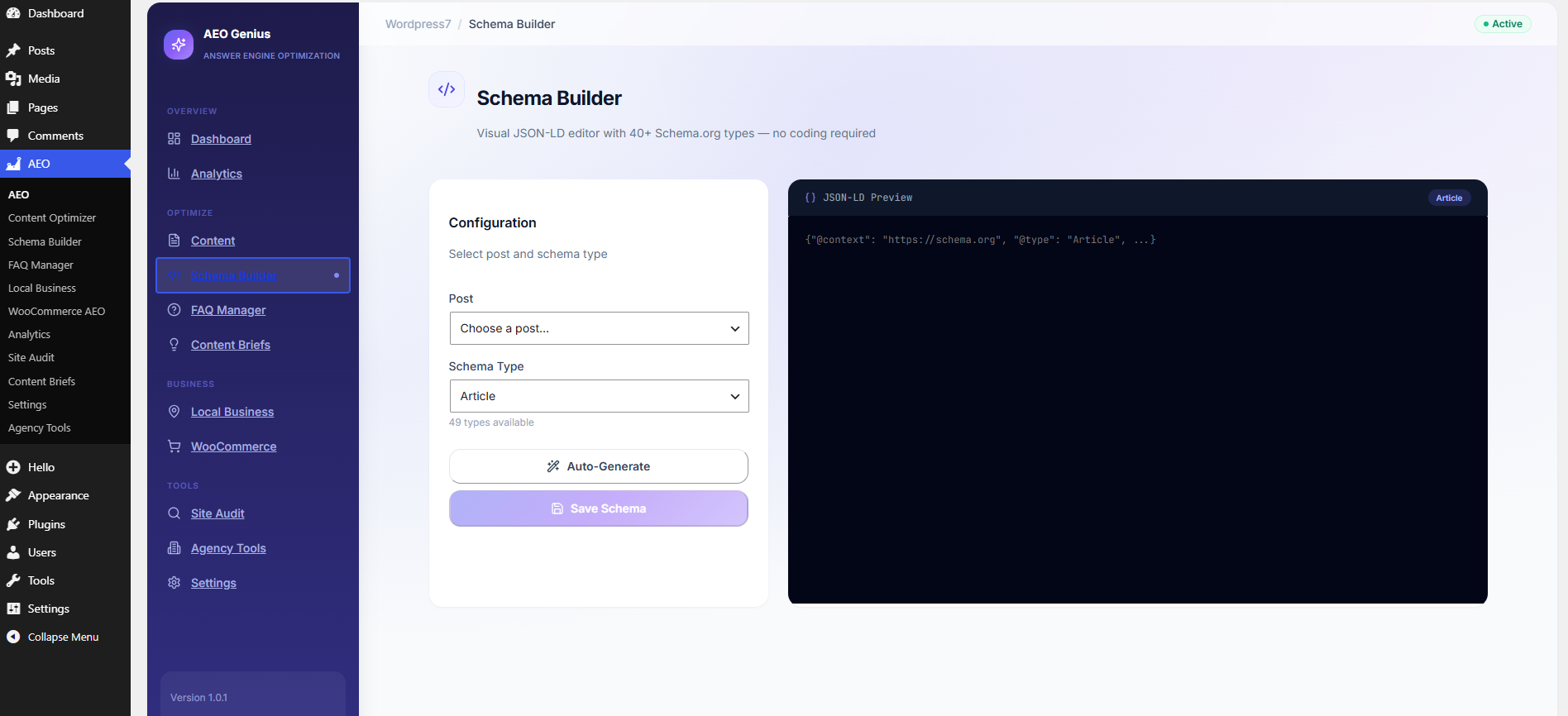
- Automated schema markup — 40+ Schema.org types including FAQPage, HowTo, Product, LocalBusiness, Article
- AI FAQ generator — Create optimized question-and-answer pairs in seconds (highest-impact AEO signal)
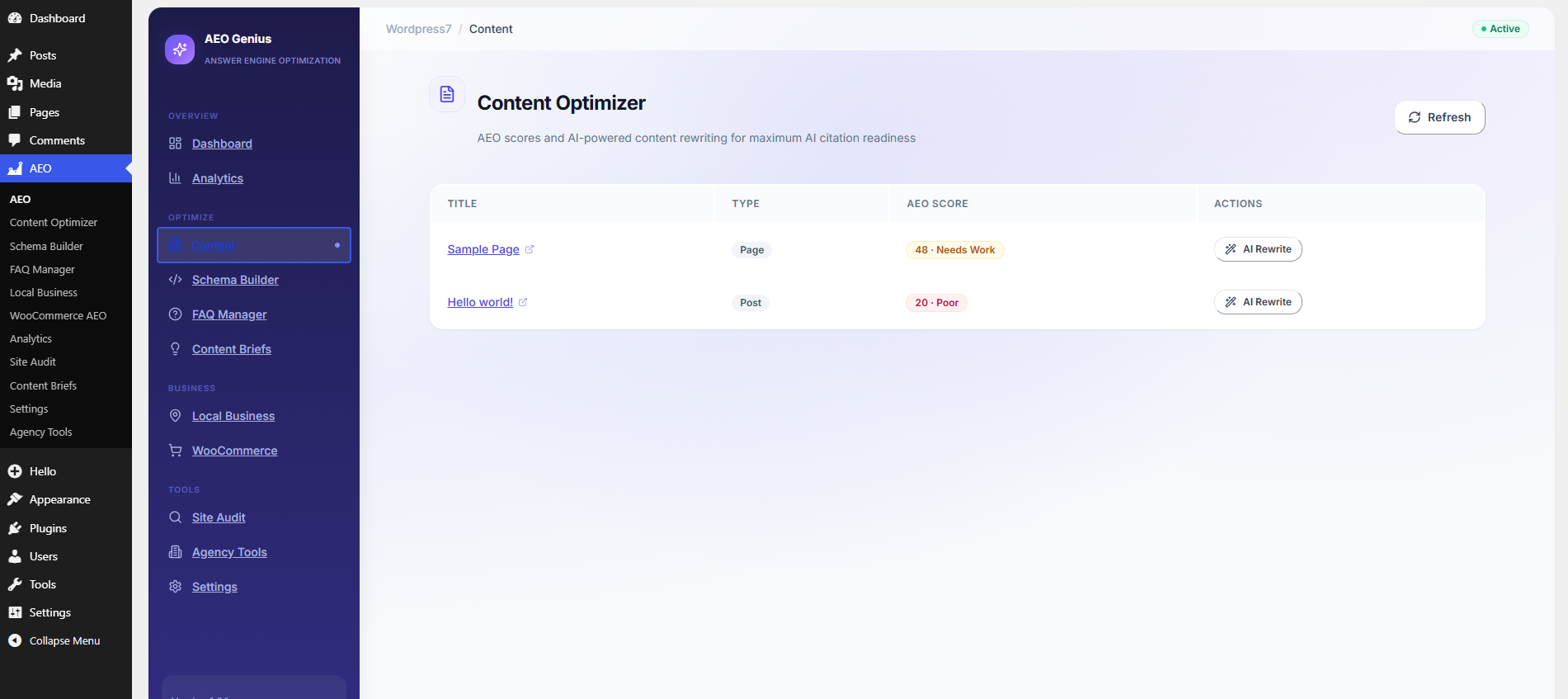
- AEO Score (0–100) — Proprietary readiness score per post with actionable recommendations
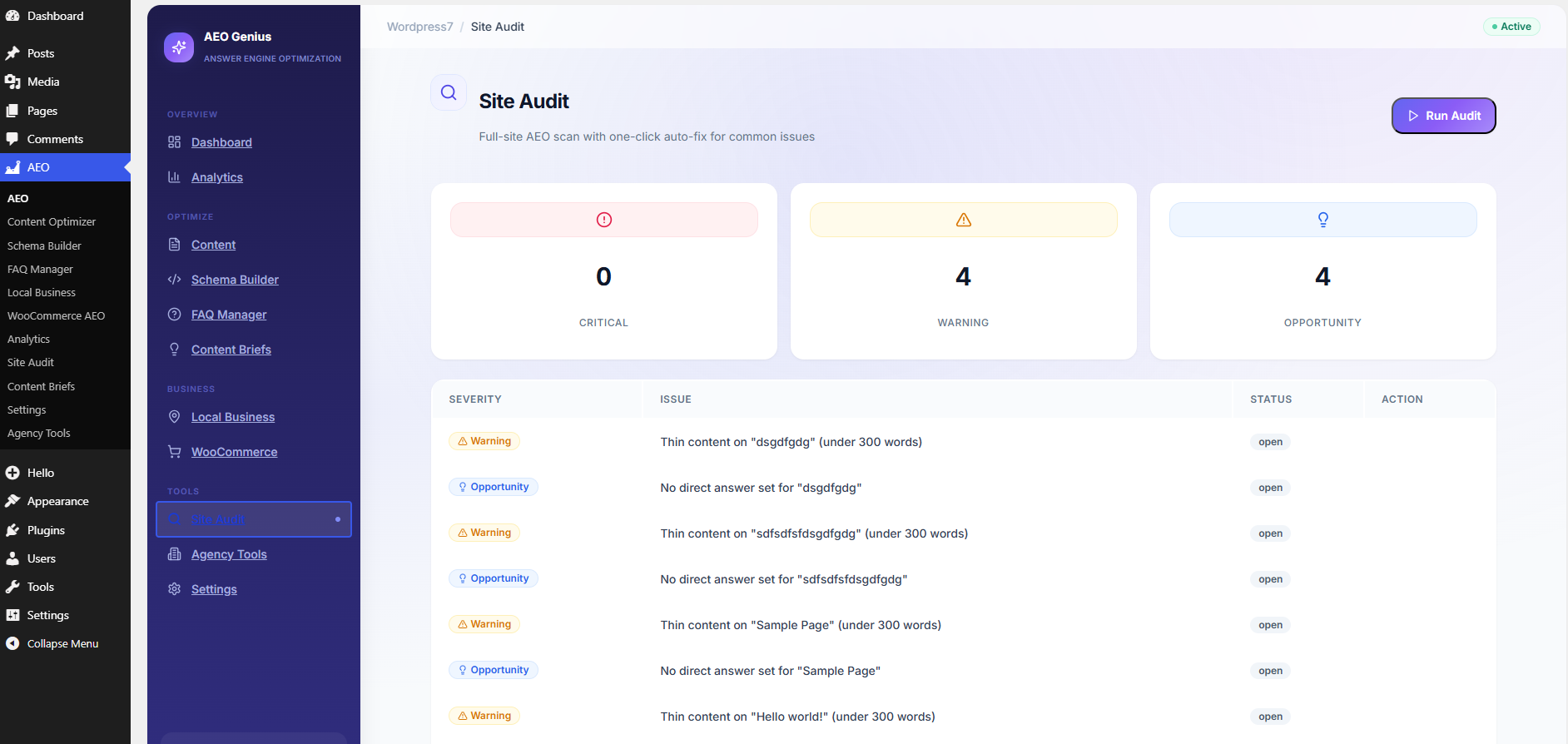
- Site audit & auto-fix — Scan your entire site and fix 80% of issues with one click
- 100% free forever — No Pro tier, no paywall, no upsells. Every feature included.
- Bloggers & content creators — Get featured in AI summaries and voice search results
- Small business owners — LocalBusiness schema, NAP data, and local FAQ templates
- WooCommerce stores — Automatic Product schema with price, stock, ratings, and variants
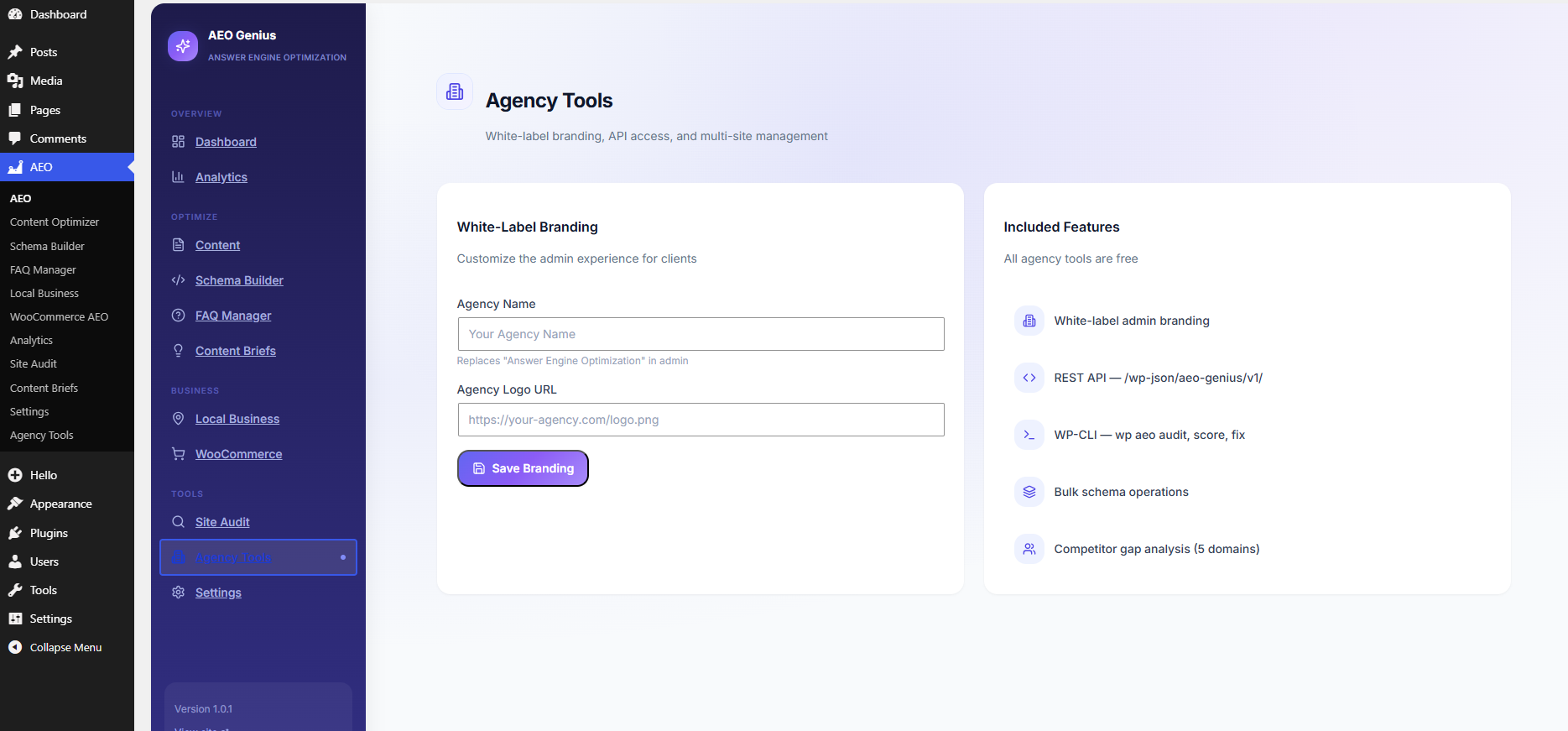
- SEO agencies — White-label tools, REST API, WP-CLI, bulk schema, client reports
- Developers — Full REST API, hooks, and programmatic control
- FAQPage and QAPage schema for featured snippets and AI citations
- Article, BlogPosting, NewsArticle, TechArticle
- Product, Offer, AggregateRating, Review (WooCommerce)
- LocalBusiness, Restaurant, MedicalBusiness
- HowTo with step-by-step markup
- Organization, Person, WebSite, BreadcrumbList
- Recipe, Course, JobPosting, Event, VideoObject
- And 30+ more Schema.org types
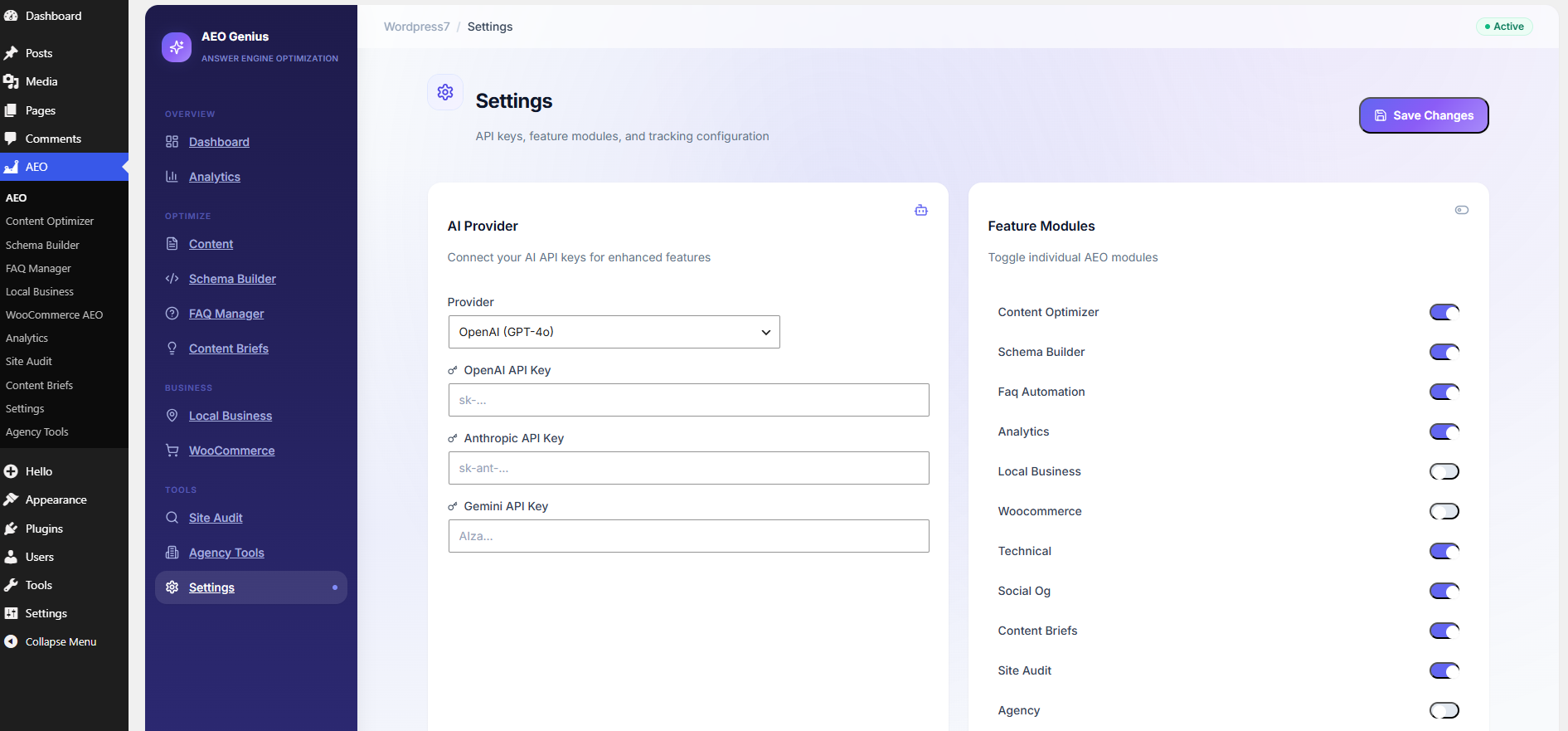
- OpenAI (GPT-4o) — Content rewriting, FAQ generation, briefs
- Anthropic (Claude 3.5) — Long-form AEO optimization
- Google Gemini (1.5 Pro) — Research-focused content briefs
- REST API:
wp-json/aeo-genius/v1/ - WP-CLI:
wp aeo audit,wp aeo score,wp aeo fix - GPL v2 open source — fork, modify, contribute
- Multisite compatible
安装:
- Go to Plugins → Add New in your WordPress admin
- Search for Answer Engine Optimization
- Click Install Now, then Activate
- Open AEO in the left admin menu
- Complete the 5-step setup wizard (takes under 10 minutes)
- Upload the
answer-engine-optimizationfolder to/wp-content/plugins/ - Activate the plugin through the Plugins screen
- Navigate to AEO → Dashboard
- Run the onboarding wizard to configure schema, FAQs, and site type
- (Optional) Add OpenAI, Anthropic, or Gemini API keys under AEO → Settings
- Run your first Site Audit (AEO → Site Audit → Run Audit)
- Review your AEO Score on the dashboard
- Add FAQ schema to top posts using the FAQ Manager or post editor meta box
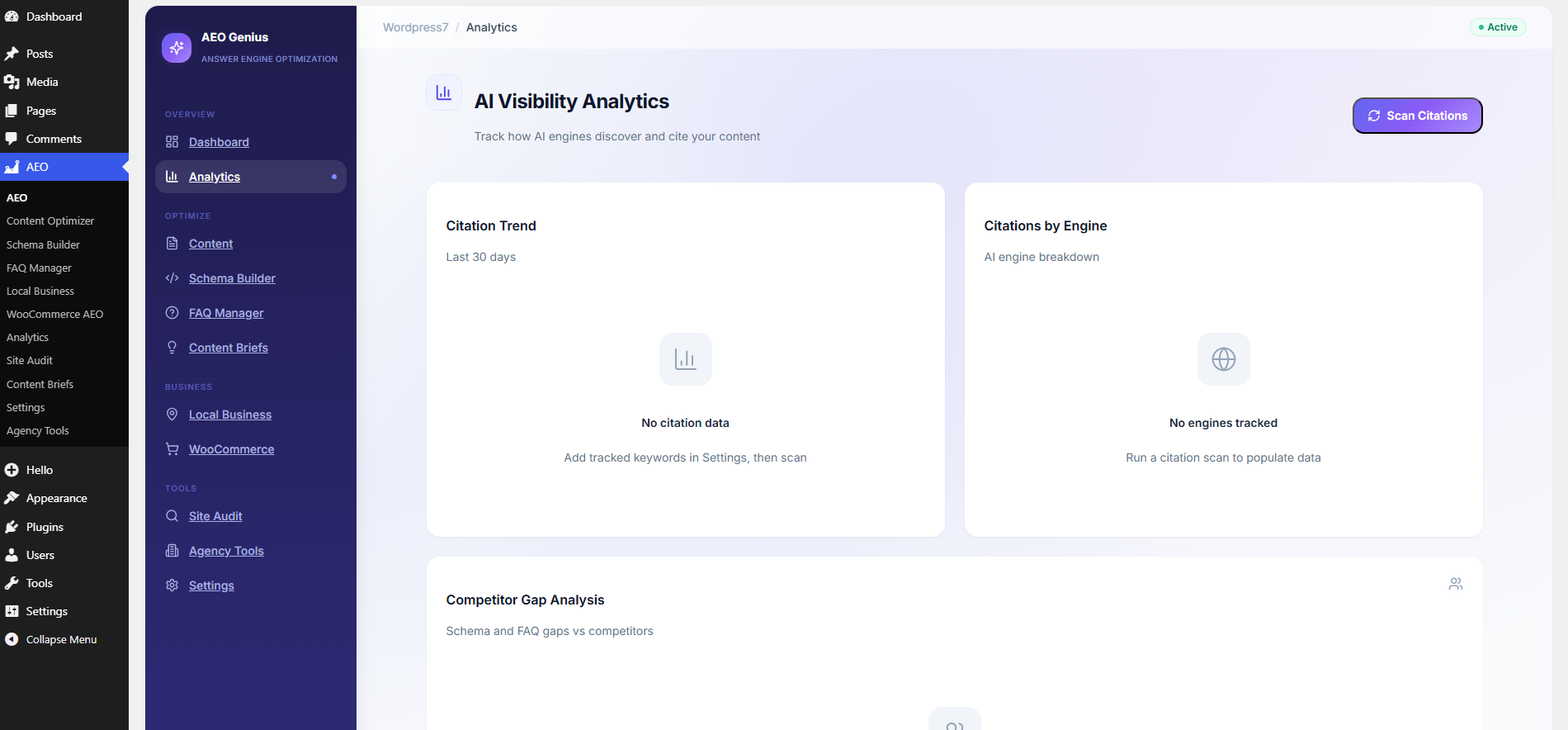
- Add tracked keywords in Settings to monitor AI citations
cd wp-content/plugins/answer-engine-optimization npm install npm run build屏幕截图:
常见问题:
What is Answer Engine Optimization (AEO)?
Answer Engine Optimization is the practice of optimizing web content so AI-powered answer engines — like ChatGPT Search, Perplexity AI, Google AI Overviews, Bing Copilot, and Claude — can discover, understand, and cite your website when users ask questions. Unlike traditional SEO (ranking in link lists), AEO focuses on becoming the source AI systems quote in direct answers.
How is this different from Yoast SEO or Rank Math?
Yoast and Rank Math are excellent traditional SEO plugins. Answer Engine Optimization adds a dedicated AEO layer: AI citation tracking, AEO Score per post, AI FAQ generation, competitor gap analysis for AI visibility, llms.txt for AI crawlers, and schema types optimized for answer engines. It works alongside them — not as a replacement.
Is this plugin really 100% free?
Yes. Every feature in this plugin is free with no Pro tier, no feature locks, and no upsell prompts. AI-powered features use your own API key (OpenAI, Anthropic, or Gemini) so there are no hidden subscription costs from us.
Do I need an OpenAI or AI API key?
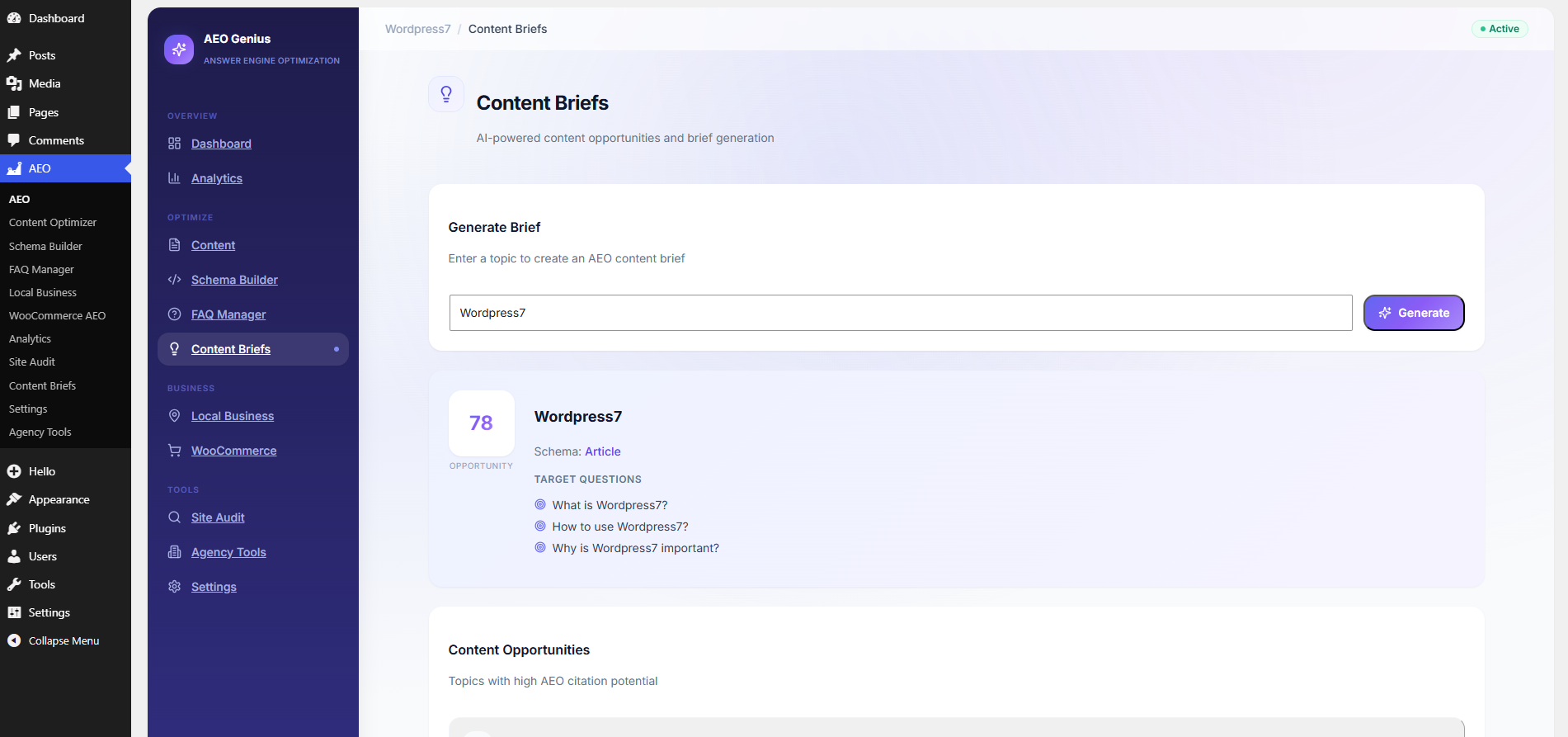
No. Core features — schema markup, AEO scoring, site audit, FAQ management, Open Graph tags, llms.txt, and local business schema — work completely without any API key. API keys only unlock AI content rewriting, AI FAQ generation, and content briefs.
Does this plugin add schema markup / JSON-LD?
Yes. The plugin automatically outputs Article, FAQPage, WebSite, Organization, and post-specific JSON-LD schema. You can also build custom schema with the visual Schema Builder supporting 40+ Schema.org types including Product, HowTo, LocalBusiness, Recipe, and Event.
How does the FAQ schema help with SEO and AI search?
FAQPage schema is one of the strongest signals for AI answer engines and Google featured snippets. When you mark up questions and answers with structured data, AI systems can extract and cite your answers directly. The plugin auto-generates FAQs with AI and deploys FAQPage schema on every page with FAQ content.
Will this help me rank in ChatGPT and Perplexity?
The plugin optimizes the signals AI engines use: structured data, clear Q&A format, direct answers, semantic clarity, and crawlability (llms.txt, AI bot directives). While no plugin can guarantee citations, sites with strong FAQ schema, high AEO scores, and comprehensive structured data consistently perform better in AI answer results.
Does it work with WooCommerce?
Yes. When WooCommerce is active, the plugin automatically generates Product schema with price, currency, availability (InStock/OutOfStock), aggregate ratings, SKU, brand, and product images on every product page.
Does it support voice search optimization?
Yes. The plugin adds direct answer blocks, conversational FAQ formatting, speakable schema signals, and flags answers over 40 words for voice search trimming — all designed to improve performance in Google Assistant and voice-based AI queries.
Can I use this for local SEO and Google Business Profile?
Yes. The Local Business module supports multiple locations with NAP (Name, Address, Phone), opening hours, geo coordinates, area served, and LocalBusiness JSON-LD schema — optimized for "near me" and local AI queries.
Is it compatible with Gutenberg and the Classic Editor?
Yes. The plugin includes a post editor meta box for target questions, direct answers, and FAQ items. It works with Gutenberg, Classic Editor, and does not conflict with page builders like Elementor.
Does it conflict with other SEO plugins?
No. Answer Engine Optimization is designed to complement Yoast SEO, Rank Math, All in One SEO, and SEOPress. It adds AEO-specific schema, scoring, and analytics without overriding their core SEO settings.
What is the AEO Score?
The AEO Score is a proprietary 0–100 rating per post measuring readiness for AI citation. It evaluates content structure (20%), schema coverage (25%), FAQ presence (15%), semantic clarity (20%), and citation signals (20%). Scores update automatically on publish.
How does the site audit work?
The audit scans all published posts and pages for missing schema, absent FAQs, thin content, missing direct answers, and configuration gaps. Issues are rated Critical, Warning, or Opportunity. Most issues can be fixed automatically with one click.
Is there a REST API for developers?
Yes. Full REST API at /wp-json/aeo-genius/v1/ with endpoints for schema, AEO scores, FAQ generation, site audit, analytics, content briefs, bulk schema, and settings. Application Passwords and cookie auth supported.
Does it support WP-CLI?
Yes. Commands include wp aeo audit (run site audit), wp aeo score (calculate all post scores), and wp aeo fix <issue_id> (auto-fix audit issues).
What AI crawlers does it manage?
The plugin lets you allow or block GPTBot (OpenAI), PerplexityBot, ClaudeBot (Anthropic), and Google-Extended individually via robots.txt. It also auto-generates an llms.txt file for AI content discovery.
Is the plugin GDPR compliant?
The plugin does not add tracking cookies by default. Content sent to AI APIs is site content only (not visitor PII). API keys are encrypted in the database. GDPR export and deletion hooks are registered.
Can agencies white-label this plugin?
Yes. Agency Tools let you replace the plugin name and logo in WordPress admin, use the REST API for client dashboards, run bulk operations, and generate performance reports — all free.
更新日志:
- Modern UI/UX redesign with gradient sidebar, React dashboard, and polished components
- Improved onboarding wizard with step indicators and site type selection
- Enhanced readme and WordPress.org directory optimization
- Initial release — full Answer Engine Optimization suite
- 11 feature modules: Content Optimizer, Schema Builder, FAQ Automation, Analytics, Local Business, WooCommerce, Technical AEO, Content Briefs, Site Audit, Social OG, Agency Tools
- React 18 + TypeScript admin UI with HashRouter navigation
- REST API at /wp-json/aeo-genius/v1/ with 20+ endpoints
- WP-CLI commands: audit, score, fix
- AEO Score engine (0–100) with 5 weighted factors
- 49 Schema.org types with visual JSON-LD builder
- AI providers: OpenAI, Anthropic, Gemini + local fallback (no API key required)
- Site audit with one-click auto-fix engine
- WooCommerce Product schema integration
- LocalBusiness multi-location support
- llms.txt, AI crawler robots.txt, Open Graph tags
- Onboarding wizard, Gutenberg meta box, encrypted API key storage
- Custom database tables: schema cache, audit log, citations