SEO for AI Search
| 开发者 | answerseo |
|---|---|
| 更新时间 | 2026年8月15日 18:34 |
| PHP版本: | 7.4 及以上 |
| WordPress版本: | 7.0 |
| 版权: | GPLv2 or later |
| 版权网址: | 版权信息 |
详情介绍:
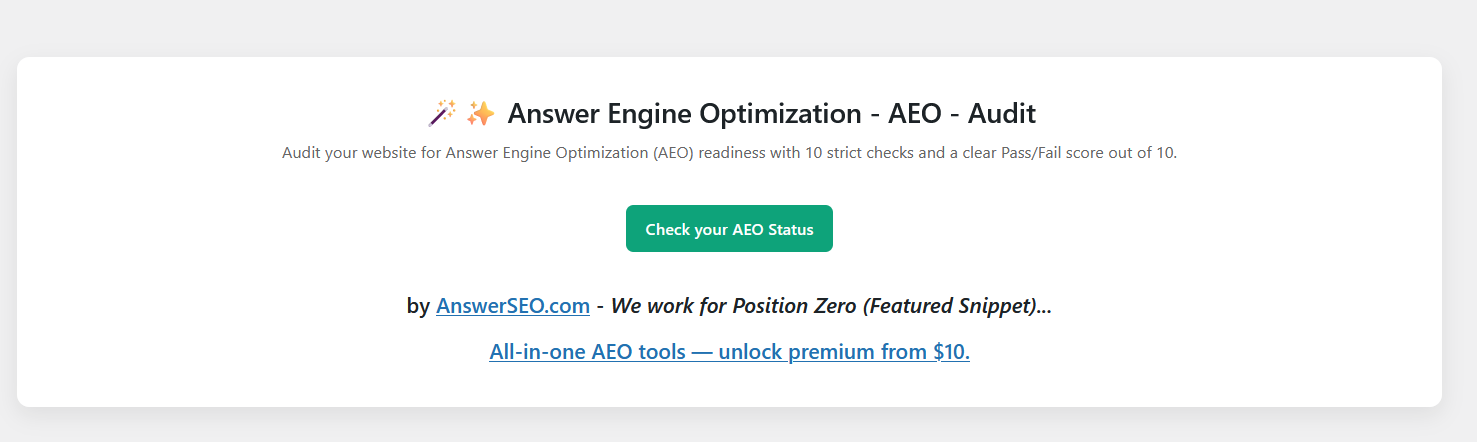
Answer Engine Optimization - AEO - Audit is a lightweight WordPress plugin that helps you prepare your website for answer engines, AI Optimization, AI search, and voice assistants. Unlike traditional SEO audits, this plugin focuses only on AEO/AIO elements that improve your chances of ranking in Position Zero, featured snippets, and voice search results. Answer Engine Optimization also called Generative Engine Optimization (GEO), Artificial Intelligence Optimization(AIO), Google AI Overview, AEOSEO, SEO Audit, AISEO, ASEO, AI SEO, Generative AI Optimization (GAIO), LLMs & LLMS.txt etc..
The plugin performs 10 strict checks on your homepage, including:
✅ Title & Meta Description (like SEO Audit)
✅ FAQ, HowTo, and Speakable Schema\
✅ Structured Data (JSON-LD)\
✅ Featured Snippet & Quick Answer readiness\
✅ Readable H1 heading\
✅ Alt text for images\
✅ Open Graph & Twitter tags\
✅ Language tag\
✅ Internal & external links\
✅ Robots.txt presence
Each element shows Pass/Fail status with color-coded rows and a final score out of 10, along with remarks to explain why it matters for AEO.
This plugin not only helps you audit your website for AEO (Answer Engine Optimization), but also enhances your AI Optimization by enabling powerful content features:
AI Optimization Features:
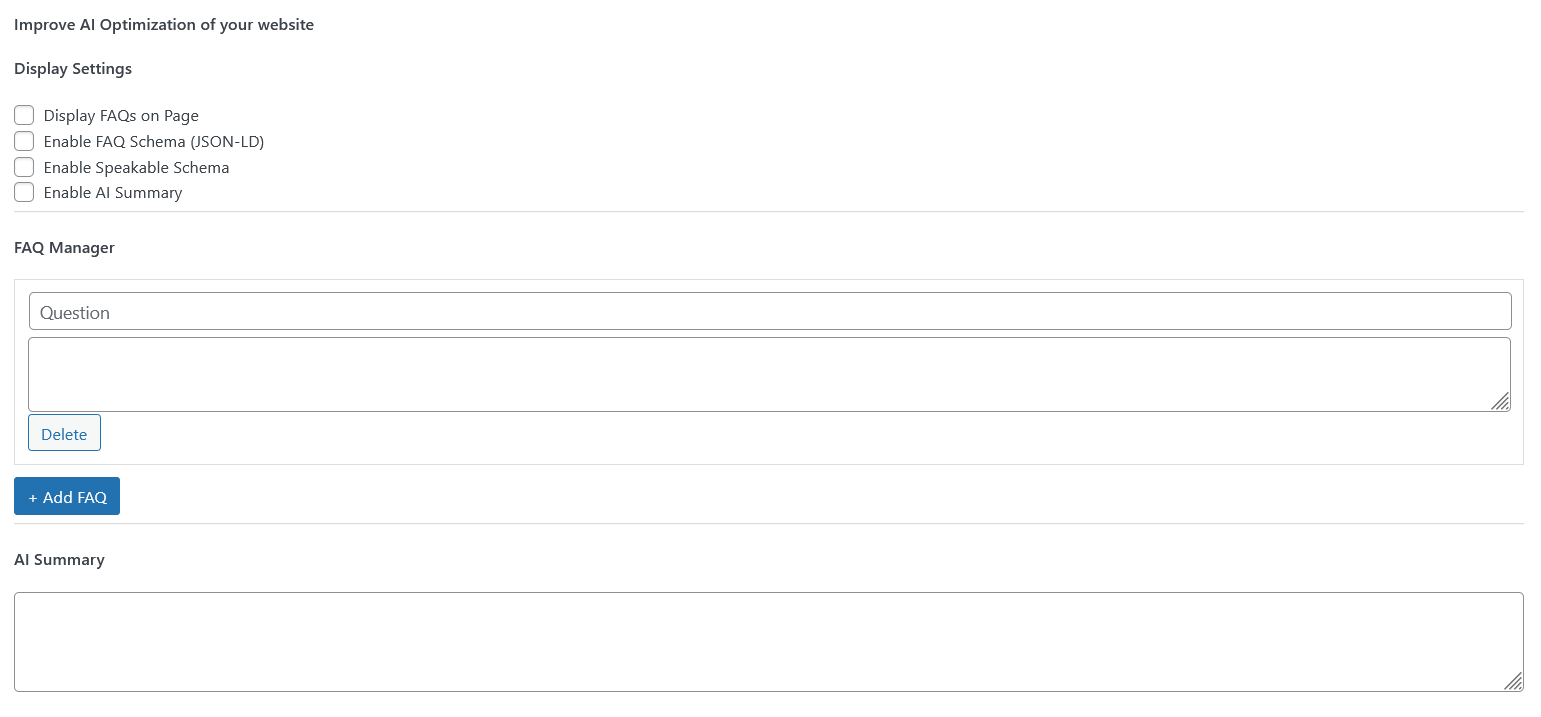
✅ Easily add structured FAQs Schema
✅ Generate JSON (structured data) automatically
✅ Create Quick Answers to improve featured snippet chances
✅ Enhance your website’s discoverability in search and Generative AI tools
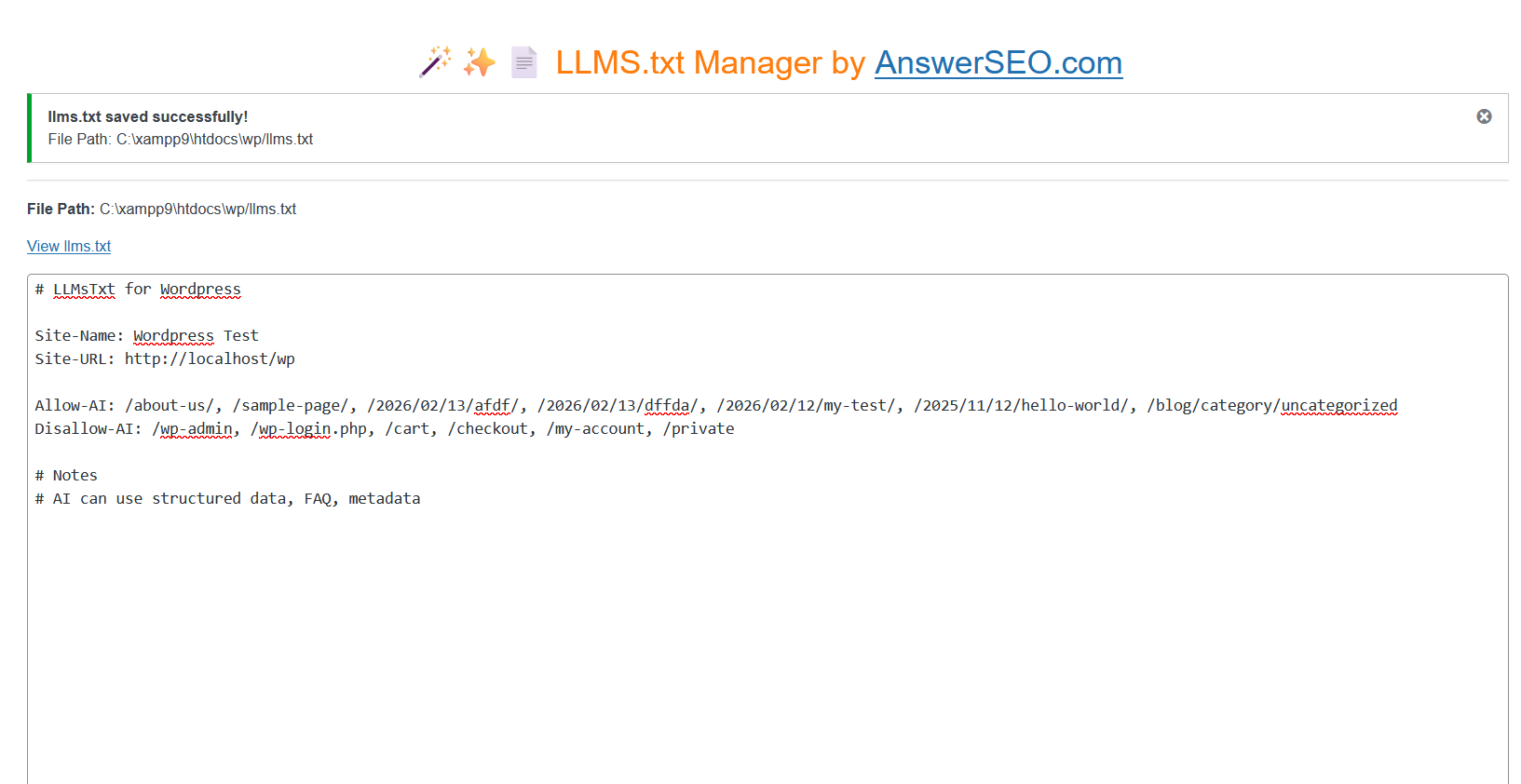
✅ Generate and manage LLMS.txt to optimize your site for AI answer engines
✅ Control AI access with Allow-AI and Disallow-AI rules
✅ Improve AEO visibility and AI-generated answer accuracy
This plugin assist you to audit your website and provide feedback based on audit report to help for following engines:
✅ ChatGPT
✅ Google AI Overview
✅ Google Gemini
✅ Microsoft Copilot / Bing
✅ Perplexity AI
✅ Meta AI and many more
How To Use
✅ After setup go to 'AI Optimization Audit' menu in your WordPress Admin dashboard.
✅ For individual Page / Post go to add / edit of page / post
✅ To Add FAQs, JSON and Quick Answer go to add / edit of page / post
安装:
- Upload the plugin files to the
/wp-content/plugins/answer-engine-optimization-aeo-audit/directory, or install it directly from the WordPress plugin dashboard. - Activate the plugin through the Plugins menu in WordPress.
- Go to AI Optimization Audit in your WordPress dashboard.
- Click Run Audit to check your homepage for AEO readiness.
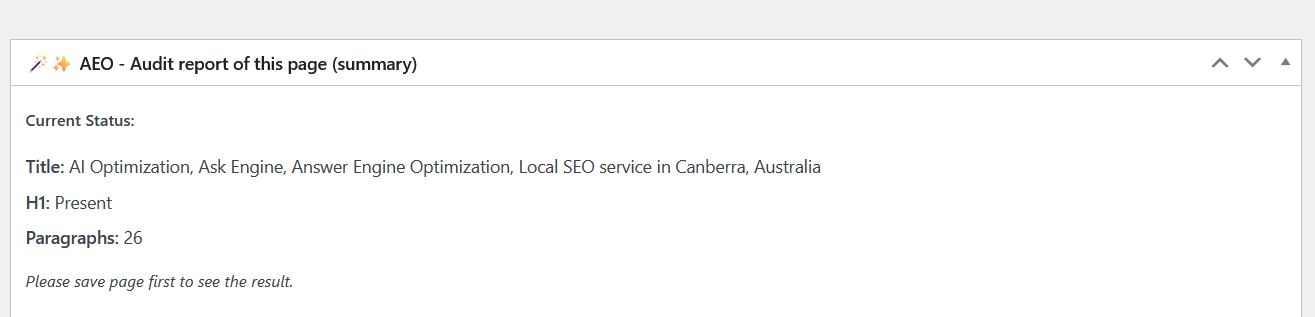
- Go to Post / Page Compose for each post / page audit.
屏幕截图:
更新日志:
1.0
- Initial release with strict 10-point AEO audit.
- Clean UI with color-coded Pass/Fail results.
- Score out of 10 with explanations for each element.
- Added individual Post / Page audit feature
- Upgraded UI / UX of plugin
- Added options to add FAQs, Quick Answer
- Improved few description
- Added options to manage LLMs.txt
- Improved few description and text
- Content updates