Appza builder
| 开发者 |
lazycoders
nmkhan phpfour theweblab justsohel rbraju3m nusrat001 |
|---|---|
| 更新时间 | 2026年6月4日 16:09 |
| 捐献地址: | 去捐款 |
| PHP版本: | 7.4 及以上 |
| WordPress版本: | 7.0 |
| 版权: | GPLv2 or later |
| 版权网址: | 版权信息 |
详情介绍:
安装:
- Upload the Appza folder to
/wp-content/plugins/or install via Plugins → Add New - Activate through the 'Plugins' menu
- Navigate to WP Admin → Appza
- Follow the guided setup wizard
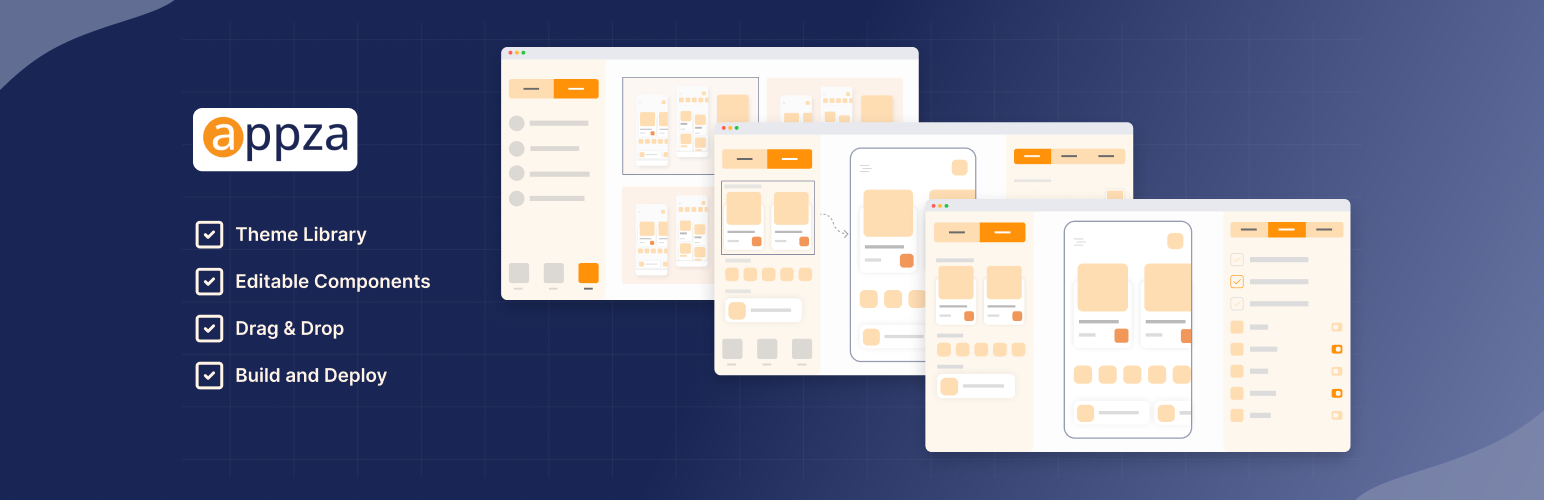
- Choose a Theme – Select from our library of mobile-optimized templates
- Add Components – Drag and drop elements onto your app canvas
- Customize – Adjust colors, sizes, and content sources
- Preview – Scan the QR code to test on your real device
- Build – Click build and receive your iOS/Android app files
常见问题:
Do I need coding skills to use Appza?
No. Appza is designed for visual, no-code app creation. If you can use the WordPress block editor, you can use Appza.
Can I integrate with WooCommerce?
Yes! Appza offers deep WooCommerce integration. Your products, categories, cart, and checkout all work seamlessly in the mobile app.
What about Fluent Community?
Full support for Fluent Community is available now, with community feeds, member engagement, and social features.
Is Tutor LMS supported?
Tutor LMS support is currently in development and coming soon.
How do I publish to the App Store and Google Play?
After building your app through Appza, you'll receive the necessary files (APK/AAB for Android, IPA for iOS). We provide guidance for the submission process to both stores.
Can I update my app without resubmitting to app stores?
Yes! Design changes, component updates, and content modifications are pushed in real-time to existing apps. No rebuild or resubmission required for most changes.
What if I need help?
Our support team is ready to assist. Visit our helpdesk for documentation, guides, and direct support.
更新日志:
- Added: Now supporting PHP 8.5
- Added: SignIn page fully dynamic with 3 new components
- Added: Profile Details page cover image part dynamic
- Added: Edit Profile Full page dynamic with 4 new components
- Added: Create Post page dynamic with 2 new components
- Improve: Settings Notification updated with user guideline
- Added: Default sort by on feed page / active or disable sort by
- Added: Default sort by on space details page / active or disable sort by
- Added: All member list page follow & unfollow option
- Added: All member list page block & unblock option
- Added: Profile details page message option
- Added: Profile details page follow/unfollow & bell option
- Added: Profile details page follower, following & block list
- Added: Profile details view option condition apply
- Added: Space details member tab pending tab condition apply
- Added: Chat list page new message option text & icon update
- Added: Course details page visualization
- Added: Site customization page open on browser
- Added: Login page login with Google
- Added: Fluent Community Course details page dynamic with 4 components
- Added: Fluent Community Course lesson details page dynamic with 6 components
- Improved: Fluent Community Home page data update
- Fluent Community Addon has been added
- Completely redesigned UI/UX
- Added Reset and Remove options in component editor
- Updated resource infrastructure
- Performance improvements and bug fixes
- Hotfix: Fixed component class_type validation
- Updated app store QR codes
- Added initial loading indicator
- Improved default theme activation
- Fixed simulator screen height issues
- Enhanced component customization area
- Added plugin page redirect
- Updated premium URL
- UI/UX improvements and bug fixes
- Initial release