
Artikolo – AI Content Writer & Blog Post Generator
| 开发者 | artikoloteam |
|---|---|
| 更新时间 | 2026年11月10日 21:53 |
| PHP版本: | 7.4 及以上 |
| WordPress版本: | 7.1 |
| 版权: | GPLv2 or later |
| 版权网址: | 版权信息 |
详情介绍:
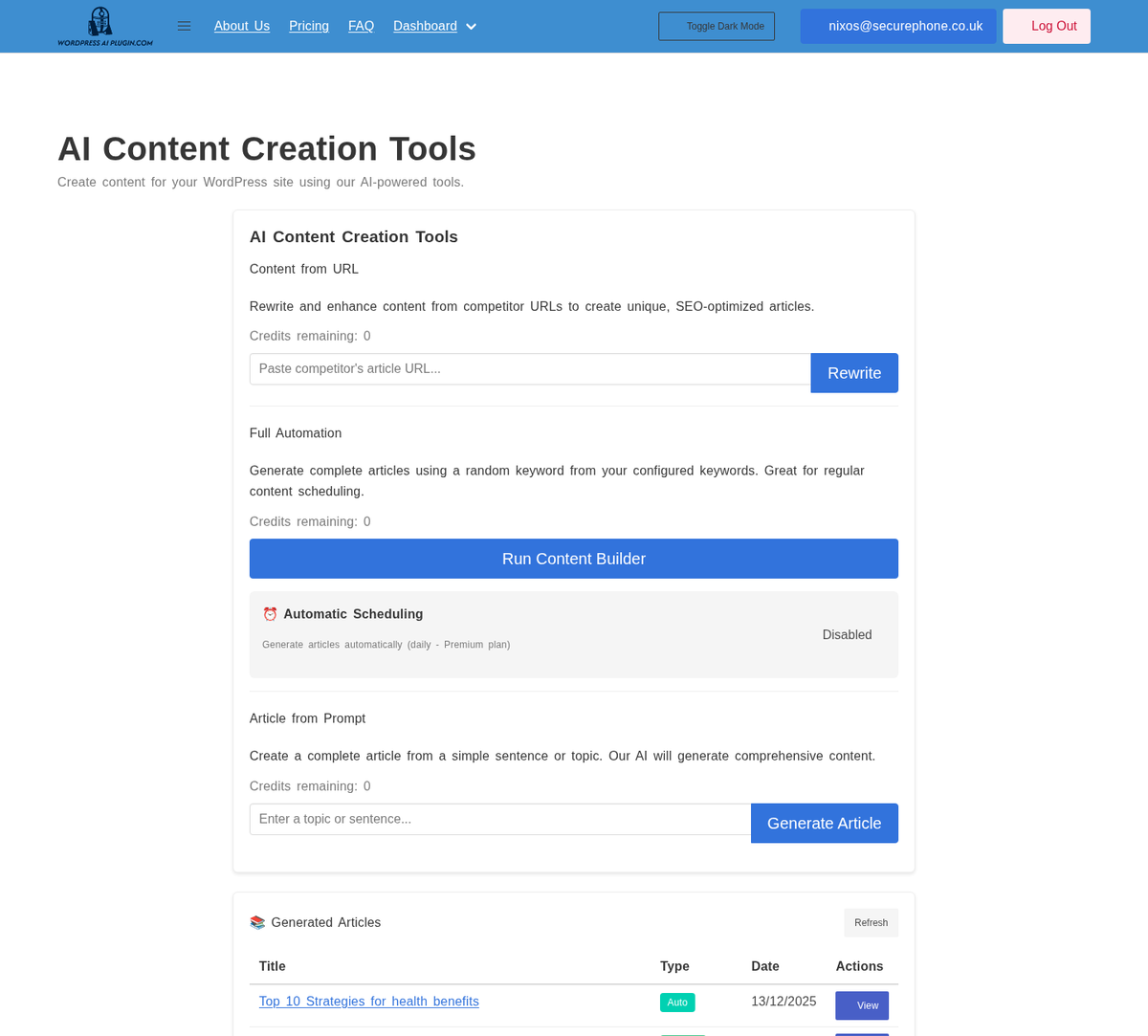
- Write from a topic. Enter a topic, keyword or sentence and click Generate.
- Rewrite from a URL. Enter a web page's address and get an original article on the same topic.
- Progress as it writes. The page shows how far the article has got.
- Create Post. Saves the article with the category and post status you choose. Edit in Editor saves it as a draft with the same category, focus keyword and meta description, and opens it in the editor.
- Your SEO plugin gets the details. When Yoast SEO, Rank Math or All in One SEO is active, the post's focus keyword and meta description are set in it. The meta description is also saved as the post's excerpt.
- Dashboard. Your credits, how many articles you have created (in total and this month), their total word count, and your most recent ones.
- Block editor or classic editor. Articles are ordinary HTML post content.
- Translated. The plugin's screens are available in German, Spanish, French, Italian, Japanese, Dutch, Polish and Brazilian Portuguese (the translations are bundled with the plugin, and current WordPress versions load them automatically). Articles written through the plugin are in English.
- a meta description (the post's excerpt or opening words; the tagline on the front page; the term or author description on archives);
- Open Graph and Twitter Card tags;
- canonical links on archive pages (WordPress adds them to posts and pages itself);
- robots directives: larger search previews everywhere, and "noindex" on tag, date, search and 404 pages (and author archives on a single-author site);
- JSON-LD structured data: Article for posts, breadcrumbs, and WebSite and Organization on the front page.
安装:
- In your WordPress admin, go to Plugins > Add New, search for "Artikolo", then click Install Now and Activate. (Or upload the plugin's ZIP file under Plugins > Add New > Upload Plugin.)
- Create an account at artikolo.org and copy your API key from your account.
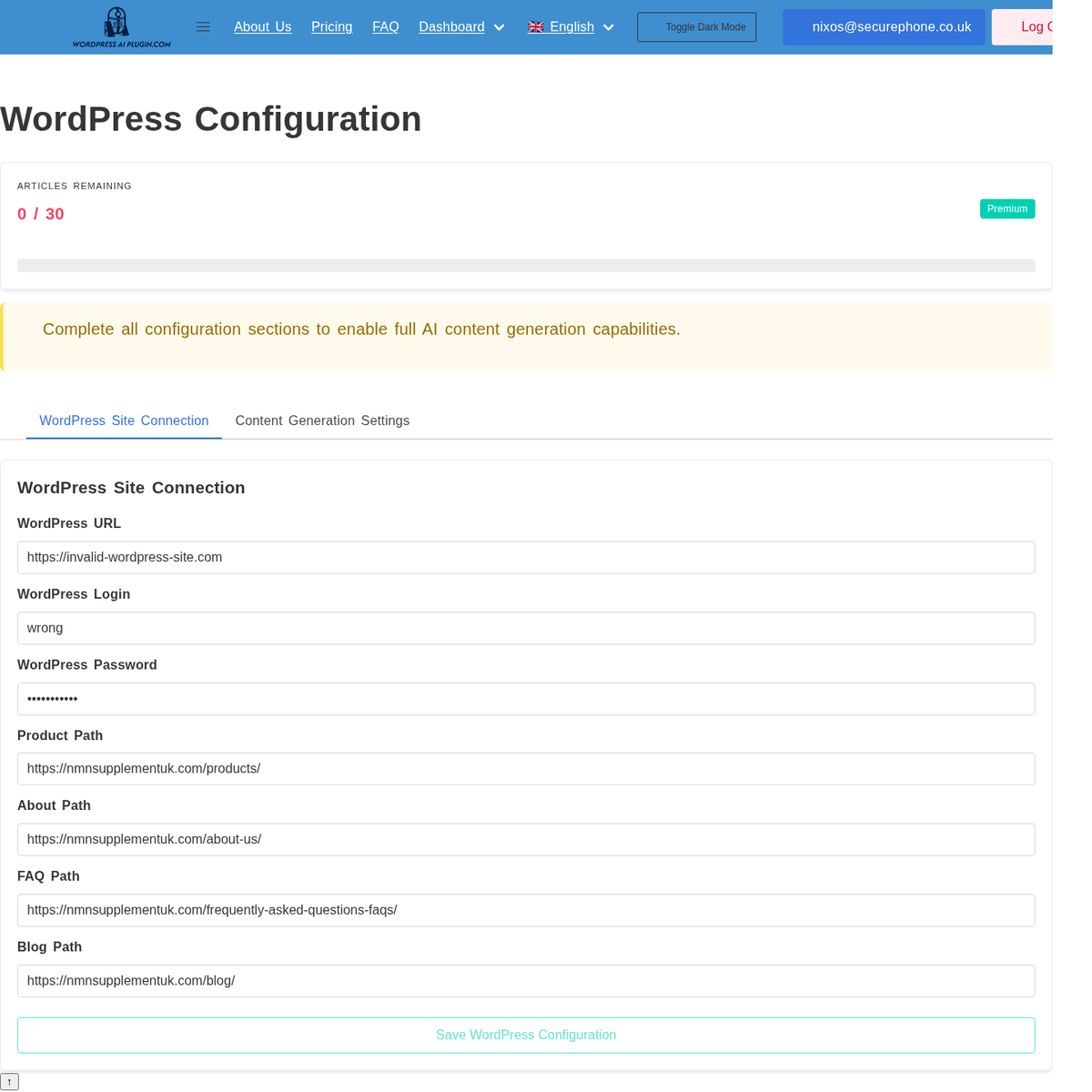
- In WordPress, go to Artikolo > Settings, paste the API key, and click Test.
- Click Save Settings, then go to Artikolo > Generate Content.
屏幕截图:
常见问题:
Do I need an account?
Yes. The articles are written by the Artikolo service, which needs a free or paid account at artikolo.org and its API key.
Can I edit an article before it is published?
Yes. New posts are saved as drafts unless you choose another status, either on the Generate Content page or as the default under Settings.
Does it work with my SEO plugin?
Yes. With Yoast SEO, Rank Math or All in One SEO active, Create Post and Edit in Editor set the post's focus keyword and meta description in that plugin. Artikolo's own SEO tags step aside for those plugins, and for The SEO Framework, SEOPress and Slim SEO.
What does the plugin add to my site's pages, and how do I turn it off?
The tags listed under "SEO tags for your site's pages" above. Untick Add SEO tags to my site's pages under Artikolo > Settings to turn all of it off, including the head cleanup and the attachment page redirects.
Which languages can it write in?
Articles written through this plugin are in English. The plugin's own screens are translated into eight languages.
How many articles can I write each month?
It depends on your plan: Free 1, Starter 4, Pro 15 and Business 40. Each article uses one credit.
Is the content original?
Each article is written for your request; it is not copied from elsewhere. Rewrite from URL writes a new article on the same topic as the page, not a copy of it. Read and edit articles before you publish them.
What happens when I uninstall the plugin?
Deleting the plugin removes its settings, its cached data and the markers it keeps on posts. The posts you created stay.
更新日志:
- Security: Text from the Artikolo service (messages, the account email, article titles and fields) is inserted into admin pages as text, and article HTML is cleaned with
wp_kses_postbefore it is shown or saved - Security: The API URL must use HTTPS
- New: A setting, "Add SEO tags to my site's pages" (on by default, as before), turns off all of the plugin's front-end output: the SEO tags, the head cleanup and the attachment page redirects
- New: The front-end SEO tags also step aside for SEOPress and Slim SEO, and when an SEO plugin is active the head cleanup and attachment page redirects step aside too
- New: All in One SEO now receives the focus keyword and meta description through its own data model (checked with All in One SEO 5.0). The
_aioseo_*post meta written before is ignored by current versions and is no longer written - Fixed: Edit in Editor now saves the draft with the chosen category, focus keyword and meta description (it saved only the title and text); after Create Post it opens that post instead of making a second copy
- Fixed: Create Post and Edit in Editor use the category and status from the form that produced the article (Rewrite from URL used the topic form's)
- Fixed: Word counts are right for Japanese (each Japanese character counted as nothing)
- Fixed: "This month" on the dashboard starts at midnight on the 1st in the site's timezone, not in UTC
- Fixed: Uninstalling the plugin now removes its settings and data (a check that could never pass stopped the cleanup)
- Fixed: The dashboard's "total words" statistic and the recent posts' topic are now recorded when a post is created (they were read but never saved)
- Changed: Every message in the admin screens' JavaScript can now be translated, and all eight bundled translations are complete
- Fixed: The translations showed the plugin's menu and page titles under an old generic name (for example "KI-Inhaltsersteller" in German) instead of Artikolo
- Fixed: When the account cannot be read, the dashboard and Generate Content page no longer show a made-up plan ("Free" or "Unknown")
- Fixed: The Settings page said "Connected" whenever an API key was saved, even when the service rejected it or could not be reached
- Fixed: The Settings page's Test button and field descriptions, and the dashboard's statistics, no longer spill out of their cards
- Changed: Setup and credit notices appear only on the plugin's own pages, and only to administrators (they also appeared on the main Dashboard for every user)
- Changed: The readme describes the front-end SEO tags and how to turn them off, has an External services section, says which languages the plugin writes in, and no longer makes claims the plugin cannot back (usage statistics, compatibility promises and comparisons)
- Changed: Dashboard statistics are cached for five minutes and refreshed whenever a post is created
- Changed: Database access reviewed against Plugin Check; each direct query is documented with why no core API applies
- Removed: Two capabilities that were added on activation but never checked (they are removed from existing sites on upgrade), an option with no setting (theme colour), clean-up of scheduled events the plugin never schedules, unused settings-page code, a per-post "noindex" check on a field nothing sets, and a rewrite-rules flush with no rewrite rules
- Security: Every AJAX handler now verifies its nonce and the user's capability directly, before reading any input
- Security: Publishing or creating a private post now requires the
publish_postscapability; users who can only edit may save drafts or submit for review - Security: Testing the API connection now requires
manage_options, and the saved API key is never sent to an API URL other than the saved one - Security: Only existing categories can be assigned to generated posts
- Security: The dashboard's recent-posts list only shows other users' posts to users who can edit them
- Fixed: The generated article now appears on the Generate Content page, and Create Post sets the focus keyword and meta description for Yoast SEO, Rank Math or All in One SEO
- Fixed: Uninstall cleanup now escapes its database patterns, so it can only remove data belonging to this plugin
- Changed: Tested up to WordPress 7.1
- Removed: An unused SEO audit AJAX endpoint with no interface in the plugin
- Removed: Unused internal code (a post-creation path and a blocking status poller that nothing called)
- Removed: The Email Notifications setting, which had no effect — the plugin does not send email
- Changed: Readme now describes exactly what the plugin does today — removed mentions of auto-schedule publishing and FAQ schema, which are not yet implemented, and clarified that keyword research lives in the artikolo.org web service
- Fixed: Corrected the Privacy Policy and Terms of Service links in the readme (they pointed to URLs that no longer exist)
- Fixed: Account links in the plugin admin now point to the artikolo.org sign-in page
- Changed: "Tested up to" is now declared only in the readme, per WordPress.org guidelines
- Fixed: Bundled the compiled translation binaries (.mo) so the eight included languages (German, Spanish, French, Italian, Japanese, Dutch, Polish, Brazilian Portuguese) load correctly
- Updated: Trademark compliance — all product naming uses WordPress descriptively per Foundation policy
- Updated: Tested and confirmed compatible with WordPress 7.0
- Updated: Readme heading uses descriptive phrasing for SEO plugin references
- Updated: All service URLs updated to artikolo.org
- Updated: Tested and confirmed compatible with WordPress 6.8
- Updated: Language file metadata updated
- Improved: Documentation links point to artikolo.org
- New: Initial release of Artikolo
- New: AI-powered article generation from topics/keywords
- New: URL content rewriter feature
- New: Real-time generation progress tracking
- New: Modern dashboard with statistics
- New: Credit management system
- New: SEO plugin integrations (Yoast, Rank Math, AIOSEO)
- New: One-click publishing to WordPress
- New: Category and post status selection
- New: Responsive admin interface
- New: Connection testing functionality
- New: Email notification options