ASD Passkey Login
| 开发者 | bkarsono |
|---|---|
| 更新时间 | 2025年8月7日 10:24 |
| 捐献地址: | 去捐款 |
| PHP版本: | 8.2 及以上 |
| WordPress版本: | 6.8 |
| 版权: | GPLv2 or later |
| 版权网址: | 版权信息 |
详情介绍:
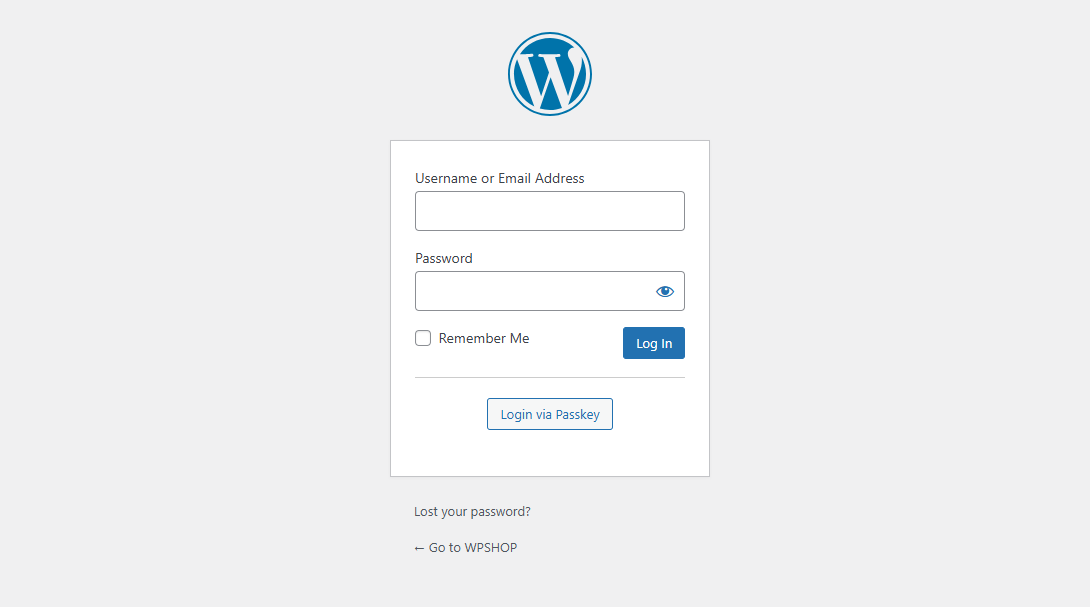
- Enhanced security with passwordless login.
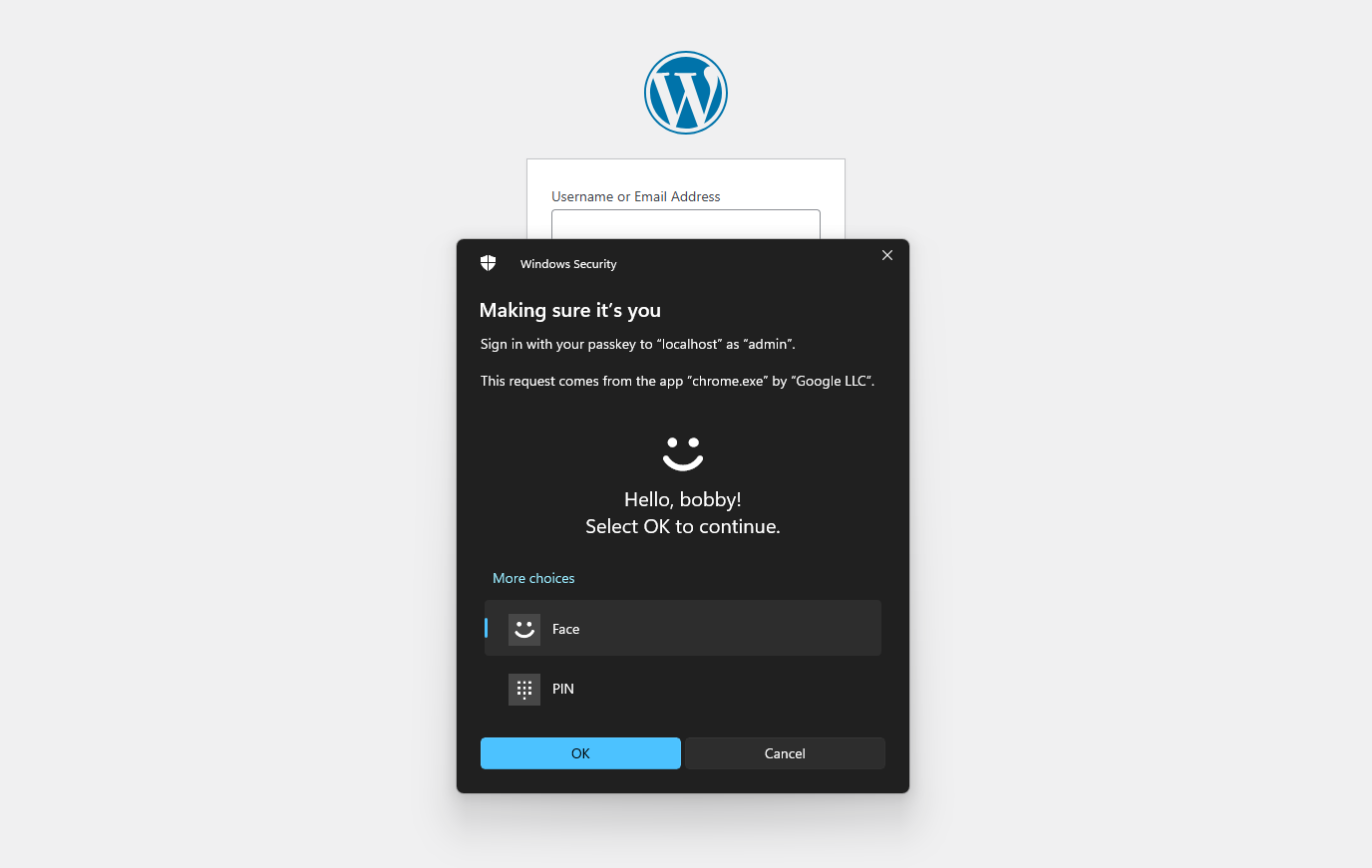
- Improved user experience with biometric and hardware key support.
- Builds trust through advanced encryption and anti-phishing technology. Major features:
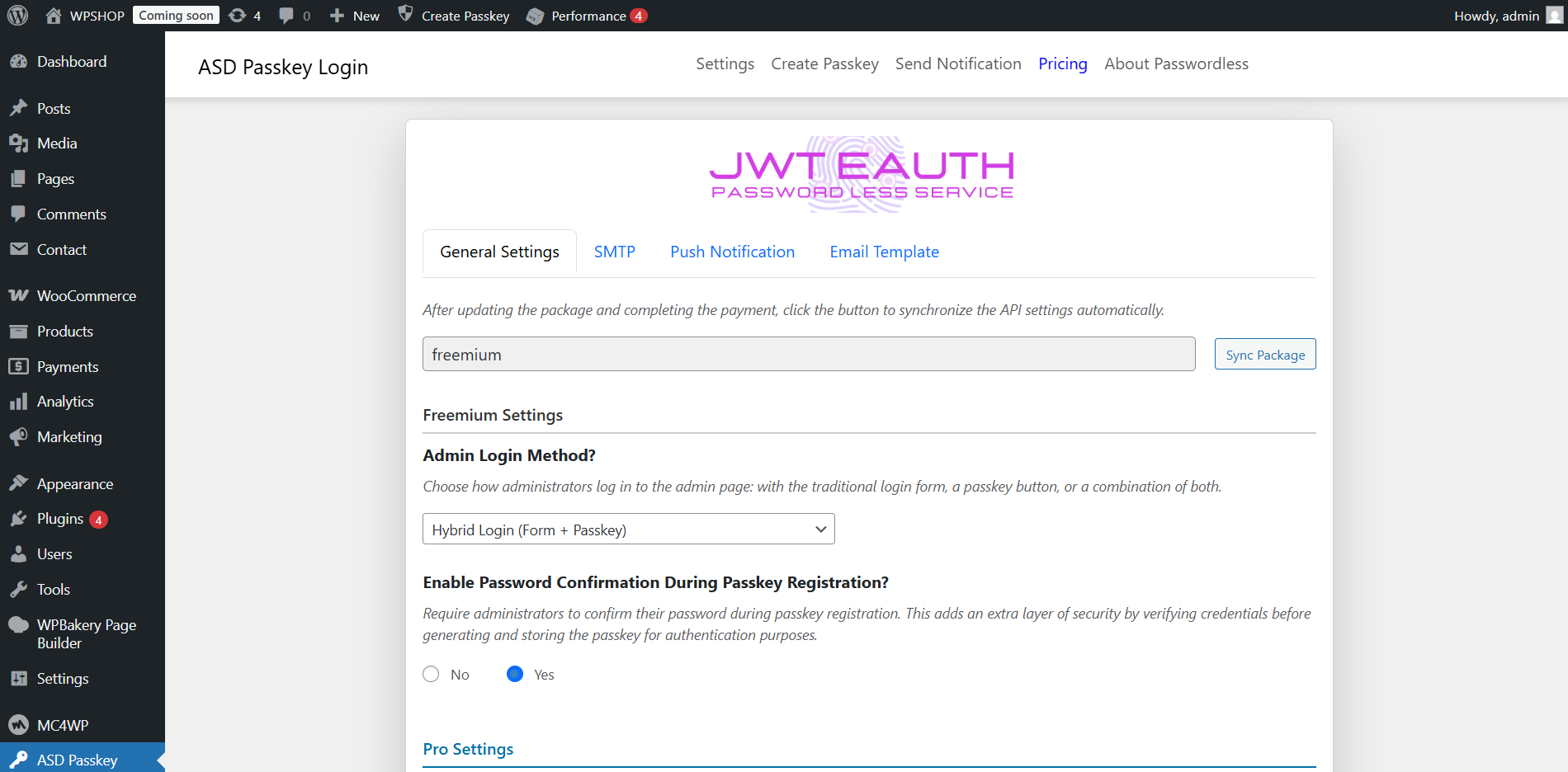
- Seamless integration without additional API settings.
- Standard passkey and asymmetric encryption support.
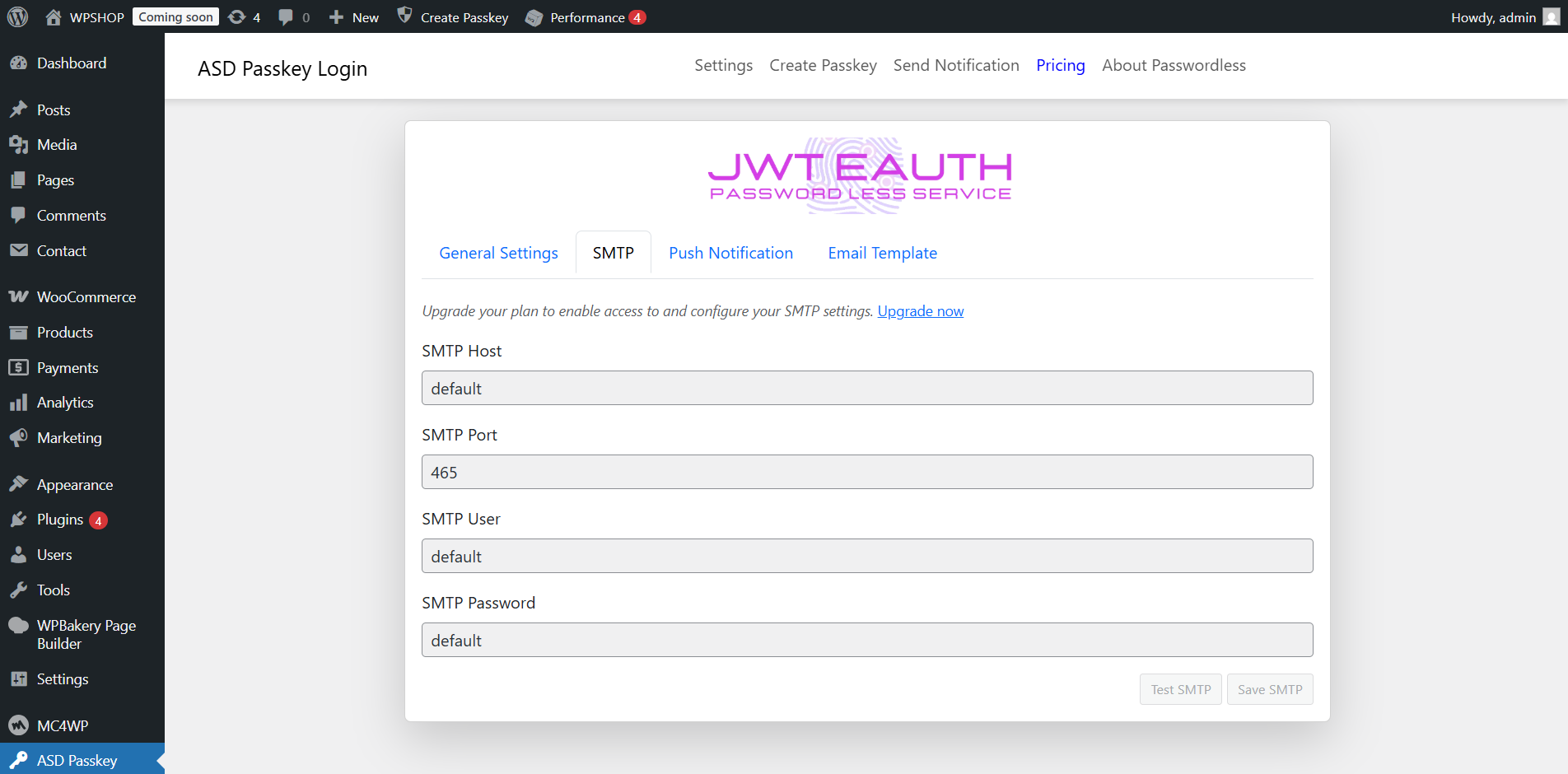
- Corporate SMTP support for email notifications (pro).
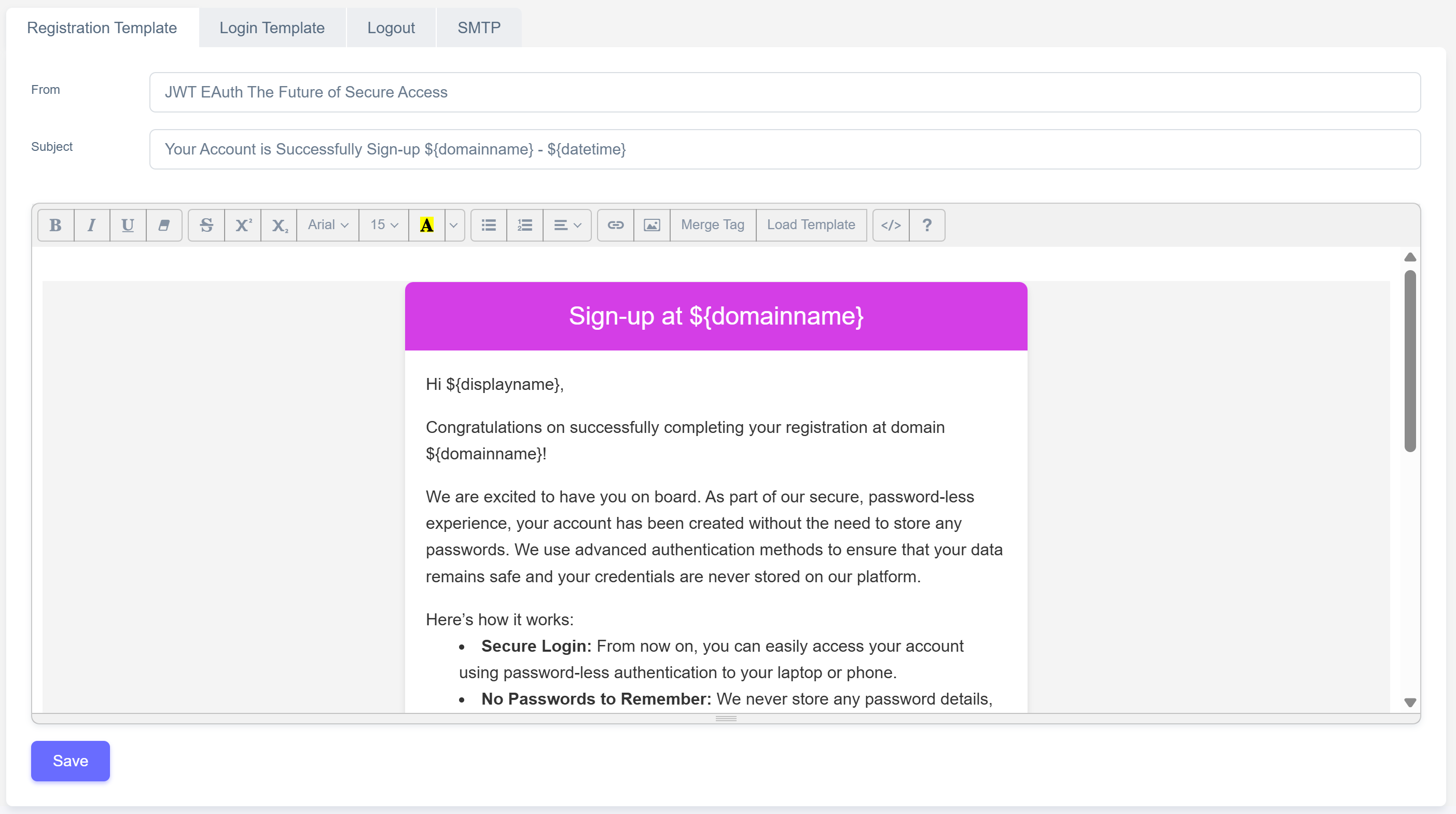
- Customizable email templates (pro).
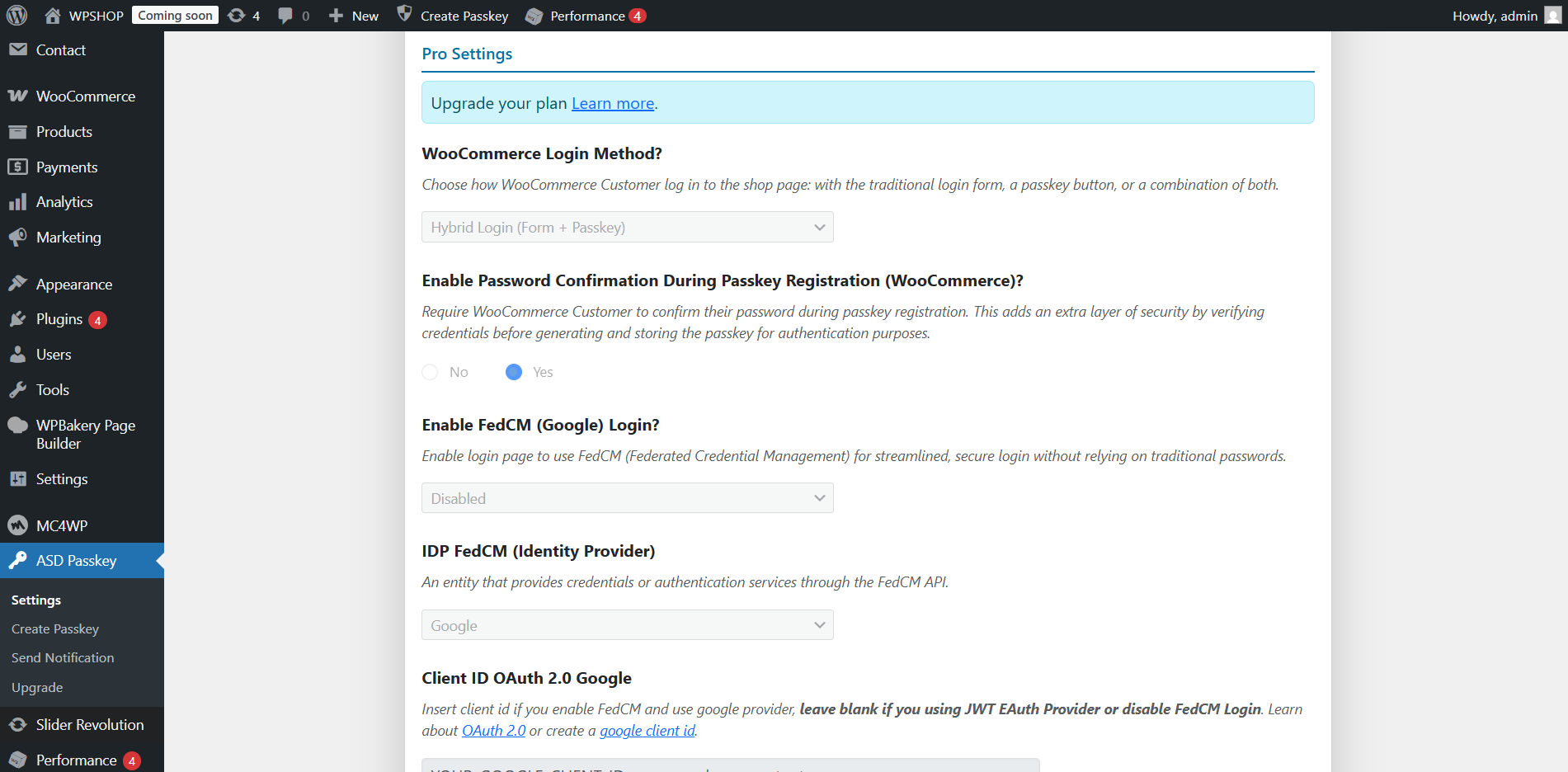
- Supports login using FedCM (pro).
安装:
- Upload "asd-passwordless" folder to the "/wp-content/plugins/" directory.
- Activate the plugin through the "Plugins" menu in WordPress.
屏幕截图:
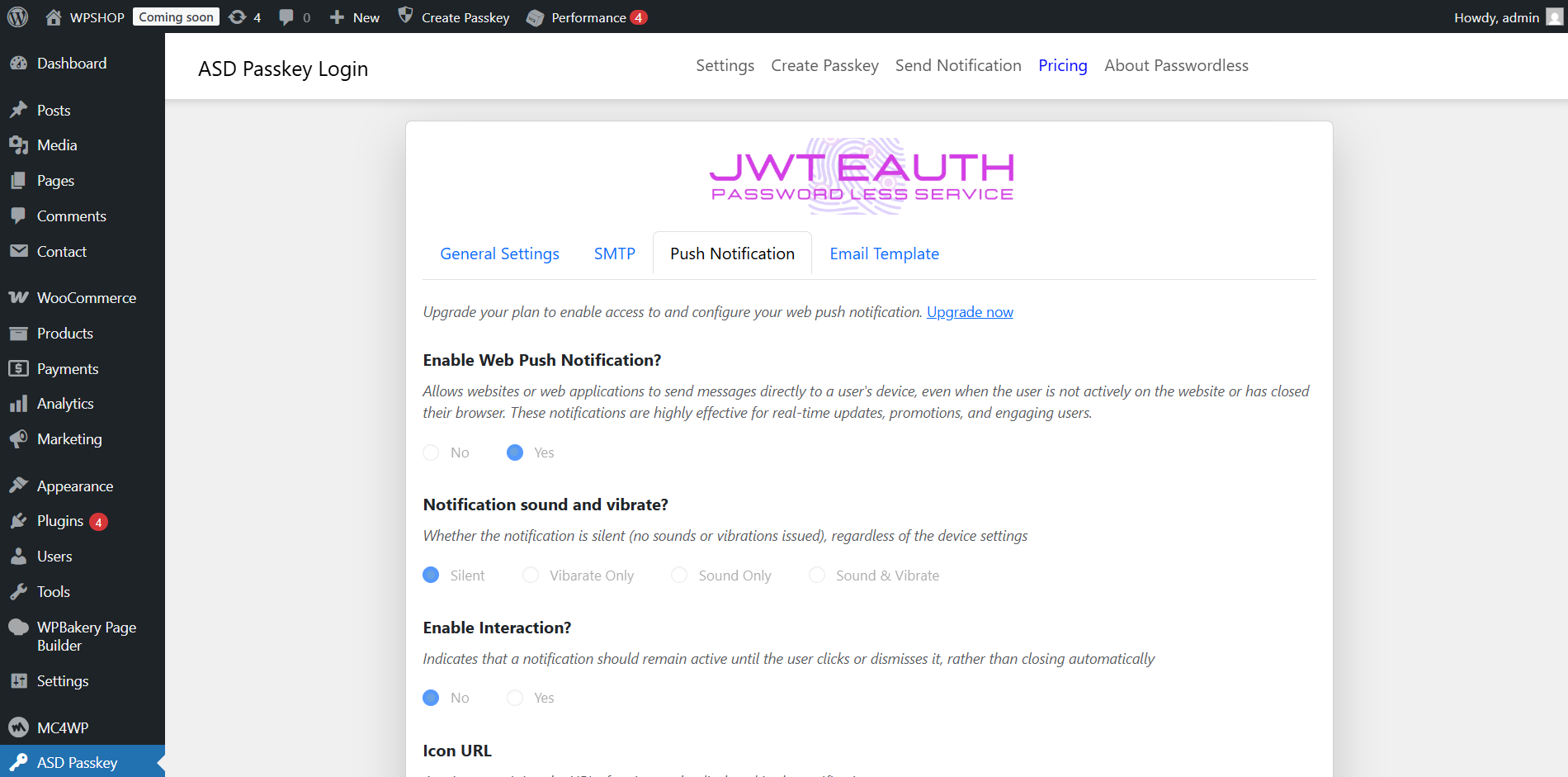
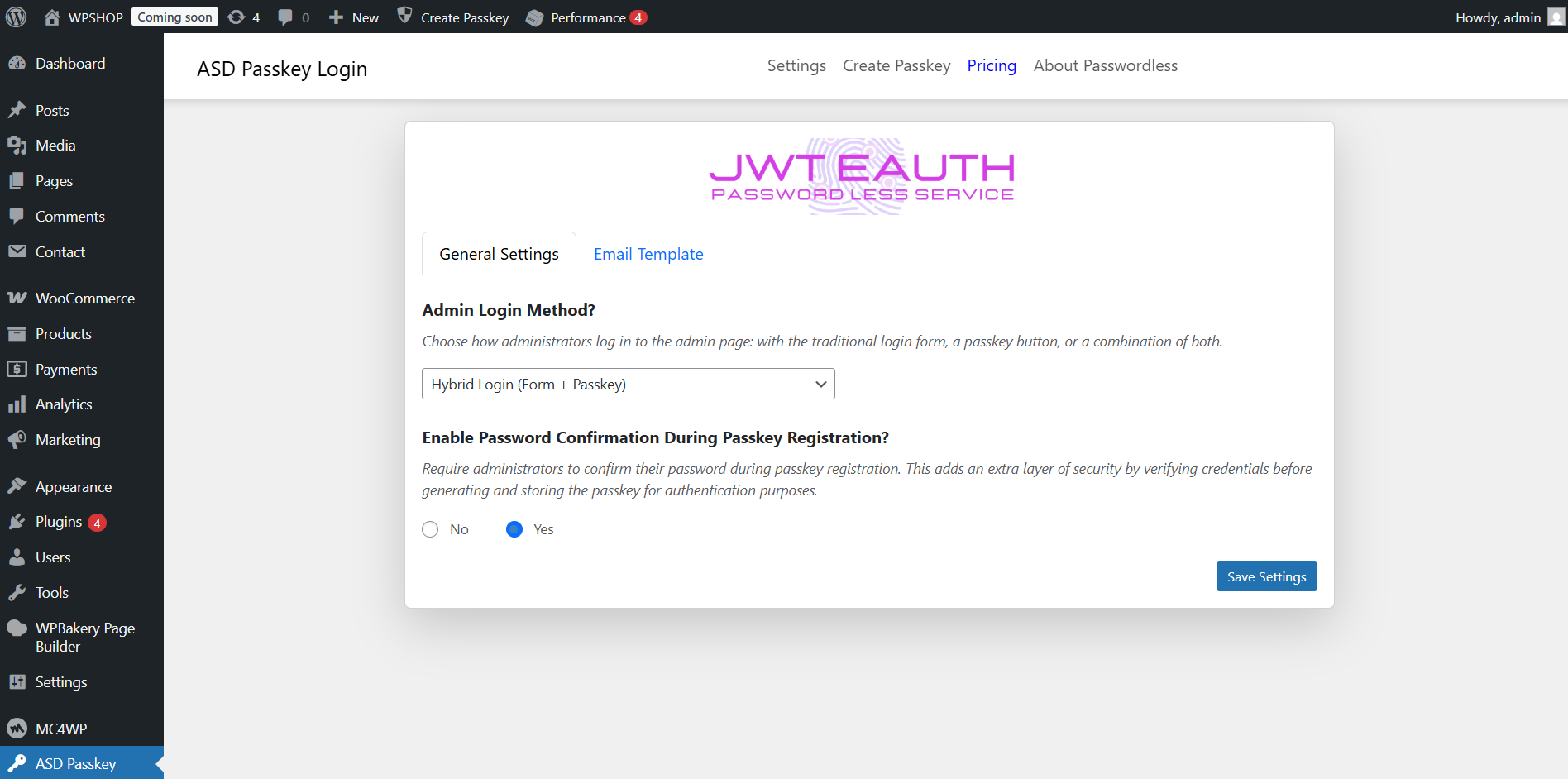
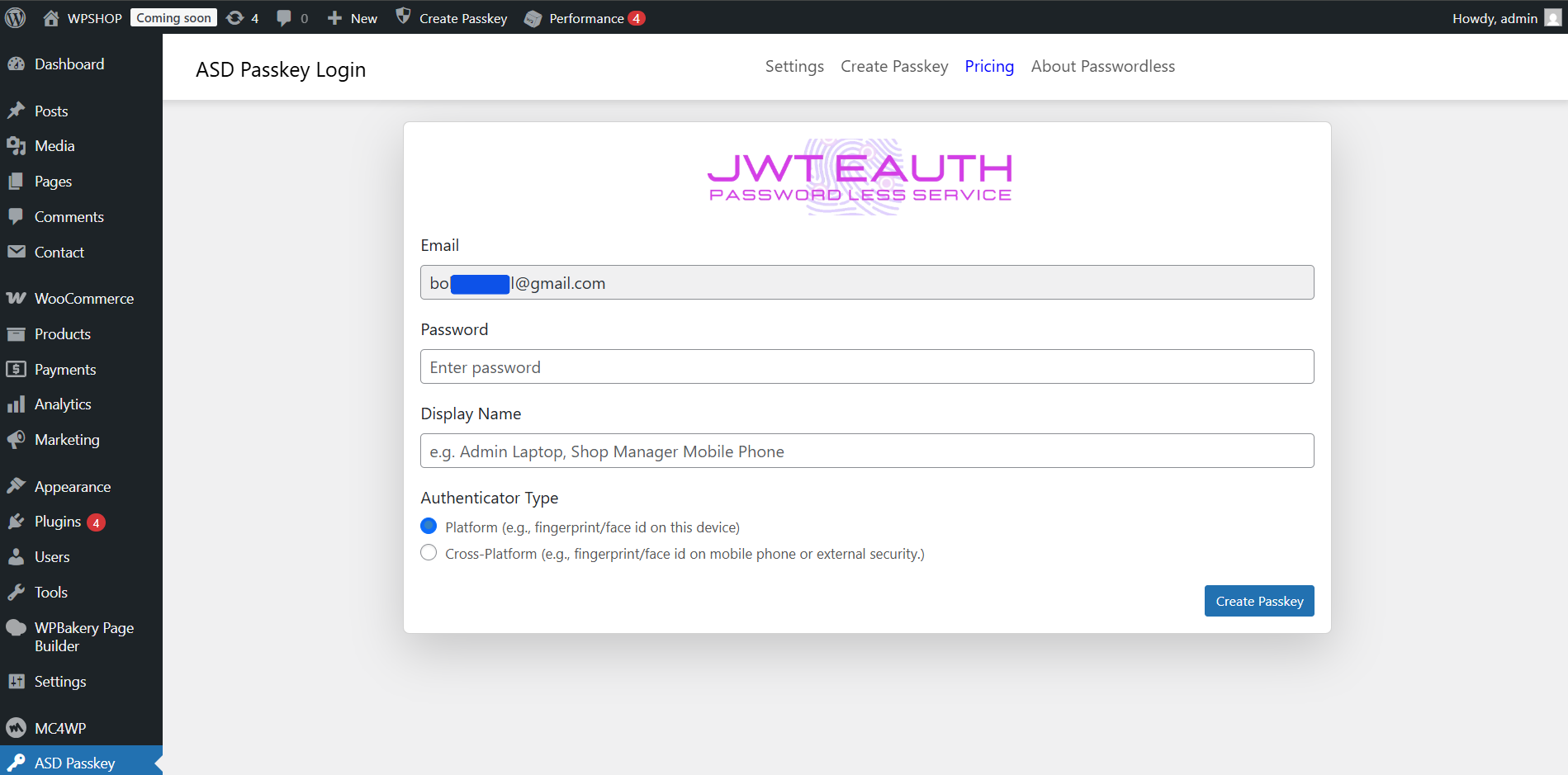
常见问题:
What is a Passkey?
A Passkey is a modern authentication credential that eliminates the need for passwords. It uses technologies such as biometrics (fingerprint, facial recognition) or physical authentication devices to securely verify a user’s identity.
What is Passwordless Authentication?
Passwordless Authentication is a method of logging in without using a password. Instead, it relies on alternative methods like:
- OTP (One-Time Password) via email or SMS.
- Magic Links (secure links sent to the user’s email).
- WebAuthn-based Passkeys for biometric authentication.
Are Passkeys more secure than OTPs?
Yes, Passkeys are more secure than OTPs. OTPs are often delivered via SMS or email, which are vulnerable to attacks like SIM swapping or phishing. Passkeys use high-level encryption, making them difficult to intercept.
How do Passkeys work?
During registration or login, the user’s device generates a key pair:
- Private Key: Stored securely on the user’s device.
- Public Key: Stored on the server. During login, the server sends a challenge to the user’s device. The challenge is signed with the Private Key. If the verification matches, the login succeeds.
What devices support Passkeys?
Passkeys are supported on devices compliant with WebAuthn standards, including:
- Smartphones (iOS, Android).
- Desktop and laptop computers.
- Hardware security keys like YubiKey.
Do Passkeys require an internet connection?
An internet connection is required for registration or logging into cloud-based services. For local services that support WebAuthn, Passkeys can work without an internet connection.
更新日志:
- Relase date : 3 May 2025*
- Initial release with passkey and passwordless authentication support. = 1.0.1
- Relase date : 6 Aug 2025*
- Fix - Passkey Registration Flow.
- Add - Field options at uninstall file