
Asklet – Reader Feedback Surveys
| 开发者 | asklet |
|---|---|
| 更新时间 | 2026年10月26日 01:42 |
| PHP版本: | 7.4 及以上 |
| WordPress版本: | 7.1 |
| 版权: | GPLv2 or later |
| 版权网址: | 版权信息 |
详情介绍:
/blog/** or /docs/getting-started/). The plugin adds the same widget to every post, and Asklet shows each reader the survey that matches the page they are on. To change the questions, you edit them in Asklet. Nothing changes in WordPress.
What the plugin does
- Shows the survey the way you choose, site-wide:
- Inline, after or before the content of your posts, pages or any public post type.
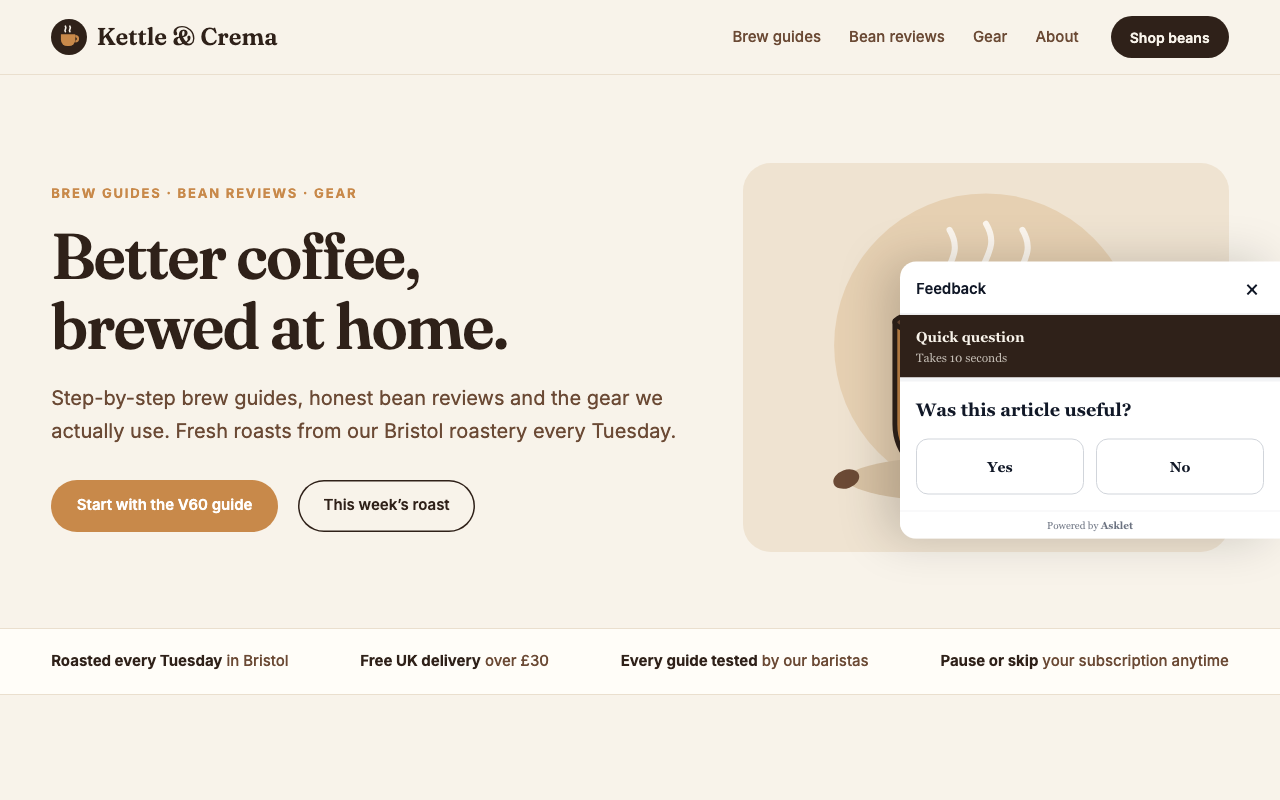
- Side panel: a Feedback tab on the right edge of the screen slides a panel in. You choose the tab's label and colour.
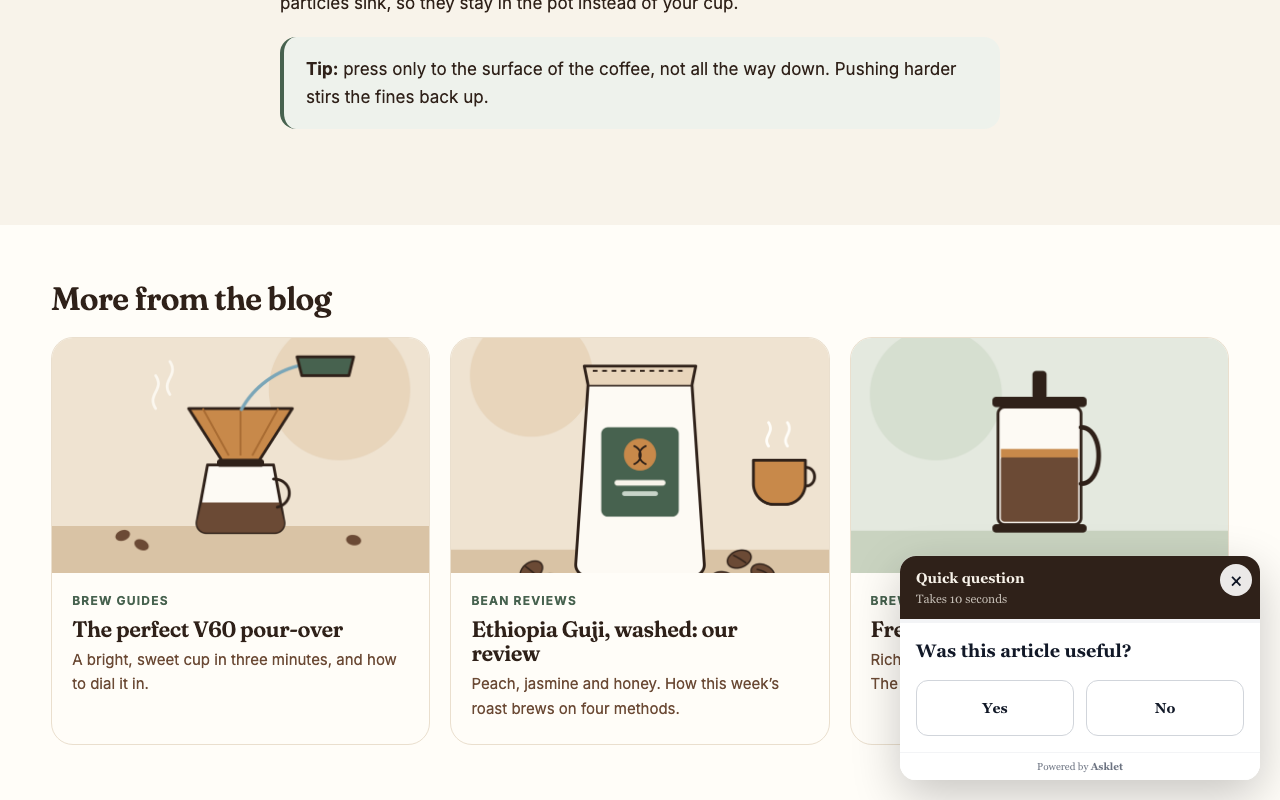
- Slide-in: a card slides into the corner once the reader reaches the end of the post, never before.
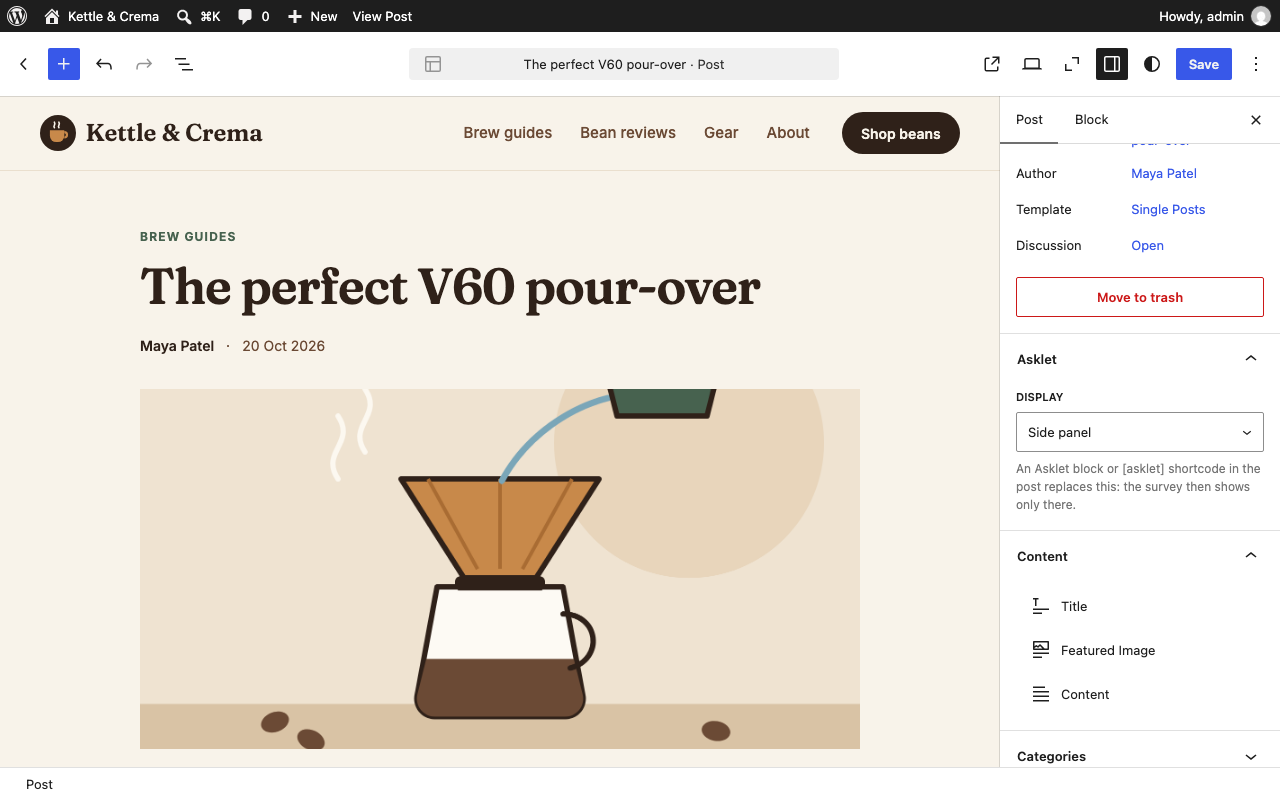
- Lets each post or page choose its own display, or hide the survey, from the Asklet box in its sidebar.
- Gives you an Asklet survey block and an
[asklet]shortcode to place it by hand. - Fits the survey to its questions, so there is no empty box. Prefer a fixed size? Set a fixed height and a maximum width site-wide, or for one block or shortcode.
- Works for Authors and Contributors too. WordPress removes iframes they paste into posts, but the plugin outputs the widget itself.
- Works with block themes and classic themes, the block editor and the classic editor, and multisite.
- Suggests a paragraph for your privacy policy (Settings → Privacy) and adds a Site Health check that tells you when the site key is missing.
asklet_widget_htmlfilter: change the inline widget's markup (an iframe; adivorspanwrapper is allowed). It also gets the widget's size (fit,height,max_width,align).asklet_embed_base_urlfilter, or theASKLET_EMBED_BASE_URLconstant inwp-config.php: load the widget from another address, for example a staging app.- The per-post choice is the
_asklet_displaypost meta (after,before,panel,slideinorhidden), registered for the REST API.
安装:
- Install and activate the plugin.
- In Asklet, open your website and click Copy website snippet.
- Copy the Site key, a code like
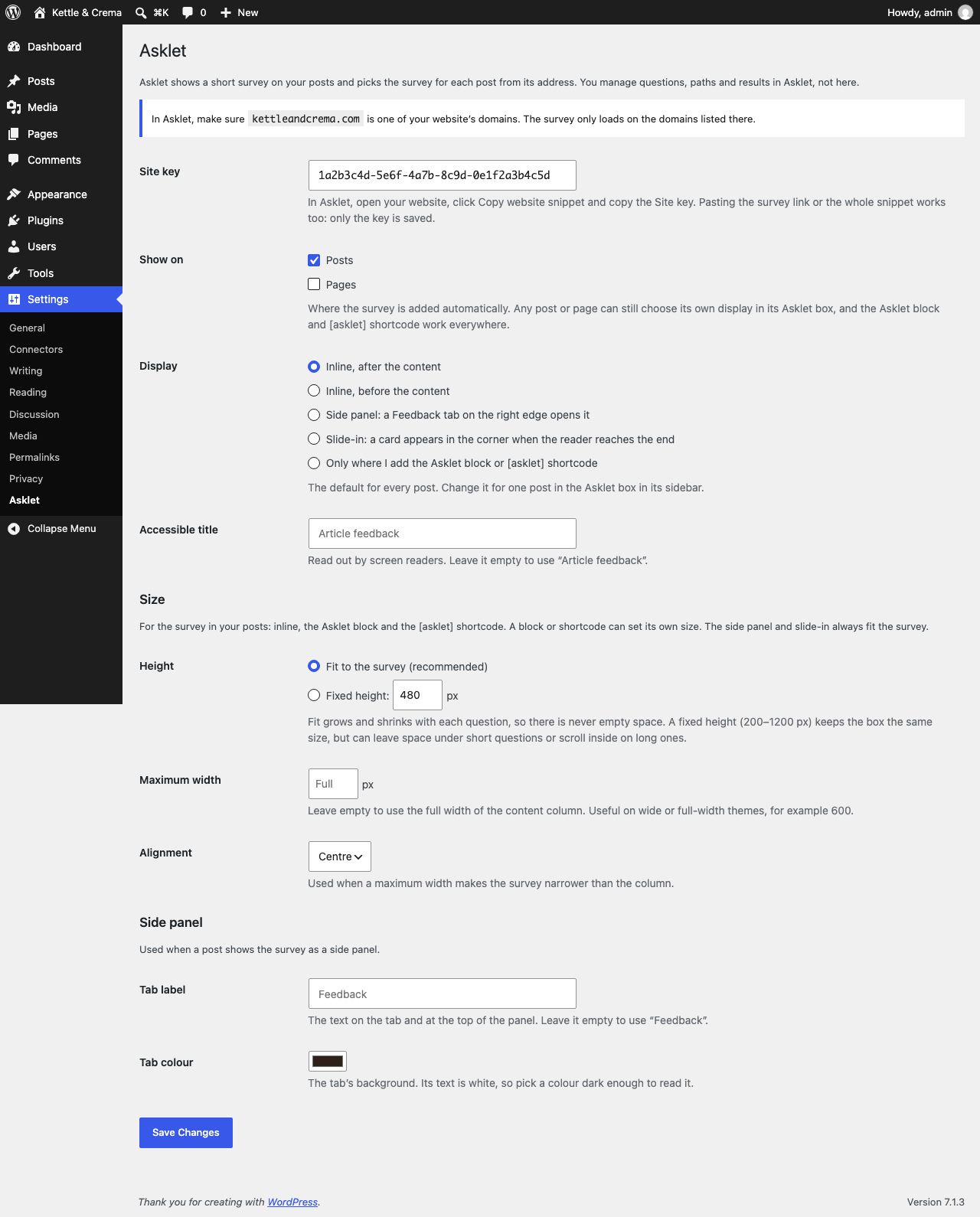
1a2b3c4d-5e6f-4a7b-8c9d-0e1f2a3b4c5d. - In WordPress, go to Settings → Asklet and paste it into Site key. Pasting the survey link or the whole snippet works too: the plugin keeps only the key.
- Make sure your WordPress domain is one of the website's domains in Asklet. The widget only loads on the domains listed there.
- Choose the post types that get the survey and how it is displayed. Save.
屏幕截图:
常见问题:
Where are the answers stored?
In Asklet. You read them per website, per page and per path in the Asklet dashboard. Nothing is added to your WordPress database apart from the plugin's settings.
How does each post get the right survey?
The widget reads the address of the post it is on. In Asklet you give each survey one or more paths, and the most specific match wins. Posts that match no path get the website's default survey.
The widget shows an empty box
Check that your WordPress domain is listed on the website in Asklet. The widget refuses to load on other domains.
Can I place it myself instead?
Yes. Set Placement to "Only where I add the Asklet block or [asklet] shortcode", then add the Asklet survey block or the [asklet] shortcode where you want it. A post that already has the block or shortcode never gets a second, automatic one.
Can one post or page use a different display?
Yes. In the Asklet box in its sidebar, pick Display: the site default, inline after or before the content, side panel, slide-in, or hidden. A choice made there works even on post types that don't get the survey site-wide, so you can add a side panel to a single page.
Can I change the size?
Yes, in Settings → Asklet → Size. By default the survey fits its questions and fills the width of your content column. You can set a fixed height (200–1200 px) instead, and a maximum width with centre or left alignment, which helps on wide themes. One block can override this in its sidebar (Size), and so can one shortcode:
[asklet height="400" width="600" align="left"]
height takes a number of pixels or fit, width a number of pixels or full, and align left or center. The side panel and slide-in always fit the survey.
Which display should I use?
Inline suits articles: readers who reach the end can judge the post, and nothing covers the content. The side panel stays out of the way until someone opens it, which suits guides and pages with a lot going on. The slide-in asks at the end of the post without taking space in it, and usually gets more answers than inline on long articles.
Does the widget set cookies?
No. The widget sets no cookies and stores nothing on the reader's device. What your privacy policy and cookie banner need to say is for you to decide; External services below lists exactly what the widget sends, and the plugin suggests a privacy policy paragraph under Settings → Privacy.
Does it slow my pages down?
Inline, the widget is a single iframe that the browser loads only when the reader scrolls near it, plus one small deferred script (no jQuery) that sizes it to the survey. The side panel and slide-in add a small stylesheet too, and load the widget only when the reader opens or reaches it. Nothing is loaded on pages without the survey, archives, feeds or the admin.
Does it work with caching plugins?
Yes. The plugin's output is the same for every visitor, so cached pages are fine.
What is removed when I delete the plugin?
Its settings and the per-post display choices, on every site of a network. Your answers stay in Asklet.
更新日志:
- First release: inline, side panel and slide-in displays, a per-post display choice (a sidebar panel in the block editor, a meta box in the classic editor), the block and the shortcode.
- The survey fits its questions; or set a fixed height and a maximum width, site-wide or per block and shortcode.
- Suggested privacy policy text and a Site Health check.