Aspired Chatbot
| 开发者 | aspiredwebsites |
|---|---|
| 更新时间 | 2026年3月28日 07:53 |
| PHP版本: | 7.4 及以上 |
| WordPress版本: | 6.9 |
| 版权: | GPLv2 or later |
| 版权网址: | 版权信息 |
详情介绍:
- Manual knowledge base management
- Site scanner for pages and posts
- Allowed-topics fallback behavior
- OpenAI-powered replies using approved knowledge base context
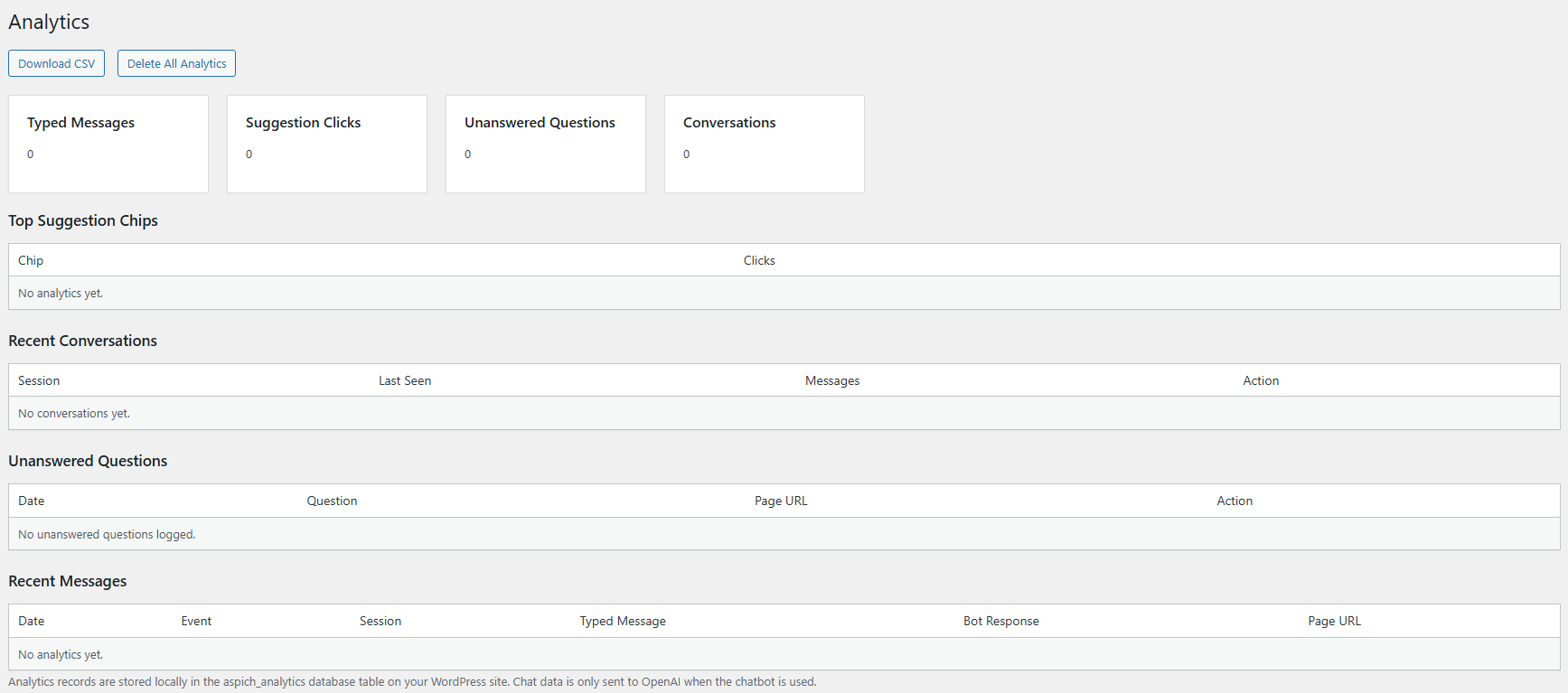
- Analytics with transcripts, CSV export, and unanswered question tracking
- Per-page conversation starters
- Prompt preview for administrators
- Human handoff email and URL settings
- Rate limiting for chat requests
- Optional uninstall cleanup
- Add your OpenAI API key in the plugin settings.
- Add approved business information to the knowledge base manually or import it from your site with the scanner.
- Place the chatbot on the site frontend.
- When a visitor sends a message, the plugin checks the approved knowledge base context and sends the message plus that approved context to OpenAI.
- If the knowledge base does not contain relevant information, the plugin falls back to a restricted reply instead of inventing an answer.
- The visitor's chat message
- Approved knowledge base context selected from your site
- Your configured system prompt/instructions
- The selected OpenAI model needed to complete the request When data is sent:
- Only when a visitor submits a chat message and a response is requested Why data is sent:
- To generate a chatbot reply based on the approved knowledge base context configured by the site owner Service privacy policy:
- https://openai.com/policies/privacy-policy
aspich_kbfor approved knowledge base entries-
aspich_analyticsfor analytics events, transcripts, unanswered question tracking, and related chatbot activity The analytics table may store data such as: - Visitor chat messages
- Bot replies
- Event type
- Page URL
- Session hash used for rate limiting and conversation tracking Plugin settings are stored in the standard WordPress options table.
安装:
- Upload the plugin folder to the
/wp-content/plugins/directory, or install it through the WordPress Plugins screen. - Activate the plugin through the Plugins screen in WordPress.
- Go to Aspired Chatbot > Settings.
- Add your OpenAI API key under the AI Model tab.
- Configure the chatbot settings.
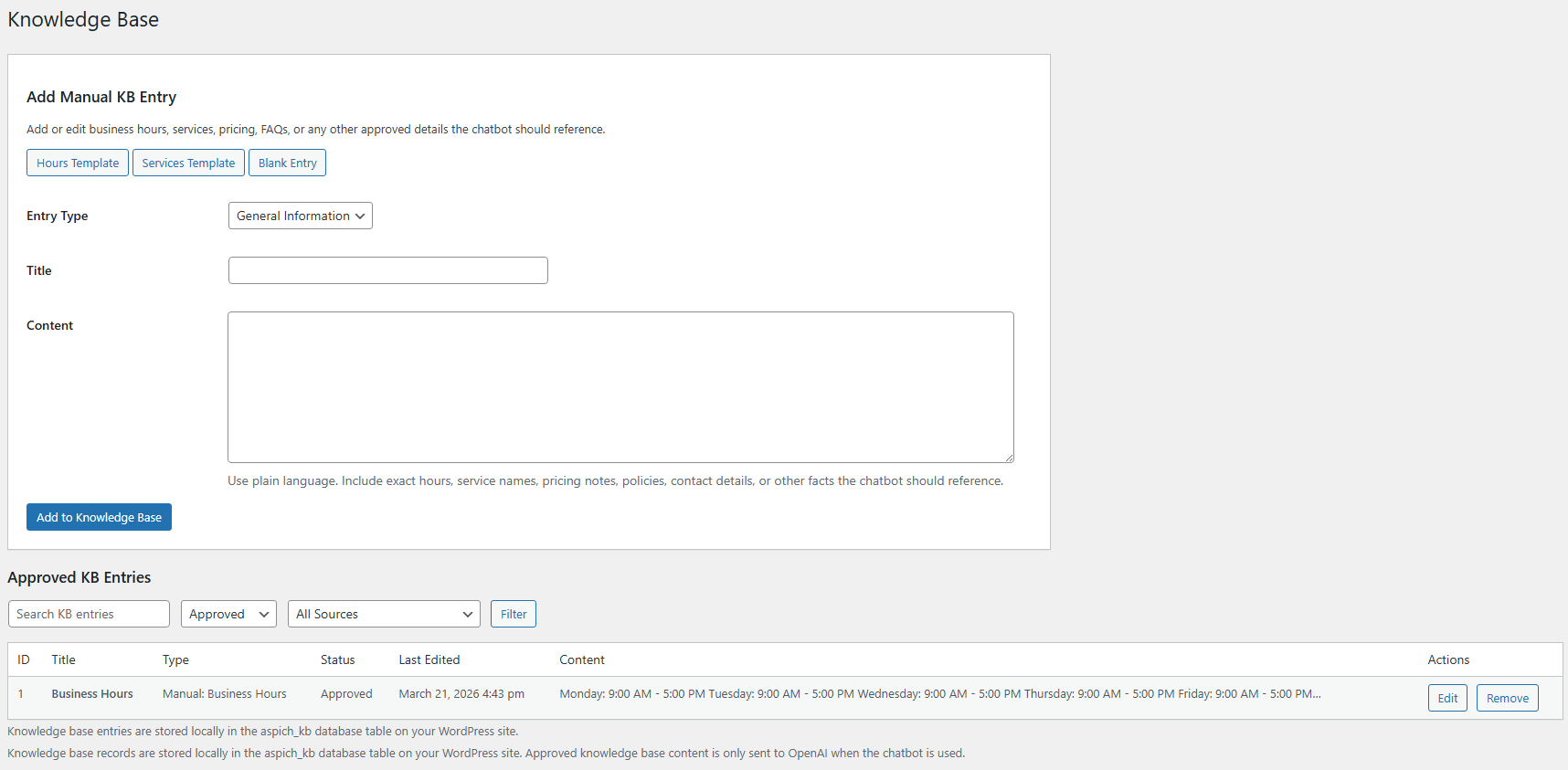
- Add knowledge base entries under Aspired Chatbot > Knowledge Base.
- Optionally review pages and posts under Aspired Chatbot > Scanner and import approved content into the knowledge base.
屏幕截图:

常见问题:
Does this plugin answer from the entire website automatically?
No. You control what goes into the approved knowledge base. The scanner helps you review site content, but you still decide what should be added.
Is the OpenAI API key exposed on the frontend?
No. The API key is stored in WordPress settings and used only on the server side.
Can I choose the AI model?
Yes. The AI Model tab includes the API key, model, allowed topics, and system prompt settings.
What happens if the chatbot cannot find a relevant answer?
The plugin returns a restricted fallback response and can direct the visitor to approved topics or a handoff destination you configure.
Does uninstall remove plugin data?
Only if you enable the cleanup option in settings. If enabled, the plugin deletes its settings and custom database tables during uninstall.
Does this plugin store user data?
Yes. The plugin can store chat transcripts and analytics data in WordPress, and it stores chat history locally in the visitor's browser using localStorage so the conversation can continue across pages.
Does this plugin send data to a third-party service?
Yes. Visitor-submitted chat messages, approved knowledge base context, system instructions, and the selected model are sent to OpenAI only when a chatbot response is requested.
更新日志:
- Initial release.