
Audio Player Block – Advanced Block for Embedding Audio Files
| 开发者 |
abuhayat
srabonr charlescormier bplugins freemius shamim10 farazi1 |
|---|---|
| 更新时间 | 2026年10月3日 17:02 |
| 捐献地址: | 去捐款 |
| PHP版本: | 7.1 及以上 |
| WordPress版本: | 7.0 |
| 版权: | GPLv3 or later |
| 版权网址: | 版权信息 |
详情介绍:
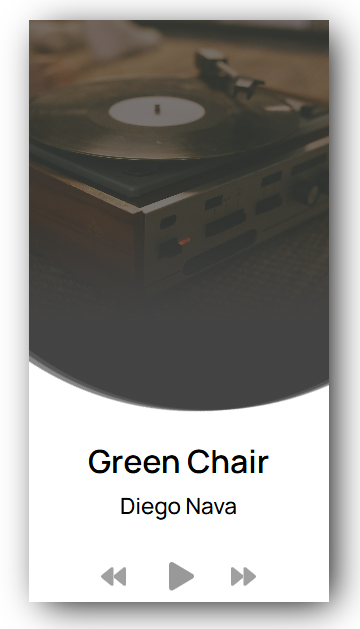
A block for embedding a beautiful audio player on the WordPress website. It supports multiple audios as a playlist and you can select a single audio file to make a non playlist player.
Get Pro Version
Free Features
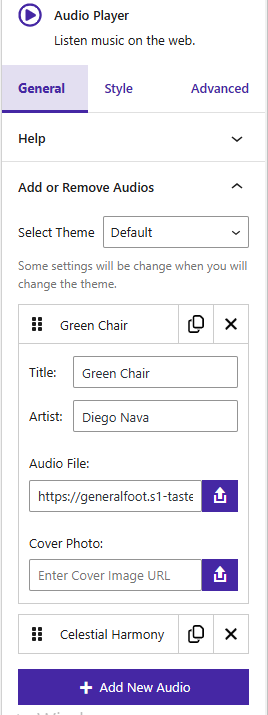
- Multiple Audio Management (Add / Remove Audios): Easily add or remove multiple audio tracks from the player with full control over your playlist.
- Track Details Input (Title & Artist): Set a custom title and artist name for each audio track to keep your content well organized.
- Cover Image & Audio File Upload: Upload audio files along with a cover image to create a more engaging and visually appealing audio player.
- Player Customization (Width, Height & Styles): Adjust the player’s width and height, and style it with custom colors, backgrounds, hover effects, and other design settings to match your website.
- Smart Audio Play / Pause Control: Play one audio track at a time while automatically pausing others; click again to pause the currently playing audio.
- Shortcode Integration: Use shortcode support to display the audio player anywhere on your website with ease.
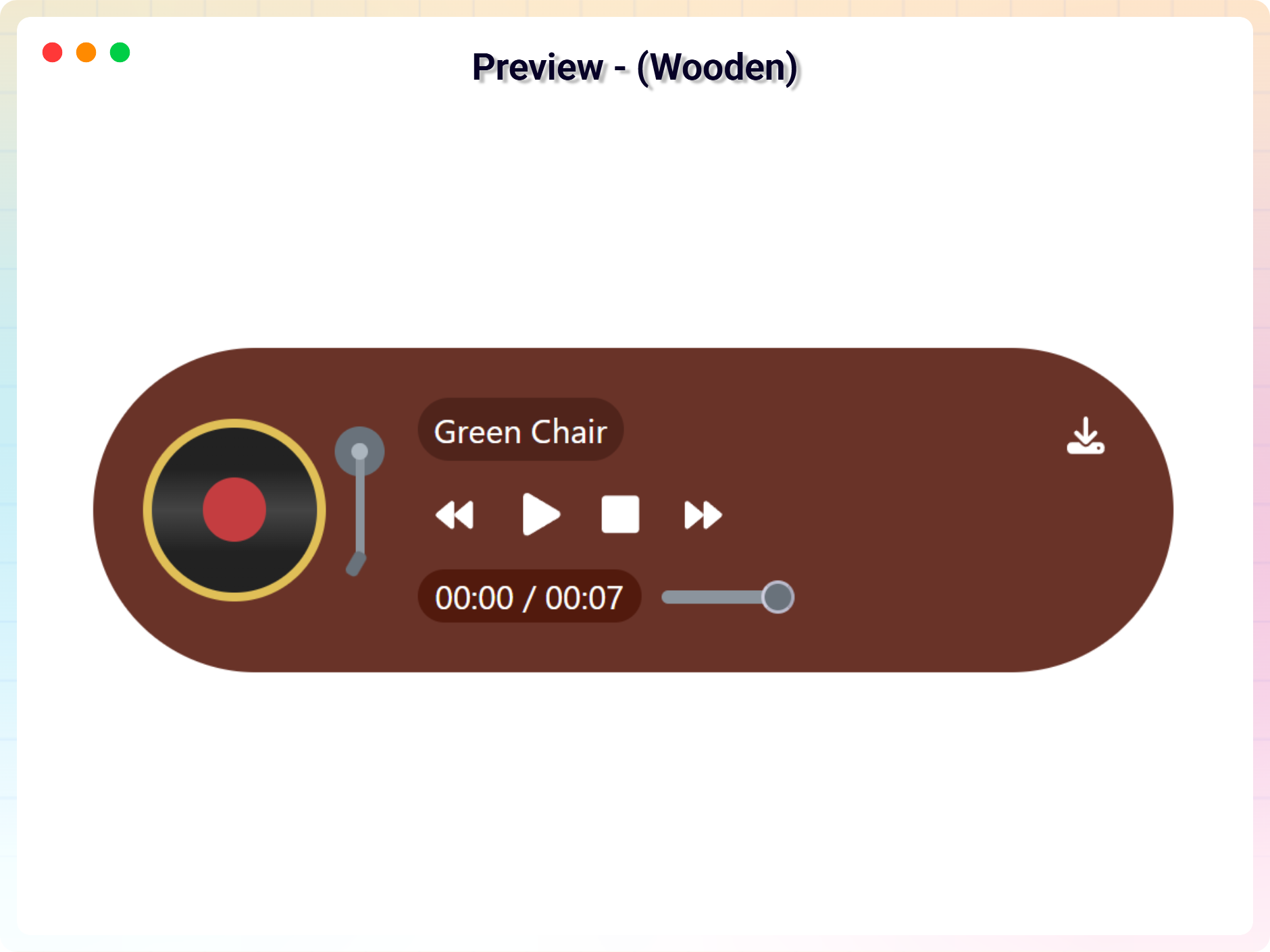
- Customize 5 Different Themes: Add 5 new themes with different looks and settings.
- Auto Play: Automatically start the next song once the current one ends, if enabled.
- Loop Mode: Enable looping of the current track once it finishes playing.
- Navigation Prev/Next: Easily navigate to the previous or next track in the playlist.
- Current & Total Time Display: Shows the current & total playback time of the audio track.
- Custom Stop Button: Show or hide a custom stop button based on your settings.
- Input Range Thumb: Customize the style of the range slider thumb for seeking.
- Playback Speed Control: Enable or disable playback speed adjustment options.
- Download Icon: Add an option to download the audio file directly from the player.
- Forward & Backward Button Visibility: Show or hide the forward & backward button for skipping parts of the track.
- Artist Opacity: Control the transparency of the artist's name display.
- Thumbnail Border & Radius: Customize the border & radius of the track's thumbnail image.
- Input Range Height & Radius: Adjust the height & radius of the seek range slider.
- Controls Border & Hover Border: Customize the border & hover border style of the player controls.
- Time Display Radius: Customize the corner radius of the time display boxes.
- Thumb Width, Radius, Outline & Shadow: Adjust the width, radius, outline & shadow of the seek range slider thumb.
- Wave Normal & Light Color: Set the base color & light of the audio waveform.
- Playlist Border & Radius: Customize the border and corner radius of the playlist displayed below the lite audio player.
- First, install the Audio Player Block plugin
- Add the Audio Player Block from the block category called "Widgets" in the Gutenberg editor.
- You can change block settings from the right-side settings sidebar.
- Enjoy!
- For installation help click on Installation Tab
安装:
From Gutenberg Editor:
- Go to the WordPress Block/Gutenberg Editor
- Search For Audio Player
- Click on the Audio Player to add the block
- Download the Audio Player Block plugin (.zip file)
- In your admin area, go to the Plugins menu and click on Add New
- Click on Upload Plugin and choose the
audio-player-block.zipfile and click on Install Now - Activate the plugin and Enjoy!
- Download and upload the Audio Player Block plugin to the
/wp-content/plugins/directory - Activate the plugin through the Plugins menu in WordPress
屏幕截图:


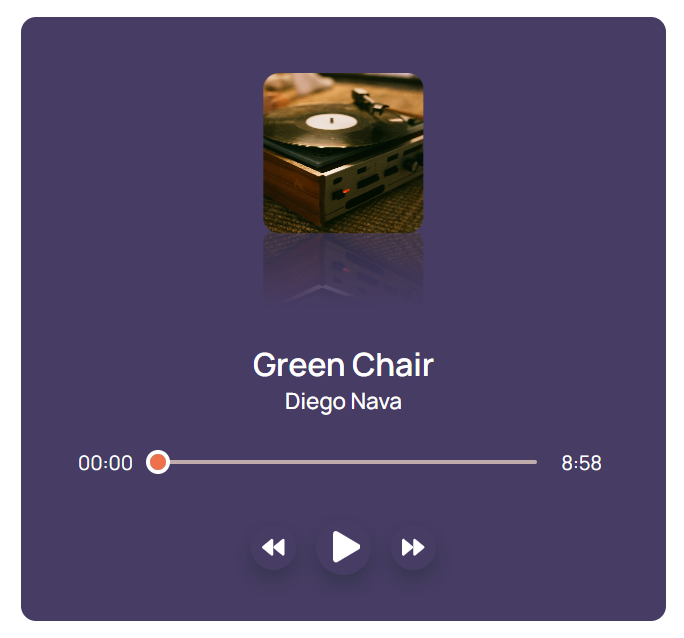
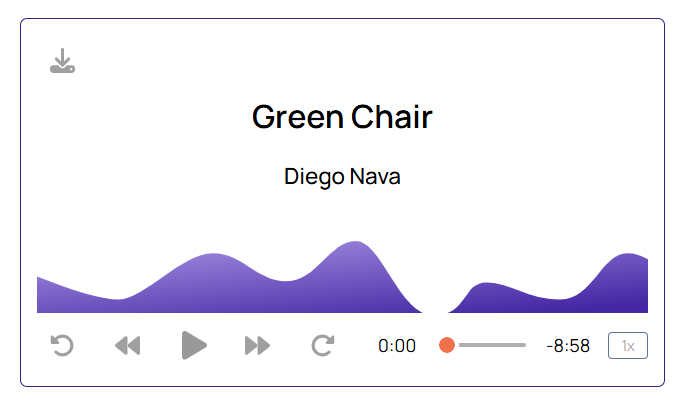
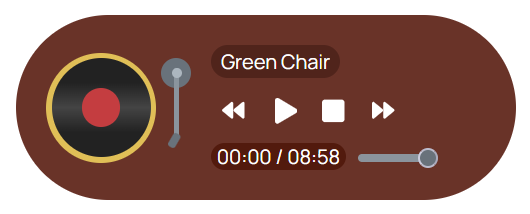
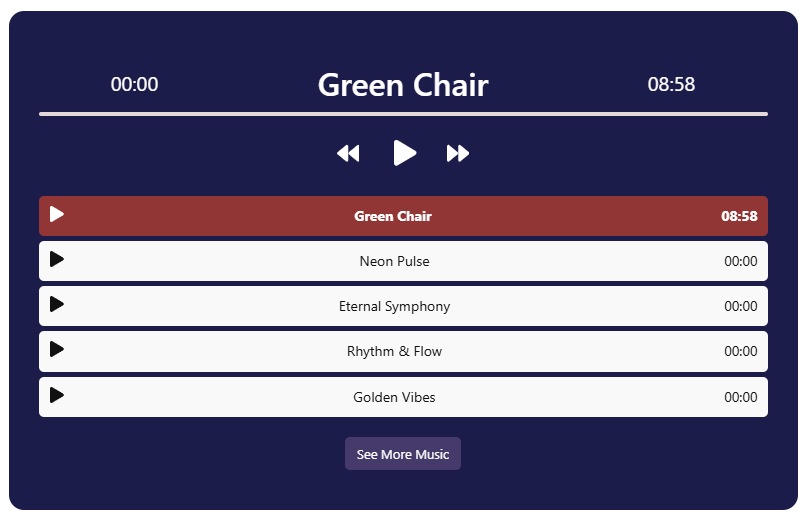

常见问题:
Is Audio Player Block free?
Yes, Audio Player Block is a free Gutenberg block plugin.
Does it work with any WordPress theme?
Yes, it will work with any standard WordPress theme.
Can I change block settings?
Yes, you can change block settings from the Gutenberg block editor's right sidebar.
How many times can I reuse a block?
You can use unlimited times as you want.
Where can I get support?
You can post your questions on the support forum here
更新日志:
1.6.3 - 22 Sep, 2026
- Security: Fixed a stored XSS issue where the Audio File URL could be set to a
javascript:/data:link that ran in a higher-privileged user's browser when the download control was clicked. Audio URLs are now validated against an allowlist of safe protocols both when saved and when rendered.
- Added: Elementor getting started instructions.
- Updated: Modernized the admin settings dashboard layout.
- New: Added uninstall data cleanup settings to wipe database configs and post type records on delete.
- Improved: Unlocked previously locked pro fields in the Gutenberg editor and introduced a clean, non-intrusive notices UI to display premium feature requirements.
- Updated: Redesigned the shortcode copy-to-clipboard UI column in the audio player block CPT admin table for a better user experience.
- Updated: Streamlined editor Settings controls for free users, focusing on Default and Slider theme controls.
- Updated: Removed Pro-only theme styling and assets to reduce package footprint.
- Fixed: Class naming conflict and namespace resolution issue in LicenseActivation.
- Updated: Freemius SDK update new version.
- Added auto height for all tracks
- Updated track limit (threshold) control for playlist layouts
- Added new 'Show Less' button and text editing option
- Added new pro features modal
- Added “Help & Demos” quick access link in Plugins page.
- Fix issues in dashboard
- Added brand new dashboard with license activation support
- Extended Download Icon feature to all player layouts
- Update sdk
- Update controls in all players
- added buy now button in feature compare section
- added our current dashboard
- updated admin dashboard
- update premium feature
- update shortcode and clipboard
- input range and track issue solved
- Optimize dashboard layout and change cover photo some layouts
- Added loop, auto-play and cutom stop button
- Update custom dashboard styles
- Update Full Audio Panel and some styles
- Shortcode improvement
- Updated SDK version
- solving the problem in arrow icons
- Premium issue fixed
- Upgrade to Premium version
- Stop at the end of the album
- Fix the icon visible issue
- Performance Improvements
- Fix the play pause icon not visible on iPhone
- Change audio property update way.
- Pause other audio when playing.
- Not load scripts if block is not used
- Fix responsive issue
- Fix play/pause button accuracy
- Hours feature
- Add translate feature
- Insert file from URL
- readme updated
- fix mirror issues
- Initial Release