
Australcode Facturación Electrónica SII & Stock for Bsale
| 开发者 | australcode |
|---|---|
| 更新时间 | 2026年10月30日 02:56 |
| PHP版本: | 7.4 及以上 |
| WordPress版本: | 7.1 |
| 版权: | GPL-2.0-or-later |
| 版权网址: | 版权信息 |
详情介绍:
- Product sync — One-way synchronization from Bsale to WooCommerce. Imports product catalog including variants, SKUs, prices, and stock levels.
- Single-office stock — Stock from one configured Bsale office, with optional reserve buffer for in-person sales.
- Real-time stock updates via webhooks — Bsale stock changes propagate to WooCommerce in seconds.
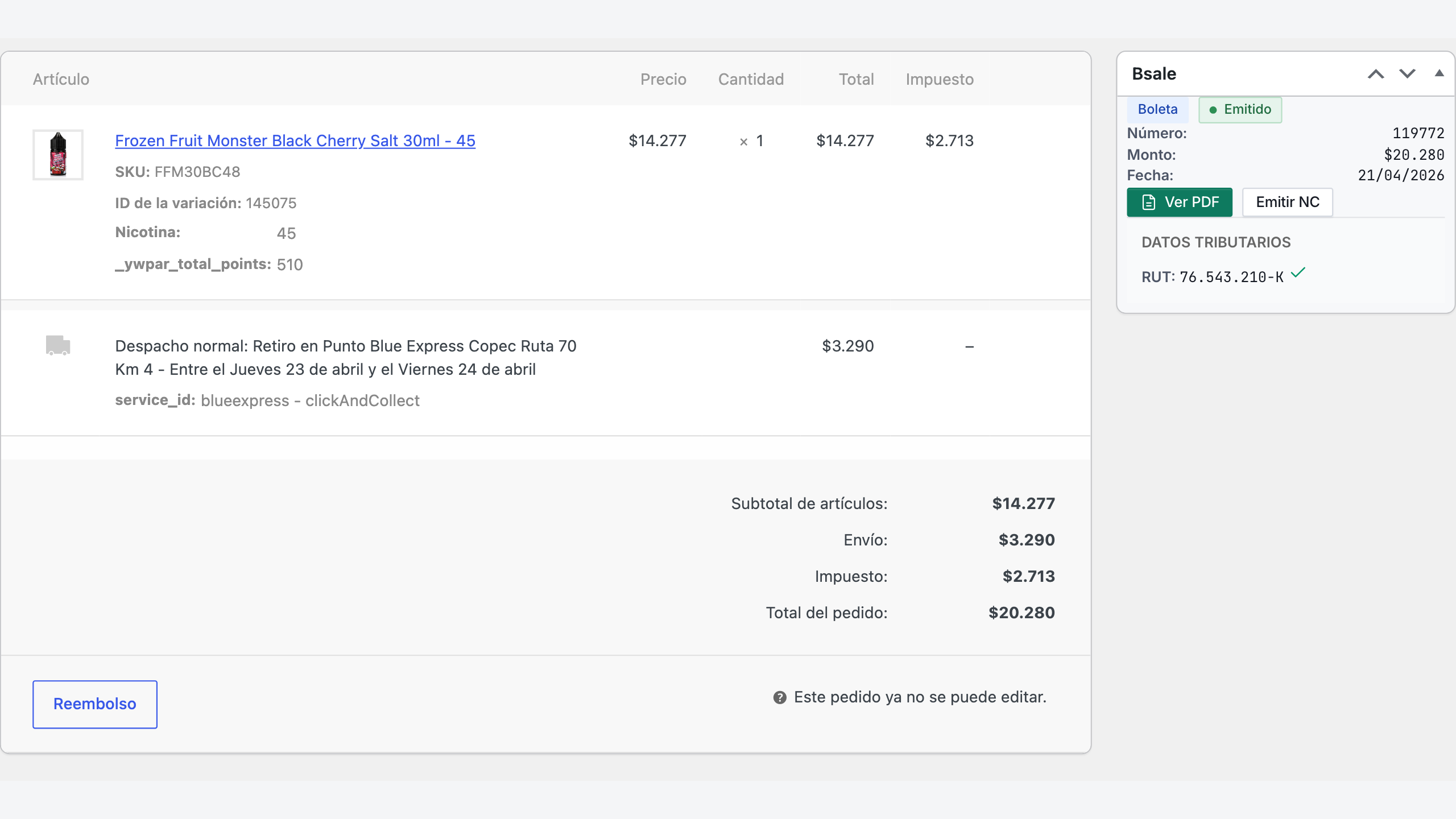
- Manual emission of boleta and factura — Issue documents from the order admin screen. Document type auto-detected from customer billing data (RUT empresa → factura, otherwise boleta).
- Credit notes (notas de crédito) — Manual emission for refunds.
- Chilean checkout fields — Adds RUT field with module-11 validation. Compatible with both Block-based Checkout and Classic Checkout.
- Order metabox — Per-order Bsale status, PDF link, document type, and re-emit controls.
- Email PDF to customer — Automatic dispatch of the emitted document to the customer's email.
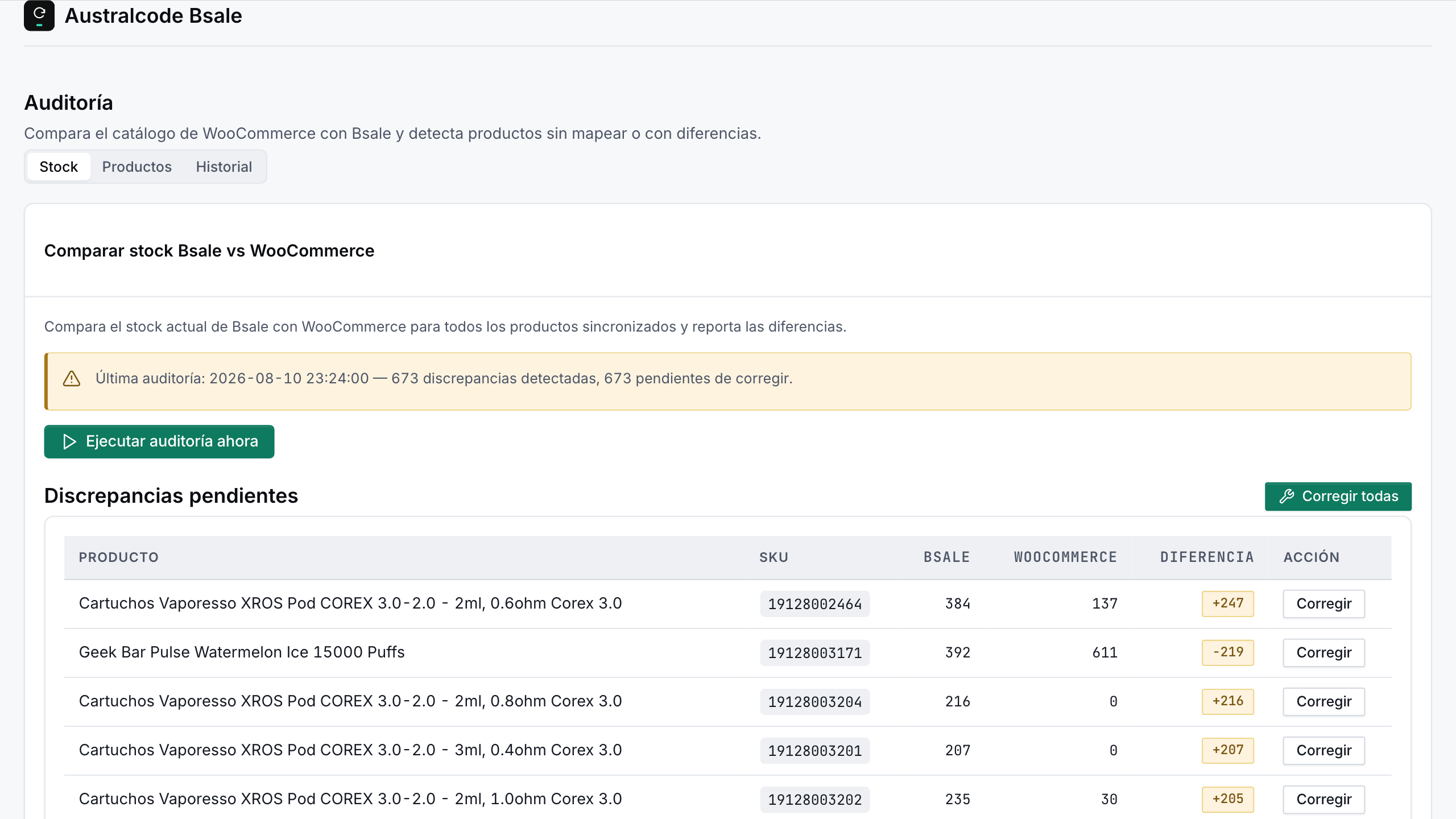
- Stock audit (on-demand) — Run-when-needed audit comparing WooCommerce and Bsale stock. Discrepancy detection and traceability, with an optional email summary of the discrepancies found.
- Diagnostics — Dashboard with API/webhook status, logs viewer with filters and retention policy, traceability ledger (read-only).
- HPOS compatible — Declares compatibility with WooCommerce High-Performance Order Storage and Cart/Checkout Blocks.
- Auto-emission post-payment — Documents emitted automatically when WooCommerce orders reach configurable statuses (processing, completed, etc.). The killer time-saver.
- Multi-office stock aggregation — Sum stock across multiple Bsale offices.
- Stock transfer modes — Auto-move stock to main office via internal transfer or dispatch guide (guía de despacho) when an order requires stock from a secondary office.
- Sales notes (nota de venta) + automatic credit notes from refunds — Full B2B workflow automation.
- Dispatch guides (guías de despacho) — Inter-office stock transfers with electronic dispatch document.
- Dynamic document attributes — Custom attributes (e.g. WooCommerce order number) injected into each emitted document.
- Scheduled audits — Up to 3 daily automatic audit runs comparing WooCommerce ↔ Bsale stock, with optional auto-correction. Results go to the same notification email as on-demand audits.
- Custom field mapping — Map WooCommerce custom checkout fields (from third-party plugins) to Bsale invoice fields (rut_empresa, razón social, giro, dirección, comuna, ciudad).
- Stock-per-office display on frontend — Optional product page widget showing available stock per office.
- Per-shipping-method office routing — Emit documents from a specific Bsale office based on the WooCommerce shipping method (multi-warehouse).
- Daily auto-link by SKU — Cron job that auto-links unlinked WooCommerce products to Bsale variants by SKU match.
- WooCommerce 7.0 or later
- A Bsale account with API access
- WordPress 6.1 or later, PHP 7.4 or later
安装:
- Install the plugin from Plugins → Add New in your WordPress admin, or upload its folder to
/wp-content/plugins/australcode-dte-stock-sync-bsale. - Activate the plugin from the WordPress admin "Plugins" menu.
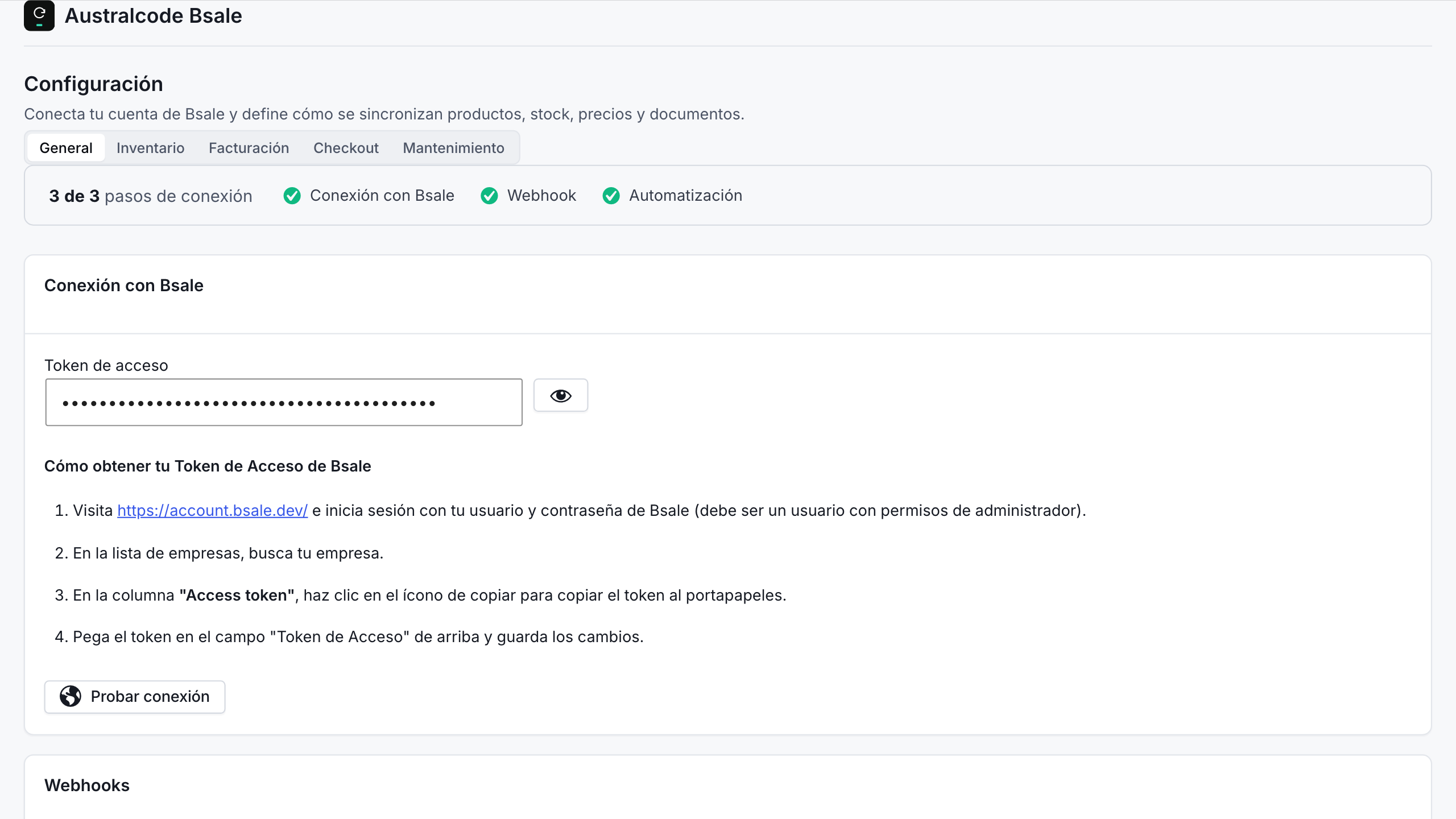
- Navigate to Bsale → Configuración (the admin is in Spanish).
- Enter your Bsale API access token (available in your Bsale account).
- Select your default office (sucursal) and configure document type preferences.
- Configure the Bsale webhook URL in your Bsale account to enable real-time stock updates.
屏幕截图:
常见问题:
Do I need a Bsale account?
Yes, you need an active Bsale account with API access. The plugin connects to your existing Bsale account via API token.
What's the difference between Free and Pro?
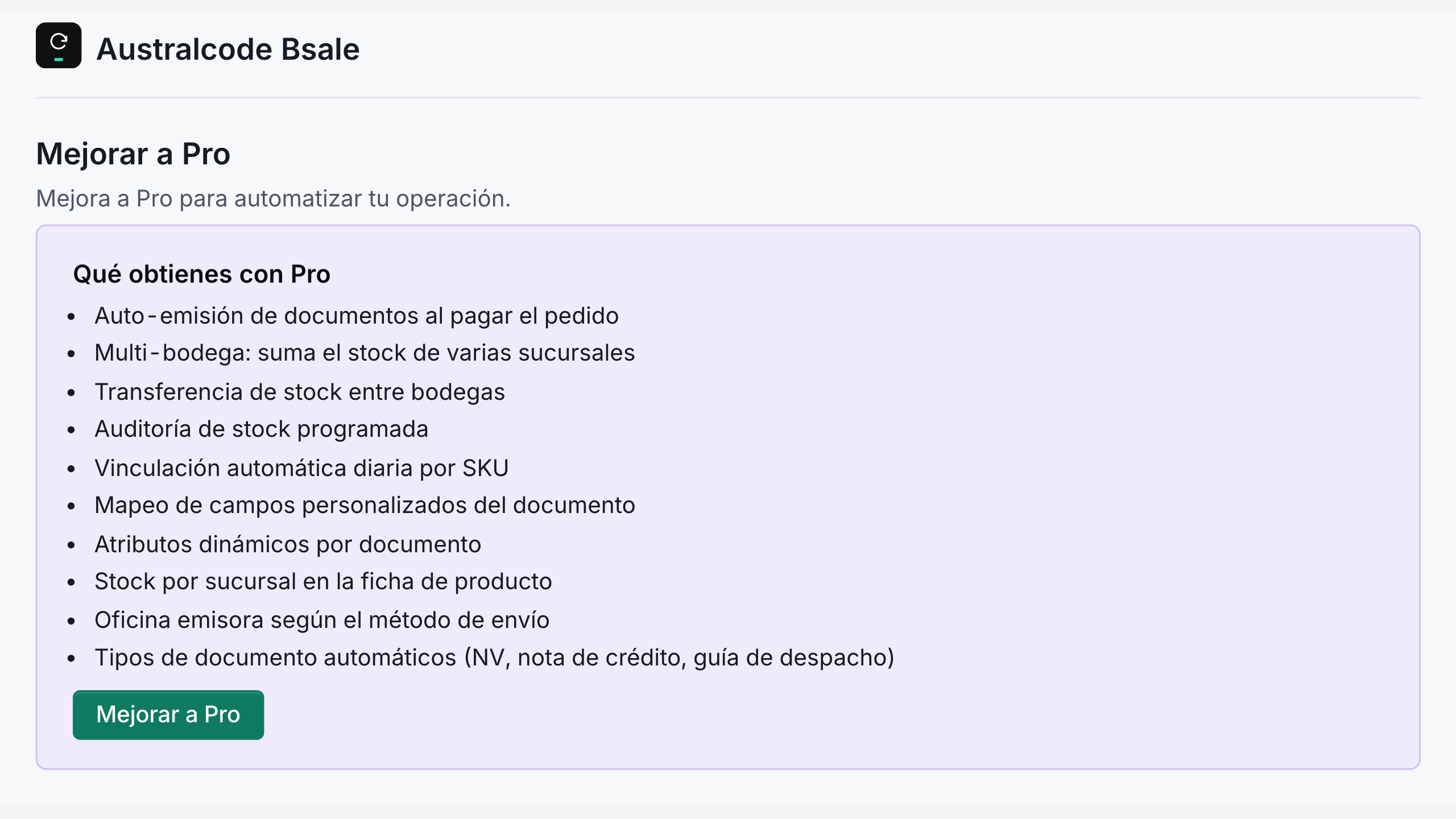
Free covers everything a typical Chilean e-commerce store needs: product/stock sync, manual emission of boletas and facturas, RUT validation, single-office stock, on-demand audit, real-time webhook updates. Pro adds workflow automation (auto-emission post-payment, scheduled audits, daily SKU auto-link), multi-warehouse support (multi-office stock aggregation, stock transfer between offices, per-shipping-method routing), and advanced B2B features (custom field mapping, dynamic document attributes, sales notes, automatic credit notes from refunds). The Pro features are distributed as a separate plugin (from australcode.io) and are not included in this free version. See the Pro page for the full comparison.
Can I move from Free to Pro without losing my configuration?
Yes. Your Bsale account connection and general settings (API connection, document types, tax options) are stored independently of the Pro features, so when you move to the Pro version your existing configuration carries over — no re-entry needed.
What happens if I stop using Pro?
The free version is fully functional on its own — it keeps handling product/stock sync and manual emission of boletas and facturas. The Pro features are provided by the separate Pro version and are not part of this free plugin.
Is it compatible with the WooCommerce Block-based Checkout?
Yes, the plugin is compatible with both the Block-based Checkout (WooCommerce 8.0+) and the Classic Checkout. Chilean tax fields (RUT, razón social, giro) are added to both.
Can I emit boleta or factura selectively per order?
Yes. The order metabox allows manual override of the document type per order, useful for B2B orders where the customer requests a factura instead of a boleta. This works in both Free and Pro.
Does the plugin support multiple Bsale offices (sucursales)?
Yes — in Pro. Free supports a single configured office. Pro adds multi-office stock aggregation (sum of available units across selected offices) plus stock transfer modes for inter-office logistics.
What happens if a tax document emission fails?
Failed emissions are logged with the error reason. The order metabox includes a "Re-emit" button to retry manually. The plugin also has an automatic retry mechanism (Pro feature, configurable, opt-in) for transient failures.
Does rotating WordPress's security salts affect the plugin?
No. Since 3.8.8 the Bsale token is encrypted with the plugin's own key, stored in the database when it is first needed. To keep the key out of the database, define ACBSL_ENCRYPTION_KEY in wp-config.php; a token saved earlier moves to it on the next request. Once it is in use, do not change or remove that constant: the token becomes unreadable and you will have to enter it again.
Is the plugin HPOS compatible?
Yes, the plugin declares compatibility with HPOS (High-Performance Order Storage) and uses the WooCommerce data abstraction layer for all order operations.
Does the plugin work without Bsale (offline mode)?
No. The plugin is a Bsale integration — it requires an active Bsale account and API access to function. The plugin's value is precisely the connection between WooCommerce and Bsale.
How does Pro licensing work?
Pro is sold as an annual subscription (or a one-time lifetime license) through Freemius (Merchant of Record). After checkout your Pro license activates automatically; you can manage, sync or deactivate it from the native Freemius account screen. Freemius re-validates the license periodically while it is active. If Freemius is temporarily unreachable, your Pro features keep working — only an explicit change (refund, revocation, expiration) deactivates them.
Where can I find the plugin's documentation?
Visit https://australcode.io/bsale/ for plugin documentation, support, and source code.
What does the plugin cover besides issuing documents?
- Catalog sync — products, variants, SKUs, prices and stock come from Bsale into WooCommerce, with real-time stock webhooks. Multi-office stock is a Pro feature.
- Stock audit and traceability — an on-demand audit compares WooCommerce and Bsale stock, and a read-only ledger records every stock movement.
- No per-document fees — the free version issues boletas, facturas and credit notes at no cost per document; Pro is a flat subscription or lifetime license.
- Open source under GPLv2 — the full source of the free version is on WordPress.org. The plugin is in production since 2023.
How much does Pro cost?
Pro is sold as an annual subscription (or one-time lifetime license) with one site activation per license. A 5-site license is also available. Current pricing is on australcode.io/bsale.
Can I place the stock-by-branch widget somewhere else?
The stock-by-branch widget is a Pro feature. By default it renders under the add-to-cart form, which only exists on the standard product page. For page builders or custom templates, use the shortcode:
[acbsl_stock_by_office]
Inside a product template it picks up the current product on its own. Elsewhere, name it explicitly:
[acbsl_stock_by_office product_id="123"]
Can I change the widget from my own code?
Yes, in Pro, through these filters and actions:
acbsl_should_render_stock_widget(filter) — decide whether the widget renders. Receives the default verdict (the product has a Bsale mapping) and the product ID. Return false to hide it, true to force it.acbsl_stock_by_office(filter) — the branch rows before they are cached and sent to the browser. Each row isoffice_name,available,in_stock. Use it to hide branches that are not open to the public, reorder them, or rename them. Note it runs before the 5-minute cache, so a per-visitor callback would leak the first visitor's result to everyone.acbsl_stock_widget_html(filter) — the widget's final markup. Return an empty string to suppress it.acbsl_before_stock_widget/acbsl_after_stock_widget(actions) — run right before and after the widget is emitted. Both receive the product ID.
Can I tune the webhook endpoint from my own code?
Yes, through these filters. The defaults fit Bsale's traffic, so most stores never need them:
acbsl_webhook_max_payload_bytes(filter) — largest request body the endpoint accepts, in bytes. Defaults to 1 MB; larger requests get HTTP 413.acbsl_webhook_rate_limit_per_min(filter) — requests per minute per IP that have not proven they come from your Bsale account (no matchingcpnIdor token). Defaults to 60. Return 0 to disable the limit.acbsl_webhook_rate_limit_per_min_authenticated(filter) — the same limit for requests that carry your account'scpnId. Defaults to 1200, well above a Bsale burst, because Bsale sends every notification from a few IPs. Requests that carry the webhook token are not limited.acbsl_webhook_queue_time_budget(filter) — seconds each queue run may spend processing webhooks one by one. Defaults to 60, or half ofmax_execution_timeif that is lower.
Can I tune how long the plugin works per request?
Yes, through these filters. Long jobs run in steps and resume where they left off, so a lower value means more steps, not less work:
acbsl_preload_time_budget(filter) — seconds each step of the product, stock and price sync spends downloading pages from Bsale before handing back to the browser. Defaults to 8.acbsl_product_audit_time_budget(filter) — seconds each step of the product audit spends reading Bsale's catalog. Defaults to 120.acbsl_audit_fetch_time_budget(filter) — seconds each step of the stock audit spends reading Bsale's stock. Defaults to 0.8 × (60 × branches + 120).acbsl_audit_fetch_pages_per_chunk(filter) — pages of Bsale stock the stock audit reads between progress saves. Defaults to 10.acbsl_audit_fetch_max_hops(filter) — how many steps the stock audit may take before it stops and reports. Defaults to 12.acbsl_get_all_max_pages(filter) — safety cap on the pages read when the plugin walks a whole Bsale list. Defaults to 2000. Receives the endpoint as second argument.
Can I restyle the widget with CSS?
Yes (Pro). The widget inherits your theme's colours and fonts, so it usually needs no work. To adjust the "in stock" badge text colour, set this custom property on your theme's stylesheet:
--acbsl-badge-green-text— text colour of the in-stock badge. Defaults to#146c2e.
.acbsl-stock-by-office (container), .acbsl-stock-toggle (button), .acbsl-stock-results (results panel).
更新日志:
- Fixed: the document is now aimed at Bsale's own arithmetic, so it never charges more than the order. Bsale works out the tax on the document's net total, not line by line, and the totals it can produce skip whole pesos — with 19% VAT, 16% of amounts cannot be produced by any document at all. When the order total is one of those, the document now takes the nearest reachable amount below it, at most one peso less; before, it could come out up to four pesos above what the customer paid. When the total is reachable, the document matches it exactly.
- Fixed: an order discount shown as a percentage on every product line (3.9.4) no longer falls back to splitting products across two lines when Bsale's per-line rounding would come out a few pesos above the order total. Those pesos are now taken off the product lines, so the document keeps one line per product. (How close the document lands to the order total is covered by 3.9.8.)
- Fixed: the "Ajuste por redondeo" row could leave the document one peso away from what the order charged. The row's total is the rounded net plus its rounded tax, and that set skips whole pesos — with 19% VAT no net produces $3, $9, $16 or $22 — so a residual landing on one of those was not representable. The residual is now closed on the product lines themselves, and the row is only used when it reproduces its own amount exactly. Affected orders with a discount since 3.9.4.
- Fixed: without the shipping-to-branch map (Pro), the fixed-branch help in the order's Bsale panel and its order notes no longer talk about the shipping method: recalculating sends the next document to the main branch.
changelog.txt.