Authority Mailer SMTP – WordPress SMTP Plugin with Email Logs
| 开发者 | authorityplugins |
|---|---|
| 更新时间 | 2026年7月12日 20:09 |
| PHP版本: | 7.4 及以上 |
| WordPress版本: | 7.0.1 |
| 版权: | GPLv3 or later |
| 版权网址: | 版权信息 |
详情介绍:
安装:
- Log in to WordPress admin panel
- Go to Plugins > Add New
- Search "Authority Mailer SMTP"
- Click Install Now
- Click Activate
- Download the plugin ZIP file
- Go to Plugins > Add New > Upload Plugin
- Choose the downloaded ZIP file
- Click Install Now
- Click Activate
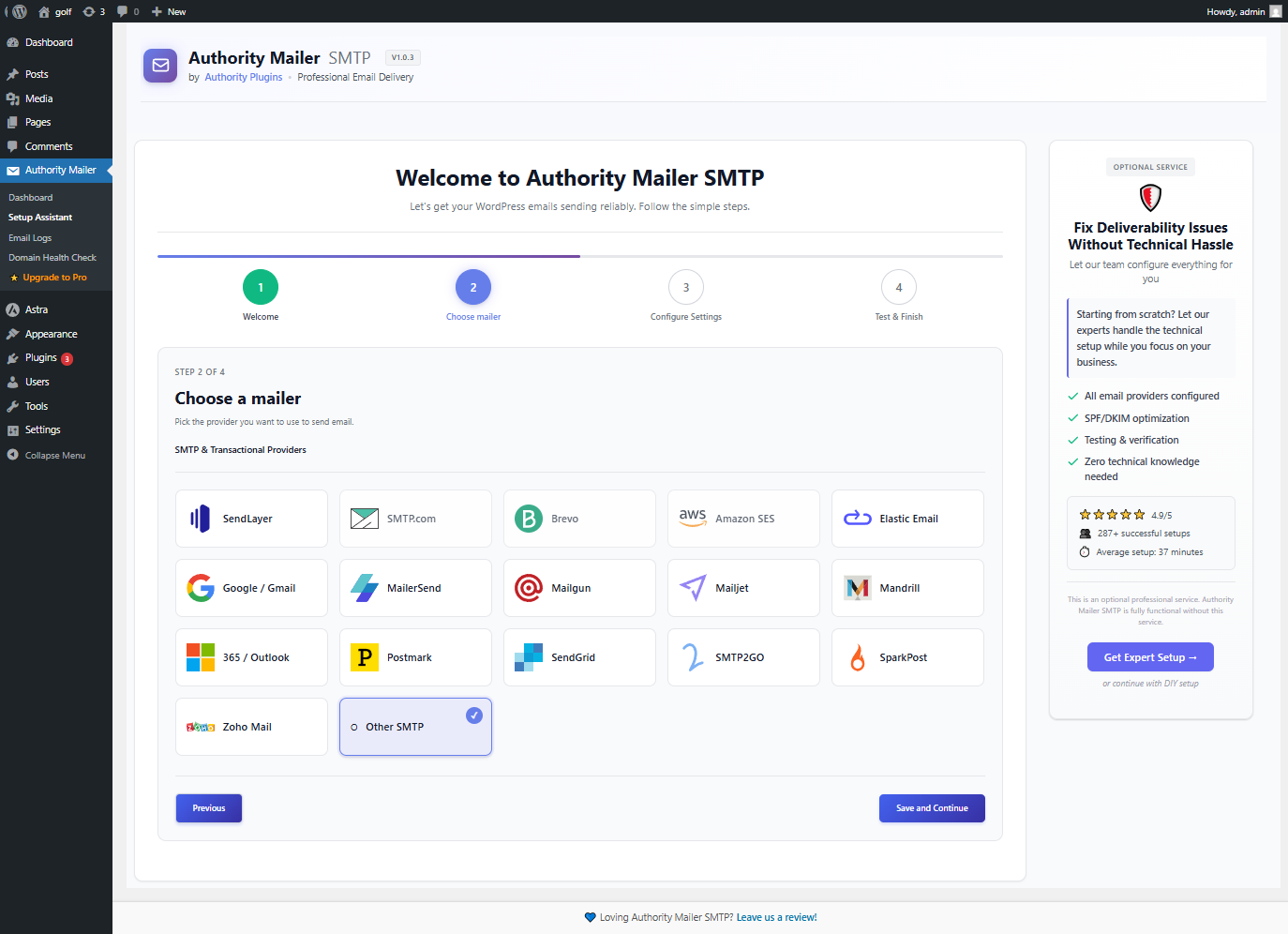
- Go to Authority Mailer SMTP in WordPress admin menu
- Click Setup Wizard
- Choose your email provider
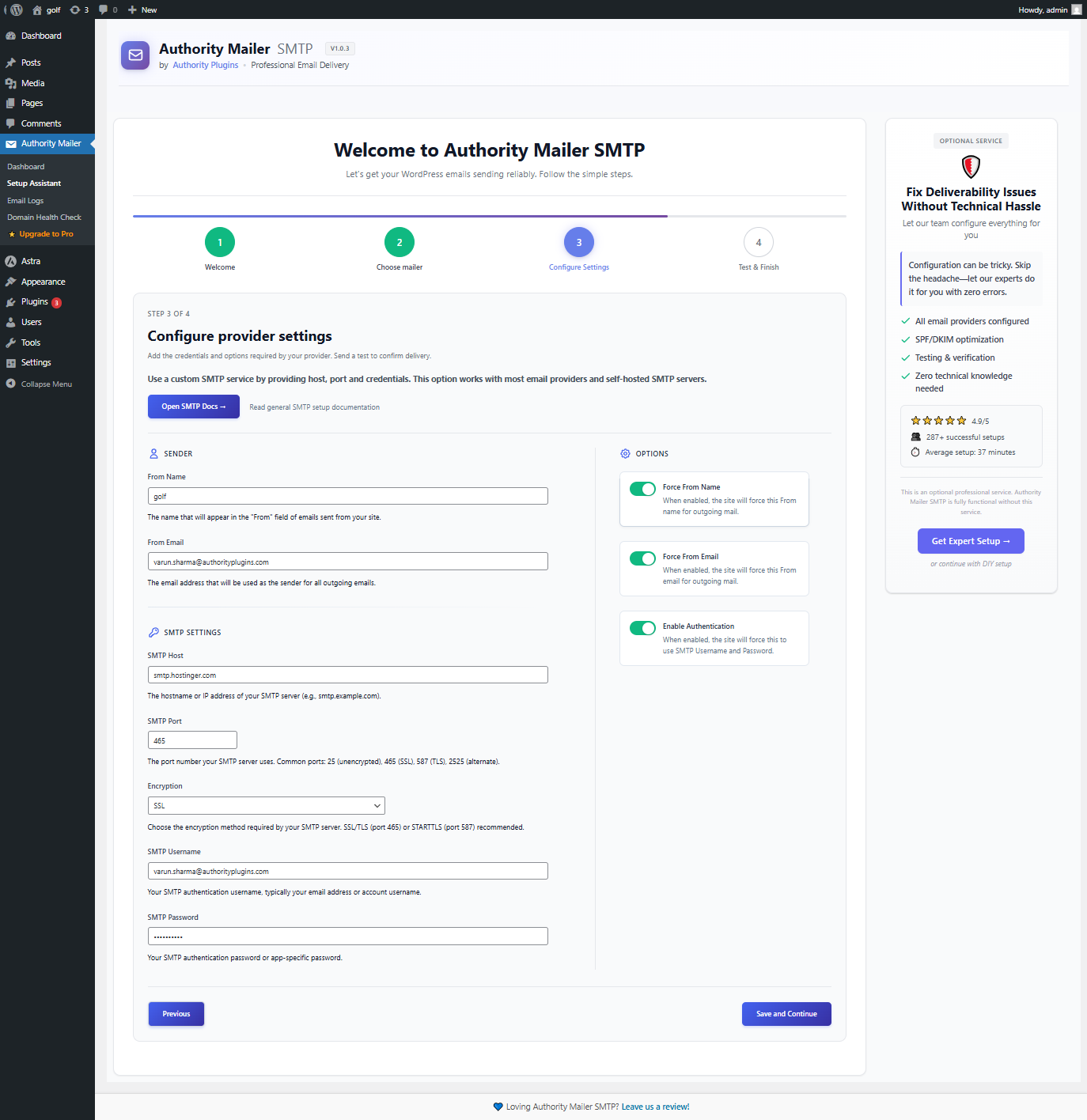
- Enter authentication credentials
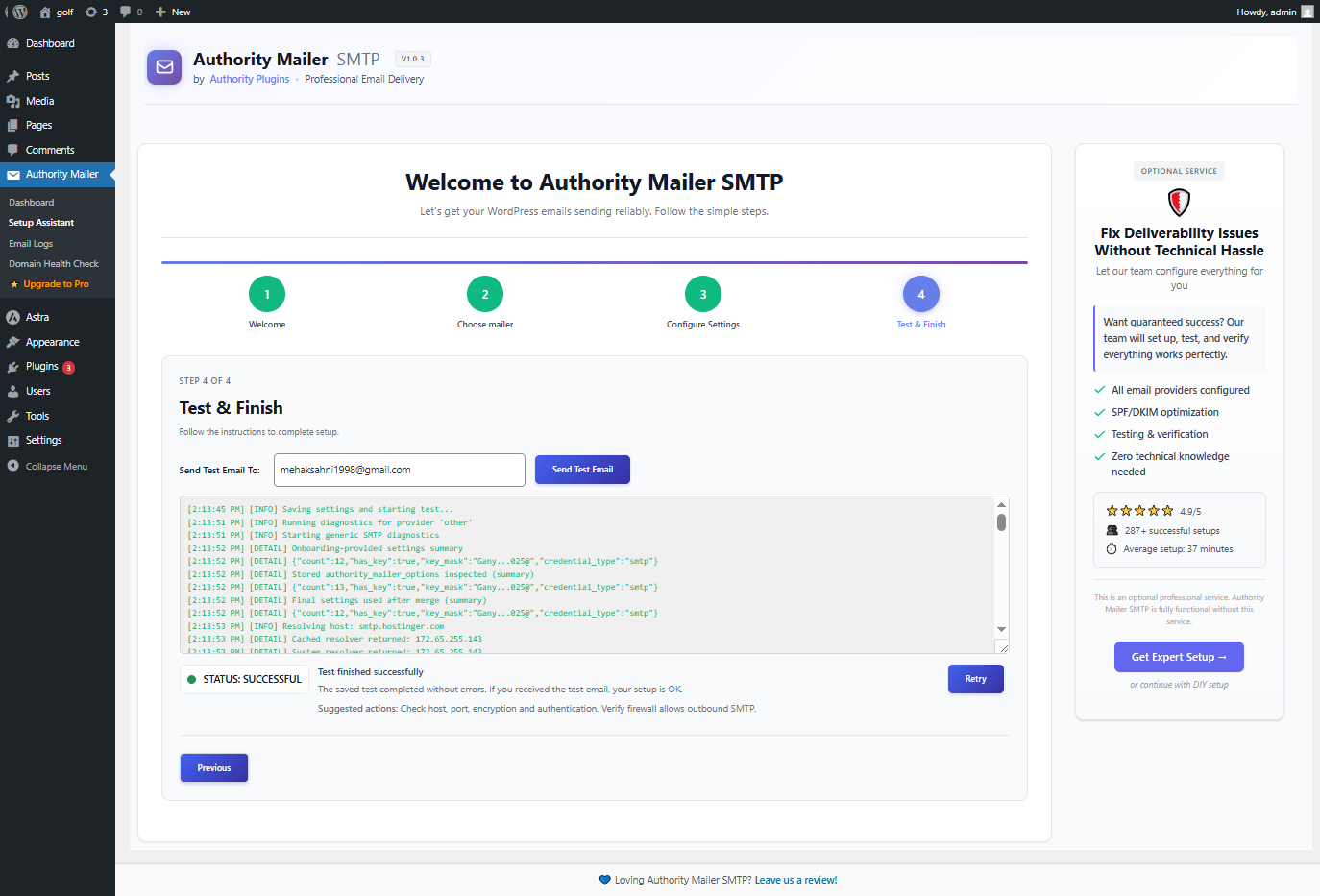
- Click Send Test Email to verify
- You're done! Emails now route through your provider
屏幕截图:
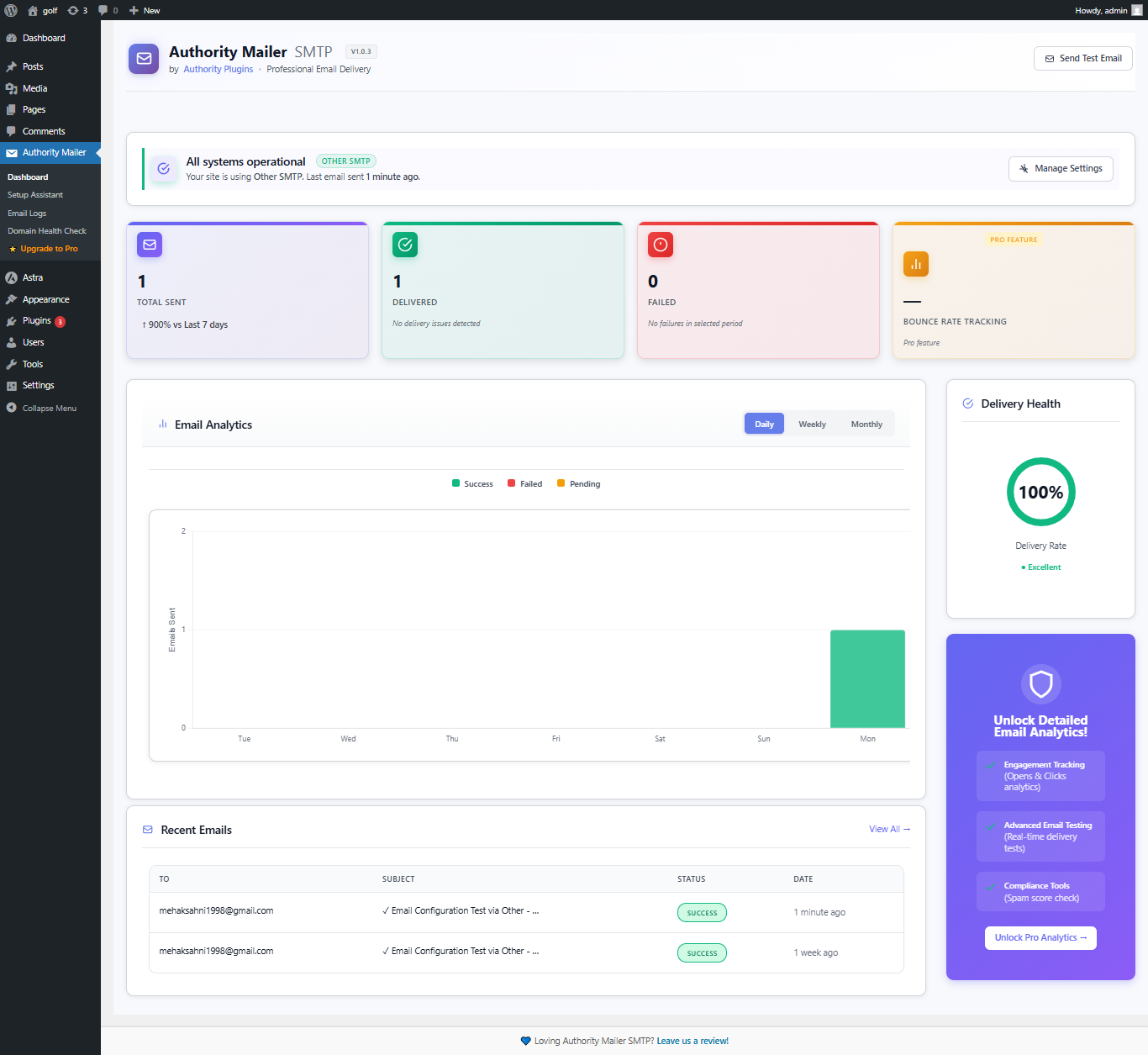
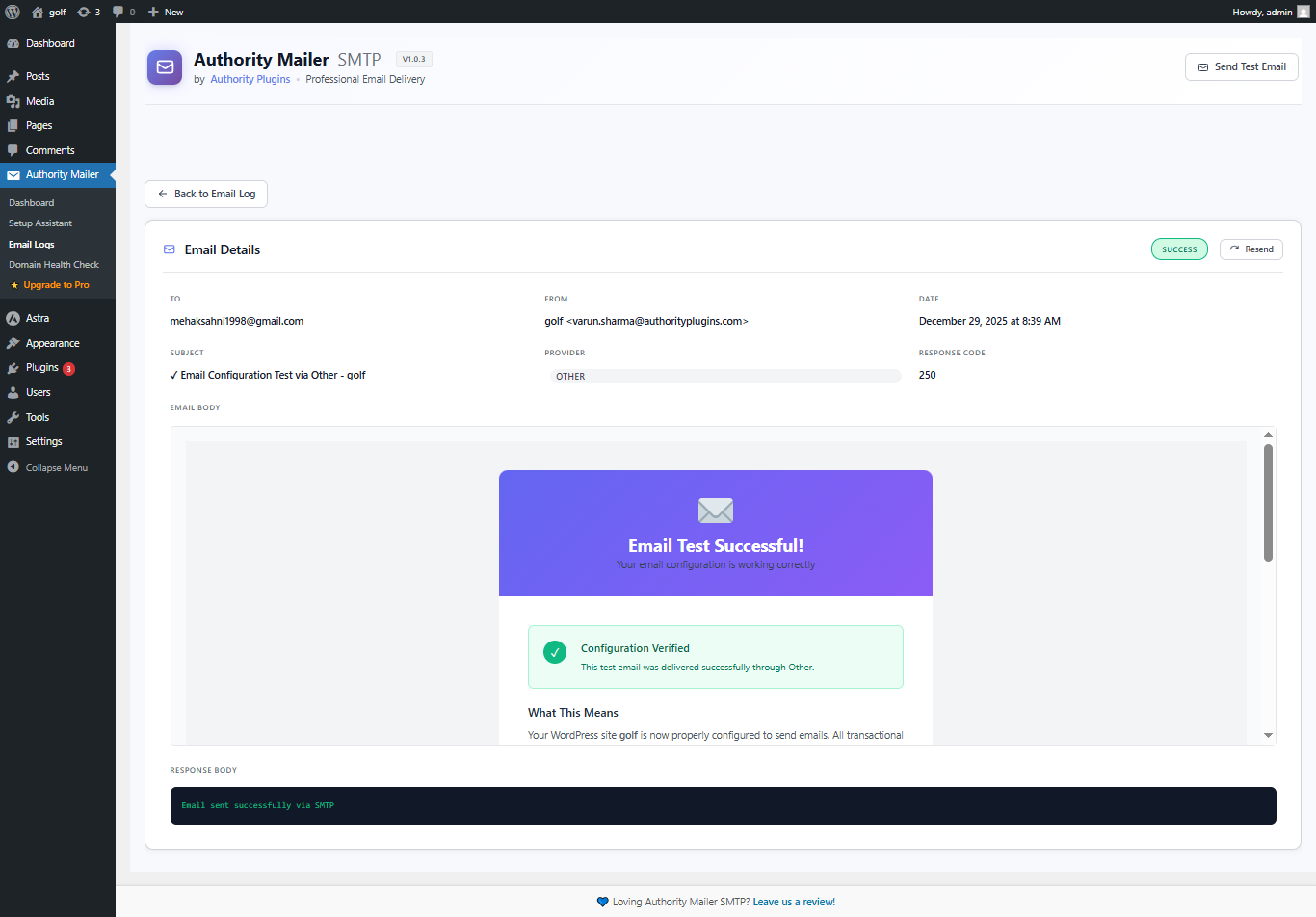
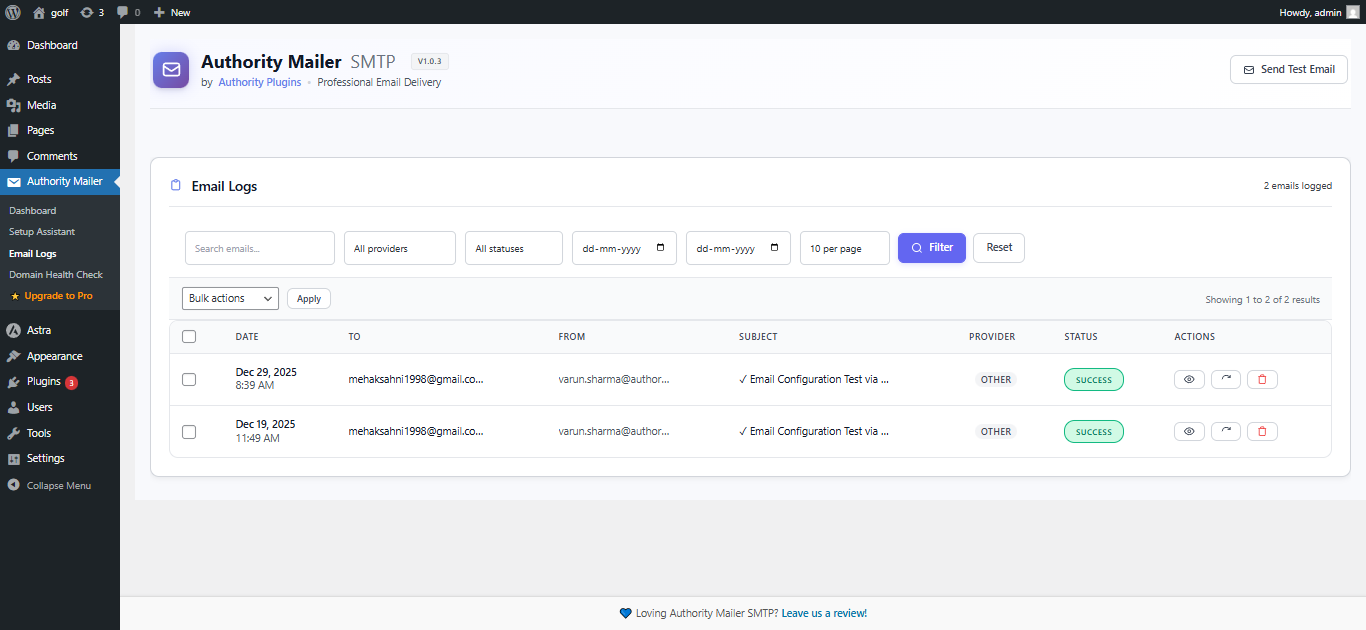
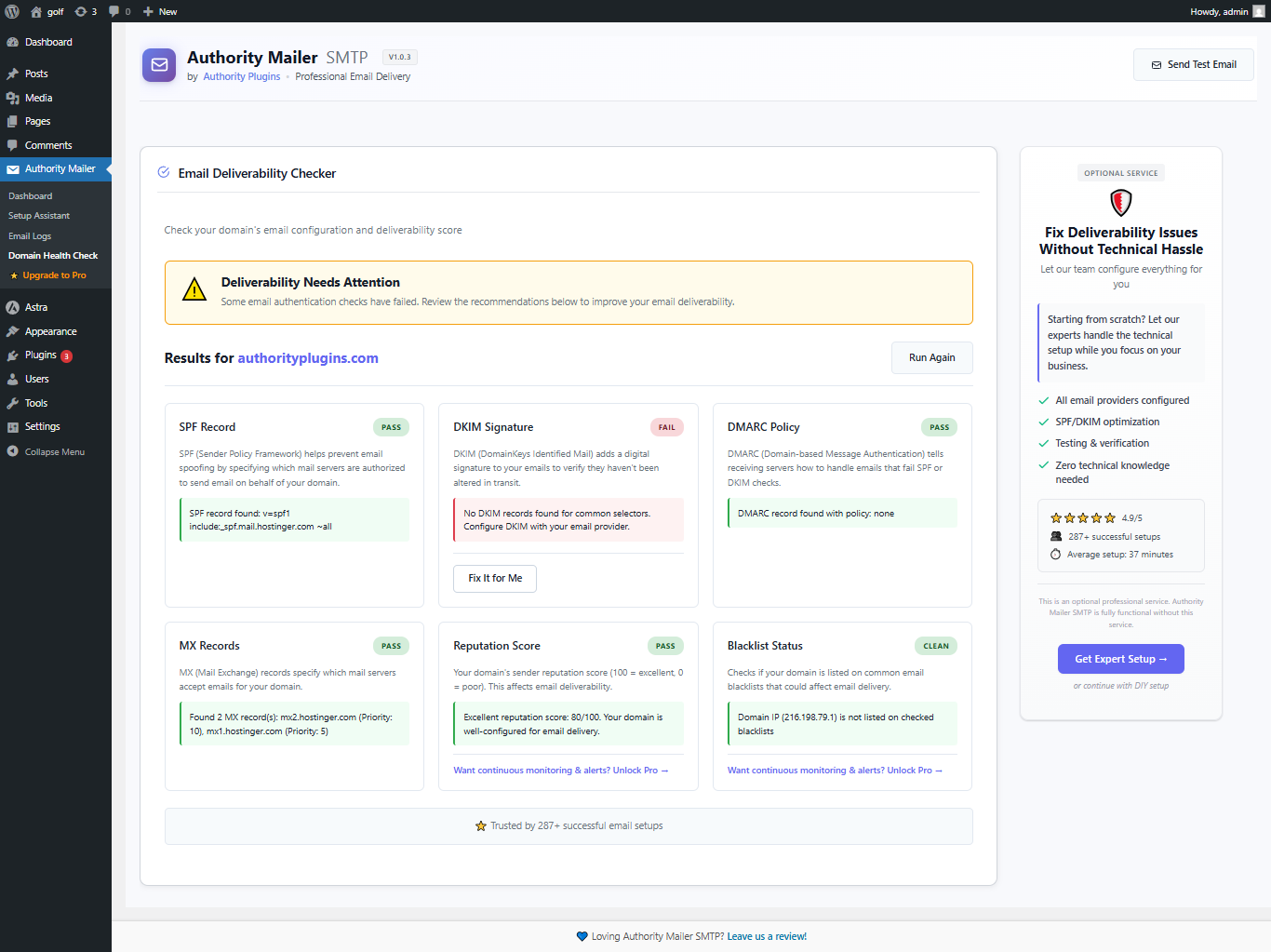
常见问题:
How do I fix WordPress emails not sending?
Use an SMTP plugin like Authority Mailer SMTP to replace PHP mail with authenticated SMTP delivery and enable email logs for debugging.
What is the best SMTP plugin for WordPress?
The best WordPress SMTP plugin depends on reliability, logging, and ease of setup. Authority Mailer SMTP focuses on fast setup, deliverability, and clear email logs.
Which email provider should I choose?
Choose based on your needs: – Budget: Gmail / Google Mail – Reliability: Postmark or SendGrid – Flexibility: Mailgun – Volume: Amazon SES – Enterprise: SendGrid or Office 365
Is my email data secure?
Yes, completely. Your data is: – Encrypted in transit (HTTPS/TLS) – Encrypted at rest in your WordPress database – Never shared with third parties – Only sent to your chosen provider – Never logged by Authority Mailer If you’re looking for a simpler alternative to complex SMTP plugins, Authority Mailer SMTP focuses on reliability and clarity without aggressive upsells.
Can I switch providers later?
Yes! Authority Mailer lets you change providers anytime:
- Go to Settings
- Choose new provider
- Enter new credentials
- Future emails use the new provider
Will this work with existing WordPress plugins?
Yes! Authority Mailer hooks into WordPress's wp_mail() function, so all plugins automatically use your configured provider.
What about WooCommerce emails?
Perfect! WooCommerce emails use wp_mail(), so they'll automatically route through your SMTP provider.
Can I use multiple email addresses?
Yes, configure multiple "From" addresses in settings. Authority Mailer supports: – Noreply emails – Support team emails – Billing emails – Admin notifications
What if emails still go to spam?
This is usually a sender reputation issue, not Authority Mailer. Solutions:
- Set up DKIM/SPF/DMARC on your domain
- Monitor bounce rates (keep below 5%)
- Monitor complaint rates (keep below 0.1%)
- Warm up new sending IP addresses
- Use provider's authentication tools = Can I see which emails failed? Yes! Email Logging shows: – Delivery status (sent, failed, bounced, complained) – Exact error messages – Recipient address – Subject line – Timestamp – Provider response
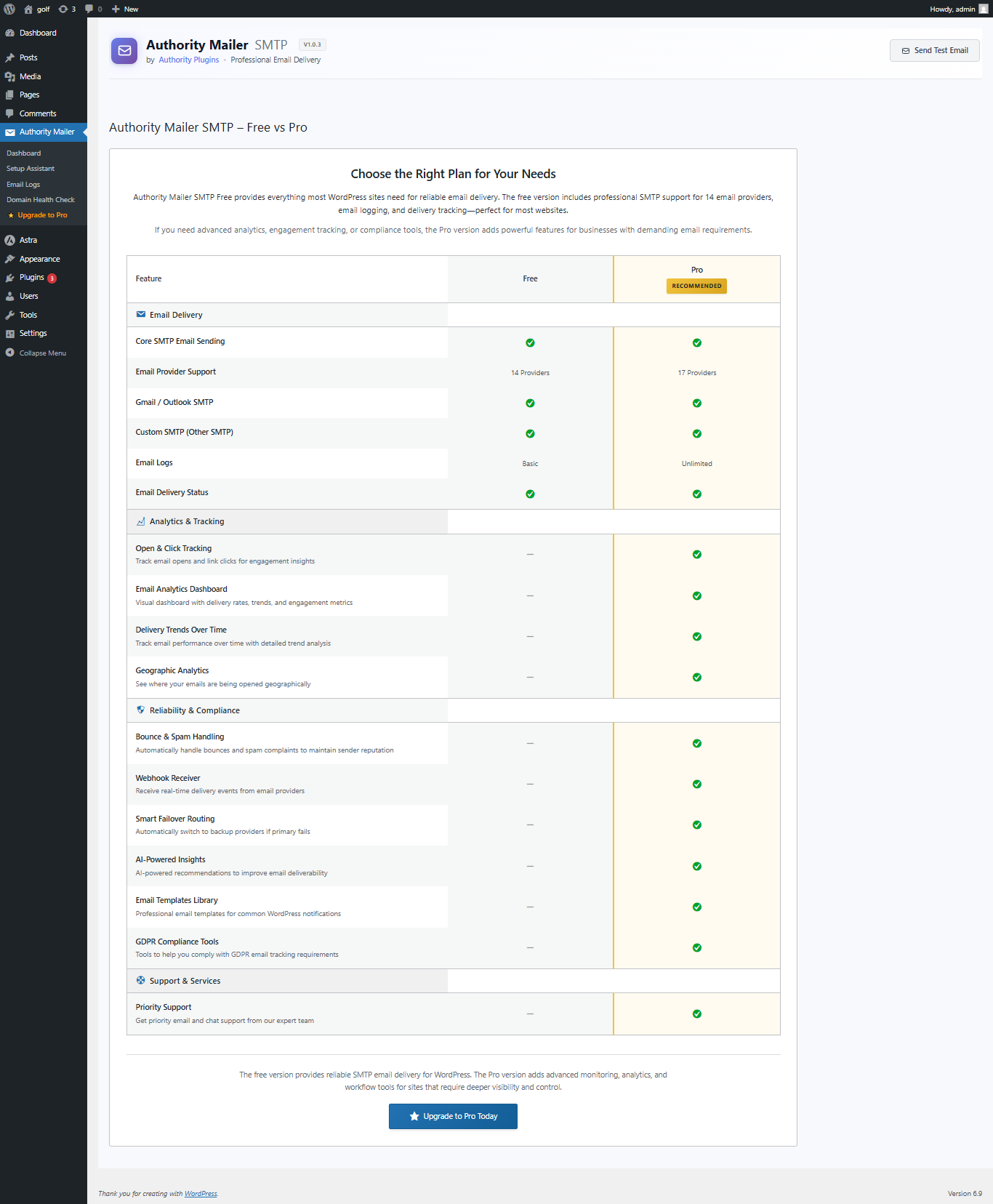
Is there a free version?
Authority Mailer SMTP is available in Free and Premium editions with different feature sets. = How many emails can I send? Depends on your provider: – Gmail: Daily limit based on account type – Mailgun, SendGrid, etc.: Based on your plan
Does it log all emails?
Yes, you can enable logging for all emails or filter by: – Date range – Recipient – Status – Provider – Subject keywords
Can I delete logged emails?
Yes, bulk delete options available: – Delete by date range – Delete by status – Delete all logs (with confirmation)
更新日志:
- Security: Completed comprehensive security audit of all plugin files
- Security: Enhanced input sanitization across AJAX handlers and form submissions
- Security: Improved nonce verification in all admin actions
- Security: Strengthened SQL injection protection with consistent use of prepared statements
- Security: Added additional capability checks for sensitive operations
- Security: Enhanced error handling to prevent information disclosure
- Standards: Improved WordPress coding standards compliance
- Standards: Enhanced PHPDoc blocks for better code documentation
- Standards: Optimized database query patterns for better performance
- Standards: Improved output escaping consistency
- Code Quality: Refactored DNS resolution error handling
- Code Quality: Enhanced debug logging with WP_DEBUG checks
- Code Quality: Improved external API timeout handling
- Code Quality: Better error messages for troubleshooting
- Performance: Optimized transient caching for DNS lookups
- Performance: Reduced duplicate database queries in email logging
- Compatibility: Tested with WordPress 6.9
- Compatibility: Verified PHP 8.1+ compatibility
- Added German translation
- Added French translation
- Added Japanese translation
- Added Dutch translation
- Added Portuguese translation
- Added Russian translation
- Initial release of Authority Mailer SMTP
- Support for 14+ email providers
- Secure onboarding wizard
- Email logging and monitoring system
- Gmail OAuth2 integration
- Custom SMTP server support
- Email test functionality
- Comprehensive email provider documentation