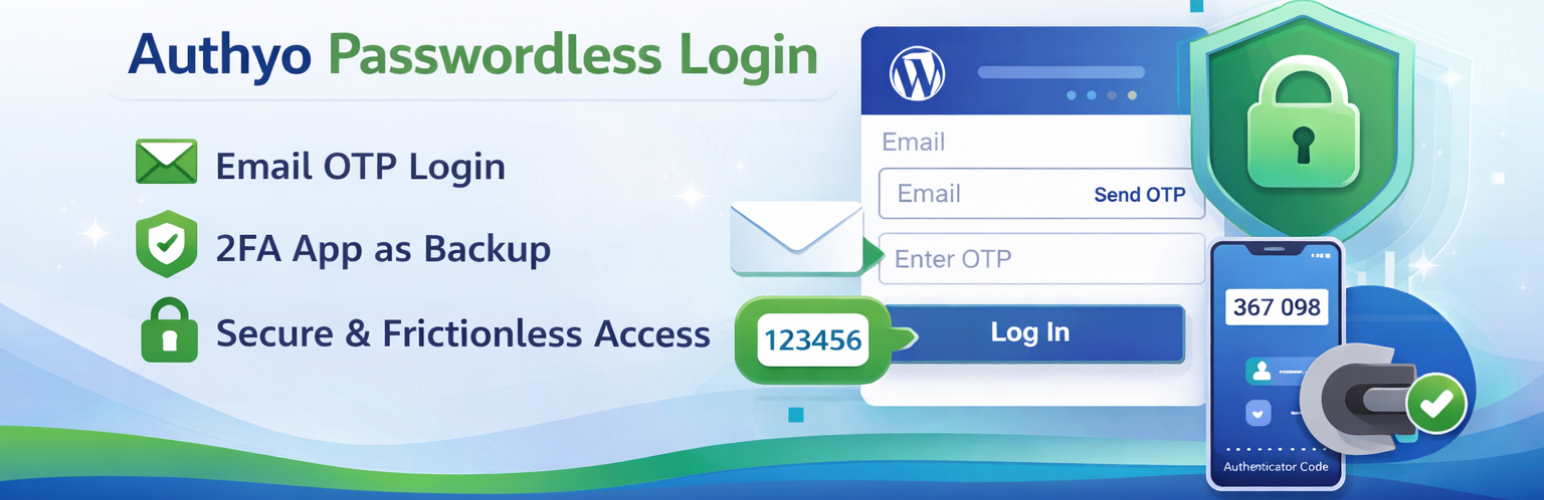
Authyo Passwordless Login
| 开发者 | konceptwise |
|---|---|
| 更新时间 | 2026年4月29日 17:55 |
| PHP版本: | 7.2 及以上 |
| WordPress版本: | 6.9 |
| 版权: | GPL v2 or later |
| 版权网址: | 版权信息 |
详情介绍:
Authyo Passwordless Login enables secure OTP login for WordPress using email-based one-time passwords. It replaces traditional passwords with a modern passwordless authentication system that improves login security and simplifies the user experience.
Users simply enter their email address, receive a one-time password (OTP), verify the code, and are automatically logged in — no passwords required.
This plugin is officially developed and maintained by Konceptwise Digital Media Pvt. Ltd. and uses Authyo's secure OTP authentication infrastructure.
With Authyo Passwordless Login, WordPress administrators can implement passwordless login, improve account security, and eliminate risks related to password leaks or weak credentials.
安装:
Manual Installation
- Download the plugin files
- Upload the
authyo-passwordless-loginfolder to/wp-content/plugins/ - Activate the plugin from the Plugins menu in WordPress
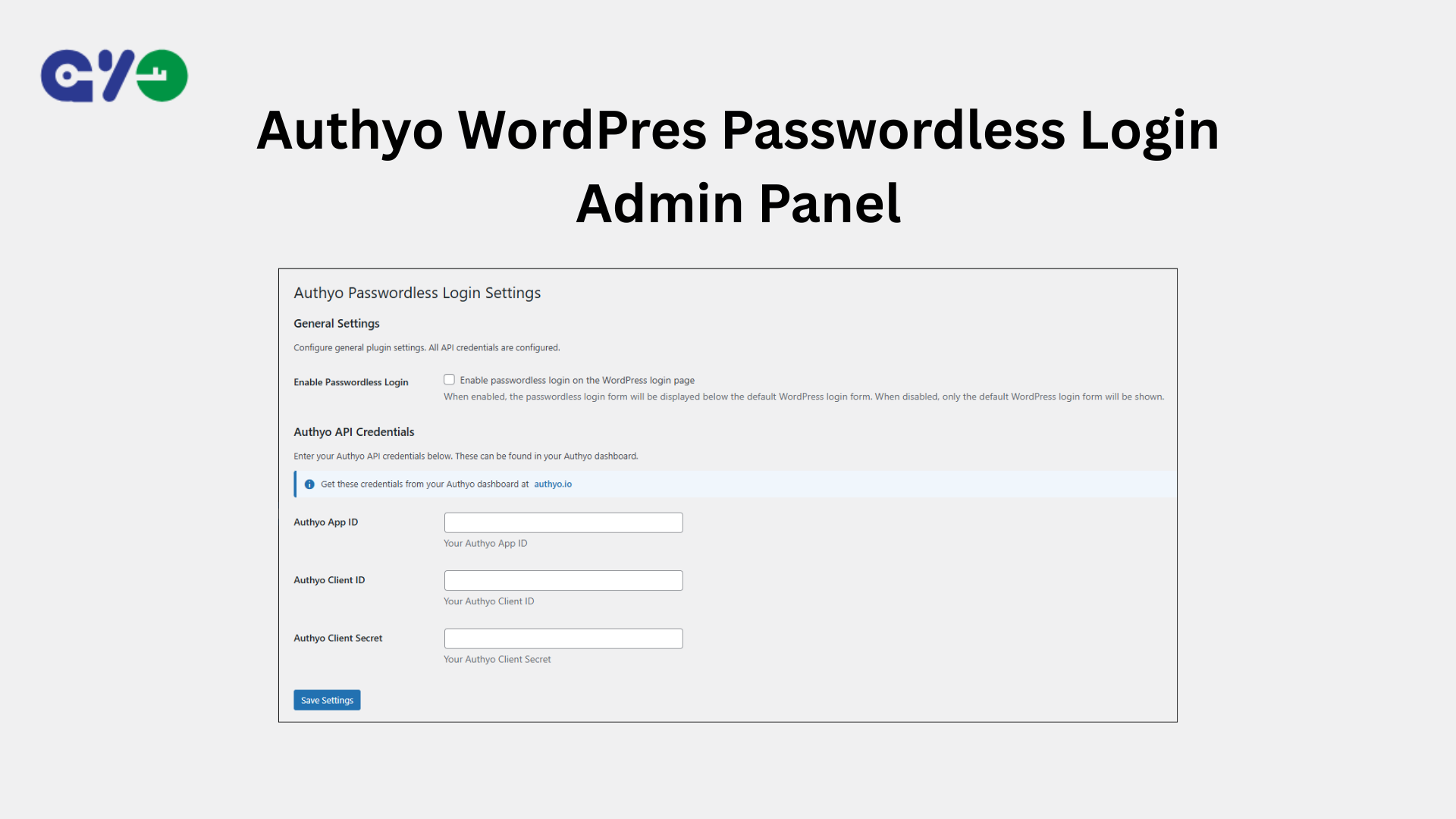
- Go to Settings → Authyo Passwordless Login to configure the plugin
屏幕截图:
常见问题:
How does passwordless login work?
- Users enter their email address on the login page
- An OTP code is sent to their email via Authyo
- Users enter the OTP code to verify their email ownership
- After successful OTP verification, a secure single-use token is generated
- WordPress logs the user in automatically
- No password is required
Can I use this with custom login pages?
Yes. You can use the shortcode [authyo_login] on any page or template.
You may also use the PHP function:
authyo_passwordless_login_form()
inside your theme templates.
What happens if a user doesn't receive the OTP?
Users can click Resend OTP to request a new code. The OTP expires after 5 minutes. Login tokens also expire after 5 minutes and are deleted immediately after successful login.
Is this plugin secure?
Yes. The plugin implements multiple security layers:
- Nonce verification for all AJAX requests (prevents CSRF attacks)
- Email address validation and user existence verification
- Secure transient storage for OTP sessions (10-minute expiry)
- Cryptographically secure token generation using WordPress core functions
- Browser-bound tokens validated using a hashed User-Agent signature
- Single-use tokens deleted immediately after successful login
- Time-limited tokens (5-minute expiry)
- Replay attack prevention
- Authentication completed using WordPress core authentication mechanisms
更新日志:
1.0.4
- Added new security logs feature
- Added video tutorial to readme
- Improved Google Authenticator fallback logic to hide on non-existent users
- Minor bug fixes
- Added two factor authenticator as backup method
- Performance improvements
- Performance improvements
- Screenshot addon
- Initial release
- Fully passwordless login with OTP verification
- Secure token-based automatic authentication
- Single-use, time-limited login tokens
- WordPress login page integration
- Custom login shortcode [authyo_login]
- Admin settings page
- AJAX-powered authentication flow
- Immediate dashboard redirect after login
- WordPress.org security compliance
- Replay attack prevention
- Cryptographically secure token generation