
Automatic FFL
| 开发者 | refactoredgroup |
|---|---|
| 更新时间 | 2026年8月27日 04:56 |
| PHP版本: | 5.6 及以上 |
| WordPress版本: | 6.9.4 |
| 版权: | GPLv3 |
| 版权网址: | 版权信息 |
详情介绍:
- 5-minute install, no developer needed — install the plugin, paste your store key, and you're live.
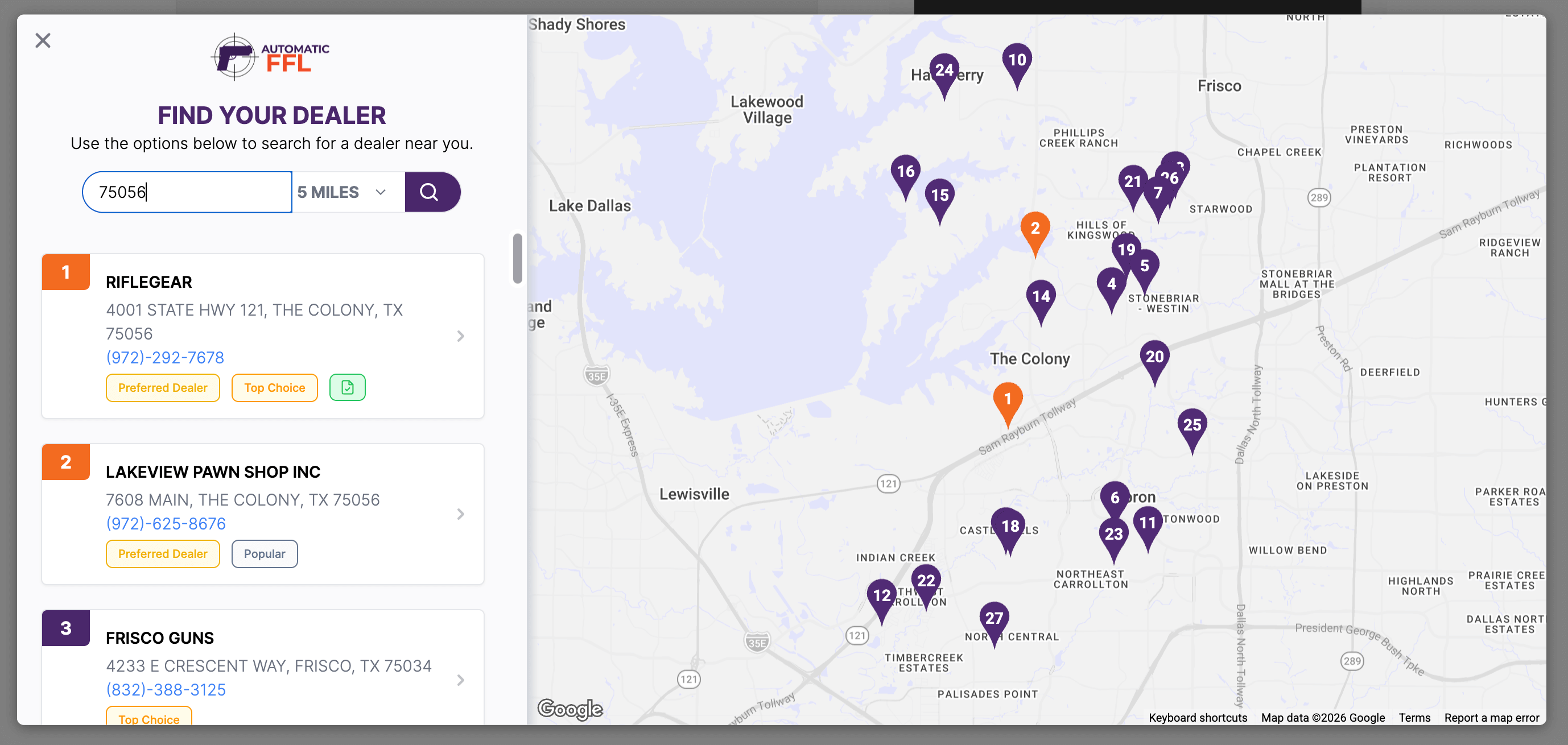
- Interactive Google Maps dealer locator — customers search by ZIP or address and pick a dealer in seconds, right inside checkout.
- FFL popularity indicators on the map — buyers see which dealers are most-used by other shoppers, reducing decision friction at checkout.
- FFL certificate network — when a customer ships to an in-network FFL, that dealer's license certificate is automatically attached to your order. No more chasing paperwork by email.
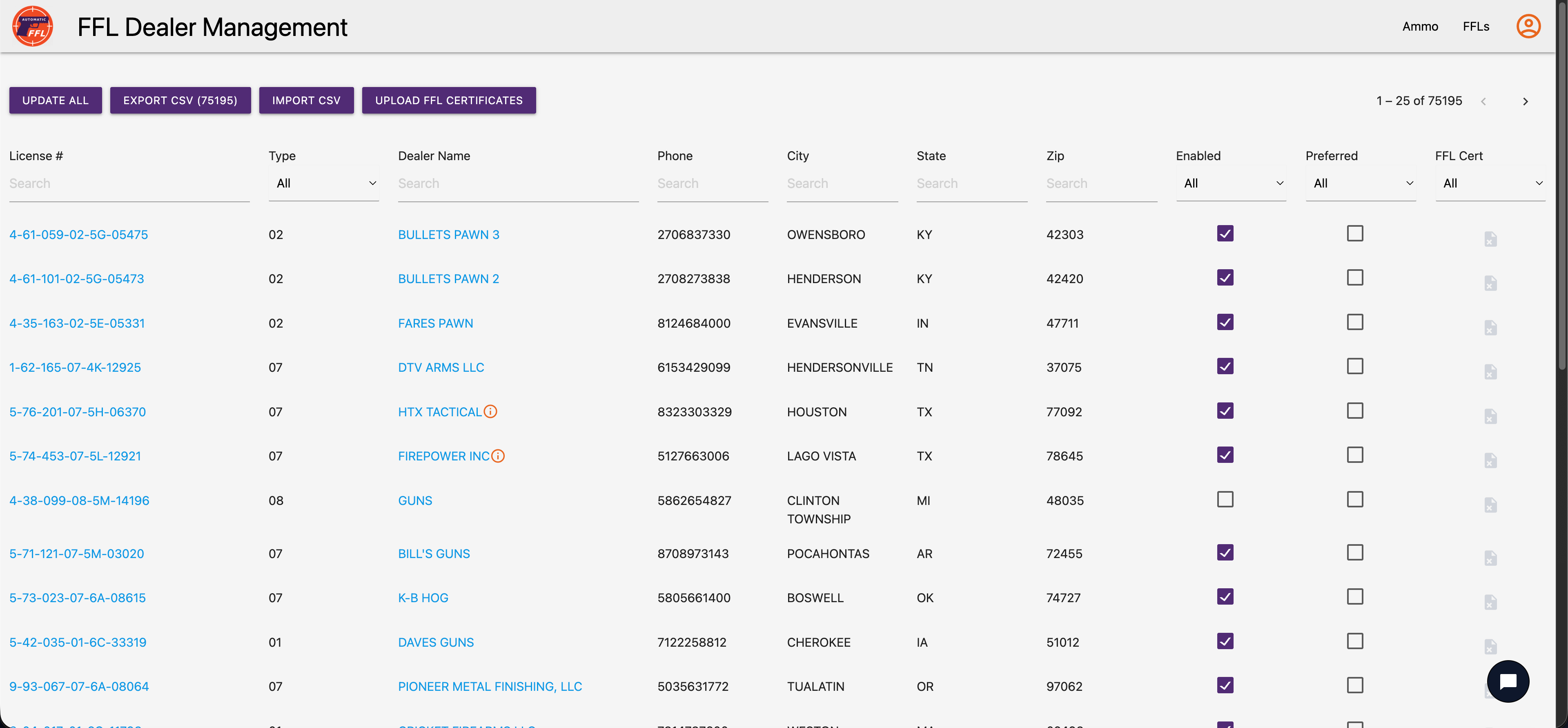
- ATF-validated dealer database — refreshed daily from the Bureau of Alcohol, Tobacco, Firearms and Explosives (ATF). You're never serving stale data.
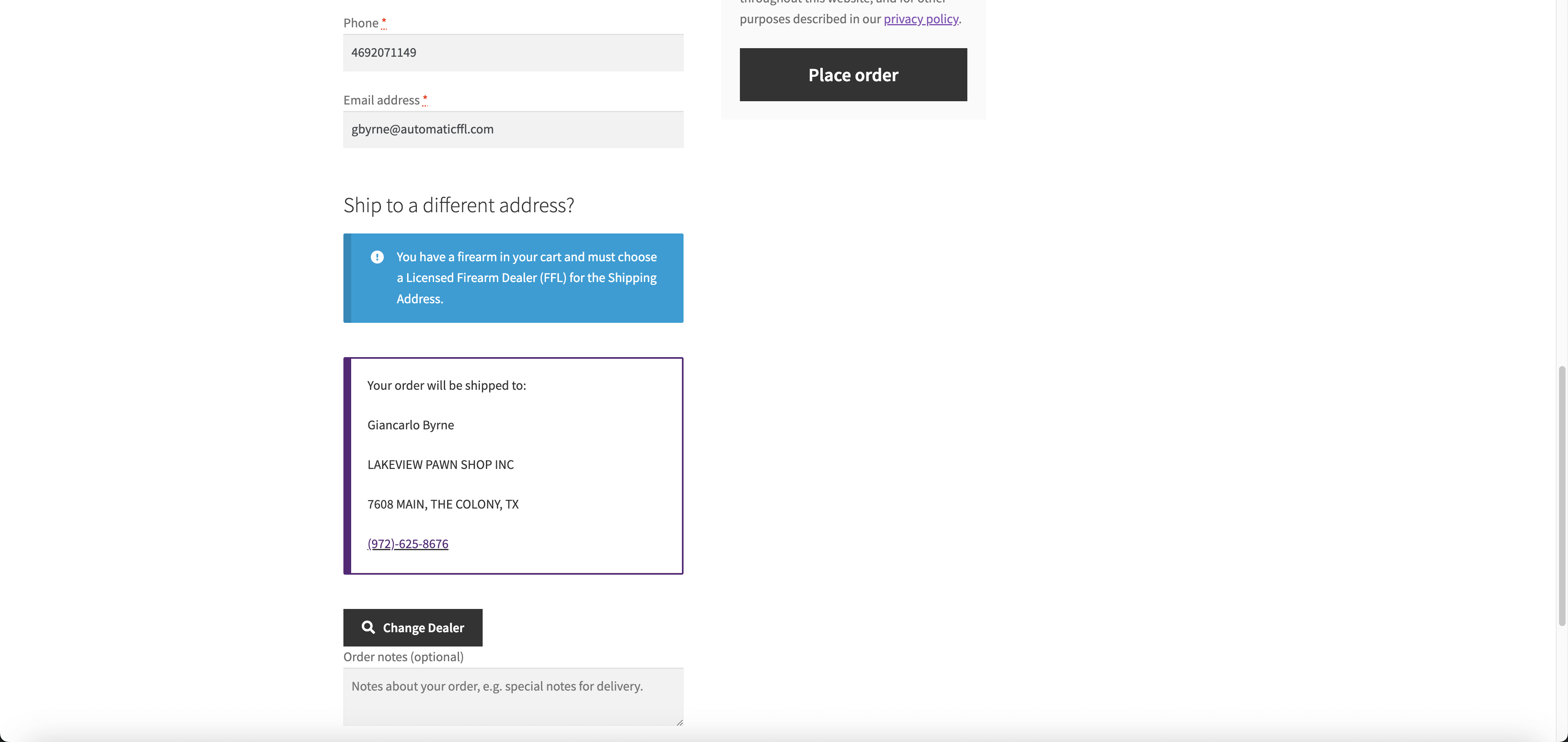
- Full block-based checkout support — works with both the new WooCommerce Blocks checkout and the classic checkout, with the same dealer selection experience.
- Automatic FFL detection — analyzes the cart automatically and triggers FFL selection only when needed.
- Mixed cart handling with save-and-restore — when a cart contains both FFL-required and non-FFL items, customers can save either group, complete the FFL order, and have their saved items automatically restored to the cart.
- State-level ammunition restrictions — automatically enforces ammunition shipping rules per state. When a customer's state requires an FFL transfer for ammo, the dealer selector triggers automatically — even without a firearm in the cart.
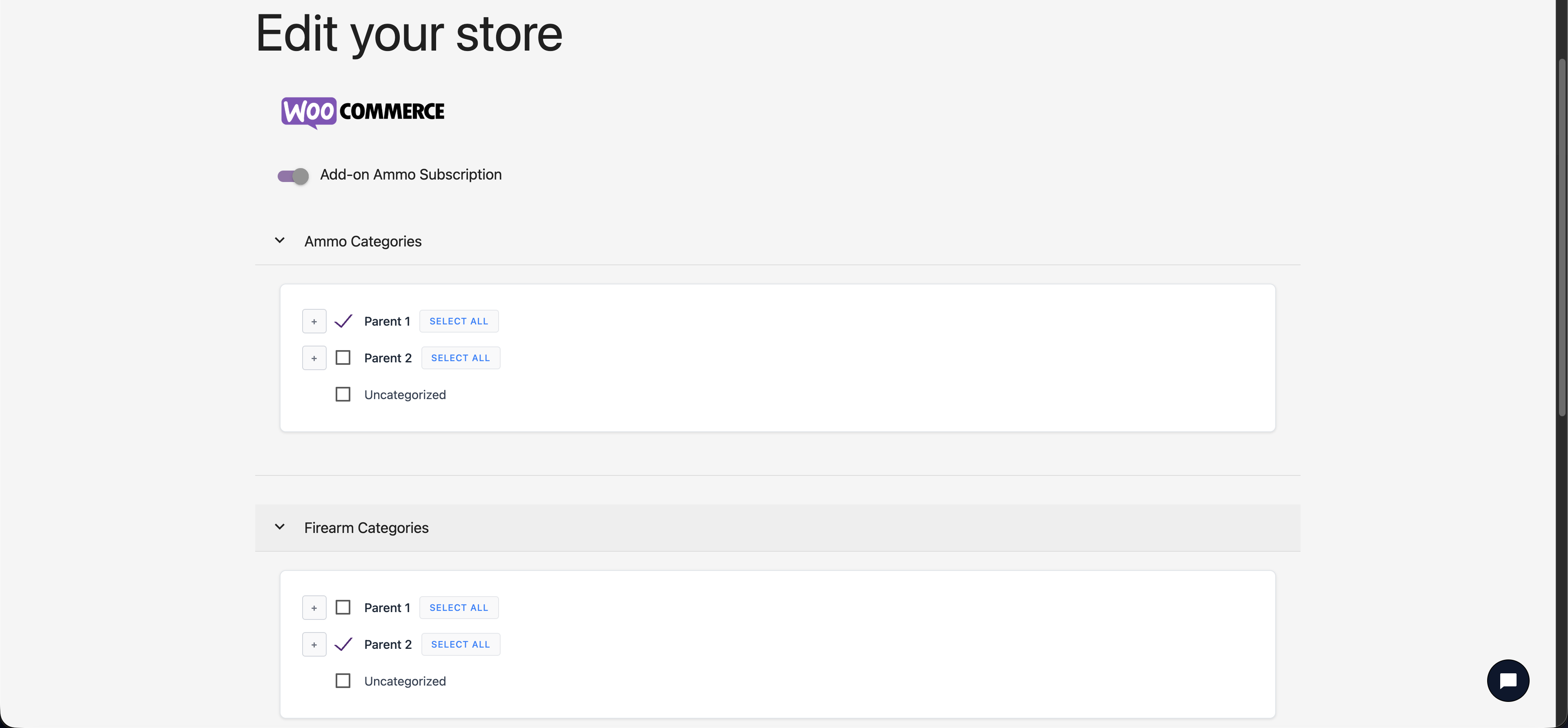
- Category-level AND product-level FFL marking — flag entire product categories as FFL-required, or mark individual SKUs. Granular control without manual tagging.
- Dealer customization — promote in-network or preferred dealers, set transfer fees, add business hours, and control which dealers appear to your customers.
- Same-day customer support — real humans who know firearms compliance and WooCommerce.
安装:
- Install the plugin through the WordPress plugin directory, or upload the plugin files to
/wp-content/plugins/automaticffl-for-woocommerce/. - Activate the plugin through the Plugins menu in WordPress.
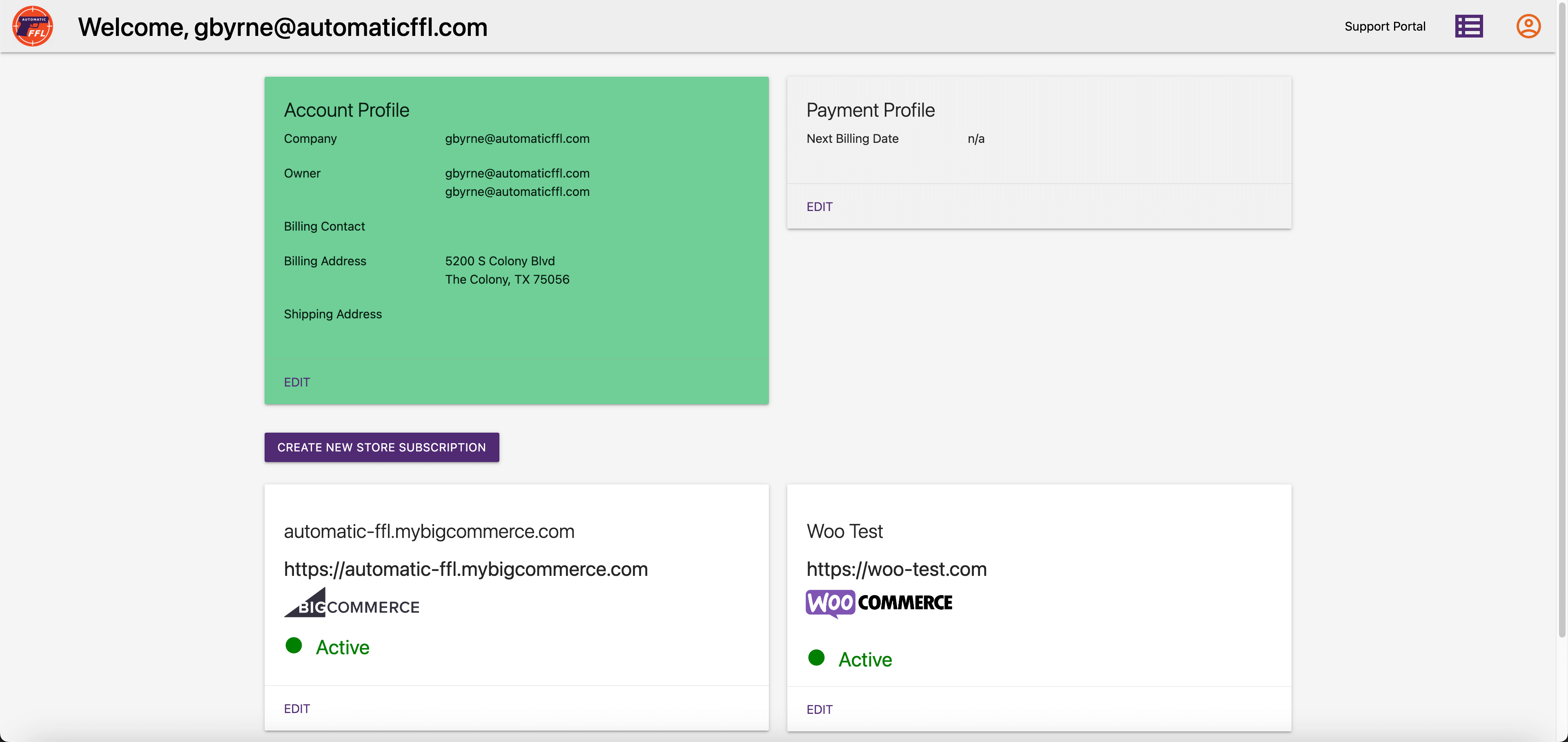
- Sign up for a free trial at automaticffl.com to get your store key.
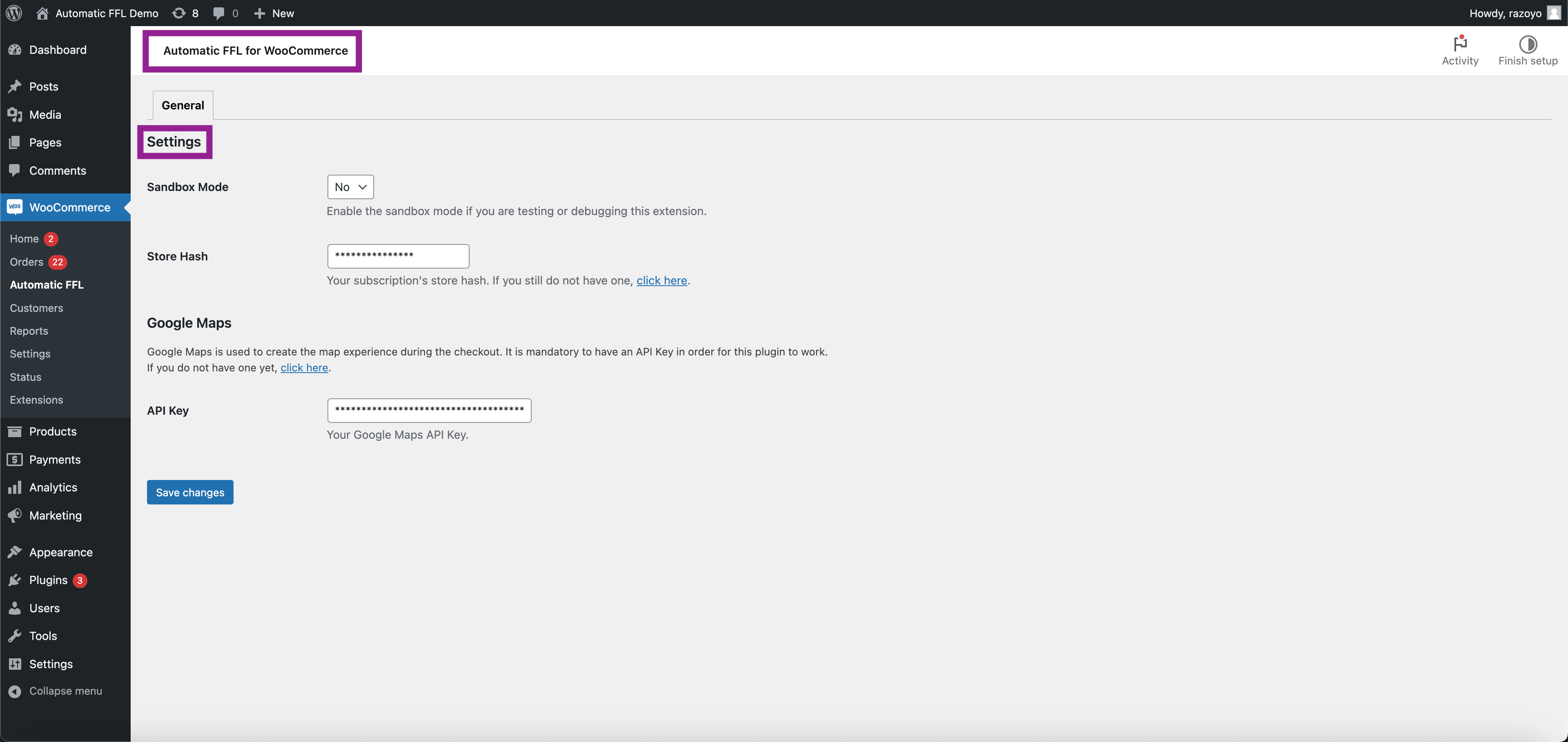
- In WordPress admin, go to WooCommerce > Settings > Automatic FFL and paste your store key.
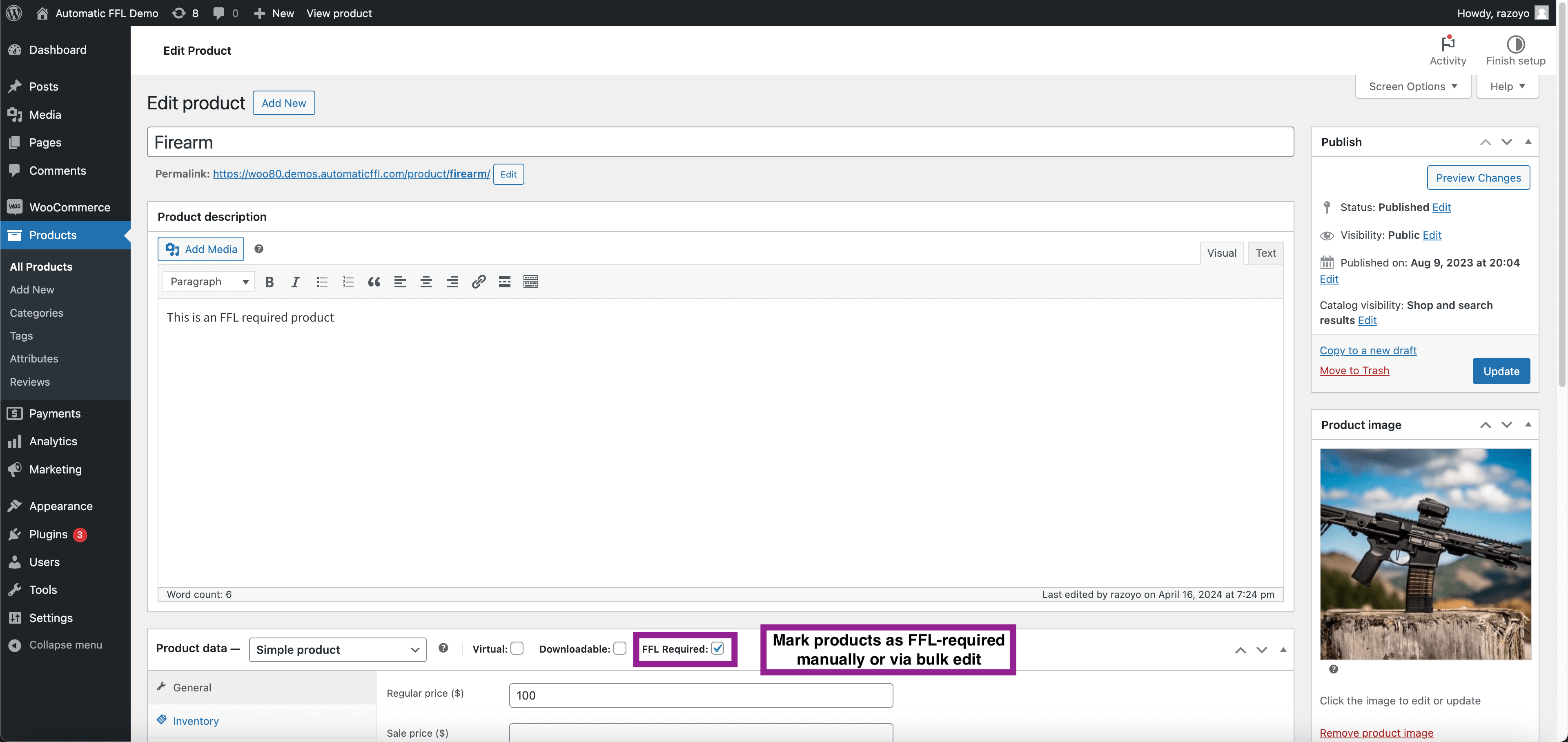
- Mark FFL-required products by editing them and checking the FFL Required product type option, or mark entire product categories.
- Test your checkout — when an FFL product is in the cart, the dealer selector will appear automatically.
屏幕截图:
常见问题:
Does this work with the new WooCommerce block-based checkout?
Yes. Automatic FFL fully supports both the classic WooCommerce checkout and the newer block-based (WooCommerce Blocks) checkout. The dealer selection experience is identical in both.
How is your FFL dealer database kept current?
We pull updated dealer records daily from the ATF (Bureau of Alcohol, Tobacco, Firearms and Explosives). When dealers change status, addresses, or licenses, your store reflects it within 24 hours.
Do I need a developer to install this?
No. Install the plugin from WordPress.org, paste your store key in the settings, and you're ready to go. Most stores are live in under 5 minutes.
How does state-level ammunition compliance work?
Automatic FFL knows which states require ammunition to ship through an FFL dealer. When a customer in one of those states adds ammo to their cart, the dealer selector triggers automatically — even if there's no firearm in the cart.
What happens when a customer's cart has both firearms and non-firearm items?
Customers can save either group for later. They complete the FFL-required order, and their saved items are automatically restored to the cart so they can finish a separate order. You don't lose the sale.
What is the FFL certificate network?
When a customer chooses to ship to an in-network FFL dealer, that dealer's license certificate is automatically attached to your order. You don't have to email or fax dealers asking for paperwork — it's already on the order.
Is there a free trial?
Yes. Automatic FFL starts at $99/month with a 30-day free trial. Annual billing is available by request for $1,079/year; Firearms + Ammo is $164/month or $1,776/year.
Do you support BigCommerce or Magento?
Yes. Automatic FFL is also available as a BigCommerce app and Magento extension. Visit automaticffl.com for details.
更新日志:
- Preserves the selected Automatic FFL dealer ID on Classic and Blocks orders.
- Reports successfully placed FFL orders asynchronously with bounded retries.
- Keeps payment, status, cancellation, refund, and customer data outside order attribution.
- Aligns the documented minimum requirements with WordPress 5.6 and PHP 7.0.
- Reworded the missing-certificate banner around saving time on this order and future orders.
- Clarified support for multiple PDFs, images, and ZIP files.
- Added a prominent, non-dismissible banner to eligible orders that are missing an FFL certificate.
- Kept the existing shipping-address upload action as a secondary option.
- Added a secure missing-certificate upload action to eligible WooCommerce orders.
- Automatically attaches a valid matching certificate after server-side processing without changing order status or notifying the customer.
- Fixed classic checkout layouts where the FFL firearm notice could wrap between floated shipping first/last name fields.
- Preserves customer billing while shipping FFL orders to the selected dealer when WooCommerce is configured to ship only to billing addresses.
- Uses the selected FFL dealer destination for classic checkout shipping-rate calculations.
- Passes the full selected dealer address through WooCommerce Blocks Store API extension data and applies it server-side.
- Refactored WooCommerce Blocks dealer selection to use the documented child-block API. Drops React portal targeting and CSS hiding of WooCommerce internal classes.
- Fixes the ammo-only restricted-state bug where the FFL dealer prompt rendered at the bottom of checkout instead of inside the shipping address section.
- Hides non-name shipping address fields when a dealer is selected (uses CSS :has() against standard form name attributes — no internal WC class targeting).
- On dealer pick, restores the customer's original address to billing and unchecks "use shipping as billing" so billing is never the FFL dealer.
- Links are now clickable in order comments
- Added save-for-later functionality for mixed carts containing both FFL and non-FFL items
- Added ammunition detection and state-based shipping restrictions
- Added WooCommerce Blocks (block-based checkout) support for FFL dealer selection
- Upgraded to new iframe-based dealer map for improved performance and reliability
- Replaced FontAwesome icons with SVGs for better theme compatibility (fixes issues with Divi theme and other themes that remove FontAwesome)
- Fixes redirect loop on cart page when WooCommerce payments is also installed
- Tested with latest WordPress
- Updated tested up to version
- Fixes bug where customers couldn't ship normal products to a different place than the billing address
- Adds shipping calculation trigger upon dealer selection
- CSS updates for checkout
- Updates for Wordpress standards