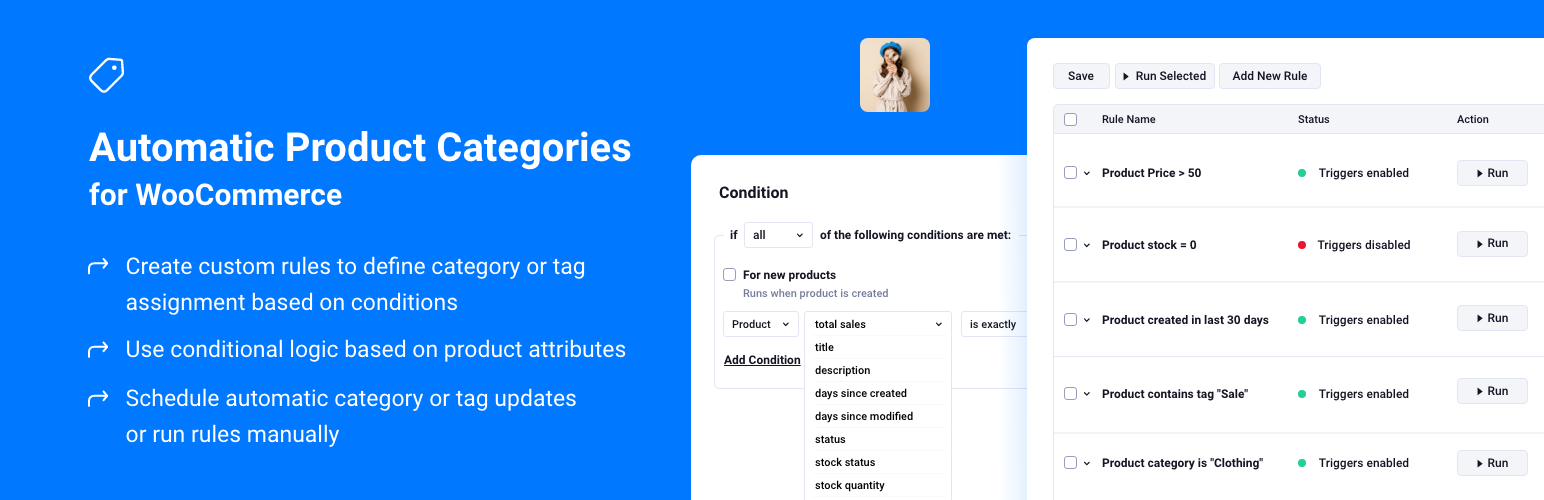
Automatic Product Categories for WooCommerce
| 开发者 |
penthouseplugins
berrypress |
|---|---|
| 更新时间 | 2026年10月14日 07:33 |
| PHP版本: | 7.0 及以上 |
| WordPress版本: | 7.1 |
| 版权: | GNU General Public License version 3 or later |
| 版权网址: | 版权信息 |
详情介绍:
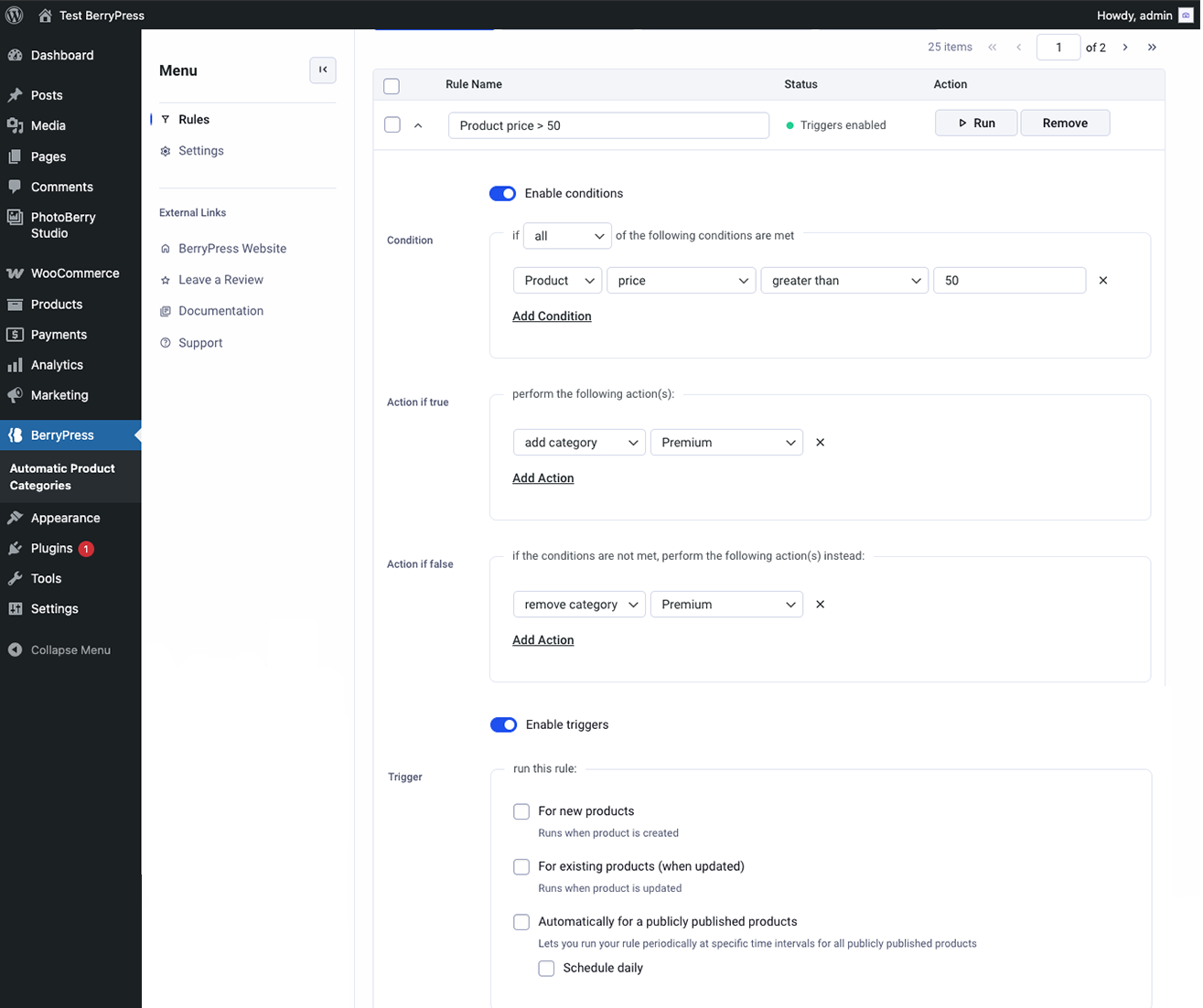
- After imports or migrations - bring large catalogs in line by assigning categories and tags from product data as you standardize.
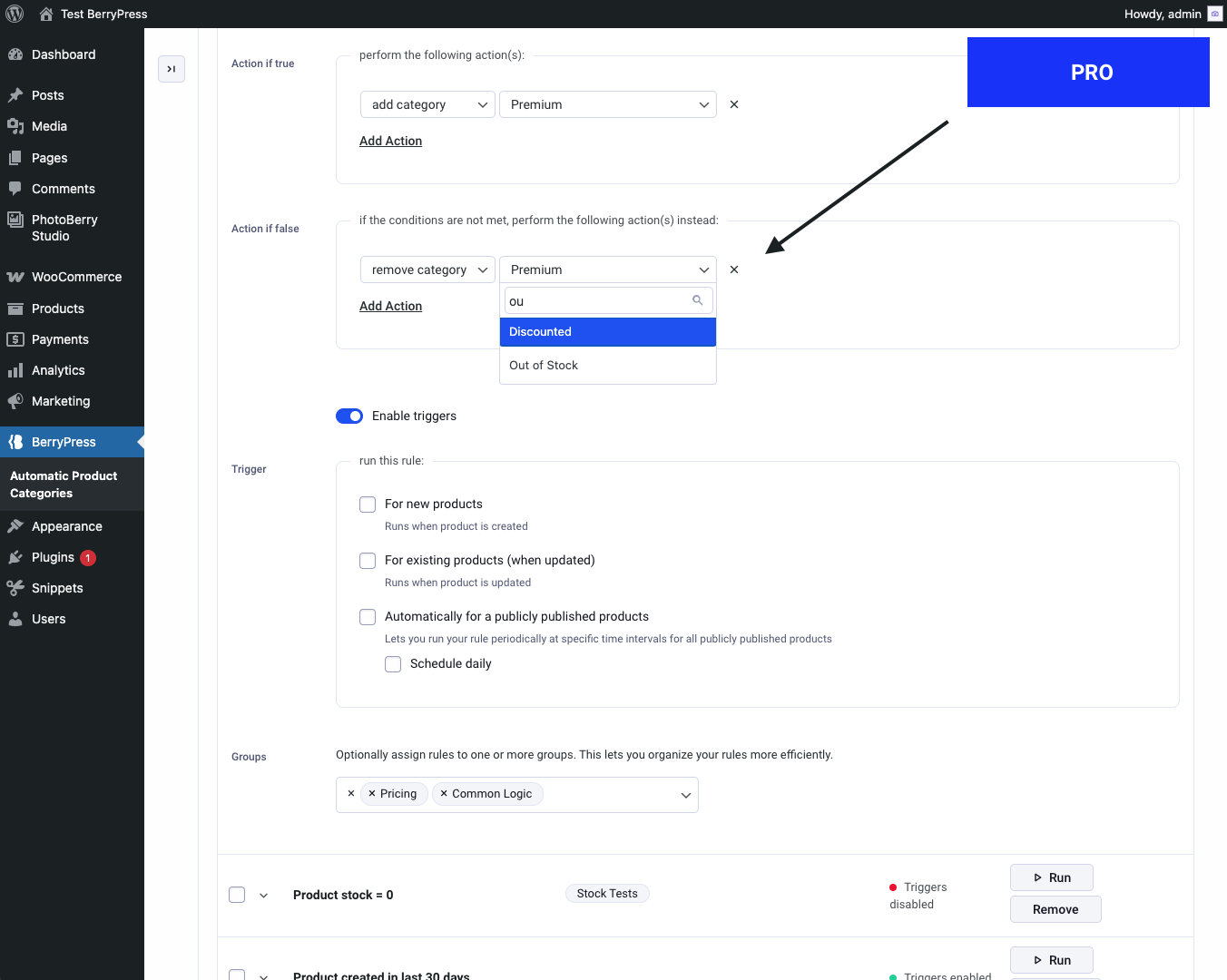
- Parent and child categories - e.g. when a product is in a child category, automatically add a parent category too.
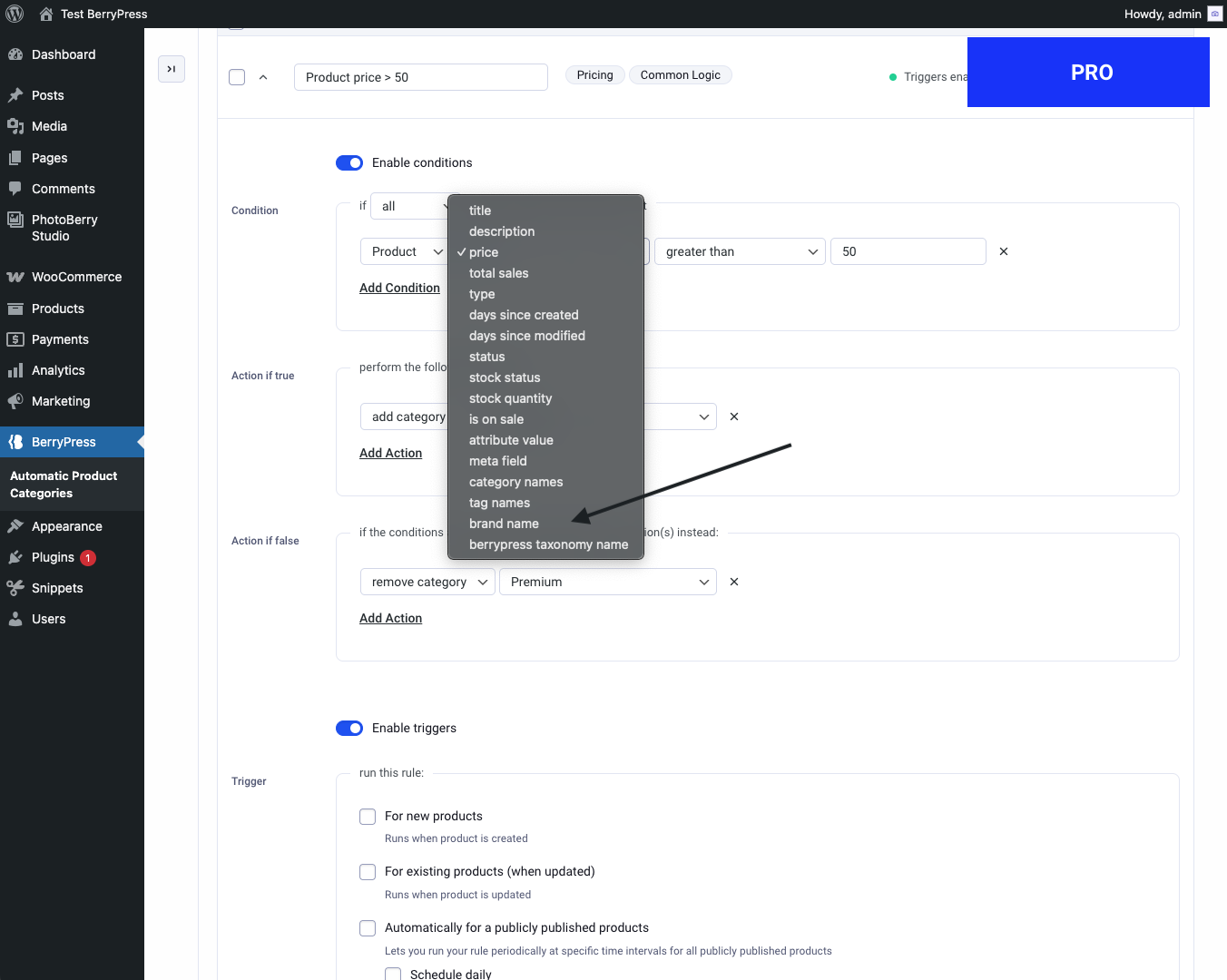
- Stock or sales-based merchandising - organize or highlight products using stock status, stock quantity, total sales, or sale state.
- "New" or "recently updated" collections - use days since created or modified to keep time-based categories or tags accurate.
- Seasonal or promotional groups - move products in or out of promo categories using titles, tags, attributes, or scheduled runs.
屏幕截图:
常见问题:
Does this work with custom taxonomies like brands?
Yes! With Pro version you can target any custom taxonomy, including ones registered by plugins like "Perfect Brands for WooCommerce".
Can I schedule rules to run at specific intervals?
Yes. Rules can be scheduled to run daily. With the Pro version, you can also use hourly and weekly schedules (in addition to daily).
Does it work with the WooCommerce product importer, the REST API and sync plugins?
Yes. Rules set to "For new products" run for products created with the WooCommerce CSV importer, the REST API, the product editor and most sync plugins, after WooCommerce has finished saving the product. When an import updates an existing product (a CSV row with a product ID), rules set to "For existing products (when updated)" run instead. To apply a rule to products that already exist, use the Run button.
Can I assign or remove tags/categories in bulk?
Yes - using rule actions based on defined conditions.
Are custom fields supported?
Support for custom fields and advanced logic is available in the Pro version.
How can I report security bugs?
You can report security bugs through the Patchstack Vulnerability Disclosure Program. The Patchstack team helps validate, triage and handle any security vulnerabilities. Report a security vulnerability.
更新日志:
- Fix: "For new products" now works for products created with the WooCommerce CSV importer, the REST API, sync plugins and the product editor. Rules now run after WooCommerce has finished saving a new product, instead of on the empty auto-draft or before the product's categories were saved.
- Change: Rules set to "For existing products (when updated)" no longer run when a product is first saved in the editor. Use "For new products" for that case.
- Add: Optional debug log (new "Debug log" page, off by default) showing which trigger ran which rule on which product, and the terms before and after. It can be cleared at any time and keeps the last 30,000 entries (approximately).
- Fix: Fatal error when saving rules without any rule in the submitted form (for example after removing the last rule), which also left the scheduled event in place.
- Fix: The rule settings toggle ignored clicks on its arrow icon.
- Styling improvements in the rules table
- Add Black Friday promo bar
- Improvement: For manual runs, disable WordPress object caching while the rules were running, which may significantly impact performance when processing a large number of products.
- Styling improvements
- Fix: Performance, process 50 products per AJAX batch instead of 5 when running rules manually.
- Add: New condition "attribute term name" - text comparison on attribute term names across all attributes
- Add: New condition "category value" - select categories from list with is/is not matching
- Add: "is not" option for the "attribute value" condition
- Add: Tooltips explaining multiselect behavior for category value and attribute value conditions
- Add: Option to reorder rule conditions
- Fix: Stock status condition now works for products without "manage stock" enabled
- Add: New condition "manage stock enabled" (yes/no)
- Fix: Scheduled trigger issues
- Add: New hooks for plugin extensibility
- Add: Process rules in batches to avoid timeout issues
- Fix: Daily schedule rule execution
- Fix: potential run order issue
- Don't exclude the default category from the category list in rules
- Fix: When bulk-editing rules, settings were not saved for newly added rules.
- Store rules in a separate table
- Add columns sorting
- Mixed styling changes
- Add created date column
- Fix new actions not saving
- Fix error outline icon not displaying
- Syntax fix for old php
- Styling changes, optimize icon font size
- Minify CSS files
- Plugin check fixes
- Page length option save
- Fix potential memory issues
- Add: pagination to rule list
- Mixed small fixes
- Fix: Save all and run selected doesn't run the rule
- Fix: Limit submitted rule fields to prevent exceeding PHP max_input_vars
- Change: Update menu item
- Add documentation tooltips
- Update: Rename condition matches and adjust "not" condition behavior to resolve confusion with category/tag conditions
- Update: Rename condition comparison options
- Styling fix
- Completely refreshed plugin UI.
- Refactored logic, removed unnecessary code, improved error handling.
- JavaScript: Fixed JS inconsistencies.
- Updated rule execution to apply to all product statuses, not just published ones.
- Add to conditions "product status"
- Add rule name field
- Rebrand to BerryPress
- Fix error when a rule references a category or tag that has been removed.
- Fix rule load issue
- Show "and" operator between multiple rule conditions
- Declare text domain
- Declare plugin dependency
- Add rule condition: Product total sales
- Add rule condition: Days since product created
- Add rule condition: Days since product modified
- Add rule condition: Product category
- Add the ability to automatically run rules daily on publicly published products
- Add case insensitive match types for "Product meta field" condition
- Improve UI layout on smaller monitors
- Fix: Certain comparison settings (for example, "less than") result in an exception when saving
- Fix: PHP fatal error related to exception
- Fix: Certain match settings on numeric conditions result in an exception when saving rules
- Fix: Exception when saving rule including a "Product price" condition
- Fix: JavaScript error related to "Product meta field" condition
- Fix: Product attribute value condition not working correctly
- When removing product categories due to an enabled rule not matching, add the default (Uncategorized) category if the product has no other categories
- Don't show the default (Uncategorized) category in the "Categories/Tags to Add/Remove" column
- Label tweak
- Added case-insensitive string matching options
- Added option not to remove categories/tags for non-matching rules
- Added product tag rule condition
- Clarified button label
- Add header comments to JS and CSS files
- Add an additional permissions check to admin functionality
- Initial release