Automatically Hierarchic Categories in Menu
详情介绍:
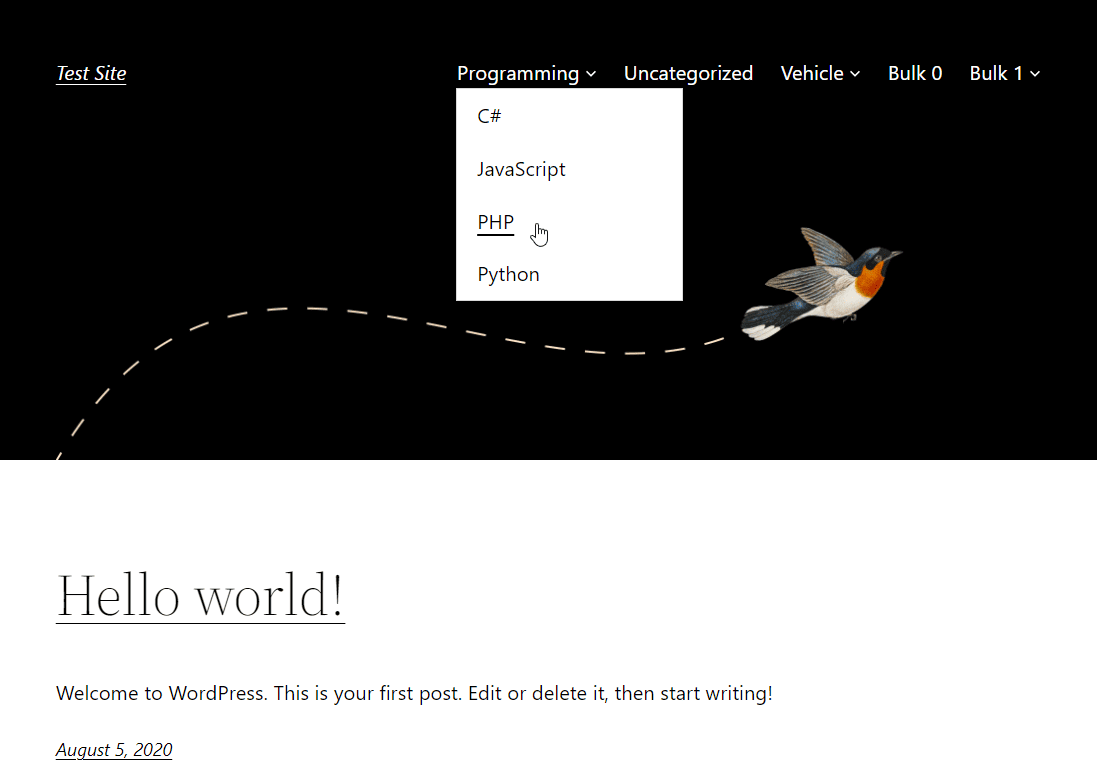
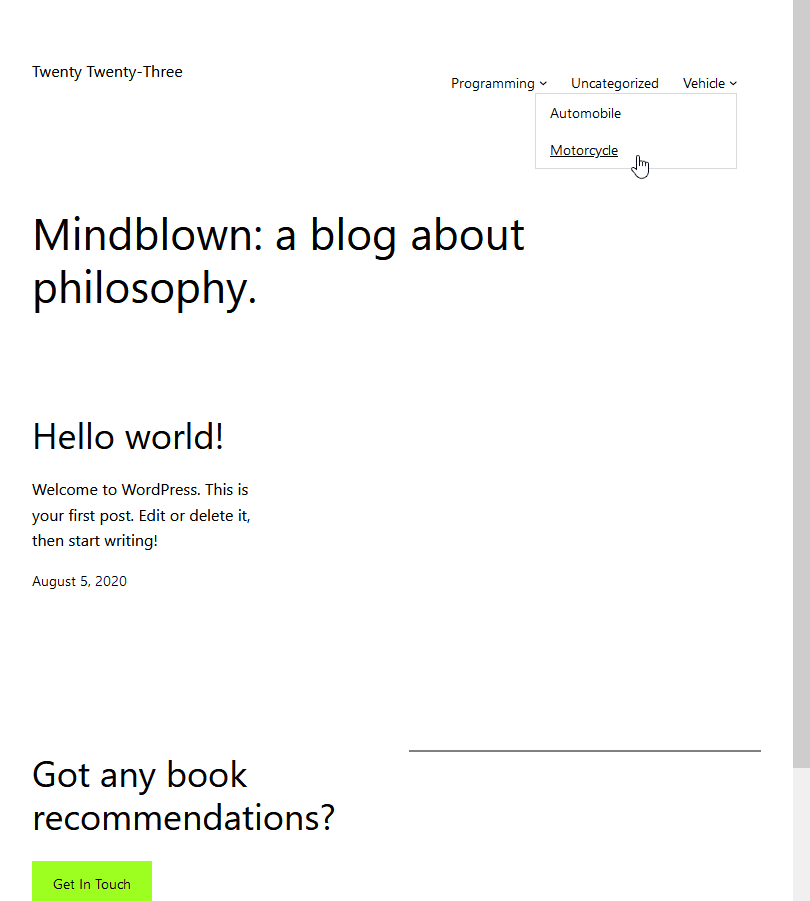
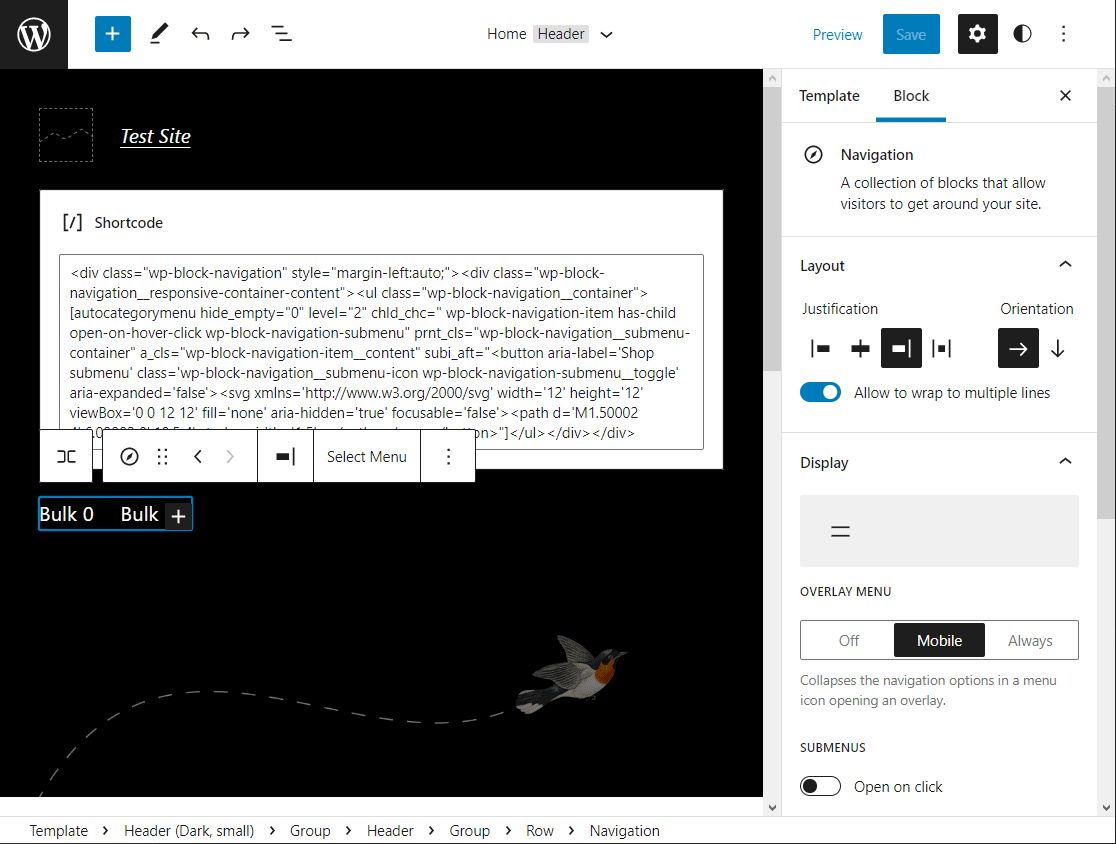
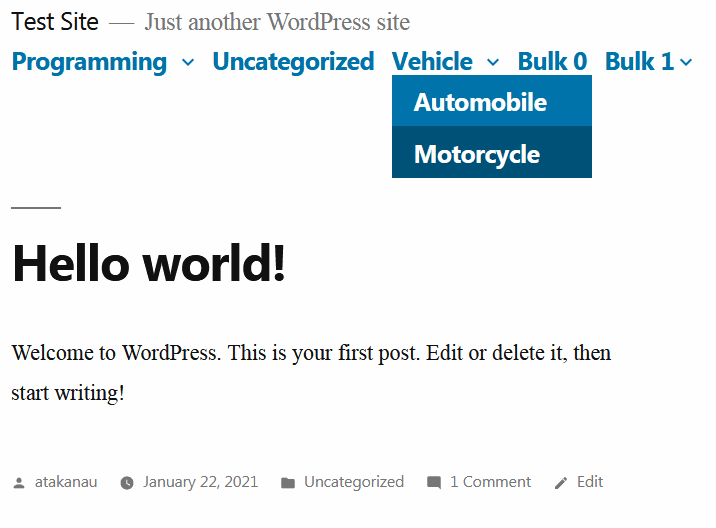
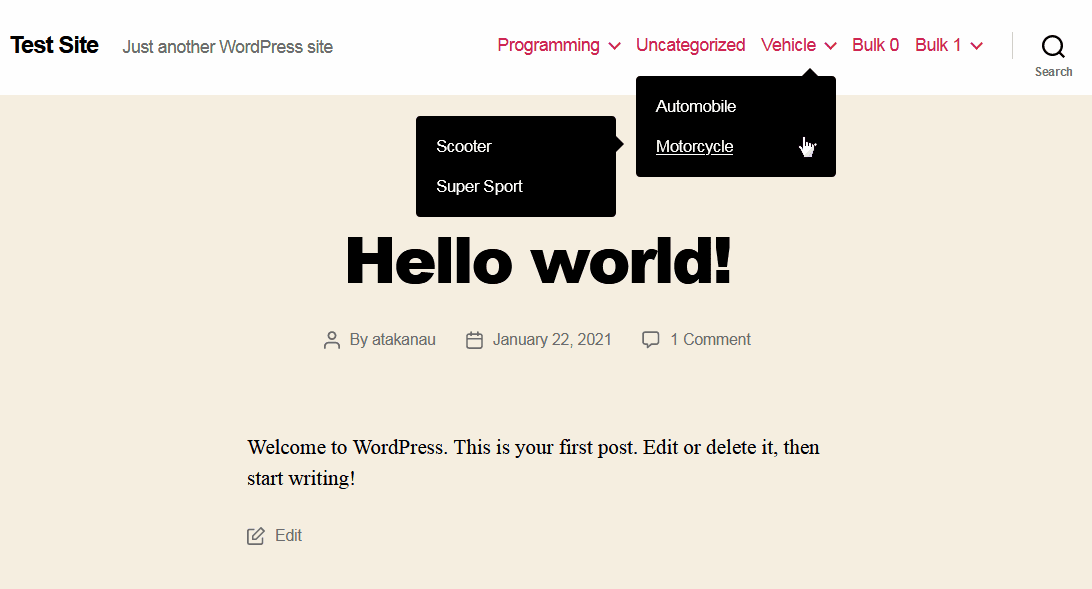
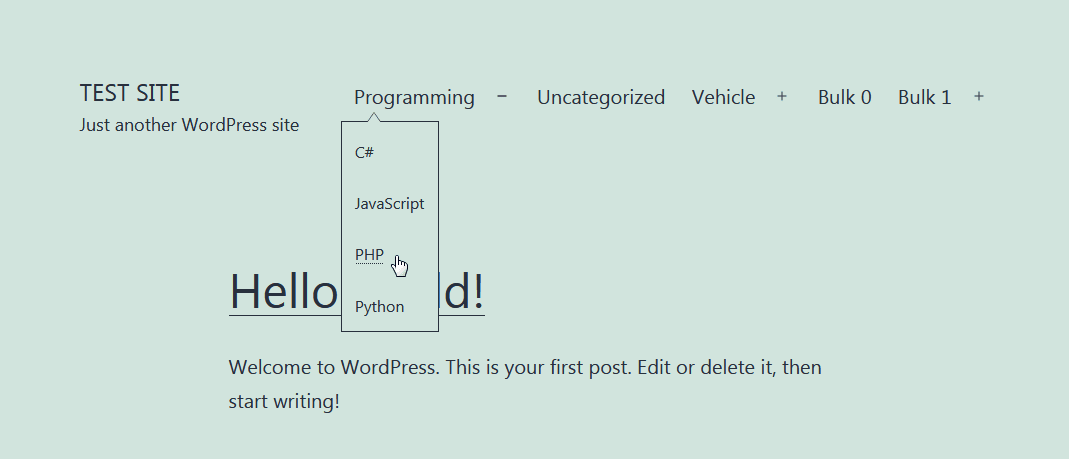
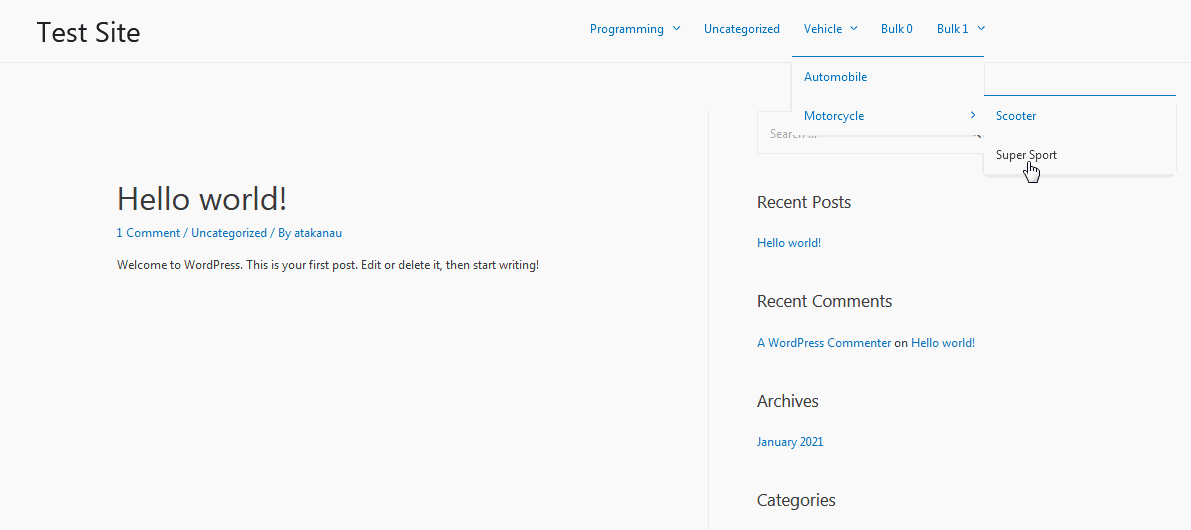
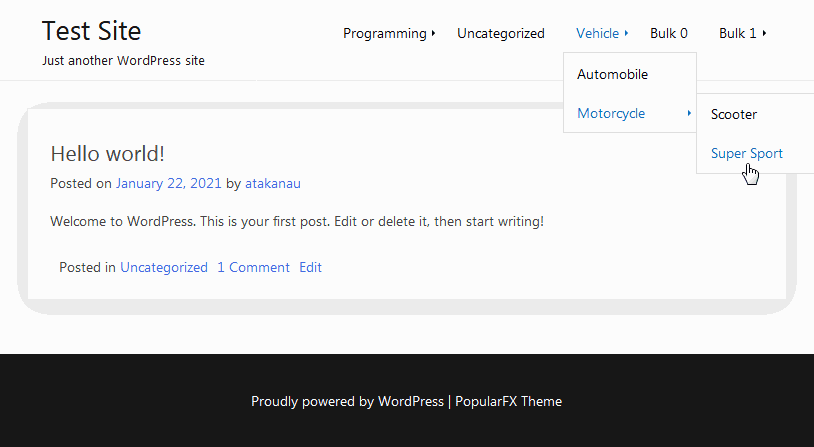
Allows you to automatically / dynamically add hierarchical categories ( with sub-categories ) to WordPress navigation menus using shortcode.
HTML and CSS knowledge may be required depending on the theme.
Visit my blog for support request and feedback. Automatically Hierarchic Categories in Menu
Please comment 💬, rate ⭐ and share 👍
↪ Facebook ↪ X (Twitter) ↪ LinkedIn ↪ Pinterest ↪ Tumblr ↪ e-Mail https://www.youtube.com/watch?v=kcRMB2sS1tk
安装:
- Add the plugin's folder in the WordPress' plugin directory, or install the plugin through the WordPress plugins screen directly..
- Activate the plugin through the 'Plugins' screen in WordPress.
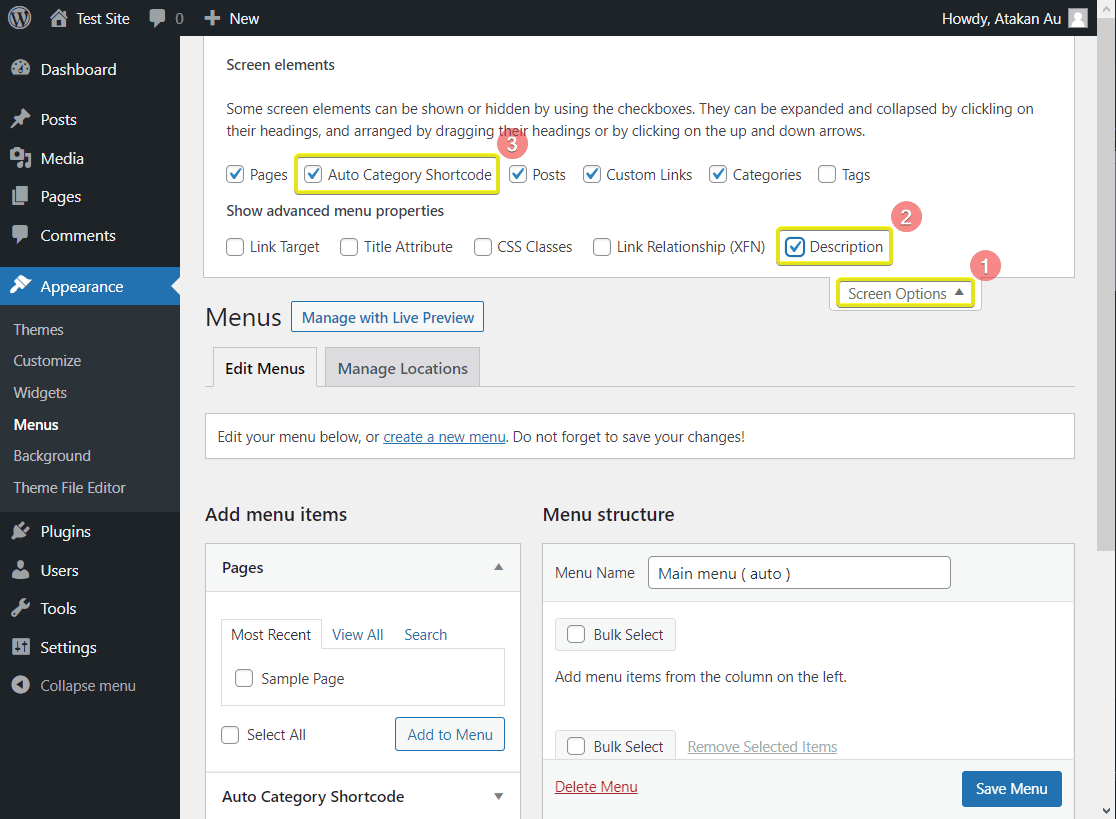
- Go to Apperarance -> Menus
- Click 'Screen Options' on the top right
- Check and open 'Auto Category Shortcode' option
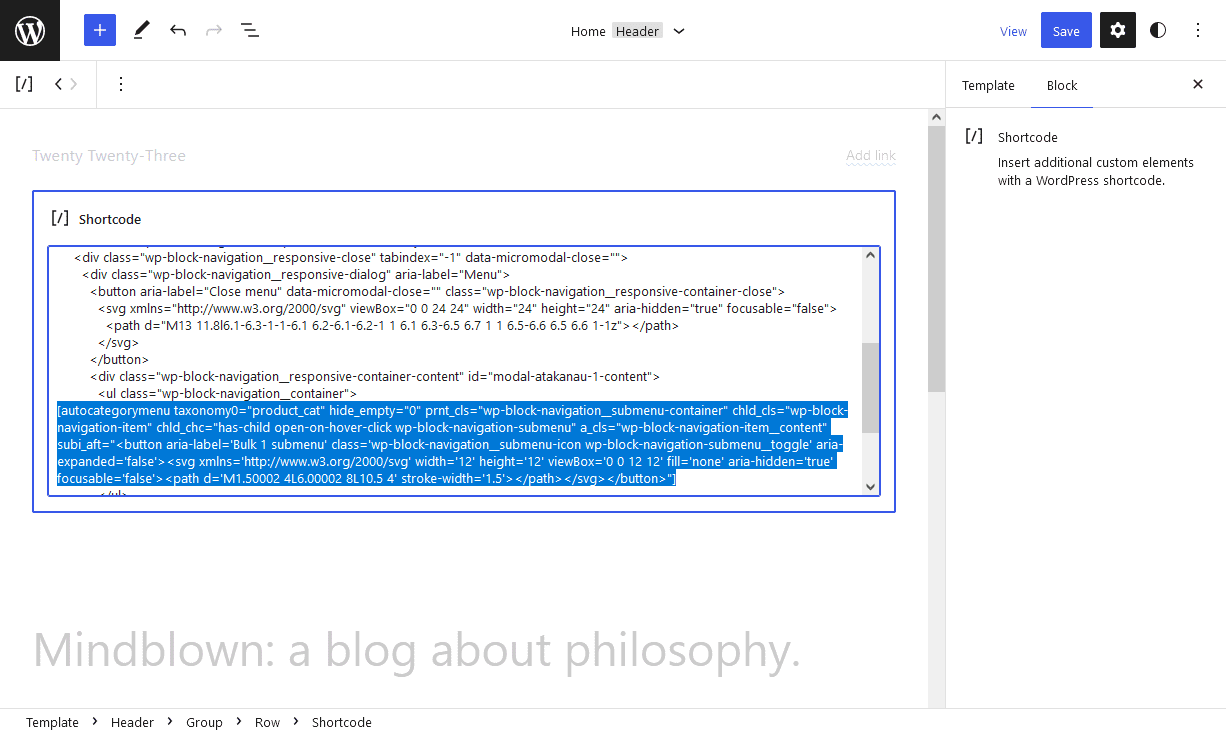
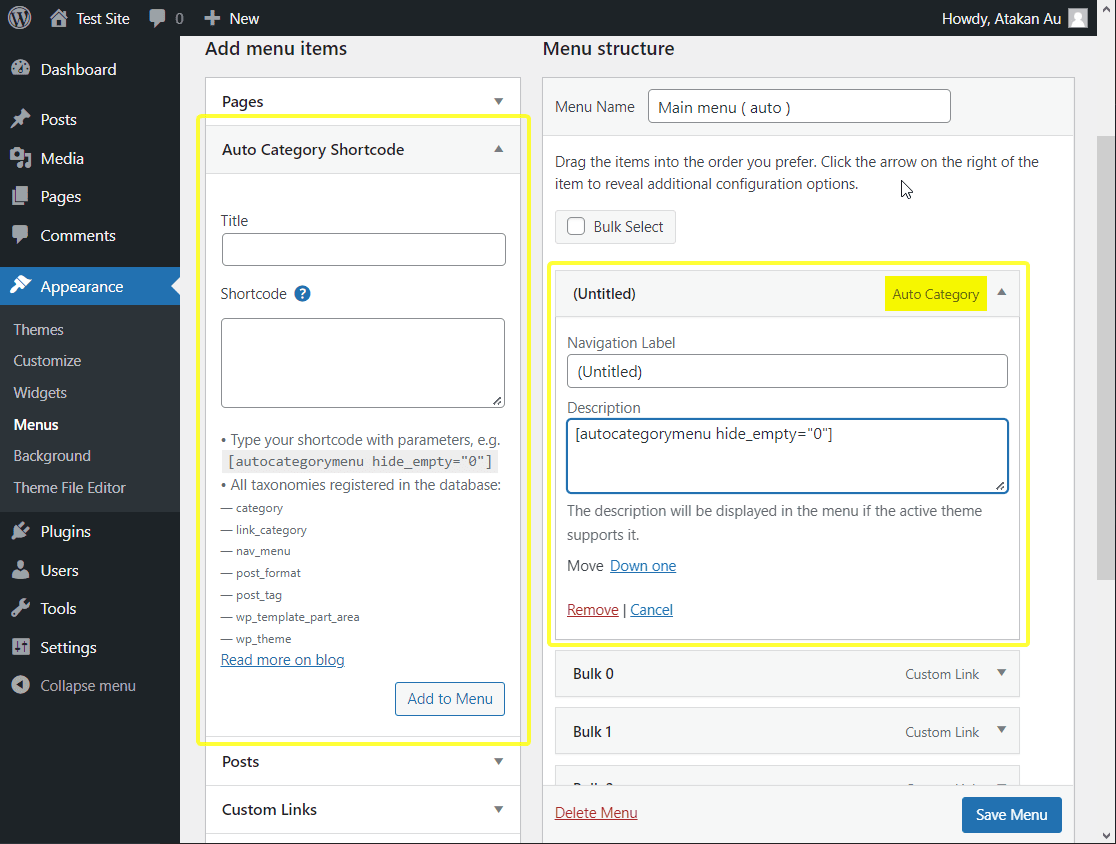
- Type your shortcode with parameters, e.g. [autocategorymenu hide_empty="0"]
屏幕截图:


更新日志:
Version 2.1.0
- Added: Automatic detection and integration with the Lite Extension.
- Moved: WooCommerce Product Category support to the Lite Extension
- Updated: Admin notices and taxonomy information For the changelog of earlier versions, please refer to changelog section on blog.